

Today, faceless content is the norm, especially on TikTok, YouTube Shorts, and Instagram Reels. You must have seen it somewhere; narrated stories featuring a smooth voiceover layered over engaging visuals and dynamic auto-captions.
But if you're a creator trying to build a channel, constantly scripting, sourcing footage, and editing can feel completely overwhelming when you have zero budget. What if we told you that you can create faceless videos for free without ever picking up a camera or spending a dime?
That's right, there are several powerful platforms designed to automate the entire process, and today, we'll recommend the top free AI faceless video generator options so you can scale your content with ease!
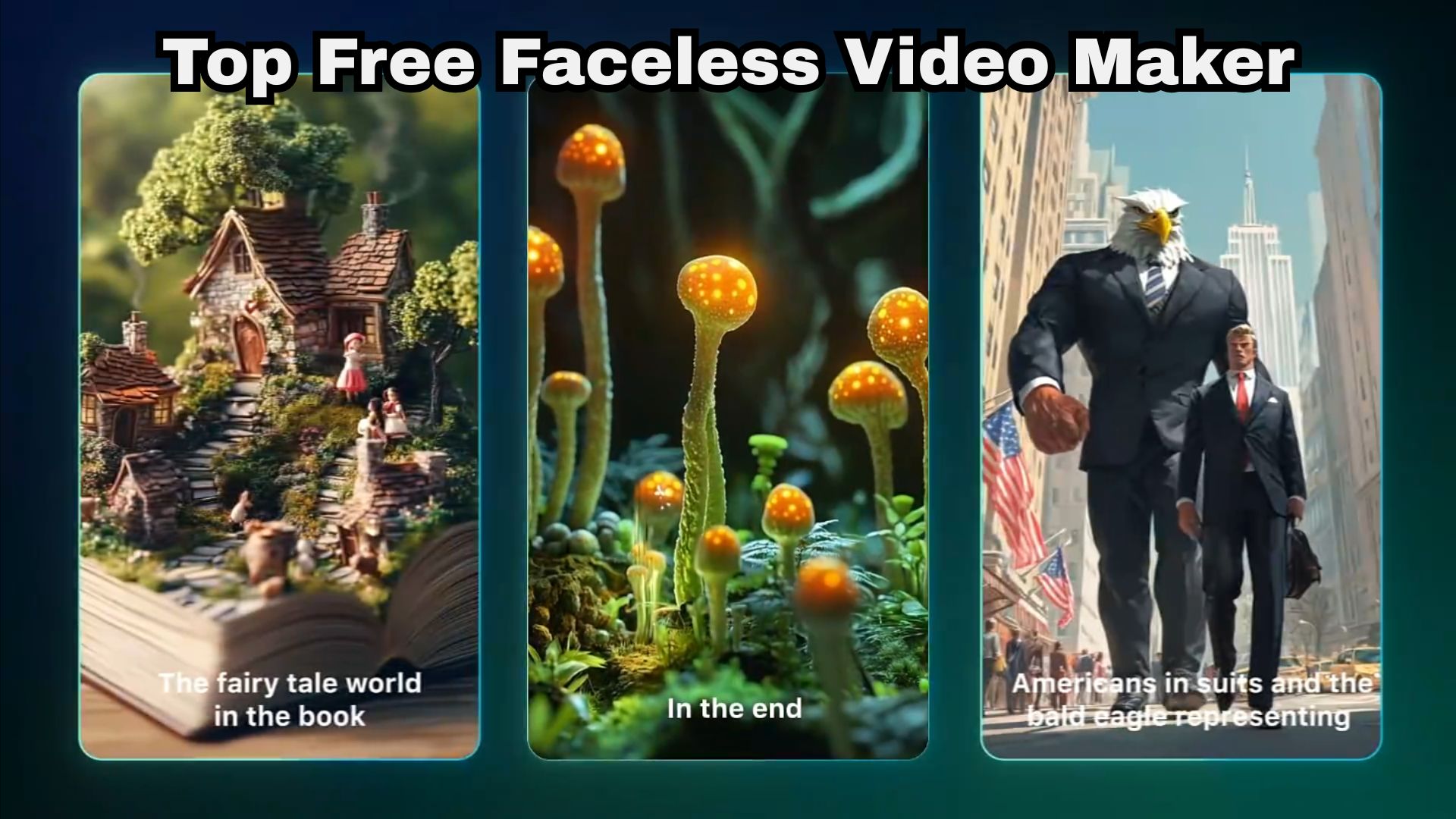
What We Look for in a Free Faceless Video Creator
Here's the thing: an AI tool that stays free forever with no catch basically doesn't exist. So instead of chasing the impossible, we looked at what each free faceless video generator tool actually does, what it produces, and what its free tier really allows. These are the five checks:
- Ease of Automation & Workflow: How hands-off is the generation process from prompt/script to final video?
- Video Creation Options: Does the tool support text-to-video, script-to-video, image-to-video, and automatic scene splitting?
- Free Tier Usability & Limits: What features, exports, or monthly credits are available without paying?
- Visual & Audio Quality: Does the stock or AI footage match your script? Does the voiceover sound human? Are the subtitle styles actually good?
- Platform Compatibility: Support for YouTube videos, Shorts, TikTok, and Instagram Reels.
In a Rush? Here Are Our Top 3 Recommended Tools
If you'd rather not size up every tool right now, begin with these three. Each of these free faceless AI video makers fits a different kind of creator, from people who want more control over their edits to people who want most of the work automated.



Part 1. Free AI Faceless Video Makers Comparison Chart
These three above are only part of the lineup, but comparing their strengths and free-plan limits is a good starting point. Before we dig into each free faceless video generator tool, here's the chart to match them to your content goals.
| Tool | Standout Feature | Free Plan Allowance | Free Tier Catch | Best For |
| Filmora | Full multi-track timeline + AI Script-to-Video engine | Free trial access to AI features & stock library | Exports include a branded watermark | Flexible video creation |
| Digital Maker AI | Rapid text-to-short prompt engine | Five introductory videos | Credit allowance runs out quickly | Quick web-based short creation |
| AutoShorts.ai | Fully automated video series & channel scheduler | One video | Watermark on free trial renders | Hands-off daily Shorts, Reels, and TikTok series |
| LlamaGen.AI | Native generative AI image & clip rendering | 150 credits | Lower resolution caps & watermarked exports | Storytelling and custom AI visuals |
| Crreo AI | Niche faceless video templates & subtitle styling | One video | Non-commercial, watermarked exports | Simple script-based narrated explainers |
| Canva | Massive template library + custom AI video apps | Unlimited free plan (using free stock assets) | Requires manual element dragging and layout assembly | Zero-watermark template design & custom graphics |
|
Show More
Show Less
|
||||
Part 2. 6 Best Free AI Faceless Video Generators to Try
Now it's time to see all our picks. Some of these free AI faceless video generators can create much of a video automatically, while others are better for editing and polishing the result. We use the same layout for every tool, so you can weigh features, pros, cons, side-by-side.
1. Wondershare Filmora
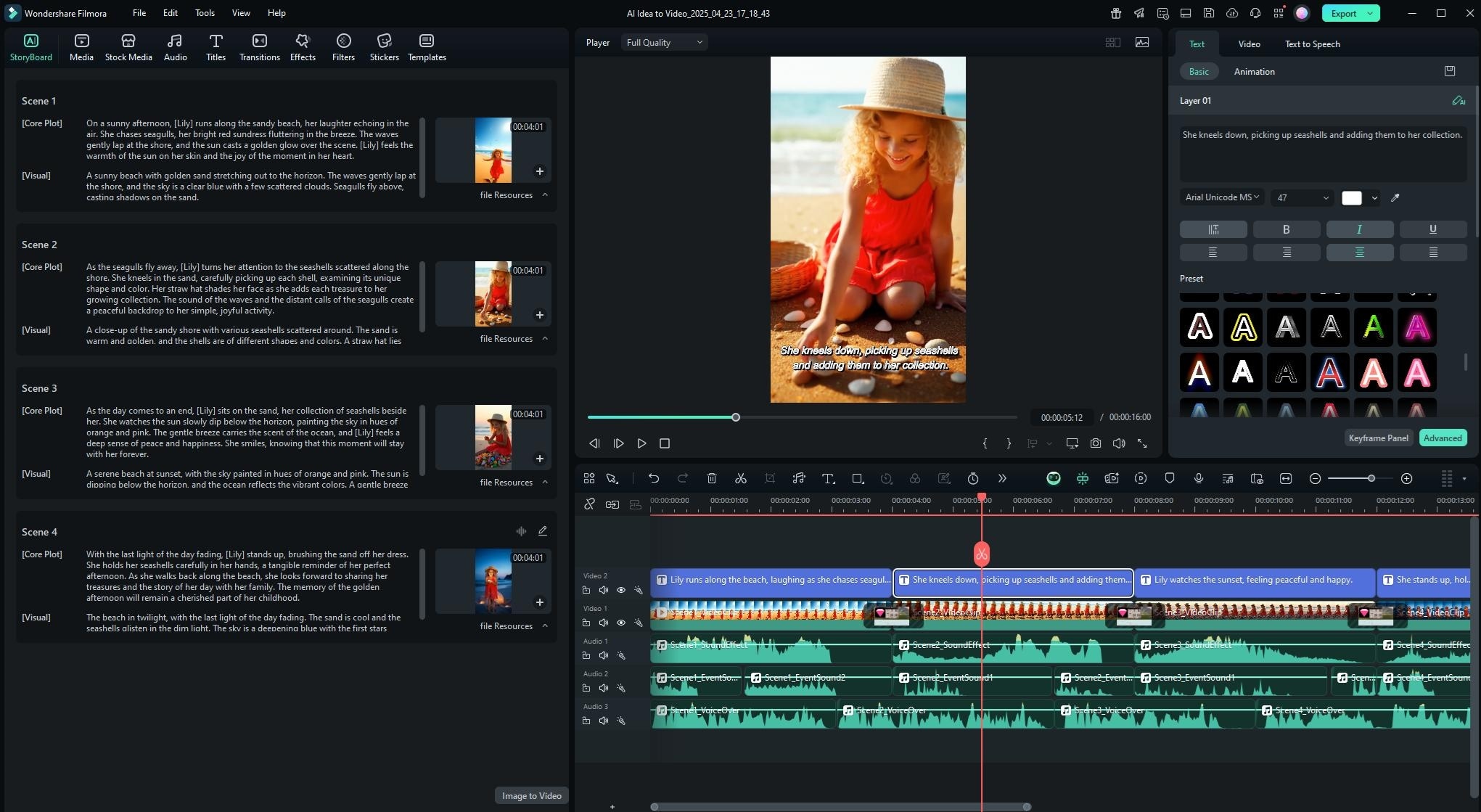
To begin our list, we have Wondershare Filmora, a faceless video maker free to download and try, with AI tools that make faceless production fast. You'll have AI features like AI Idea-to-Video, AI Script-to-Video, or AI Storyboard Generator that can make faceless videos in an instant. On top of that, it gives you a proper editor with AI assistants for scripts, voiceovers, and captions, so every choice stays in your hands.
 Secure Download
- AI Copywriting to draft your script.
- Realistic Text-to-Speech narration with dozens of voice profiles.
- Automated caption generator with customizable animated text presets.
- Massive library of royalty-free stock footage, music, and video effects.
- Timeline editing to adjust clips, text, music, transitions, and colors after generation.
Windows, macOS, iOS, and Android.
Free version available. Paid plans are flexible and affordable, listed on the Filmora pricing page.
- Complete creative control over every single frame, layer, and audio track.
- Works on desktop and mobile, so you can start anywhere.
- Seamless editing for both 16:9 widescreen YouTube videos and 9:16 vertical Shorts.
- Free exports carry a Filmora watermark.
- AI tools require AI credits.
2. Digital Maker AI
Another strong choice for a free faceless AI video maker that handles the whole pipeline is Digital Maker AI. It made the list because it removes nearly every manual step. You give it a topic or a script, and it writes the narration, generates an AI image for each scene, adds a voice, and burns in subtitles, handing you a finished MP4.
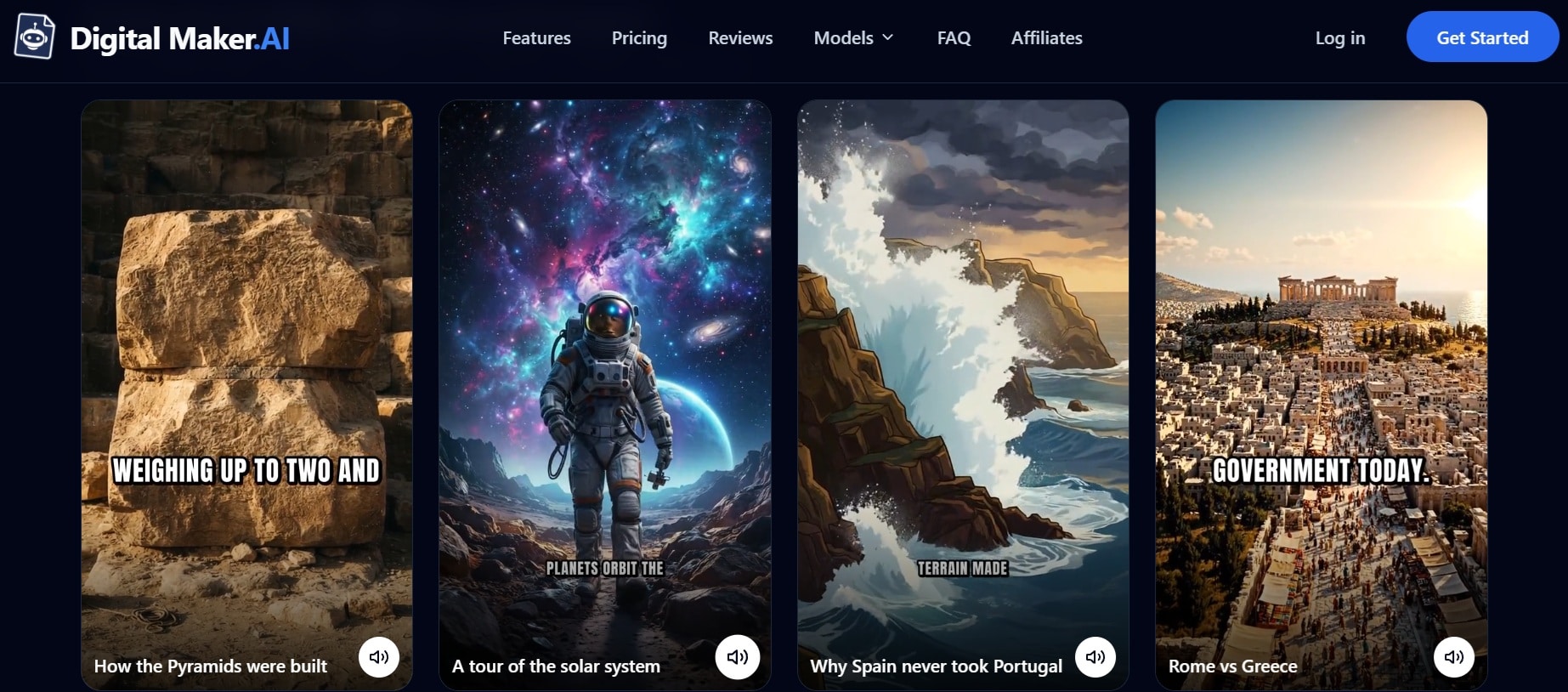
- Quick text-to-video workflow optimized for 9:16 vertical layouts.
- Automated subtitle generator with word-by-word highlight effects.
- Reusable characters so the same figure appears across scenes and videos.
- Direct stock video matching based on script keywords.
Web Browser.
Free plan is available with five introductory videos. Paid plans start from $29 per month.
- The introductory free videos let you test different creation methods.
- Guided creation can be approachable for beginners.
- Very limited manual editing control once the video is generated.
- Advanced features, including more extensive AI video generation, require a paid plan.
3. AutoShorts.AI
If you want a free faceless video creator that also posts for you, we recommend AutoShorts.ai. It's designed to run a short-form channel on autopilot: pick a topic or niche, set up a series, and it generates the videos and publishes them on your schedule. This can save time when you're producing similar types of content regularly.
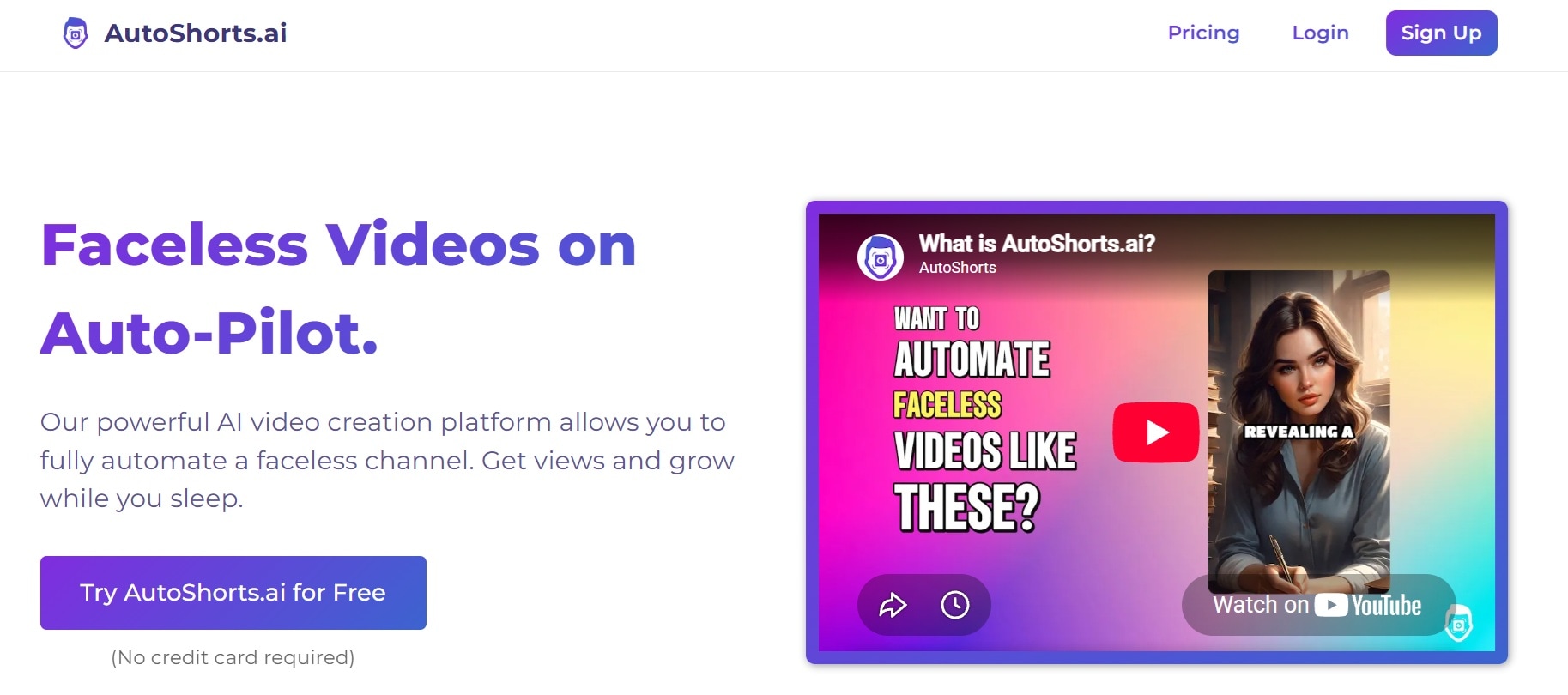
- Automated short series generator for TikTok, Reels, and Shorts.
- Topic-based script writing engine that formats content into engaging hooks.
- Integrated channel scheduling and publishing queue.
- Custom dynamic caption styles and automated background music ducking.
Web Browser.
Free version is available with 1 watermarked video. Paid plans start from $19 per month.
- Consistent visual formatting across your entire video series.
- The preview step lets you catch mistakes before they publish.
- Visual assets can occasionally feel repetitive if you use broad prompts.
- The free plan is only a single watermarked video, so it's a test drive, not a workflow.
4. Llamagen.AI
For creators who want original AI visuals rather than relying entirely on stock footage, LlamaGen.AI serves as an impressive free AI faceless video generator for narrative channels. It uses generative AI models to create original images and motion clips frame-by-frame based on your script, making it brilliant for storytelling, fantasy, history, and creepypasta channels.
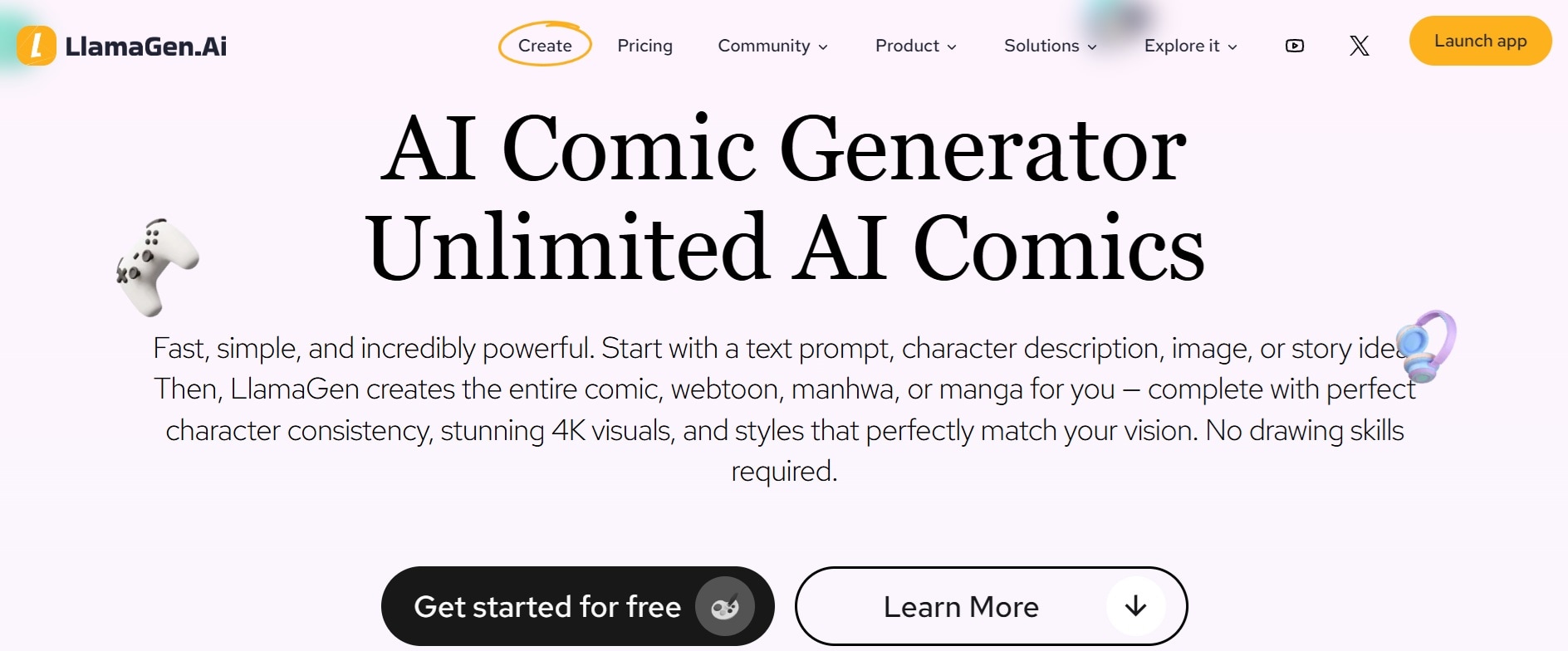
- AI-driven image and video scene generator from text prompts.
- Story-focused script converter that breaks scenes down automatically.
- Built-in text-to-speech engine with variable voice styles.
- Animated subtitle overlays tailored for vertical reading.
Web Browser.
Free credits to start (150), and generating videos, comics and storyboards uses credits. Paid plans start from $9 per month with 7500 credits renewed monthly.
- Great for fiction, mythologies, and historical storytelling.
- Simple, guided workflow.
- AI-generated images can sometimes show minor visual glitches.
- Less suited to real-footage styles such as news or product explainers.
5. Crreo AI
If you'd like to create faceless videos for free before committing to a long-form workflow, we recommend Crreo AI. It turns scripts or ideas into videos of up to 30 minutes, with visuals, voiceover, music, subtitles and thumbnails generated in one workflow. You drop your text into the script editor, pick a voiceover tone, and Crreo automatically layers matching B-roll footage alongside bold, animated captions designed to hold audience attention on mobile feeds.
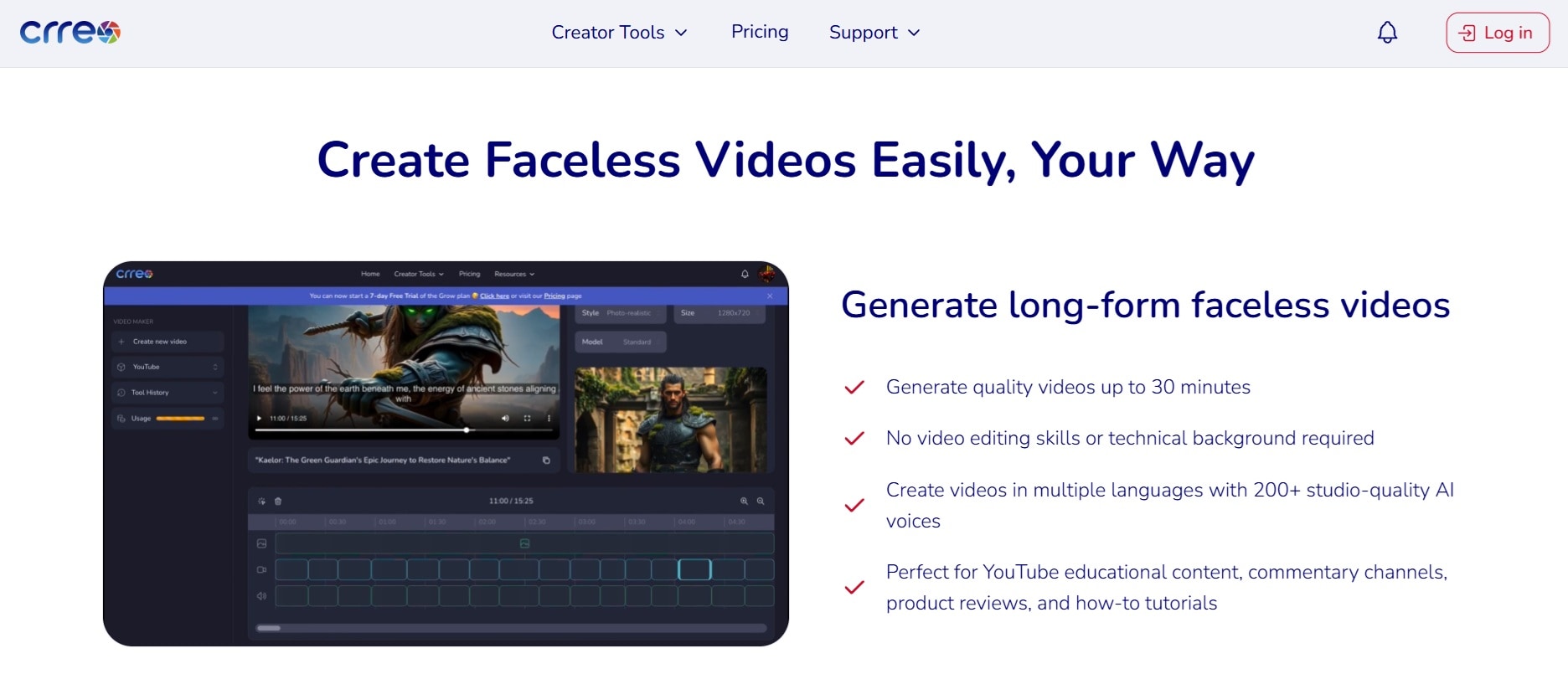
- Dedicated faceless video generation templates.
- Smart script parsing that aligns stock footage to narrative beats.
- Customizable voiceover generator with natural cadence settings.
- Clean, bold subtitle animations with dynamic text coloring.
Web Browser.
Free plan with a one-time allowance of no time limit, watermarked, and for personal, non-commercial use with visible Crreo attribution. Paid plans start from $14 per month.
- Clean and clutter-free user dashboard.
- Provides editing controls for fixing individual scenes.
- Stock video variety on the free tier can feel limited.
- Free videos are non-commercial only, so monetization requires a paid plan.
6. Canva
Last but not least, there's Canva, a familiar free editor that works as a free faceless video generator once you pair its templates with AI-made clips. While it isn't an all-in-one "single prompt" generator like InVideo or AutoShorts, Canva provides thousands of vertical video templates, dynamic text animation options, stock audio tracks, and a huge selection of free AI apps (like Text-to-Speech and Magic Design) right inside its editor.
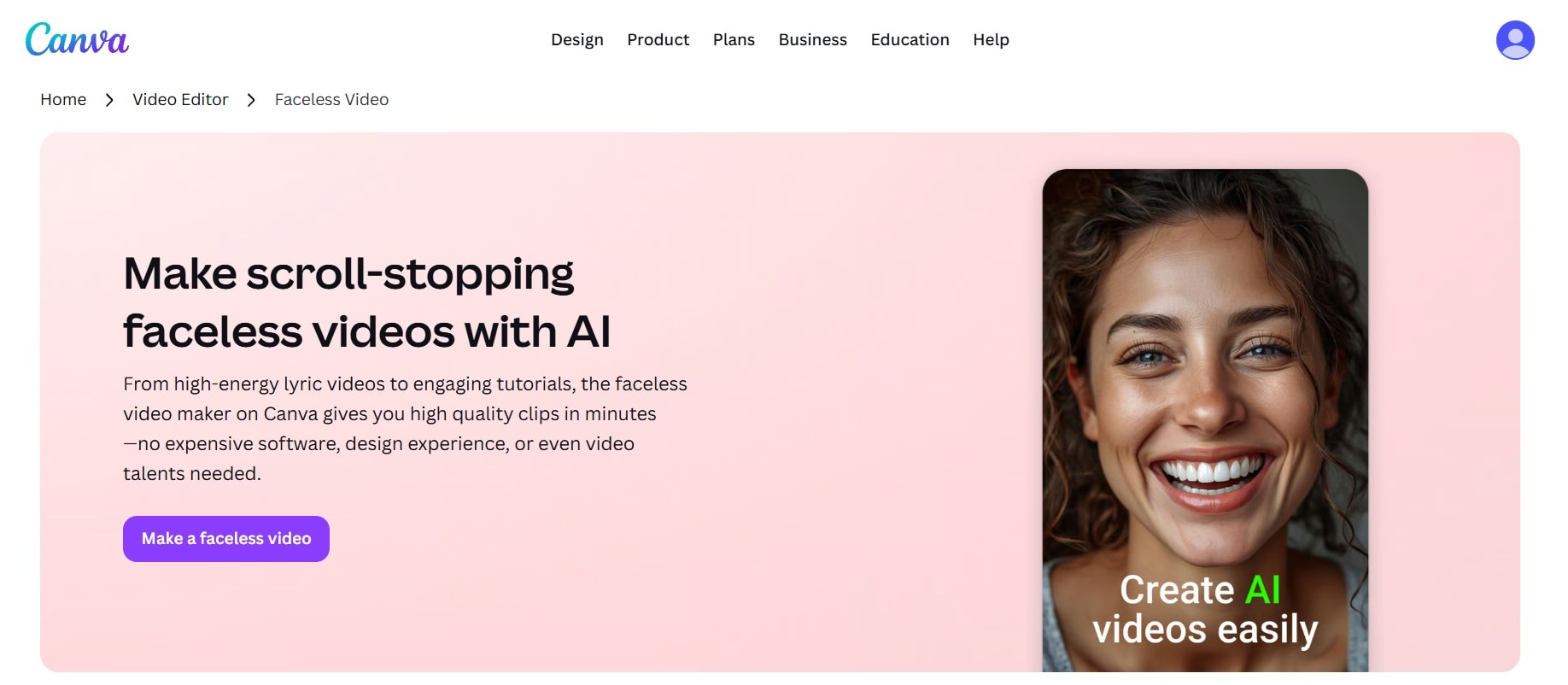
- Thousands of pre-built 9:16 templates for TikTok, Reels, and Shorts.
- Built-in AI apps for Text-to-Speech narration and graphic generation.
- Massive library of free photos, video clips, and graphic elements.
- Drag-and-drop timeline with easy audio mixing and text animations.
Web Browser, Windows, macOS, iOS, Android.
Generous free-forever plan. Canva Pro starts at $18 per month.
- Full 1080p HD downloads without paying a subscription.
- Free exports can be watermark-free when you stick to free assets.
- Requires manual assembly and drag-and-drop editing compared to automated prompt tools.
- Not built for automated, long-form faceless production.
Part 3. Find a Faceless Video Tool That Fits Your Budget and Goals
All the free faceless AI video makers above have a strong case for why we'd recommend them. So, choosing the right tool depends entirely on your content style, editing experience, and publishing strategy.
Here is how to match the right tool to your specific goal:
| Your Needs | Our Recommendation | Reasoning |
| For YouTube Shorts, TikTok, and Reels | Filmora, AutoShorts.AI or Digital Maker AI | Have tools to generate short-form vertical videos with auto-captions and fast pacing optimized for mobile feeds |
| For Reddit Stories and Narrated Content | Crreo AI | Script-to-video creation, AI narration, and captions suit short storytelling formats |
| For Educational Videos and Explainers | Filmora | Timeline editing gives you control over narration, visuals, captions, and pacing |
| For Regular Content Production | Canva | Lets you publish unlimited 1080p videos without forced watermarks using their free stock asset |
| For Original Visuals | LlamaGen.AI | Uses generative AI art models rather than standard stock video clips |
Conclusion
You don't need a camera or a big budget to start experimenting with faceless content. A free faceless video generator can help you turn an idea into a narrated video, an educational Short, or a visual story, but each tool has different limits: a watermark, a tiny export limit or a few credits.
If you want complete creative freedom to fine-tune your cuts, adjust audio tracks, apply viral transition effects, and customize auto-subtitles without limits, Wondershare Filmora is the best overall choice to bring your faceless videos to life. You can generate or script your video, add voiceover and captions, then export for YouTube, TikTok and Reels.

FAQ
-
Can you monetize faceless videos created with AI voiceovers on YouTube?
Yes, YouTube allows monetization on faceless channels using AI narration, provided the content offers original value and isn't just mass-produced spam. -
How long does it take to build a faceless video channel from scratch?
With automated free AI faceless video generators, drafting and rendering a 60-second video takes anywhere from 3 to 10 minutes. Building a loyal audience and reaching monetization thresholds typically takes 3 to 6 months of consistent posting (3 to 5 videos per week) in a clear content niche. -
Do you need to disclose AI-generated content on YouTube, TikTok, or Instagram?
Yes, most major platforms now require creators to check a disclosure box if their content features realistic AI-generated synthetic visuals or voice narration. Disclosing AI usage keeps your account compliant with platform policies and protects your channel from shadowbans or monetization rejection. -
How do free AI faceless video generators handle commercial copyright for stock footage and music?
Most reputable AI video platforms source their media from royalty-free stock libraries (like Pexels, Pixabay, or commercial audio providers). Content rendered on these platforms is generally safe for social media monetization, but you should always verify the commercial licensing terms if you plan to run paid advertising campaigns.
