
For a while, short-form content dominated every feed online, leaving many creators burnt out from chasing relentless trends. However, long-form content is making a major comeback. In fact, Google Business research reveals that 59% of Gen Z use short-form video apps to discover topics they end up watching longer versions of.
Another piece of good news is that if writing scripts, creating visuals, and recording voiceovers sounds like too much work, the Crreo AI video generator promises to handle much of the process for you. But is Crreo AI free, and can it actually produce videos worth publishing? Let's take a closer look at its features, pricing, and video quality to find out.
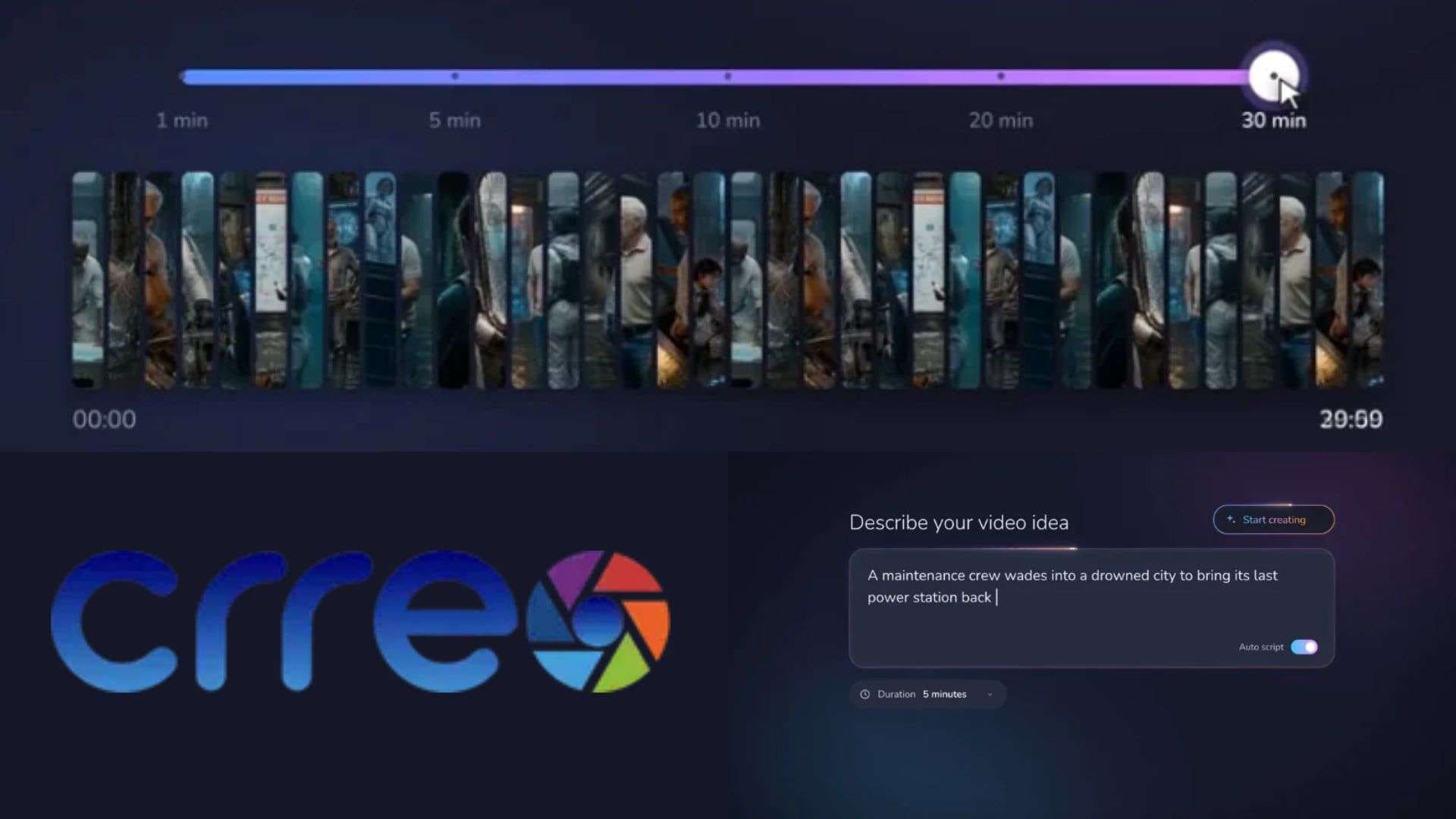
Part 1. What is Crreo AI? An Overview of the Long-Form AI Generator
At a glance, Crreo AI may seem like any other AI video generator platform. But instead of generating isolated 5-second video clips that leave you doing all the assembly, Crreo makes sure to handle the whole chain in one guided flow: scriptwriting, scenes, characters, voiceover, background music, and the thumbnail.
Its specialty is its focus on long-form content. Crreo AI videos can run from 30 seconds to 30 minutes, depending on your plan. You can also review the storyboard, change individual scenes, adjust audio, and regenerate visuals that don't match your original idea.
Ideal Content Types
Because of its focus on visual continuity and scene pacing, Crreo AI video generator shines brightest for specific automated video formats:
- Faceless YouTube Channels: History channels, crime recaps, and documentary explainers.
- Storytelling & Sci-Fi/Horror: Scripted narratives that require recurring characters across multiple scenes.
- Educational Explainers: Step-by-step topic deep dives.
- Audiobooks & Visual Podcasts: Adding visual tracks to spoken audio content.
Accessing Crreo AI (Web Access & Safety Warnings)
One major convenience of Crreo AI is that it operates 100% inside your web browser. You just need to head over to the web portal, complete your Crreo AI login, and build your project directly in the cloud.
If you prefer working on a smartphone or tablet, keep in mind that there is no official Crreo AI app on the Google Play Store or Apple App Store. Be extremely cautious of third-party websites offering a Crreo AI download APK or cracked mobile installer. Downloading unverified APK files exposes your device to malware, keyloggers, and security risks.
Part 2. Crreo AI Pricing: Free Allowance vs. Subscription Tiers
When it comes to pricing, Crreo AI uses a combination of a one-time trial allowance alongside four subscription tiers. So, there is a one-time free trial allowance with no expiration clock. This lets you test out the editor, explore voice options, and generate short sample clips to see if the interface fits your workflow.
However, this allowance does not refill each month, and exports carry a visible watermark. To generate videos longer than 30 to 60 seconds or clear that watermark, you will need to upgrade to a paid tier.
Crreo AI Pricing (2026)
| Start | Grow | Pro | Ultra | |
| Price | $15/month | $30/month | $60/month | $120/month |
| Monthly Credits | 15,000 | 30,000 | 60,000 | 120,000 |
| Max Video Length | 10 Minutes | 15 Minutes | 15 Minutes | 30 Minutes |
| Max Resolution | 720P | 720P | 1080P | 1080P |
| Approx Monthly Videos | 30 Minutes | 60 Minutes | 120 Minutes | 240 Minutes |
|
Show More
Show Less
|
||||
Which Crreo AI Plan Should You Choose?
As you can see, you’ll have your options when it comes to subscription tiers, but you might be confused as to which one is better to commit to. Well, the best plan depends on how often you publish, how long your videos need to be, and whether you care about output resolution.
See the guide below for your consideration:
- Start: For beginners who need short videos and basic AI production tools.
- Grow: For creators who want photo-based characters and reusable character libraries.
- Pro: For users who need 1080p generation and additional voice performance controls.
- Ultra: For creators producing longer videos, up to 30 minutes, with a larger monthly allowance.
Part 3. Inside the Crreo AI Toolkit: Feature-by-Feature Breakdown
Crreo AI doesn't try to replace every creative application you might use. Instead, it focuses on the main tasks involved in making an AI-generated video, including producing scenes, adding narration, creating music, and preparing a thumbnail.
AI Long Clips Maker
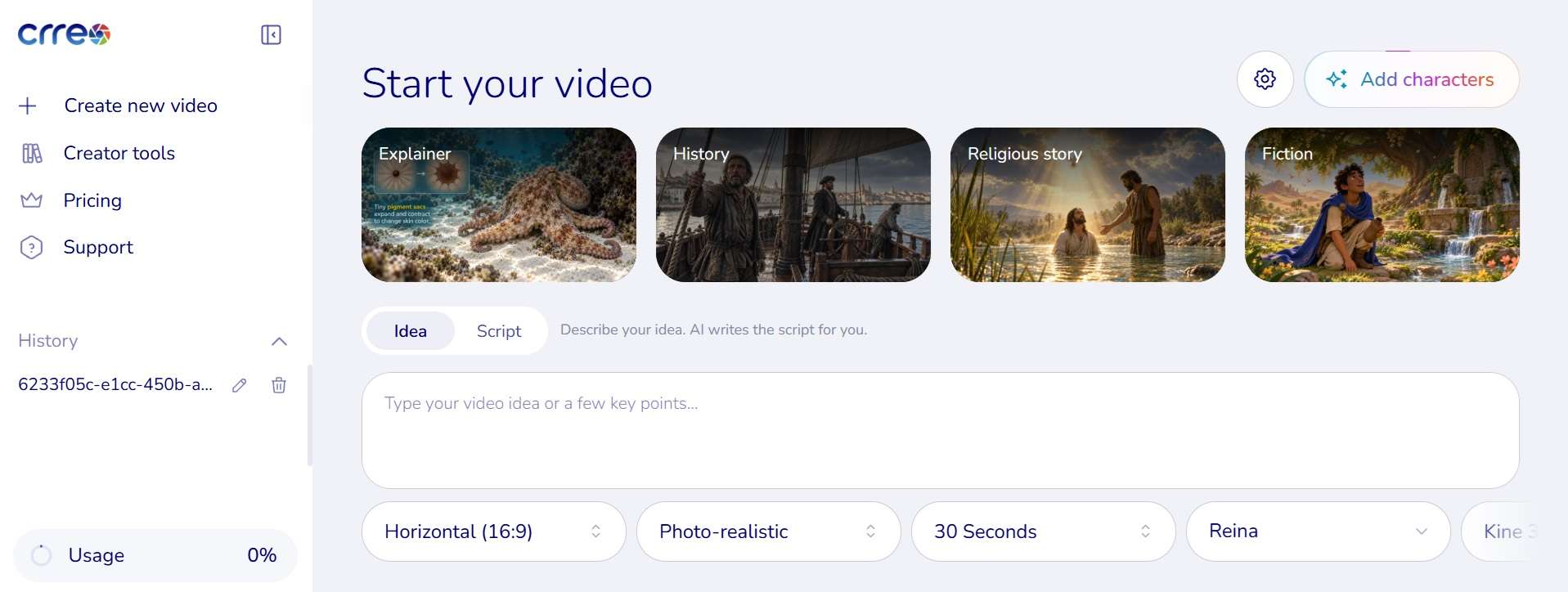
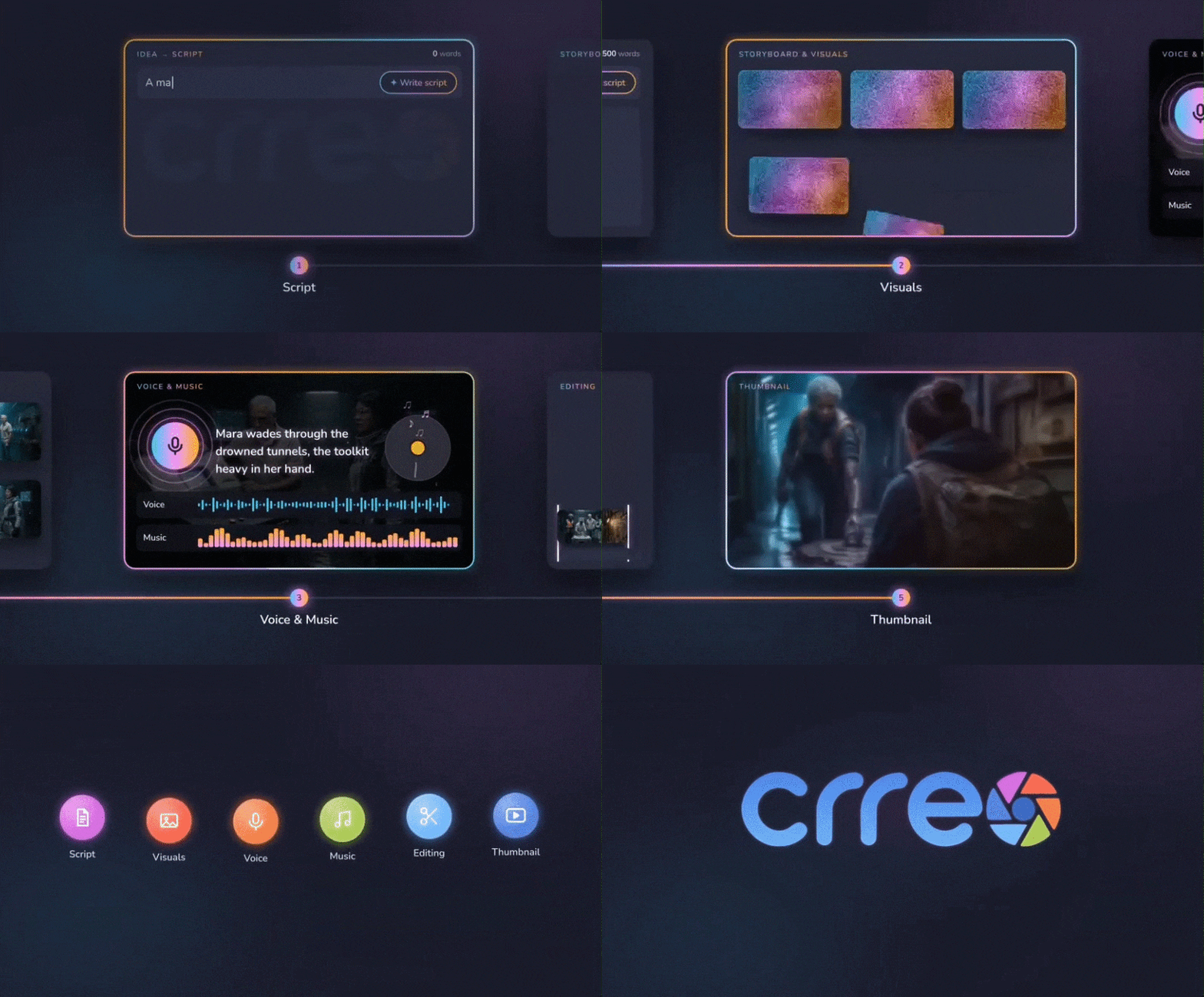
This is the heart of Crreo, and it’s what powers the long-form claims. With Crreo AI script-to-video, the flow has five steps: share your idea, create characters, arrange scenes on a storyboard, fine-tune on a timeline, then export. You can hop back and forth between steps whenever you want.
AI Shorts Maker
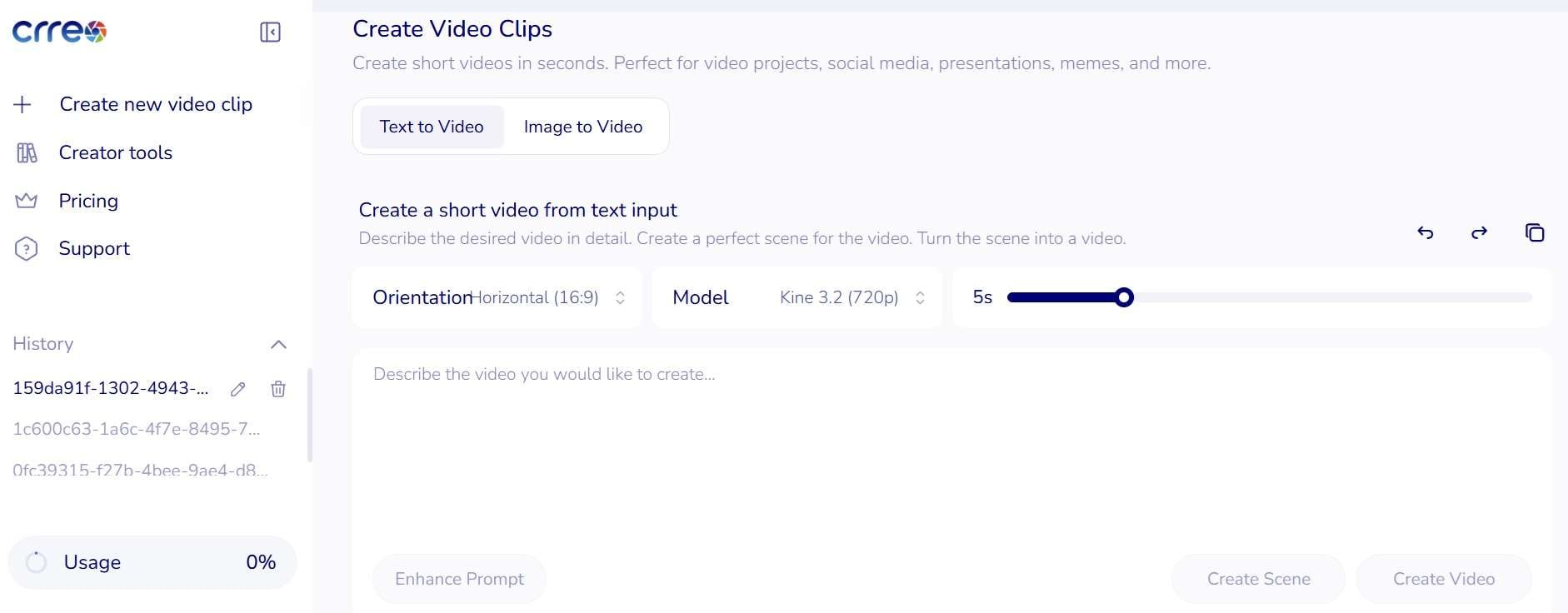
Not every idea needs ten minutes. If you also distribute content on vertical feeds, this tool turns prompts or reference images into portrait 9:16 short clips. It allows you to transform key highlights from your longer scripts into quick snippets ready for TikTok, YouTube Shorts, and Instagram Reels without reformatting your entire project manually.
AI Speech Generator
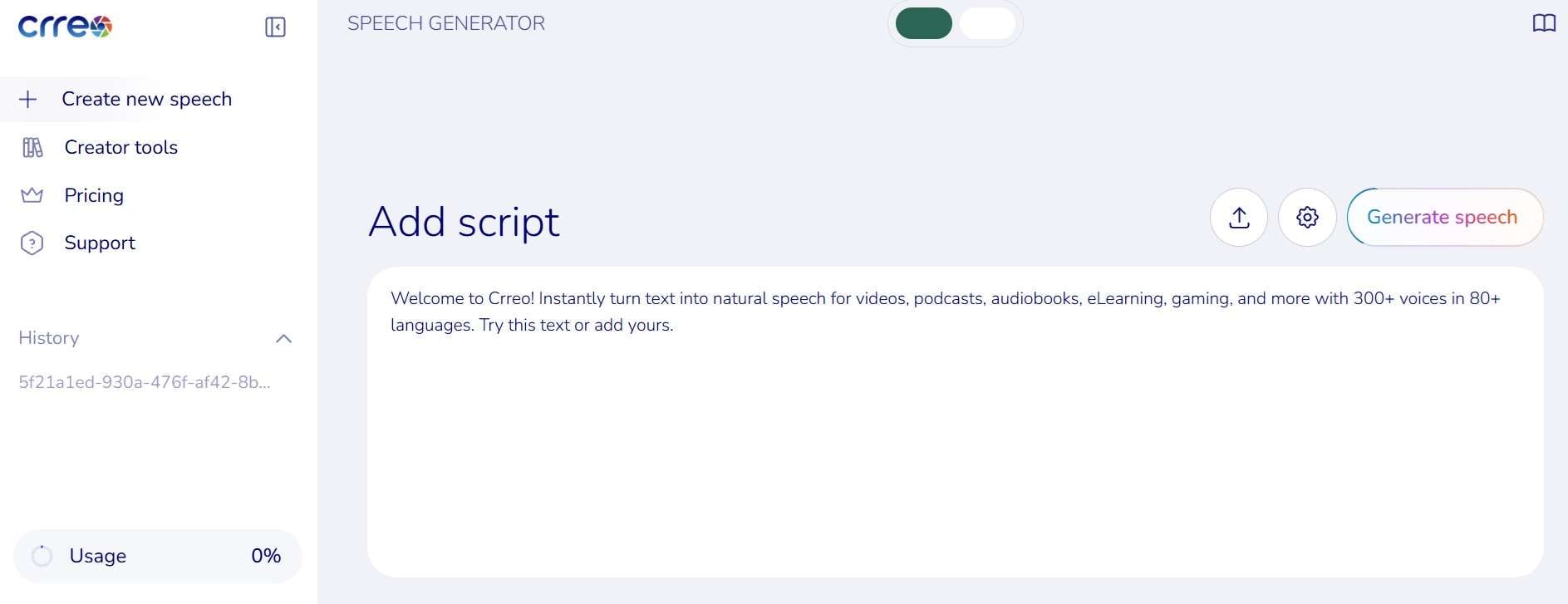
Here’s your Crreo AI voice generator. It turns text into human-sounding narration with 300+ voices across 80+ languages and accents, and you can make videos in virtually any language. On higher plans, you gain access to Voxu Actor controls, which let you adjust vocal emotion, pacing, and pitch so your voiceovers sound far less robotic.
AI Music Generator
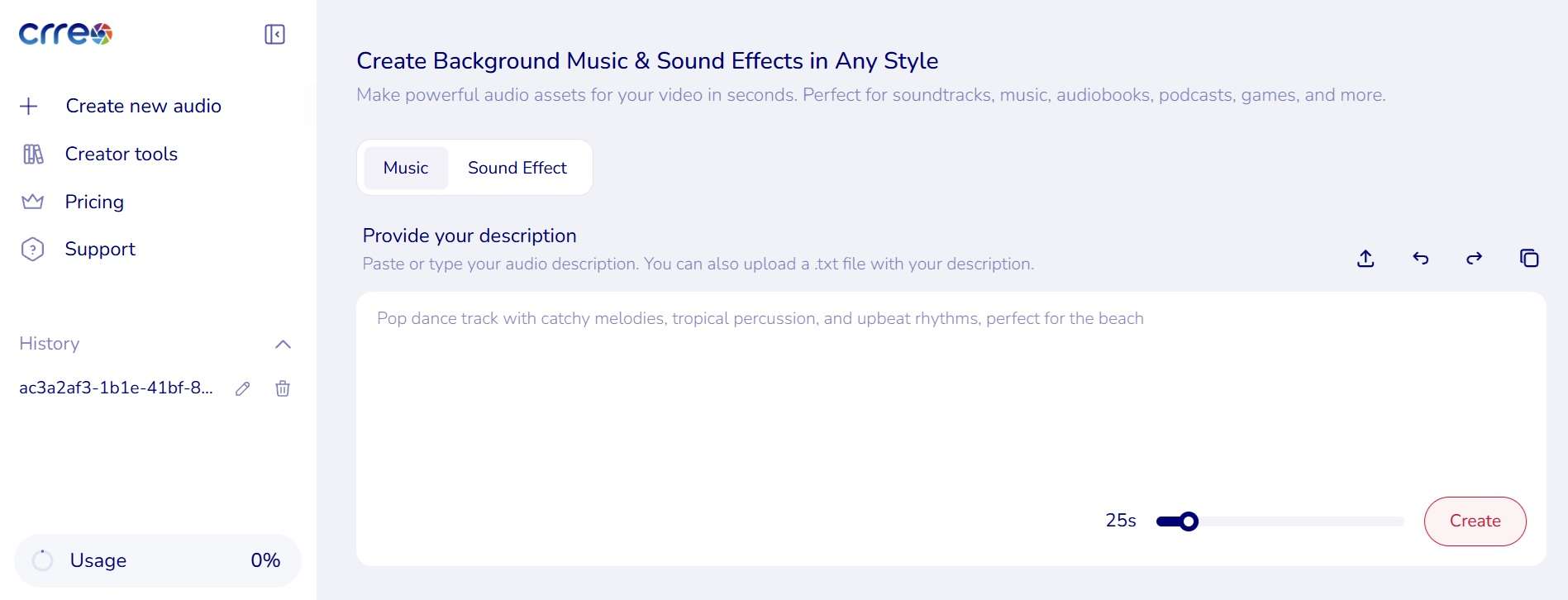
You can also make your Crreo AI videos more immersive by adding music. You just need to describe the vibe (an epic orchestra, a thunderstorm, a jazz-funk groove) and it generates music or sound effects to match, in clips of roughly 10 to 60 seconds. Inside the Video Maker, you can swap the background music during the review step, so the soundtrack follows your story.
AI Thumbnail Maker
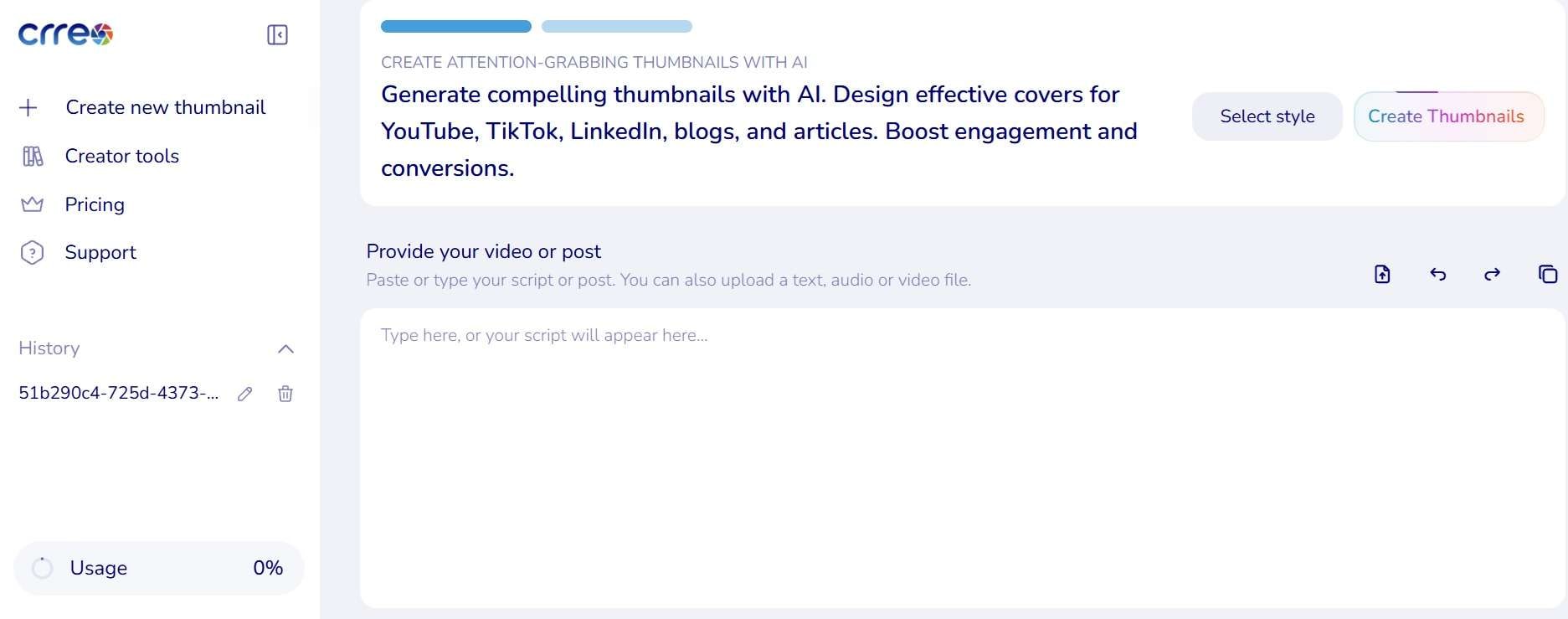
A great video with a dull thumbnail goes nowhere. To prevent that, Crreo AI offers a feature to create thumbnails for you, and the Video Maker lets you customize the thumbnail right from the timeline, which saves a trip to a separate design tool. Each image costs 18 credits.
Part 4. Crreo AI Pros and Cons: What Works and What Falls Short
By now, you should have a clearer idea of what Crreo AI can do. There are plenty to like about the platform, but discussing the positives alone doesn't tell us whether it's the right tool for the job. Let's weigh both the good and bad of the platform fairly.
- Beginner-Friendly Interface: It has a clean layout with a low learning curve that makes script-to-video creation approachable for non-editors.
- Preset Long-Form Templates: It supports videos up to 30 minutes, which is rare for AI generators that mostly crank out short clips.
- Character Consistency Integration: You can build characters from text or a photo, and (from Grow up) save them to reuse across projects.
- Diverse Visual Styles: Supports multiple art directions out-of-the-box, including anime, cyberpunk, realistic cinematic, and digital painting styles.
- Restrictive Free Trial: The non-refilling free trial only lets you generate very short, watermarked clips (under 30–60 seconds), requiring an immediate paid upgrade for true long-form use.
- Basic Post-Editing Suite: Lacks advanced editing capabilities such as multi-track keyframing, color grading, motion tracking, or fine audio mixing.
- Resolution Tier-Gating: Crisp 1080p resolution and photo-based character uploads are locked behind higher monthly subscription tiers.
- Occasional AI Artifacting: Continuous scenes can still display unexpected visual morphing or unnatural hands/movement between clip transitions.
Part 5. Have More Freedom to Create Long Videos With Filmora
Considering all the factors above, we can say that Crreo AI video generator is convenient, but convenience has a ceiling. If you want total editing freedom, tighter control over costs in the long run, and desktop-level muscle, a web-only generator can start to feel small pretty quickly.

For creators who want automated AI generation paired with complete, professional editing freedom, Wondershare Filmora stands out as a far more powerful and versatile choice. Its AI Script to Video feature can turn a script into a video with visuals, narration, music, and transitions, while the editing timeline gives you room to revise the result.
Why Filmora is the Better Option for Video Storytellers
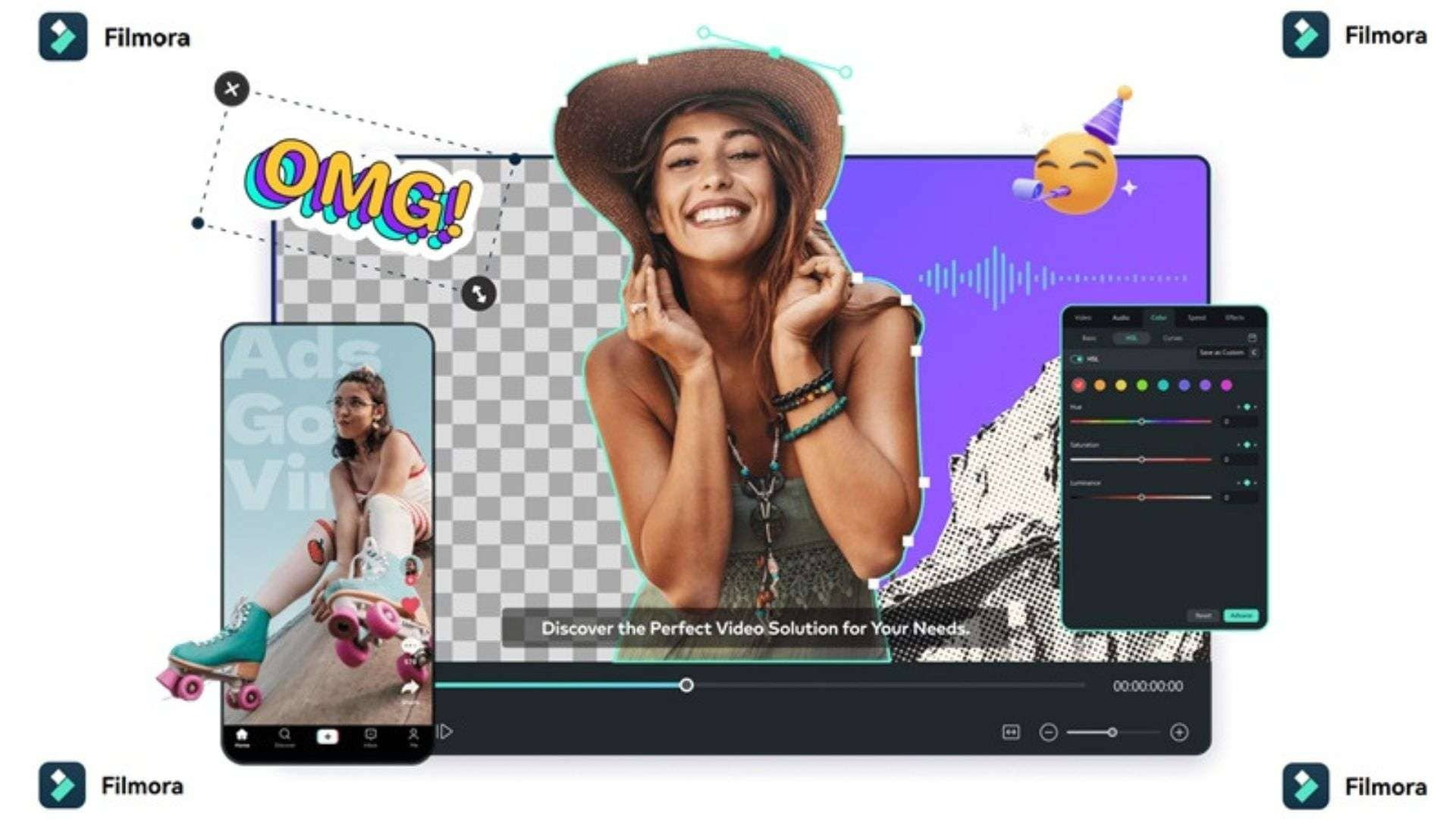
Filmora combines AI-assisted video creation with a full timeline editor. And because of that, it offers a better experience for your creation journey, including:
- More Complete Feature Suite: Filmora offers multi-track editing, camera tracking, color grading, and audio tools, so you can fix what the AI got almost right.
- Flexible Cross-Platform Compatibility: The app runs smoothly on Windows, macOS, iOS, and Android without relying solely on web browser performance.
- Integrated AI Workflow: You’ll have advanced features built-in like AI Idea-to-Video, AI Auto-Reframe (for Shorts), AI Text-Based Editing, and AI Voice Cloning under one roof.
- No Monthly Render-Minute Caps: You are free to edit unlimited hours of video without watching monthly minute meters or running out of generation credits.
- Superior Export Quality & Standard Formats: You can export up to 4K 60FPS in professional video formats (MP4, ProRes, HEVC) without tier-gating basic 1080p outputs.
- Massive Royalty-Free Asset Library: You’ll have built-in access to millions of stock video clips, sound effects, animated titles, and visual effects (Boris FX / NewBlueFX integration).
- One-Time Cost Efficiency: Filmora offers perpetual license options and flexible plans, making it significantly more cost-effective for long-term video creators.
 Secure Download
Conclusion
On paper, Crreo AI is a convenient web tool for faceless YouTube creators and storytellers who want to turn simple prompts into continuous video drafts with minimal effort. Just remember the free allowance is only a sample, credits reset monthly, and 1080p stretches your plan thinner. Test one scene before you subscribe.
If you’d rather have AI help and full editing control in one place, try Wondershare Filmora. Its AI script-to-video, text-based editing, and voice tools sit next to a real multi-track timeline, so you can polish every cut instead of living inside a browser tab.
FAQs
-
Does Crreo AI support team collaboration or multi-user editing workspace?
No, Crreo AI is currently built as a single-user account workspace. If you work with an editing team or assistant, you will need to share account credentials manually or export your completed video files for outside collaboration. -
Can I export audio tracks separately from the video in Crreo AI?
No, Crreo AI exports your completed projects as single, flattened MP4 video files. If you need isolated audio stems for your voiceover track or background music to re-mix elsewhere, you will need to separate the audio using an editor like Filmora. -
Can Crreo AI Create Videos With Multiple Speaking Characters?
Yes. Switch the Video Maker to dialogue mode, and up to four characters can talk to each other, each with their own voice. In your script, start each line with the character’s name and set those characters up under the same names.