


According to Wyzowl, video is now used by 91% of businesses as part of their marketing strategy. This growing demand for video content has also encouraged more people to learn video editing and create their own content.
However, many video editors come with a steep learning curve, making them difficult for beginners to pick up. EaseUS Video Editor offers a simpler workspace with the essential features you need to edit your videos. But does it actually work well for beginners? In this article, we’ll look at its features, pricing, pros and cons, and whether EaseUS Video Editor is worth using in 2026.
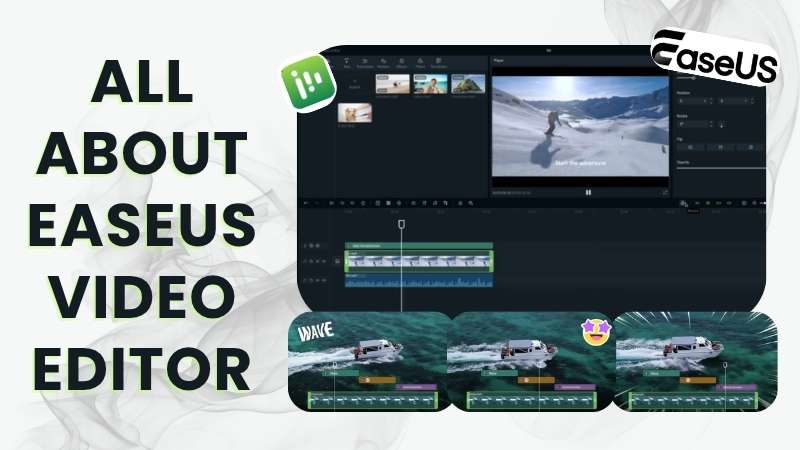
Part 1. A Quick Look at EaseUS Video Editor
EaseUS Video Editor is a video editing software that lets you create and edit videos from scratch. It is developed by EaseUS, a software company known for its range of data recovery, storage, and multimedia tools. On Trustpilot, EaseUS has a 4.9 out of 5 rating based on more than 39,000+ reviews.
Here's a quick overview of what EaseUS Video Editor offers.
| Feature | Overview |
| Editing Tools | Essential editing tools with built-in effects, transitions, and media assets |
| AI Features | Speech-to-Text and Noise Reduction |
| Ease of Use | Clean workspace with a minimal learning curve |
| Export Options | Supports video export from 720p up to 4K |
| Best For | Social media content, school projects, simple presentations, and personal videos |
|
Show More
Show Less
|
|
How to Download EaseUS Video Editor for PC
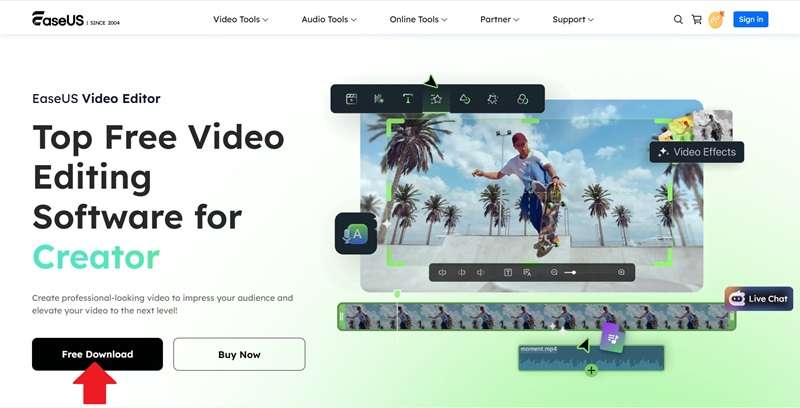
Before you start editing, you need to know how to get the video editor first. Currently, the availability is limited to EaseUS Video Editor for Windows 10 and 11. The download process is also pretty straightforward.
Simply open the official website at https://multimedia.easeus.com/video-editor/. There, you can find the EaseUS Video Editor “Free Download” button on the landing page. Click the button to download the installer, then follow the setup instructions on your PC. After that, you can launch the software and start working on your videos.
Part 2. Is EaseUS Video Editor Free?
To answer the question, yes, EaseUS Video Editor has a free plan. You can use its standard editing tools without a video length limit. However, the free version comes with a few restrictions:
- Advanced video effects, filters, and other premium assets are not available.
- Exported videos include a watermark.
- Export quality is limited to 720p.
- Technical support is only available during working hours.
If you want to remove these limitations, you can upgrade to EaseUS Video Editor Pro at a price of $29.95/month, $49.95/year, or just pay $79.95 one-time. The features remain the same across all three options, as shown below.
| Category | EaseUS Video Editor Pro |
| Video Editing Tools | Full access |
| Premium Creative Assets | Full access to advanced effects, filters, transitions, stickers, sounds, and more |
| Export Quality | Up to 4K |
| Watermark | None |
| Automatic Updates | Free updates during your subscription |
| Technical Support | 24/7 support |
|
Show More
Show Less
|
|
Part 3. What Can EaseUS Video Editor Do?
To continue our EaseUS Video Editor review, let’s look at its features and see how they can help with your editing workflow.
Basic Editing Tools
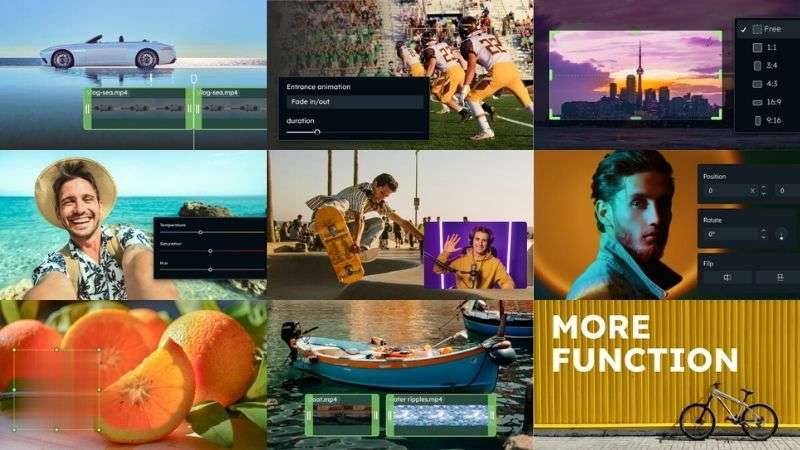
EaseUS Video Editor gives you the essential tools to work with your footage. You can trim and split clips, crop or rotate them, merge multiple clips, and adjust settings such as speed and volume.
Built-In Media Library
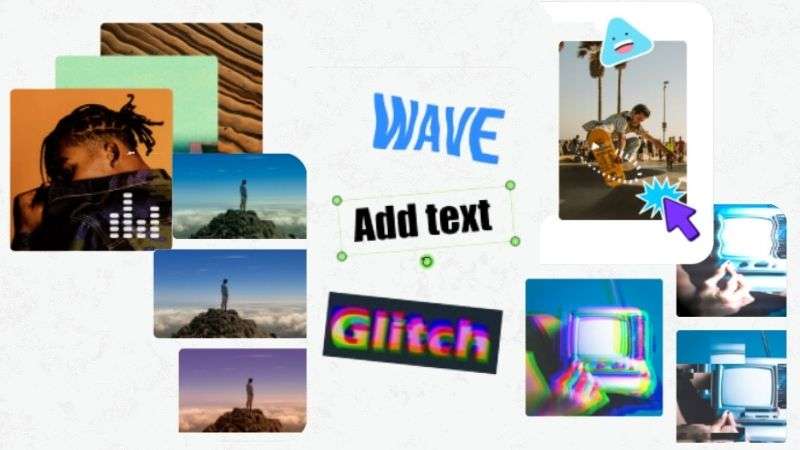
EaseUS Video Editor includes a collection of creative assets, such as:
- 400+ music and sound effects
- 100+ effects and transitions to make your edits more dynamic
- 100+ text and subtitle styles
- 100+ filters to give your footage a different look
- 100+ stickers for adding fun visual elements
Audio Editing Tools

EaseUS Video Editor comes with an Extract Audio tool to pull audio from a video and use it separately. The Dubbing feature also lets you replace the original audio or add voiceovers to your videos.
Watermark Removal
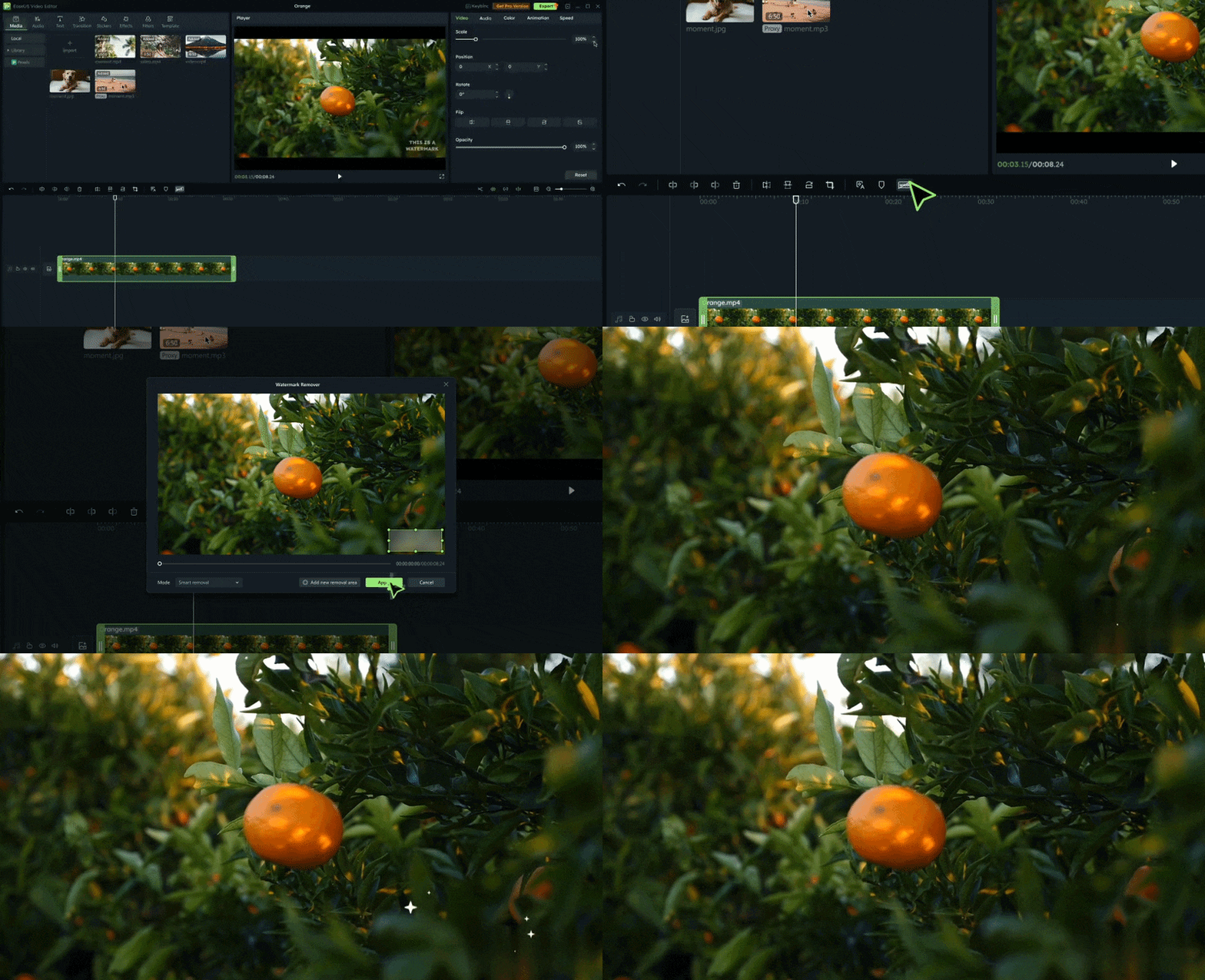
The EaseUS Video Editor remove watermark tool helps clear unwanted watermarks, logos, and text from your videos. It gives your footage a cleaner look.
Fill Empty Video Borders
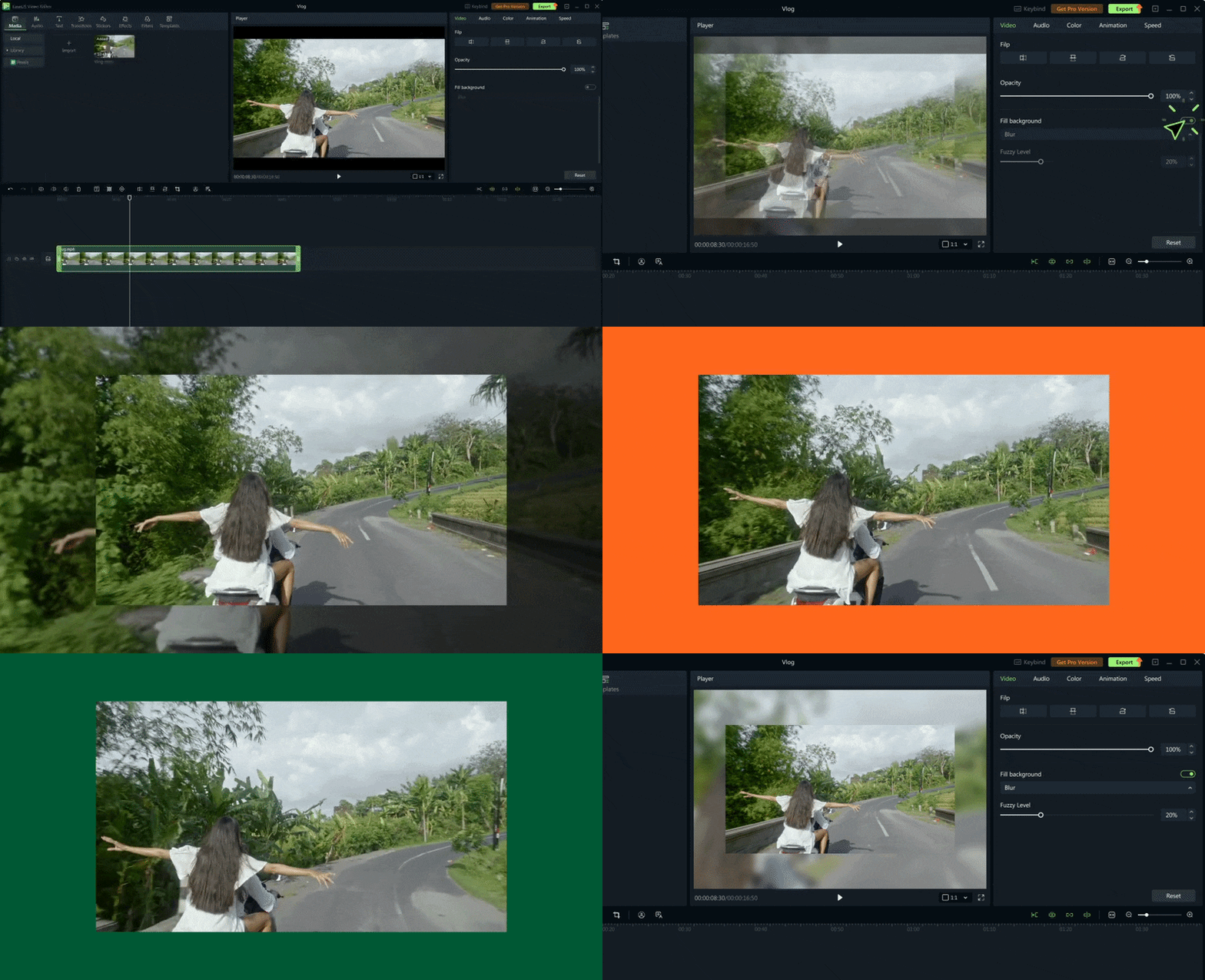
If your video leaves empty space when adjusted to a different aspect ratio, you can use the Fill Background tool to cover it. Choose the video as the background or pick a color that works with your content.
AI Editing Tools
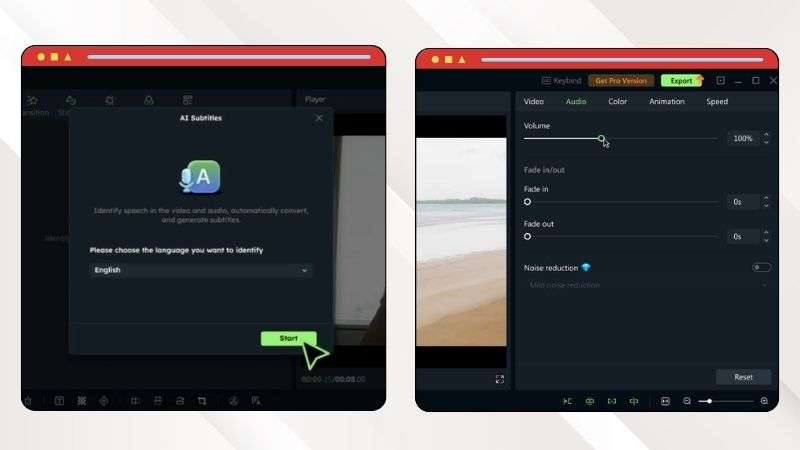
EaseUS Video Editor also offers AI tools to simplify some editing tasks. Speech-to-Text converts spoken words into editable text, so you can create subtitles more quickly. The Noise Reduction tool helps reduce unwanted background sounds and improve audio quality.
Part 4. EaseUS Video Editor Review: Pros and Cons
EaseUS Video Editor has plenty to offer for simple video projects. However, it also comes with a few limitations. Here’s a closer look at what works well and what could be improved.
- Helpful Guides: You can find EaseUS Video Editor tutorials and tips within the platform to help you get started and learn how to use its features.
- No Video Length Limit: You can create videos without a set length limit, even on the free plan, giving you more freedom when working on longer projects.
- Good Video Quality: The EaseUS Video Editor download result can look sharp and clear, especially when exporting at higher resolutions.
- Limited for Advanced Editing: You may find the editing tools limiting if you want to create more complex videos.
- Limited Platform Availability: Since it’s only available on Windows, users on other platforms can’t access the software.
- Not Ideal for Heavy Projects: You may experience slower processing when working with larger video files.
Part 5. Is EaseUS Video Editor a Good Fit for Your Workflow?
EaseUS Video Editor works well for some types of video projects, but it may not be the right fit for everyone. Let’s take a look at who can get the most out of it.

✅ Recommended For:
- Beginners & Students: Edit personal projects, school assignments, and everyday videos.
- Creators on a Budget: A practical option if you want essential editing tools without a high subscription cost.
❌Not Ideal For:
- Professional Editors: You may find the EaseUS Video Editor tools limiting if your projects require advanced color correction, complex effects, precise keyframing, or detailed audio work.
- Professional Content Creators: If you create content for several social platforms and need tools for scheduling posts, resizing videos, or publishing directly, EaseUS Video Editor may feel limited.
Part 6. Take Your Video Editing Further with Wondershare Filmora
EaseUS Video Editor does a good job covering the basics, especially if you are just getting started. It supports up to 4K export and gives you the essential tools to put a video together. However, its editing options can feel limited for more advanced projects.
If you want to explore more editing options, Wondershare Filmora is worth considering. Filmora is equipped with a wider range of editing and AI tools. You can use the basic features when you need them and explore more advanced tools as your projects become more complex.
What You Can Explore with Filmora
Clean Editing Workspace
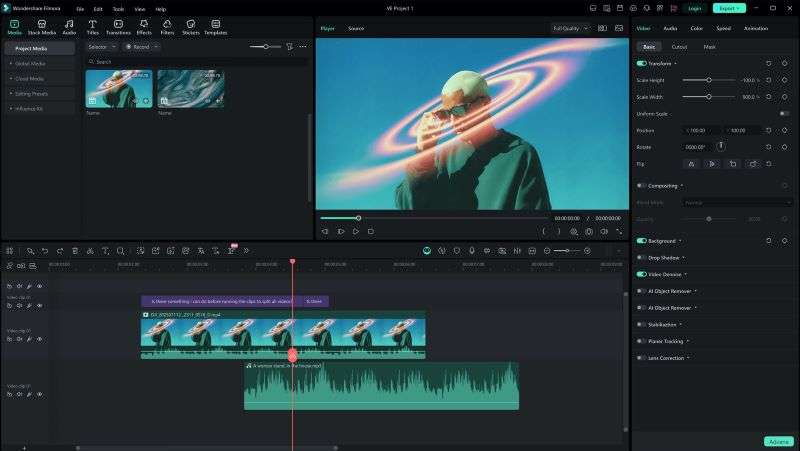
Filmora has a clean and organized workspace. You can arrange your clips on the timeline and preview your edits as you go. The main tools are also neatly arranged around the editor.
All the Essential Editing Tools

Filmora covers the core tools you need for everyday video editing. You can trim, split, crop, adjust playback speed, add transitions, apply effects, and more directly from the timeline.
AI That Speeds Up Editing
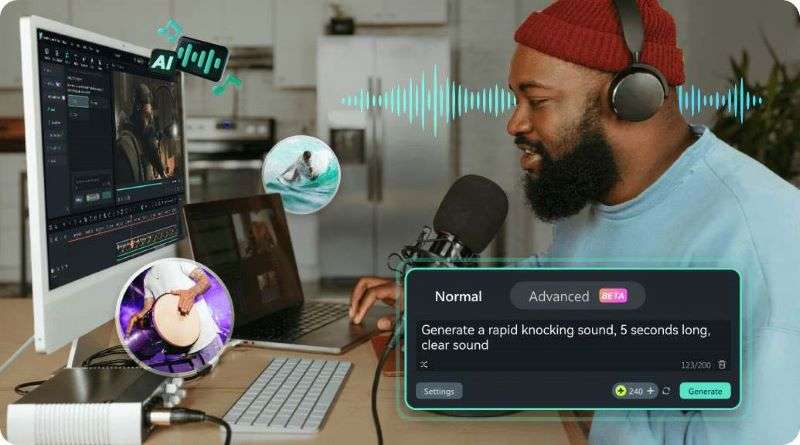
If you want to go beyond basic editing, Filmora offers several AI features to speed up your workflow. Use the AI Video Generator to create supporting clips, then add background audio with the AI Music and AI Sound Effect Generators. You can also use Automatic Captions to generate subtitles in just a few clicks.
Thousands of Creative Assets
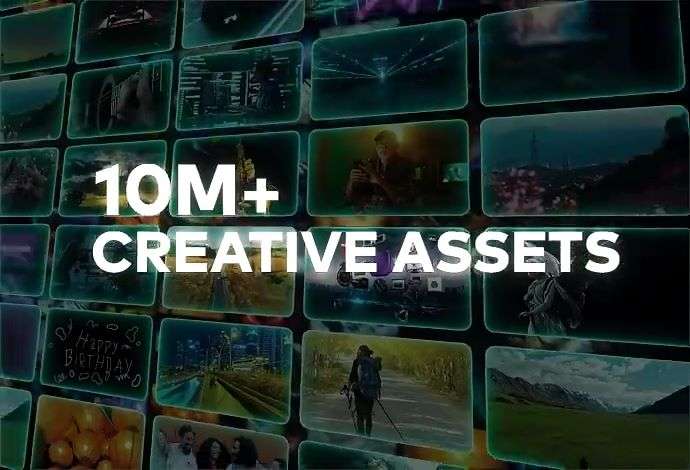
Creative assets can give your videos a more polished look. Filmora offers a large collection of effects, filters, transitions, stickers, titles, and stock media to help you enhance your edits.
Switch Devices with Ease
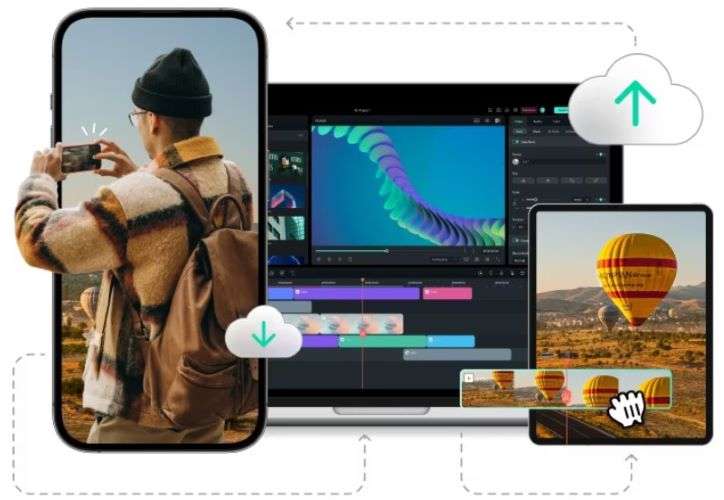
Filmora gives you the flexibility to edit across different devices. It’s available on iOS, Android, Windows, and macOS. You can move between devices without having to start your project from scratch.
Ready for Any Type of Video
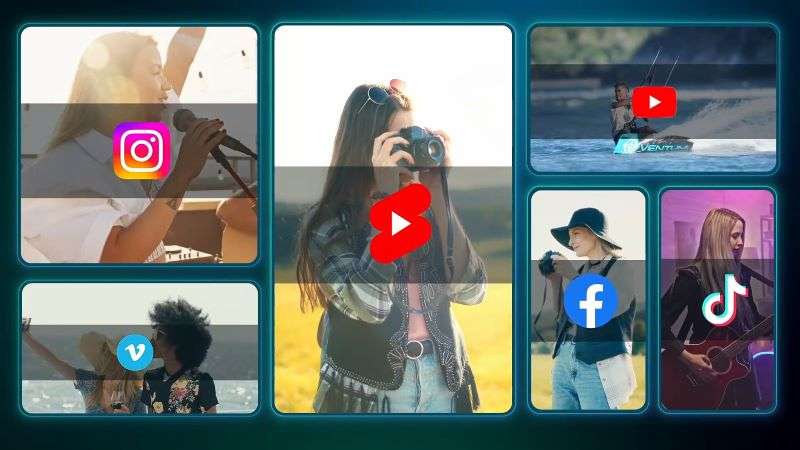
Filmora can handle different types of video projects, including social media and professional content. You can work with different aspect ratios and video resolutions, then use the Social Content Planner to organize your posting schedule.
 Secure Download
Conclusion
EaseUS Video Editor is a reliable choice if you mainly need the essentials. It comes with standard editing tools, built-in stock media, and support for up to 4K export. With the relatively affordable pricing, EaseUS Video Editor works well for social media videos, school projects, and other everyday content.
If you want more room for experimentation, Wondershare Filmora offers a more flexible alternative. It is available across mobile and desktop devices, so you can choose where to work. Filmora covers the core tools for simple projects while also offering advanced editing features and AI tools for more complex videos.
FAQs
-
1. Can I use EaseUS Video Editor online?
No, EaseUS Online Video Editor is not currently available. You can download it on Windows 10 or 11. If you need an online tool for repairing damaged video files, EaseUS Video Repair is available directly in your browser. -
2. Can I use EaseUS Video Editor to make social media videos?
Yes. EaseUS Video Editor supports different aspect ratios for social media content. You can create vertical videos for TikTok & Instagram Reels, and landscape videos for YouTube. -
3. Is EaseUS Video Editor and EaseUS Video Converter the Same?
No. EaseUS Video Editor is designed for editing videos, while EaseUS Video Converter is a separate tool from EaseUS for converting audio and video files on your device.
