


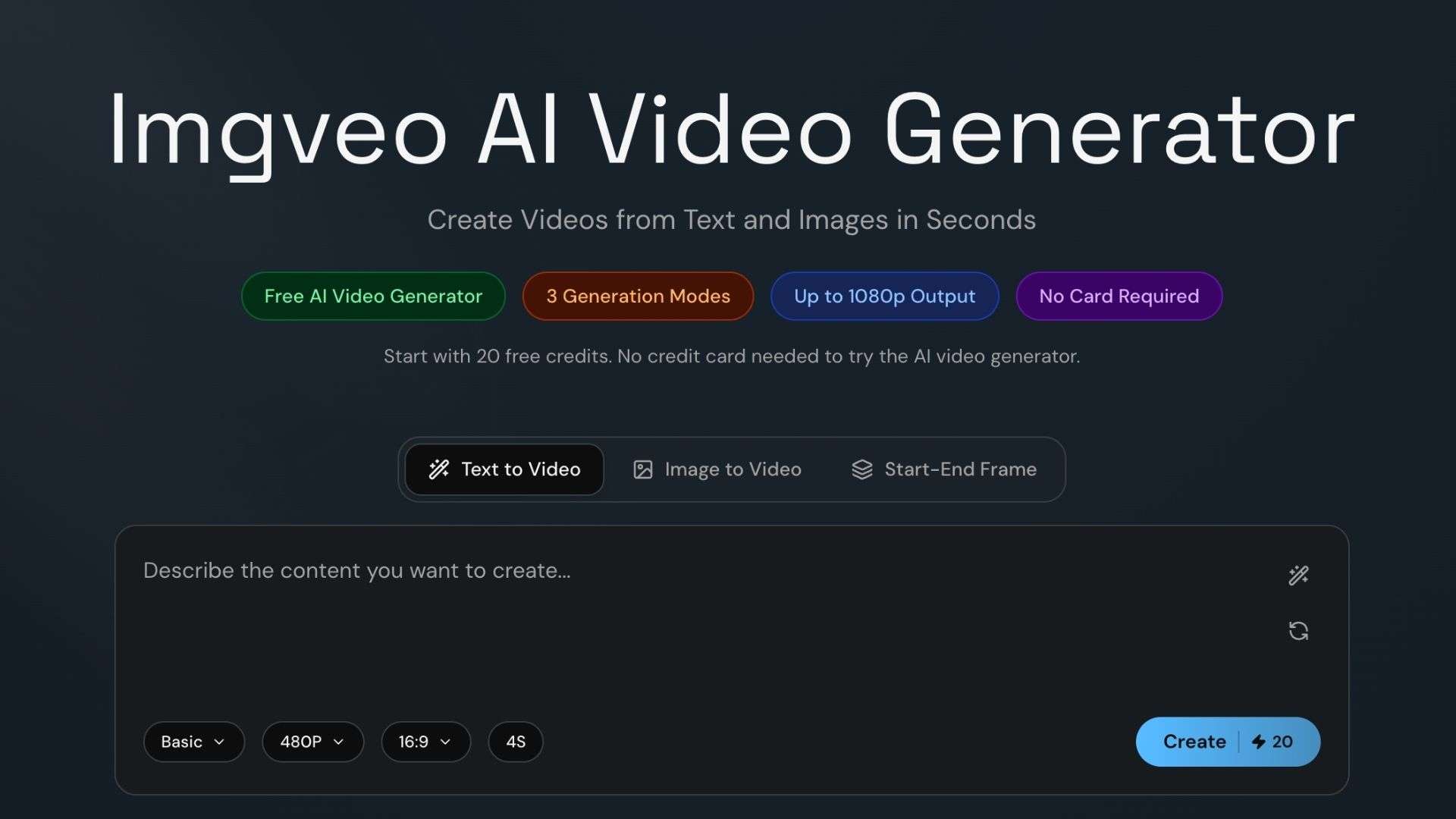
Imgveo AI is a platform that offers several ways to create clips, including Text-to-Video, Image-to-Video, and Start-End Frame. To see how well they work, we tested the Video Generator with different prompts and images.
Along the way, we checked the available AI models, video quality, how smooth generation feels, and how much control you get over the final result. By the end, you’ll know whether you should use Imgveo AI for social media content, creative projects, or quick video ideas.
Part 1. What Is Imgveo AI?
Imgveo AI is an AI-powered platform for creating videos and images from text prompts or existing images. Its video generator gives you different ways to turn ideas into short video clips, including Text-to-Video, Image-to-Video, and Start-End Frame, where you set the first and last frame, and the AI fills in the motion. Output goes up to 1080p, with clips running 5 to 10 seconds depending on the mode and plan.
Who Imgveo AI is for:
- Content creators making short-form videos from text prompts or images
- AI video users comparing different models in one platform
- Designers and visual creators animating existing images
- Marketers creating quick product and social media visuals
- AI enthusiasts experimenting with different video generation workflows
Part 2. Imgveo AI Main Features
Imgveo AI offers tools for generating both videos and images. You can also choose from different AI models depending on the type of content you want to create.
AI Video Generator
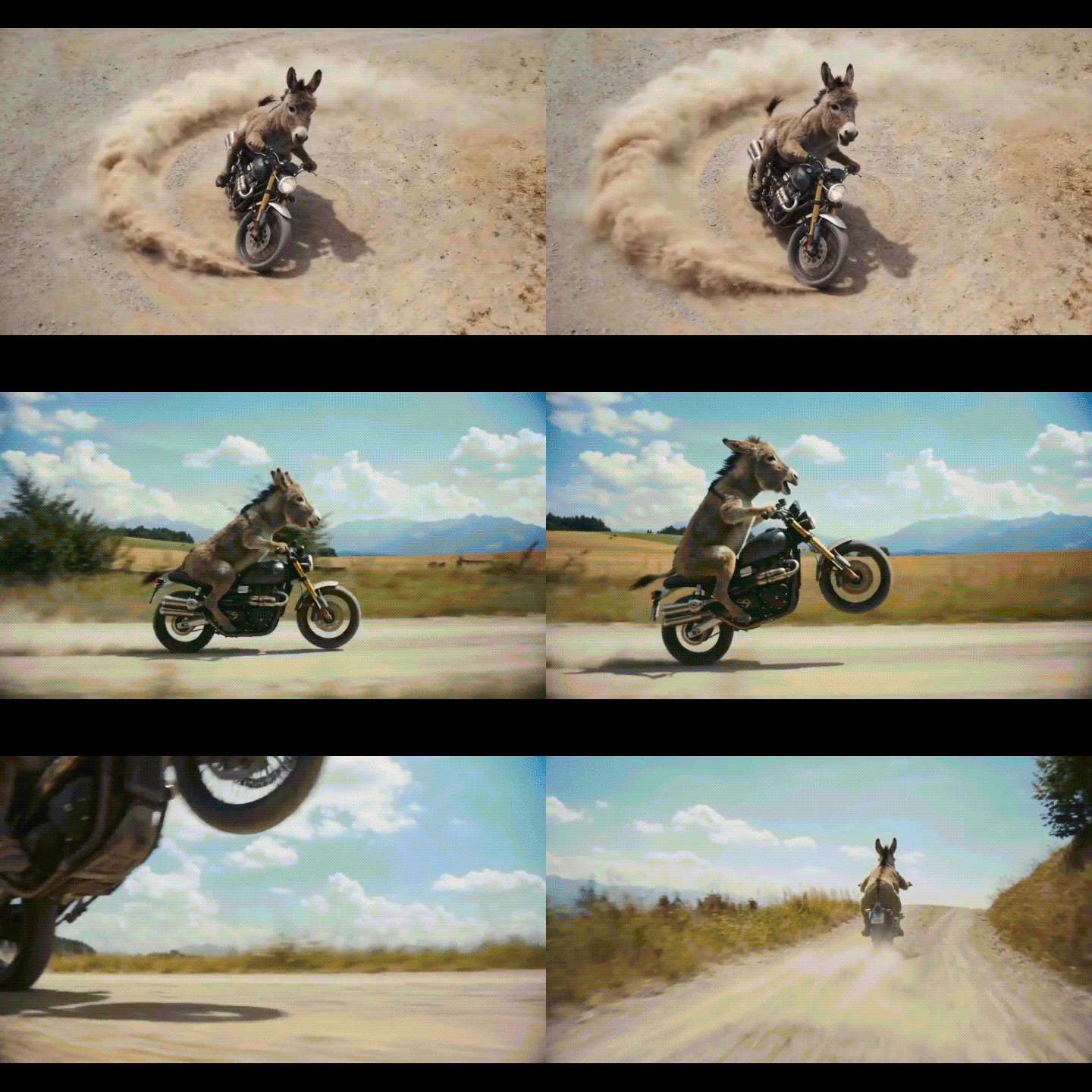
Imgveo AI video generator supports text and images as an input. You can describe the subject, action, setting, camera movement, and mood, then choose a model, video length, and aspect ratio before generating the clip. Supported aspect ratios include 16:9, 9:16, and square. Some models also support native audio generation.
Available models include:
- Seedance 2
- Kling 3
- Veo
- Wan
- Hailuo
- Basic
AI Image Generator
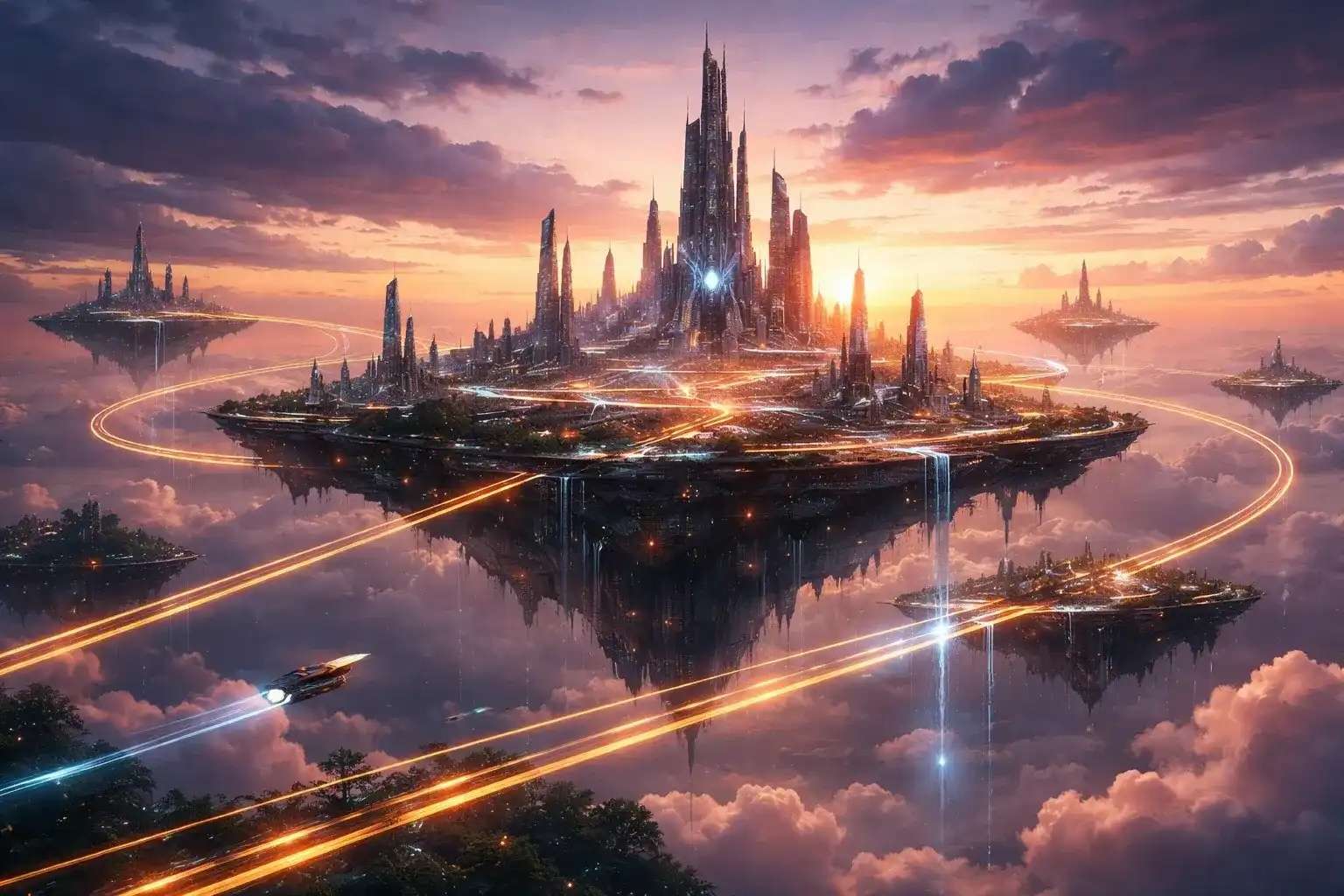
Imgveo AI also includes a Text-to-Image tool for creating images from written prompts. Describe the subject, setting, style, lighting, and mood, then choose an art style and aspect ratio before generating the image.
Available models through Imgveo Studio include:
- GPT Image: GPT Image 1.5, GPT Image 2
- Nano Banana: Nano Banana, Nano Banana 2
- Seedream: Seedream 5.0, Seedream 5 Lite
- FLUX: FLUX.2, FLUX.2 Pro, FLUX.2 Flex
- Wan 2.7 Image: Wan 2.7 Image, Wan 2.7 Image Pro
Start-End Frame
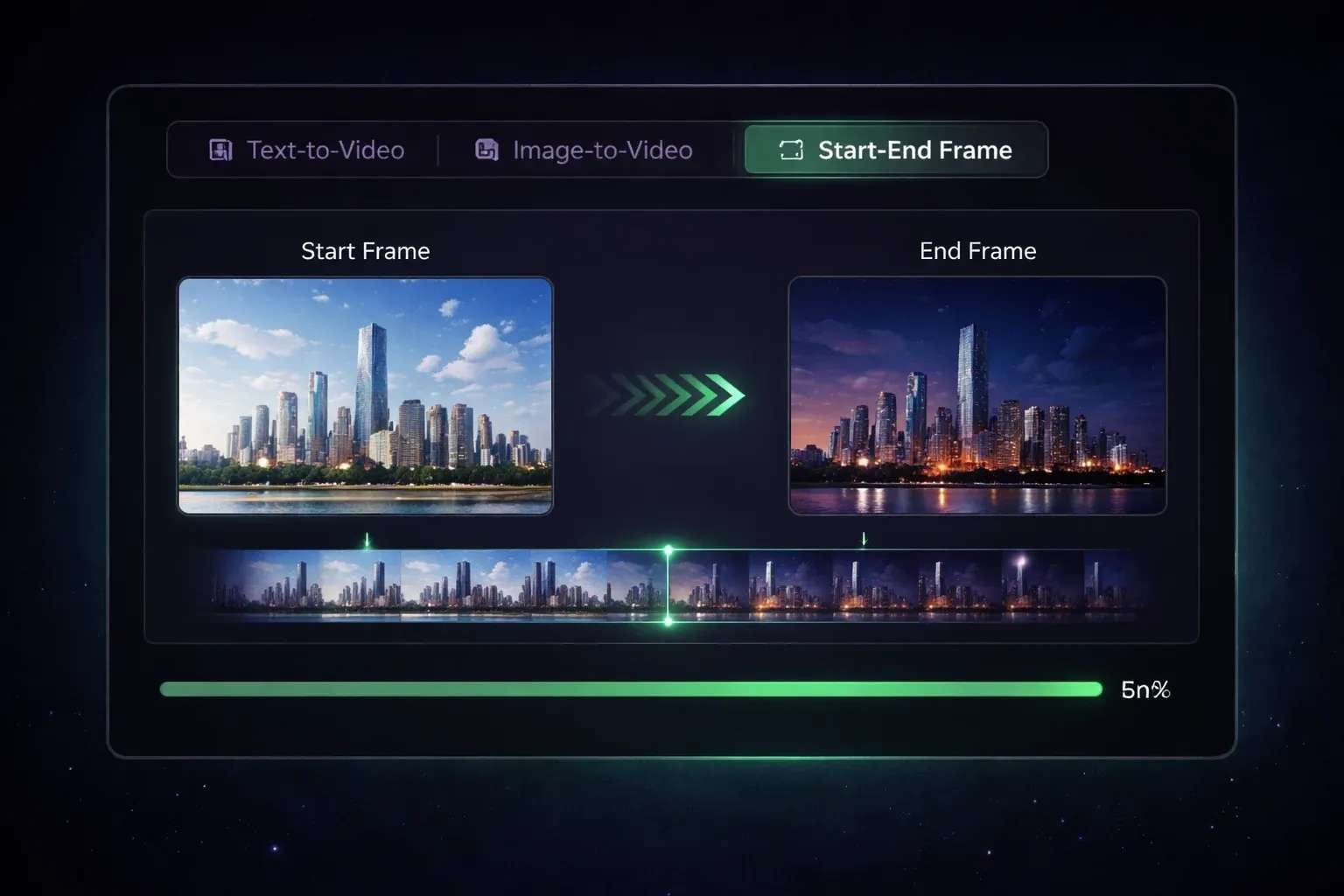
Besides Text-to-Video and Image-to-Video, the Imgveo AI video generator also offers a Start-End Frame mode. This feature lets you upload a beginning image and an ending image, then describe the motion between them. Imgveo AI then generates the in-between frames to create a smooth transition from the first image to the last. Unlike Image-to-Video, which uses one image as the starting point, this feature defines both ends of the video.
Available models include:
- Seedance 2
- Veo
- Wan
- Basic
The Start-End Frame tool is designed for short clips of up to five seconds on paid plans, making it useful for transitions, reveals, morphs, intros, and outros.
Part 3. Testing Imgveo AI: How Well Does It Work?
So, how well does Imgveo AI actually work? To see what Imgveo AI is really like, these tools need to be evaluated beyond just the listed features. A feature list only tells part of the story, so we tested the tool to see how they perform in practice.
Our testing shows that it performs well for short-form image and video generation, although results can vary depending on the prompt, generation tool, and AI model. That's more or less what we've seen from other AI generators. Clear, simple prompts tend to produce more predictable results, while complex scenes may require several attempts.

The main points from worth noting are:
- Prompt accuracy: Most outputs followed clear prompts well, while more detailed prompts sometimes require adjustments.
- Image quality: The generated images have good detail and generally match the requested subject and style.
- Video quality: The videos look good overall, although some clips have minor visual inconsistencies.
- Motion and consistency: Simple movements are generally smooth, while complex actions could produce less consistent results.
- Subject preservation: The Image-to-Video feature generally preserves the main subject so it remains recognizable when motion is added.
- Start-End Frame: This tool works well for simple transitions, but more complex changes may require several attempts.
- Generation speed: Image generation is generally faster than video generation, with speeds varying by model and tool used.
- Limitations: Video duration, resolution, credit usage, and available features depend on the selected plan and model.
- Editing needs: Some generated clips may need another generation or additional editing before they are ready to publish.
Imgveo AI Pros and Cons
- Multiple AI video models are available in one workflow
- Supports Text-to-Video, Image-to-Video, and Start-End Frame
- Lets users generate both videos and images
- Offers free credits for testing the platform
- Supports up to 1080p output on eligible plans
- Short video durations limit longer scenes
- Credit usage varies by model and generation settings
- Some advanced features are limited to specific models or plans
- Results can vary significantly between AI models
- Generated clips may still need editing before they are ready to publish
Part 4. Imgveo AI Pricing and Credit Costs
After trying out various content creation tools, the next thing to consider is how much it will cost to continue creating content. Imgveo AI uses a credit-based system with five plans, from a free option to higher-tier plans with more monthly credits and higher video quality.
| Plan | Free | Starter | Creator | Pro | Business |
| Price | $0 | $19.90/month | $49.90/month | $69.90/mont | $99/month |
| Monthly credits | 20 | 1,500 | 4,500 | 7,500 | 12,000 |
| Video quality | 480p, up to 4s | 720p, up to 10s | Up to 1080p, 10s | Up to 1080p | Up to 1080p |
All plans include the three main generation modes, while paid plans provide access to Imgveo AI’s premium video and image models. The Free plan includes 20 credits each month, while unused monthly credits reset with each billing cycle.
Buying Extra Imgveo AI Credits
If the monthly credits run out, users can buy additional credit packs without subscribing to another plan. Packs start at 500 credits for $10, and purchased credits remain valid for 90 days.
Bonus: Edit Imgveo AI Videos or Images in Filmora
Once the AI-generated clip is ready, it may still need a few edits before it is ready to publish. Since Imgveo AI focuses on generating clips rather than editing them, you can take it to Wondershare Filmora to handle the finishing work, such as:
- Triming and arranging Imgveo AI clips
- Adding music and sound effects
- Adding captions, text, and transitions
- Adjusting and polishing AI-generated footage
- Resizing videos for different platforms
- Combining multiple AI-generated clips into one video
Filmora also includes its own AI image and video generation tools alongside a full-featured timeline editor. If your project calls for a more complete workflow, Filmora can be a practical choice. You can generate content, edit it on the timeline, refine the results, and export the finished video in the same app.
 Secure Download
Conclusion
Imgveo AI is a useful tool for creating short videos and images from simple prompts or existing visuals. Its range of generation tools and AI models gives creators several options for turning ideas into visual content.
Testing shows that the results can be quite convincing, especially with clear prompts, although some outputs may need retries or additional editing. The credit-based pricing also lets users try the platform before committing to a paid plan. For creators focused on short-form content, Imgveo AI is worth exploring, especially for experimenting with different models and visual styles.
FAQs
-
What can Imgveo AI create?
Imgveo AI can generate images and short videos from text prompts or images. Its video tools include Text-to-Video, Image-to-Video, and Start-End Frame, while its image generator creates visuals from text prompts. -
Which AI models does Imgveo AI support?
Imgveo AI provides access to multiple image and video models, including Seedance, Kling, Veo, Hailuo, Wan, GPT Image, Nano Banana, and FLUX. Model availability depends on the generation tool and selected settings. -
How many free credits does Imgveo AI offer?
The Free plan includes 20 credits per month. Credits allow you to test Imgveo AI’s image and video generation features before upgrading to a paid plan. -
Does Imgveo AI support 1080p video?
Yes. Imgveo AI supports up to 1080p video on eligible paid plans and models. The available resolution and video length depend on the selected plan and generation settings. -
Can Imgveo AI videos be used commercially?
Yes. Imgveo AI states that generated content can be used for commercial purposes, subject to its terms and the conditions that apply to the selected AI model.
