


 TL;DR:
Powtoon is a browser-based animation platform ideal for beginners and educators creating quick, templated presentations, while Wondershare Filmora serves as a better alternative for users requiring offline editing, advanced timeline control, and video exports beyond 1080p.
● Powtoon's free tier restricts users to a 3-minute video length, 720p resolution, forced watermarks, and direct platform publishing without MP4 downloads, while even its $199 per month Advanced plan caps final video quality at 1080p.
● The platform accelerates video creation for non-designers through AI avatars, a document-to-video generator, and text-to-video tools powered by Veo 3, Veo 3.1, and Seedance Pro, but strictly requires an active internet connection for all tasks.
● Wondershare Filmora is the recommended alternative for complex editing, providing offline cross-platform access, 8K HDR export capabilities, multi-track keyframing, and advanced AI generation featuring Sora 2 and Veo 3.1 integration.
Ask AI for a summary
 ChatGPT
 Perplexity
 Gemini
 Claude
 Grok
Grok
Whenever you search for an easy way to create animation, presentations, or explainer videos, Powtoon almost always pops up. This tool has long been a favorite since you can access it easily and for free. There are a lot of templates, especially for business and educational content. A very convenient partner for creating presentation videos.
Because of that, we decided to take a closer look at Powtoon, test it ourselves, and share an honest thought based on real use. Our review will include where it works well, where it starts to feel limiting, and when you might want to look for another tool that may fit your needs better.
Part 1. What is Powtoon: A Quick Overview
Powtoon animation maker is a browser-based animation and video platform that allows users to produce presentations, videos, and content through drag-and-drop templates. You can create many projects inside the Powtoon website, then export or publish them in several formats. From blank canvases, hundreds of templates, or AI tools, you can choose what to specialize in.
There's no need for Powtoon download when using it. As we said, making it convenient: from virtually any device with an internet connection.
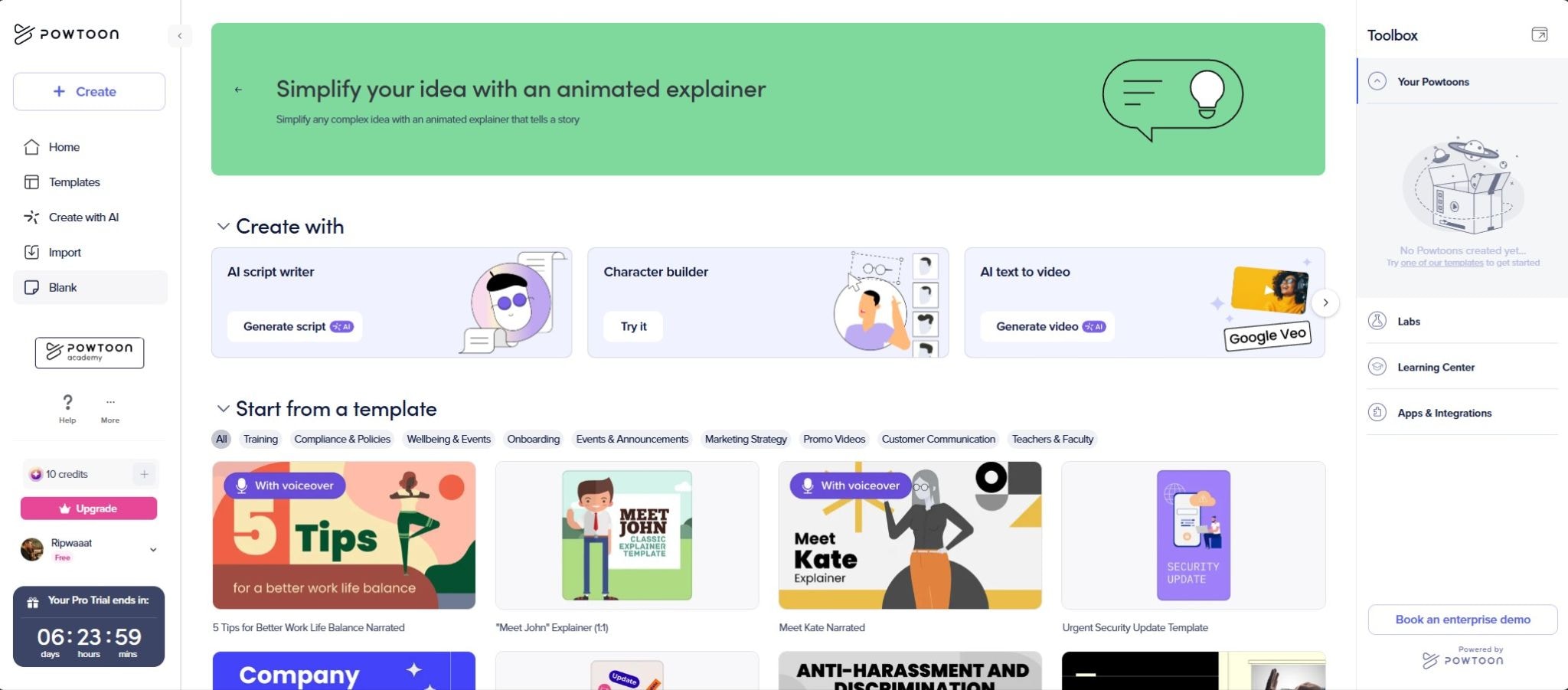
Table Overview of Powtoon
| Feature | Details |
| Best for | Beginners, non-designers, educators, small teams on budget |
| Editing Features | Drag-and-drop timeline, pre-animated assets, characters builder, templated explainer videos & animated slides |
| Ease of Use | Very beginner-friendly with intuitive interface |
| AI Capabilities | AI script generator, AI text-to-video, AI avatars, AI document-to-video generator |
| Templates | Hundreds of templates in office and education themes |
| Value for Money | Moderate (can get expensive for individuals, but best deals for corporate or school) |
Powtoon Free Version and Limitations
There is usually no Powtoon free trial. Instead, Powtoon provides a free tier, which is great for testing the waters. However, this free plan comes with significant limitations you should consider:
- All videos include a Powtoon watermark.
- Videos are capped at standard definition (720p).
- Video length is limited to 3 minutes.
- Limited access to template libraries.
- No option to download videos as MP4 files.
- Exports are published directly to social media or hosted on Powtoon's platform.
For serious projects like brand campaigns or training deliverables, Powtoon free version serves primarily as a demo.
Powtoon's Pricing
If you want to upgrade your plan, Powtoon structures its pricing into several tiers. It's cheaper if you choose annual billing, since the monthly cost is lower compared to paying monthly.
| Lite | Professional | Advanced | |
| Price | $49/mo or $180/yr | $99/mo or $480/yr | $199/mo or $1,500/yr |
| Max Quality | 720p | 1080p | 1080p |
| Max Video Length | 3 mins | 10 mins | 20 mins |
| Watermark | |||
| MP4 Download | |||
| Templates & Content | Standard access | Full access | Full access |
| AI Credits | 300 | 500 | 1,200 |
| Features | - | Unlimited exports, camera movement control | Unlimited exports, camera movement control, full character customization & lip sync, full brand control, 3rd-party reseller rights |
There are also Teams & Enterprise and Education plans available, designed for larger organizations and schools, with custom pricing based on the number of users. For the Powtoon for education plan ($8/month, billed yearly), the video export will include a "Powtoon for EDU" watermark unless upgrading to the Institutions & Districts tier.
Part 2. Key Features & Capabilities of Powtoon
Powtoon's core strength lies in its ability to simplify animation creation. But now it also shines in template-based creation or AI automation for non-experts. You can start from a blank canvas, choose from thousands designed templates, or start with its AI-powered tools.
It's usually used for making realistic AI avatars, cinematic video generation, or automated translation that now operate within one centralized system. After registering your account on Powtoon login page, you will get 35 AI credits and access to some of the AI features.
Make Videos from Templates
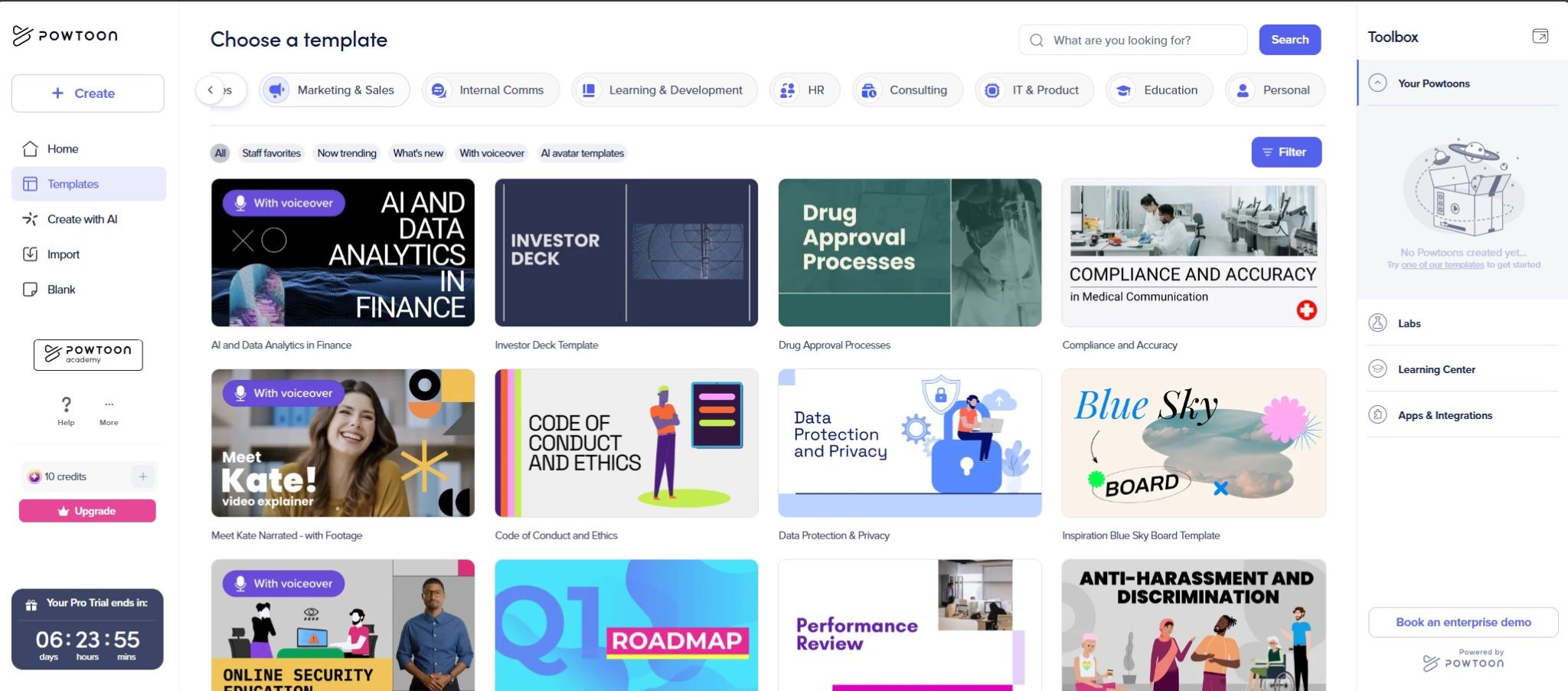
For making videos with Powtoon templates, you can filter by style, industry, or mood. The template categories include:
- Explainer Videos: Product demos, how-to guides, concept explainers
- Education: Lesson introductions, student projects, training modules
- Business: Pitch decks, company overviews, internal communications, infographics
- Marketing: Advertisements, landing page videos, promotional content
- Social Media: Instagram stories, TikTok-style vertical videos, YouTube intros
Each template is fully customizable. So as a user, it allows you to swap characters, change text, adjust timing, and replace background music.
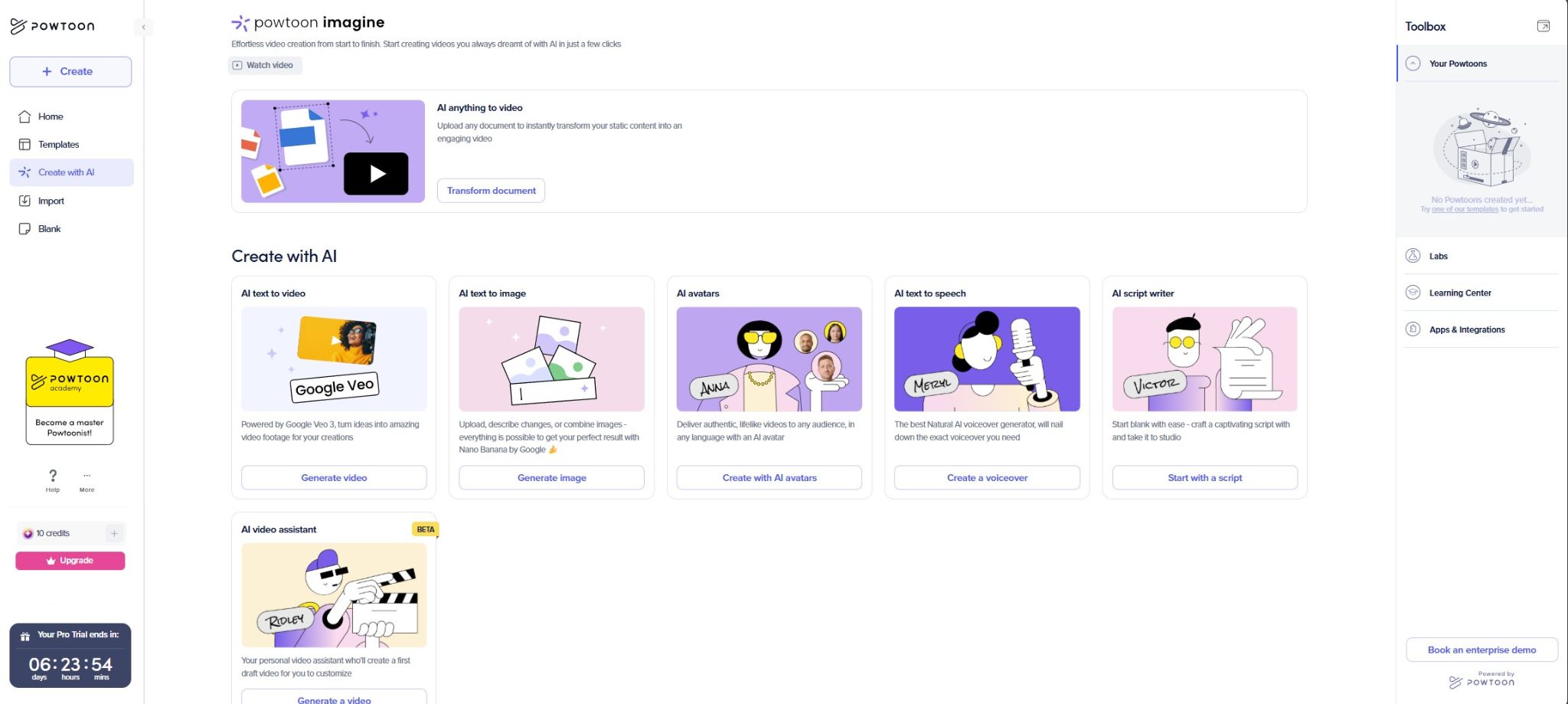
Powtoon's AI Features
Powtoon integrated several AI-powered tools designed to help users move past the "blank page" stage faster. These Powtoon AI features aim to reduce the time spent on scripting, asset selection, and scene building:
- AI Doc to Video: This feature allows you to upload existing documents, like PDFs, PowerPoint or Word files and have Powtoon generate a video draft. The AI extracts key points, suggests relevant visuals, and builds a storyboard automatically.
- AI Text to Video: Create short vertical or horizontal clips using models like Veo 3, Veo 3.1, and Seedance Pro. Videos usually run 8–12 seconds per generation and cost around 10–40 AI credits. You can also add a reference image.
- AI Text to Image: Besides creating a video, Powtoon allows you to generate images from text prompts. You can also use it to modify existing images, such as replacing backgrounds, adding logos, or creating mockups
- AI Avatars: Create AI-generated "human-like" presenters that can deliver your script with realistic voice and facial expressions without recording a real person.
In late 2025, Powtoon AI capabilities were also extended to a "unified AI video platform for enterprise," designed for helping organizations produce professional on-brand video content at scale.
Character Builders
Beyond AI avatars, Powtoon animation provides character customization tools. You can mix and match its facial features, styles, clothing, and accessories to match what persona to bring. These characters can then be animated with various actions and expressions. So if you found no talent around, this would be a perfect solution.
Part 3. Powtoon's Review: User Experience & Interface
Testing Powtoon firsthand reveals a platform designed with beginners in mind. The interface is clean and welcoming, with clear navigation menus and leading calls-to-action.
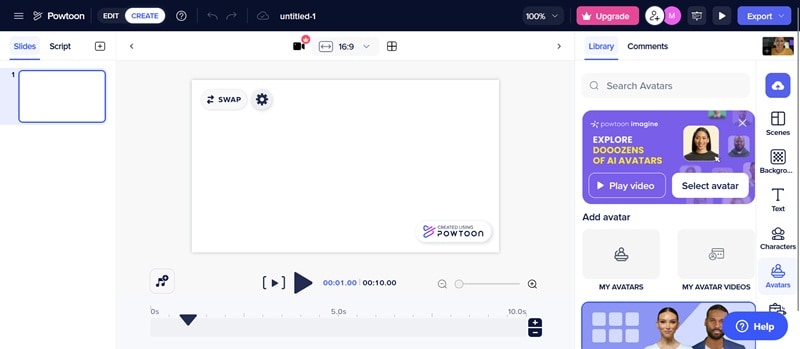
The drag-and-drop editor functions smoothly. Assets from the right sidebar can be pulled directly onto the canvas. The timeline controls are simple compared to professional editors, so you can focus on only essential elements for the scene.
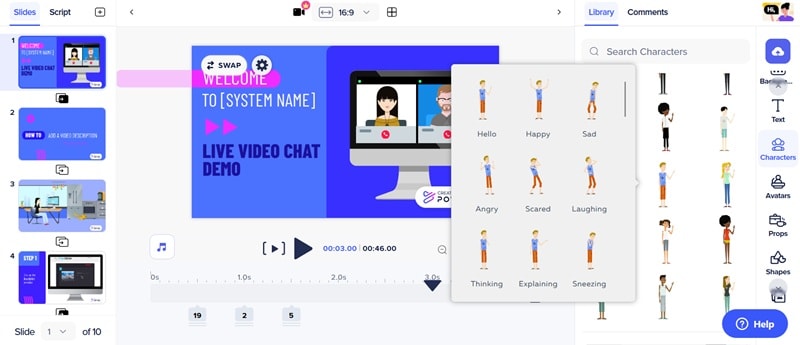
One notable observation when using Powtoon to create video is the learning curve between basic and advanced features. It's very easy to make simple text slides with animated characters. However, creating more detailed timing, custom movements, or layered effects takes practice and some trials and error.
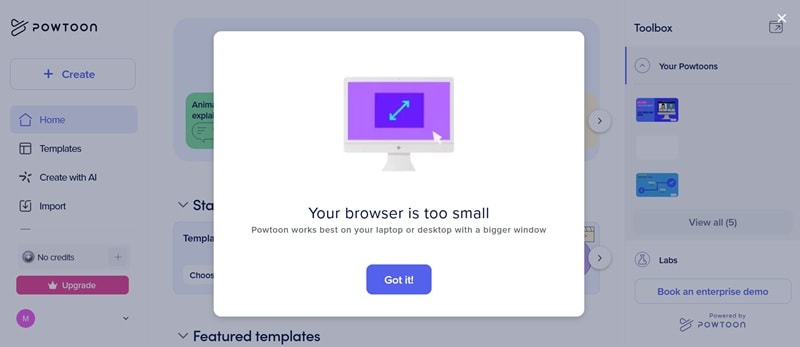
The screen can also feel crowded on smaller devices because the side panels sometimes cover part of the workspace.
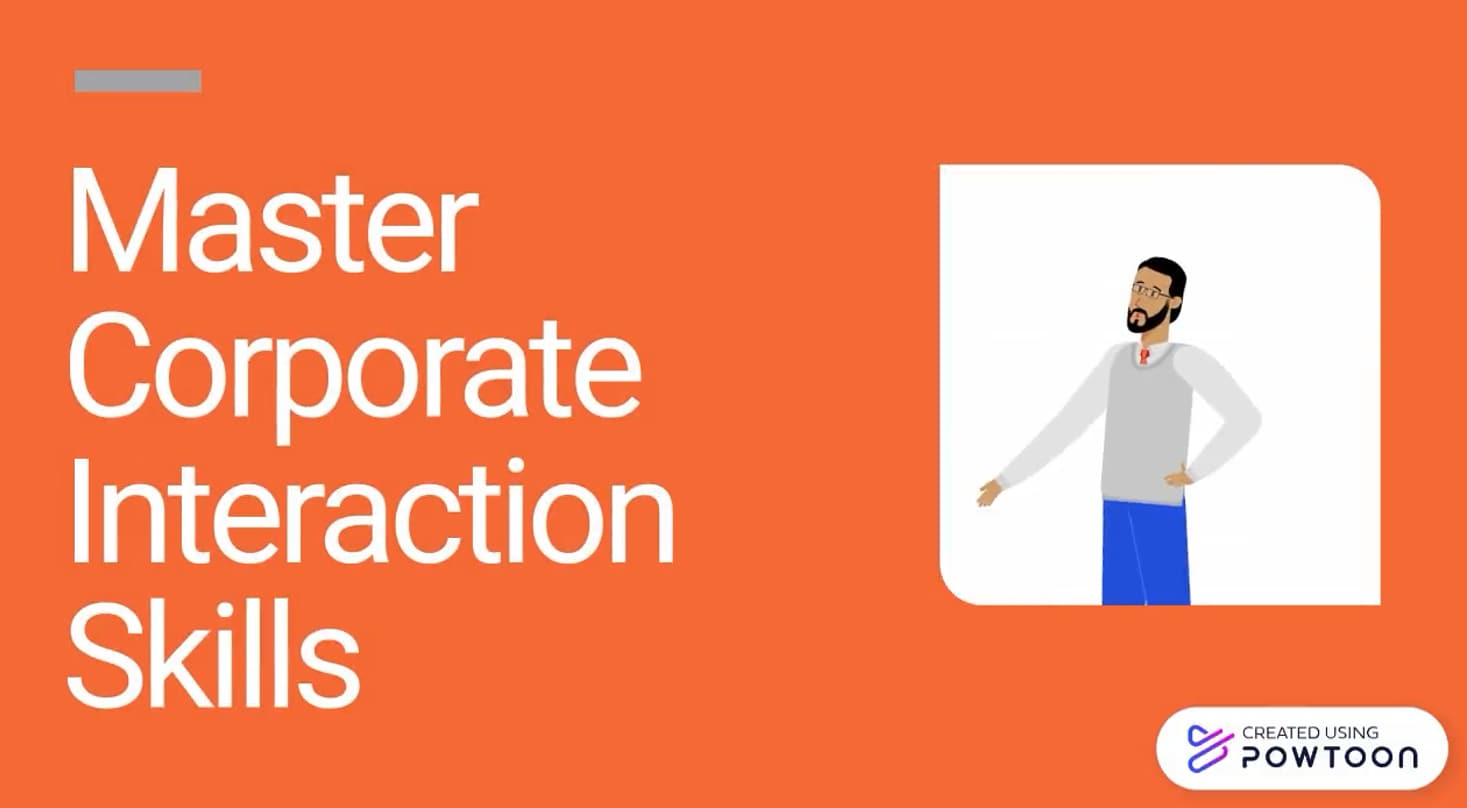
Sample Result: We created a 2-minute explainer video using a business template. The process from template selection to final export took approximately 20 minutes, including script adjustments and asset swapping.
Part 4. Powtoon's Performance & Video Rendering
Now, how does Powtoon actually perform when it comes to editing speed and final video rendering?
Stability and Speed
During testing, Powtoon worked smoothly, even with scenes that had many characters or animations. Sometimes there was a little lag when moving through the timeline or adding effects to high-quality projects. The browser rarely crashed, but it did happen once in a while. Luckily, the auto-save feature in Powtoon video editor helps prevent losing work.
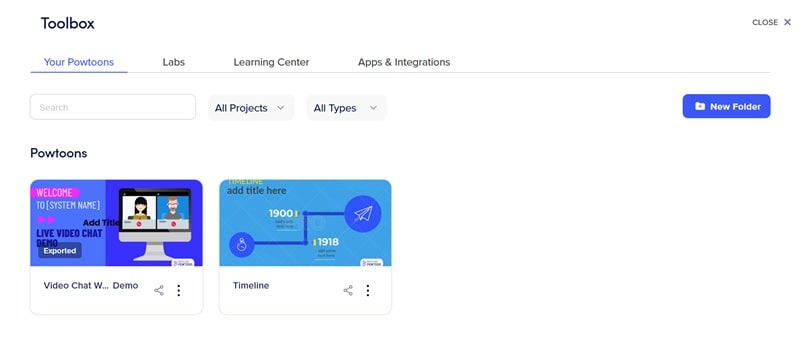
No Support for 4K/HDR
Powtoon exports are limited to HD quality, up to 1080p. It does not support 4K resolution or HDR, which is fine for school or business projects but not ideal for movie-level production.
Export times: Standard
How long a Powtoon video takes to export depends on its length, details, and resolution. A 90-second video in 720p took about 20 minutes to finish. Longer or higher-quality videos take more time, especially if you have slower internet.
Part 5. Verdict: Is Powtoon the Right Tool for You?
On review platforms like G2 and Trustpilot, video maker Powtoon maintains a strong overall rating. It scores 4.4 out of 5 on G2 and 4.2 out of 5 on Trustpilot. Most users praise its wide template selection and intuitive interface.

Combined with our hands-on testing, the pros and cons of using Powtoon can be summarized as follows.
- Very easy to use: Almost anyone can make animated videos without much training.
- Large template library: There are thousands of ready-made designs to start with.
- Integrated AI tools: Features like document-to-video, text-to-video, and AI avatars help you create videos faster.
- No software installation: Fully browser-based, accessible anywhere.
- Great for schools: Special pricing and tools are available for teachers and students.
- Limited creative freedom: Many videos look similar and clearly made with Powtoon templates.
- Watermark and restrictions on free plan: Free version includes watermarks and fewer features.
- No offline editing: Internet dependency for all work.
- 4K only on Premium: High-quality exports can be expensive.
- Browser performance varies: Speed and smoothness depend on your computer and internet connection.
Who is Powtoon for?
Powtoon has built a massive user base, with over 50 million users and more than 770,000 companies worldwide. Ideal users include:
- Educators and students: Creating engaging lesson materials and projects.
- Marketing teams: Creating quick ads or explainer videos for social media.
- Business professionals: Making animated presentations or company updates.
- Non-profits: Making awareness videos with limited budgets.
- Beginners: Anyone intimidated by complicated animation software.
However, Powtoon may NOT be ideal for:
- Professional animators: Advanced users may find the tools too limited.
- Content creators needing unique visual styles: Templates can make videos look similar.
- Teams requiring 4K/HDR output: Powtoon only supports exports up to 1080p.
- Offline-first creators: An internet connection is always required.
- Complex video editing: It cannot fully replace professional video editing software.
Part 6. The Best App Like Powtoon for More Flexible Editing
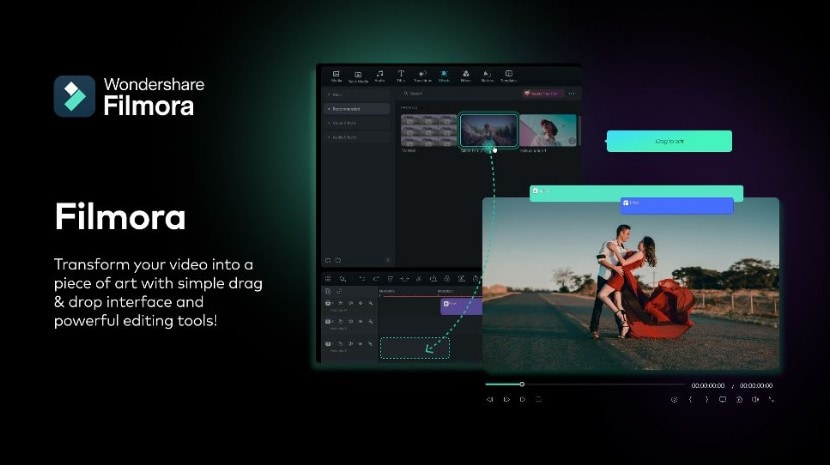
If you like using templates and AI in Powtoon but feel limited by them, Wondershare Filmora is a strong alternative. Like Powtoon, Filmora offers templates and AI tools. However, Filmora gives you much more control over how your video looks and moves.
This is because Filmora is a full-featured video editor, not just a template-based platform. While you can get started faster using templates or AI generation tools, you also get access to advanced keyframing, multi-layered editing, color grading tools, and customizable effects within the same editor.
For character-based animation, it may not offer built-in cartoon characters and preset animated scenes like Powtoon animation. However, it can be a good option if your focus is on flexible video editing, cinematic visuals, or projects that require more control beyond animation templates, since Powtoon editor is pretty limited.
 Secure Download
Why Filmora Excels as a Powtoon Alternative
- More Creative Control: Explore various templates with fully control the timeline and animations.
- Offline Editing: Work anywhere without internet dependency (unless for downloading assets)
- AI Video Generation: Includes Text-to-Video, Image-to-Video, and AI Text-to-Image that are similar to Powtoon's AI features, along with other AI tools like AI Music, AI Sticker Generator, and more.
- 8K and HDR Support: Export videos in high quality up to 8K resolution with HDR support and larger video formats.
- Large Effects Library: There are thousands of filters, transitions, and overlays to choose from.
- Cross-Platform: Available on Windows, Mac, iOS, and Android.
| Powtoon | Filmora | |
| Platform | Web-based, mobile app | Desktop app, mobile app |
| AI Features | Text to Video, Doc to Video, AI Avatars, AI Text to Image | Text to Video, Image to Video, AI Music, AI Sound Effects, AI Thumbnail, and more |
| AI Video Generation | Yes (powered by Veo 3, Veo 3.1, and Seedance Pro) | Yes (with advanced Veo 3.1 and Sora 2 integration) |
| Editing Tools | Limited | Multi-track timeline, keyframes, color grading, motion tracking |
| Templates | Hundreds of animated presentation templates | Hundreds of templates for social media, branding, vlogs |
| Best for | Quick animated presentation | Complete video creation from simple to professional |
Secure DownloadConclusion
Powtoon animation maker is a great option for beginners and even professionals who want to quickly create videos using templates. Its AI tools and ready-made designs make it easy for almost anyone to create content. However, it has limits, such as fewer editing tools, no offline editing, and limited 4K export.
For people who want more freedom but still want something easy to use, Filmora can be an option. It combines AI tools with professional editing features. You can start simple with templates and later use more advanced tools as your skills grow.
Whether you choose Powtoon for its simplicity or Filmora for its flexibility, both can help you create engaging videos.
