


Editing is already one of the biggest ways creators use generative AI. An Adobe report that examined 16,000 creators across eight countries found that 86% of creators use generative AI to some extent. The most popular use case, at 55%, was for editing, upscaling, and enhancing images.
Tools like PromeAI are certainly of interest to those who edit images in volume and want to cut down on work. By combining photo editing and image enhancement, does the product actually help improve your photo editing workflow? This PromeAI review looks at its features, pricing, pros, cons and value this year.
Part 1. What Is PromeAI?
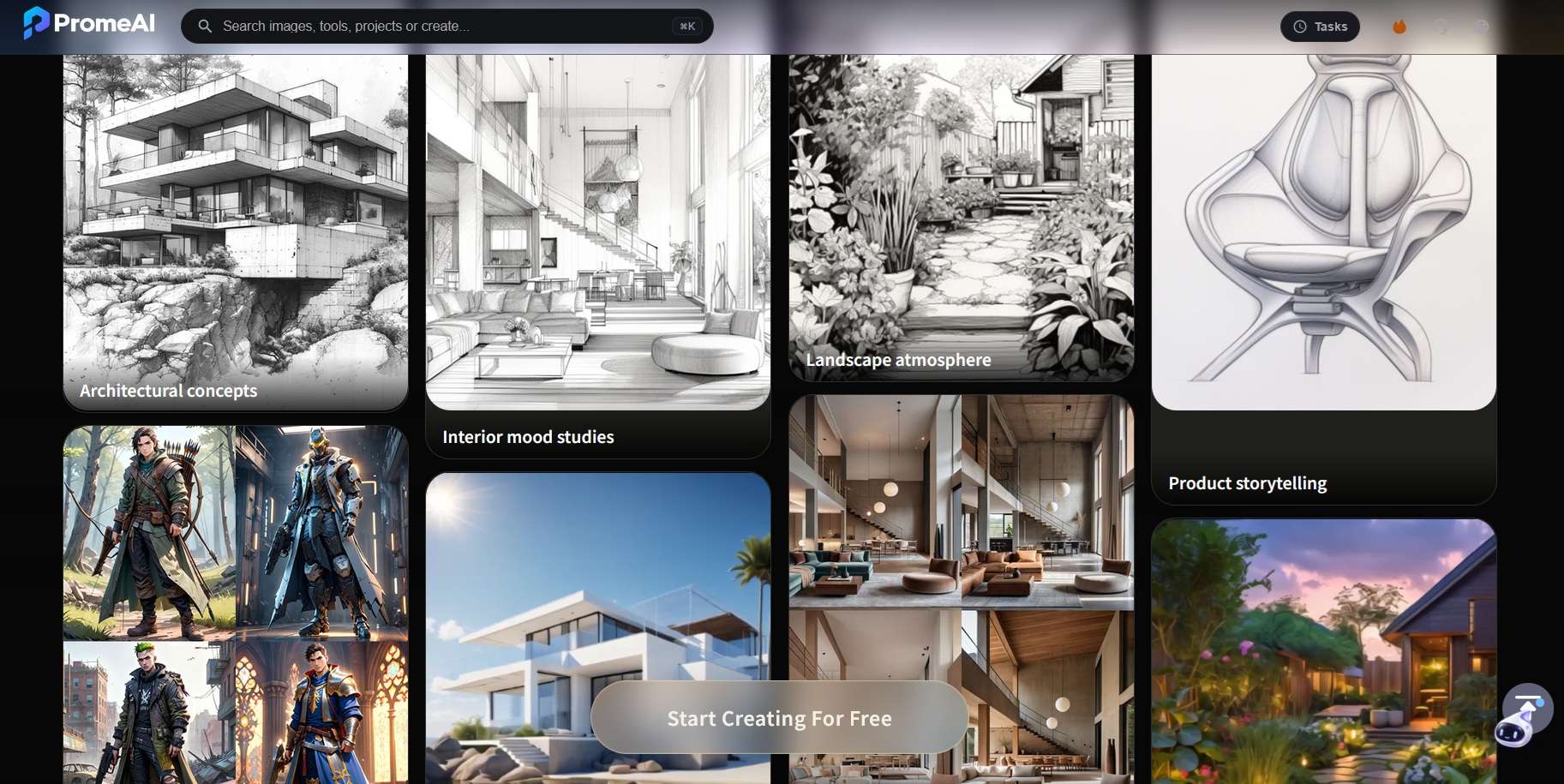
PromeAI is an AI design suite for creating and enhancing images and videos right in your browser. It relies on visual workflows rather than text prompts. You can start with a sketch, photo, screenshot, or 3D model view and turn it into a neat concept render. The platform offers image editing, mockups, upscaling, outpainting, and image-to-video tools.
Where PromeAI Stands Out
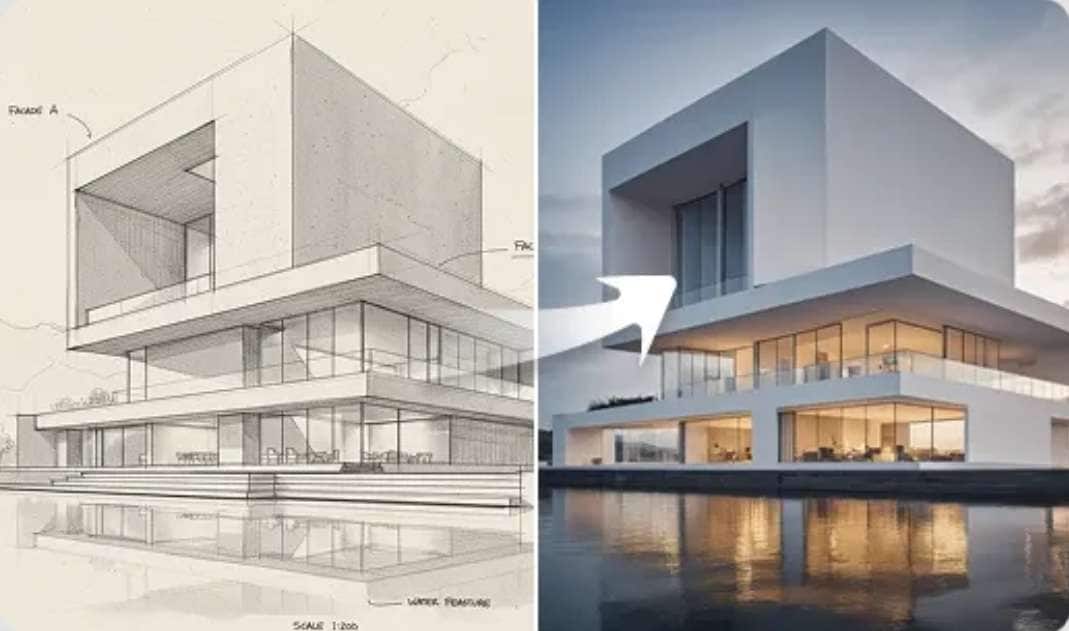
PromeAI is most useful when there is already a visual idea to develop:
- Architecture visualisation: From line drawings, model views, and rough concepts to presentation images.
- Interior and landscape design: Learn room styles, materials used, lighting, landscaping, and outdoor settings while keeping the main design structure.
- Product visualisation: Test materials, settings, and presentation styles from an existing product sketch or concept.
- Concept art and illustration: Generate art, drawings, paintings, characters, and other creative visuals from prompts or source images.
- E-commerce imagery: E-commerce product mockups, background removal, product enhancement, marketing image preparation, and much more.
- Creative and social content: Give life to images and make them into short videos or any visual for the poster, campaign or social post.
PromeAI Login and Access
PromeAI works as a web app, so you can open it in a browser without installing desktop software. The official site provides PromeAI login and sign-up options and also lets new users start for free without a credit card.
There’s no official dedicated PromeAI app for mobile or desktop devices. For the safest access, use the official PromeAI site at https://www.promeai.pro/ rather than similarly named third-party apps.
Part 2. PromeAI's Features and How It Works
PromeAI supports text-to-image and text-to-video creation, but its main strength is the range of task-based tools around them. The current library groups its tools into rendering, image generation, image editing, video, and workflows.
1. PromeAI’s AI Tools
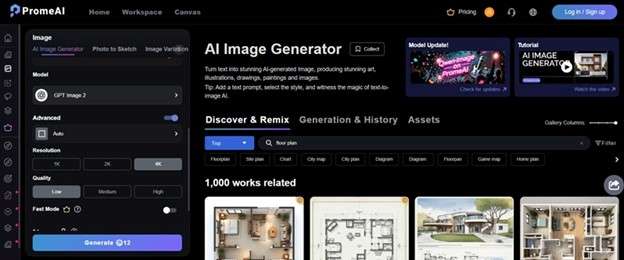
PromeAI Image Generator: Creates art, illustrations, drawings, and realistic images from text. Users can also set a model, ratio, and other generation options.
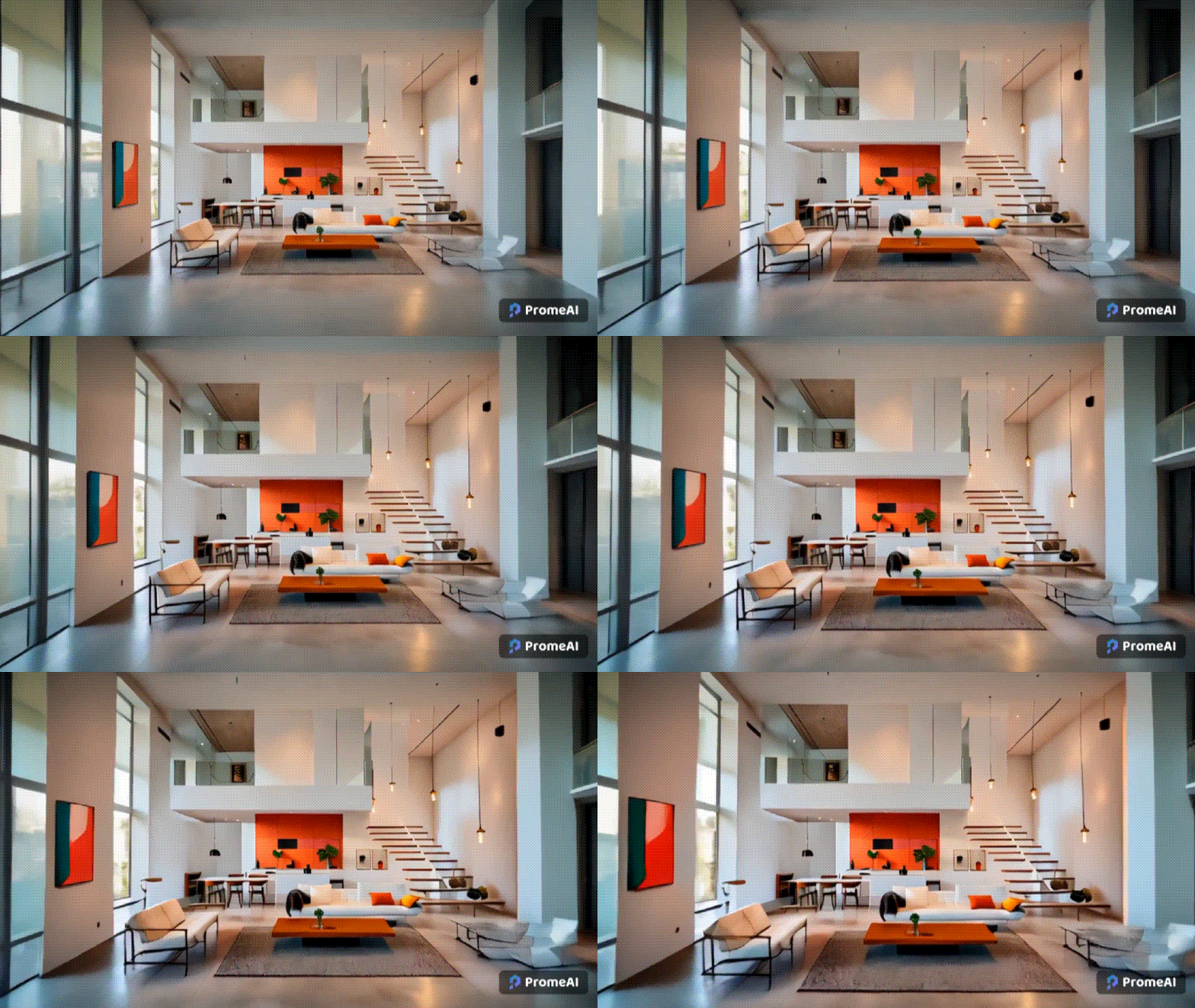
PromeAI Video Generator: Supports text-to-video and PromeAI image-to-video. The latter can animate one or more uploaded images and create transitions based on a description. PromeAI also lists Video Enhancer and AI Video Effects in its tool library.
Supported AI Models:
PromeAI lets users choose between several image models in the current PromeAI photo and video generation workspace.
| AI Models | |
| Image | GPT Image 2, Nano Banana 2, Nano Banana Pro, Nano Banana, Seedream 5.0 Pro, Seedream 4.5, Seedream 4.0, Qwen-Image, Model V3, Model V2, Model V1. |
| Video | Seedance 2.5, MiniMax H3, Happy Horse 1.1, Happy Horse 1.0, Seedance 2.0, Seedance 2.0 Fast, Seedance 2.0 Mini, Ltx 2.3, Seedance 1.5 Pro, Seedance 1.0 Pro, Seedance 1.0 Pro Fast. |
2. Workflows
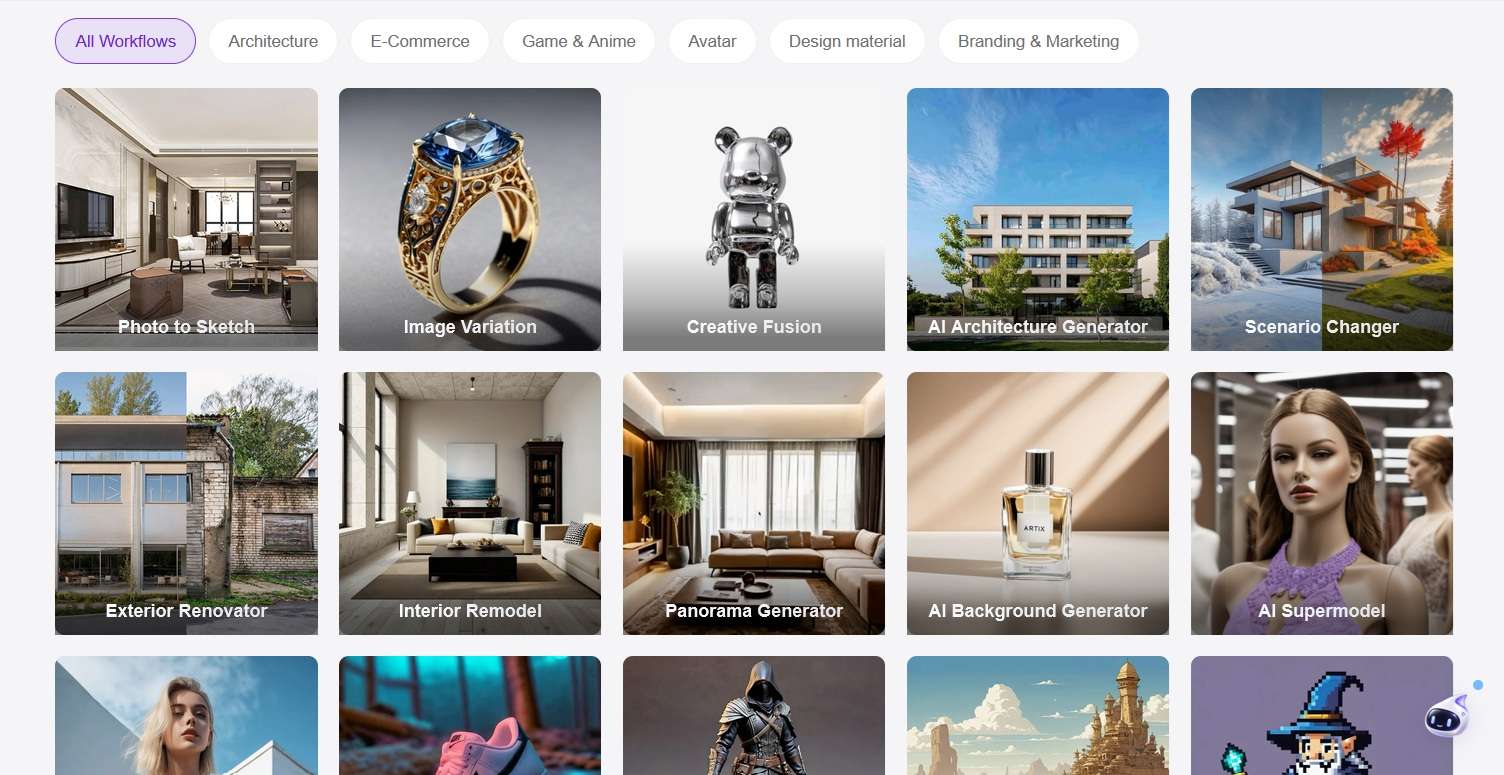
PromeAI also organises tools around specific types of work. Its current system covers areas such as architecture, e-commerce, game and anime, avatars, design materials, and branding and marketing. These workflows bring related tools together, so you can start from the task you want to complete instead of searching through the full tool library.
3. Rendering
PromeAI's rendering tools turn sketches, photos, and reference images into finished visuals. The dashboard lists four modes:
- Sketch Rendering converts hand-drawn sketches or line drawings into realistic renderings.
- Consistency Rendering keeps a consistent style across a set of images.
- TextureLock Rendering preserves the texture and material details of the source while generating a new rendering.
- Region Rendering lets you upload a base image, select an area, and guide the change with a second reference image.

Editing
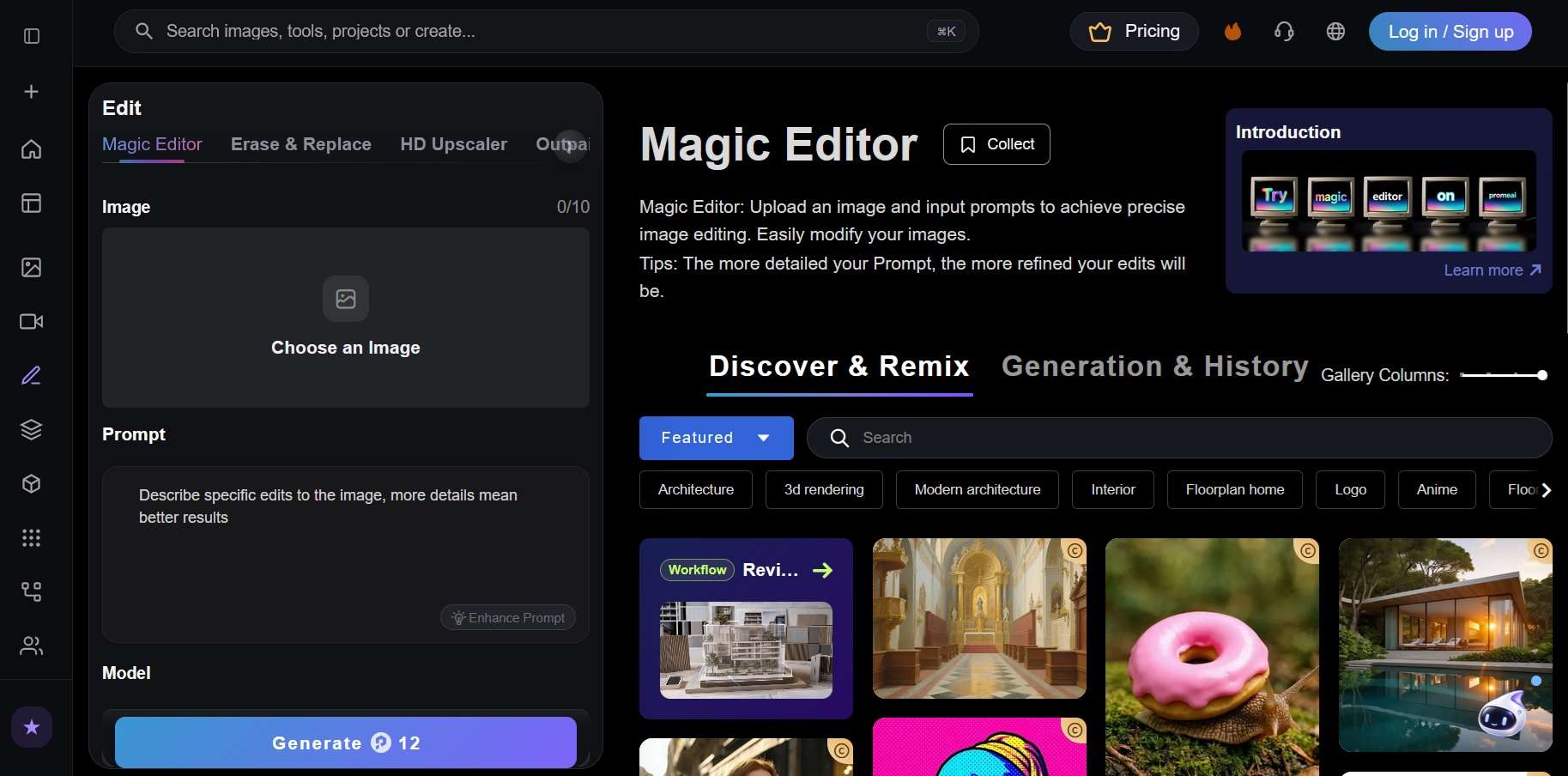
PromeAI's editing tools cover prompt-based changes, selected-area edits, and image quality:
- Magic Editor makes changes from a text prompt.
- Erase & Replace edits a selected area.
- HD Upscaler improves detail and resolution.
- Outpainting expands the frame beyond the original image.
- Mockup Generator creates visual mockups for items such as logos, furniture, and patterns.
3D Generation
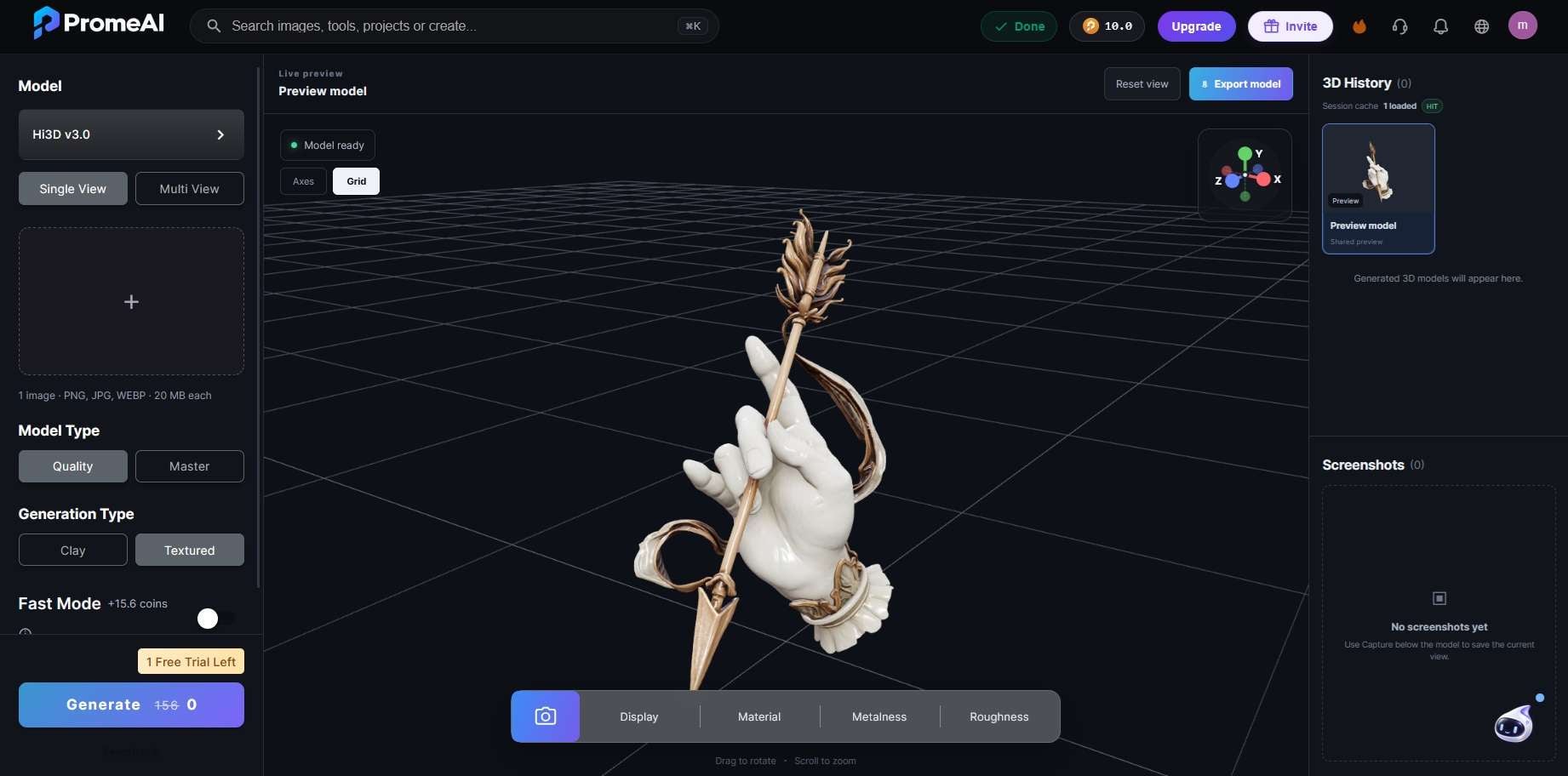
PromeAI’s 3D Generation tool turns 2D images into 3D models. It currently uses the Hi3D v3.0 model and supports both Single View and Multi View inputs. You can upload a PNG, JPG, or WEBP image and choose how you want the generated model to look.
The tool offers two generation types:
- Clay for a simpler 3D model appearance
- Textured for a more detailed result with surface textures
A live 3D preview lets you inspect the generated model before exporting it. PromeAI also provides a Fast Mode option for quicker generation.
Part 3. PromeAI Price: Free vs. Base, Standard & PromeAI Pro
The PromeAI price system uses coins, and the cost changes with the model and settings used. Free accounts currently receive 10 coins per month, which is enough for basic testing. Paid users can choose Base, Standard, or PromeAI Pro. PromeAI also sells extra coins separately.
PromeAI Pricing Plans
| Plan | Monthly Price | Yearly Price* | Coins/Month | Stated Maximum Capacity |
| Base | $19 | $16/month | 500 | Up to 500 images / 33 videos |
| Standard | $39 | $29/month | 2,000 | Up to 2,000 images / 133 videos |
| Pro | $79 | $59/month | 6,000 | Up to 6,000 images / 400 videos |
Is PromeAI Pro Worth It?
PromeAI Pro is aimed at users who generate content often or work on commercial projects. Its main benefits include:
- 6,000 coins per month
- Up to 6,000 images or 400 videos under PromeAI's headline estimates
- Commercial rights
- 50% off extra coin purchases
- 50% off supported video generation
- Unlimited use of selected video models under PromeAI's stated limits
- Up to 6 concurrent and 40 pending image generations
For regular client renders, product visuals, and AI video work, Pro offers the most room to experiment. Standard is likely enough for lighter commercial use.
Part 4. PromeAI Review: Where It Shines and Where It Doesn't
As a visual design tool, PromeAI gets the most praise for turning rough ideas into polished images with little effort. User feedback also points to a few limits when more precise editing or faster output is needed.
- Realistic results: Users praise the quality of generated visuals.
- Easy sketch conversion: Rough sketches can become polished images with less manual work.
- Strong prompt-to-image output: Users report good image transformation from both sketches and text prompts.
- Lighter text filtering: One reviewer valued fewer prompt restrictions.
- Limited fine control: Exact edits and customisation can be difficult.
- Editing issues: Some users report inaccurate or hard-to-refine results.
- Slow at peak times: Performance may drop when demand is high.
Bonus: Continue and Finish Your Project in Filmora
PromeAI is useful for getting a visual idea off the ground. It can render sketches, improve images, create product visuals, and turn still designs into short motion clips. The next stage is different. Your product reveal may need branding and music. Your architecture render may need several scenes, narration, and titles. Meanwhile, PromeAI's editing is still limited.
Wondershare Filmora is a video editor that can cover that stage. You can drop your PromeAI renders and clips onto the timeline, arrange them into scenes, and add titles, music, and a voiceover. Better yet, Filmora also offers built-in AI image and video generation tools. If your PromeAI export is missing a shot, you can generate it from text or from an image without leaving the editor.
How Filmora Completes Your Project
1. Animate PromeAI Designs Further
Export a PromeAI product image, artwork, or design render and use Filmora's AI Image to Video for another motion treatment. You can choose Seedance 2.0, HappyHorse, or Veo 3.1, use a preset effect, or enter a custom prompt. You can then edit the generated clip on Filmora's timeline.
2. Build the Full Story on a Timeline
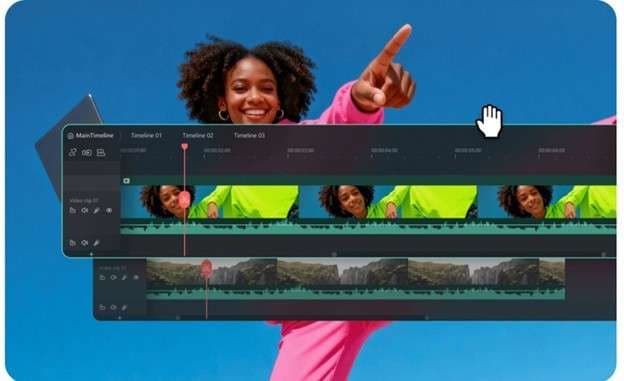
PromeAI may give you several stills and short clips. Filmora lets you place those assets beside real footage, titles, logos, music, and voice tracks. Its timeline supports separate video and audio tracks, including multi-track editing for more complex projects.
3. Add Motion Between Static Designs
Not every image needs another AI generation. Filmora includes Pan & Zoom, keyframing, and transitions for adding controlled movement between still renders. This is useful for architecture slides, product close-ups, portfolios, and concept presentations.
4. Give the Visuals a Soundtrack
Filmora's AI Music Generator can create background tracks around a chosen mood or style. Wondershare states that its AI-generated music can be used commercially. You can also add sound effects, record or generate narration with Text-to-Speech, and fine-tune volume, fades, and other audio settings on the timeline.
5. Prepare It for Social Media
A finished design video may need several formats. Auto Reframe adjusts the composition for different aspect ratios without rebuilding the edit. Filmora's current Auto Caption tool can also generate and style captions for short-form videos, marketing content, courses, and other spoken projects.
In short, PromeAI is strongest at visual creation and exploration, while Filmora gives those assets a full post-production path. Using both makes sense when a generated concept needs to become a polished product video, design presentation, ad, or social post.
 Secure Download
Conclusion
PromeAI is most useful when a rough visual needs to become something presentation-ready. It handles sketches, product ideas, interiors, and other design concepts well, then adds motion through tools such as PromeAI image-to-video. The main appeal is the speed. Still, generated images and short clips often need more work before they feel complete.
For that final stage, Filmora fits naturally. Its timeline, audio tools, captions, motion controls, and branding options help turn PromeAI assets into finished videos for presentations, campaigns, and social content.
FAQs About PromeAI
-
1. Is PromeAI free to use?
Yes. PromeAI offers a free tier with limited monthly coins. Free and Base plans are for personal, non-commercial use. Commercial rights start with Standard. -
2. What is the difference between PromeAI Standard and PromeAI Pro?
Standard includes 2,000 coins each month. With PromeAI Pro, users get to access additional features, including 6,000 coins a month. Furthermore, there are increased generation limits, reduced queues, and additional discounts. Both support commercial use. -
3. Can PromeAI turn a photo or design into a video?
Yes. PromeAI image-to-video can animate photos, product images, artwork, and design renders. Users can guide subject motion and camera movement with prompts.
