


 TL;DR:
SeaArt AI is a comprehensive generative platform best suited for creators looking to experiment with anime-style art, custom LoRA training, and advanced ComfyUI node workflows without switching between multiple tools.
● Free users receive 150 daily Stamina but face output watermarks and restricted access to premium AI models like HiDream, SeaArt Film, and Illustrious 3.5.
● Video generation is restricted to 5 to 10-second clips that often lack temporal coherence during complex movements, and users must rely on an imperfect "Green Mode" filter to hide explicit NSFW content.
● While SeaArt AI is ideal for prompt-based experimentation and training lightweight models using only 20 to 30 reference images, Wondershare Filmora is recommended for users who need a full multi-track timeline to compile, add audio, and color-grade their generated clips into finished videos.
Ask AI for a summary
 ChatGPT
 Perplexity
 Gemini
 Claude
 Grok
Grok
If you are looking for a single tool where you can make AI art, videos, and images, as well as explore AI creations made by other users, or even train your own AI model, you may want to take a closer look at SeaArt AI.
SeaArt has gained attention for its impressive AI generation quality. It’s best known for anime-style artwork and animation videos, though its capabilities range well beyond that. We’ll break down what you can do with SeaArt AI, how it actually performs, and whether it’s worth using for your projects.
Part 1. What is SeaArt AI?
With a lot of creators, marketers, and designers looking for a faster way to bring their ideas to life, SeaArt AI comes as one of the few AI platforms that can cover almost the entire process. This tool combines AI generation, community discovery, and model training in one place, which makes it stand out from AI tools that only focus on generation alone.
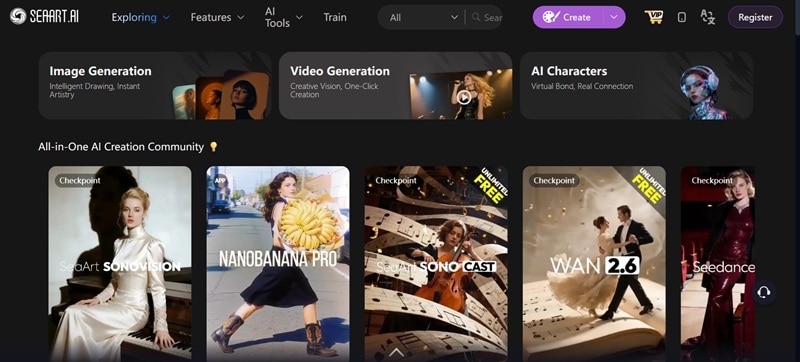
Table Overview of SeaArt AI
| Feature | Rating |
| Ease of Use | ★★★★☆ |
| AI Capabilities | ★★★★★ |
| Performance & Speed | ★★★☆☆ |
| Value for Money | ★★★☆☆ |
Where to use SeaArt AI?
SeaArt is available through its website and as a mobile app on both iPhone and Android. The core features stay mostly the same, but the web version offers more flexibility and tools compared to the mobile app.
- Online: https://www.seaart.ai/
- SeaArt AI download (iOS): App Store
- SeaArt AI APK download (Android): Google Play
Is SeaArt AI Free?
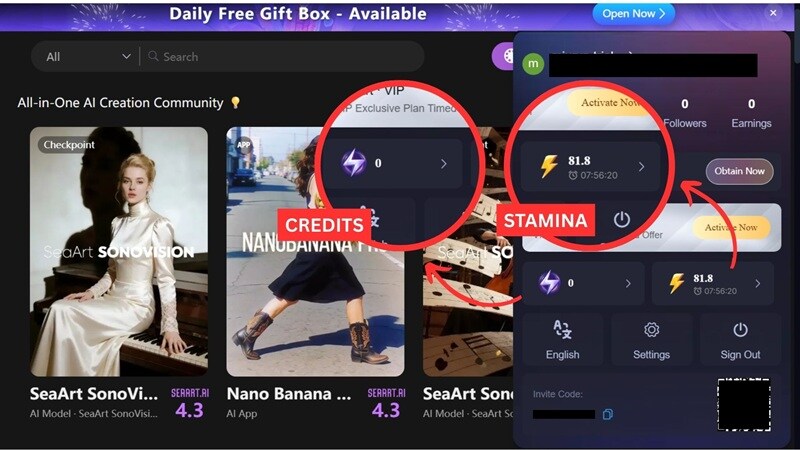
SeaArt controls usage through Credits and Stamina:
- Credits can be used on all tools (model training, AI creation, paid AI model) and never expire.
- Stamina is a daily free limit that resets every day and doesn’t reduce your credit balance.
When you create content, SeaArt uses your daily stamina first. If that runs out, it automatically pulls from your credits. SeaArt AI free users get 150 Stamina daily, while VIP users receive a higher daily stamina allowance that ranges by level.
SeaArt AI login methods include signing in with Google, Discord, Facebook, a phone number, or email. The subscription plans can be accessed through the SeaArt Mall, with details as follows:
| Beginner | Standard | Professional | Master | |
| Pricing* | $5.99/mo | $29.99/mo | $59.99/mo | $149.99/mo |
| Daily Bonus Stamina | +300 Stamina | +1,800 Stamina | +4,000 Stamina | +12,000 Stamina |
| High-Res Video Generation | ❌ | |||
| Video First/Last Frame | ❌ | |||
| LoRA Training Priority Queue | ❌ | ❌ | ||
| Access to All Resources | ||||
| Image Batch Generation | Up to 6 images/batch | Up to 8 images/batch | Up to 8 images/batch | Up to 8 images/batch |
| AI Models | Limited | Limited | Limited | All |
*) Pricing can change depending on your country and current promotions. Tax not included.
The access for SeaArt AI free users is pretty much limited and your content will include a watermark. If you want to try out the full features, the platform usually offers a 3 day free trial.
Part 2. SeaArt AI Key Features and Capabilities
There’s a lot you can do with SeaArt, but we’ll break down the features that stand out the most.
1. AI Image Generator
SeaArt AI image generator works like most tools: you enter a text prompt or upload an image as a reference, and it generates an image for you. Where it really stands out is anime-style artwork. It can generate realistic images too, but those often come out with a more synthetic feel, such as overly smooth skin and less natural detail.
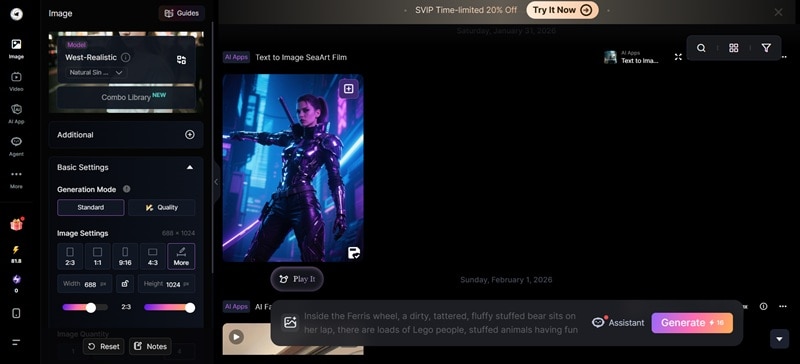
If you’re unsure where to start, the prompt random generator is useful for getting started. You can also adjust various settings like image size, aspect ratio, and other options. Then, switch between different AI models, though some models, like HiDream, SeaArt Film, and Illustrious 3.5, are not available on the free plan.
2. AI Video Generator
The SeaArt AI video generator is built on a mix of its own models and third-party video models. Its in-house options include SeaArt SonoVision, Sono Lite, Sono Wave, and Sono Cast. You can also choose from several well-known external models, such as:
- Wan 2.5
- SeaDance
- Wan 2.6
- Kling 2.6
- Sora 2
- Veo 3.1, and more
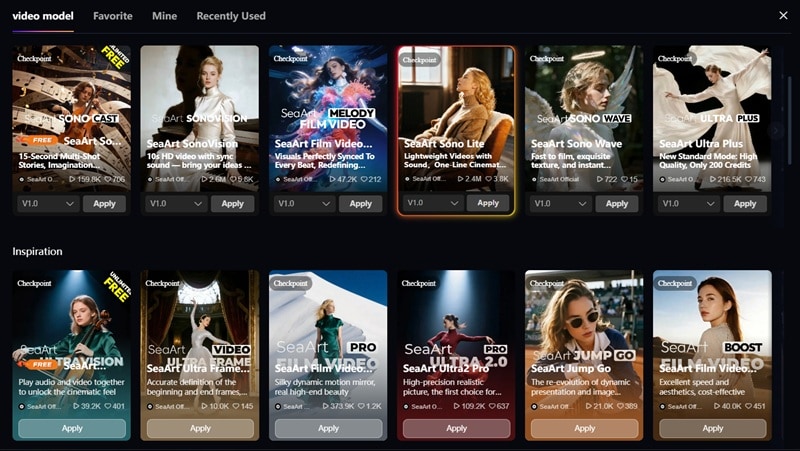
Each model has different requirements and limits, depending on the model you choose. In most cases, generation needs between 260 and 1,300 Stamina/Credits. For inputs, you can start with either text or an image. With SeaArt’s image-to-video feature, you can choose from preset character templates or upload your own image as the base.
3. Face Swap
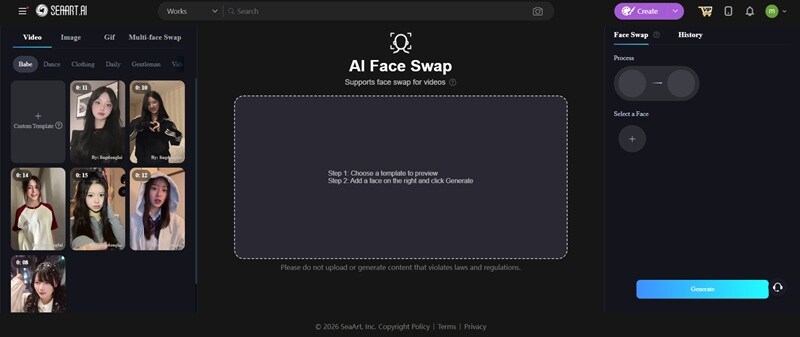
The SeaArt Face Swap feature lets you swap faces in videos, images you upload, or preset templates, including GIFs. While the template selection is still fairly limited (most of them are from popular social media trends), it works well for making quick edits. There’s also support for swapping multiple faces in a single image or video.
4. AI Training (LoRA)
If you are usually required to provide a large dataset of 100 images or more for AI training, SeaArt AI’s LoRA training asks you to upload only around 20 to 30 reference images. Then, it creates a lightweight LoRA file that captures the style from those samples.
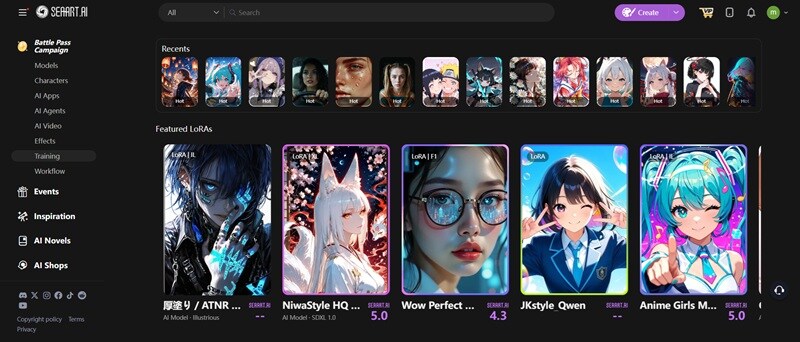
The quality of the results depends more on image variety than volume. Including different angles, subjects, and color variations gives the AI more flexibility when generating new images. After training the AI, you can apply the LoRA during generation to keep the output consistent with the style you trained.
5. AI Character
SeaArt’s AI Character feature lets you build a custom chatbot character that talks and reacts exactly the way you want. You can define the character’s background, personality, mindset, and tone, even down to very specific or quirky details.
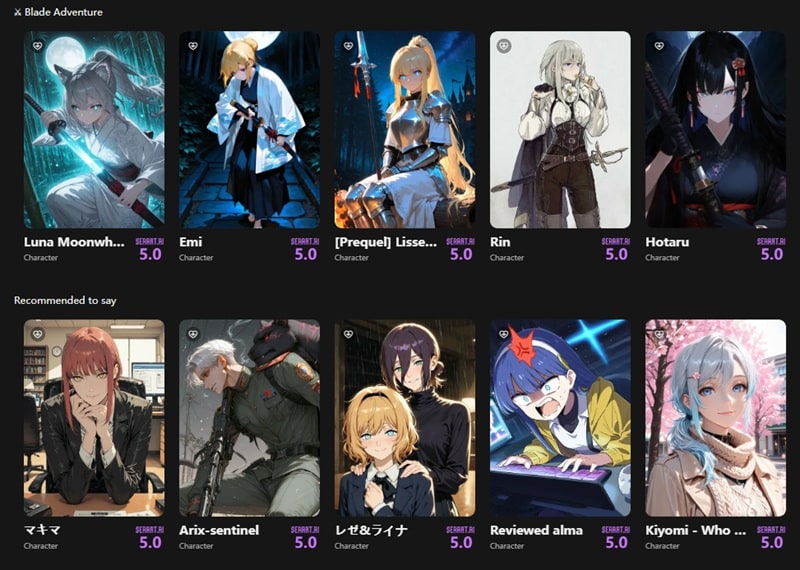
You can also set the scene or add sample dialogue to shape how the character responds in the SeaArt AI chat. After setting it up, you can chat with it for brainstorming, role-playing, or having a casual conversation. SeaArt also includes a library of pre-made AI characters (most of them are anime) if you prefer to interact with existing ones instead.
6. ComfyUI Workflow
If you are someone who wants more control over how AI images are generated, SeaArt AI offers ComfyUI that is built for that. It uses a node-based workflow that lets you manually adjust each part of the process instead of relying on automatic settings.
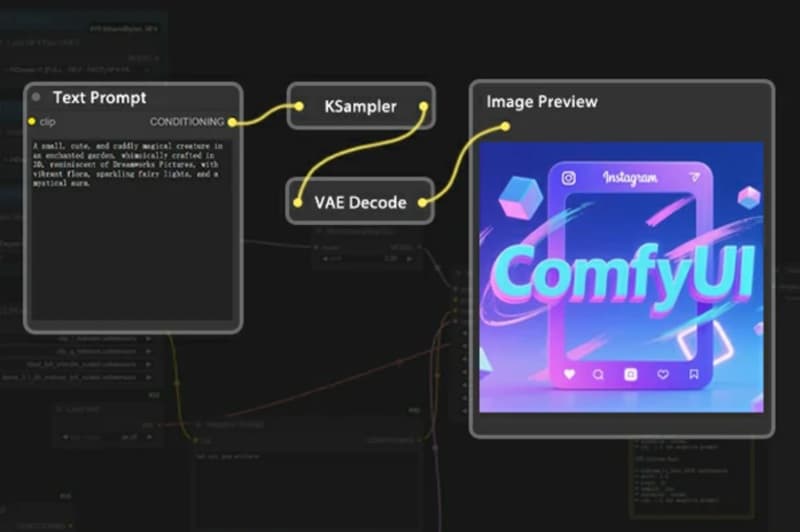
You can decide how prompts are weighted, how much influence a LoRA has, and how the diffusion process runs. Once you set up a workflow that works, you can reuse it and make small changes to get more accurate results that you want.
Part 3. What It’s Like to Use SeaArt AI: User Experience and Interface
Based on how many features it offers, SeaArt’s overall toolset is hard to beat. Its tool coverage is broad, with a fairly good outcome. You can choose the AI models that best fit your needs instead of jumping between different platforms.
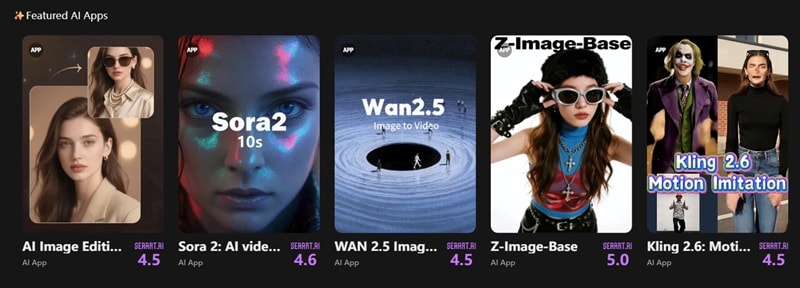
As of 2026, SeaArt AI holds a 4.4 rating from over 800 reviews on TrustPilot, though the mobile app ratings are more mixed (3.3 on Google Play and 4.1 on the App Store). Users often praise the platform for its wide range of creative tools, frequent updates, generous daily rewards, and multiple ways to earn additional credits.
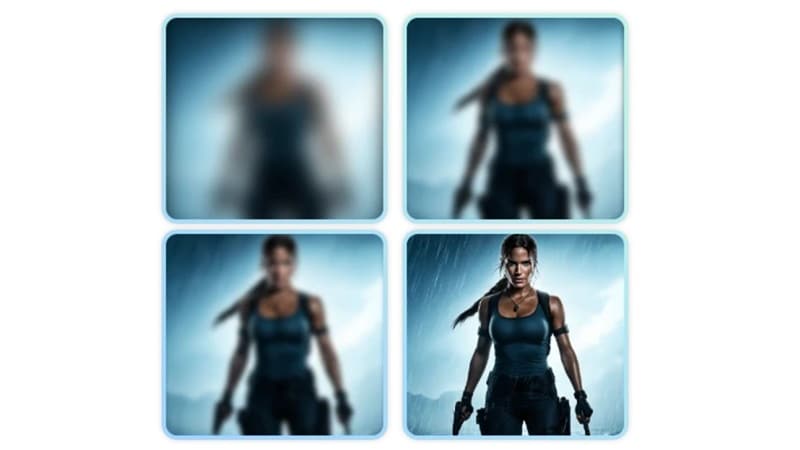
Ease of Use for Beginners vs Pros
The first time you open SeaArt AI, it can feel a bit like stepping into a spaceship cockpit. There are a lot of buttons, menus, and tools on screen. But even so, the core workflow is fairly straightforward once you know where to start.
Who SeaArt AI Is Best For
- Beginners: Even if you are a beginner, you can start with the basic image generator, prompt randomizer, templates, and pre-made AI characters without touching advanced settings.
- Intermediate Creators: For users who want more control, you will also love how easy it is to switch between different AI models and other tools after you’re familiar with the layout.
- Advanced Users and Professionals: Features like ComfyUI workflows, LoRA training, and model-level controls give experienced users the flexibility and consistency needed for more serious projects.
Recommended Use Cases:
- Quick storyboarding and visual planning
- Social media posts and short-form content
- Proof-of-concept clips and early idea testing
- Anime-style character and artwork creation
- Exploring different visual styles using multiple AI models
- Quick creative experiments without switching platforms
- Generating assets for concept art
Part 4. SeaArt AI Performance, Output Quality, & Rendering Speed
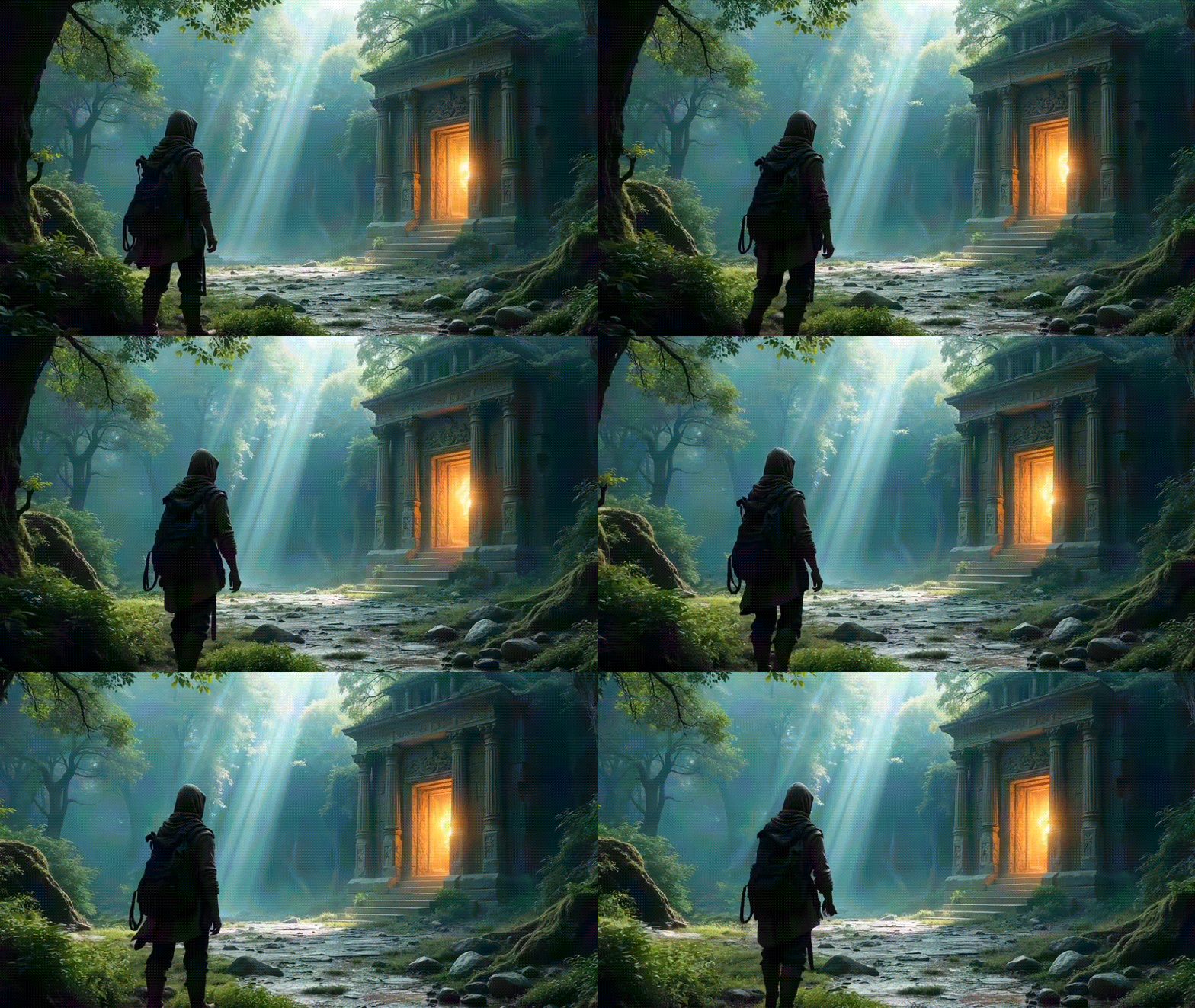
When using it, and by looking at other creators’ work, SeaArt AI image generator outputs are generally sharp, especially for anime visuals, while video generator results look best when used as brief clips rather than full scenes.
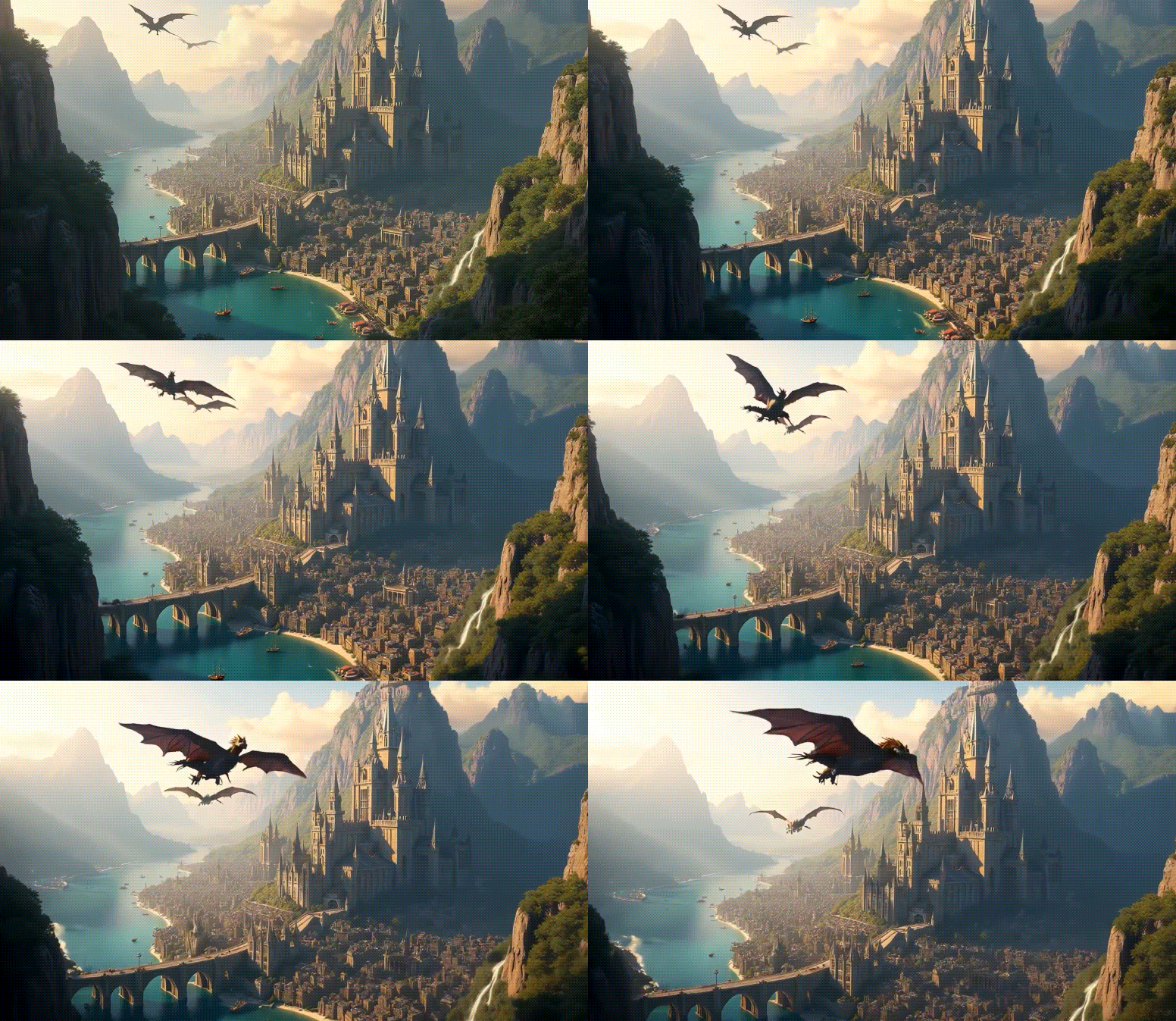
When it comes to motion, most models handle simple movements smoothly. But the results still fall short in realistic physics, even when using more advanced models. They often still have that noticeable AI-generated look.

Rendering Speed and Export
Rendering speed depends on the model and quality level you choose. Quick drafts often render in under a minute. Higher-quality 10-second HD clips can take several minutes to complete, especially on Ultra-tier models. For exports, SeaArt videos are usually exported as MP4 files.
Stability and Limitations
Like most AI tools, SeaArt has a few clear limits, especially for its AI video generation tool:
- Temporal coherence is the biggest one, as characters may slightly change in appearance from frame to frame, especially in longer or more detailed motions.
- Video length is limited, with most clips lasting around 5 to 10 seconds.
- Longer or more complex movements can cause occasional visual warping.
- For longer scenes or consistent characters, you’ll likely need to generate multiple clips and stitch them together during post-processing.
Ethical Concerns Around SeaArt AI
Despite its impressive capabilities, SeaArt AI has drawn some criticism because of how the platform can be used. A portion of its content includes provocative, violent, or sexually explicit imagery, which may be shared publicly or even used for commercial purposes.
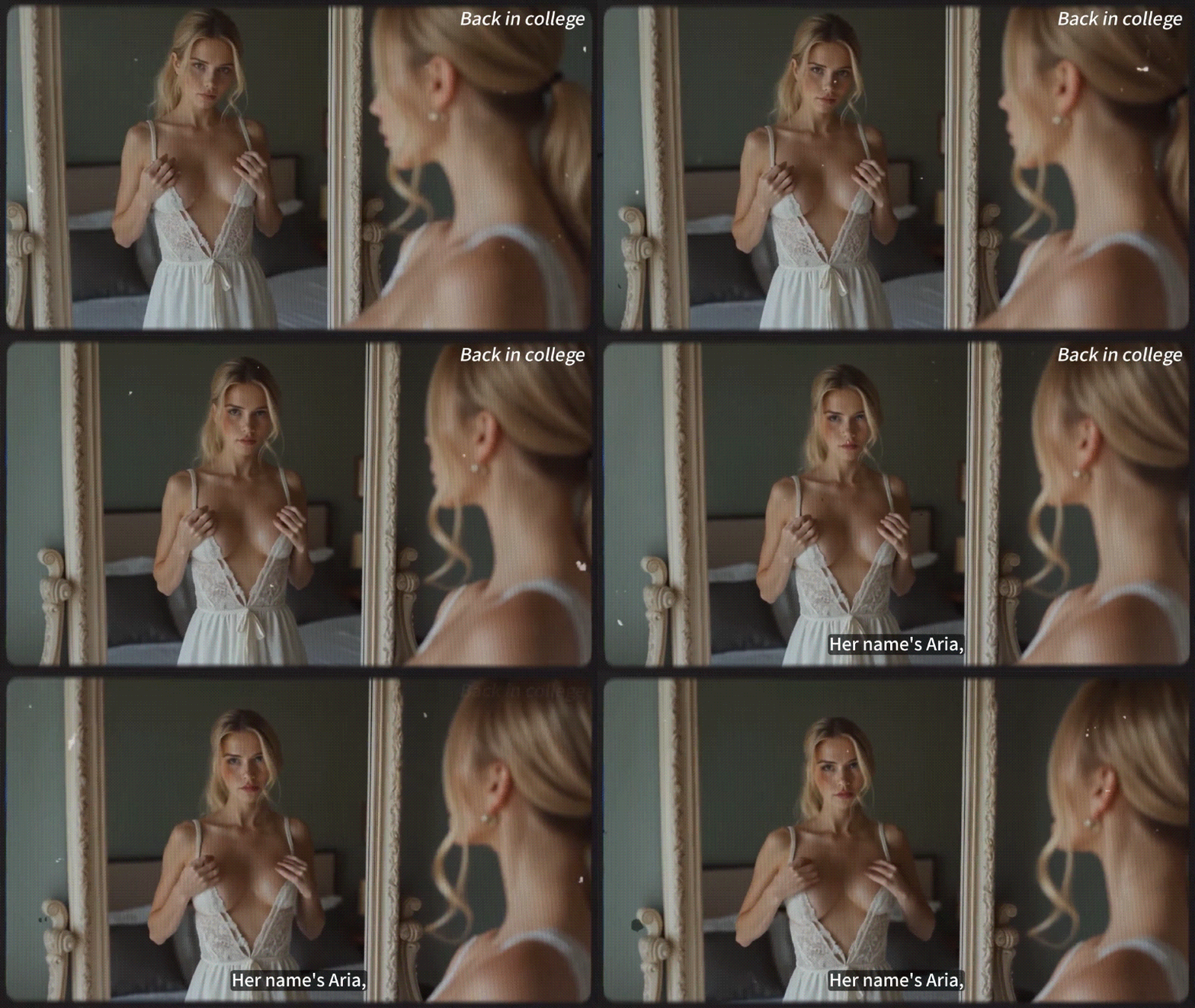
The platform does have NSFW filters, with visibility controls, such as “Green Mode” or “Mature Mode”. Activating Green Mode can hide images that are not suitable for display, including those with gore, violence, pornography, etc.
However, these filters are not perfect. SeaArt depends on community reporting, asking users to flag inappropriate or unlawful content. As a result, some material can still slip through, so you need to be mindful and responsible in how you use it.
Part 5. All-in-One AI Tools Like SeaArt with a Built-in Editor: Filmora
If you think that SeaArt AI is still a bit fragmented for a full project, you may want to check out Wondershare Filmora next. Similar to SeaArt AI, Filmora works as an all-in-one creative platform, but the key difference is that Filmora focuses on generating AI content inside a full video editor.
This approach is better suited for users who want the speed and convenience of AI generation while still having a proper timeline for manual editing. You can generate AI images or videos, then immediately refine them with transitions, effects, audio, and color adjustments in the same workspace.
 Secure Download
What You Can Do With Filmora
- Generate AI images powered by Nano Banana Pro
- Create high-quality AI videos from text or images using models like Sora 2 and Veo 3.1, with built-in template options for faster creation
- Replace, add, or remove objects in a video using the Element Editing feature
- Edit on a full multi-track timeline with precise control over cuts, pacing, and structure
- Browse and use background music and sound effects from the built-in library
- Generate voiceovers with text-to-speech or record your own narration
- Adjust colors, lighting, and basic grading to set the mood you want
SeaArt AI vs Filmora: Which One Should You Use?
| SeaArt | Filmora | |
| AI Models | Nano Banana Pro, SeaArt SonoVision, Sono Lite, Sono Wave, Wan 2.5, SeaDance, Wan 2.6, Kling 2.6, Sora 2, Veo 3.1, and more. | Standard AI model, Nano Banana Pro, Sora 2, Veo 3.1, Topaz Starlight (for video upscaling) |
| Main Features | AI image generation, AI video generation, AI characters, face swap, LoRA training, ComfyUI workflows | Full video editor, AI image generation, text to video generation, image to video generation, element editing, AI upscaling, built-in templates |
| Editing Tools | Very limited, mostly via prompt generation | Full timeline editor |
| Workflow Style | Prompt-based AI generation and experimentation | End-to-end workflow from generation to editing and final export |
| Audio Tools | Limited | Extensive |
| Output Formats | MP4, JPG | MP4, MOV, MKV, AVI, GIF, JPG, PNG, and more |
Compared to SeaArt AI, Filmora is more practical for turning AI outputs into finished videos rather than stopping at short clips. However, SeaArt is more suitable if your main goal is to test ideas or experiment with different AI styles.
Better yet, you can combine SeaArt and Filmora workflow by generating images or short videos in SeaArt first, then importing them into Filmora to edit, arrange, and refine everything until it becomes a complete video.
Secure DownloadConclusion
Some impressive AI creations made with SeaArt AI shared online pushed us to dig deeper and review how this tool actually works and what it can do in practice. The platform offers a wide mix of models to explore ideas without jumping between tools, though its limitations in editing and longer video consistency are hard to ignore for some users.
When you need an AI generation tool that also gives you enough room to refine and finish your work, Filmora is worth checking out next. While it supports AI image and video creation, it also focuses on what happens after generation by giving you a full timeline to edit and build everything into a complete video.
