
Got a photo you'd like to bring to life, or an idea for a video but no footage to work with? Senzia gives you a few ways to create one, including animating still images, generating videos from text prompts, and using reference content to guide the output. It also offers AI image and audio generation, making it more than just a video generator.
While the feature variety is interesting, the actual results and cost of using these tools deserve a closer look. This Senzia review explores its main features, tests its video generation capabilities, and examines its free access and pricing.
Part 1. What Is Senzia AI?
Senzia AI is a web-based platform for creating AI-generated videos and images. Its video generator supports three input methods, including text prompts, still images, and existing video clips. You can choose a workflow based on what you want to create and the materials available to you.
The platform provides access to more than 15 AI models, including Grok AI, Kling, and Seedance for video generation, as well as Nano Banana, Wan, and Gemini for image generation.
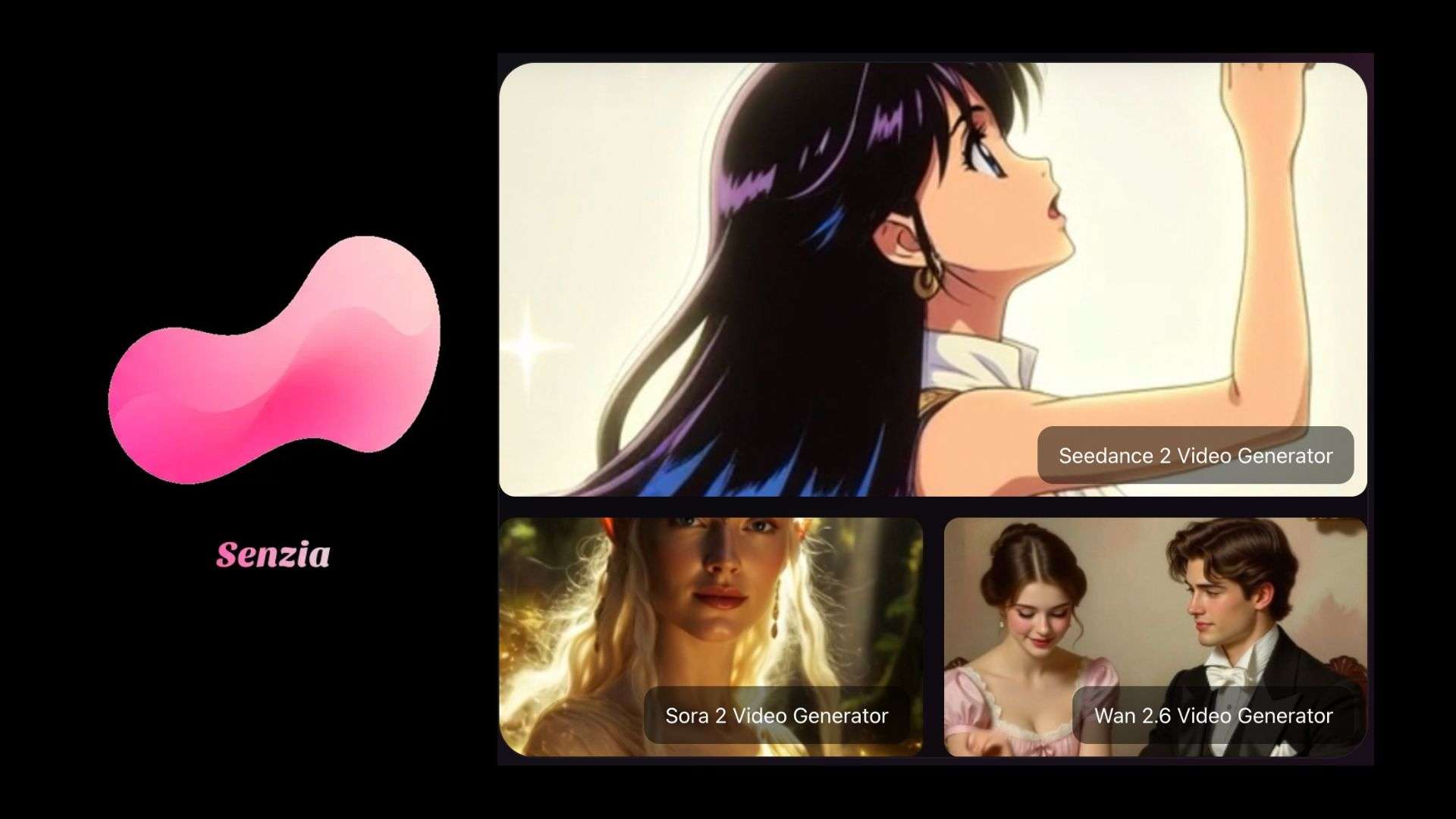
How to Use Senzia
Since Senzia AI is a web-based platform, you don't need to install a mobile app to use its features. Be careful with Senzia Mod APK. Modified APK files may contain malware or compromise your device’s security. It's safer to access the platform through its official website.
Part 2. Key Features of Senzia
Senzia AI specializes in generating media from prompts and uploaded content. It doesn't offer the full timeline editing features found in dedicated video editors, such as detailed clip arrangement, transition adjustments, and subtitle editing.
Image-to-Video Generation
Senzia's image-to-video generator animates an uploaded photo based on your instructions. Use a portrait, product image, or illustration and describe the movement you want to see. Key features include:
- Image Upload: Upload a JPEG, JPG, PNG, or WEBP image. The current upload interface lists a 10 MB file limit.
- Motion Prompts: Describe the subject's movement, camera direction, or other changes you want in the clip.
- Reference Images: The interface also provides a reference-image option to guide the generation.
Text-to-Video Generation
Senzia's text-to-video tool creates video clips from written prompts, so you don't need an existing photo or video to begin. Describe the scene and the action you want to see, then generate a clip using an available AI model. Key features include:
- Text Prompts: Describe the subject, setting, action, and visual style of the scene.
- AI Video Generation: Generate moving footage directly from your written description.
- Style Direction: Include details about the atmosphere, lighting, and camera movement in your prompt.
- Preview and Export: Review the generated clip before downloading the result.
AI Image Generator
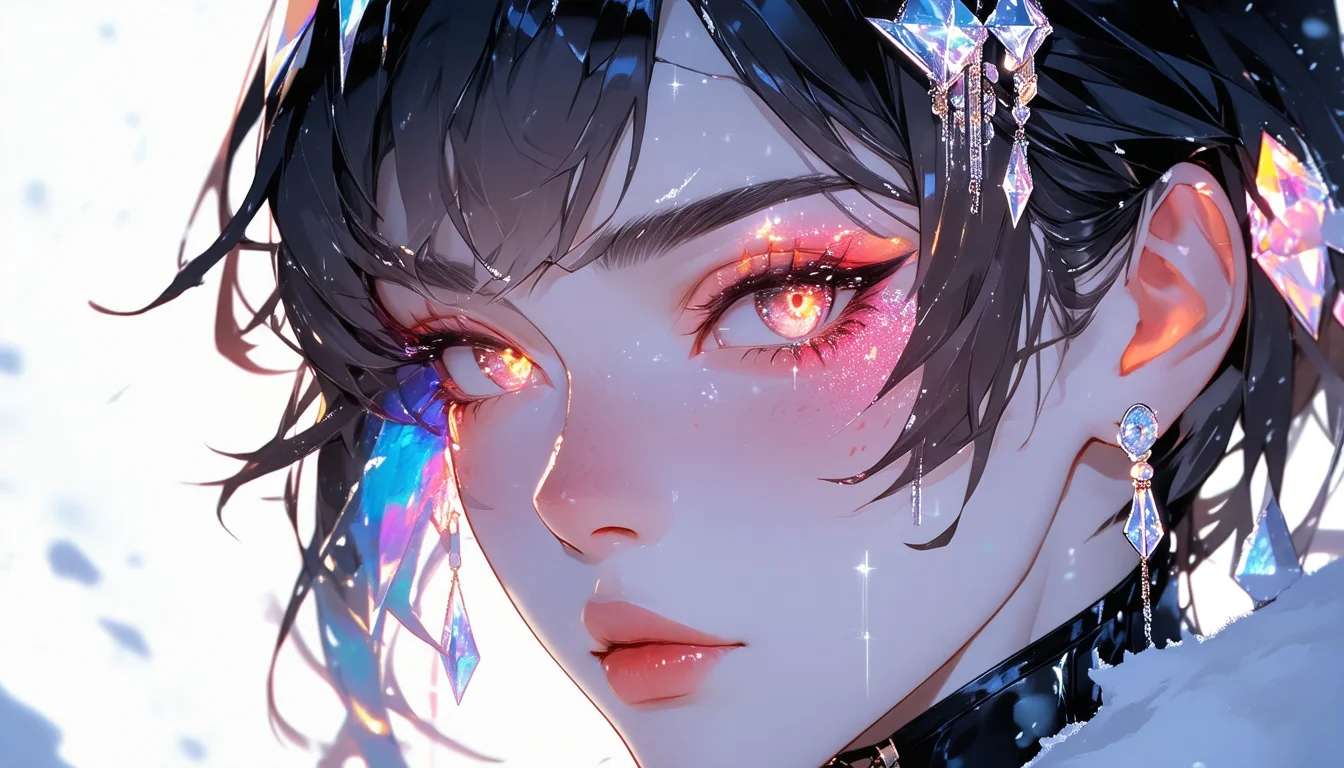
The Senzia AI image generator supports text-to-image and image-to-image creation. You can start with a written description or upload an existing picture to guide the new result. Key features include:
- Text-to-Image: Generate an image from a written prompt.
- Image-to-Image: Use an uploaded photo as a reference for a new image.
- Inpainting: Select an area of an image and describe what you want to change or add.
- Background Editing: Replace or modify the background as part of the image-editing workflow.
- Image Upscaling: Senzia advertises upscaling to 2K resolution.
AI Video Extender
The AI Video Extender adds newly generated frames to existing footage. Extend a clip at the beginning or end and use a prompt to describe how the scene should continue. Key features include:
- Forward and Backward Extension: Add generated footage to the start or end of a video.
- Prompt Guidance: Describe the action or movement that should appear in the extended section.
- Background Extension: Generate additional background beyond the original frame.
- Video Upload: Senzia currently supports MP4 and MOV, with a maximum file size of 50 MB and a duration limit of two minutes.
AI Long Video Generator
Despite its URL name, Senzia's AI Long Video Generator does not create a full movie from a script. It takes one still image and a written action description to generate a longer continuous clip. You can select a duration of 5, 10, 15, 30, or 45 seconds. Key features include:
- Image-Based Generation: Upload a still image that serves as the visual reference throughout the clip.
- Scene Instructions: Describe a sequence of movements or camera actions, such as holding a shot, slowly panning, or moving closer to a subject.
- Longer Duration Options: Choose from five available lengths, up to 45 seconds.
- Single-Clip Output: Generate one continuous video instead of joining several short clips into a slideshow.
AI Editor
Senzia separates its photo and video editing features into two tools. The AI Photo Editor handles background adjustments, while the AI Video Editor focuses on repairing and improving existing footage.
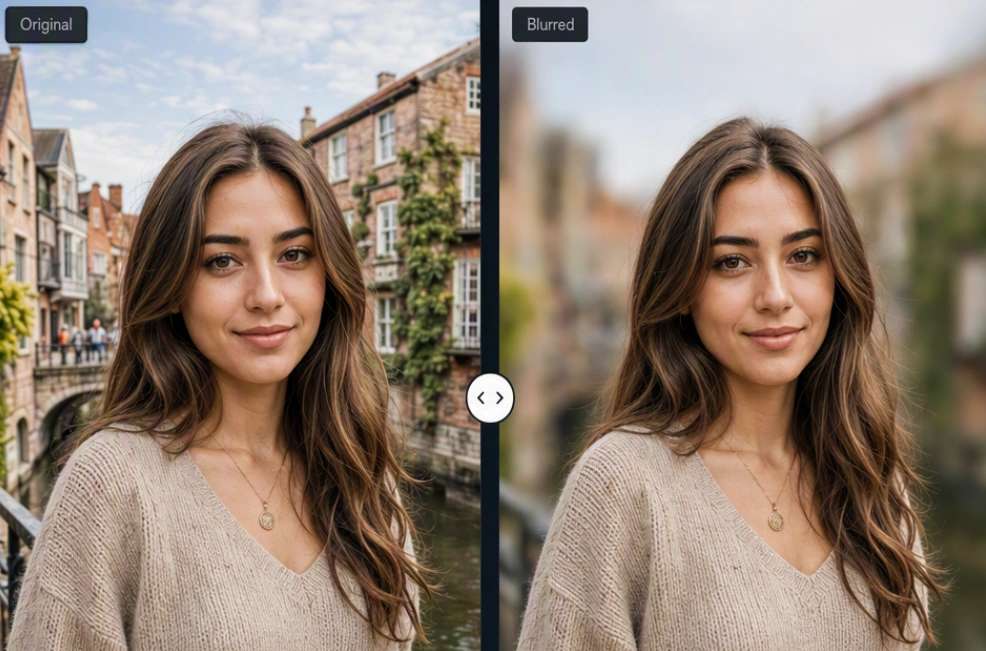
The AI Photo Editor is designed to change or clean up photo backgrounds. Its listed features include:
- Background Removal: Separate the main subject from its original background.
- Background Changer: Swap the existing backdrop for another background.
- Background Blur: Apply a depth-based blur while keeping the main subject in focus.
- White Background: Give product photos a clean, plain background.
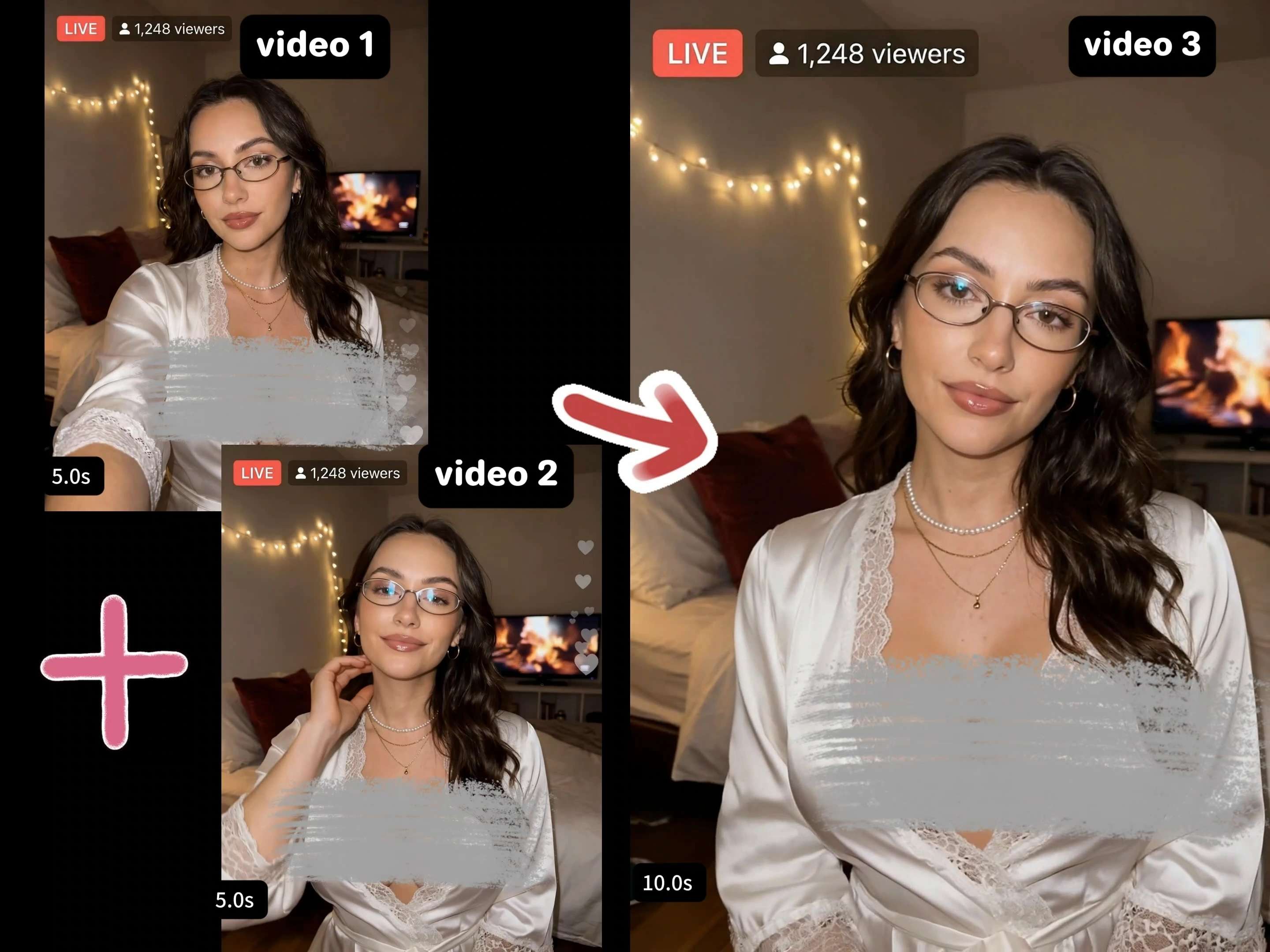
The AI Video Editor works with existing footage and offers several separate processing options. Its listed features include:
- Merge Video: Combine multiple video clips into one file.
- Noise Removal: Reduce unwanted background noise in the video's audio.
- Video Watermark Removal: Remove visible watermarks from uploaded footage.
- Video Subtitle Removal: Erase existing subtitles embedded in the video.
AI Music
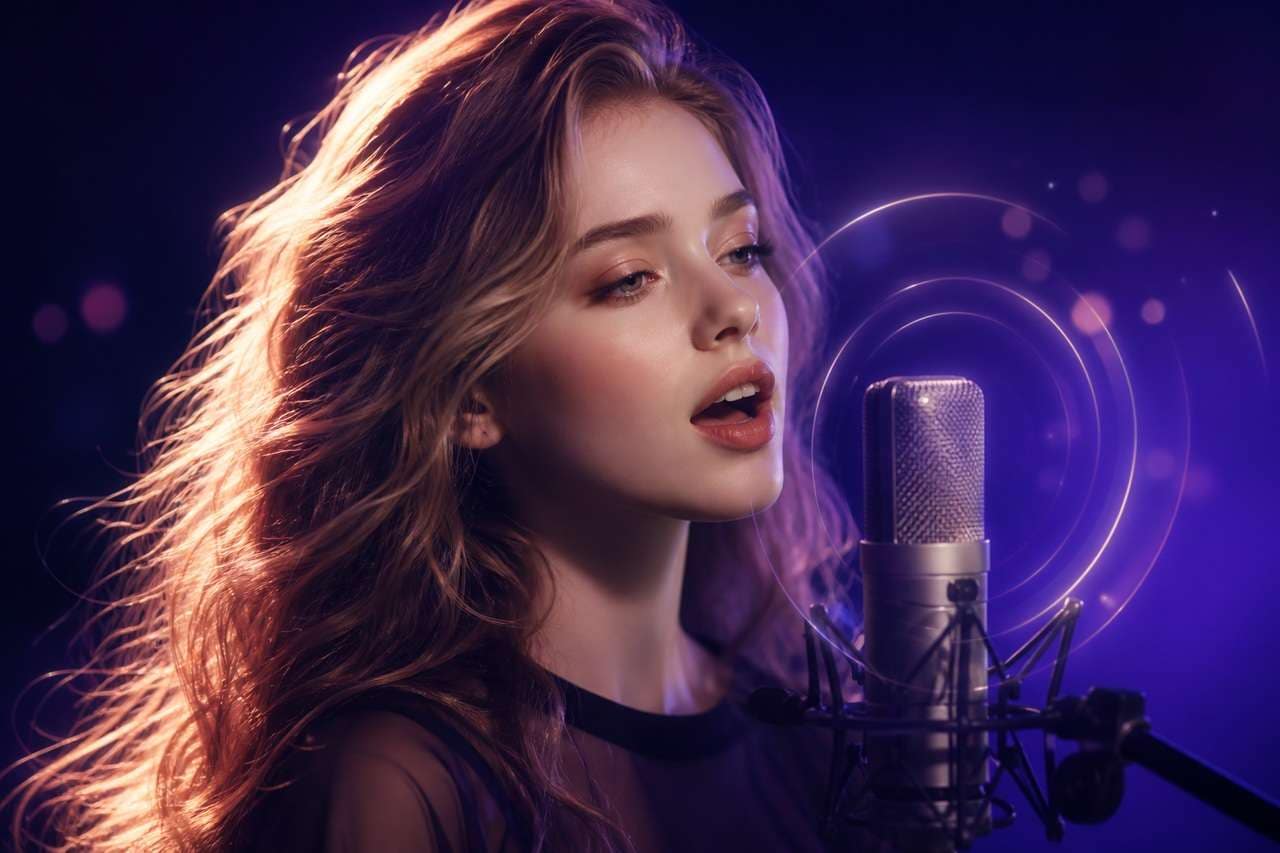
Senzia's AI Music section is a collection of tools for generating and editing music. You can create a new track from a prompt or lyrics, work with an existing song, and generate visuals to accompany your audio. Key features include:
- AI Music Generator: Create a song from a text description, provided lyrics, or an audio reference. You can also specify the genre, mood, and vocal preferences.
- AI Song Cover Generator: Create a cover using an uploaded reference track and a different vocal performance.
- AI Music Video Generator: Generate a video to accompany an existing audio track.
Part 3. Testing Senzia's AI Video Quality
Senzia offers several AI video generation models, each with different capabilities and output styles. To see what they can produce, the following tests cover text-to-video, image-to-video, and video extension. Results are evaluated based on prompt accuracy, motion, and visual consistency.
Text-to-Video Test
| Test Detail | Description |
| AI Model | Wan 2.5 |
| Generation Type | Text-to-Video |
| Prompt | A red-haired swordswoman in black armor lunges forward with a glowing blue sword. Red lightning surrounds the weapon, while a blue vortex swirls in the background. |
| Visual Style | Cinematic fantasy with dramatic lighting and red-and-blue effects. |
|
Show More
Show Less
|
|
Visual Assessment: The swordswoman stands out against the blue vortex, with her glowing sword and red lightning adding strong visual contrast. Her forward-leaning pose fits the action scene, while the swirling background adds movement. Overall, the look resembles a fantasy battle scene.
Image-to-Video Generation
| Test Detail | Description |
| AI Model | Ultra V2.0 |
| Generation Type | Image-to-Video |
| Prompt | An intense survival-horror scene of a terrified woman running through shallow, muddy water as a giant creature with glowing red eyes chases her. Dark clouds hang overhead, while water and mud splash with every step. |
| Visual Style | Cinematic survival horror with dark, cloudy surroundings and dramatic lighting. |
|
Show More
Show Less
|
|
Visual Assessment: The woman runs through the muddy water with the creature close behind her. Water splashes around her legs as she runs, while the creature's red eyes stand out against the dark, cloudy background. The scene captures the tension of the chase without losing the focus on the woman trying to escape.
AI Video Extender Test
| Test Detail | Description |
| AI Model | Ultra V1.0 |
| Generation Type | AI Video Extender |
| Input Video | A woman wearing a light blue sequined minidress stood with her hands on her hips. |
| Prompt | A woman stands confidently with her hands on her hips, wearing a light blue sequin mini dress. She smiles and spins once as glitter trails around her. When she faces the camera again, her outfit transforms into a fitted red sequin evening gown with a plunging V-neckline and thigh-high slit. Keep her facial features, pose, and background consistent. Use soft studio lighting and cinematic slow motion. |
| Visual Style | Glamorous fashion transformation with sparkling effects, soft lighting, and slow-motion movement. |
|
Show More
Show Less
|
|
Visual Assessment: The woman starts in a blue sequin dress, then changes into a red evening gown as she turns. The glitter follows her movement, adding to the transition. She keeps the same hands-on-hips pose when she faces the camera again, making the outfit change the clip's main focus.
Part 4. Senzia Pricing
Senzia AI uses credits for AI video, image, and audio generation. You can purchase credits through one-time packages or choose a Premium subscription for ongoing access.
Senzia Pricing Plans (2026)
| Plan | Price | Credits | Estimated Images | Estimated HD Video |
| Lite | $6.99 | 280 credits | Up to 56 images | Up to 14 HD videos |
| Plus | $9.99 | 450 credits | Up to 90 images | Up to 23 HD videos |
| Prime | $14.99 | 720 credits | Up to 144 images | Up to 36 HD videos |
Each package comes with AI generation tools, 100+ templates and effects, faster processing, watermark-free downloads, and priority support. The number of outputs you get depends on the model's credit requirements. Visit the official pricing page for the latest plans and offers.
Part 5. Senzia Review: Pros and Cons
Senzia has plenty of tools to explore, especially for users who often work with AI-generated images and videos. However, a few limitations may affect the experience, mostly when generating content repeatedly or trying to refine the final result.
- Users can try several AI models, including Wan, Gemini, GPT Image, Qwen, Happy Horse, and Grok, all from the same platform.
- Video generation supports text prompts, uploaded images, and existing video clips.
- The app also offers image generation, photo editing tools, and audio tools.
- Credit costs vary by model, so some generation processes use up credits much faster than others.
- There is no timeline editor for trimming clips, arranging scenes, or adding transitions.
- AI-generated videos may miss some prompt details, which can mean spending more credits on another attempt.
Bonus: Filmora for More Control Over AI-Generated Videos
Senzia focuses on generating individual clips, whereas Wondershare Filmora offers more options for editing and organizing footage. Its multitrack timeline supports scene arrangement, clip timing adjustments, and other elements like captions, transitions, and music.
Filmora also has several AI tools for creating video drafts:
- AI Idea-to-Video turns a topic or concept into a script and storyboard.
- AI Script-to-Video converts a written script into a video draft with visuals, voiceovers, and captions.
- AI Video Generator creates videos from text prompts, images, or audio, depending on the selected mode.
Once the footage is ready, you can trim unwanted sections, rearrange scenes, adjust timing, and add voiceovers or background music. You can also combine AI-generated clips with your own recordings.
For creators producing YouTube videos, tutorials, or social media content, these editing options give you more control over the final video. Filmora is another Senzia AI alternative you might want to check out if you need editing features aside from AI generation.
 Secure Download
Conclusion
Senzia AI is a convenient option for creators who often turn photos or text prompts into short videos. It offers several models to choose from, so you can compare how each one handles your idea. However, the results may not always match your expectations, and the lack of a full editing timeline makes longer projects harder to manage.
Senzia is better suited to generating individual clips than putting together a finished video. If your projects need scene rearrangement, captions, or voiceover adjustments, you'll likely need a separate editor such as Filmora.
FAQs
-
What can you create with Senzia AI?
Senzia supports text-to-video, image-to-video, and video-to-video generation. You can also create images from text or existing pictures, edit photos, extend video clips, and generate AI music. It covers several types of media creation in one platform. -
Can Senzia turn a photo into a video?
Yes. Upload a JPG, PNG, or WEBP image, then describe the movement you want to see. For example, you can make a portrait look like it's speaking or add motion to a landscape. Senzia uses your image and prompt to generate a short video. -
Does Senzia offer free AI video generation?
Senzia gives new users around 10 free credits upon registration, which you can use to try its AI video generator. You can also earn additional free credits through activities such as joining its Discord community and daily check-ins. Just note that video generation typically costs 20-50 credits or more, depending on the selected AI model and settings. -
How does Senzia's credit system work?
Senzia uses credits each time you generate content. The amount varies depending on the AI model, generation type, and settings. More complex models or higher-quality outputs may use more credits. You can purchase additional credits through one-time packages or a Premium subscription.