


 TL;DR:
Yepic AI is a browser-based automation tool that converts text scripts into talking avatar videos for structured corporate content, prioritizing fast, high-volume production over creative editing flexibility.
● The service requires a credit-based subscription starting at $20 per user per month for 200 credits, with scalable API generation costing $0.25 per video minute and restricted to premium tiers.
● Users can create content utilizing stock presenters, custom digital clones, or static photos paired with over 450 voices across 65 languages, but cannot natively manipulate scene timing, narrative flow, or visual pacing.
● It is highly effective for L&D and support teams generating repetitive onboarding and explainer materials, whereas creators needing dynamic storytelling must export the generated footage to an external editor like Wondershare Filmora for AI text-based timeline adjustments and audio cleanup.
Ask AI for a summary
 ChatGPT
 Perplexity
 Gemini
 Claude
 Grok
Grok
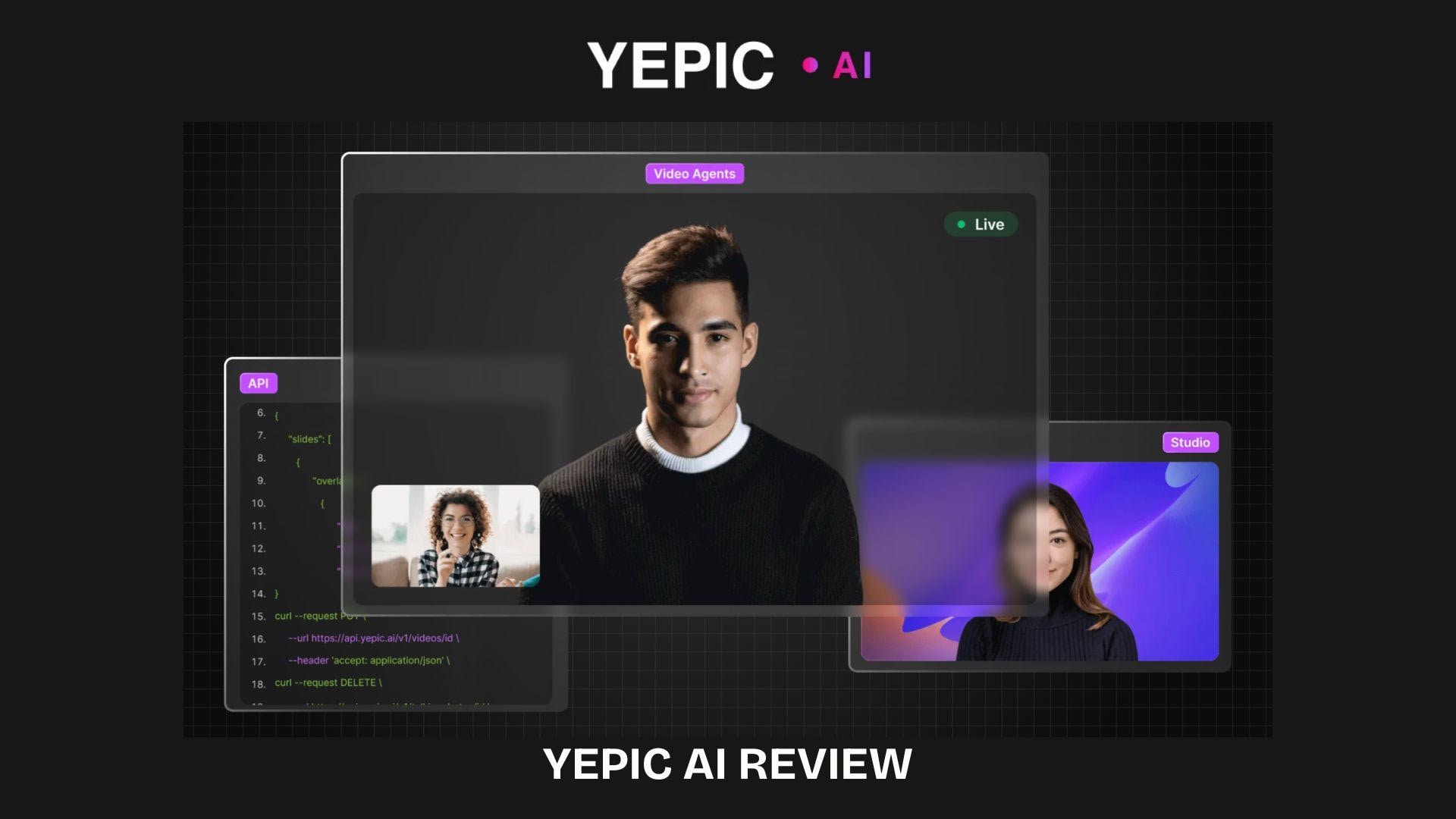
If you’re creating content for training, employee onboarding, or product communication, AI avatars can simplify the process. Yepic AI is a web-based tool that converts written scripts into videos featuring talking avatars, enabling teams to produce presenter-style content without filming or voice recording.
Instead of setting up a camera or recording a voiceover, you can type your script and generate videos in minutes. Using tools like Yepic Studio, teams can create multilingual explainers or internal training content with a consistent on-screen presenter. It’s commonly used by marketers, L&D teams, and support teams that need scalable video production.
Part 1. What is Yepic AI and What It Actually Does
Yepic AI is a web-based platform that turns written scripts into videos using AI-generated talking avatars. Operating under the legal name Yepic AI Limited, its goal is to help companies communicate better through video production and dubbing tools. The platform is already trusted by over 25,000 organizations.
Yepic AI covers three main capabilities:
- Creating videos with AI avatars.
- Dubbing existing content into other languages.
- Personalizing videos at scale through its API.
In practice, it’s commonly used for internal training, employee onboarding, and product explainers videos over cinematic storytelling. Everything runs on your browser, so there's no Yepic app to download or install.
Part 2. Inside Yepic Studio: What the Workflow Feels Like
Yepic Studio is the main workspace inside Yepic AI, where you can turn scripts into AI avatar videos. The process is designed to feel effortless, almost like creating content over editing video from scratch.
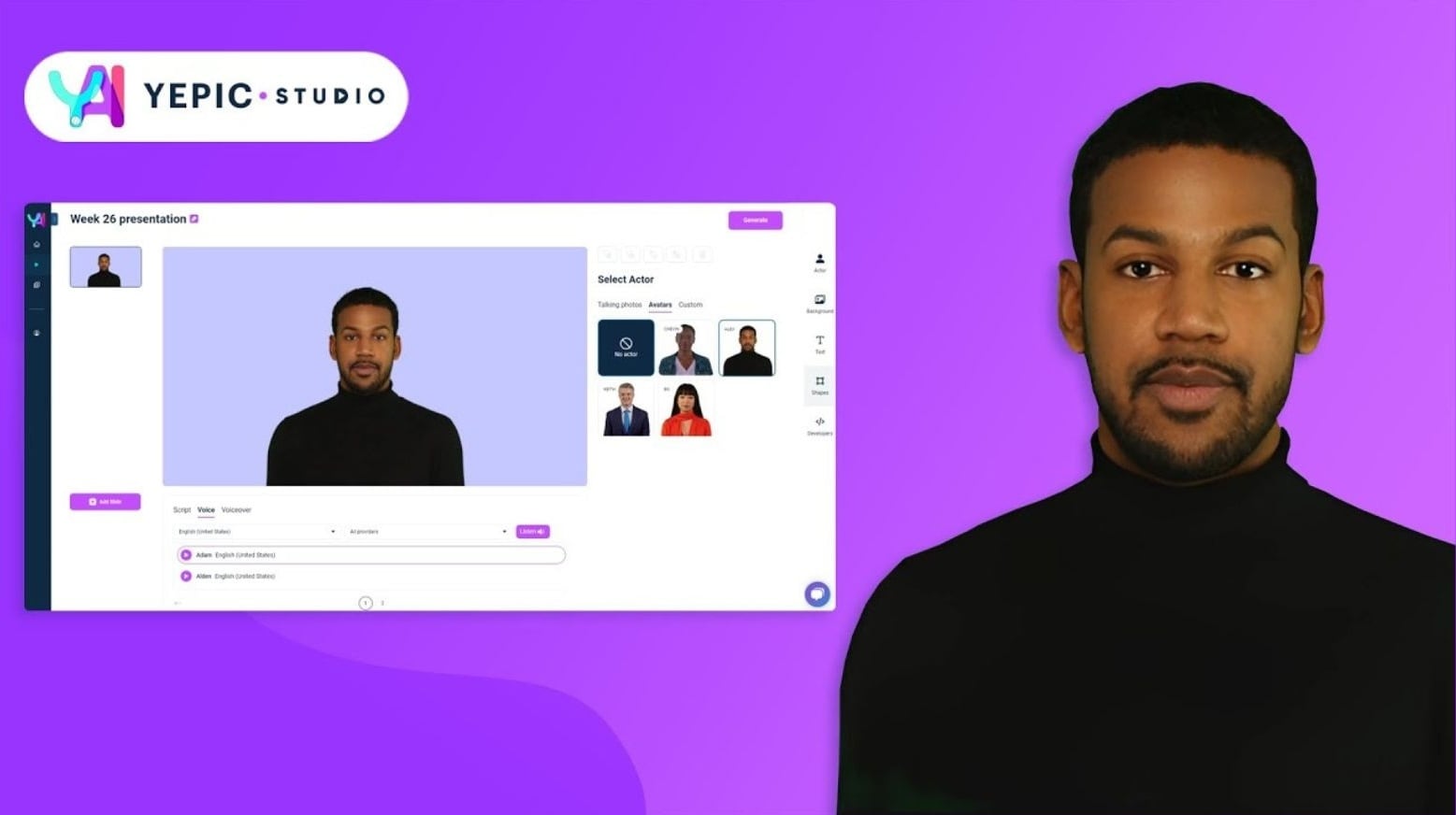
The basic workflow usually follows a simple flow:
- Write or paste a script
- Choose an AI avatar and language
- Generate the video and preview the result
The experience is intentionally simple, which helps speed up production. But this simplicity comes with trade-offs. Customization is limited compared to traditional editors, particularly for timing, visual controls, and storytelling adjustments. The focus stays on consistency and fast output rather than deep creative editing.
Part 3. Key Features of Yepic AI
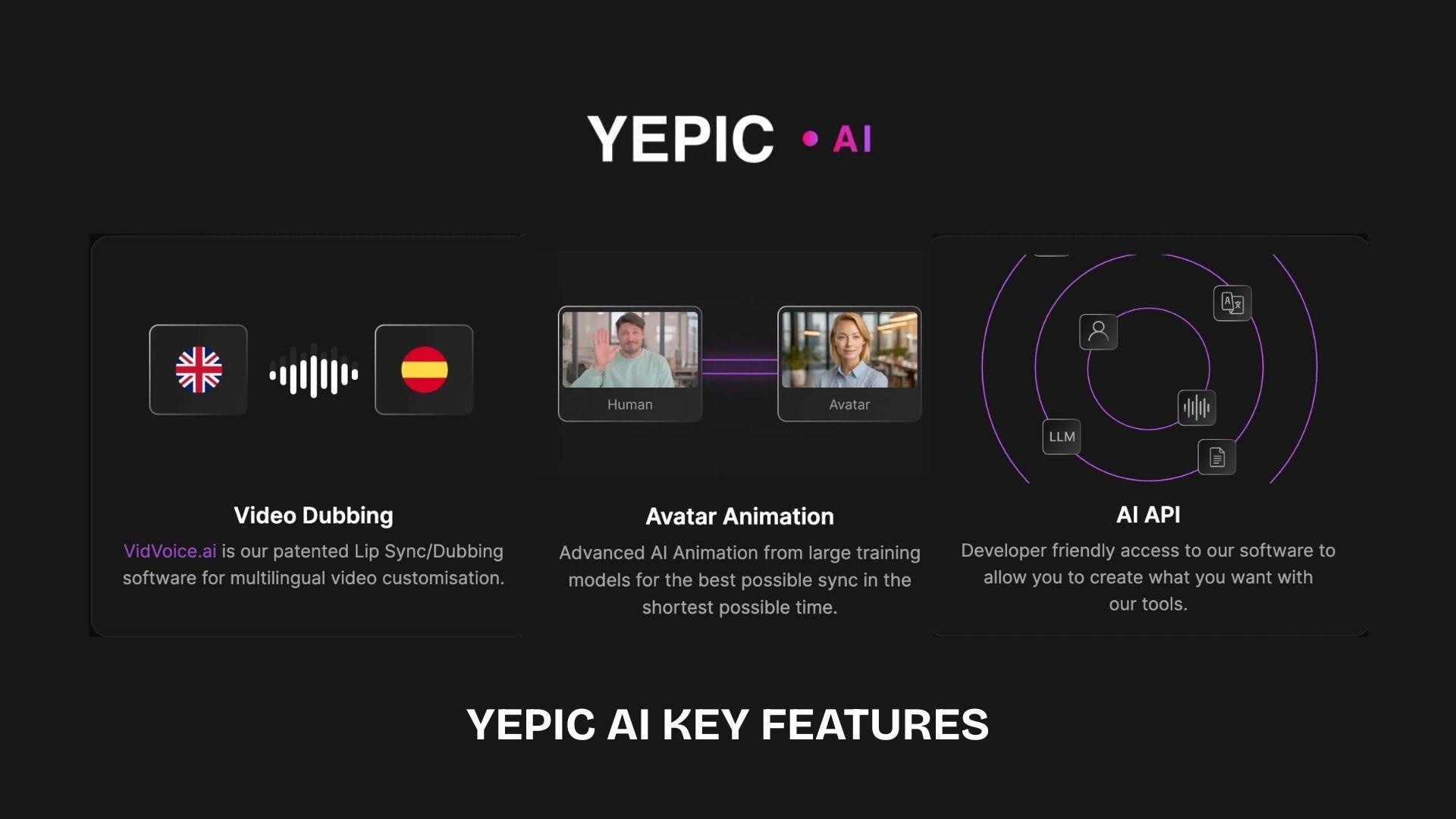
Yepic AI is built as a modular video toolkit that combines avatar generation, dubbing, and automation features for business-focused video production. You can focus on creative editing tools, as the platform is built around a customizable video production workflow.
1. AI Avatar Video Generation
The core of Yepic AI sits in its avatar system, and there are two main types to work with: stock HQ avatars and custom avatars.
- Stock HQ avatars are pre-built, hyper-realistic digital presenters you can use right away without any setup.
- Custom avatars let you create a digital version of yourself or someone else.
Beyond full-body avatars, Yepic also has a Talking Photos feature. You upload any photo, and it gets transformed into a talking video in seconds, generating personalized video content instantly. It's a lighter option compared to a full avatar, and useful when you just need a face delivering a message rather than a studio-style presenter.
2. Multilingual Video Support
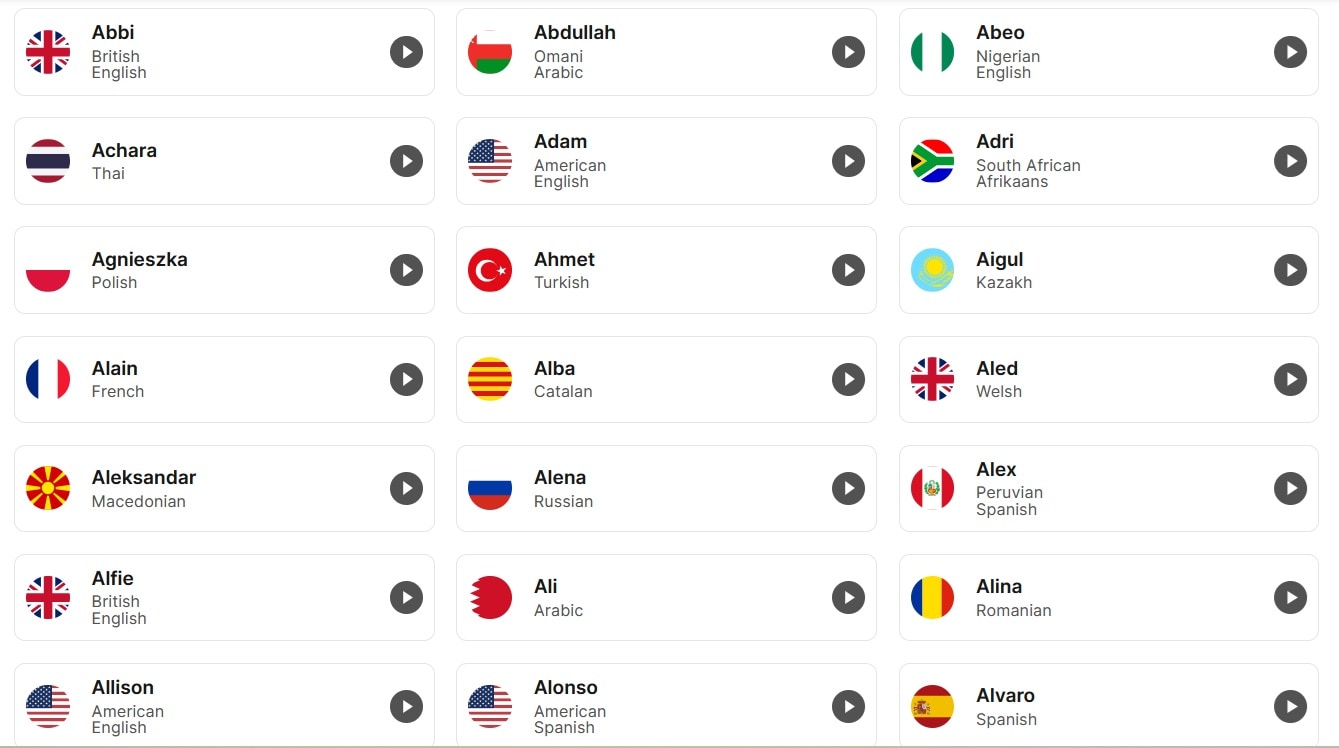
Yepic's voice library currently sits at 450+ voices across 65 languages and 110 dialects, sourced from major providers including ElevenLabs, Azure, Amazon, Google, IBM, and Yandex. Depending on the language or accent you need, you can pick the provider that sounds best for it.
3. API Integration
Yepic's API is positioned for teams that need to create personalized, automated video workflows at scale. The target users listed on their API page are developers, product managers, marketers, and video creators who want to embed video generation directly into their own tools or pipelines.
Pricing for API usage starts at $0.25 per video minute, which is separate from the Studio subscription tiers. API access is only available on the Pro and Elite plans; Starter plan users don't get it.
Part 4. Pricing Breakdown: Is Yepic AI Free?
Yepic AI does not offer a completely free plan for long-term use. The service uses a credit-based subscription system, where video creation consumes credits based on duration and the features used. A short free trial or demo access is usually available, but usage is limited.
Here is a breakdown of the Yepic AI pricing:
| Plan | Price | Monthly Credits | What You Get |
| Basic | $20/user/month | 200 | Entry-level credits, basic avatar video generation |
| Creator | $79/user/month | 1,000 | More credits, higher output capacity, API access |
| Creator Plus | $199/user/month | 2,000 | Expanded usage limits, advanced features for heavier production |
| AI Employee / Enterprise | $499/AI/month | Unlimited everything | High-volume automation, scalable video generation for teams |
In practice, each video generation consumes credits based on factors such as duration, language, and rendering complexity. Longer or more complex videos will use more credits, so costs for heavy usage can increase quickly.
Part 5. Yepic AI Pros and Cons
Yepic AI is designed to make video production faster and more scalable, especially for structured business communication. Its strengths are clear when used for repetitive, information-driven content, but it also has noticeable limitations in terms of creative flexibility and editing depth.
- Speeds up video creation by turning scripts into avatar videos without filming or voice recording
- Supports multilingual output, making it useful for global training and onboarding content
- API access allows automation and bulk video generation for larger workflows
- Works well for consistent formats like internal training, HR materials, and product explainers
- Reduces production effort for teams that need frequent video output
- Limited control over visuals, timing, and storytelling compared to traditional editors
- The avatar style can feel repetitive with frequent use
- Better suited for structured content than creative or social media videos
- Some advanced features are locked behind a premium subscription plan
- Credit-based usage means heavy production can scale costs quickly
Overall, Yepic AI is more effective as a business video automation tool than a creative video editor, especially when consistency and speed are prioritized over customization.
Part 6. When Automation Isn’t Enough: Edit Yepic AI Videos with Filmora
Yepic AI focuses on quickly generating structured avatar videos, but the output typically remains in a fixed format. If you need more control over pacing, visuals, or storytelling, a traditional editor like Wondershare Filmora is essential for refining the final product.
 Secure Download
Filmora allows adjustments that go beyond generation, including scene timing, visual flow, and narrative structure. This makes it easier to turn a basic AI-generated video into something more engaging and aligned with a specific audience.
It also includes AI-assisted tools that support the editing process:
- AI Smart Short Clips for extracting highlights from longer videos
- AI text-based editing for cutting and refining using transcripts
- AI tools for visual enhancement and audio cleanup
Yepic AI focuses on producing structured videos quickly, while Filmora is used to shape and refine those results into more dynamic, audience-focused content.
Secure DownloadConclusion
Yepic AI focuses on turning written scripts into avatar-based videos that can be produced quickly and consistently. It fits well for structured content such as training, onboarding, and internal communication, where efficiency matters more than complex editing.
The format can feel restrictive when a video needs stronger storytelling or more control over pacing and visuals. In such cases, tools like Wondershare Filmora help refine AI-generated output into a more engaging and audience-focused work. Overall, it works best for fast production, while creative shaping usually requires additional editing tools.
FAQs
-
1. Does Yepic AI feel like real video editing?
Yepic AI doesn’t work like a typical editor. It focuses on generating finished avatar videos from scripts, so the process feels more like assembling content than editing scenes or timelines. -
2. Is Yepic AI good for content creators?
It depends on the content style. It works better for structured videos like training or explainers, but it’s less suitable for creators who rely on storytelling, dynamic visuals, or heavy editing. -
3. Can you use Yepic AI for free long-term?
No. The platform offers limited trial access, but regular use runs on a credit-based or subscription model, meaning ongoing usage requires a paid plan. -
4. What’s a better option for more engaging videos?
For more control over visuals, pacing, and storytelling, Wondershare Filmora is often used to refine or enhance AI-generated content into more engaging, targeted videos.
