


Unlimited AI generation sounds appealing, especially when many platforms rely on credits and usage limits. One platform that claims to offer it is ZSky AI, a web-based creative platform that generates AI images and videos from prompts. Its current free plan, which covers unlimited image and video generation, is the main reason people are paying attention to it.
But what’s actually behind that promise? This review covers ZSky AI’s image and video generation tools, including output quality, features, and practical use in creative projects.
Part 1. Getting to Know ZSky AI
ZSky AI is a web-based AI creative platform for generating images and videos from text or existing visuals. It’s designed for creators, marketers, designers, and other users who want AI-assisted content creation without running models locally.
ZSky AI’s main tools cover:
- AI image generation from text prompts
- Text-to-video for turning descriptions into short clips
- Image-to-video for animating still images
- Video with synchronized audio, including music, ambient sounds, and sound effects
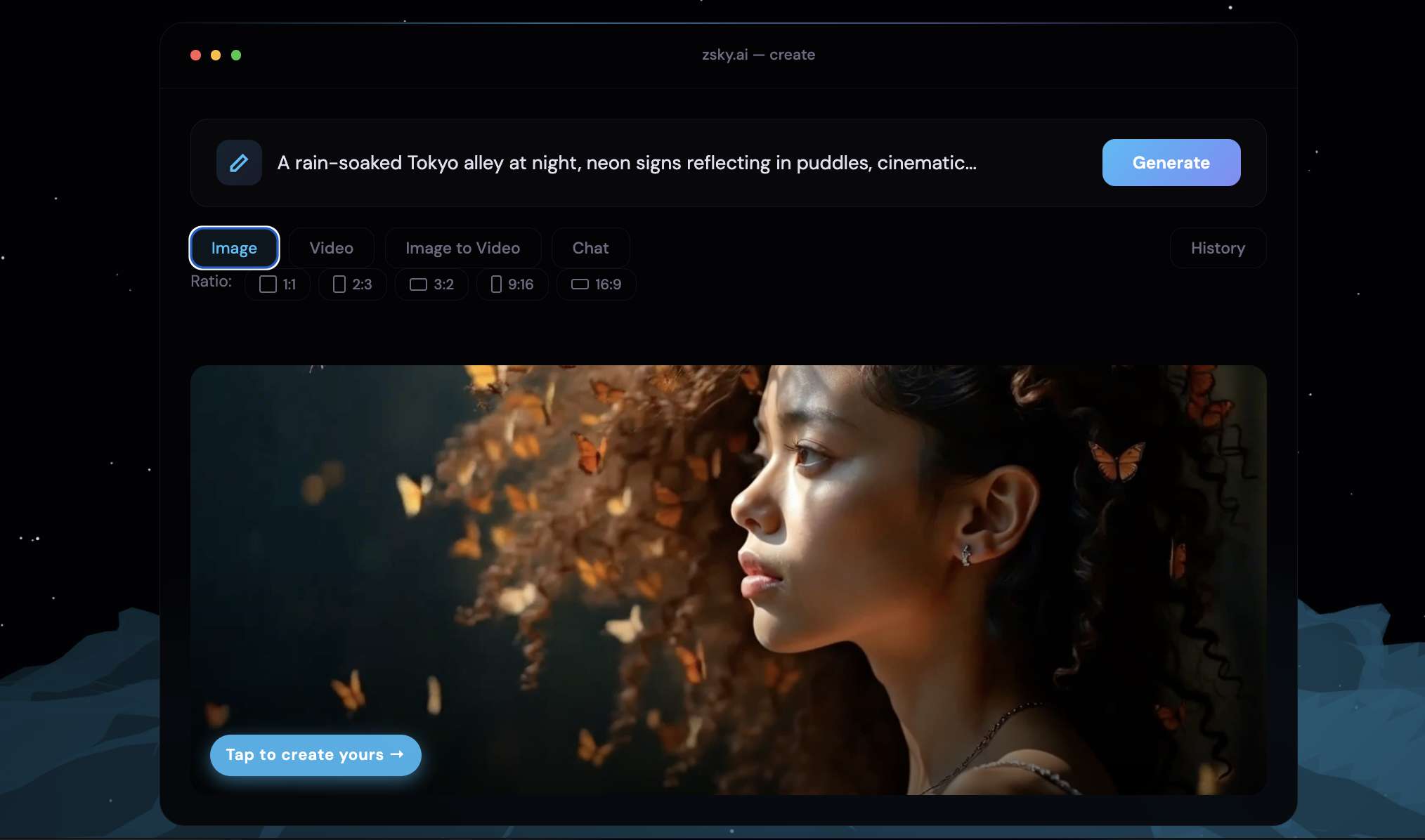
For creators searching for a ZSky AI video generator, the platform supports both text-to-video and image-to-video workflows. It also combines audio with generated video, so that sound can be part of the initial creation process rather than something you add later.
ZSky AI runs its generation infrastructure on dedicated NVIDIA RTX 5090 GPUs. Processing happens on ZSky AI's servers, so your device doesn't need a high-end GPU. The browser-based platform also eliminates the need to look for a ZSky AI app or ZSky AI APK download. Visit the website at https://zsky.ai/, enter a prompt or upload an image, and start creating.
Part 2. What ZSky AI Offers (Key Features)
ZSky AI combines image generation, video creation, audio, creative planning, and image editing in one workspace. Here are the main tools worth knowing before testing the platform.
AI Image Generator
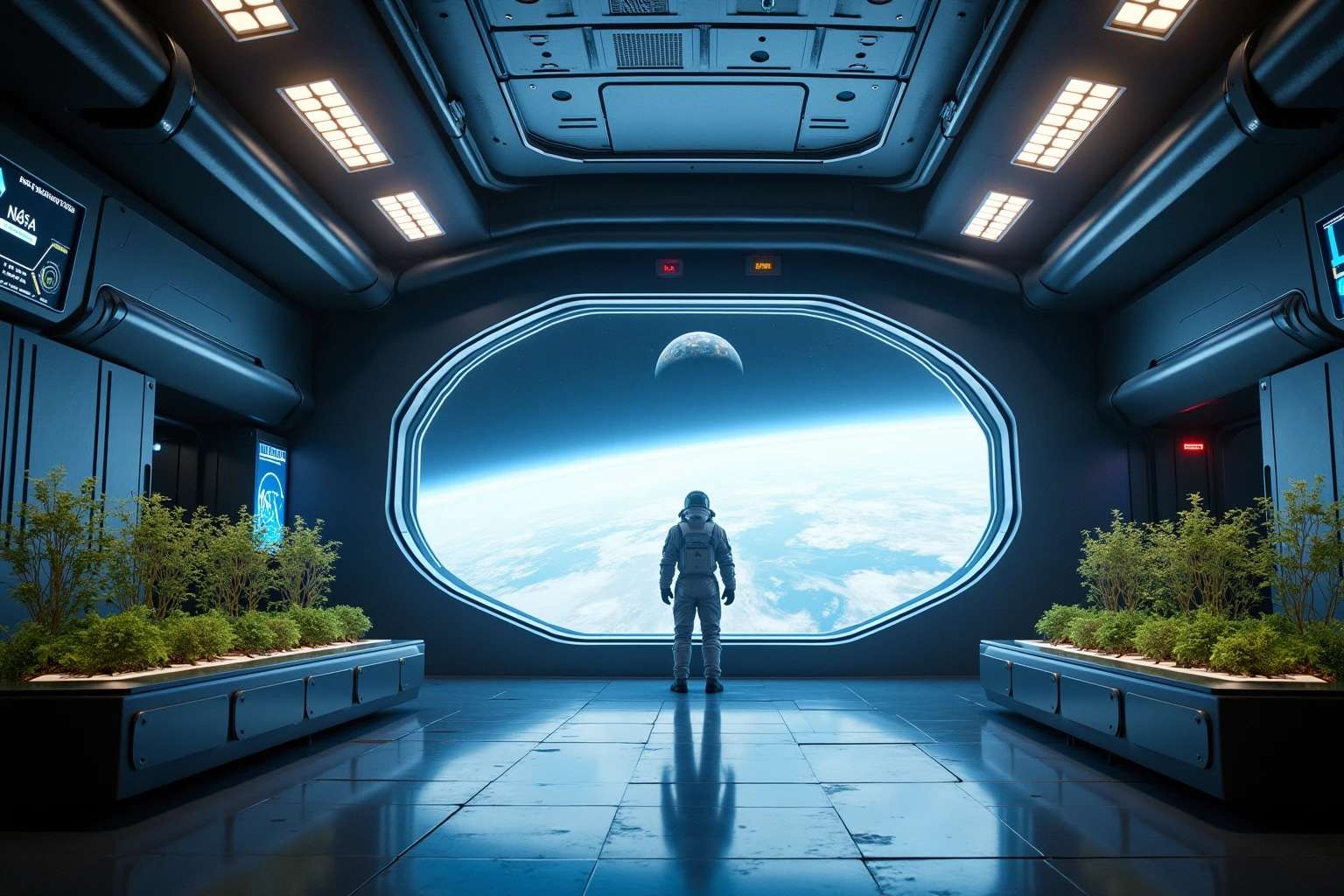
ZSky AI’s image generator creates visuals from text prompts and can also work from existing images, with features as follows:
- 50+ style options
- Background removal
- Style transfer and retouching
- Up to 720p on Free, 1080p on Pro, and 4K on Max
- Unlimited generation across all plans
- Free images include a small ZSky wordmark
Text-to-Video
For ZSky AI video generation, you can describe a scene and turn the prompt into a short clip.
- Generate videos from text prompts with ZSky AI text-to-video
- Describe subjects, actions, camera movement, and visual style
- Generate synchronized audio with the video
- Free and Pro support clips up to 5 seconds
- Max supports clips up to 10 seconds
- Video resolution reaches HD on Free, 1080p on Pro, and 4K on Max
Image-to-Video
ZSky AI image-to-video turns a still image into a moving clip. This feature works well for adding motion to AI art, product visuals, or photos.
- Upload an existing image
- Describe the movement you want
- Animate still visuals into video
- Supports first-frame and last-frame control
- Includes keyframe animation
- Synchronized audio is available with generated video
Video With Synchronized Audio
ZSky AI can create sound as part of the video generation process, so the output does not have to be a silent clip.
- Generate video with synchronized audio
- Add music and sound effects
- Generate ambient audio for a scene
- Support voice and dialogue in video workflows
- AI lip sync is available on Pro and Max
AI Creative Director
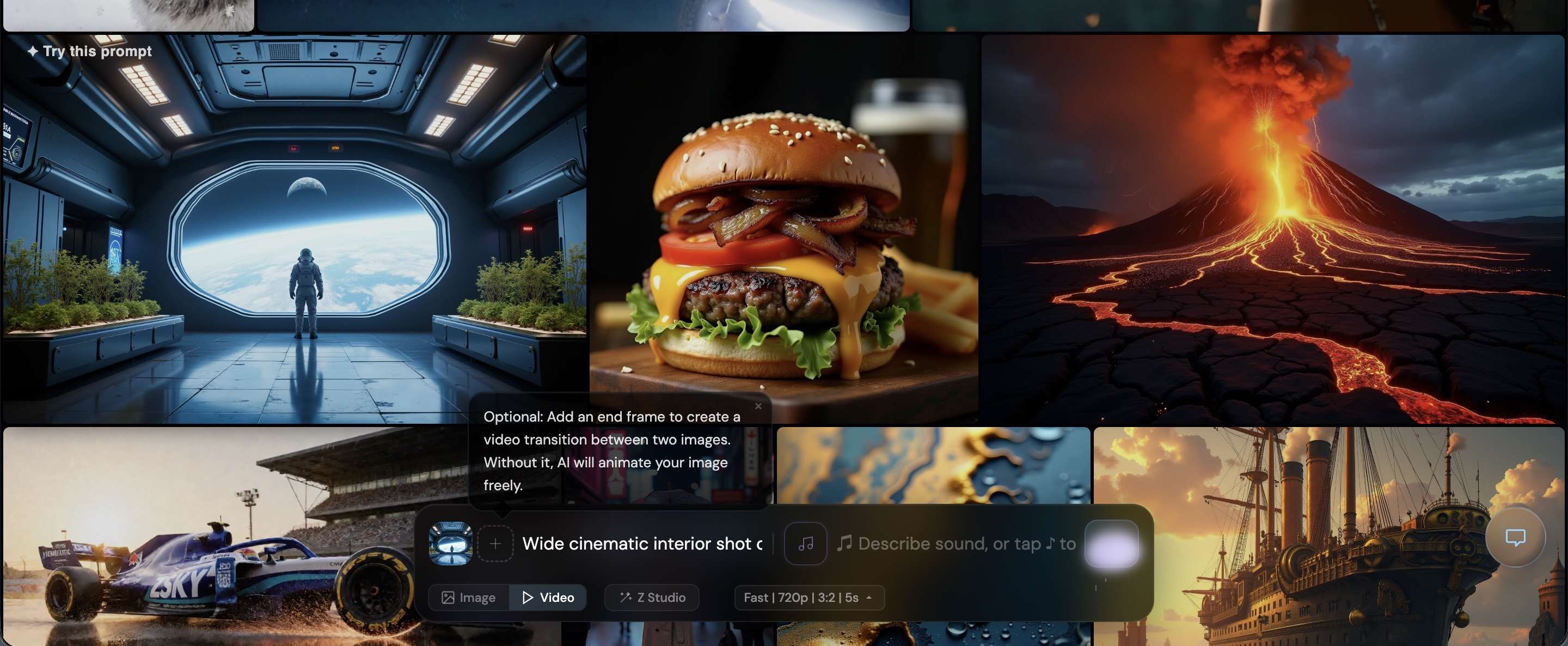
The AI Creative Director in ZSky AI helps turn an initial idea into a more developed visual concept. It can help shape an idea, plan the visual direction, and generate the resulting assets within the same session.
- Develop a concept through conversation
- Plan shots, styling, lighting, camera direction, and video storyboards
- Refine ideas through follow-up instructions
- Generate images and videos from the same creative session
- Uses a 128K-token context window
- Available on Pro and Max according to the current pricing page
Image Editing Tools

ZSky AI also includes a built-in image editor for adjusting generated or existing visuals without leaving the platform.
- Make AI-assisted edits to images
- Adjust exposure, contrast, highlights, shadows, saturation, temperature, tint, sharpness, and other settings
- Use style transfer and retouching tools
- Remove backgrounds
- Prepare edited images for further image-to-video work
Part 3. How Well Does ZSky AI Perform?
ZSky AI performs best with clear, focused prompts, while more complex scenes may take a few retries. Below is a closer look at its image, video, image-to-video, and synchronized audio performance.
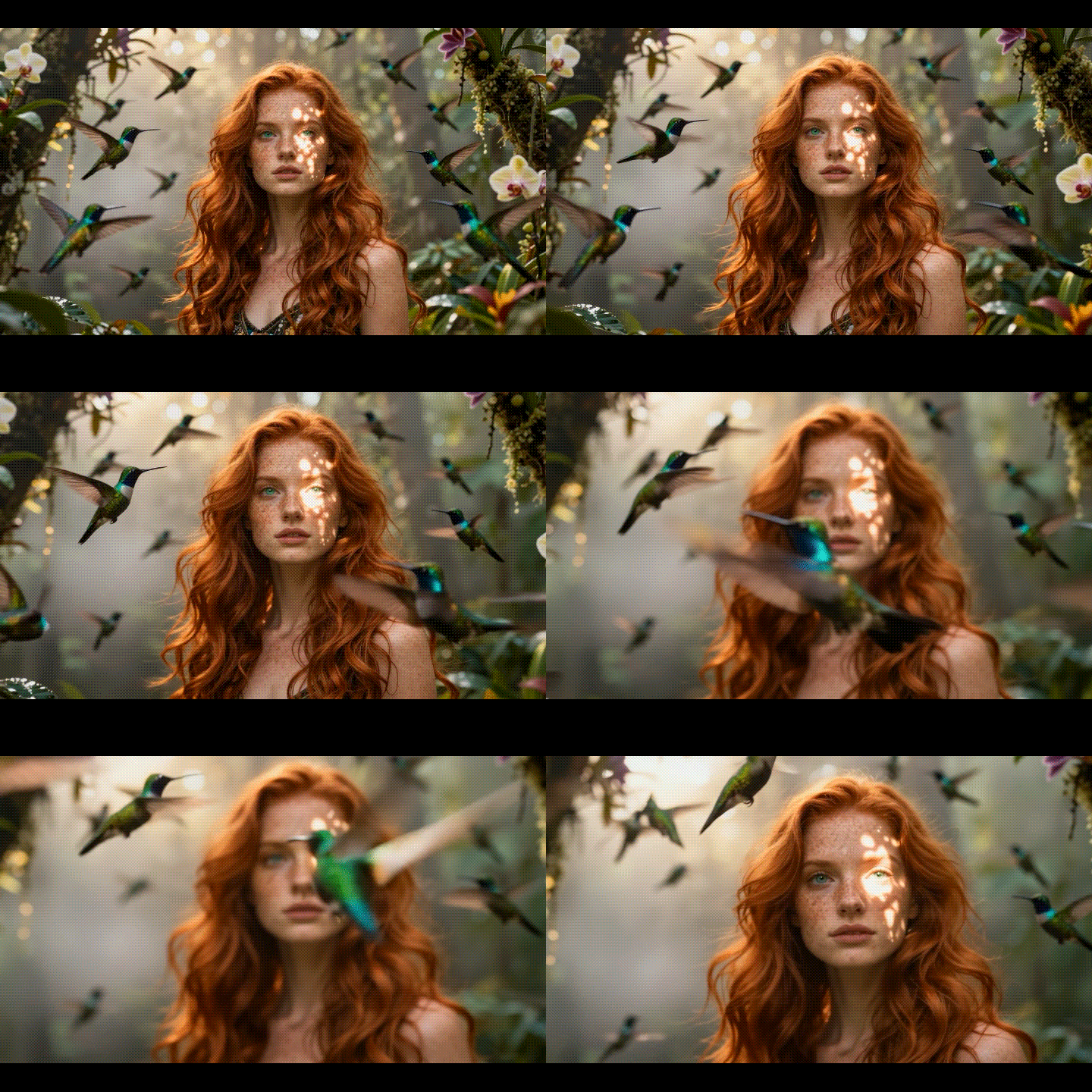
Text-to-Image
| Category | Rating | Review |
| Prompt accuracy | 4.4/5 | Captures the main subject, setting, and key visual details well. |
| Detail | 4.2/5 | Textures and larger elements look clean, while tiny details may vary. |
| Style | 4.5/5 | Chosen styles come through clearly without heavily changing the subject. |
| Consistency | 4/5 | Overall visuals stay similar, but small features can change between generations. |
Text-to-Video
| Category | Rating | Review |
| Motion | 4.1/5 | Simple camera and subject movements are generally smooth. |
| Prompt adherence | 3.9/5 | Follows the main scene well, but complex actions can be less precise. |
| Visual quality | 4.2/5 | Produces polished short clips, with occasional changes from frame to frame. |
| Audio | 4.3/5 | Generated sound adds ambience, effects, music, or dialogue. |
Image-to-Video
| Category | Rating | Review |
| Motion quality | 4.2/5 | Works well for subtle camera movements and simple animation. |
| Image preservation | 4.4/5 | Preserves the original subject, style, and composition relatively well. |
| Subject stability | 3.9/5 | Key elements remain recognizable, though fine details may shift. |
| Motion control | 4.5/5 | Presets such as Zoom, Orbit, Dolly Push, Parallax, Wind, and Waves make animation easier. |
Verdict: ZSky AI works best for quick image and short-video creation, especially when synchronized audio is useful. But the overall output quality is still inconsistent, and it lacks the advanced controls and editing features found in more established AI creative tools. The unlimited free generation is appealing for experimentation, but creators looking for more control and reliable results may need a platform with greater control.
Part 4. ZSky AI Pricing: Is the Free Plan Really Enough?
ZSky AI no longer uses credits. As of April 2026, all plans offer unlimited image and video generation. The main differences are output quality, generation speed, and access to advanced features.
| Plan | Price | Key Features |
| Free | $0 | Unlimited generation, 720p images, HD video up to 5 sec, synchronized audio, watermark |
| Pro | $19/month | Unlimited generation, 1080p video, no watermark, instant generation, AI Creative Director, AI lip sync |
| Max | $99/month | Unlimited generation, 4K video, dedicated GPU access, no watermark, white-label license, API access |
Note: Annual billing gives 20% off Pro and Max.
ZSky AI API: What Developers Get
ZSky AI also provides a REST API to integrate image and video generation into apps and automated workflows. API access is limited to the Max plan.
- Programmatically generate images and videos
- Integrate ZSky AI into custom workflows
- Max includes 1,000 images and 300 videos per month
- Additional usage costs $0.05 per image and $0.50 per video
- API usage is separate from unlimited web generation
So, unlimited generation on the ZSky AI website does not mean unlimited API usage. The API has its own monthly allowance and overage charges.
Part 5. ZSky AI Pros, Cons, and Editing Options
ZSky AI focuses on generating images, videos, and synchronized audio. It works well for quickly creating assets, though detailed video editing is still better handled in a dedicated editor.
- ZSky AI offers unlimited image and video generation on every plan
- The Free plan gives users access to the core generation tools without a subscription
- Image-to-video and synchronized audio make the video workflow more complete
- Commercial use is included across all plans
- Max adds 4K output, dedicated GPU access, and API access for heavier workflows
- Free outputs include a ZSky watermark, while paid plans remove it
- Free and Pro videos are limited to 5 seconds per generation on the current pricing page
- Complex scenes can require several generations to get consistent results.
- ZSky AI has limited control over detailed timeline editing and video finishing
For more control after generation, you can bring your ZSky AI clips into Wondershare Filmora. Filmora can handle timeline editing, transitions, captions, effects, audio adjustments, and other finishing work. The two tools fit different steps in the workflow. ZSky AI handles generation, while Filmora handles the final edit.
Bonus: Complete Your ZSky AI Videos with Filmora
To get more from what ZSky AI generates, Wondershare Filmora provides a practical workspace for refining clips and turning separate AI-generated scenes into a finished video. You can use it to extend footage, add captions, create custom audio, and make other adjustments that may be difficult to achieve during the initial generation.
After generating your clips with ZSky AI, import them into Filmora to continue editing. Better yet, Filmora also includes AI Video Generator and AI Image Generator, powered by multiple AI models. It can also serve as an alternative to ZSky AI when you want to generate visuals and edit them in the same workspace.
Some Filmora tools you can use are:
- AI Extend can extend a clip when the original generation ends too soon.
- AI Captions turn dialogue into subtitles and apply dynamic caption styles.
- AI Music Generator creates background tracks to fit the video's mood.
- AI Sound Effect adds custom effects for specific actions or moments.
- Transitions and effects help connect separate AI-generated clips more smoothly.
- Timeline editing provides control over trimming, clip order, audio, captions, effects, and multiple video layers.
Of course, it’s not limited to these tools alone. There are also other AI and editing tools in Filmora that you can use depending on what your project needs. They help adjust the parts of your video that ZSky AI may not handle during the initial generation, so you can prepare the final footage for publishing.
 Secure Download
Conclusion
ZSky AI stands out with its unlimited generation model and its mix of AI images, short videos, and synchronized audio in one browser-based workflow. The Free plan allows unlimited image and video generation, although its 5-second video limit and ZSky branding may not suit every publishing need. Pro removes the branding and adds 1080p output, while Max takes things further with 4K video and API access.
For creators who want to generate visual content without worrying about credits, ZSky AI offers a notably flexible starting point. For more control over the editing process, Filmora is another option, combining AI image and video generation with a full editing workspace.
FAQs
-
1. Does ZSky AI require an app download?
No. ZSky AI runs in your browser, so you can generate images and videos without installing desktop software. Official ZSky apps are also available for Android and iPhone/iPad, but it’s not required to use the web version. -
2. Can I use ZSky AI without creating an account?
You can access ZSky AI without an account, but you’ll need to sign in to unlock full access to free features, including unlimited creations and a saved creation history. A credit card is not required for the free plan. -
3. Can I edit ZSky AI videos after generating them?
Yes. ZSky AI now includes a browser-based video editor with tools to cut, trim, arrange clips, and work with multiple tracks. For more advanced finishing, you can also move the generated clips into a dedicated editor such as Filmora. -
4. Does ZSky AI add a watermark to generated content?
Free outputs carry ZSky marks. The current pricing page lists a small “zsky.ai” mark on Free images and a “MADE WITH / zsky.ai” text label on Free videos. Pro and Max remove these marks.
