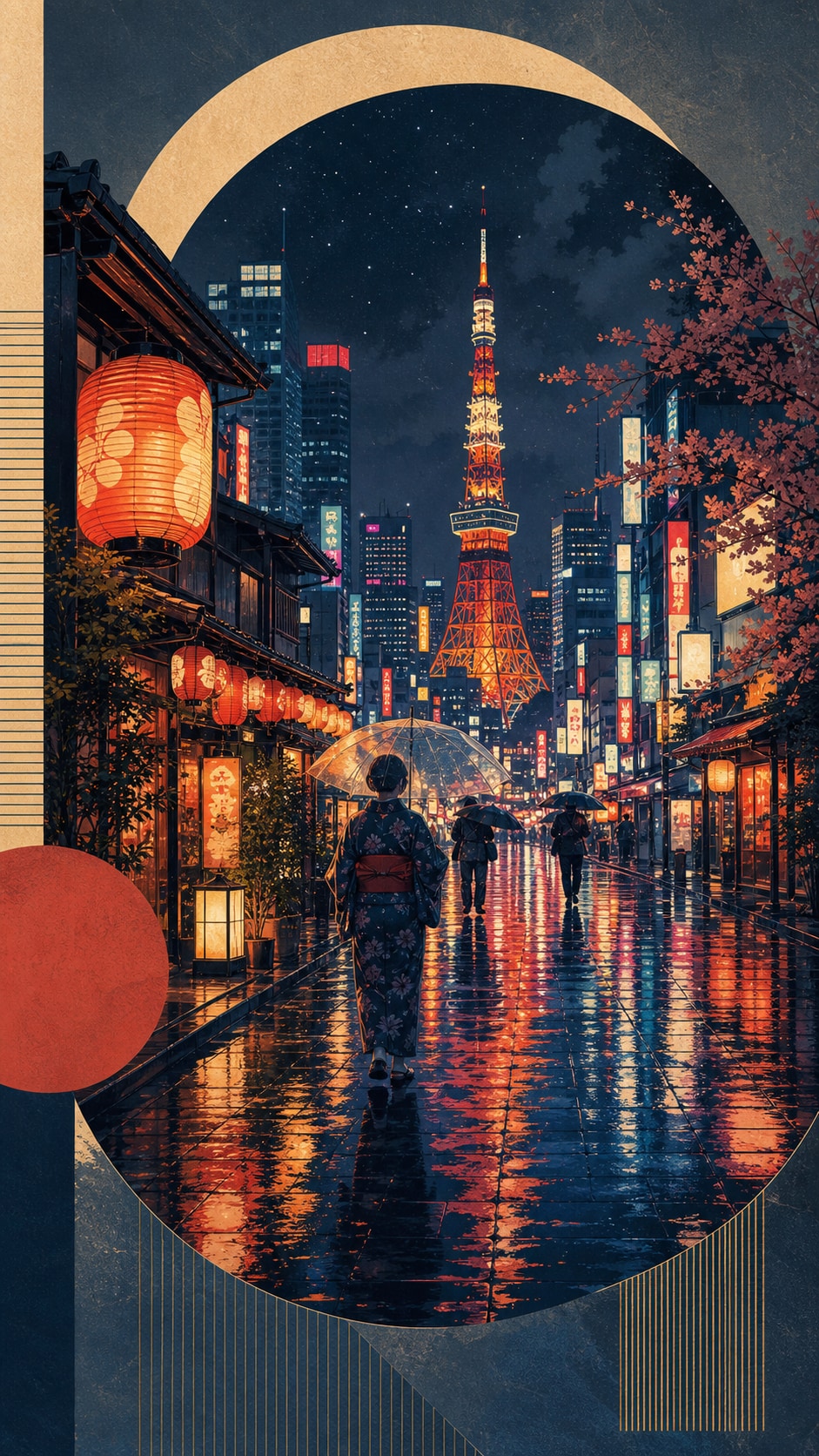
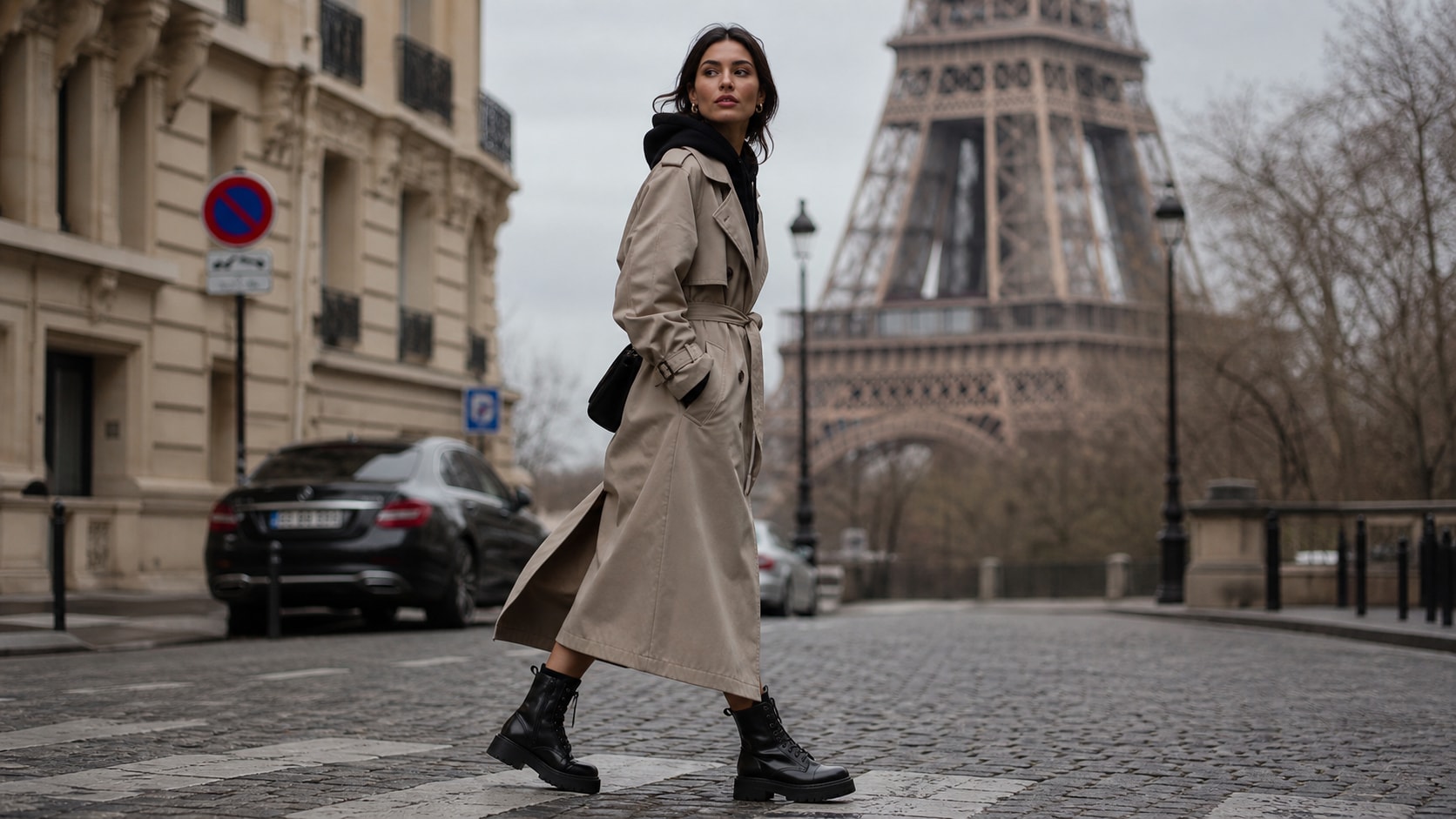
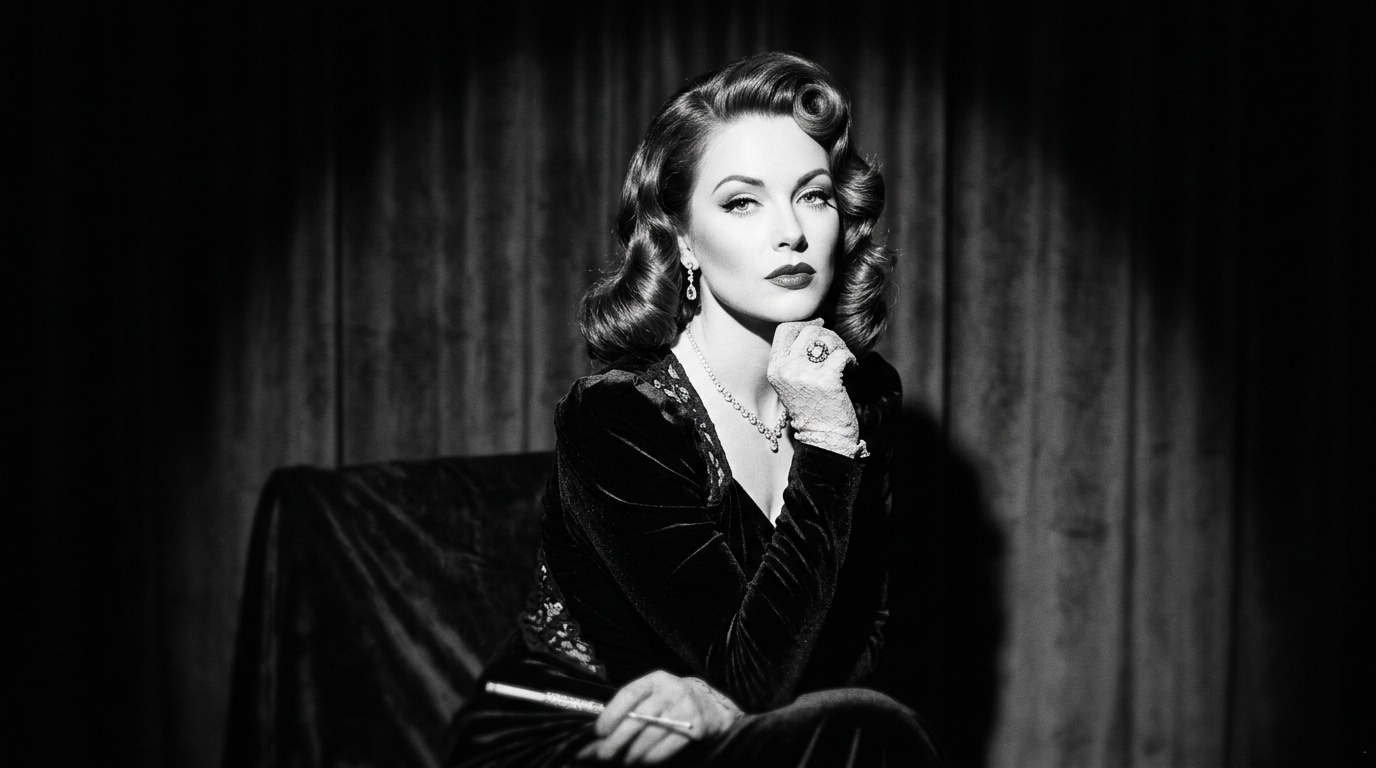
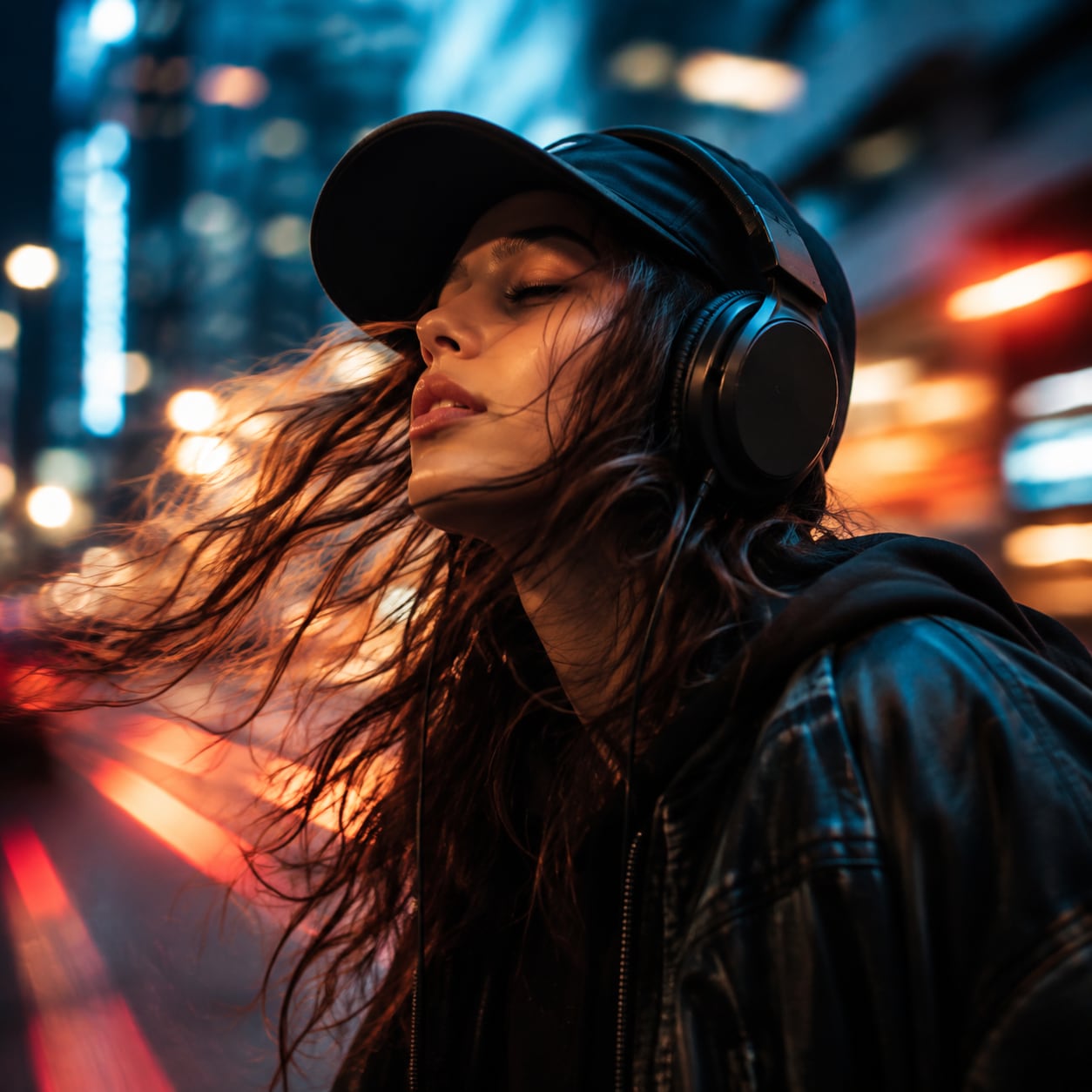
Explore AI London Photo Prompts
Browse ai london photo prompts for Tower Bridge portraits, rainy London streets, Notting Hill facades, Underground scenes, double-decker buses, parks, and moody city details. Use each idea to create assets for video templates, reels, social posts, covers, and export-ready visuals.
Loading more London photo prompts...
 Category:
 Duration:
 Aspect Ratio:
Why Use London Photo Prompts With Filmora?
London visuals combine historic architecture, changing weather, transit rhythm, and quiet human moments. Filmora helps creators organize that contrast into readable portraits, rainy city covers, and atmospheric travel videos.
Generate London City Photos With Filmora
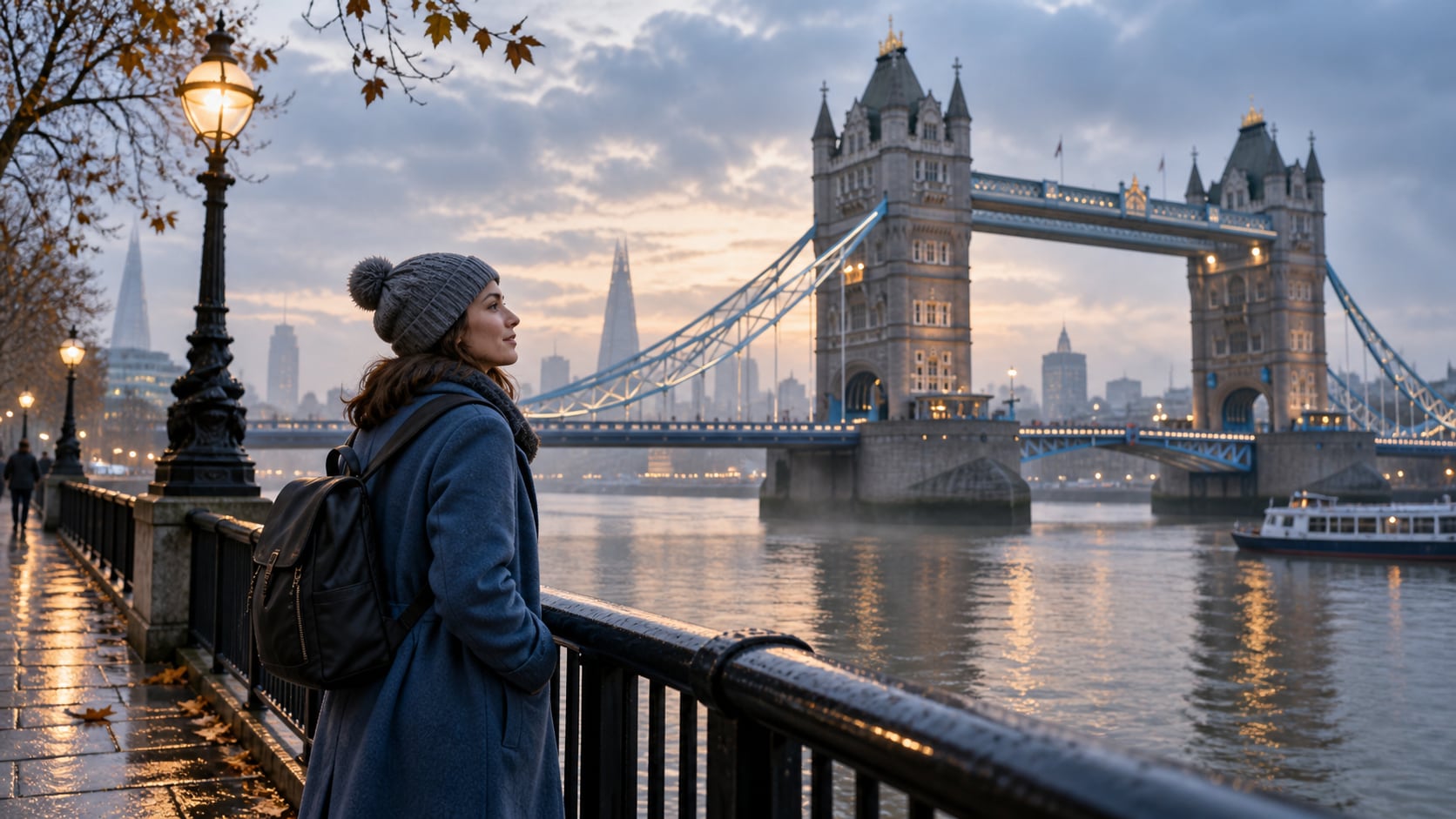
Generate London City Photos With Filmora
Start with a precise London photo prompt, then use Filmora's AI image generator to turn Tower Bridge portraits, rainy London streets, Notting Hill facades, Underground scenes, double-decker buses, parks, and moody city details into clean, edit-ready stills. Use it for historic landmarks, colorful neighborhoods, public transport, gray-weather portraits, and editorial street stories with controlled atmosphere.
- Prompt to Image - Describe neighborhood, subject, weather, architecture, and camera distance in one focused request.
- Clear Visual Hierarchy - Keep one readable focal point so brick, stone, traffic, and people support the mood instead of becoming visual noise.
- Fast Iteration - Compare landmark, neighborhood, transit, park, and pub-window directions before selecting a final frame.
Use GPT Image 2 for Rain, Stone, and Transit Detail
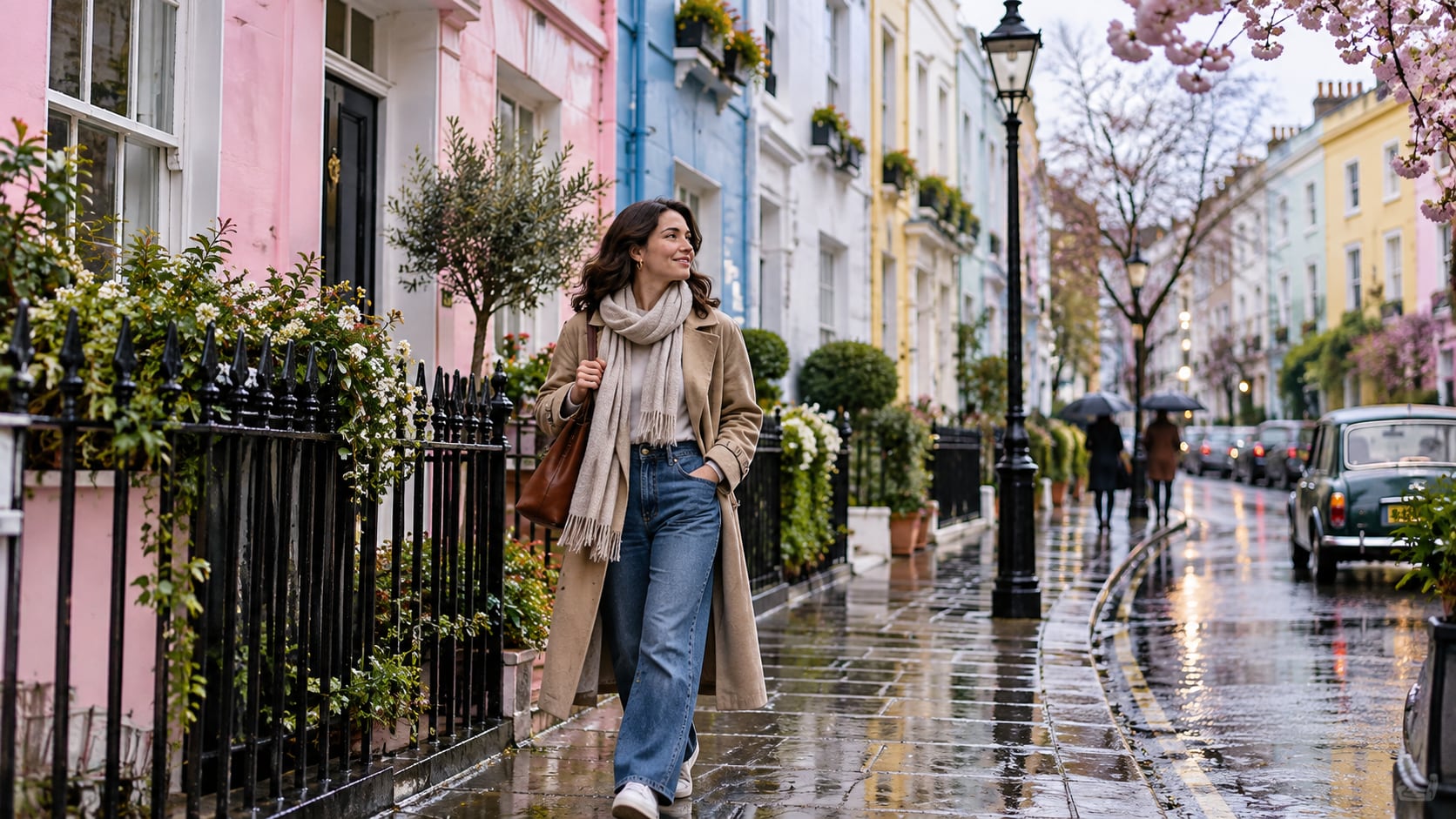
Use GPT Image 2 for Rain, Stone, and Transit Detail
When the scene needs dependable subject detail, texture, or background control, Filmora's GPT Image 2 helps follow a structured prompt. This is useful when brick, wet pavement, umbrellas, old stone, bus reflections, Underground tile, and layered crowd depth need to remain believable.
- Prompt Following - Name rain quality, lens feeling, surface texture, practical light, and the amount of background to retain.
- Detail Control - Preserve wet pavement, brick, stone, glass, umbrellas, wool, and Underground tile with believable depth.
- Edit-Ready Results - Keep generated signs abstract or unreadable before adding correct copy in Filmora.
Try Nano Banana for British City Mood Variants
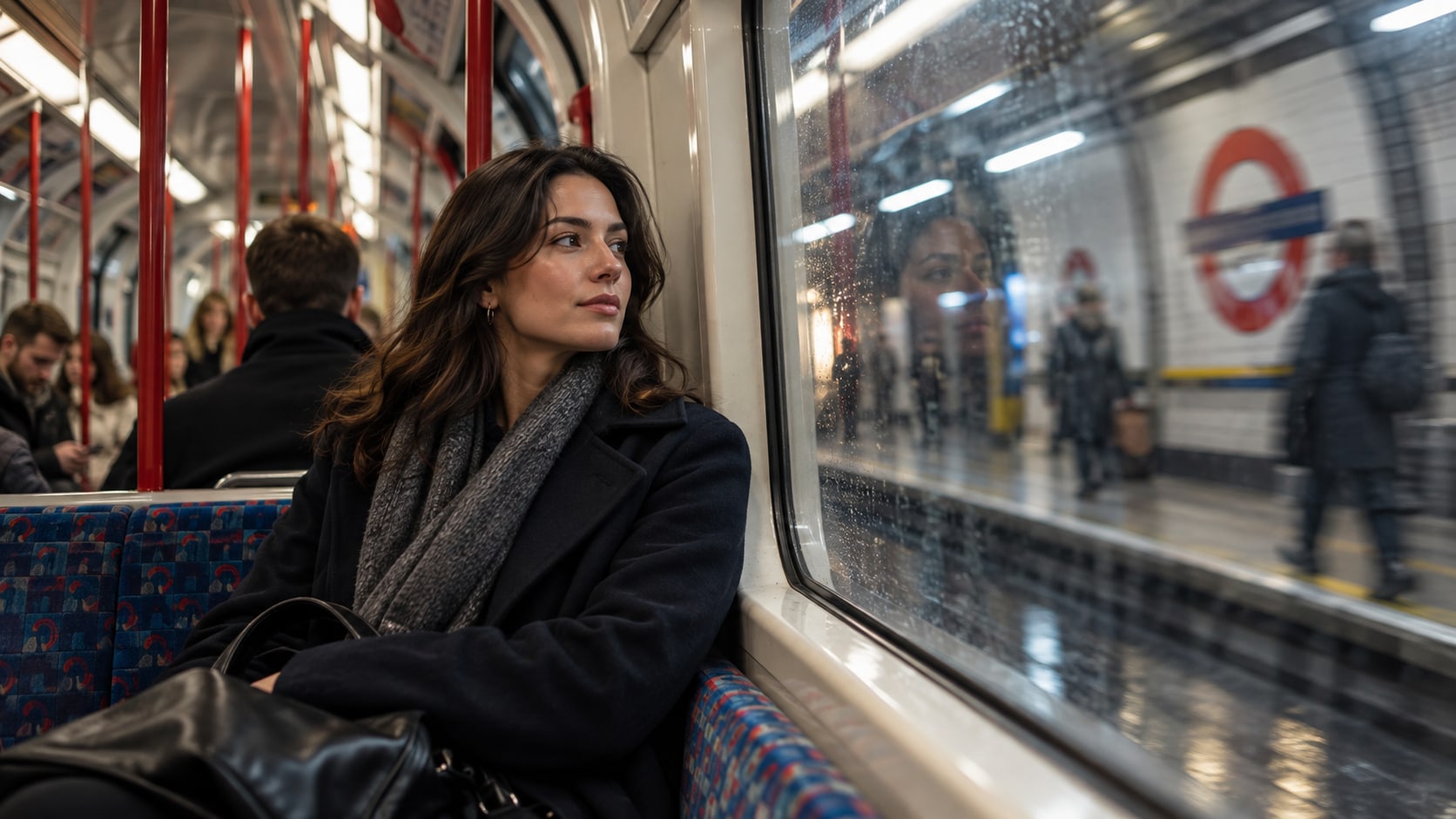
Try Nano Banana for British City Mood Variants
Use Filmora's Nano Banana when one idea needs another palette, mood, composition, or social treatment. Try soft overcast documentary, warm pub-window light, black-and-white street work, autumn park color, or electric rainy-night treatments.
- Style Range - Move between overcast documentary, rainy romance, vintage film, fashion editorial, and black-and-white street styles.
- Variant Testing - Test season, crowd density, and color temperature without losing the recognizably British atmosphere.
- Creative Flow - Keep model testing, crop refinement, title design, and export in one workflow.
Turn London City Photos Into Video
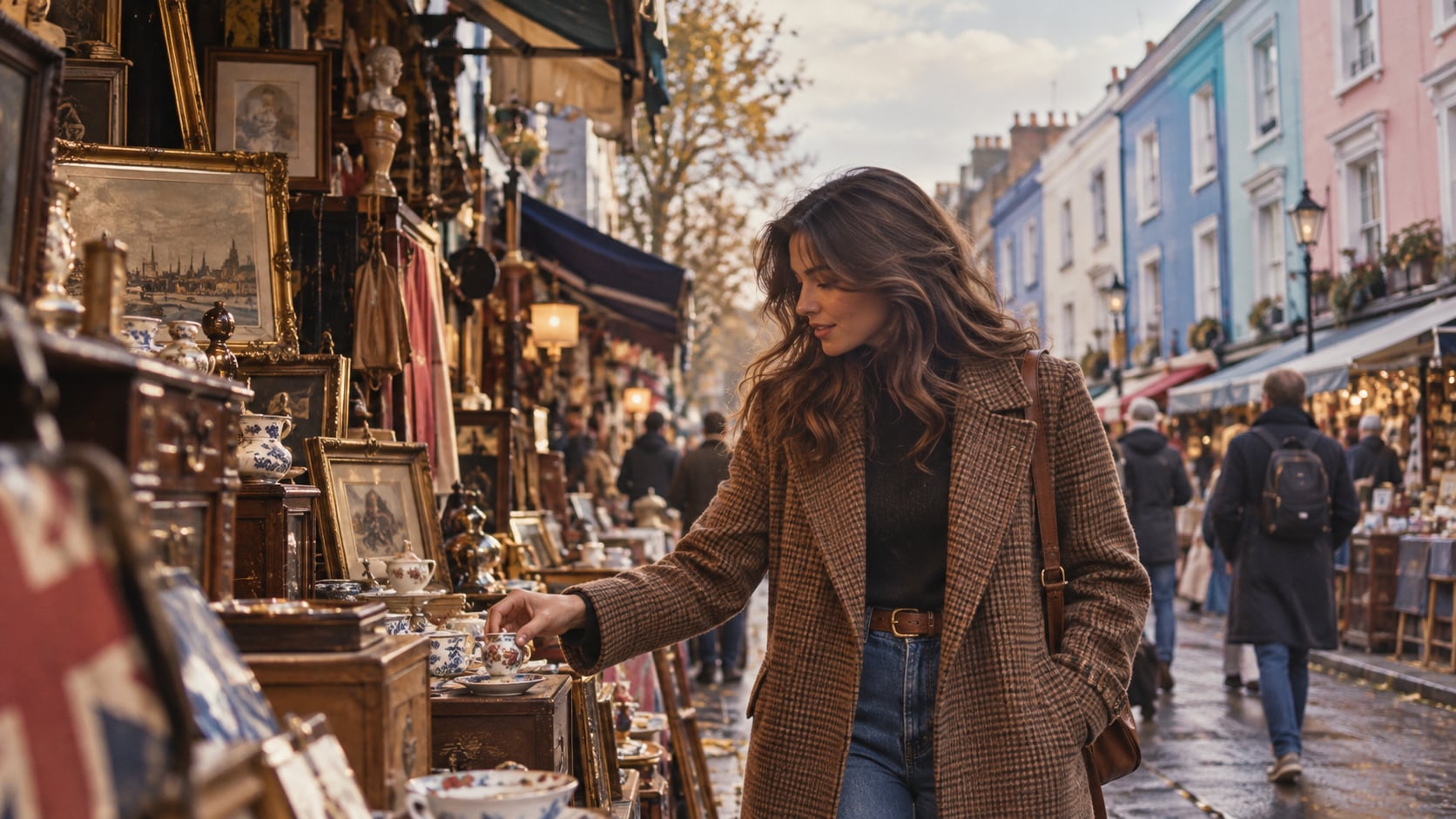
Turn London City Photos Into Video
After generating the still, use Filmora's AI Image to Video workflow to add camera movement, overlays, effects, sound, and social-ready exports. Animate rain streaks, passing buses, Underground movement, flag flutter, river reflections, or a slow push through a historic street.
- Motion Ideas - Animate rain, bus movement, river shimmer, flag flutter, passing commuters, or a slow landmark reveal.
- Social Formats - Reframe one city still for 16:9 travel videos, 9:16 reels, and square social cards.
- Final Export - Finish with captions, music, ambient audio, effects, transitions, and share-ready exports.
Frequently Asked Questions About London Photo Prompts
How to Generate London Photos With AI
Choose an london setup, define the subject and visual mood, generate the still, then personalize or animate it in Filmora.
Step 1 Choose an London Prompt

Step 2 Set Style, Model, and Ratio

Step 3 Generate, Edit, and Export

-
1: Choose an London Prompt
Pick a setup such as a rainy sidewalk portrait, a Tower Bridge view, a Notting Hill walk, or a quiet Underground moment. -
2: Set Style, Model, and Ratio
Paste the prompt into Filmora's AI Image tool, choose GPT Image 2 or Nano Banana, select a ratio, and refine subject detail, lighting, and framing. -
3: Generate, Edit, and Export
Generate the still, adjust crop and color, add motion or overlays if needed, then export it for travel reels, city posts, rainy-night edits, thumbnails, destination covers, and cinematic backgrounds.
London City Photos for Cinematic Travel Edits
Use ai london photo prompts to create Tower Bridge portraits, rainy London streets, Notting Hill facades, Underground scenes, double-decker buses, parks, and moody city details and motion-ready visuals for Filmora editing.