Explore Pakistani Dress Prompts
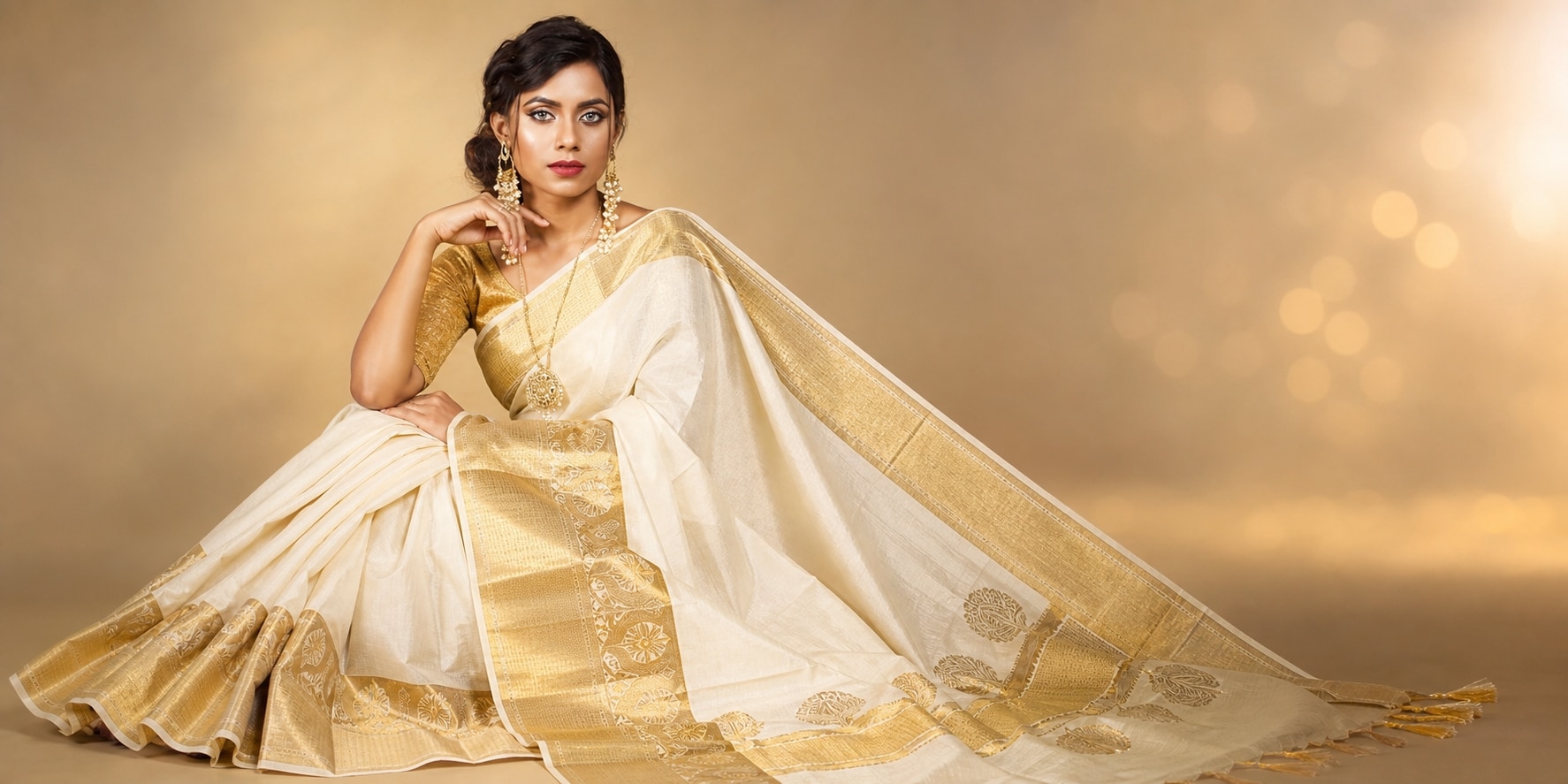
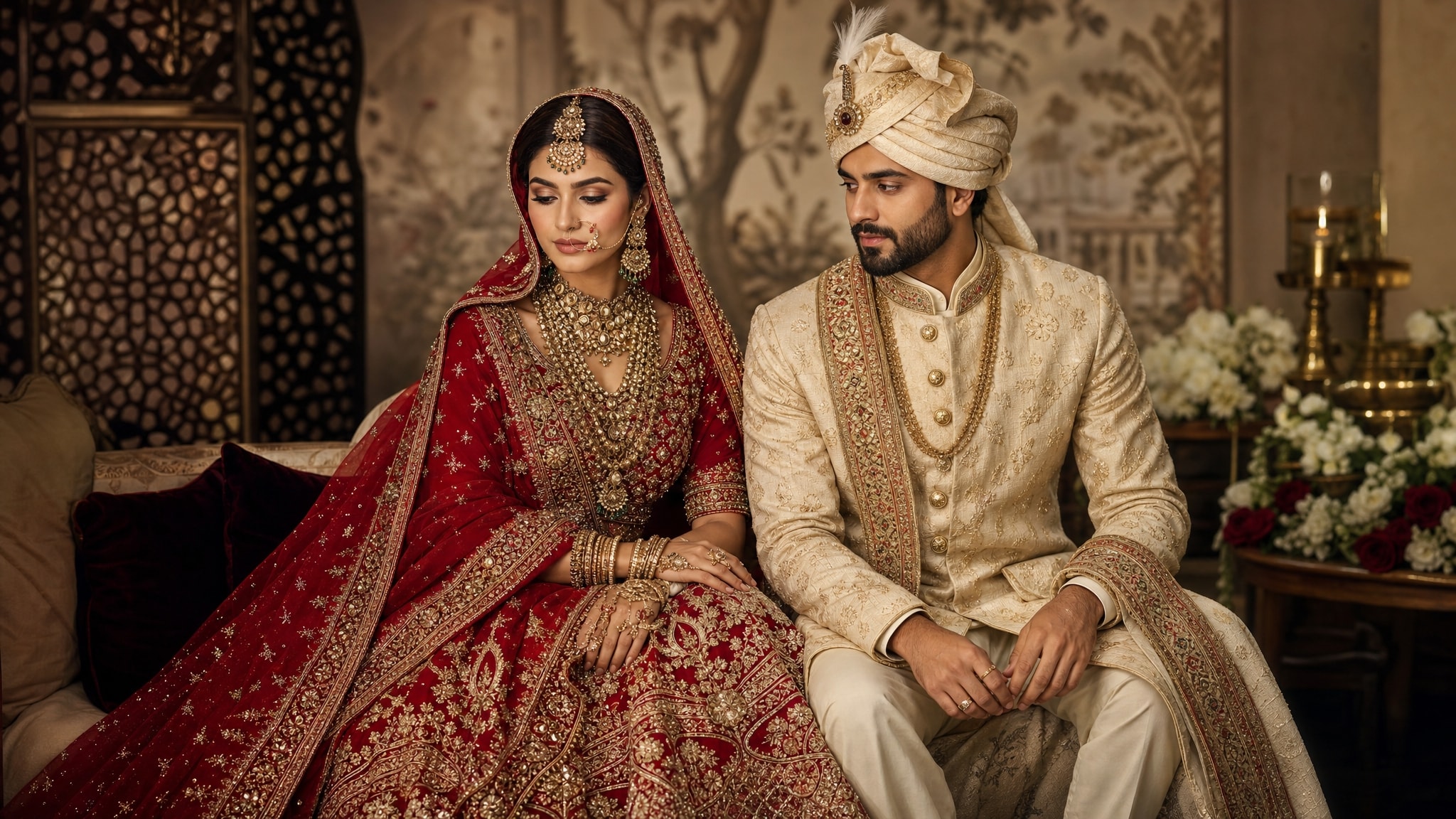
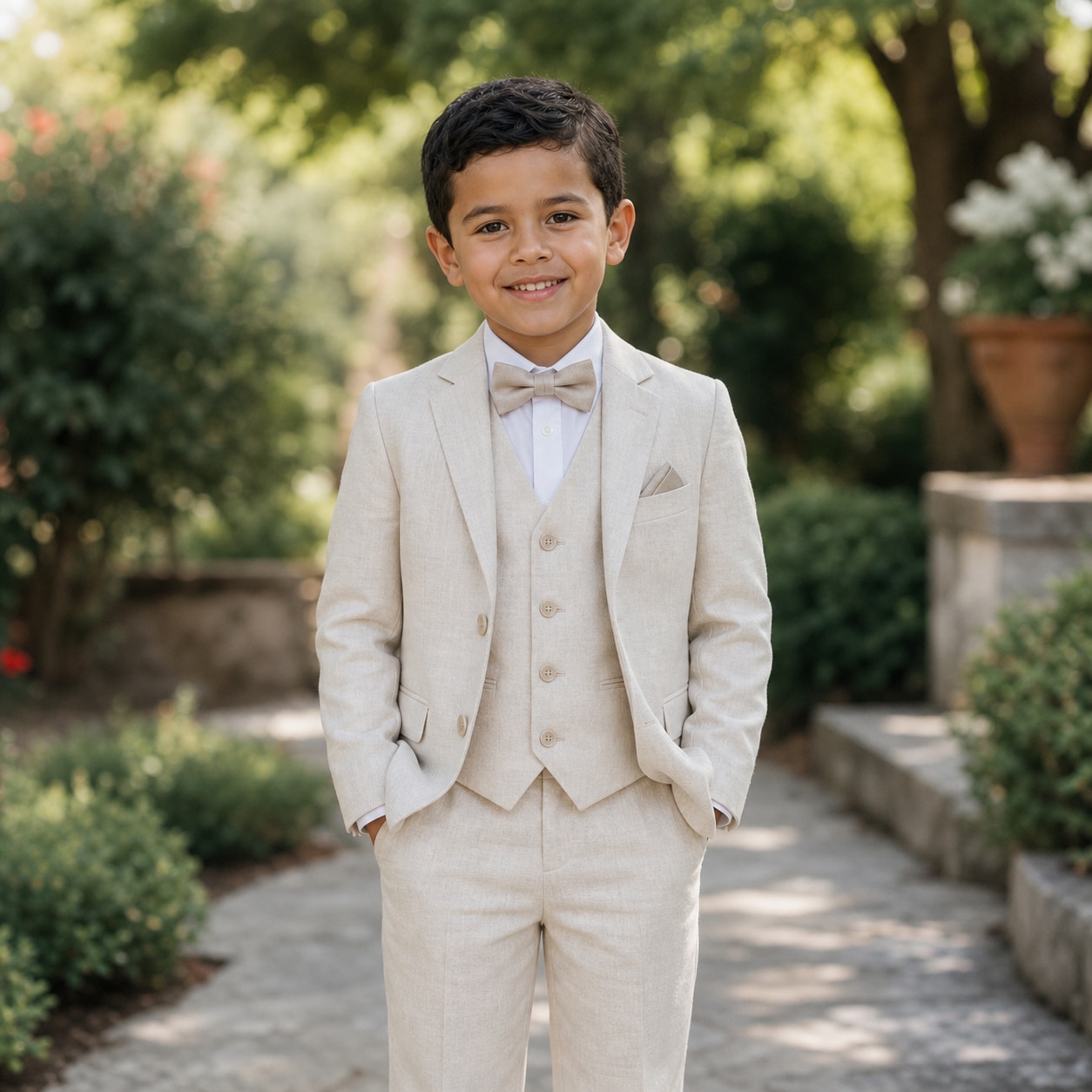
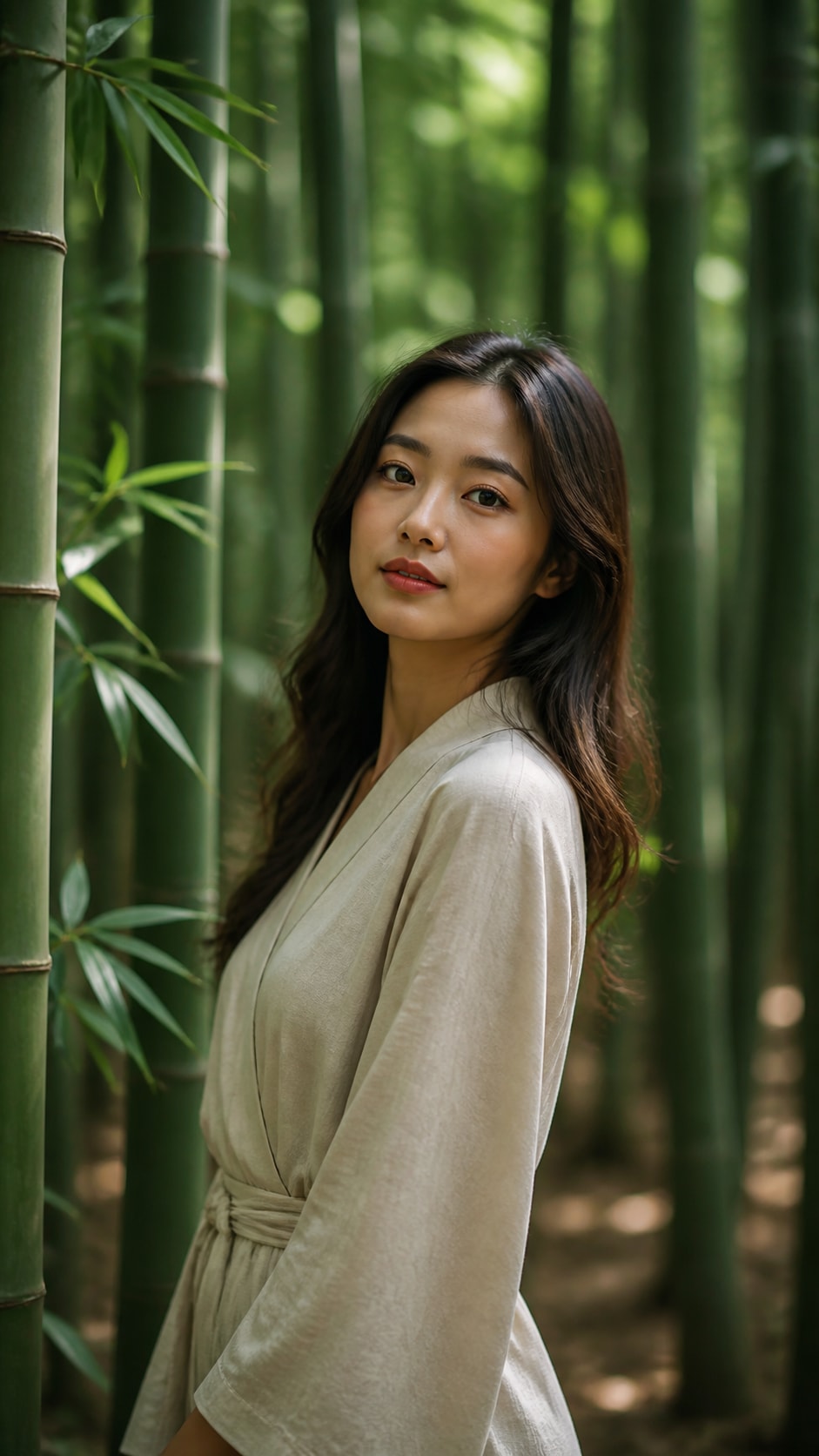
Browse ai pakistani dress prompts for shalwar kameez, bridal lehengas, Eid outfits, embroidered fabrics, jewelry portraits, and festive fashion scenes. Use each idea to create assets for video templates, reels, social posts, covers, and export-ready visuals.
Loading more Pakistani dress prompts...
 Category:
 Duration:
 Aspect Ratio:
Why Use Pakistani Dress Prompts With Filmora?
Pakistani fashion visuals need careful attention to silhouette, embroidery, drape, jewelry, occasion, and lighting. Filmora helps turn those details into polished portraits, product looks, festive posts, and fashion edits.
Generate Pakistani Dress Images With Filmora
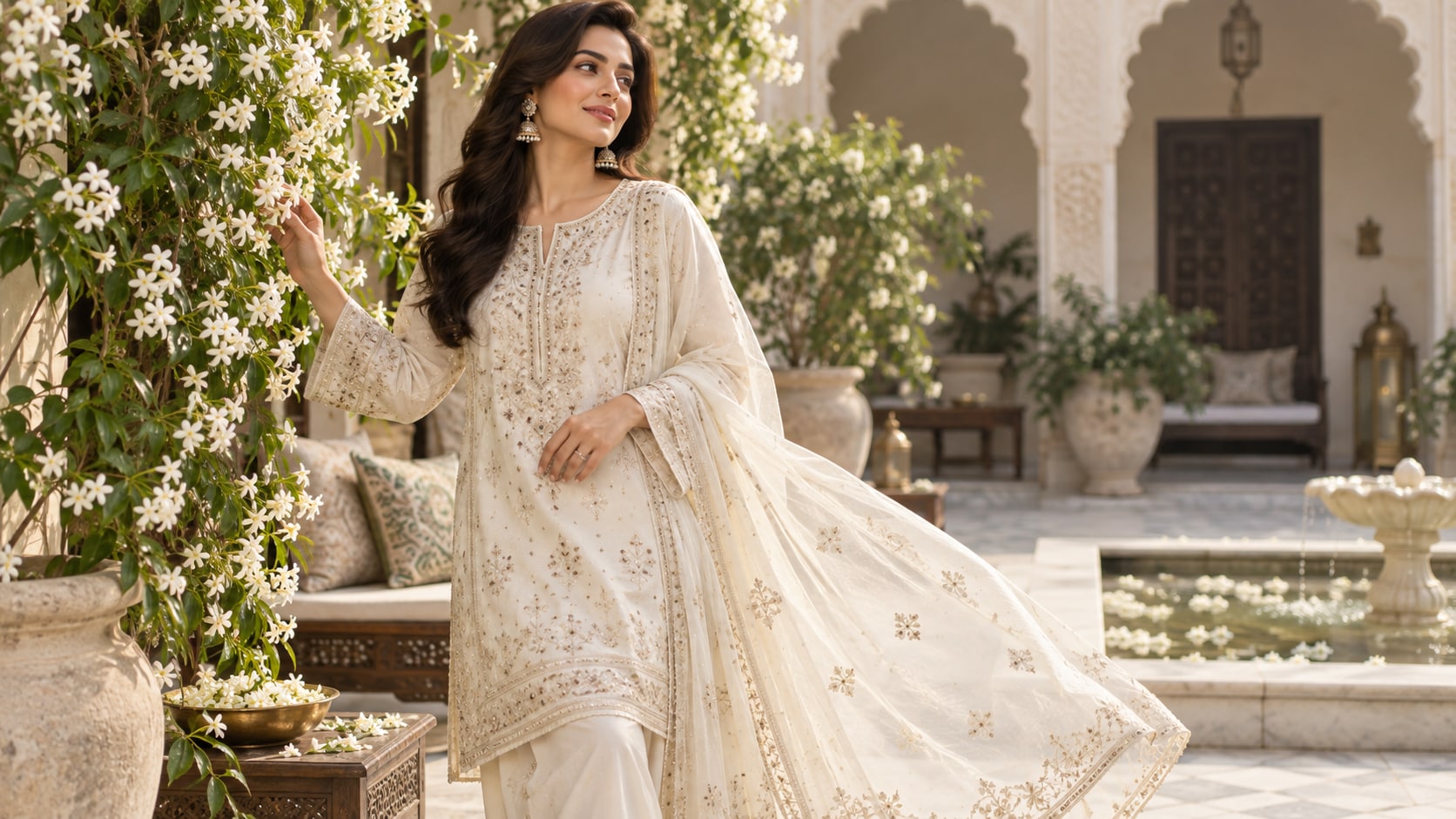
Generate Pakistani Dress Images With Filmora
Start with a precise Pakistani dress prompt, then use Filmora's AI image generator to turn shalwar kameez, bridal lehengas, Eid outfits, embroidered fabrics, jewelry portraits, and festive fashion scenes into clean, edit-ready stills. Use it for shalwar kameez portraits, embroidered textiles, bridal styling, Eid scenes, modest fashion, and polished campaign imagery.
- Prompt to Image - Build a refined garment image with controlled silhouette, textile detail, cultural context, and balanced styling.
- Clean Visual Structure - Leave enough breathing room for product notes, event text, or campaign branding added later.
- Fast Iteration - Compare portrait, runway, bridal, festive, and ecommerce directions before choosing the strongest frame.
Use GPT Image 2 for Embroidery and Garment Detail
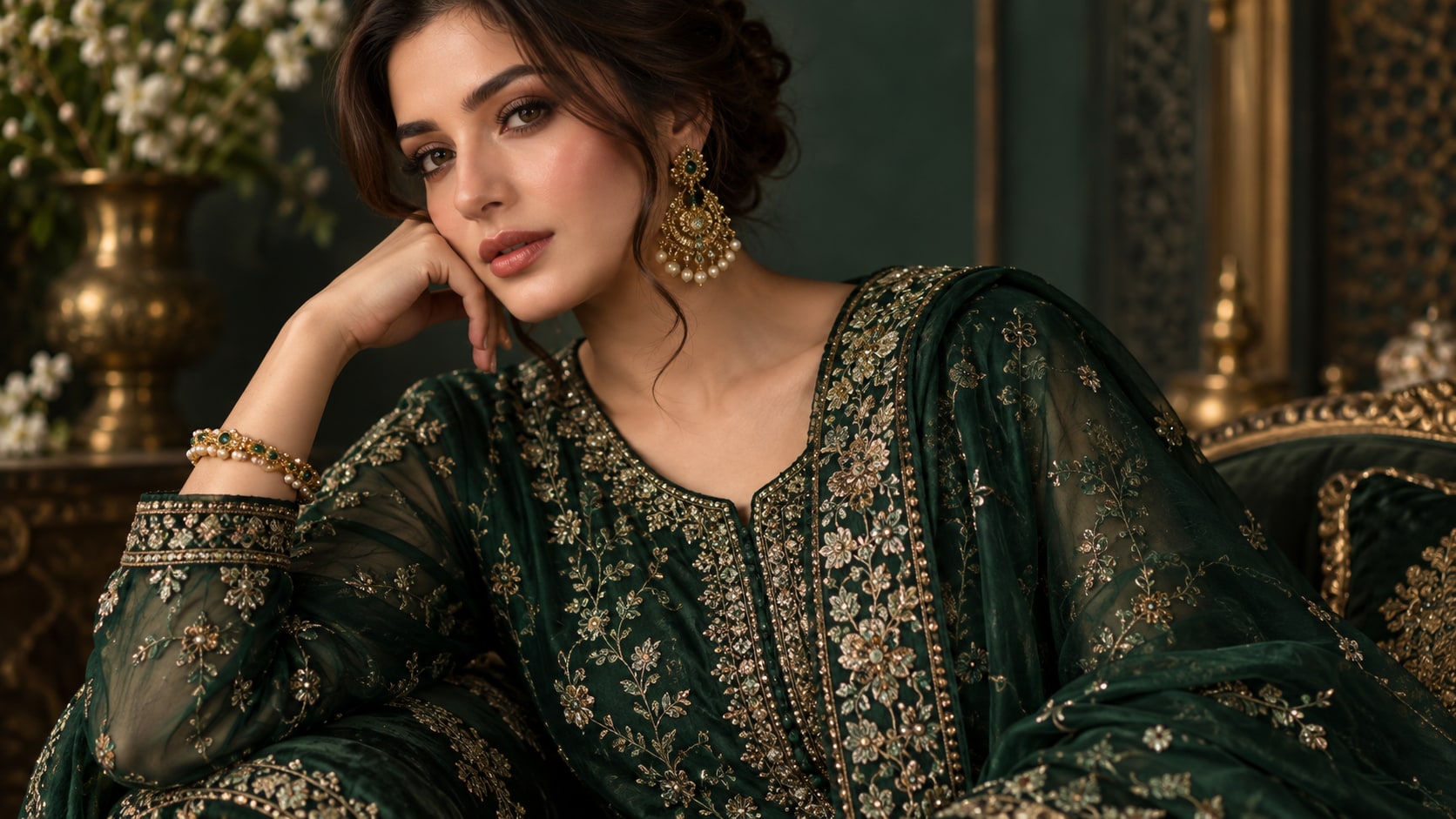
Use GPT Image 2 for Embroidery and Garment Detail
When the scene needs dependable subject detail, texture, or background control, Filmora's GPT Image 2 helps follow a structured prompt. This is especially helpful for threadwork, sequins, dupatta folds, jewelry, garment edges, skin tone, and respectful pose direction.
- Prompt Following - Specify garment construction, pose, accessories, setting, light direction, and camera distance.
- Detail Control - Preserve embroidery, drape, folds, jewelry, skin tone, and fabric contrast with greater control.
- Edit-Ready Results - Keep the fashion image clean before adding titles, logos, or motion in Filmora.
Try Nano Banana for Festive Fashion Variants
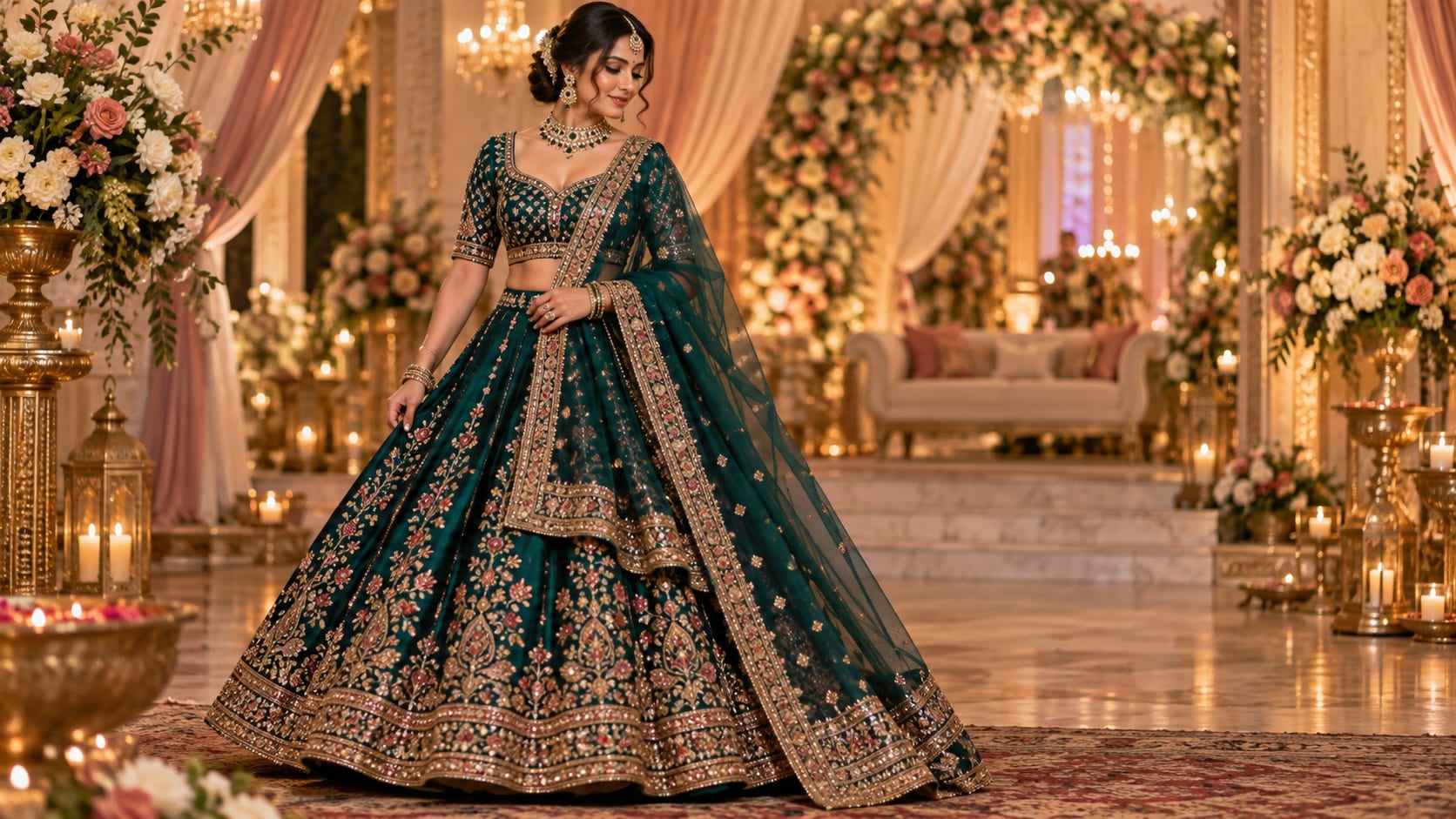
Try Nano Banana for Festive Fashion Variants
Use Filmora's Nano Banana when one idea needs another palette, mood, composition, or social treatment. Try indoor studio, decorated courtyard, wedding hall, Eid morning, rooftop evening, or luxury editorial versions of one outfit.
- Style Range - Shift between studio catalog, Eid celebration, wedding portrait, courtyard, rooftop, and editorial looks.
- Variant Testing - Test color families, textile density, and crop options from the same outfit concept.
- Creative Flow - Keep styling exploration connected to the final editing and export stage.
Turn Pakistani Dress Images Into Video
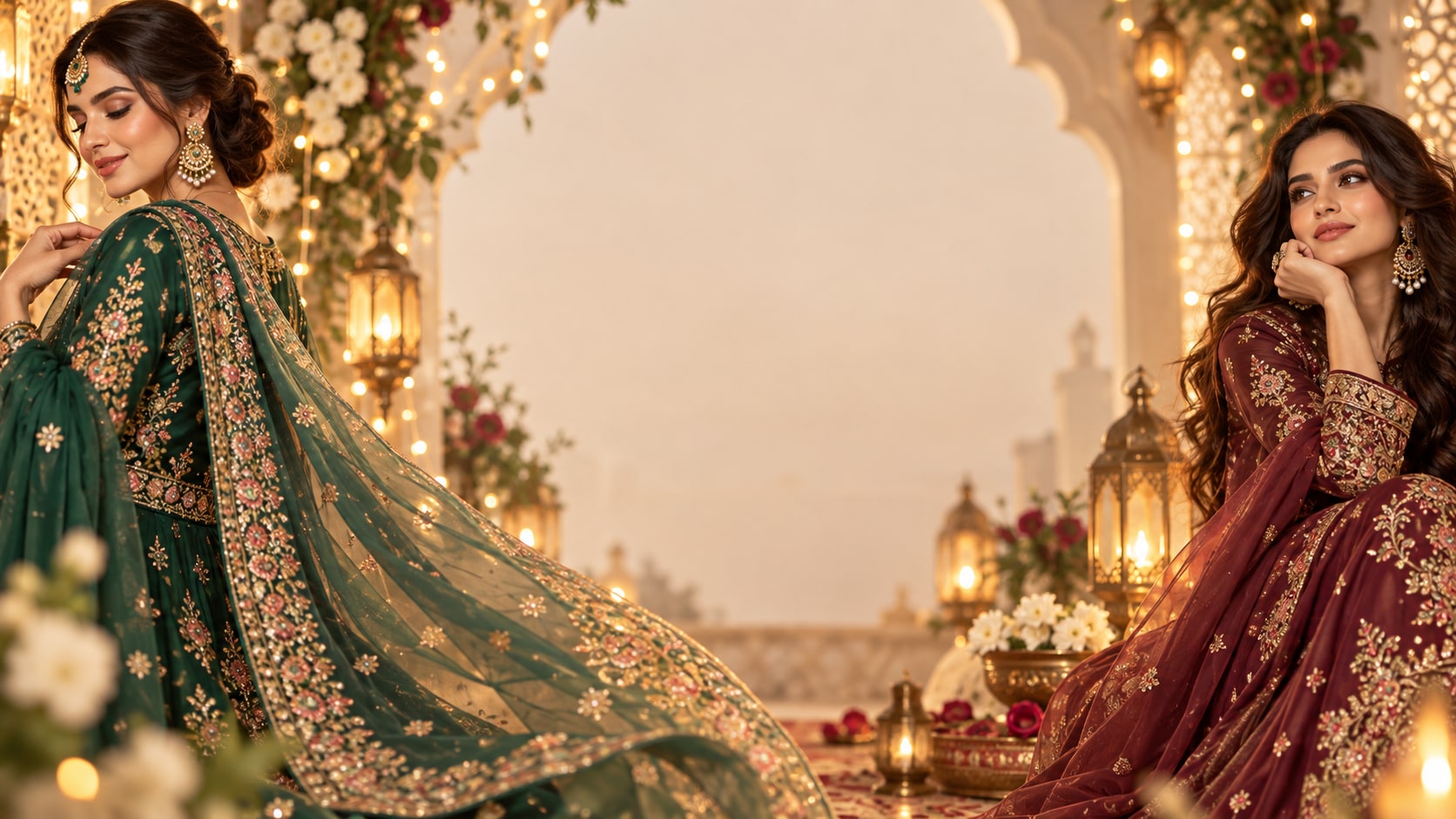
Turn Pakistani Dress Images Into Video
After generating the still, use Filmora's AI Image to Video workflow to add camera movement, overlays, effects, sound, and social-ready exports. Animate a dupatta drift, jewelry glint, fabric close-up, gentle camera slide, or celebration-light reveal for a fashion reel.
- Motion Ideas - Animate a slow fabric reveal, jewelry glint, camera slide, veil movement, or runway-style push.
- Social Formats - Create 16:9 campaign banners, 9:16 fashion reels, and square product tiles from one still.
- Final Export - Finish with text, music, transitions, and storefront-ready exports.
Frequently Asked Questions About Pakistani Dress Prompts
How to Generate Pakistani Dress Images With AI
Choose a pakistani dress setup, define the subject and visual mood, generate the still, then personalize or animate it in Filmora.
Step 1 Choose a Pakistani Dress Prompt

Step 2 Set Style, Model, and Ratio

Step 3 Generate, Edit, and Export

-
1: Choose a Pakistani Dress Prompt
Pick a pakistani dress setup such as an embroidered lawn suit, a bridal lehenga portrait, an Eid courtyard scene, or a studio garment display. -
2: Set Style, Model, and Ratio
Paste the prompt into Filmora's AI Image tool, choose GPT Image 2 or Nano Banana, select a ratio, and refine subject detail, lighting, and framing. -
3: Generate, Edit, and Export
Generate the still, adjust crop and color, add motion or overlays if needed, then export it for fashion posts, Eid greetings, bridal mood boards, product previews, and short fashion reels.
Pakistani Dress Prompts for Elegant Festive Fashion
Use ai pakistani dress prompts to create shalwar kameez, bridal lehengas, Eid outfits, embroidered fabrics, jewelry portraits, and festive fashion scenes and motion-ready visuals for Filmora editing.