
Explore Trending AI Rooftop Portrait Prompts
Discover an inspiring collection of texts to generate photorealistic urban shots. From a golden hour rooftop portrait prompt to a night rooftop portrait prompt, seamlessly integrate these visuals into your next project using our Video Templates 🎬.
Loading more AI rooftop portrait prompts...
 Category:
 Duration:
 Aspect Ratio:
Why Use an AI Rooftop Portrait Prompt?
Generating a rooftop portrait ai prompt opens up endless creative possibilities. With Filmora's integrated Nano Banana 2 and GPT Image 2 models, you can effortlessly craft an aesthetic rooftop portrait prompt visual without leaving the editor 🚀.
Achieve Cinematic Urban Lighting
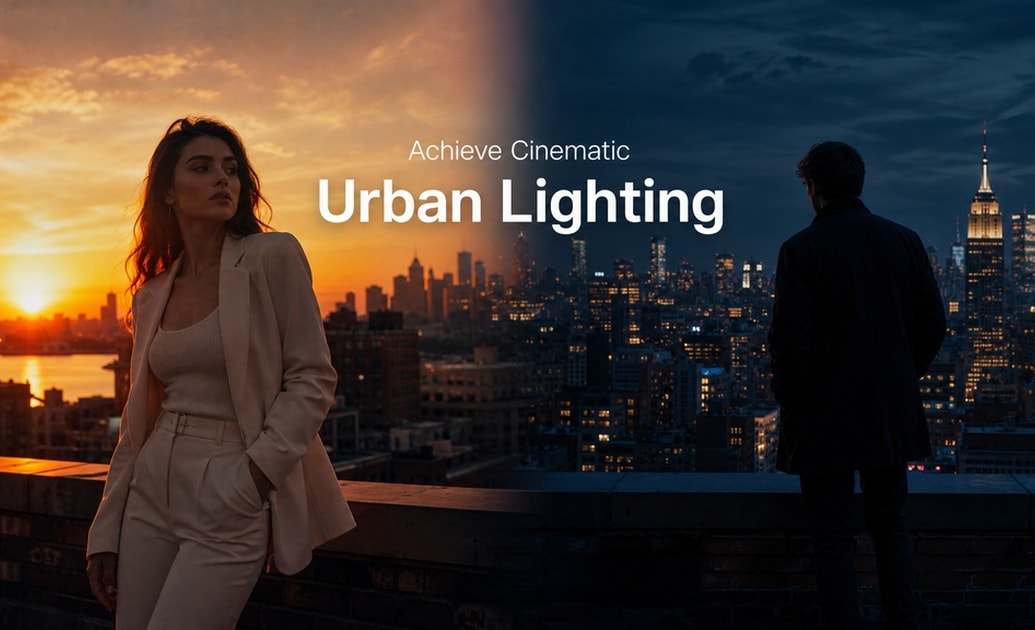
Achieve Cinematic Urban Lighting
Master complex lighting scenarios with ease. A golden hour rooftop portrait prompt or a blue hour rooftop portrait prompt ensures your generated characters look flawless against the glowing city skyline.
- Flawless Glow - Instantly emulate the perfect sunset reflection on your subjects.
- Moody Shadows - Create a night rooftop portrait prompt for deep, atmospheric silhouettes.
- Realistic Textures - Generate a high-quality city skyline rooftop portrait prompt that retains crisp detail.
Versatile Styles for Every Creator
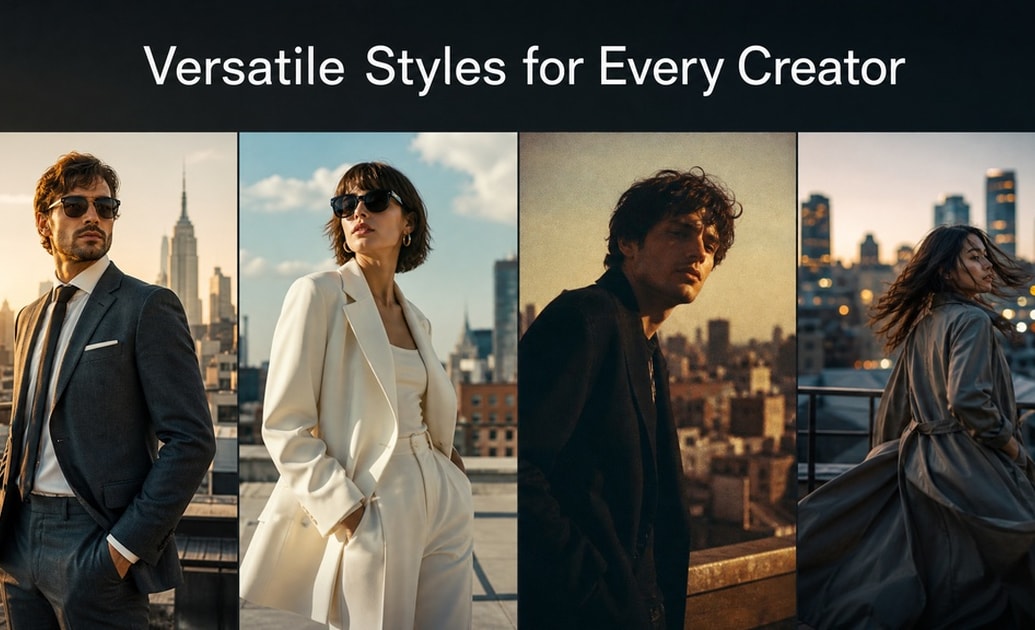
Versatile Styles for Every Creator
Whether you need a rooftop portrait prompt for men, a rooftop portrait prompt for women, or a film grain rooftop portrait prompt, Filmora's built-in Nano Banana Pro model adapts to your distinct creative needs perfectly.
- Gender Specific Prompts - Customize unique aesthetics based on your character requirements.
- Stylized Aesthetics - Incorporate a rooftop portrait prompt with sunglasses or a rooftop portrait prompt with b roll style focus.
- High Fidelity Output - Deliver a photorealistic rooftop portrait prompt that wows your audience.
Seamless Transition to Video
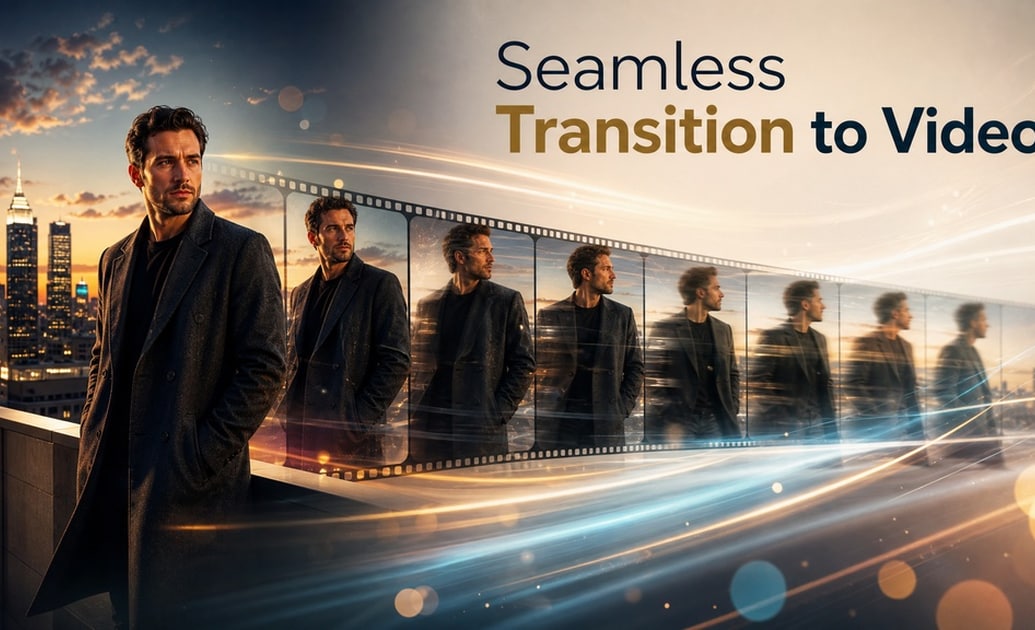
Seamless Transition to Video
Once you create your ultimate 8k rooftop portrait prompt visual, seamlessly turn it into dynamic motion. Filmora features an incredible AI Image To Video tool that brings your generated city scenes to life.
- Dynamic Motion - Add subtle movements to your cinematic rooftop portrait ai prompt.
- Seamless Workflows - Generate and edit within one unified interface.
- Engaging Shorts - Elevate your social media presence with compelling urban video art.
Ultimate AI Generator Integration
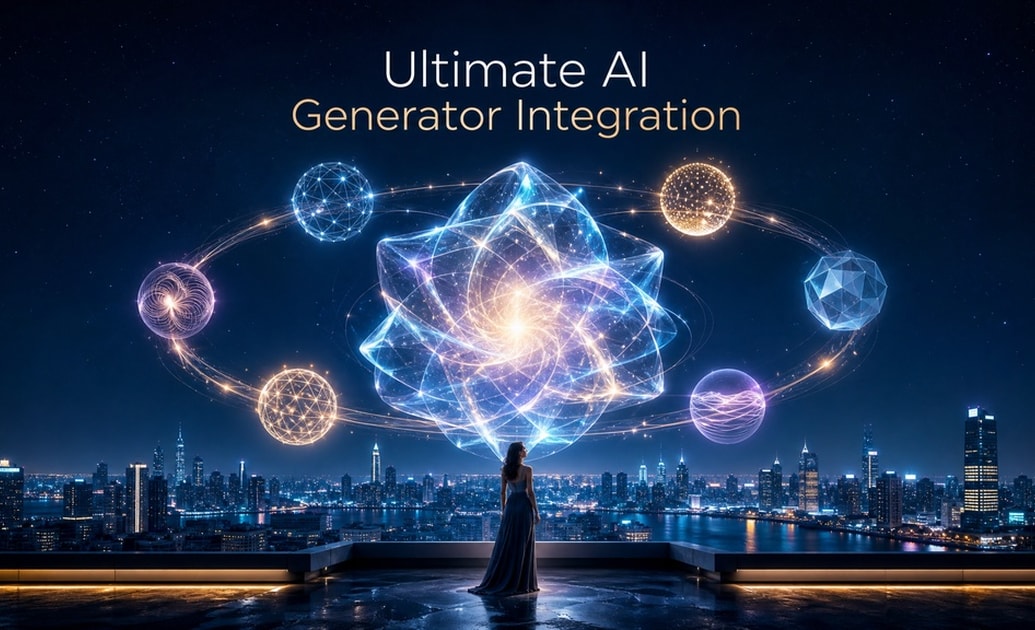
Ultimate AI Generator Integration
Skip the hassle of searching for an external rooftop portrait prompt generator. Filmora internally houses premium image generation models like GPT Image 2 and Nano Banana Pro, offering unmatched versatility over basic tools.
- Built-In Models - Ditch the need for a separate rooftop portrait prompt generator chatgpt or rooftop portrait prompt generator gemini.
- Instant Application - Drag your moody rooftop portrait prompt result directly to the timeline.
- No Extra Subscriptions - Access top-tier AI directly within Filmora's comprehensive suite.
Frequently Asked Questions About AI Rooftop Portrait Prompts
How to Use an AI Rooftop Portrait Prompt
Transform your ideas into breathtaking urban visuals using Filmora's advanced rooftop portrait prompt generator powered by Nano Banana Pro and GPT Image 2 🌆.
Step 1 Open the AI Image Generator

Step 2 Enter Your Rooftop Portrait Prompt

Step 3 Generate and Edit Seamlessly

-
1: Open the AI Image Generator
Launch Filmora and access the native tool. Select your preferred built-in model, such as Nano Banana 2 or GPT Image 2, to prepare for your ai rooftop portrait prompt creation. -
2: Enter Your Rooftop Portrait Prompt
Type in your specific idea. Whether it is a golden hour rooftop portrait prompt or a rooftop portrait prompt with sunglasses, providing detailed text ensures a photorealistic rooftop portrait prompt result. -
3: Generate and Edit Seamlessly
Click generate and watch the AI bring your city skyline rooftop portrait prompt to life! Instantly add it to your timeline for cinematic video editing.




