
Explore Popular Sky Portrait AI Prompts
Discover a wide variety of versatile sky portrait background prompts designed to highlight your subject. From a realistic cloud sky portrait background to an atmospheric night sky portrait background, find everything you need to enhance your digital sky portrait photography.
Loading more sky portrait background prompts...
 Category:
 Duration:
 Aspect Ratio:
Why Use Sky Portrait Background Prompts?
A breathtaking sky portrait AI prompt is the key to creating visuals that stand out in crowded feeds. From cinematic edits to fantasy aesthetics, mastering sky portrait photography opens up a whole new world of creative possibilities.
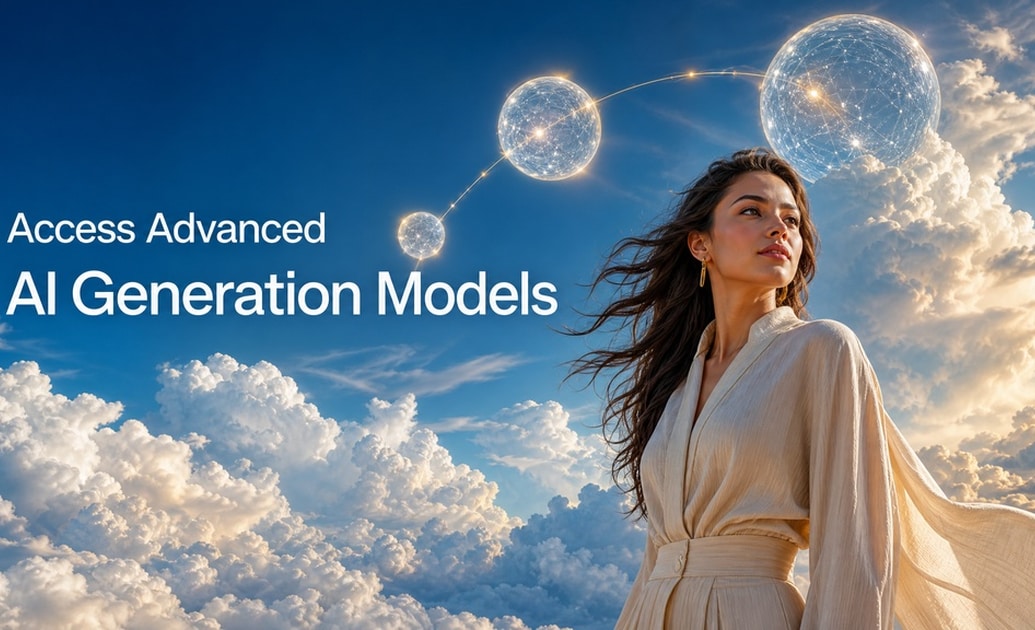
Access Advanced AI Generation Models
Access Advanced AI Generation Models
Say goodbye to blurry results. Filmora's built-in AI image generator directly integrates Nano banana 2, Nano Banana Pro, and GPT image 2 natively. We deliberately bypass outdated models like DALL-E 3, ensuring your cloud sky portrait background looks incredibly sharp, realistic, and bursting with high-fidelity textures. ✨
- State-of-the-Art Engines - Leverage Nano Banana Pro for hyper-realistic renders.
- Incredible Detail - Produce crisp textures for your night sky portrait background.
- Effortless Execution - Your sky portrait AI prompt translates flawlessly to visual art.
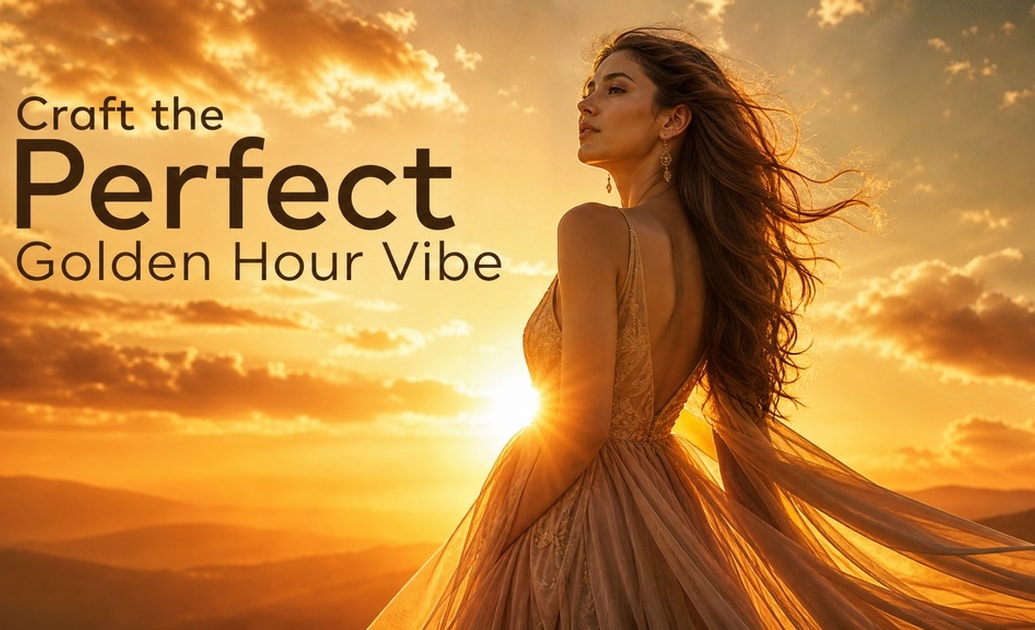
Craft the Perfect Golden Hour Vibe
Craft the Perfect Golden Hour Vibe
You no longer need to wait for the sun to set. Use a targeted golden hour portrait background prompt to instantly bathe your subjects in warm, cinematic lighting that enhances your overall sky portrait aesthetic. 🌅
- Instant Sunset Lighting - Generate a glowing sunset sky portrait background effortlessly.
- Professional Aesthetics - Achieve studio-quality warmth and depth.
- Easy Adjustments - Tweak your prompt to alter the cloud formations and colors.
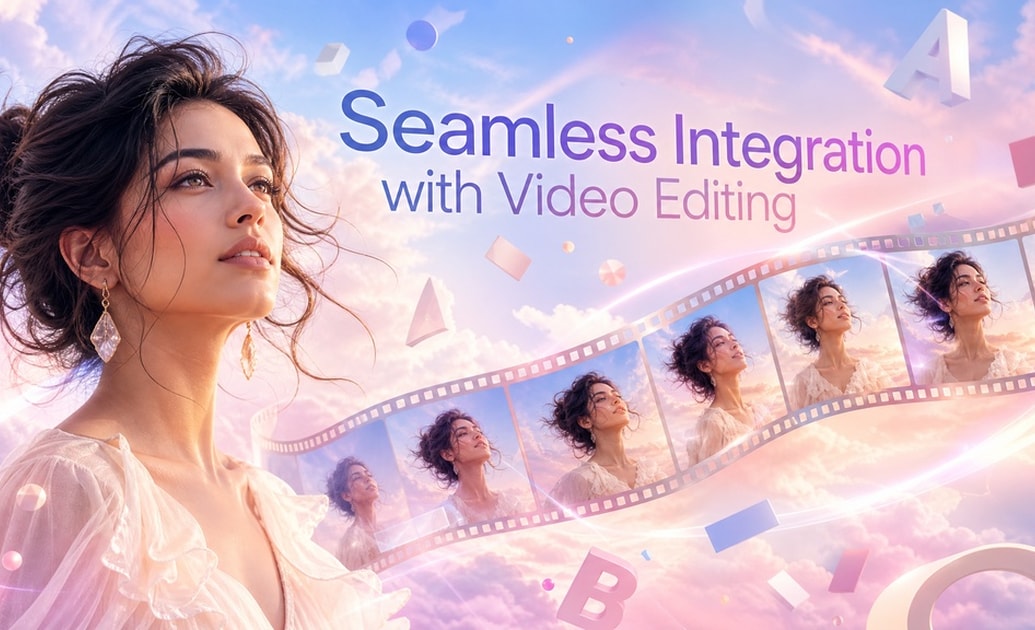
Seamless Integration with Video Editing
Seamless Integration with Video Editing
After generating a stunning dreamy sky portrait background, bring it to life! Filmora allows you to easily plug your generated images into dynamic video templates. Add text, AI stickers, and smooth transitions all within the same creative workspace.
- All-in-One Studio - Generate images and edit videos without switching apps.
- Drag-and-Drop Workflow - Easily place your sky portrait photography onto the timeline.
- Endless Assets - Enhance your visuals with built-in effects and royalty-free music.
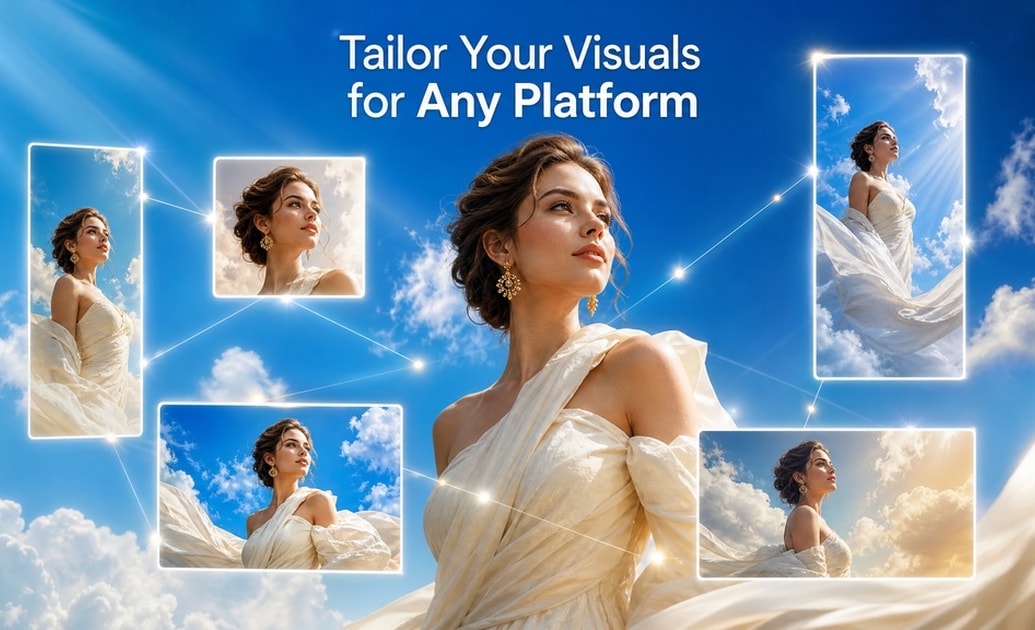
Tailor Your Visuals for Any Platform
Tailor Your Visuals for Any Platform
A well-crafted sky portrait prompt for ChatGPT or Gemini can output variations perfect for TikTok, Instagram, or YouTube Shorts. Filmora’s auto-resize capabilities ensure that your generated sky portrait aesthetic shines brilliantly across every screen size.
- Auto-Resize Magic - Adjust your blue sky portrait background ratio in seconds.
- Platform-Ready Exports - Optimize rendering for vertical or horizontal viewing.
- Cross-Platform Consistency - Maintain the same high-quality look wherever you post.
Frequently Asked Questions About Sky Portrait Prompts
How to Create a Sky Portrait Aesthetic with Prompts
Transform ordinary photos into breathtaking masterpieces using powerful sky portrait background prompts directly in Filmora's advanced AI image generator.
Step 1 Input Your Sky Portrait AI Prompt

Step 2 Choose Your AI Model

Step 3 Generate & Animate

-
1:Input Your Sky Portrait AI Prompt
Open Filmora and navigate to the AI Image feature. Enter your desired prompt, such as a dreamy sky portrait background or a vibrant sunset sky portrait background. -
2:Choose Your AI Model
Select from industry-leading models like Nano Banana Pro, Nano Banana 2, or GPT Image 2 built right into Filmora for ultra-realistic sky portrait photography. -
3:Generate & Animate
Hit generate to see your stunning blue sky portrait background. Add AI stickers, transitions, or export your cinematic sky portrait aesthetic directly for social media.




