Explore Short Hair Portrait AI Prompts
Browse ai short hair prompts for pixie cuts, short bobs, textured crops, editorial portraits, professional headshots, natural curls, and modern hairstyle references. Use each idea for video templates, reels, social posts, covers, and export-ready visuals.
Loading more short hair portrait prompts...
 Category:
 Duration:
 Aspect Ratio:
Why Create Short Hair Portrait Images With Filmora?
Short hair prompts help creators explore pixie cuts, bobs, crops, and professional profile looks with clear styling direction. Filmora adds comparison layouts, titles, transitions, and social-ready exports.
Generate Short Hair Portrait With Filmora
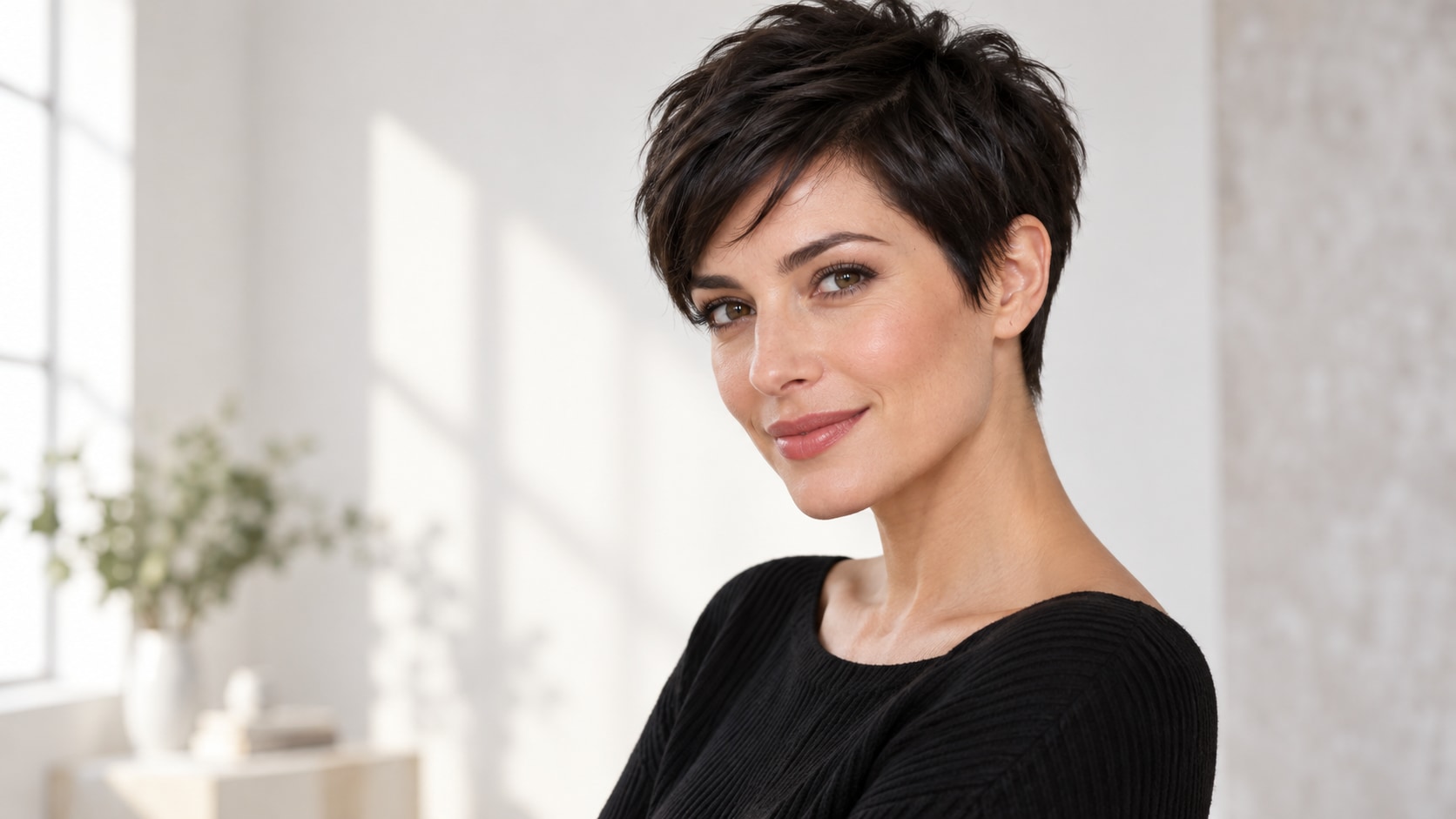
Generate Short Hair Portrait With Filmora
Start with a precise short hair prompt, then use Filmora's AI image generator to turn pixie cuts, short bobs, textured crops, editorial portraits, professional headshots, natural curls, and modern hairstyle references into clean, edit-ready stills. Use it for pixie cuts, short bobs, textured crops, editorial portraits, professional headshots, natural curls, and modern hairstyle references, then refine crop, color, overlays, and motion in Filmora.
- Prompt to Image - Build a clear subject, setting, pose, and focal point before generating the first image.
- Clean Visual Structure - Filmora's AI Image Generator turns a carefully written brief into a clean visual starting point.
- Fast Iteration - Compare several wardrobe, lighting, framing, and background directions without rebuilding the edit.
Use GPT Image 2 for Controlled Composition and Detail
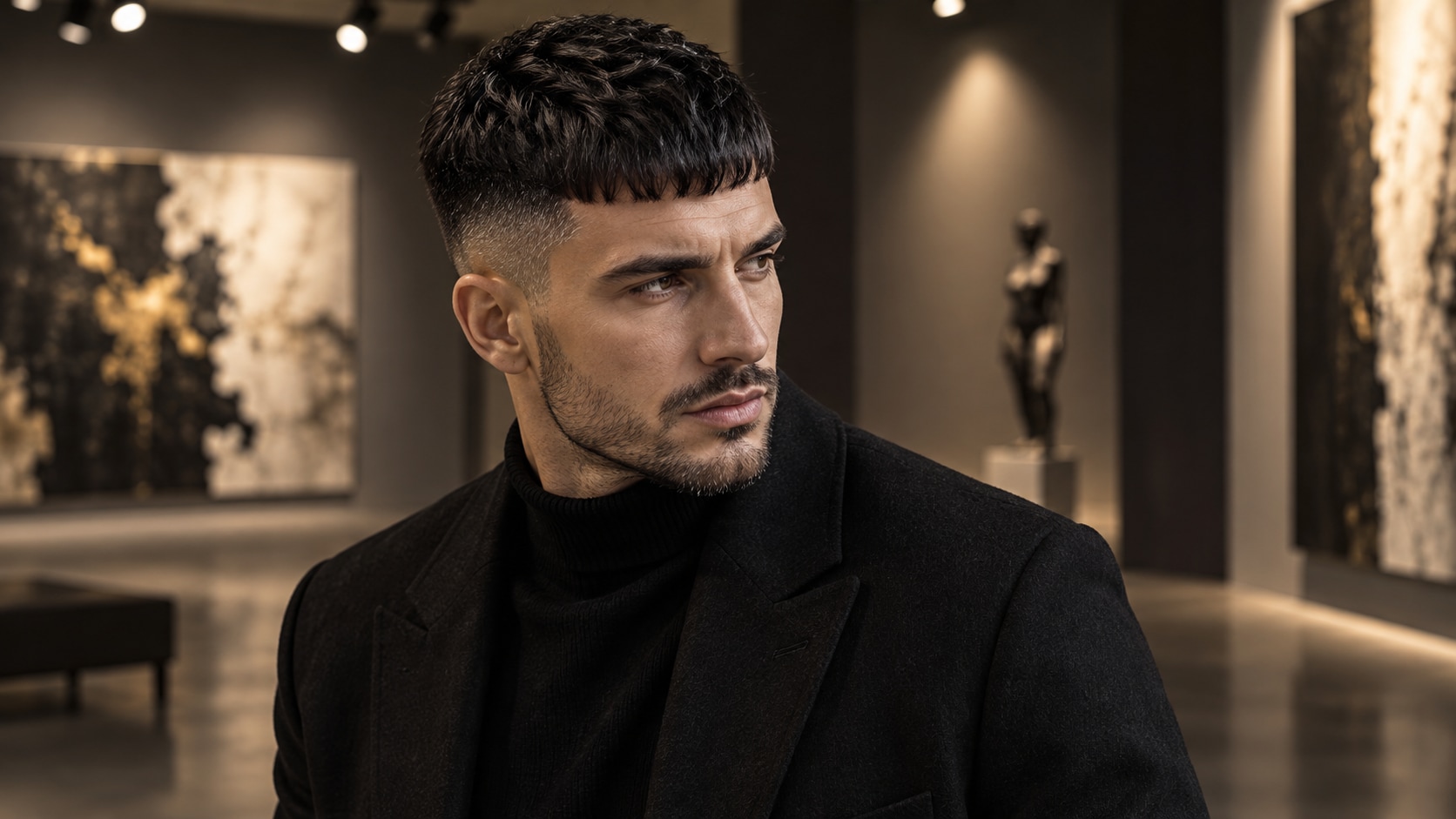
Use GPT Image 2 for Controlled Composition and Detail
When the scene needs dependable subject detail, texture, or background control, Filmora's GPT Image 2 helps follow a structured prompt. GPT Image 2 helps organize subject details, setting, lighting, materials, and the clean space reserved for later design.
- Prompt Following - Specify camera distance, lens behavior, material detail, color, and the negative space needed for later copy.
- Detail Control - GPT Image 2 helps maintain structured details while titles, stickers, and overlays stay editable in Filmora.
- Edit-Ready Results - Keep generated lettering out of the image so the final wording remains accurate in the timeline.
Try Nano Banana for Fast Creative Variations
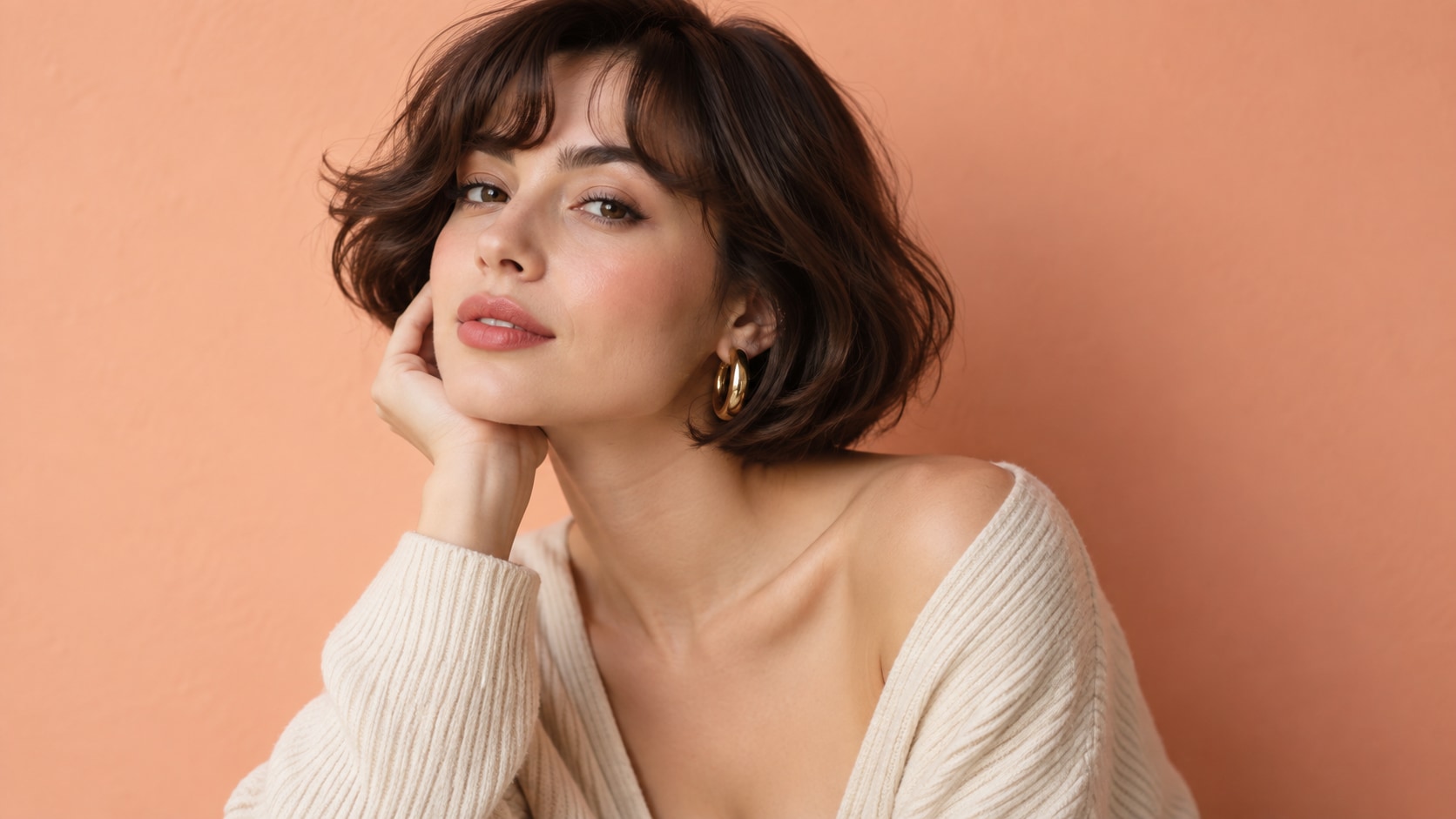
Try Nano Banana for Fast Creative Variations
Use Filmora's Nano Banana when one idea needs another palette, mood, composition, or social treatment. Nano Banana helps test alternate palettes, props, backgrounds, and moods while retaining the main direction.
- Style Range - Explore alternate palettes, eras, locations, illustration media, and compositions from one creative idea.
- Variant Testing - Nano Banana makes fast visual revisions practical when the first result needs a different treatment.
- Creative Flow - Move from prompt testing to crop, layout, and platform-specific exports in the same workspace.
Turn Short Hair Portrait Into Video
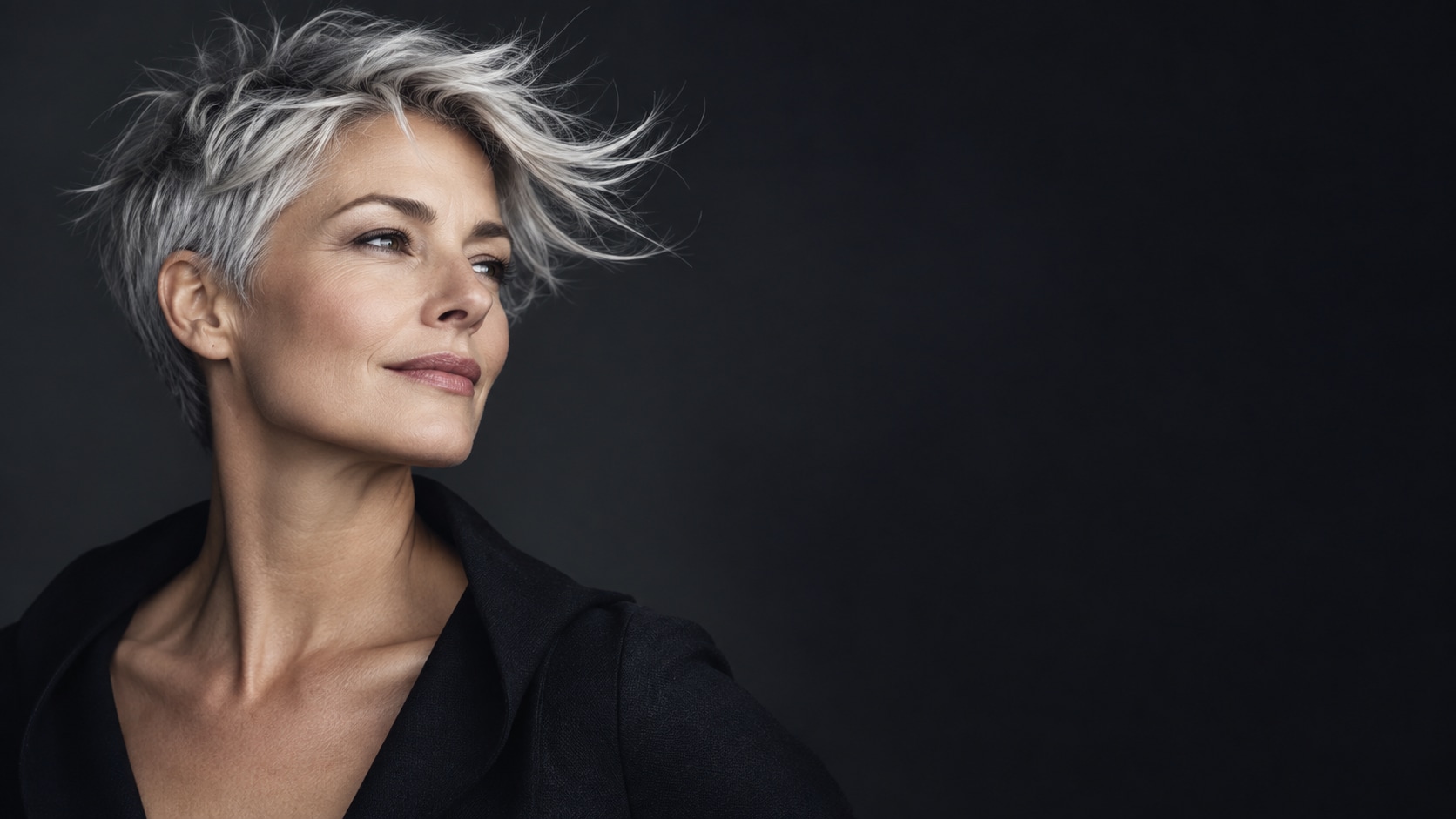
Turn Short Hair Portrait Into Video
After generating the still, use Filmora's AI Image to Video workflow to add camera movement, overlays, effects, sound, and social-ready exports. Animate a camera move, fabric shift, page turn, drifting light, environmental movement, or a restrained title reveal.
- Motion Ideas - Add a camera push, parallax layer, fabric movement, drifting light, page turn, or gentle reveal.
- Social Formats - Filmora's AI Image to Video workflow turns a strong still into motion-ready content.
- Final Export - Finish with music, transitions, text, and 16:9, 9:16, or square exports.
Frequently Asked Questions About Short Hair Portrait Prompts
How to Generate Short Hair Portrait Images With AI
Choose a short hair portrait setup, define the visual mood, generate the still, then personalize or animate it in Filmora.
Step 1 Choose a Short Hair Portrait Prompt

Step 2 Set Style, Model, and Ratio

Step 3 Generate, Edit, and Export

-
1: Choose a Short Hair Portrait Prompt
Pick a short hair portrait setup such as an adult with a pixie cut, a short bob in studio light, a textured crop, or a professional profile portrait. -
2: Set Style, Model, and Ratio
Paste the prompt into Filmora's AI Image tool, choose GPT Image 2 or Nano Banana, select a ratio, and refine subject detail, lighting, and framing. -
3: Generate, Edit, and Export
Generate the still, adjust crop and color, add motion or overlays if needed, then export it for style boards, profile photos, salon concepts, fashion edits, and hairstyle comparison videos.
Short Hair Portrait AI Prompts for Premium Visuals
Use ai short hair prompts to create pixie cuts, short bobs, textured crops, editorial portraits, professional headshots, natural curls, and modern hairstyle references and motion-ready visuals for Filmora editing.