Explore Slim Waist AI Prompts
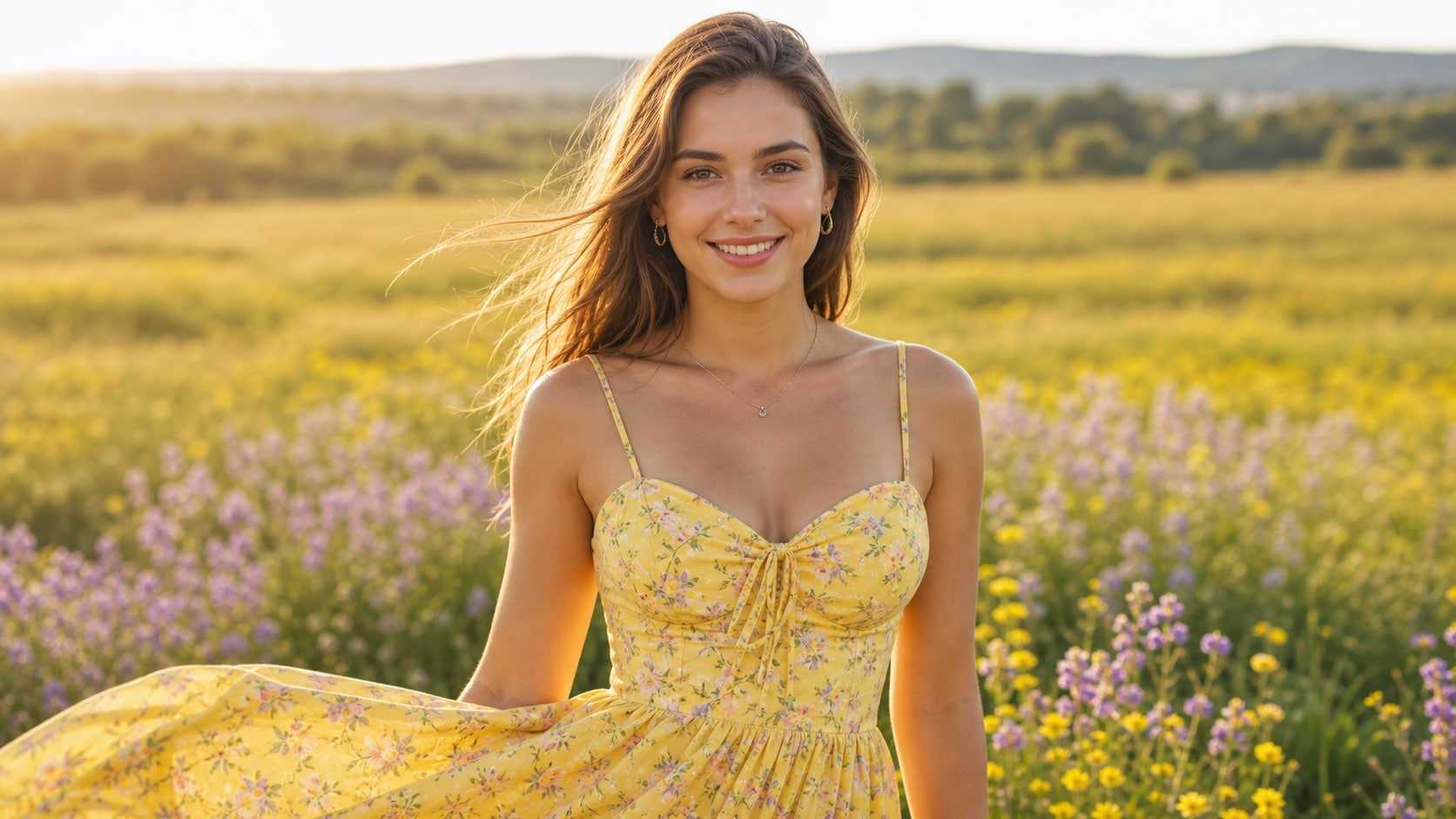
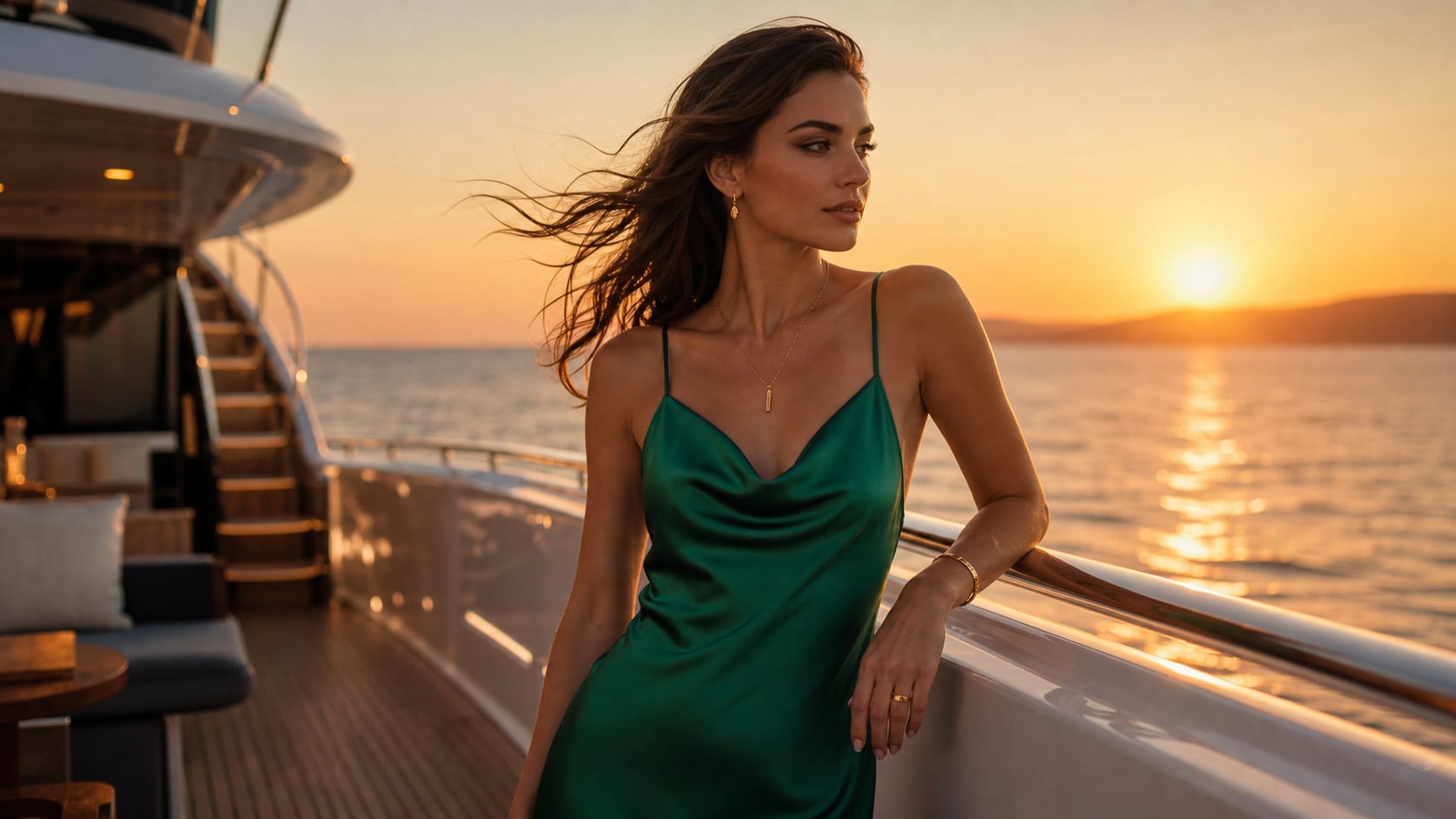
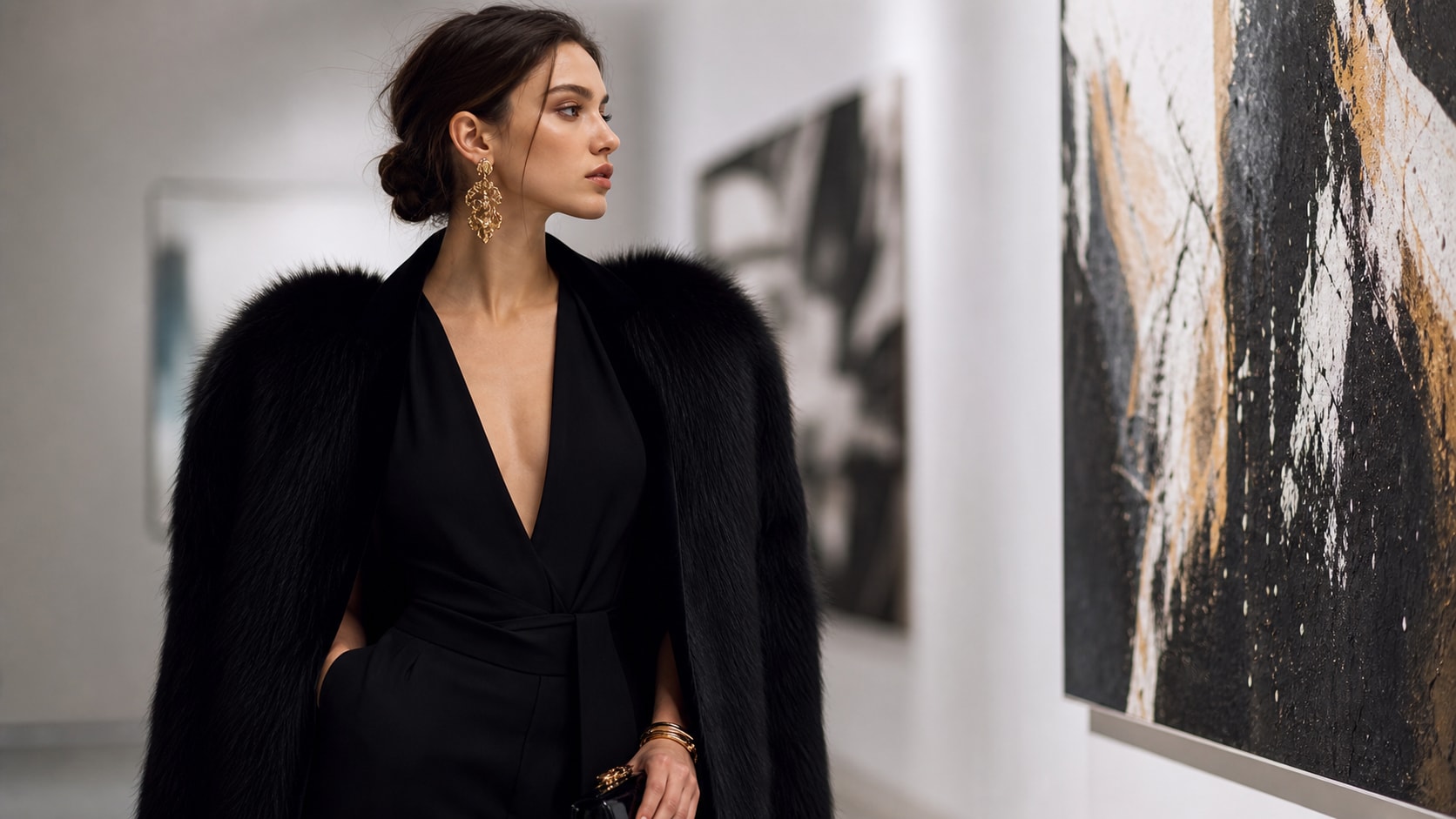
Browse ai slim waist prompts for subtle silhouette retouching, balanced outfit photos, standing poses, mirror selfies, and fashion editorials. Use each idea to create assets for video templates, reels, social posts, covers, and export-ready visuals.
Loading more slim waist prompts...
 Category:
 Duration:
 Aspect Ratio:
Why Refine Silhouette Photos With Filmora?
A convincing silhouette edit is careful rather than dramatic: the subject stays recognizable, clothing seams remain coherent, and the background does not warp. Filmora helps turn refined stills into balanced portraits, fashion posts, and motion-ready social content.
Generate Slim Waist Edits With Filmora
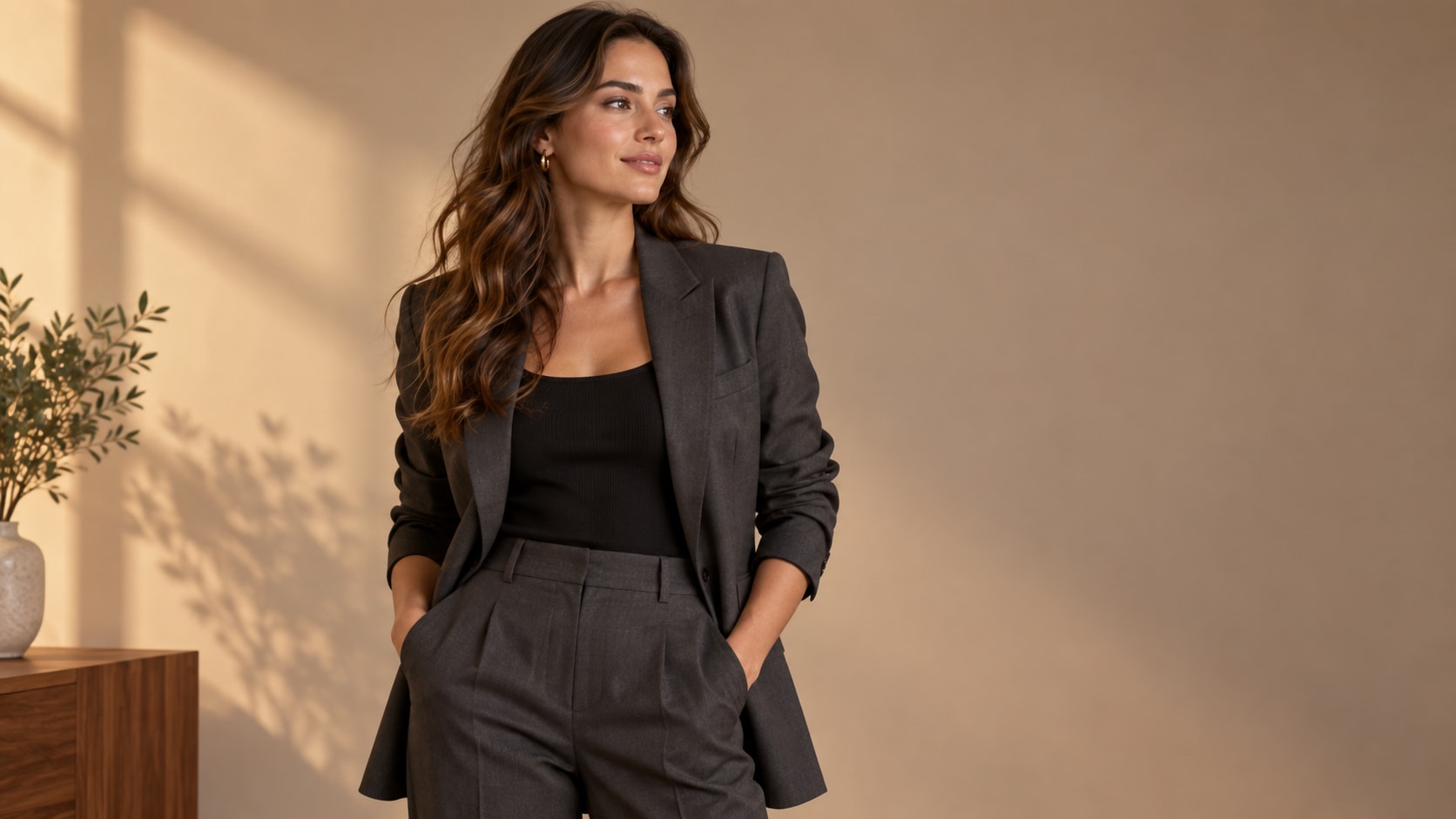
Generate Slim Waist Edits With Filmora
Start with a precise slim waist editing prompt, then use Filmora's AI image generator to turn subtle silhouette retouching, balanced outfit photos, standing poses, mirror selfies, and fashion editorials into clean, edit-ready stills. Use it for subtle silhouette retouching, balanced outfit photos, standing poses, mirror selfies, and fashion editorials, then continue refining crop, color, overlays, and motion in Filmora.
- Prompt to Image - Use a precise edit request to refine a silhouette while keeping the subject recognizable and naturally proportioned.
- Clean Visual Structure - Protect face, hands, clothing construction, lighting direction, and the background from accidental changes.
- Fast Iteration - Compare subtle adjustments before choosing a polished profile, fashion, or social image.
Use GPT Image 2 for Natural Proportion and Edit Control
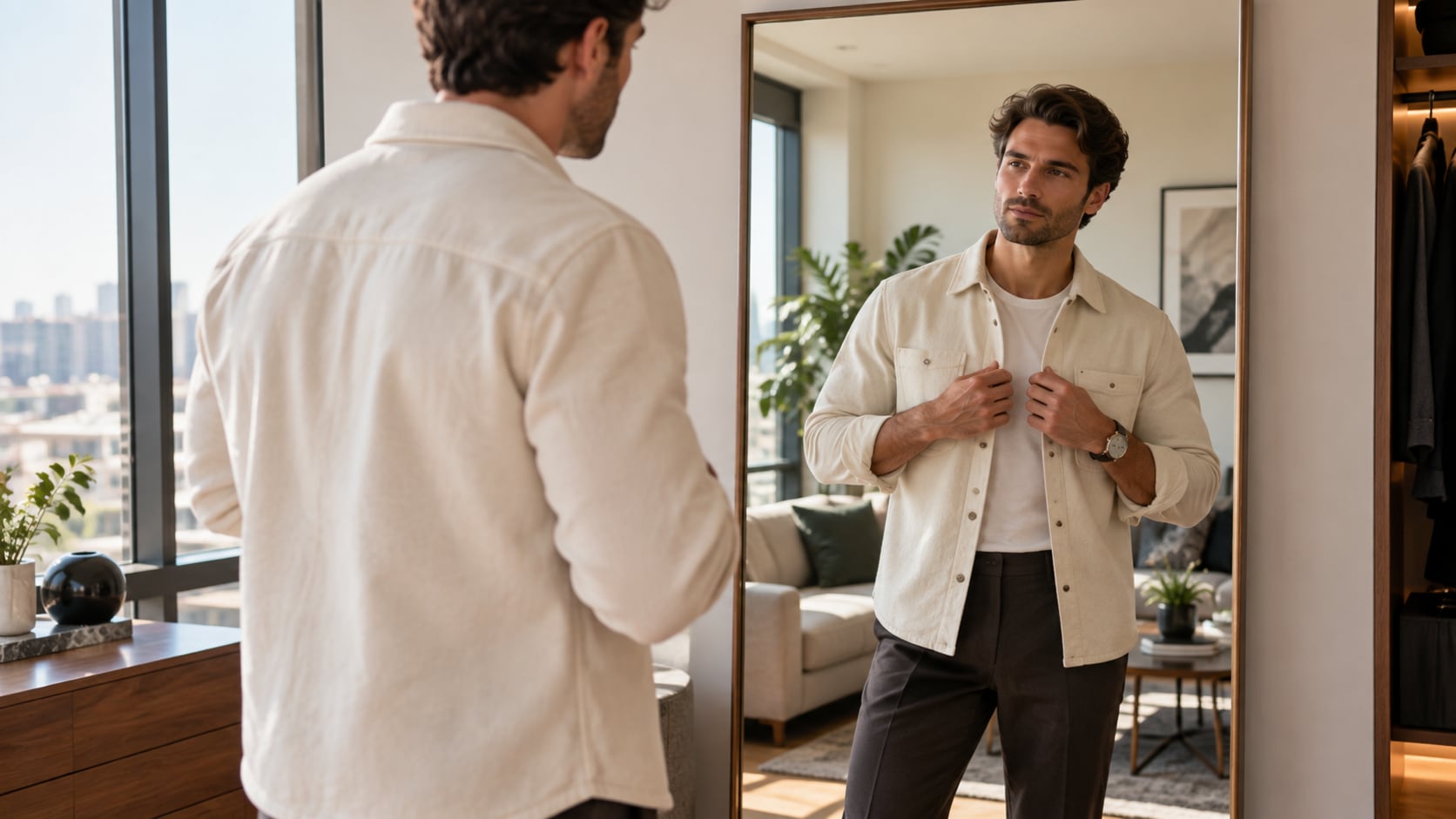
Use GPT Image 2 for Natural Proportion and Edit Control
When the scene needs dependable subject detail, texture, or background control, Filmora's GPT Image 2 helps follow a structured prompt. GPT Image 2 helps specify the exact area to refine while protecting the face, hands, clothing construction, background lines, lighting, and overall identity.
- Prompt Following - Describe the pose, outfit, camera angle, intended waist refinement, and details that must remain unchanged.
- Detail Control - Keep body proportions, fabric seams, jewelry, shadows, and environmental lines coherent.
- Edit-Ready Results - Use a clean source image so the final retouch remains believable and easy to refine in Filmora.
Try Nano Banana for Pose and Outfit Variants
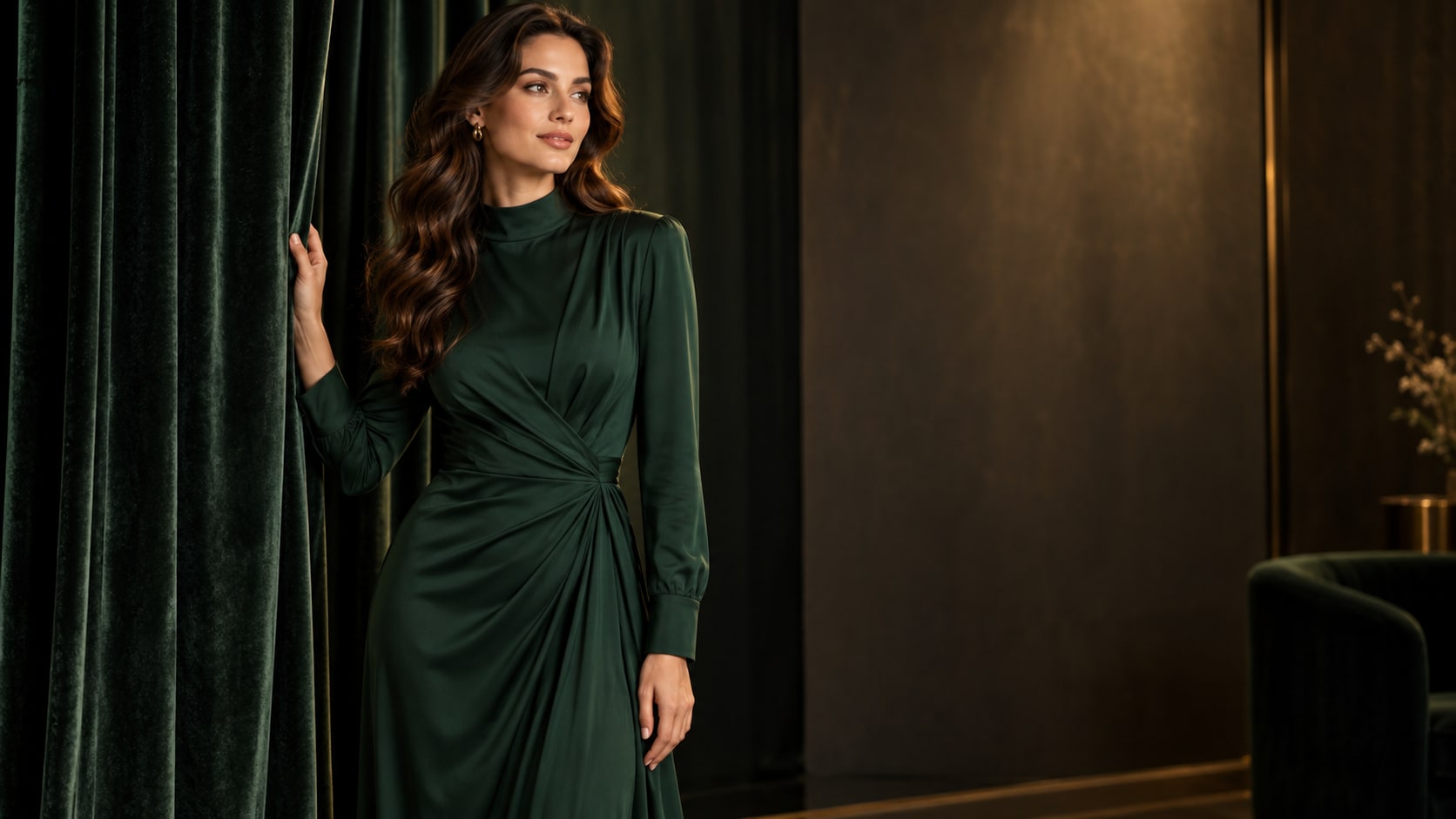
Try Nano Banana for Pose and Outfit Variants
Use Filmora's Nano Banana when one idea needs another palette, mood, composition, or social treatment. Try mirror portraits, tailored suits, casual denim, evening dresses, travel snapshots, or studio looks while keeping the adjustment subtle and believable.
- Style Range - Try mirror portraits, tailored outfits, travel snapshots, studio looks, and movement-ready editorial frames.
- Variant Testing - Test small changes in posture, crop, and wardrobe styling without making the edit look artificial.
- Creative Flow - Keep the image-editing idea connected to the final crop, overlay, and export stage.
Turn Slim Waist Edits Into Video
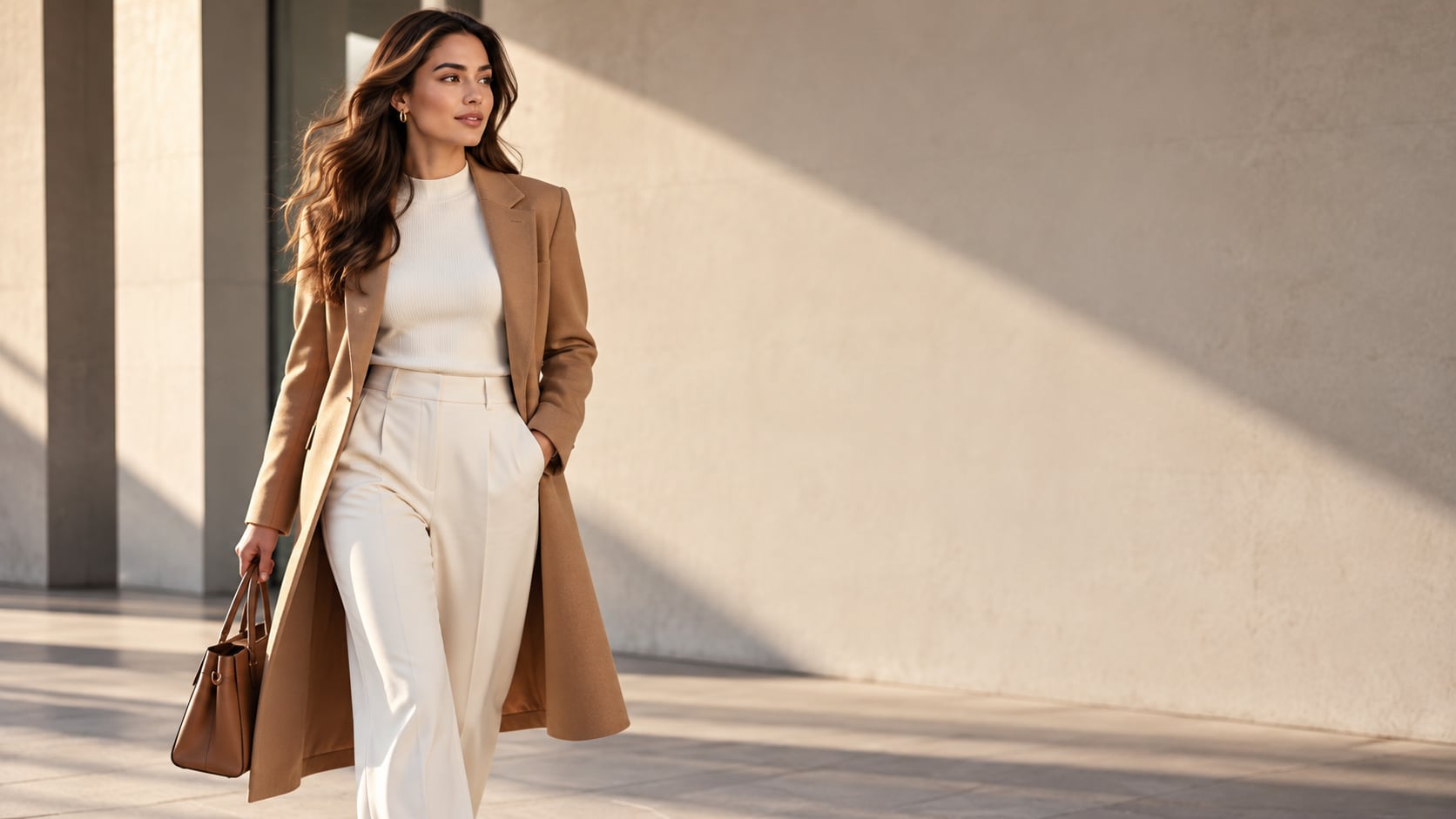
Turn Slim Waist Edits Into Video
After generating the still, use Filmora's AI Image to Video workflow to add camera movement, overlays, effects, sound, and social-ready exports. Animate a restrained camera push, fabric movement, light shift, walking step, or a clean before-and-after reveal without exaggerating the edit.
- Motion Ideas - Animate a subtle camera push, fabric movement, light shift, or before-and-after reveal with restraint.
- Social Formats - Reframe one refined image for 16:9 videos, 9:16 stories, and square profile posts.
- Final Export - Add captions, music, transitions, and platform-ready exports in Filmora.
Frequently Asked Questions About Slim Waist Prompts
How to Generate Slim Waist Images With AI
Choose a slim waist setup, define the subject and visual mood, generate the still, then personalize or animate it in Filmora.
Step 1 Choose a Slim Waist Prompt

Step 2 Set Style, Model, and Ratio

Step 3 Generate, Edit, and Export

-
1: Choose a Slim Waist Prompt
Pick a slim waist setup such as a tailored blazer portrait, a mirror selfie, a fitted dress photo, or a natural outdoor fashion frame. -
2: Set Style, Model, and Ratio
Paste the prompt into Filmora's AI Image tool, choose GPT Image 2 or Nano Banana, select a ratio, and refine subject detail, lighting, and framing. -
3: Generate, Edit, and Export
Generate the still, adjust crop and color, add motion or overlays if needed, then export it for profile images, outfit posts, fashion reels, before-and-after studies, and polished social content.
Slim Waist AI Prompts for Premium Visuals
Use ai slim waist prompts to create subtle silhouette retouching, balanced outfit photos, standing poses, mirror selfies, and fashion editorials and motion-ready visuals for Filmora editing.