
Explore Popular AI Sports Broadcast Screenshots
Discover a variety of prompts designed to highlight your favorite game moments. From dynamic camera angles to realistic stadium lighting, find everything you need to generate an epic ai broadcast screenshot. ⚽📸
Loading more AI broadcast screenshot prompts...
 Category:
 Duration:
 Aspect Ratio:
Why Generate an AI Sports Broadcast Screenshot?
An ai sports broadcast screenshot is more than just a synthetic graphic—it's a powerful tool to immerse your audience in the thrill of the game. Whether you're a content creator or a sports blogger, generating hyper-realistic visuals allows you to control the narrative perfectly.
Craft Authentic Stadium Atmospheres
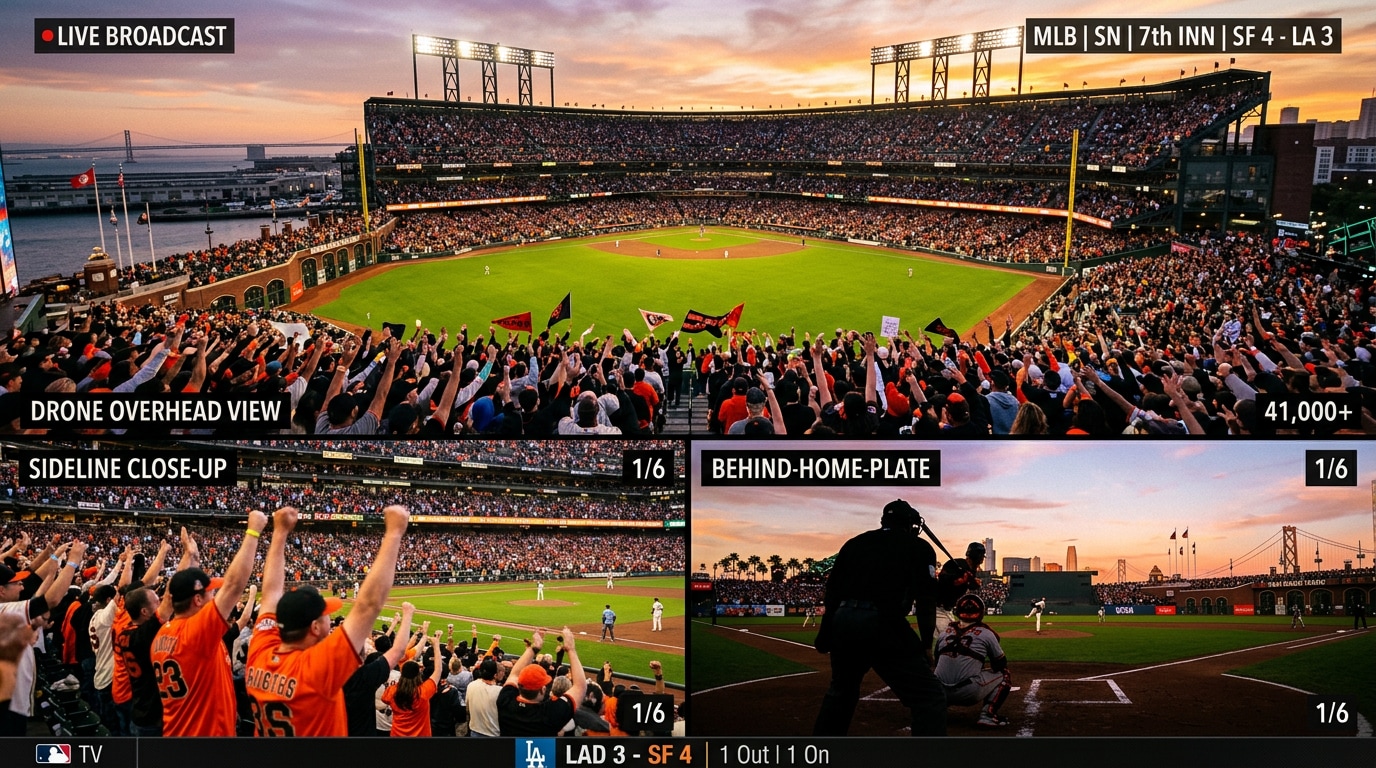
Craft Authentic Stadium Atmospheres
Generate a high-quality ai broadcast screenshot that captures the electric energy of a live game. Perfect for social media hype posts, these prompts give you complete creative control over lighting, camera angles, and crowd intensity.
- Dynamic Angles - Simulate drone shots, sideline views, or behind-the-plate camera perspectives effortlessly. 🎥
- Realistic Lighting - Command the exact time of day, from dramatic sunset shadows to bright midday sun. ☀️
- Crowd Immersion - Generate blurred, cheering crowds in the background to enhance visual authenticity. 🏟️
Create Viral Sports Broadcast Moments in Seconds
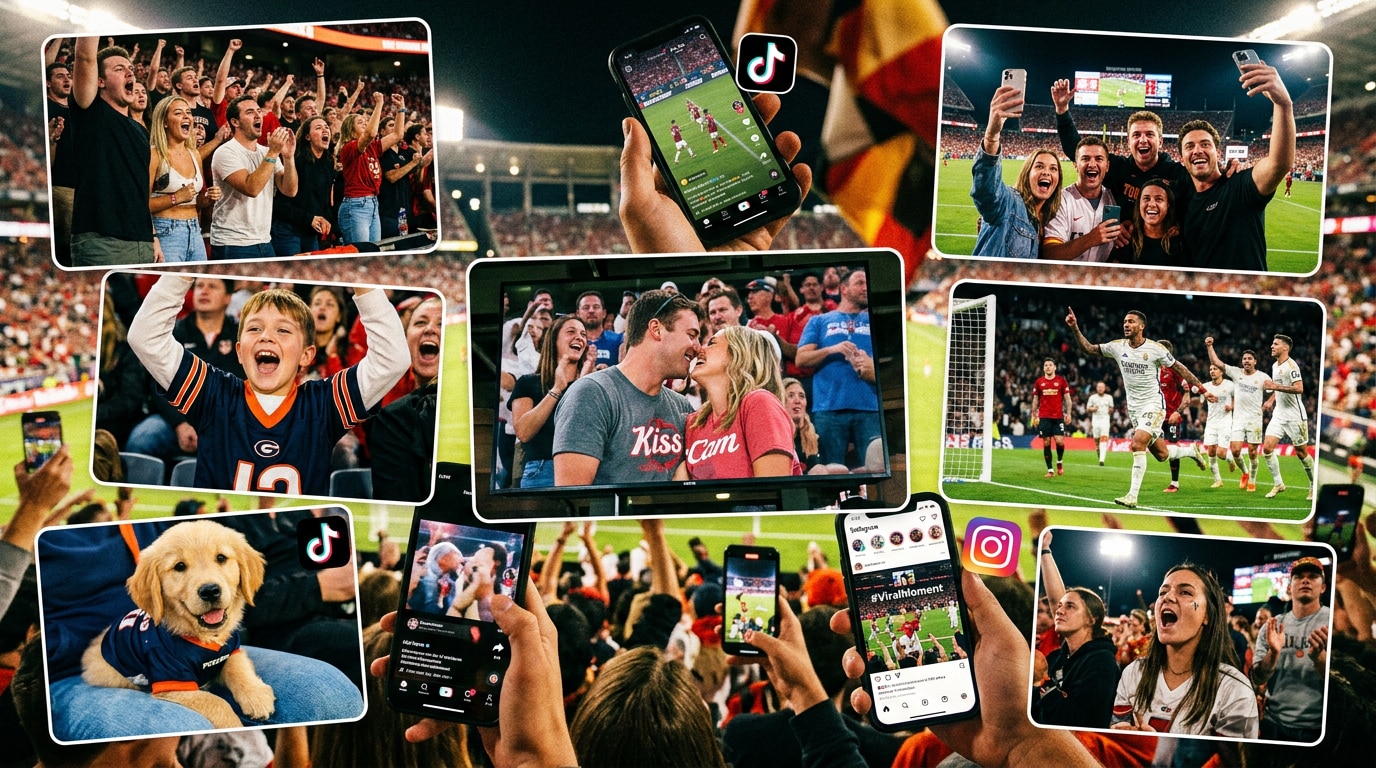
Create Viral Sports Broadcast Moments in Seconds
No expensive cameras, stadium access, or stock footage subscriptions needed. Just enter a prompt and instantly generate realistic AI sports broadcast screenshots with authentic live TV energy.
- Authentic Crowd Cam Aesthetic - Create candid stadium moments that feel like real televised sports broadcasts. 💰
- Fast AI Screenshot Generation - Turn simple text prompts into cinematic sports scenes in seconds.⏱️
- Made for Viral Social Content - Perfect for TikTok edits, Instagram posts, YouTube thumbnails, memes, and sports-style storytelling. 🚀
Boost Fan Engagement Instantly
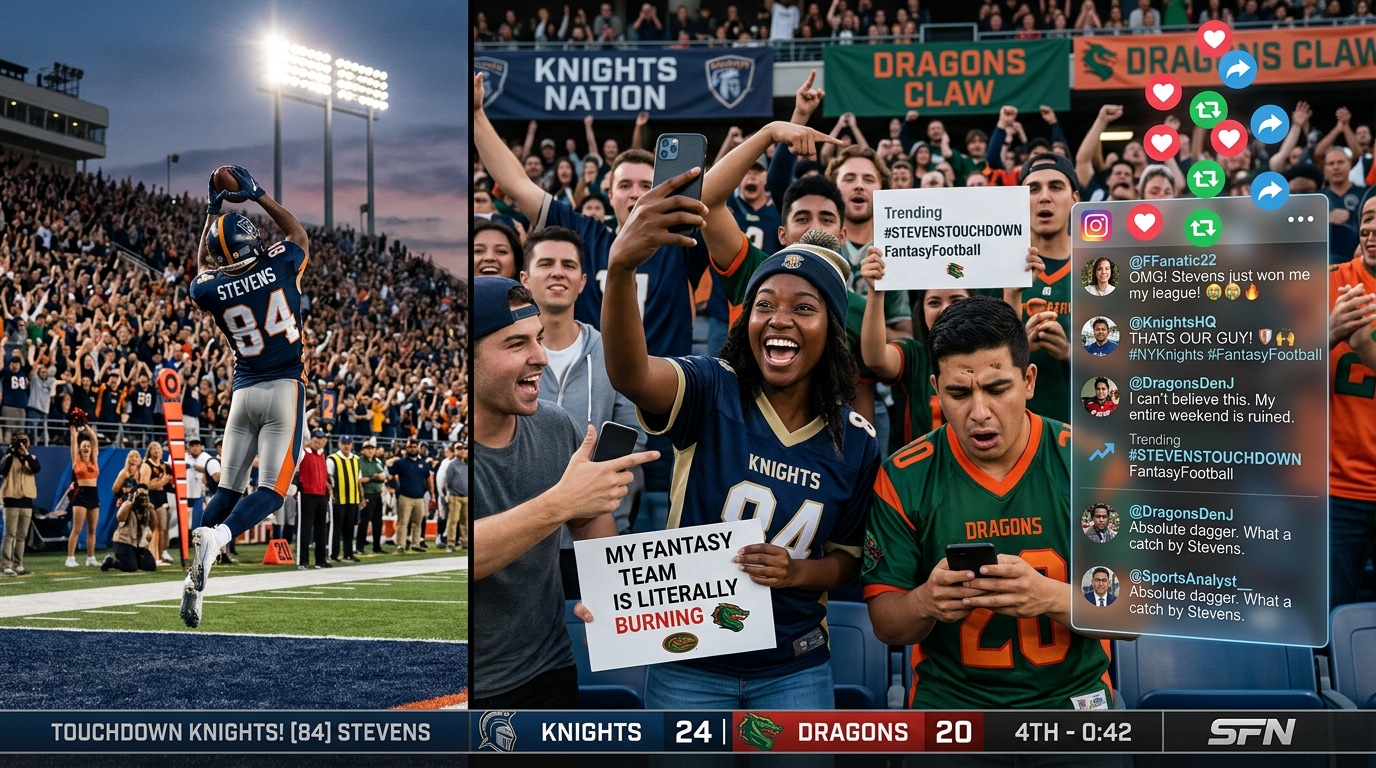
Boost Fan Engagement Instantly
Fans love discussing hypothetical match-ups, fantasy sports scenarios, and dramatic game predictions. Fuel their passion by providing hyper-realistic imagery that sparks conversation and increases shares across Instagram and X (formerly Twitter).
- Fantasy Visuals - Bring fantasy sports leagues to life with custom broadcast graphics. 🥇
- Stop the Scroll - High-fidelity sports action images naturally grab attention in busy social feeds. 📱
- Viral Debates - Post "what if" scenarios with realistic imagery to spark passionate fan discussions. 🗣️
Design the Ultimate AI Sports Broadcast Screenshot
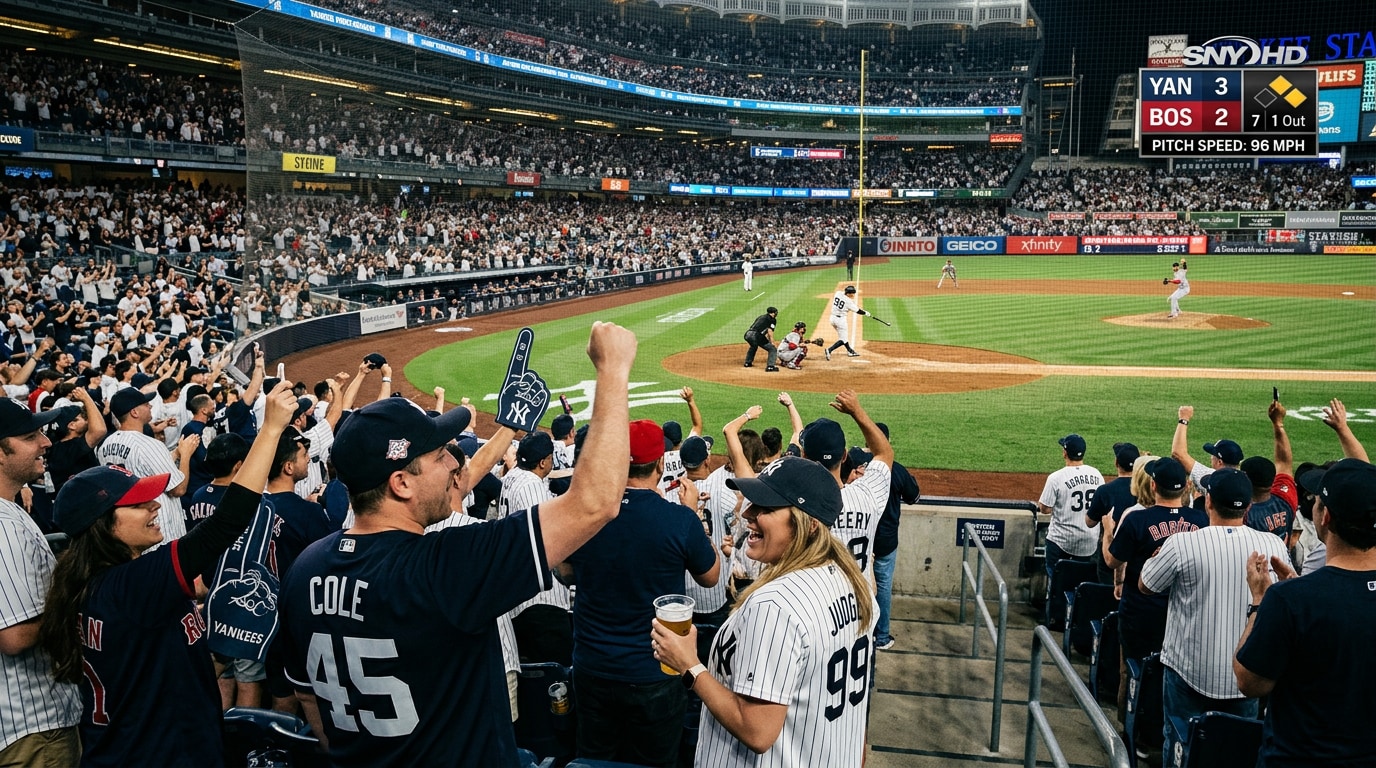
Design the Ultimate AI Sports Broadcast Screenshot
Tailor your visuals to the diamond with specialized prompts dedicated to America's pastime. Easily create a breathtaking ai baseball broadcast screenshot featuring dust kicking up at home plate or a perfectly framed pitcher's duel.
- Action-Packed Moments - Freeze the perfect swing or a dramatic slide into home base. ⚾
- Network TV Style - Add prompt keywords for score bugs, pitch speeds, and realistic overlays. 📺
- Uniform Details - Specify team colors, jersey textures, and equipment styles with pinpoint accuracy. 🧢
Frequently Asked Questions About AI Sports Broadcast Screenshots
How to Generate an AI Sports Broadcast Screenshot With Prompts
Transform your text into a hyper-realistic ai broadcast screenshot using these simple steps and advanced AI prompts. 🏈🚀
Step 1 Choose Your Sports Prompt

Step 2 Customize the Details
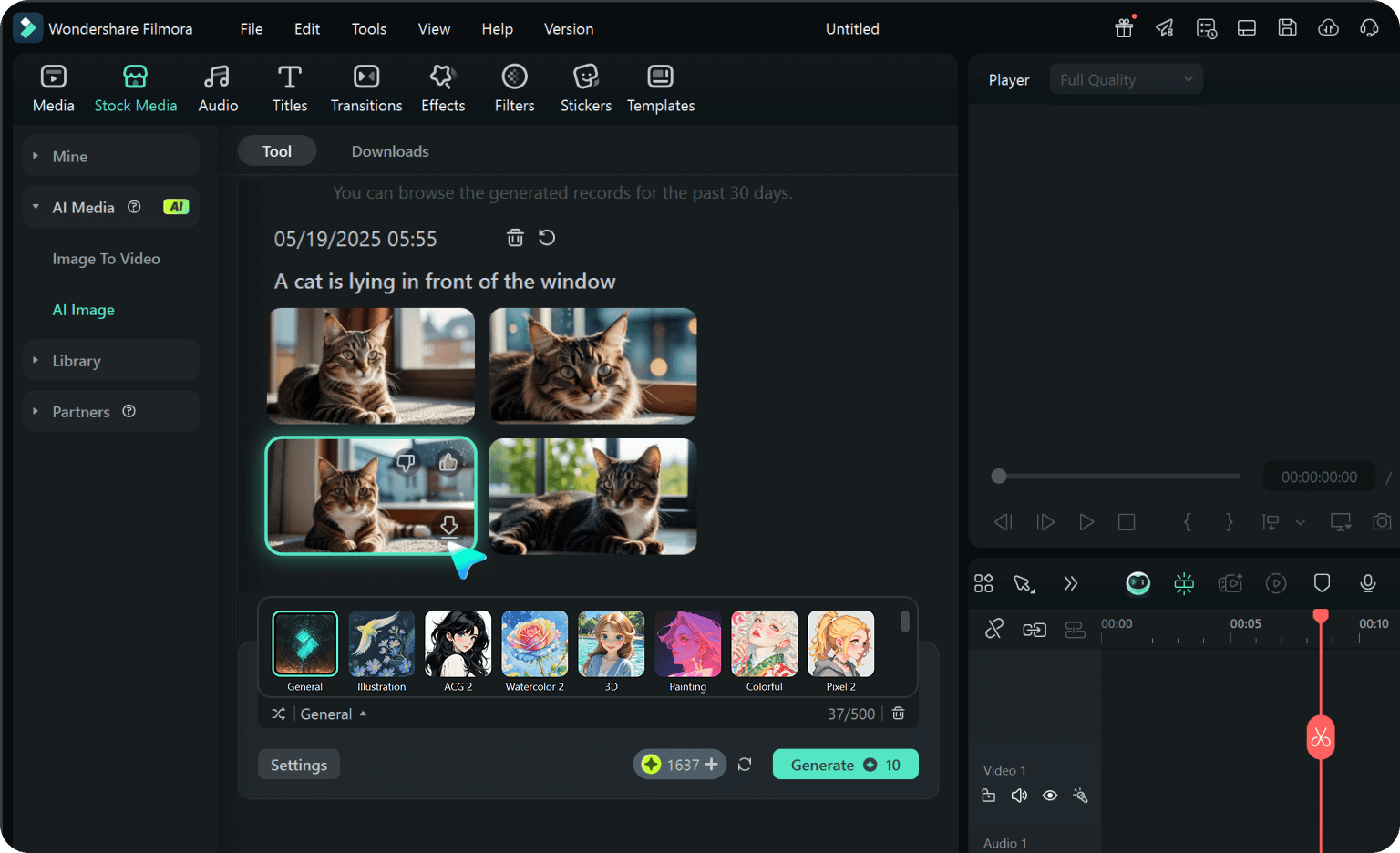
Step 3 Generate and Share
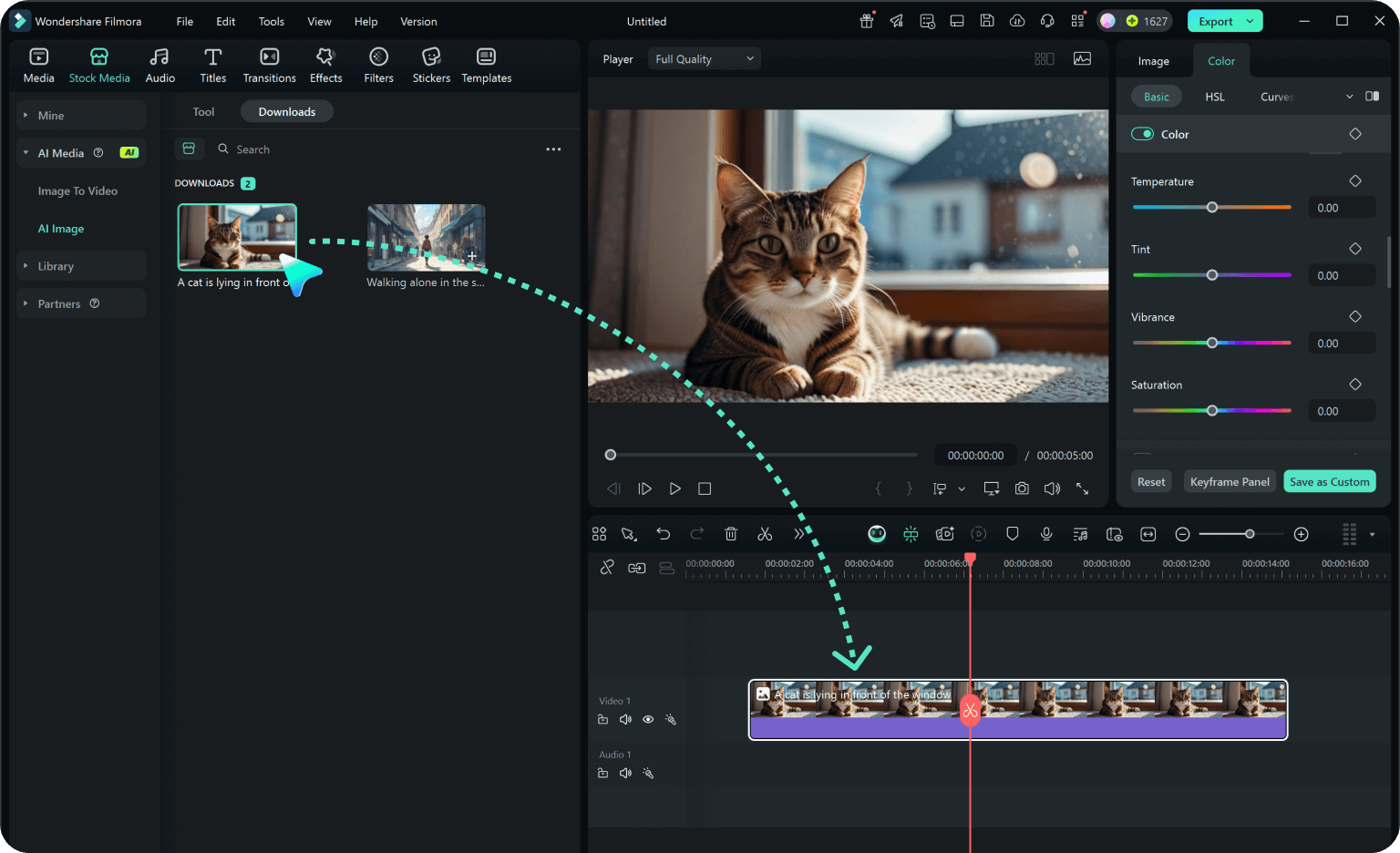
-
1: Choose Your Sports Prompt
Browse our library to find the perfect style, whether you need an ai baseball broadcast screenshot or a dynamic soccer match overview. 🏟️ -
2: Customize the Details
Adjust the prompt to include specific team colors, stadium lighting, and broadcast elements like score bugs and ticker tapes. ✨ -
3: Generate and Share
Paste the refined prompt into your preferred AI image generator, download the high-quality visual, and share it with sports fans online. 📱








