Explore AI Strawberry Image Prompts
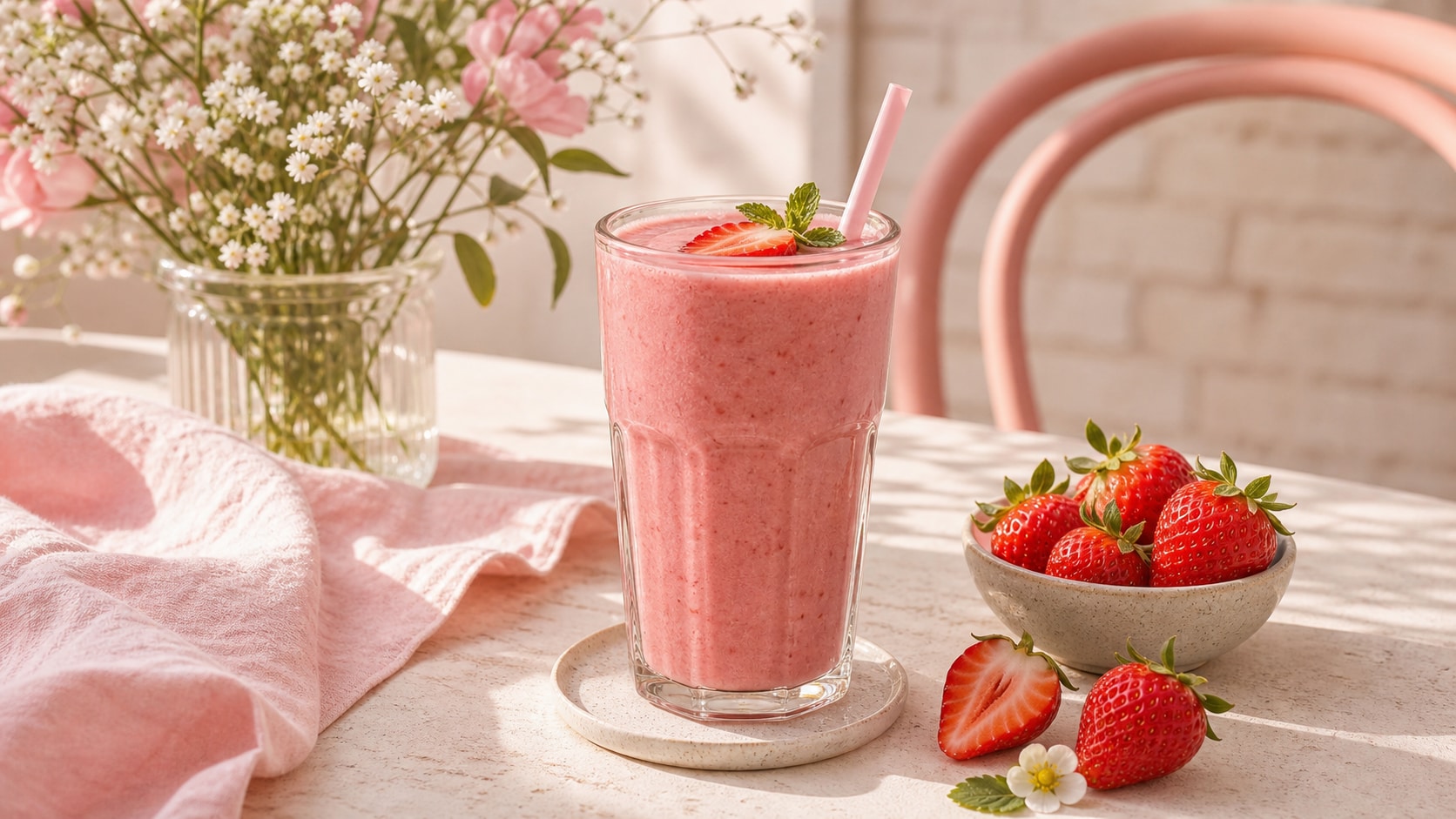
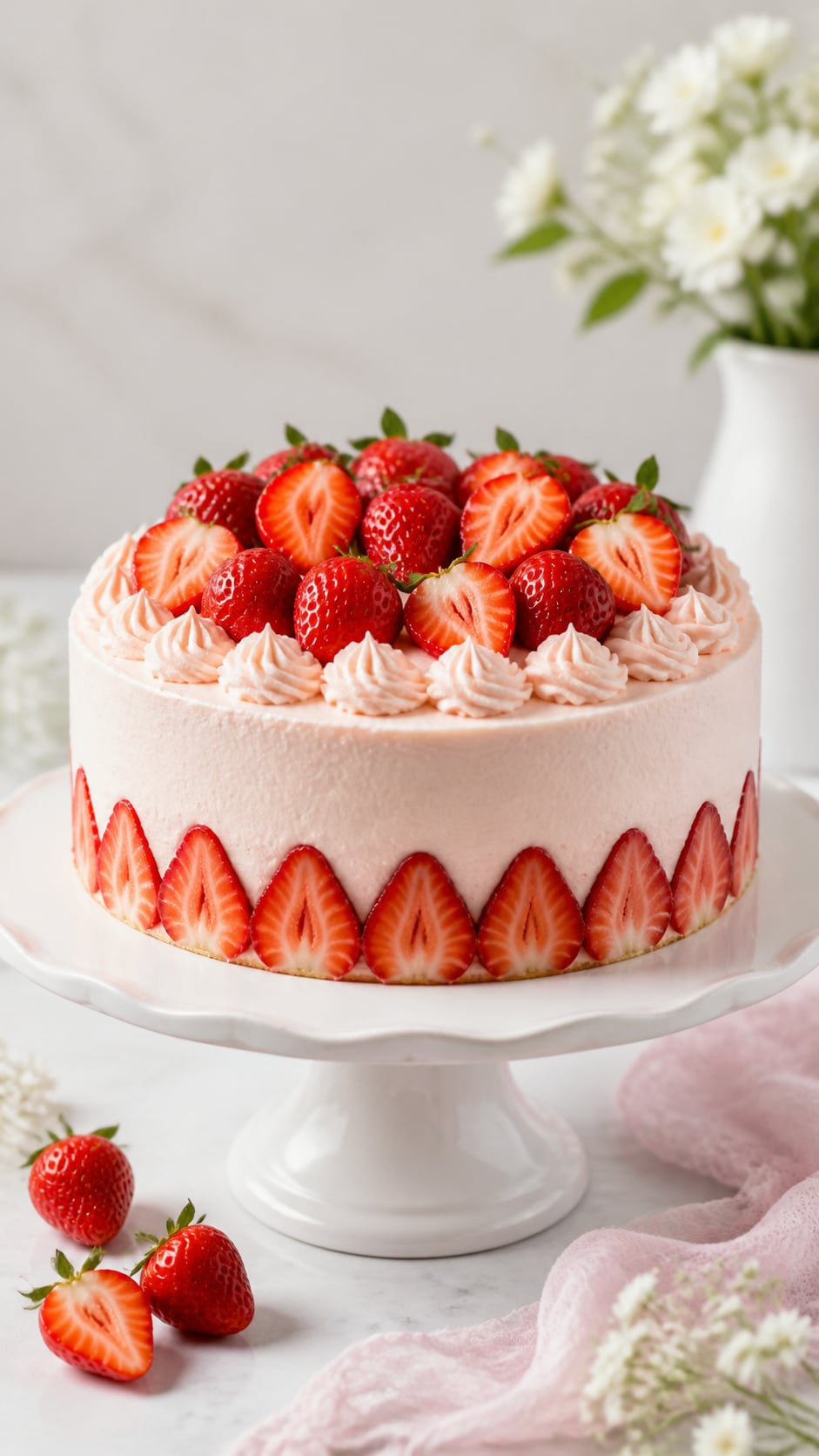
Browse strawberry image prompts for realistic berries, macro droplets, market baskets, dessert flat lays, smoothie ads, chocolate coatings, field photos, and clean video covers. Each prompt avoids generated text so labels and headlines stay editable in Filmora.
Loading more strawberry image prompts...
 Category:
 Duration:
 Aspect Ratio:
Why Use Strawberry Image Prompts With Filmora?
Strawberry images need glossy seeds, believable texture, fresh red color, controlled lighting, and flexible space for edits. Filmora helps creators generate berry stills, compare model styles, add overlays, animate scenes, and export finished fruit visuals.
Generate Strawberry Photos From Prompts
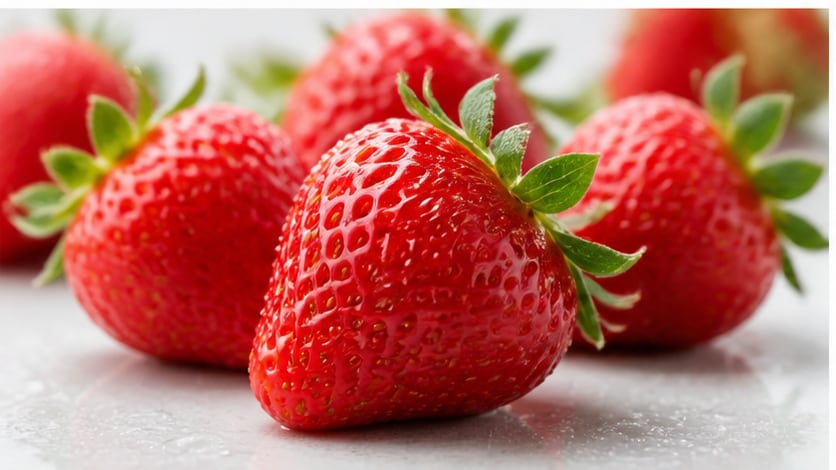
Generate Strawberry Photos From Prompts
Start with a precise AI strawberry image prompt, then use Filmora's AI image generator to create polished still images with clean composition, strong lighting, and editable space. Use it for macro berries, product heroes, chocolate strawberries, farm fields, dessert ads, and social covers.
- Prompt to Image - Turn text ideas into product shots, portraits, landscapes, social covers, or campaign visuals.
- Clean Layouts - Generate word-free images so titles, stickers, and labels can be added later in Filmora.
- Fast Iteration - Compare multiple crops, lighting moods, and subject arrangements before choosing a final image.
Use GPT Image 2 for Cleaner Detail
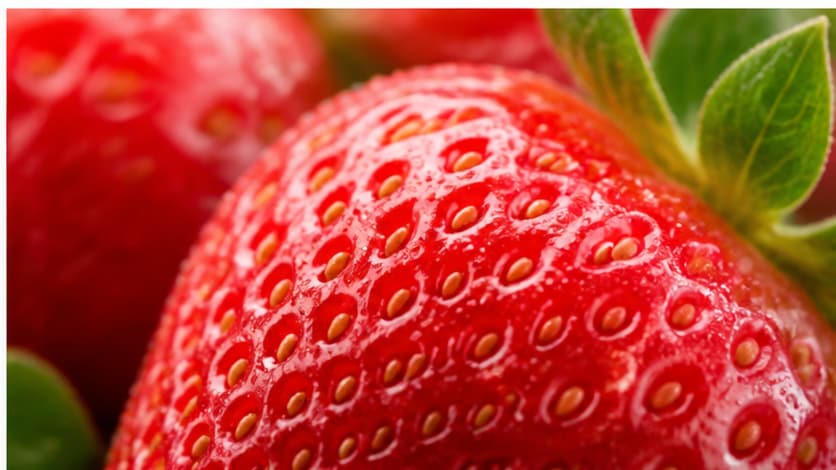
Use GPT Image 2 for Cleaner Detail
When the result needs accurate texture, believable staging, subject placement, or background control, Filmora lets creators use GPT Image 2 inside the image-generation workflow. This helps control seed detail, water droplets, fruit shape, surface reflections, and blank ad space.
- Prompt Following - Describe the subject, props, lens, surface, lighting, and clean copy space with more control.
- Realistic Detail - Refine texture, shadows, reflections, clothing, scenery, and product-style polish.
- Editable Results - Keep generated images clean before adding overlays, captions, music, or motion.
Try Nano Banana for Style Variants
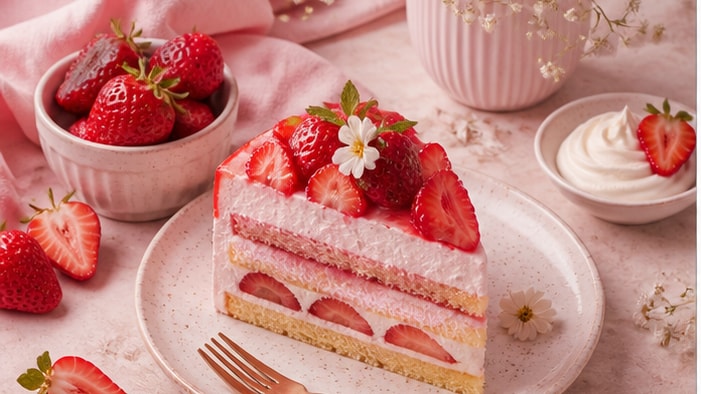
Try Nano Banana for Style Variants
Use Filmora's Nano Banana model when one idea needs alternate color, mood, composition, or campaign styling. Try brighter picnic palettes, glossy commercial layouts, cozy dessert styling, or soft pink social variants.
- Style Range - Explore realistic, editorial, cinematic, lifestyle, product, travel, or social-ready versions.
- Variant Testing - Generate several visual directions before committing to a final page or video asset.
- Creative Flow - Move from prompt to edited image without splitting the workflow across too many tools.
Animate Still Images Into Video
Animate Still Images Into Video
After generating the still image, use Filmora's AI Image to Video workflow to add camera movement, overlays, effects, audio, and social-ready exports. Animate fruit splashes, slow macro zooms, field camera pushes, falling berries, and dessert promo covers.
- Motion Ideas - Add slow zooms, parallax, light movement, splash motion, drifting particles, or reveal effects.
- Social Formats - Crop one generated still into 16:9, 9:16, and 1:1 versions for different channels.
- Final Export - Finish with text overlays, music, transitions, effects, and platform-ready output in Filmora.
Frequently Asked Questions About Strawberry Prompts
How to Generate Strawberry Images With AI Prompts
Choose a strawberry concept, define the texture and scene, generate the still image, then polish or animate it in Filmora.
Step 1 Choose a Strawberry Prompt

Step 2 Set Texture, Model, and Ratio

Step 3 Generate, Edit, and Export

-
1: Choose a Strawberry Prompt
Pick a macro shot, product hero, chocolate strawberry, dessert flat lay, field photo, drink ad, or social cover. -
2: Set Texture, Model, and Ratio
Paste the prompt into Filmora's AI Image tool, choose GPT Image 2 or Nano Banana, select a ratio, and refine fruit detail, light, and copy space. -
3: Generate, Edit, and Export
Generate the strawberry image, adjust crop and color, add motion or overlays if needed, then export the final visual from Filmora.
AI Strawberry Image Prompts for Fresh Berry Visuals
Use AI strawberry image prompts to create realistic fruit photos, macro details, chocolate berries, field scenes, product ads, and motion-ready visuals for Filmora editing.