
Explore Apple Picking Outfit AI Prompts
Use these apple picking outfit prompts to build cute orchard portraits, couple looks, family outfits, and polished fall fashion scenes with Filmora's AI image generator.
Loading more orchard outfit prompts...
Style Orchard Looks Faster in Filmora
Filmora helps creators generate fall fashion concepts, compare outfit directions, and animate still photos into polished short-form content.
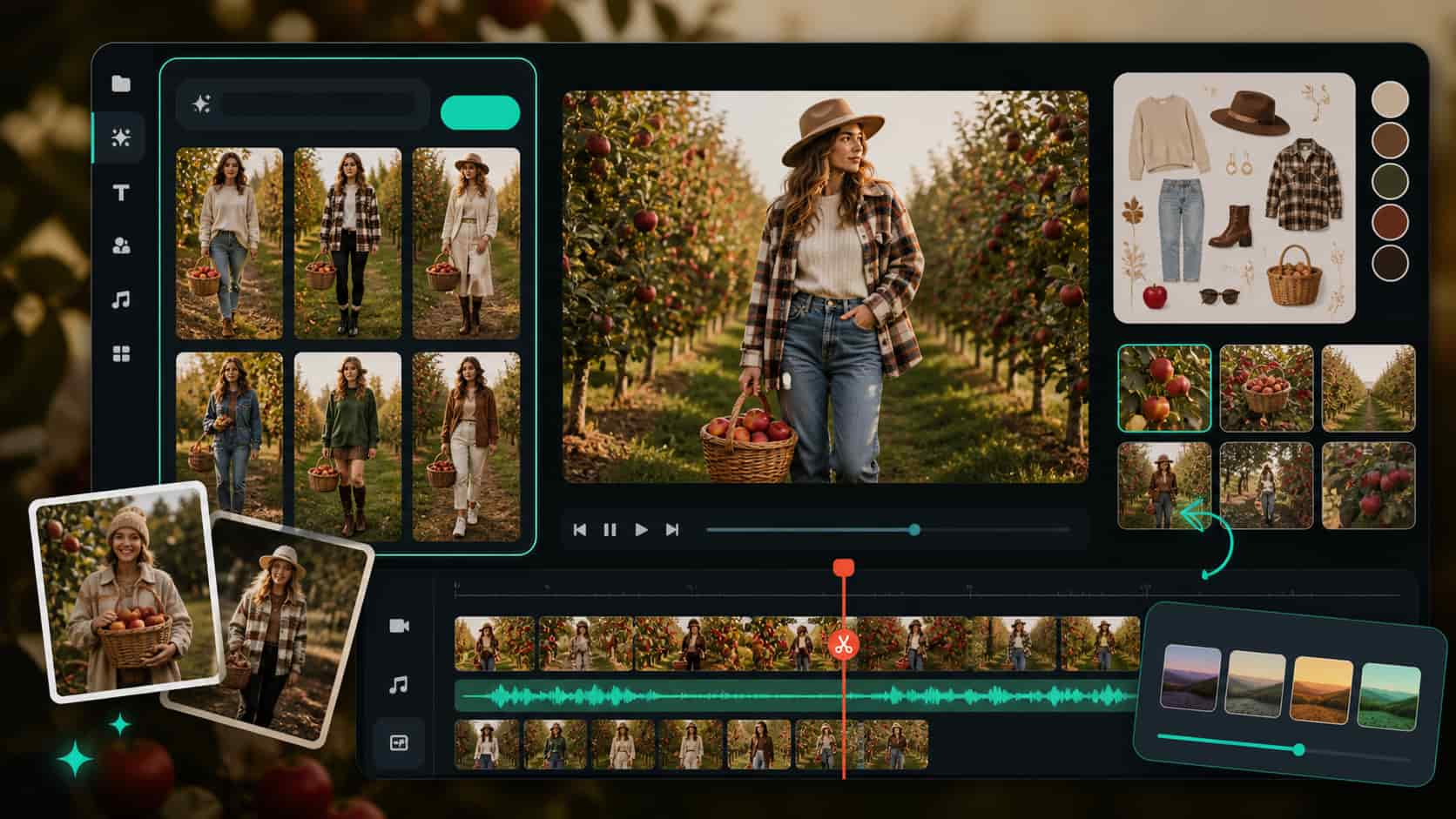
Generate Fall Outfit Concepts from Text
Turn outfit ideas into polished orchard visuals with Filmora's AI Image Generator. Start with a prompt for layers, boots, scarves, and orchard light, then refine the strongest looks in your edit.
- Prompt-first styling - Explore boots, layers, knits, and orchard accessories in seconds.
- Seasonal moodboards - Build polished fall fashion galleries from simple text.
- Fast workflow - Move generated outfit visuals straight into editing.
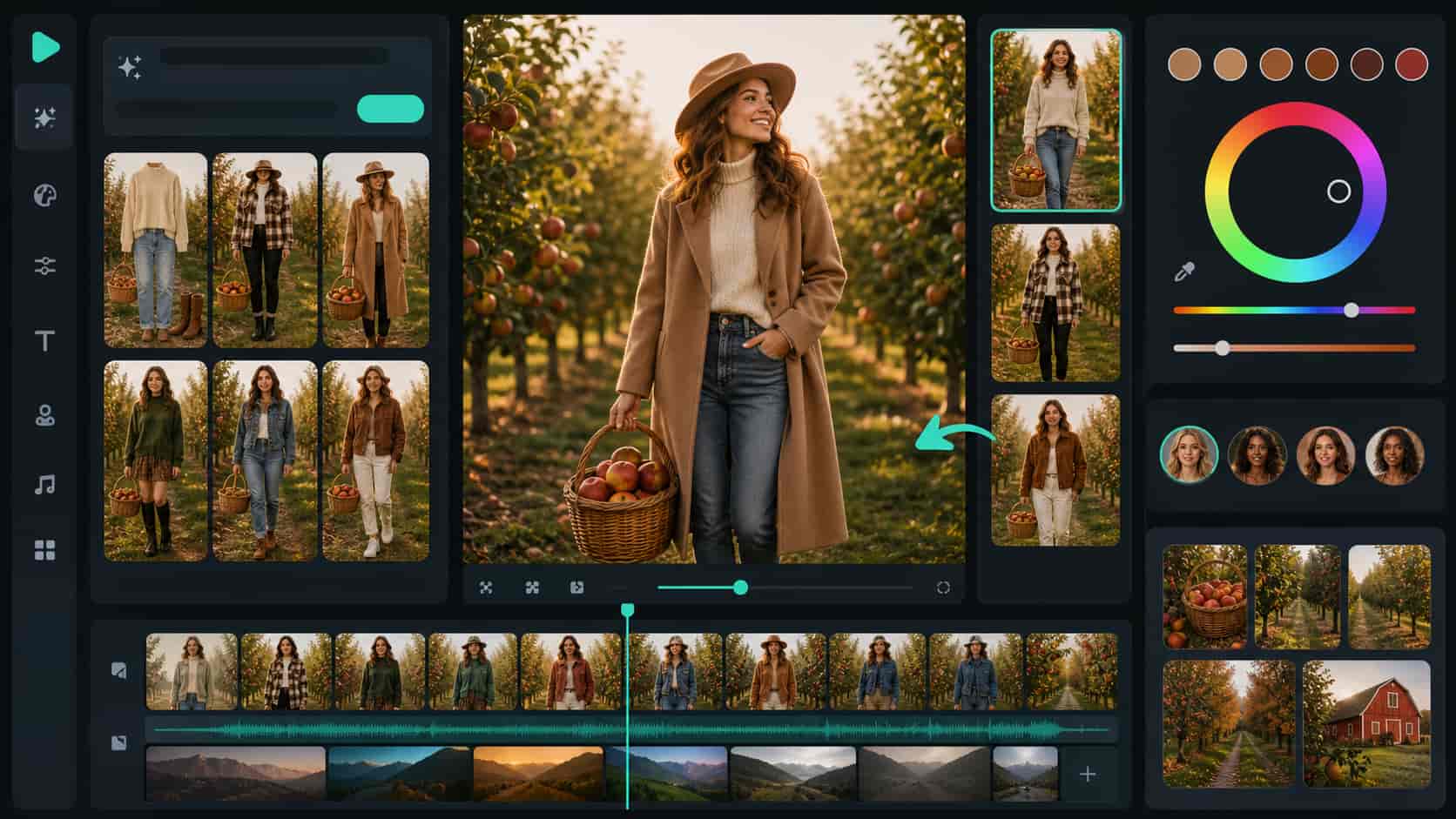
Refine Fashion Looks with Multiple Models
Switch between realistic fashion styling and softer seasonal moods with GPT Image 2 and other Filmora-supported workflows. It is a simple way to compare silhouettes, textures, and orchard color palettes.
- Model flexibility - Compare realistic fashion photography and softer lifestyle moods.
- Look testing - Iterate silhouettes, textures, and color stories quickly.
- One workspace - Keep styling and finishing in one creator flow.
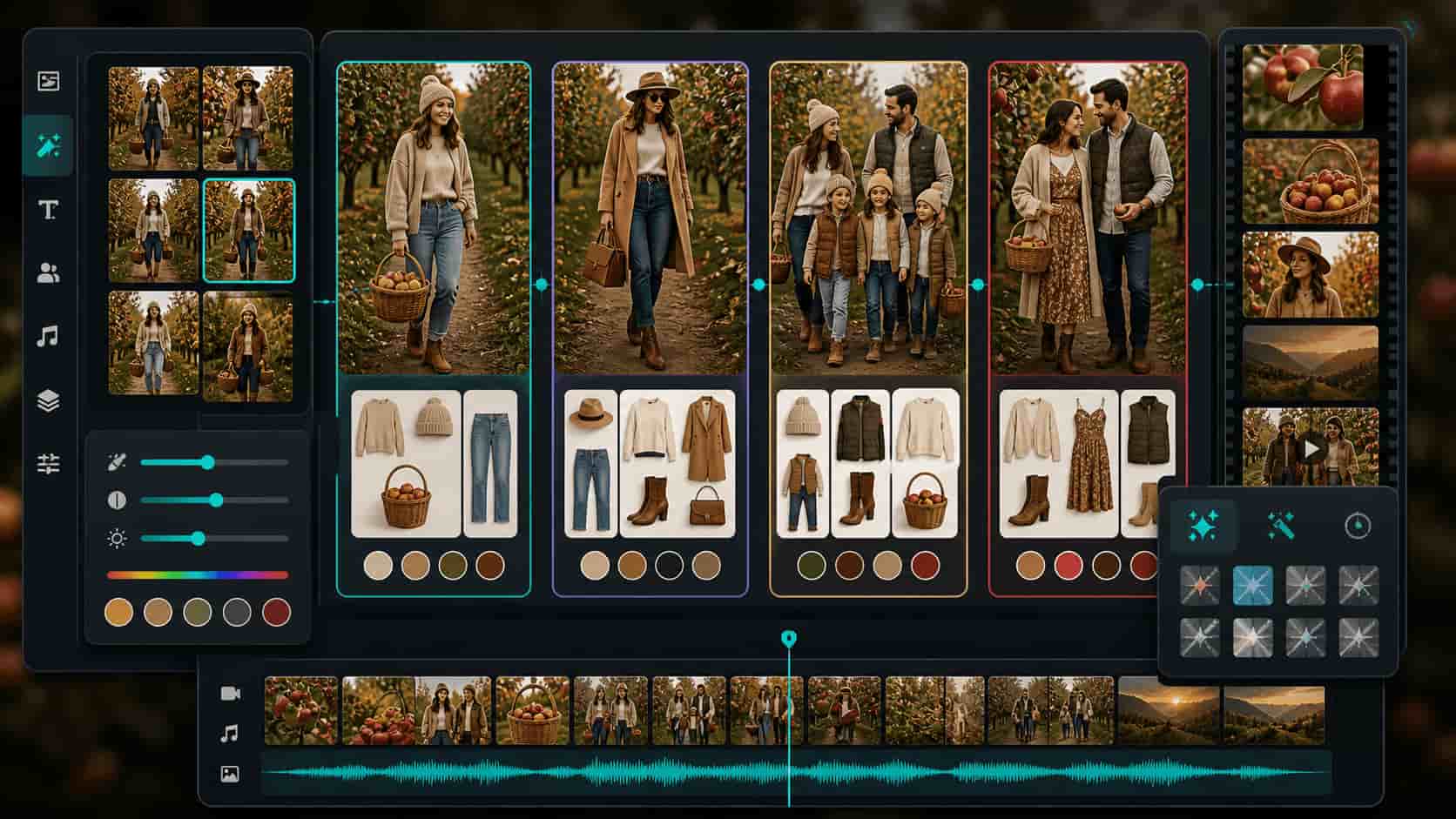
Remix Orchard Looks for Every Mood
Use Filmora's Nano Banana image generator to turn one outfit direction into date looks, family sets, editorial concepts, or cozy friend photos without leaving the workflow.
- Scenario variety - Adapt one outfit concept into family, couple, and editorial scenes.
- Consistent styling - Keep colors and props coherent across a campaign.
- Faster ideation - Turn one good idea into many usable options.
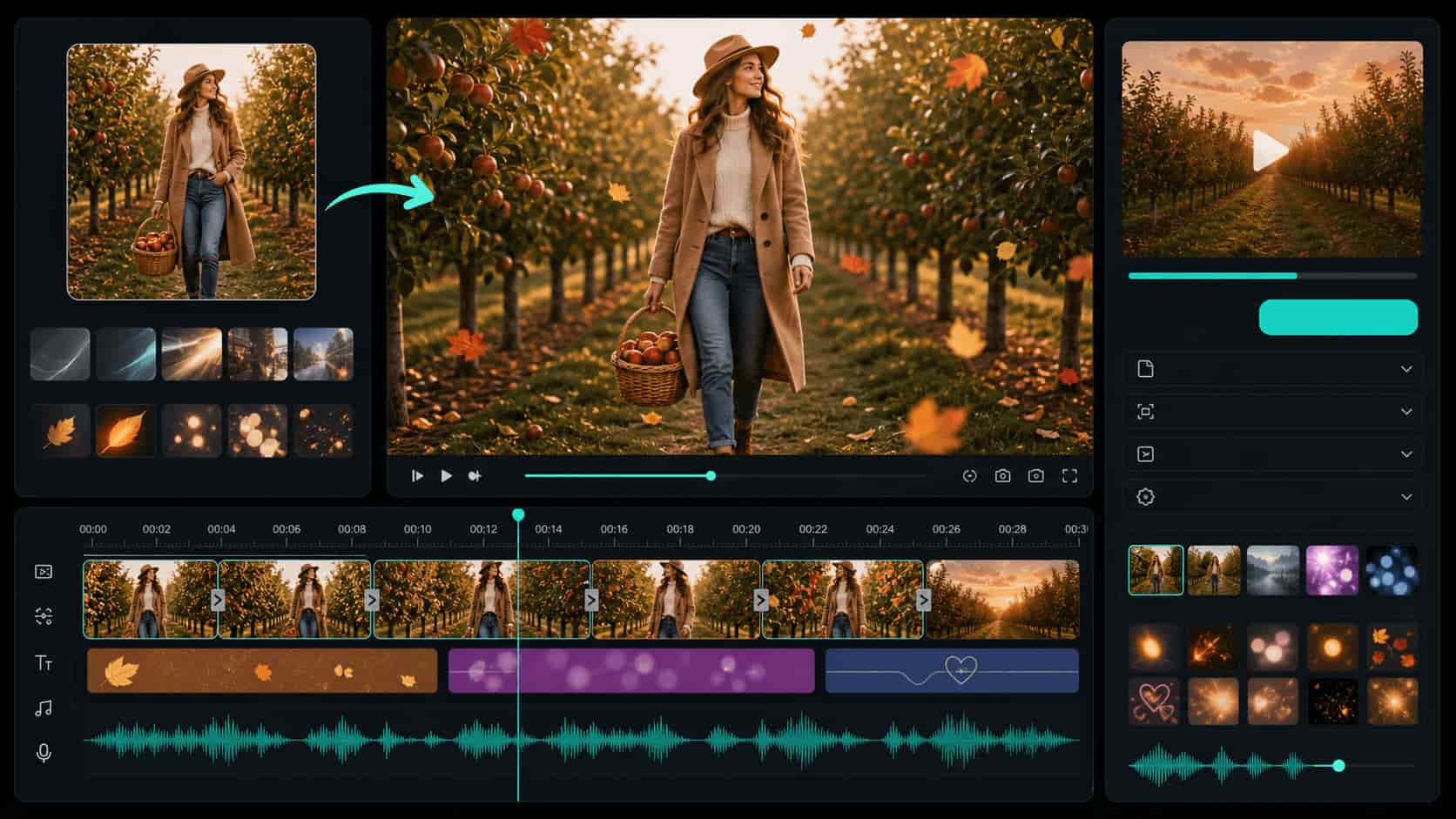
Animate Outfit Photos into Social Videos
After generating stills, use AI Image to Video, timeline tools, overlays, and video effects to turn orchard outfit ideas into Reels, Shorts, and ads.
- Animate stills - Add motion, camera drift, captions, and fall overlays.
- Polish for social - Pair fashion visuals with music and timeline edits.
- Share anywhere - Export orchard outfit ideas as Reels, Shorts, and ads.
Frequently Asked Questions About Apple Picking Outfit Ideas
How to Use Apple Picking Outfit Prompts in Filmora
Follow these steps to turn fall outfit ideas into polished orchard images and short videos.
Step 1 Open the AI Image Generator

Step 2 Paste Your Outfit Prompt

Step 3 Generate, Edit, and Export

1. Open the AI Image Generator
Start in Filmora's AI Image module and choose a generation workflow that matches realistic fall fashion.2. Paste Your Outfit Prompt
Describe layers, boots, props, weather, and orchard mood so the generated image fits your vision.3. Generate, Edit, and Export
Bring the final image into the timeline, animate it, and export orchard outfit content for your audience.
Apple Picking Outfit Prompts for ChatGPT: Create Trending Autumn Style Visuals
Looking for the perfect Apple Picking Outfit prompt for ChatGPT? From cozy knit sweaters and plaid scarves to warm denim, leather boots, and golden orchard aesthetics — Filmora helps you turn your fall fashion ideas into stunning AI-generated images. Generate, edit, and enhance your seasonal outfit visuals all in one seamless workflow.




