Explore Cyberpunk AI Image Prompts
Browse cyberpunk image prompts for neon alleys, future skylines, techwear portraits, androids, motorcycles, mech scenes, and cinematic poster concepts. Each prompt is written for easy generation and can become intros, reels, thumbnails, or edits inside Filmora.
Loading more cyberpunk AI prompts...
 Category:
 Duration:
 Aspect Ratio:
Why Use Cyberpunk AI Prompts With Filmora?
Cyberpunk visuals need more than neon keywords: they need readable composition, controlled color, rain texture, character detail, and a workflow that can turn a still image into motion. Filmora helps creators generate, refine, animate, and export cyberpunk image prompt results without splitting the project across too many tools.
Generate Neon Worlds From Text Prompts
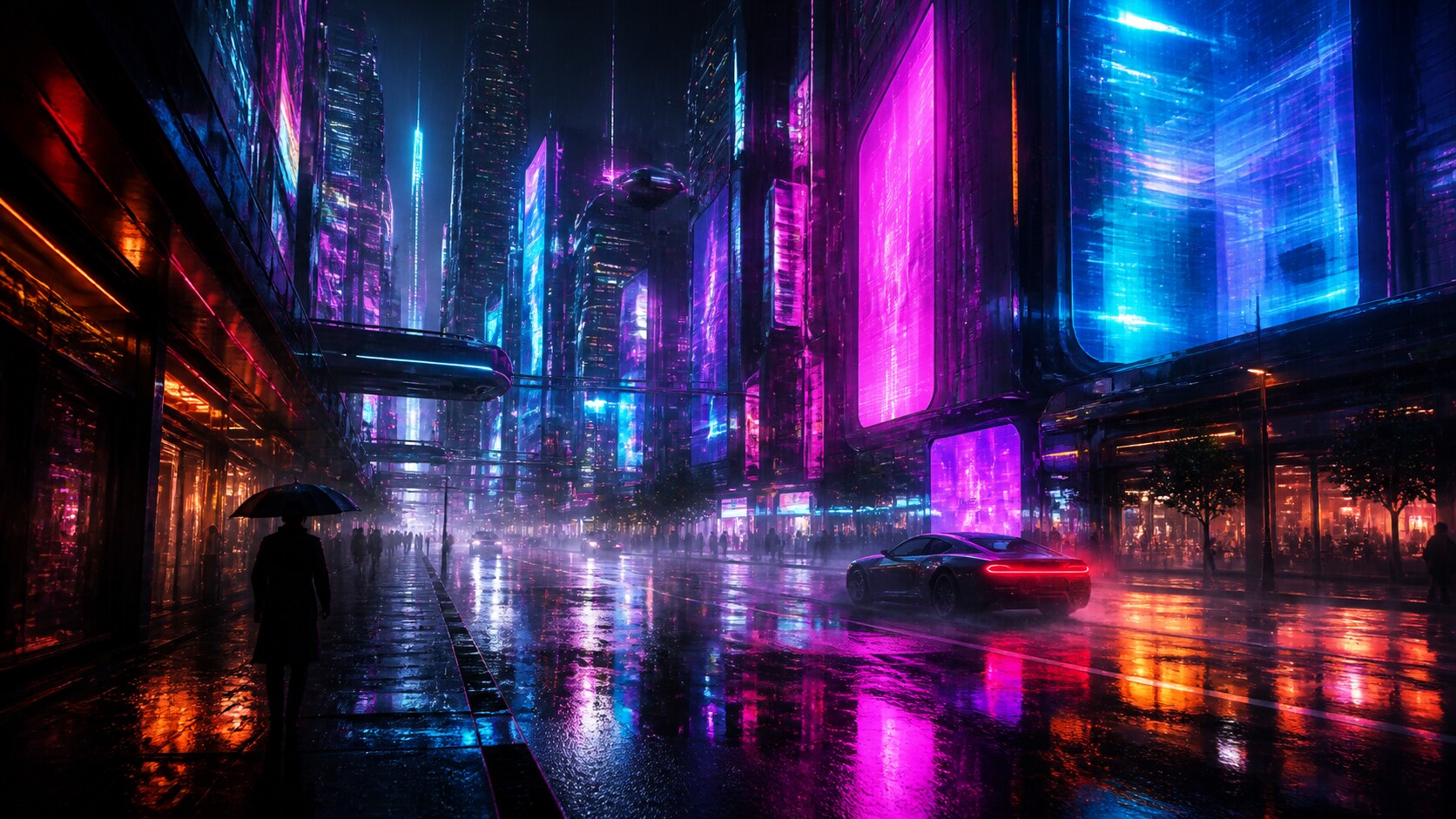
Generate Neon Worlds From Text Prompts
Start with a detailed cyberpunk AI prompt, then use Filmora's AI image generator to turn neon streets, chrome details, rain reflections, and futuristic skylines into polished visual assets.
- Prompt to Image - Convert city, character, vehicle, or poster ideas into finished still visuals.
- Style Control - Shape noir, anime-inspired, realistic, 3D, or editorial cyberpunk moods.
- Edit Ready - Generate clean images without text, then add titles and branding in Filmora.
Choose GPT Image 2 for Sharp Prompt Control
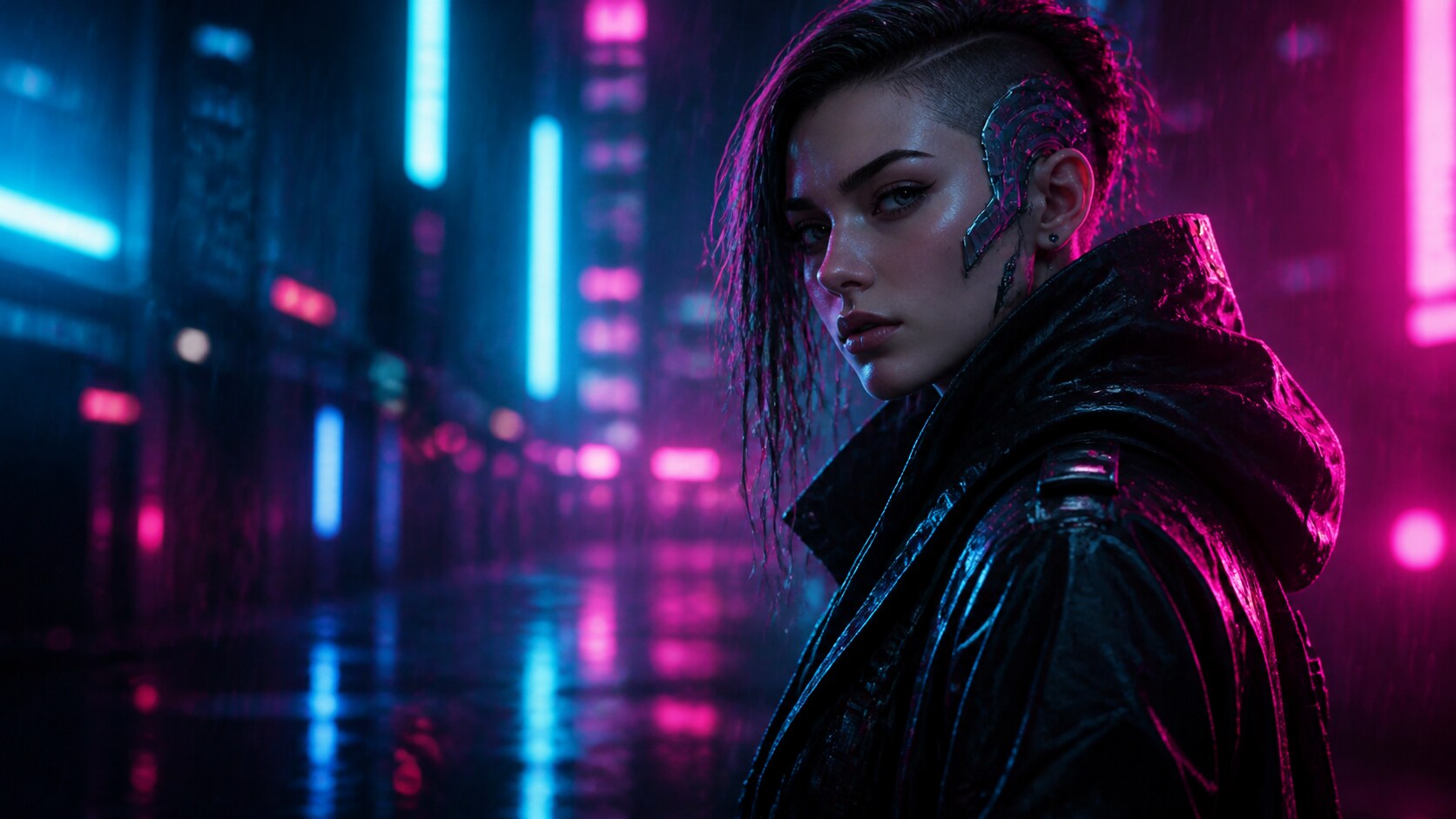
Choose GPT Image 2 for Sharp Prompt Control
When a cyberpunk character prompt needs clear clothing, pose, lighting, and background structure, Filmora lets creators work with the GPT Image 2 model directly inside the image-generation flow.
- Character Detail - Describe techwear, cybernetic implants, facial lighting, and silhouette.
- Poster Layout - Control subject scale, negative space, camera angle, and crop ratio.
- Fast Variants - Test several character directions before choosing the final edit.
Use Nano Banana for Cinematic Style Variants
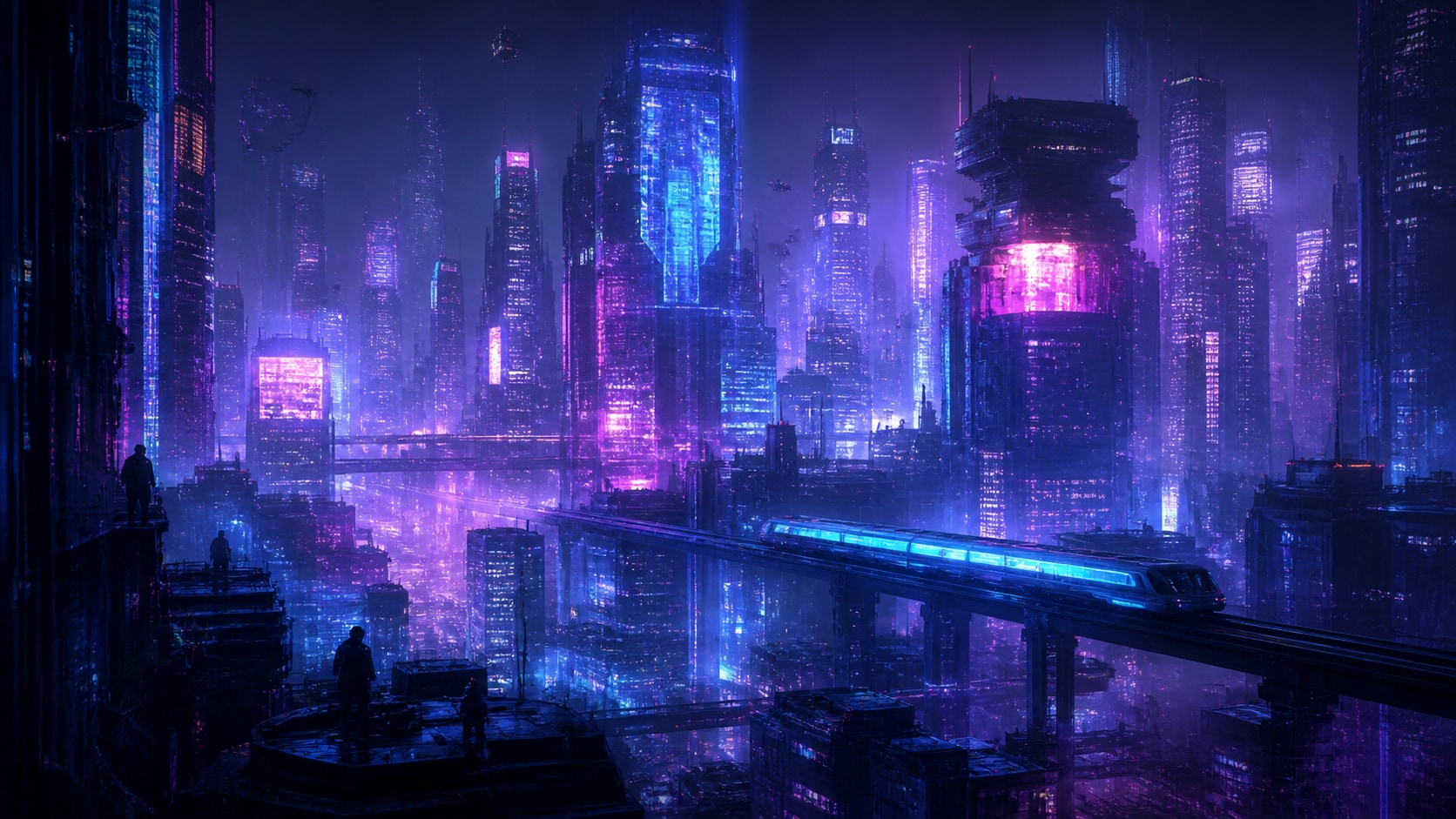
Use Nano Banana for Cinematic Style Variants
For creators exploring mood, color, and dramatic atmosphere, Filmora's image generation also supports Nano Banana. It is useful when a cyberpunk image prompt needs cinematic lighting, stylized edits, or multiple neon looks.
- Lighting Range - Explore violet haze, acid green glow, blue rain, and high-contrast street light.
- Scene Variants - Rework the same concept as a city poster, portrait, wallpaper, or thumbnail.
- Creative Flow - Generate alternate moods quickly before animating or exporting.
Animate Cyberpunk Stills Into Video
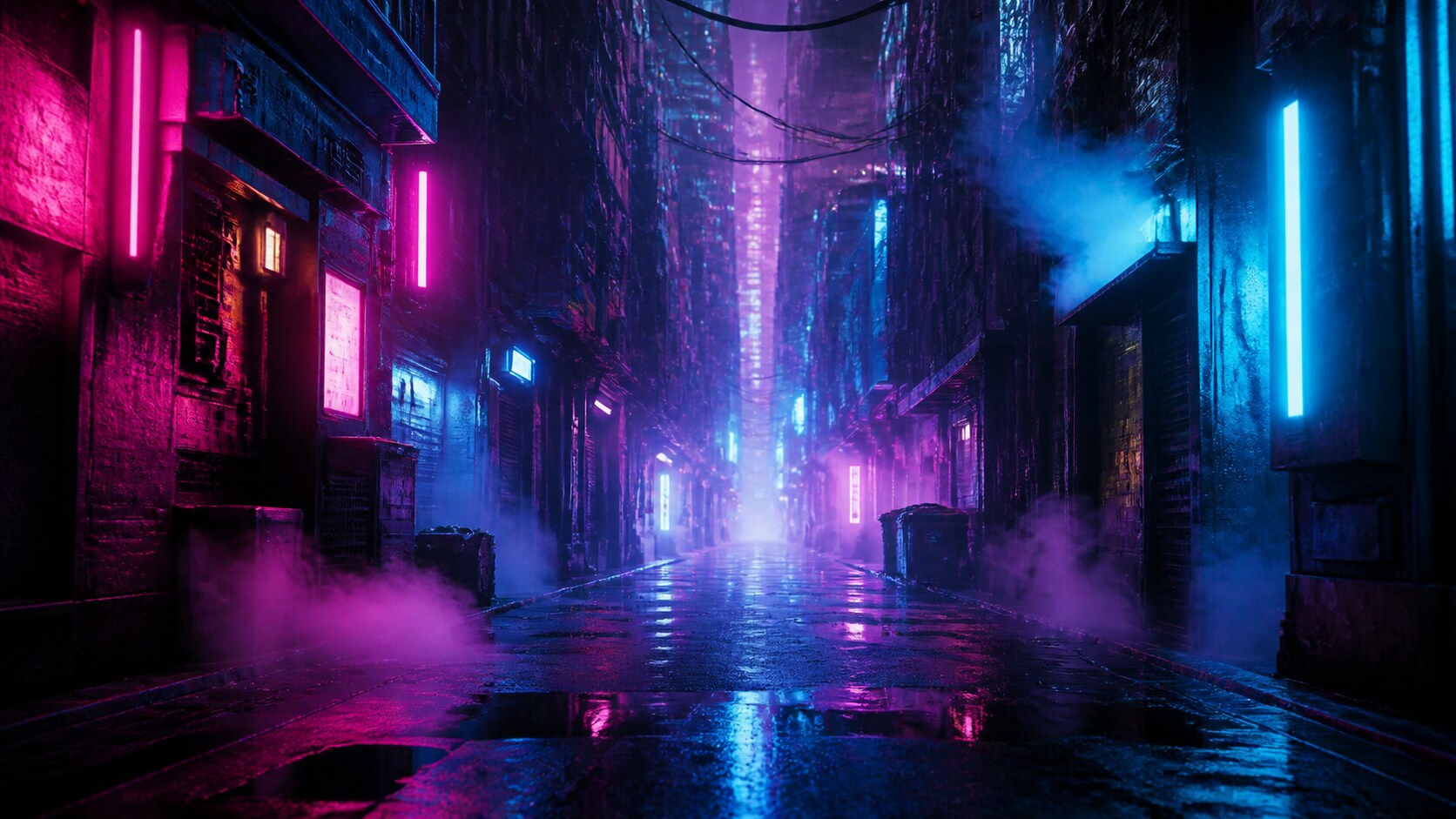
Animate Cyberpunk Stills Into Video
After generating a still from cyberpunk AI art prompts, use Filmora's AI Image to Video workflow to add camera pushes, neon flicker, rain motion, smoke, glitch accents, and social-ready movement.
- Motion Ideas - Animate light trails, signage glow, puddle reflections, fog, and slow zooms.
- Social Formats - Crop one generated still into 16:9, 9:16, or 1:1 video assets.
- Finish in One Place - Add music, captions, effects, and final exports in Filmora.
Frequently Asked Questions About Cyberpunk AI Prompts
How to Generate Cyberpunk Images With AI Prompts
Choose a neon concept, define the future-world details, generate the still image, then animate or polish the final asset in Filmora.
Step 1 Choose a Cyberpunk Prompt

Step 2 Set Model, Style, and Ratio

Step 3 Generate, Animate, and Export

-
1: Choose a Cyberpunk Prompt
Pick a scene such as a neon alley, android portrait, hacker room, flying vehicle, rainy skyline, techwear fashion shot, or futuristic poster. -
2: Set Model, Style, and Ratio
Paste the prompt into Filmora's AI Image tool, choose GPT Image 2 or Nano Banana, select 16:9, 9:16, or 1:1, and refine light, rain, color, and no readable text. -
3: Generate, Animate, and Export
Generate the cyberpunk image, adjust color and crop, add motion or effects if needed, then export it for reels, thumbnails, posters, or galleries.
Cyberpunk AI Prompts for Neon Future Artwork
Use cyberpunk AI prompts to create neon cities, futuristic portraits, android scenes, rain-soaked streets, vehicle concepts, and motion-ready visuals for Filmora editing.