
Explore Popular Knight Prompts
Browse our extensive library of fantasy knight prompts designed to bring your medieval visions to life. From a classic knight character prompt to an intricate knight armor prompt, generate breathtaking art with Filmora.
Loading more knight ai prompt examples...
 Category:
 Duration:
 Aspect Ratio:
Why Use Filmora for Your Knight AI Prompt Needs?
Designing the perfect knight character prompt requires a versatile and powerful engine. With Filmora, you unlock advanced models like GPT Image 2 and Nano Banana to bring every fantasy knight prompt to absolute perfection.
Generate Intricate Armor Designs
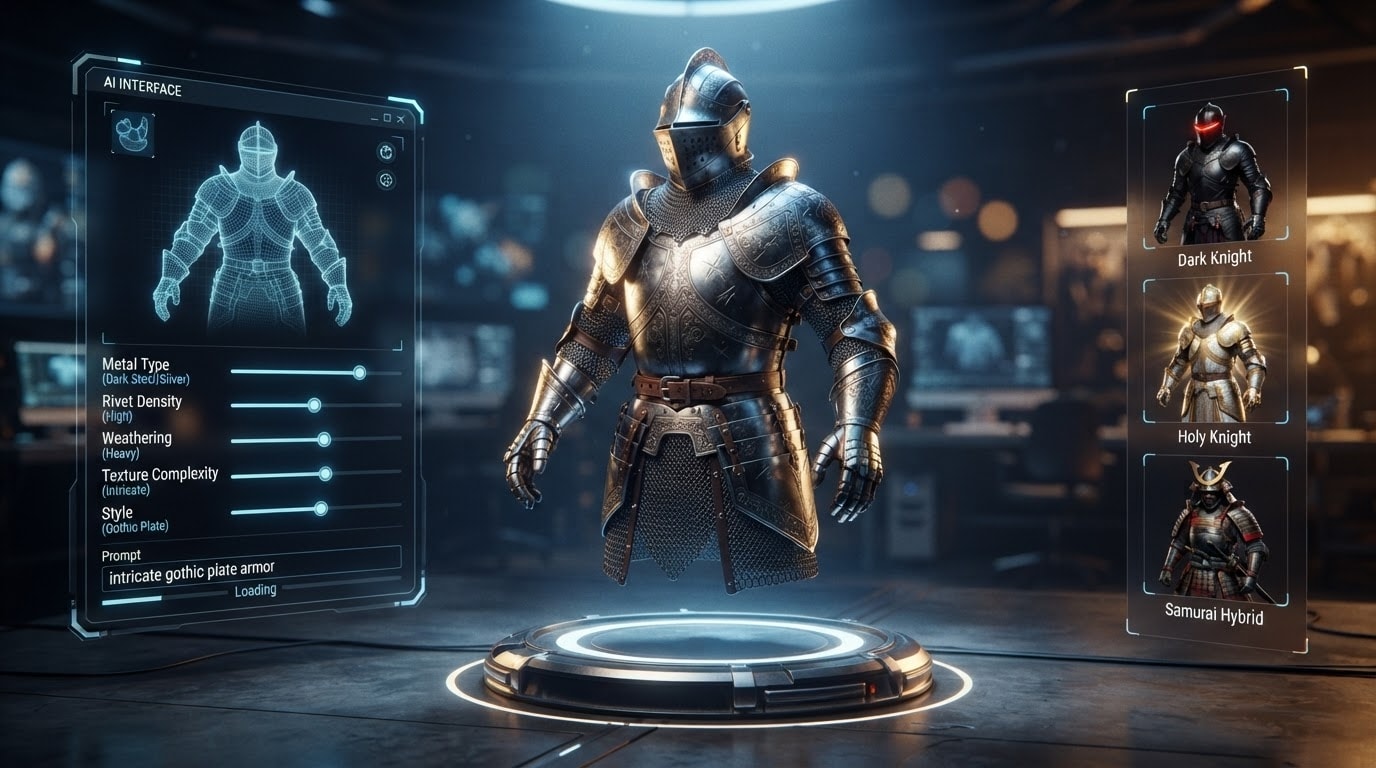
Generate Intricate Armor Designs
A compelling knight armor prompt relies on capturing fine metallic details and historical accuracy. Filmora's AI Image Generator excels at rendering complex chainmail, shining plate armor, and battle-worn textures effortlessly.
- Leverage ChatGPT Image 2 to render historically accurate medieval armor with stunning realism.
- Experiment with Nano Banana Pro to craft highly stylized and intricate fantasy armor sets.
- Enhance metallic reflections and dynamic lighting instantly without manual graphic design skills.
Craft Unique Character Portraits
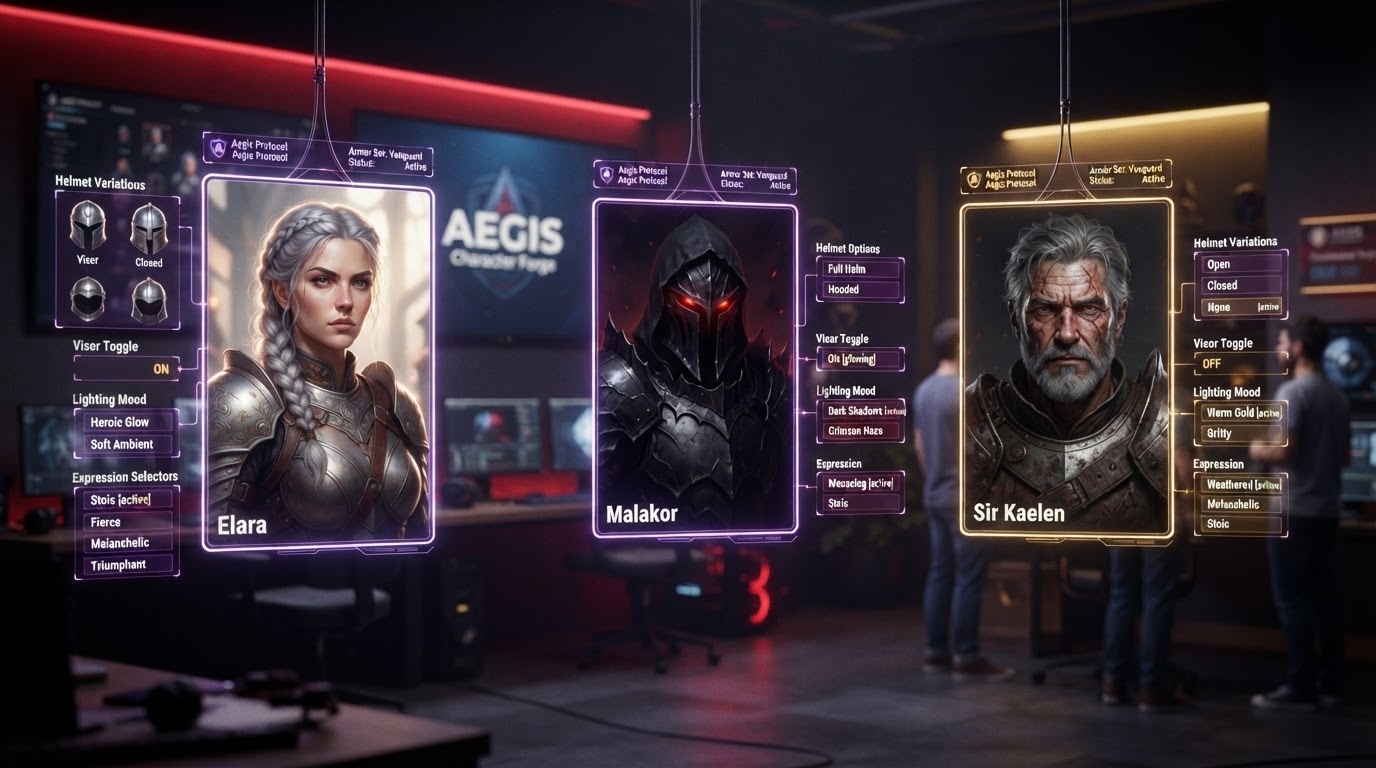
Craft Unique Character Portraits
Whether you are visualizing a heroic female knight prompt or a menacing dark knight prompt, bringing specific character traits to life is crucial. Our tools help you nail the exact mood and facial expressions for your knight portrait prompt.
- Generate diverse and expressive character faces that align perfectly with your epic storytelling.
- Apply thematic video filters to give your generated portraits a cinematic fantasy aesthetic.
- Iterate rapidly through different helmet and visor variations to find the perfect character look.
Build Epic Cinematic Worlds
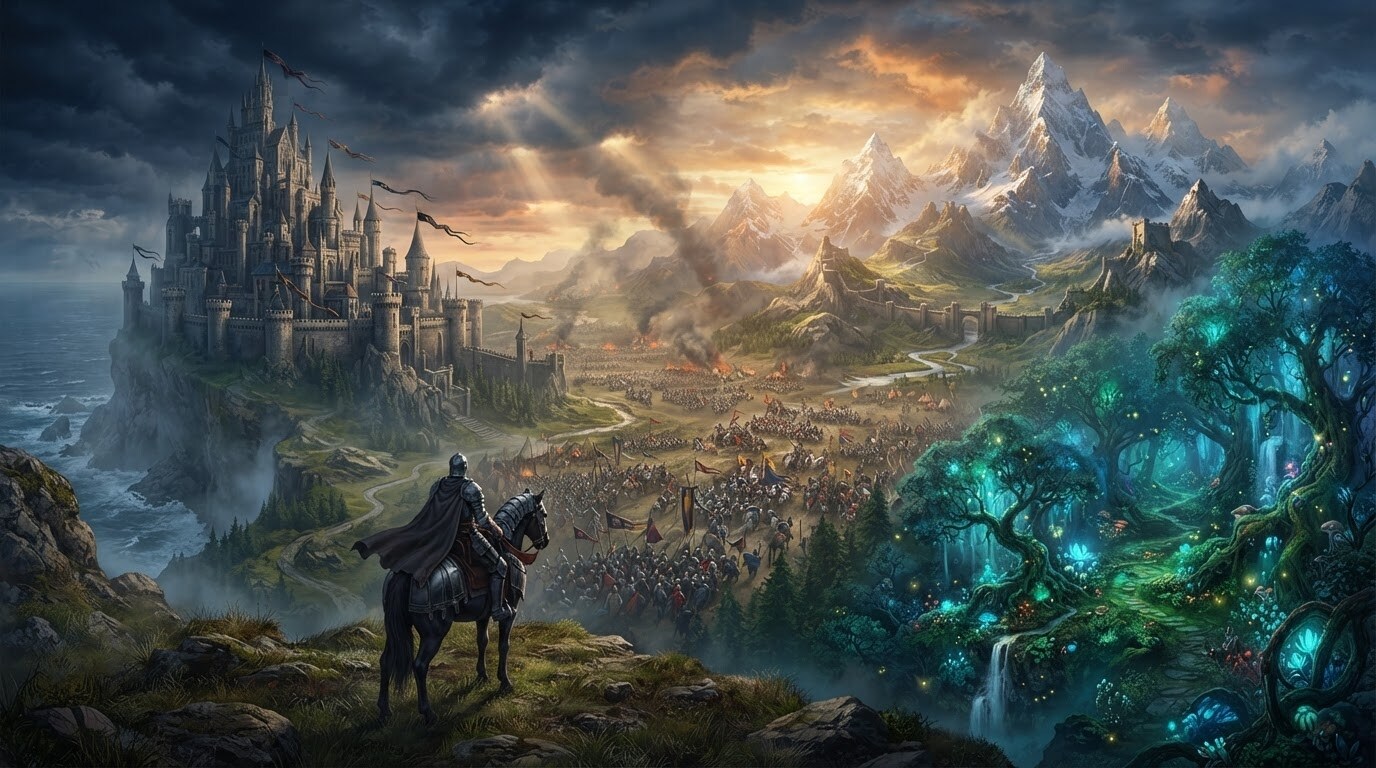
Build Epic Cinematic Worlds
Your knight needs a world to conquer. Expand your medieval knight prompt into full environmental scenes featuring towering castles and battlefield chaos, ready to be incorporated into your next video editing project.
- Transform static knight images into dynamic video sequences using advanced keyframing tools.
- Utilize rich creative assets to populate your backgrounds with banners, and magical elements.
- Perform advanced color correction to set a moody or triumphant tone for your medieval scenes.
Seamlessly Edit Fantasy Videos
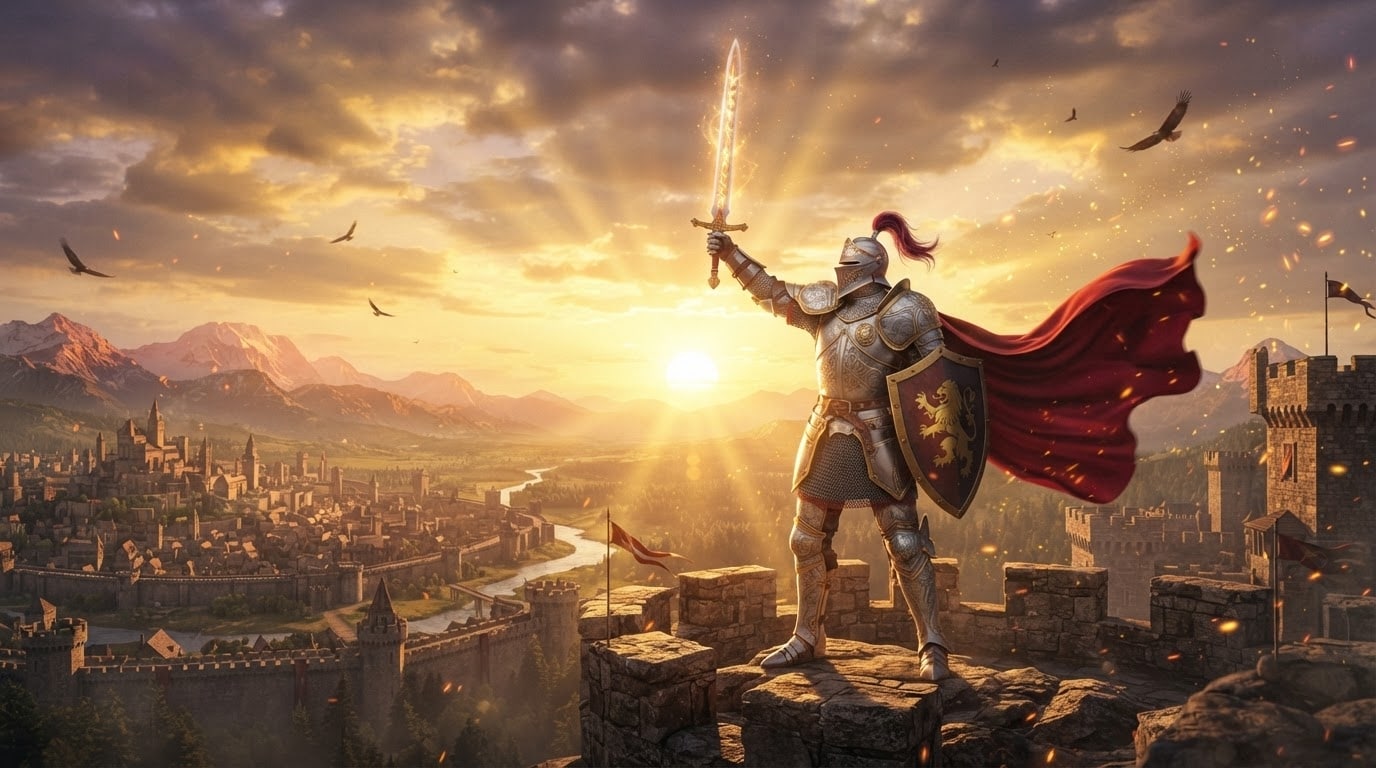
Seamlessly Edit Fantasy Videos
Integrating your knight AI prompt creations into a video format has never been smoother. Filmora bridges the gap between AI generation and professional video editing, providing an all-in-one workspace for your fantasy content.
- Import your generated knight artwork directly onto your timeline for immediate video editing.
- Add dramatic background scores and realistic battle sound effects from the expansive audio library.
- Export your epic fantasy creations in high resolution to captivate your audience on social media.
Frequently Asked Questions About Knight Prompts
How to Generate Epic Fantasy Artwork With a Knight Prompt
Transform your medieval concepts into stunning visual reality using Filmora's powerful AI models and a tailored knight ai prompt.
Step 1 Choose a Knight Prompt

Step 2 Enter Prompt in Filmora AI

Step 3 Generate and Edit

-
1: Choose a Knight Prompt
Browse our extensive library to find the perfect style, whether you need a fierce dark knight prompt or a detailed knight armor prompt. -
2: Enter Prompt in Filmora AI
Launch Filmora and open the AI Image Generator. Paste your medieval knight prompt and select your preferred engine, such as GPT Image 2 or Nano Banana 2. -
3: Generate and Edit
Generate your breathtaking knight portrait prompt. Import it directly to your timeline to add cinematic effects and epic background music.




