
Explore Popular Prince Prompts
Find the perfect prince image prompt to craft a mesmerizing fantasy aesthetic. From a magical fairytale prince prompt to a fierce medieval sovereign, access diverse creative assets to master your royal edits.
Loading more royal prompt examples...
 Category:
 Duration:
 Aspect Ratio:
Why Use a Prince Image Prompt?
A well-crafted prince image prompt is essential for producing high-quality regal artwork. Whether you are generating assets for a storytelling channel or personal artwork, a detailed prince prompt allows you to maintain absolute creative control over your majestic edits.
Generate Majestic Fantasy Avatars With Ease
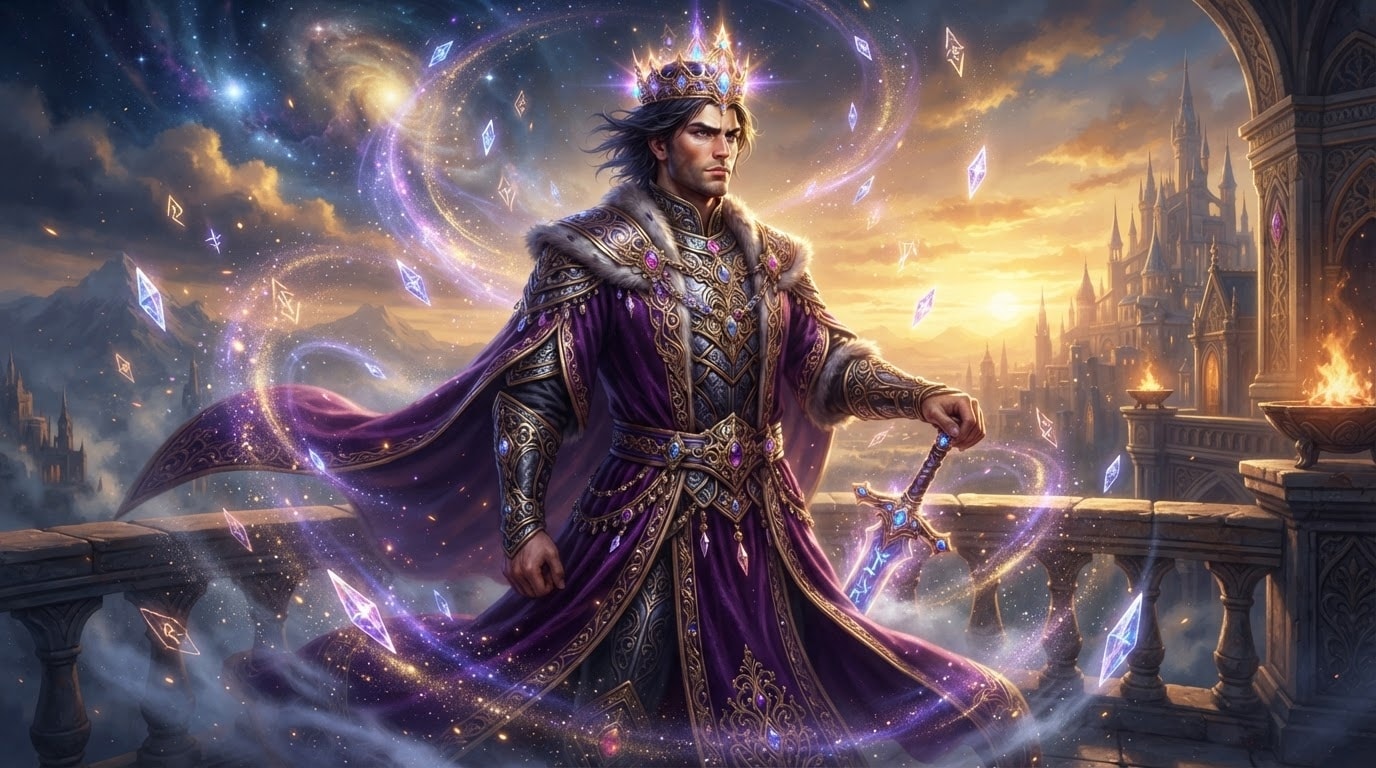
Generate Majestic Fantasy Avatars With Ease
Elevate your character designs by applying a powerful fantasy prince prompt within Filmora. Leverage cutting-edge models like GPT Image 2 and Nano Banana Pro to produce crystal-clear, cinematic visuals that rival professional digital art.
- Create a captivating fairytale prince prompt that instantly generates highly detailed royal attire.
- Produce breathtaking portraits using an integrated AI Image Generator without ever leaving the video editor.
- Refine the facial features of your handsome prince prompt to match the specific artistic direction of your project.
Customize Eras From Medieval to Anime
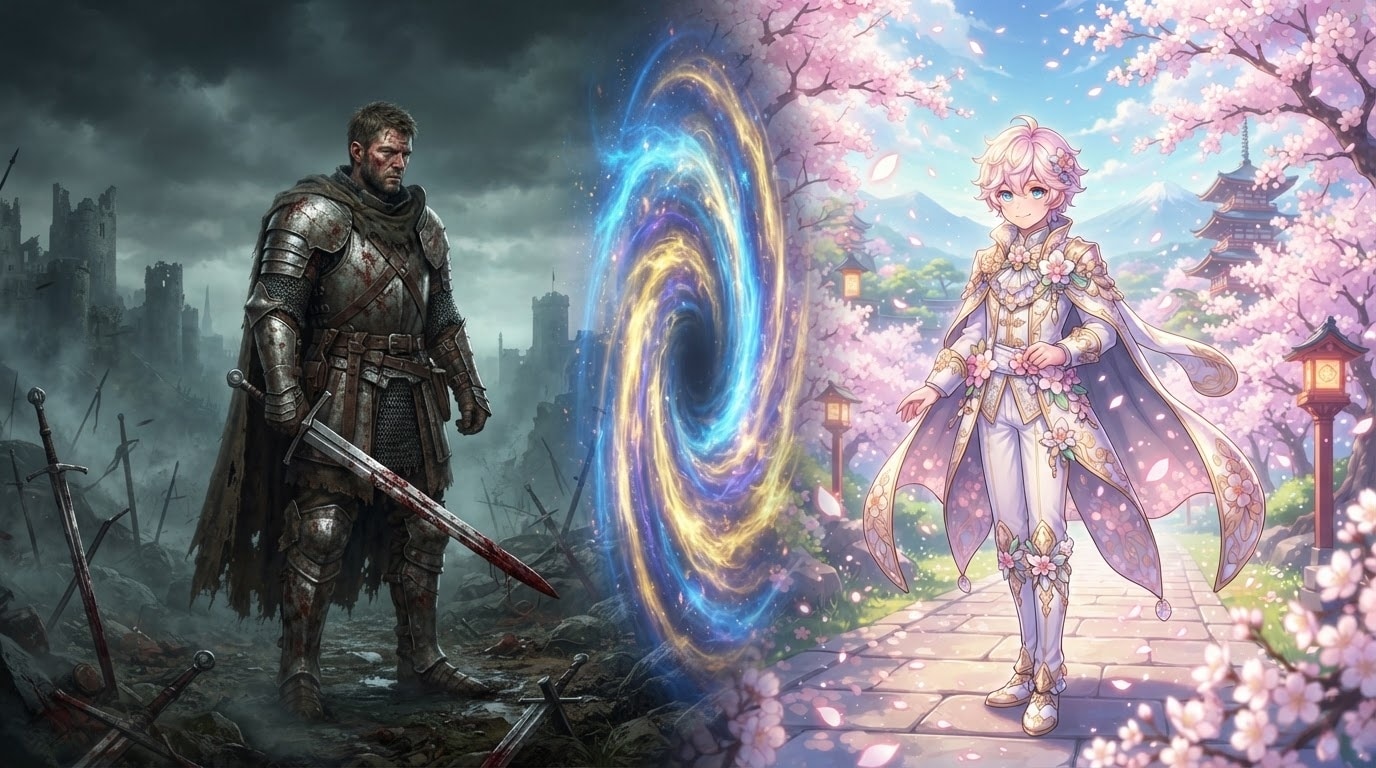
Customize Eras From Medieval to Anime
Whether your story requires a rugged medieval prince prompt or a stylized anime prince prompt, Filmora provides the creative flexibility you need. Seamlessly switch between artistic styles to match the unique aesthetic of your storytelling.
- Craft an authentic medieval aesthetic with detailed armor and dramatic lighting generated entirely by AI.
- Design a unique anime prince prompt to capture the vibrant colors and distinctive shading of Japanese animation.
- Blend various historical elements to establish a truly original royal prince prompt for your narrative.
Animate Your Prince Portraits Seamlessly
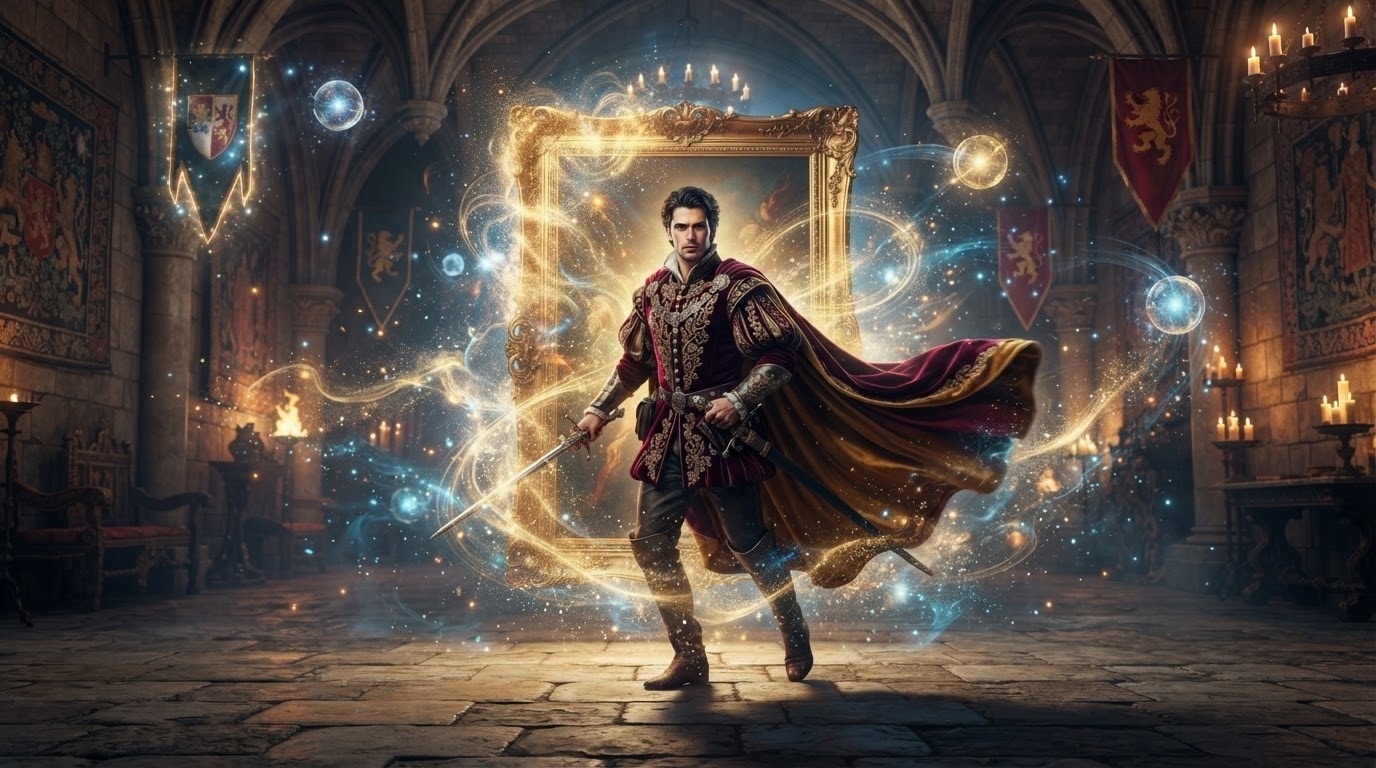
Animate Your Prince Portraits Seamlessly
Once you have used your prince ai prompt to generate the perfect still image, transform it into a dynamic scene. Filmora allows you to naturally integrate your royal assets into comprehensive video edits using advanced keyframing and atmospheric effects.
- Bring your static royal prince portrait to life by applying dynamic video transitions and subtle motion effects.
- Enhance the majestic atmosphere of your generated image by adding cinematic video filters and epic soundscapes.
- Incorporate your AI artwork directly into a larger fantasy narrative using a comprehensive timeline interface.
Enhance Your Royal Lore With Text and Colors
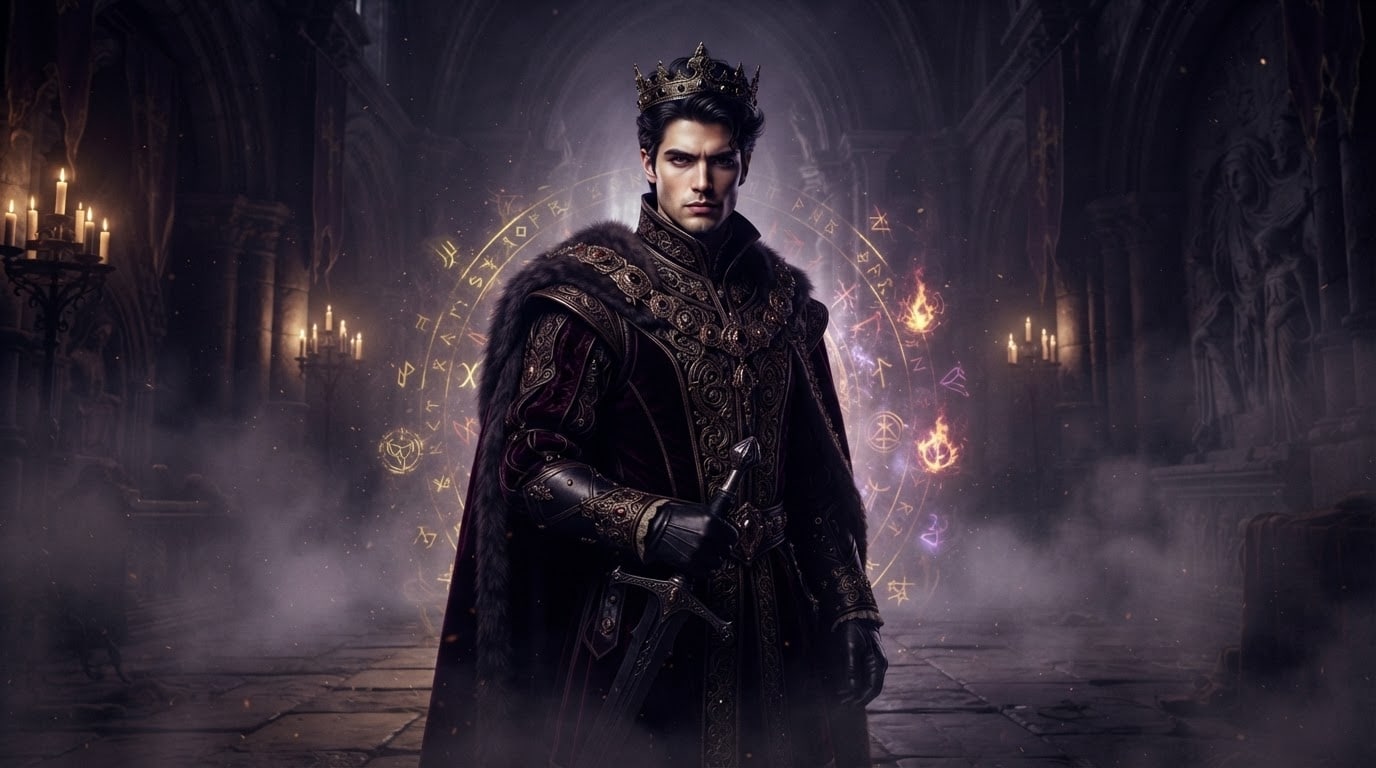
Enhance Your Royal Lore With Text and Colors
A stunning prince portrait prompt is only the beginning of your creative journey. Enhance the generated imagery by adding majestic typography and applying professional color correction to ensure your royal protagonist looks absolutely flawless.
- Apply advanced color grading to establish a moody and cinematic atmosphere for your dark fantasy ruler.
- Add elegant titles and cinematic text overlays to introduce the lore behind your majestic character.
- Utilize Filmora auto caption capabilities to quickly subtitle any dialogue accompanying your royal visual story.
Frequently Asked Questions About Prince AI Prompts
How to Generate a Majestic Portrait With a Prince Prompt
Transform your creative ideas into cinematic reality by utilizing the Filmora AI Image Generator to craft the perfect royal avatar.
Step 1 Write Your Prince Image Prompt

Step 2 Select Your Preferred AI Model

Step 3 Generate and Edit Your Masterpiece

-
1: Write Your Prince Image Prompt
Open the Filmora AI Image function and type your detailed prince portrait prompt. Specify whether you want a medieval prince prompt or a fantasy prince prompt to set the correct artistic direction. -
2: Select Your Preferred AI Model
Choose from the powerful internal models available, such as GPT Image 2 or Nano Banana Pro. These advanced generators ensure your handsome prince prompt produces high-resolution, incredibly detailed royal attire. -
3: Generate and Edit Your Masterpiece
Click generate to instantly create your regal artwork. Once your prince ai prompt yields the perfect image, drag it directly into your timeline to apply color correction, add titles, and enhance the visual storytelling.




