
Explore Popular Split Face Prompts
Browse our curated collection of half face prompt ideas to craft unforgettable dual-aesthetic visuals. Whether you want a split face art prompt or a futuristic cyborg split portrait, find exactly what you need to inspire your next masterpiece.
Loading more split face prompts...
 Category:
 Duration:
 Aspect Ratio:
Why Utilize a Split Face AI Prompt?
A powerful split face image prompt opens the door to unparalleled artistic expression. By blending opposing themes within a single dual face ai prompt, you can effortlessly communicate complex emotions and compelling visual narratives.
Craft Engaging Dual Personalities
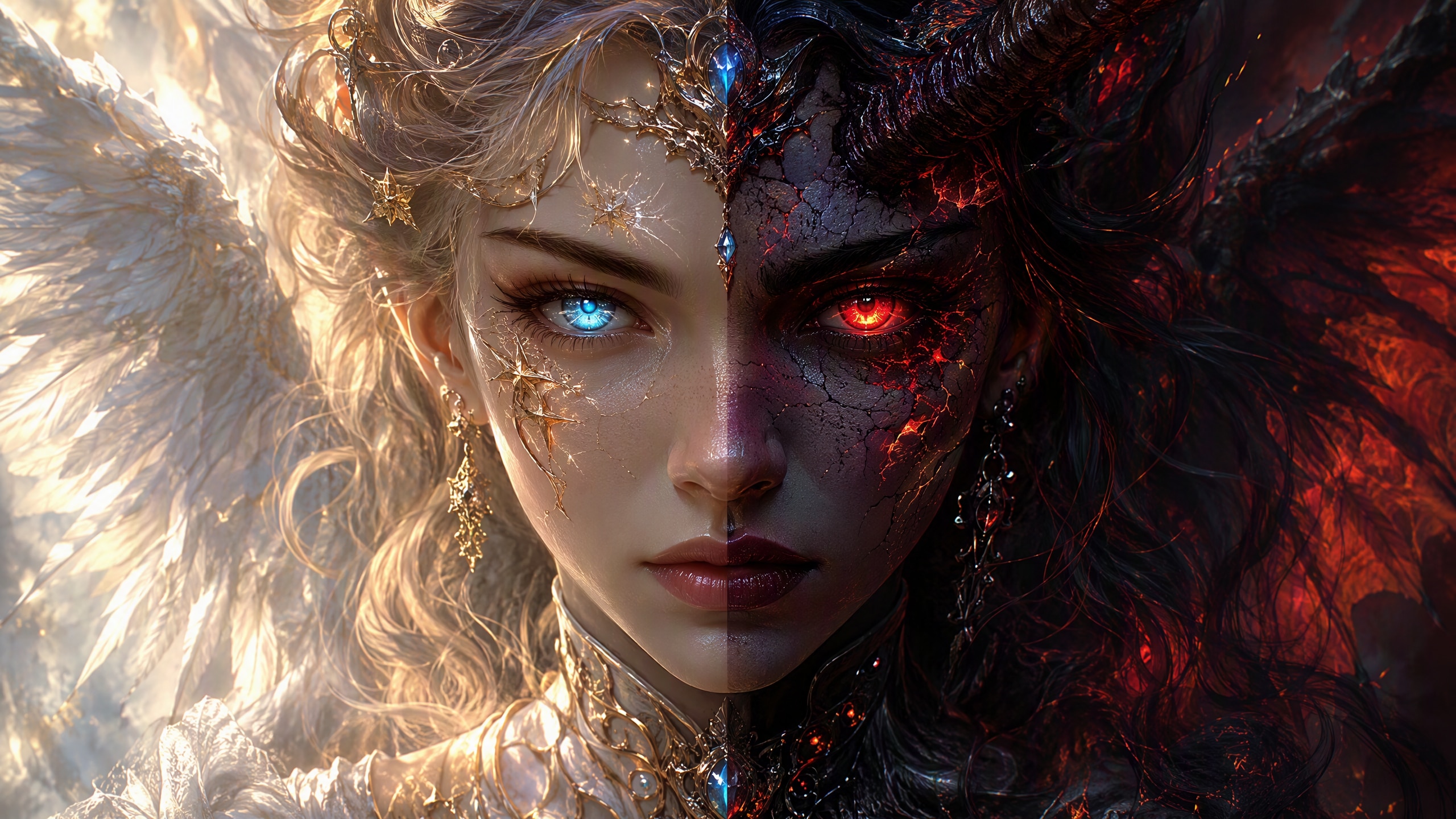
Craft Engaging Dual Personalities
Utilizing a well-structured split face portrait prompt allows creators to visually showcase contrasting character traits in one seamless composition. This unique duality is highly effective for storytelling, book covers, and theatrical posters.
- Seamlessly blend light and shadow themes using robust internal AI models.
- Highlight striking emotional contrasts by formulating a precise half face prompt.
- Boost audience engagement by sharing captivating character transformations.
Leverage Advanced Image Models
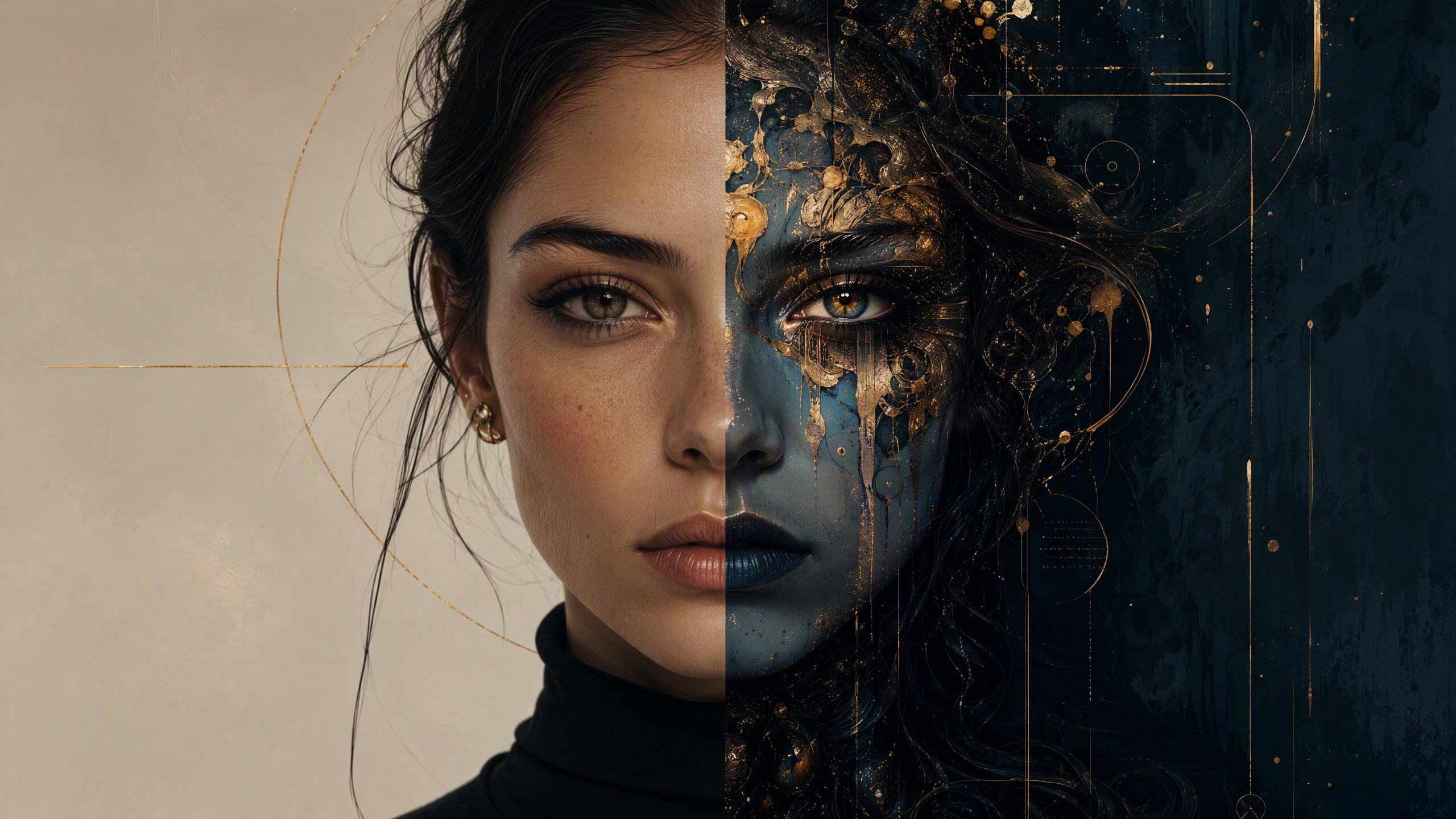
Leverage Advanced Image Models
Filmora offers immense flexibility by embedding top-tier engines directly into its workflow. You can easily apply a split portrait prompt using cutting-edge internal options like GPT Image 2 or the highly stylized Nano Banana to achieve breathtaking results.
- Generate high-resolution split face ai image creations without leaving your editing timeline.
- Experiment with multiple artistic styles by switching between built-in AI generators.
- Perfect your final render by applying professional color correction to emphasize the dual tones.
Enhance Edits With Dynamic AI Tools
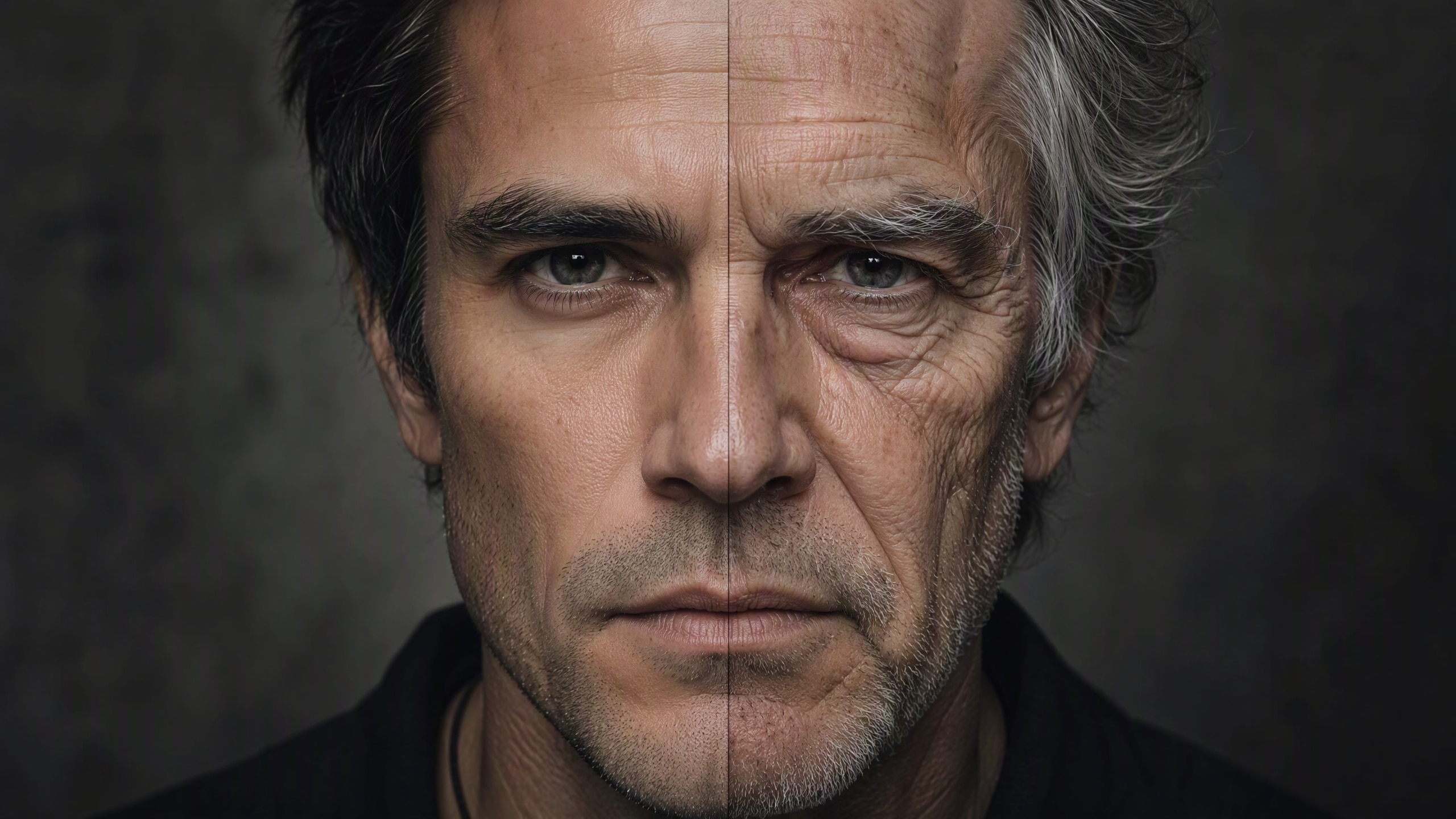
Enhance Edits With Dynamic AI Tools
The magic does not stop at generating a static split face art prompt. Integrate your resulting artwork into comprehensive video projects, utilizing advanced AI video editing capabilities to animate the contrast.
- Bring your generated character to life with matching cinematic video filters and transitions.
- Apply built-in AI stickers to further embellish the distinct halves of your character's face.
- Use AI copywriting tools to quickly generate compelling captions for your artwork.
Streamline Your Creative Workflow
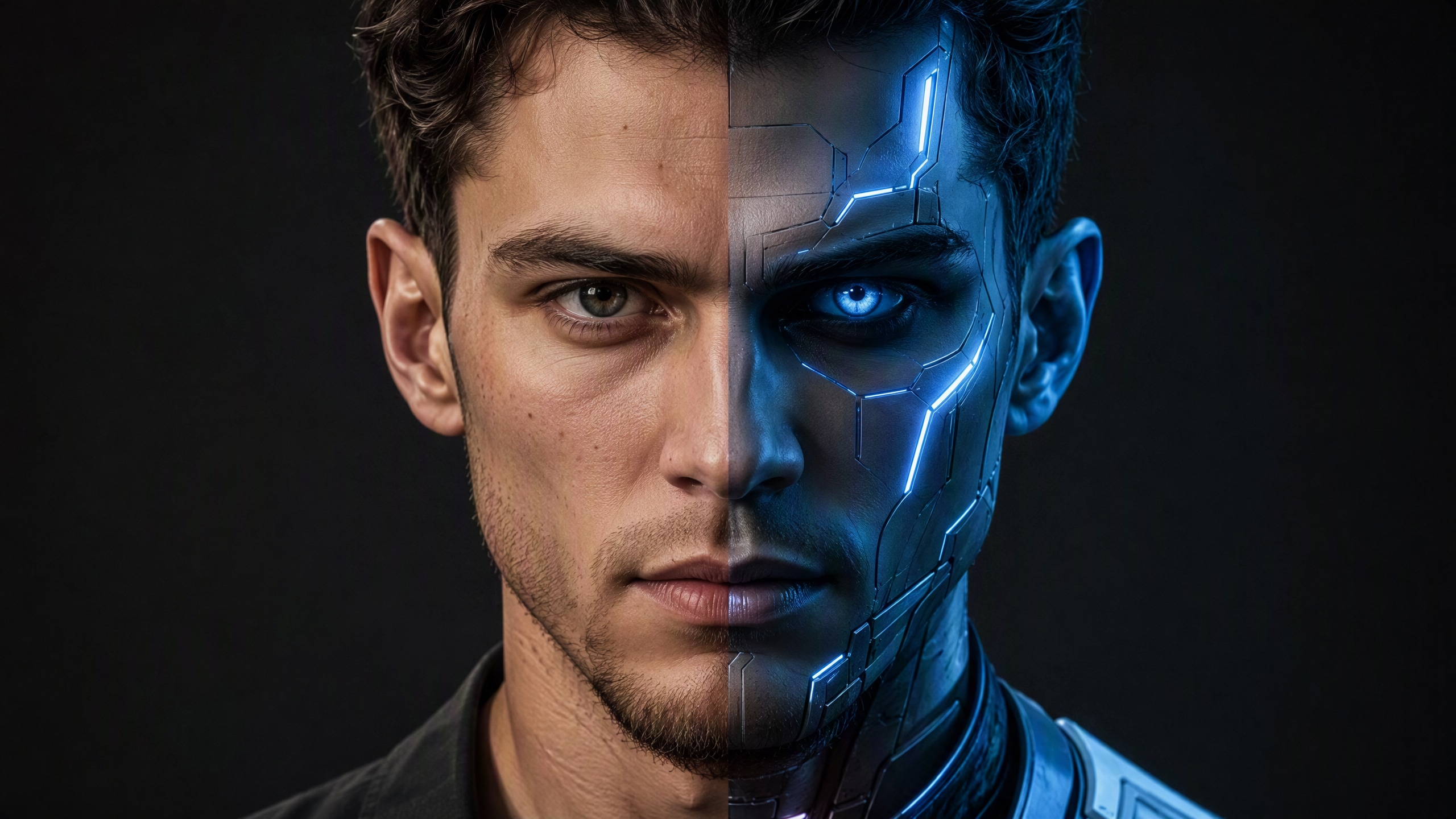
Streamline Your Creative Workflow
You do not need complex third-party software to realize your double face prompt vision. Filmora acts as an all-in-one studio where you can prompt, generate, edit, and publish your split face image prompt creations instantly.
- Access a massive library of creative assets to complement your generated portrait designs.
- Produce stunning dual aesthetics rapidly with a highly intuitive user interface.
- Export your finished split face artwork directly to popular social media platforms effortlessly.
Frequently Asked Questions About Split Face Prompts
How to Apply a Split Face Prompt in Filmora
Follow these straightforward instructions to generate and edit stunning dual-aesthetic portraits using a powerful split face prompt within the all-in-one workspace.
Step 1 Enter Your Split Face Prompt

Step 2 Select Your Preferred AI Engine

Step 3 Generate and Refine Your Artwork

-
1: Enter Your Split Face Prompt
Open the AI image generation tool and input your detailed split face ai prompt. Describe the contrasting halves clearly, such as neon cyberpunk on the left and classical renaissance on the right. -
2: Select Your Preferred AI Engine
Choose a high-performance internal model like ChatGPT Image 2 or Nano Banana to render your split face image prompt. Adjust the aspect ratio to best fit your intended social media platform. -
3: Generate and Refine Your Artwork
Click generate to bring your double face prompt to life. Once completed, drag the split face art into your timeline to apply color correction, dynamic transitions, and AI-generated captions.




