

Universal Music for Creators brings professionally produced music into the creative workflow, giving video makers more ways to set a mood, build momentum, and guide attention from one scene to the next. Cinematic tracks can support opening titles, emotional turning points, travel montages, dramatic reveals, and many other story-led edits.
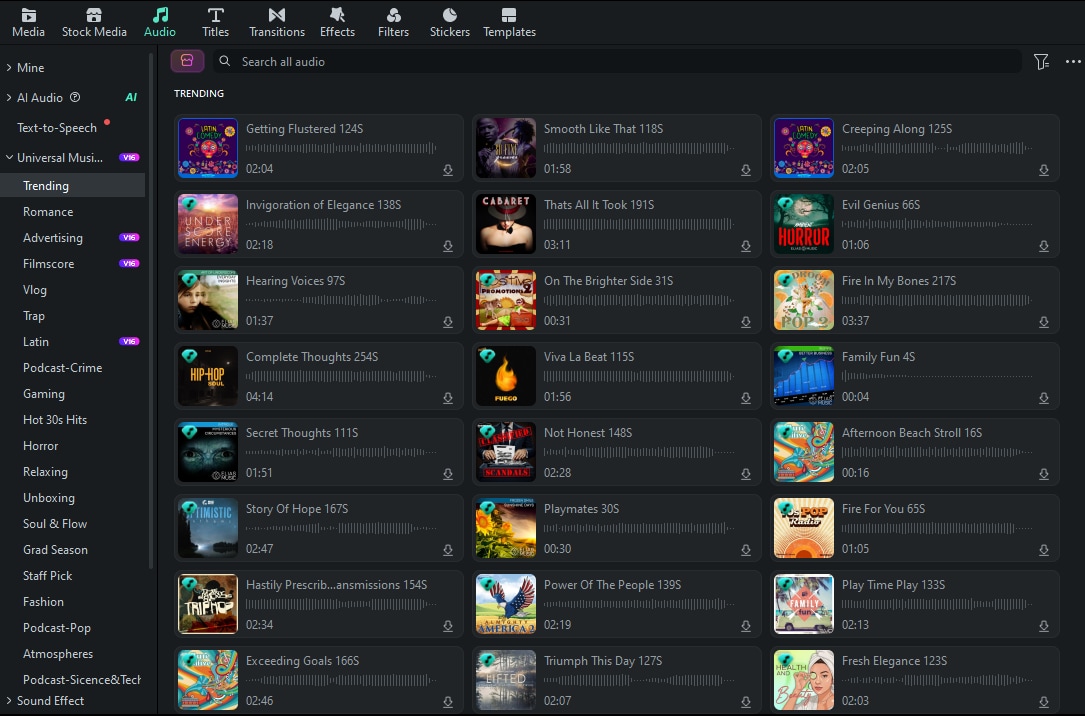
These Universal Music for Creators resources are available directly inside Filmora's Audio Library, where creators can browse music and sound assets while working on a project. Select a track, preview its tone, and bring it into the timeline without leaving the editing workspace.
 Secure Download
Reflective and Emotional Cinematic Music
Use these tracks for opening titles, personal stories, memory sequences, and scenes that need a thoughtful emotional lift.











Expansive and Uplifting Soundtracks
These wider, more open-sounding selections can support travel films, achievement edits, reveal moments, and visual montages.
Tension, Mystery, and Dramatic Momentum
Choose a darker or more dramatic direction when your edit needs suspense, conflict, investigation, or a strong build toward a resolution.







Shape Cinematic Sound with Filmora
Once you have chosen a direction for your soundtrack, Wondershare Filmora gives you one workspace for arranging footage, adding music, balancing dialogue, and refining the final sound. Its audio tools are useful when your edit needs music to move with the picture without taking attention away from the story.
Create Beat-Matched Cuts with Auto Beat Sync
Automatically match your video cuts to the rhythm of your soundtrack for a more dynamic cinematic edit. Filmora detects beat points in the selected track and helps match footage changes and effects to the music, so you can build a smoother visual flow with less manual adjustment.
Keep Dialogue Clear with Audio Ducking
Lower background music automatically when dialogue or narration starts, then bring it back when the spoken audio ends. This helps keep documentary interviews, voiceovers, and travel narration clear while the cinematic soundtrack continues to support the scene.
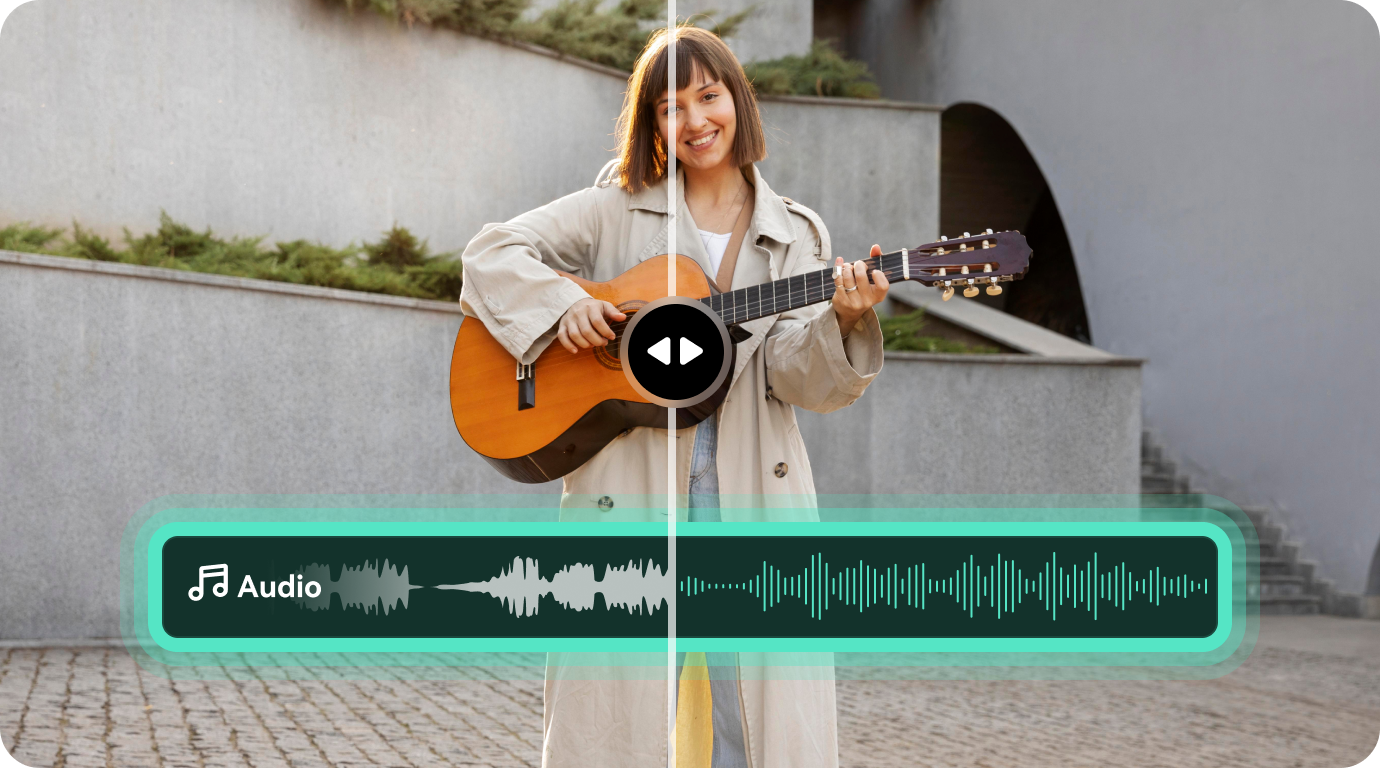
Clean Background Noise with AI Audio Denoise
Instantly remove background noise from audio with AI for a crisp and clear sound. It can help reduce wind, hum, hiss, unwanted room noise, and distracting reverb in podcasts, dialogue, narration, voiceovers, and other video audio.
 Secure Download
FAQs
-
Where can I find Universal Music for Creators tracks in Filmora?
Open Filmora's Audio Library while working on a project, then browse or search the available music resources. You can preview a track and add it to the timeline from the same editing workflow. -
How should I choose a cinematic track for my video?
Match the music to the emotional job of the scene. Reflective tracks can support memories and personal stories, broader themes can open up travel or achievement edits, and darker pieces can add suspense or dramatic pressure. -
What audio adjustments can I make after adding music in Filmora?
You can trim and arrange the track, shape volume changes, adjust speed when needed, and refine the balance between music, dialogue, and other audio layers. Filmora also includes tools for beat-based editing and audio cleanup. -
How can I keep background music from covering narration?
Place the narration and music on separate tracks and use Audio Ducking to lower the soundtrack while someone is speaking. AI Audio Denoise can also help clean unwanted noise from recorded dialogue.
