30+ Distortion Video Effects & Packs:
Unleash Visual Chaos on Your Timeline
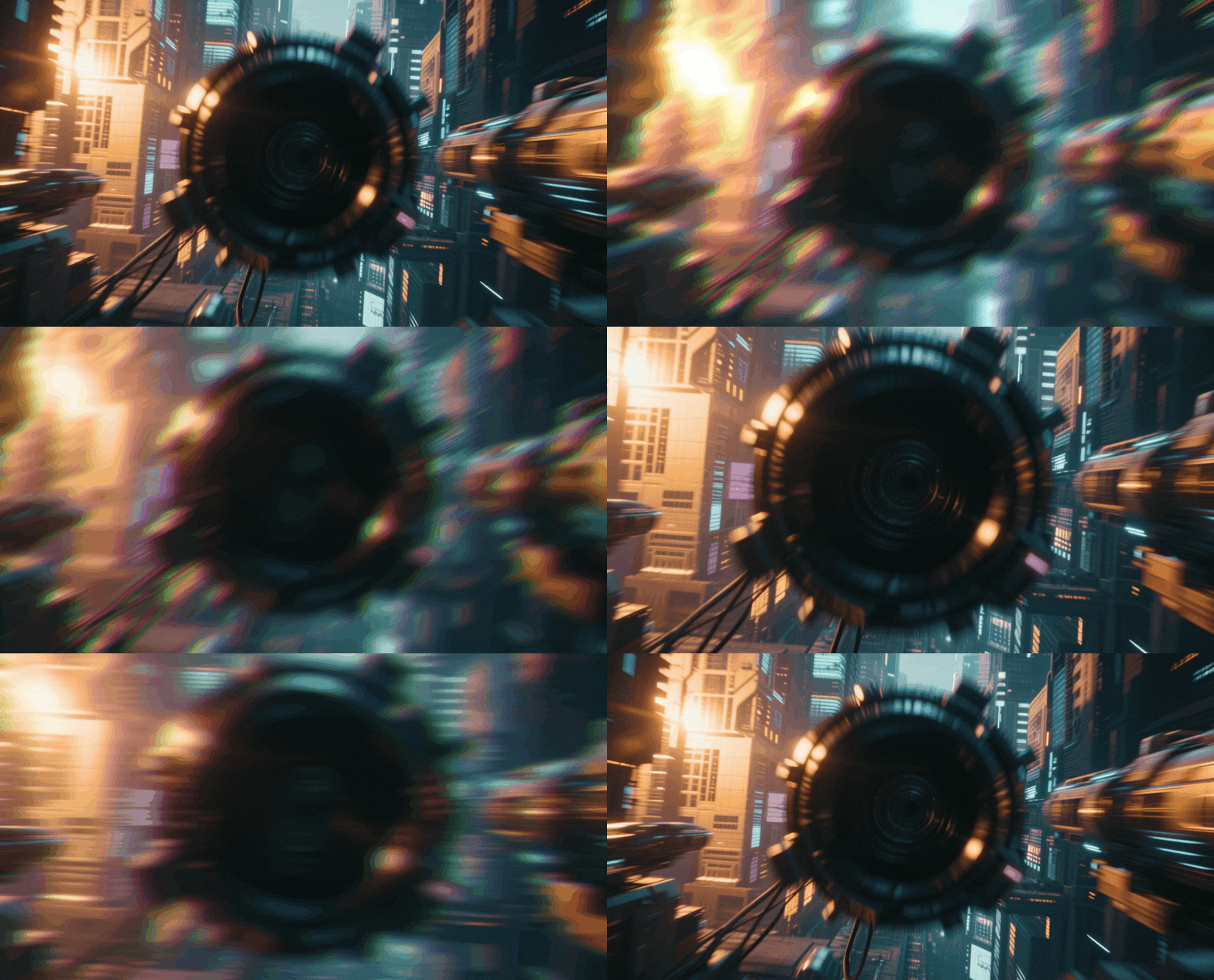
Give your videos a gritty, high-energy aesthetic with our curated library. Explore our diverse selection of distortion video effects, featuring everything from RGB splitting and pixel sorting to water-like ripples and earthquake shakes. Simply pick your favorite distortion style, drag it onto your clip, and adjust the intensity to match the beat. Perfect for music artists, gamers, and creators looking to break the mold with stunning visual anomalies.
Loading more templates...
 Category:
 Duration:
 Aspect Ratio:
Why Use Distortion Effects?
Break the rules of physics and digital perfection — use distortion to create unforgettable visual experiences.
Amplify Music Videos with Rhythmic Intensity

Amplify Music Videos with Rhythmic Intensity
Distortion effects are the heartbeat of modern music videos and high-energy edits. By syncing visual chaos—like shakes, glitches, and turbulent displacements—to the beat of your audio, you create a sensory experience that keeps viewers hooked. Filmora makes it easy to match the visual intensity to your soundtrack's peaks.
- Perfect for emphasizing bass drops, drum kicks, and high-tempo transitions
- Audio-reactive capabilities allow effects to pulse automatically with the music
- Create a professional "music video look" without complex compositing software
Craft Cyberpunk & Retro Sci-Fi Aesthetics

Craft Cyberpunk & Retro Sci-Fi Aesthetics
Whether you're aiming for a futuristic cyberpunk vibe or a nostalgic 90s VHS look, distortion is key. Use chromatic aberration to separate RGB channels for a holographic feel, or apply scanline and noise overlays to simulate analog decay. These effects instantly set the genre and mood of your storytelling.
- Access a massive library of Glitch, VHS, and Digital Decay presets
- Combine effects like "Bad TV" and "Chromatic Aberration" for unique looks
- Fully customizable parameters: adjust frequency, amplitude, and color shift
Seamlessly Transition with Dynamic Warps

Seamlessly Transition with Dynamic Warps
Move beyond standard cuts by using distortion to merge scenes together fluidly. Swirl, melt, and zoom-warp transitions pull the viewer from one shot to the next, maintaining momentum and style. These dynamic transitions are essential for travel vlogs, gaming montages, and fashion reels where flow is everything.
- Drag-and-drop distortion transitions tailored for fast-paced editing
- Smoothly blend clips using liquid warp and twist motion presets
- Adjust transition duration and curvature to fit the speed of your edit
FAQs About Distortion Video Effects
How To Add Effects to Videos
Whether you're a beginner or experienced creator, adding effects to your videos with our video effect editor is intuitive and fast.
Follow these simple steps to improve your videos with Filmora's extensive effect collection.
Step 1 Open Filmora and Import Your Video

Step 2 Choose and Apply Video Effects

Step 3 Export or Continue Editing

Step 1: Open Filmora and Import Your Video
Launch Filmora on your computer and import the video file you want to edit into the media library. Then, drag it to the timeline to start editing.Step 2: Choose and Apply Video Effects
Click the Effects tab in the top toolbar. Under Video Effects, you'll find multiple effect categories. Select an effect you like and drag and drop it onto your video clip in the timeline to apply it.Step 3: Export or Continue Editing
Once you're satisfied with the effect, export your video or continue editing by adding more effects, text, or music.
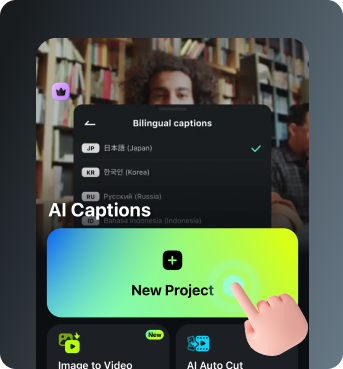
Step 1 Open Filmora and Import Your Video
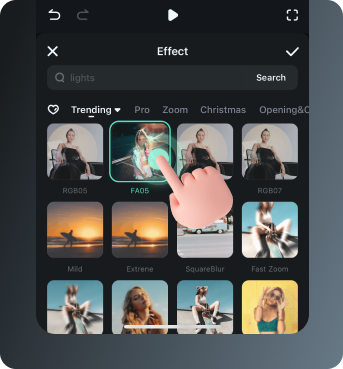
Step 2 Access and Select Your Video Effects
Step 3 Export or Keep Editing
Step 1: Open Filmora and Import Your Video
Open the Filmora app on your phone and import the video you want to edit. The clip will be added to your editing timeline automatically.Step 2: Access and Select Your Effect
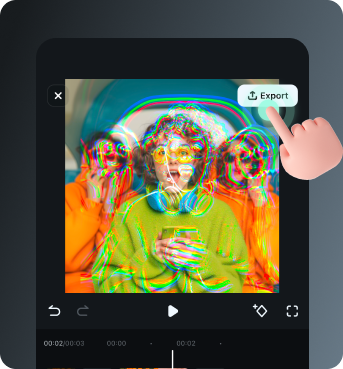
Tap Animation to browse preset video effects and animations. Choose a style you like and apply it to enhance your video instantly.Step 3: Export or Keep Editing
After applying the effects, export your video or continue editing with additional animations, stickers, or adjustments.
Explore More Video Effects
From cinematic glitches to dynamic zoom transitions — explore our free, ready-to-use effects for every creative project.