
Fruit Video Stickers & Visual Guides
Browse our collection of animated fruit stickers and integrate them seamlessly into your Video Templates.
Loading more sweet fruit stickers...
 Category:
 Duration:
 Aspect Ratio:
Everything Needed for Sweet Fruit Video Stickers
A perfectly placed fruit sticker adds instant visual charm to any clip. Filmora provides an expansive library of Creative Assets, letting you seamlessly drop animated fruit stickers right into your timeline. Elevate your entire project easily with our advanced AI Video Editing capabilities.
Create Custom Fruit Stickers With Filmora AI
Create Custom Fruit Stickers With Filmora AI
Turn simple ideas into polished fruit stickers. Filmora's AI Image generator creates custom fruit clipart from a short prompt, and the linked stock library helps you round out each design with fresh visual elements.
- Prompt-Based Results - Describe the fruit, mood, and style you want, then generate a ready-to-edit sticker.
- Flexible Looks - Move between watercolor, 3D, pixel art, and other clipart styles without rebuilding your idea.
- Clean Placement - Place stickers over footage neatly with the background remover when a transparent look fits the scene.
Animate Fruit Stickers With Motion and Effects
Animate Fruit Stickers With Motion and Effects
Make static fruit stickers feel part of the scene. Use image-to-video tools when you already have artwork, or start from a text prompt for a new clip. Then refine the motion with effects controls.
- Motion Tracking - Pin a fruit sticker to a moving object so it follows the action naturally.
- Audio Syncing - Match playful motion to catchy beats from the music generator.
- Layered Control - Combine stickers, text, and background clips into a tidy montage.
Finish Fruit Sticker Videos With AI Tools

Finish Fruit Sticker Videos With AI Tools
Finish faster without jumping between apps. Record your screen in Filmora, add a clean transition between scenes, and use AI video tools to shape the final fruit sticker project.
- Smart Captions - Add captions for recipes, tutorials, and social clips.
- Natural Voiceovers - Create narration with voiceover tools when you need clear guidance.
- All-in-One Workflow - Edit, animate, caption, and export from one workspace.
Frequently Asked Questions About Fruit Stickers
How to Add Fruit Stickers to Your Video with Filmora
Want to give your content a fresh, juicy aesthetic? It takes just three simple steps to enhance your raw footage with animated fruit stickers using Filmora's intuitive tools.
Step 1 Access the Sticker Library
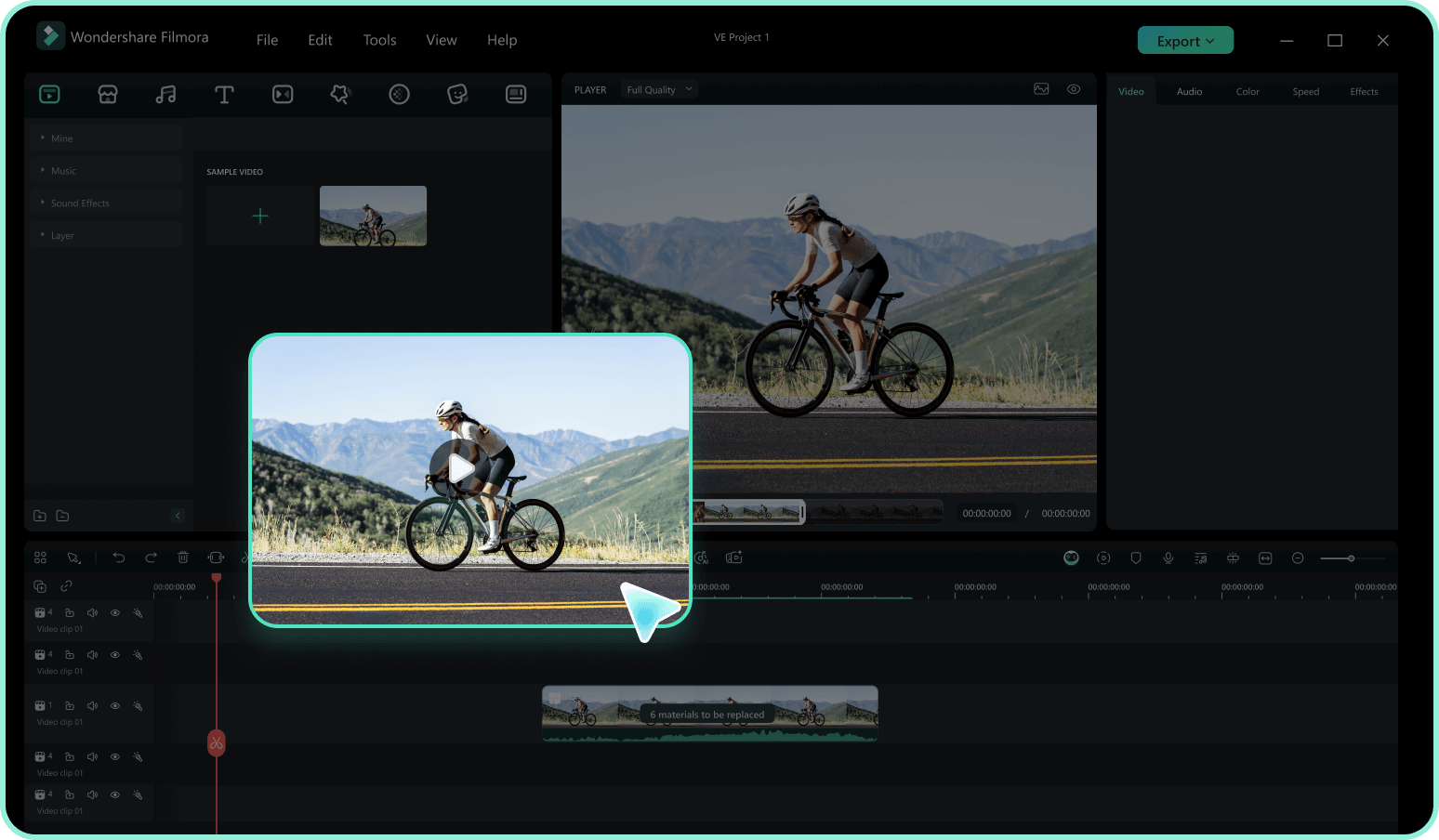
Step 2 Search for Fruit Animation Elements
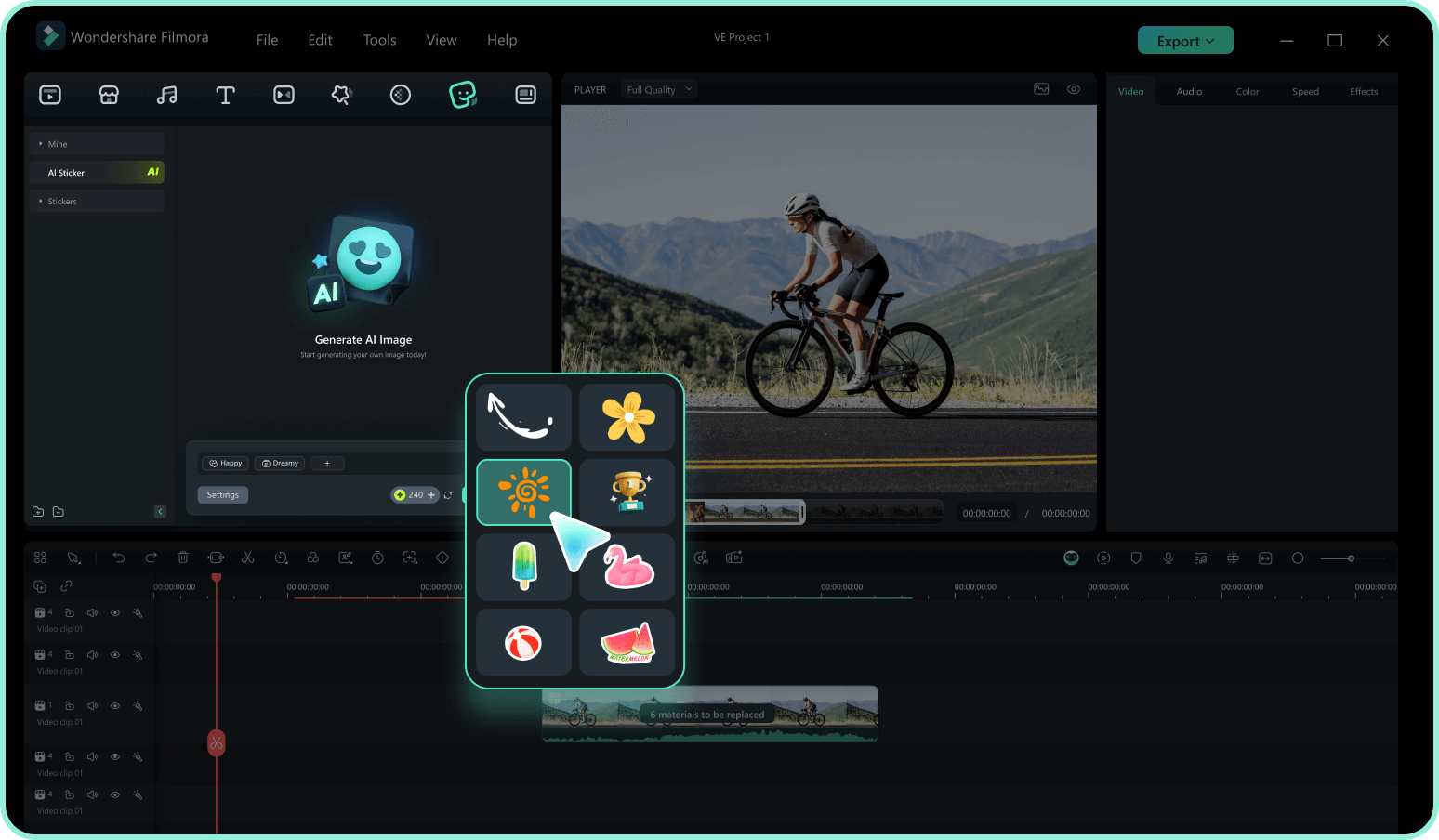
Step 3 Drag, Drop, and Animate
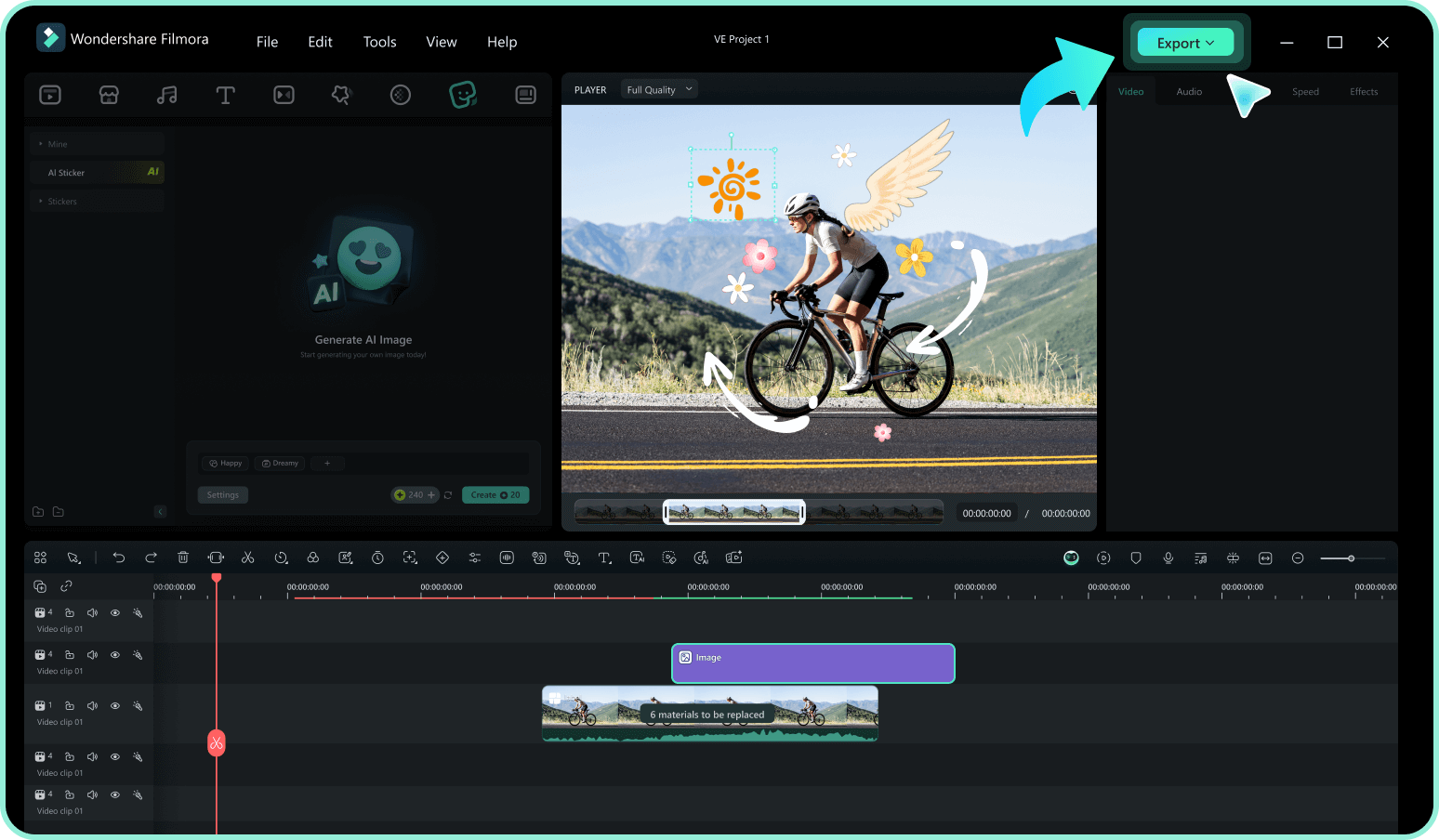
-
1: Access the Sticker Library
Open Filmora and import your footage. Navigate to the Stickers tab in the top menu to access a massive library of creative assets, including high-quality fruit clipart. -
2: Search for Fruit Animation Elements
Type keywords like "Apple," "Citrus," or "Berry" into the search bar. Hover over the results to preview the fruit video stickers and find the perfect match. -
3: Drag, Drop, and Animate
Drag your chosen fruit sticker onto the timeline above your clip. Resize, rotate, and add motion tracking to blend it perfectly into your scene, then export.
Elevate Your Edits With Advanced AI Tools
Filmora is more than just a library for fruit stickers. It is a comprehensive creative suite powered by versatile AI models like ChatGPT, DALL-E 3, and Nano Banana. Whether you are generating highly detailed fruit clipart, removing complex backgrounds, or crafting entire scenes from a text prompt, you have ultimate control. Expand your creative boundaries and transform simple clips into stunning visual stories with all the tools you need in one place.








