
Fruit Transition Effects & Guides
Explore popular visual tricks and how-to guides to blend your scenes seamlessly
Loading more fruit transition templates...
 Category:
 Duration:
 Aspect Ratio:
Everything You Need for a Flawless Fruit Transition
A well-timed fruit transition can instantly turn a basic clip into a highly engaging, professional-level video. Filmora equips you with powerful masking tools, AI Video Editing capabilities, and vibrant Video Transitions to make your cuts invisible. Whether you are slicing a watermelon or swiping a lemon across the lens, our editing suite makes it entirely seamless.
Precision Masking & AI Background Removal
Precision Masking & AI Background Removal
Make fruit transitions cleaner by separating the subject from the background. Easily Remove Video Background to isolate fruits and layer them naturally over the next scene for a smooth transition.
- Smart Masking - Instantly outline complex fruit shapes with our auto-selection tools.
- Smooth Alpha Channels - Ensure the edges of your fruit look natural without jagged pixels.
- Dynamic Keyframing - Manually control the position, scale, and rotation of your fruit overlay frame by frame.
Pinpoint Accuracy With Motion Tracking
Pinpoint Accuracy With Motion Tracking
Make text, graphics, or effects follow moving fruit with Filmora's Motion Tracking. Pin elements to your subject to create dynamic, seamless scene transitions.
- Automated Trajectories - The AI analyzes the motion path, keeping graphics locked to the fruit seamlessly.
- Custom Easing - Adjust the velocity of tracked elements to match the momentum of a fast fruit throw.
- Motion Blur - Apply directional blur to sell the illusion of speed during the transition cut.
Generate Custom Fruit Assets With AI

Generate Custom Fruit Assets With AI
Need the perfect fruit for your edit? Generate realistic or illustrated fruits with AI Image. Powered by DALL-E 3, Nano Banana 2, and Nano Banana Pro, it helps you create custom visuals and pair them with Creative Assets for eye-catching transitions.
- Flexible AI Models - Choose between Nano Banana Pro, DALL-E 3, and other internal engines for diverse art styles.
- Instant Stickers - Generate transparent fruit stickers to drop directly over your cuts.
- AI Generative Fill - Expand the background of your fruit shots if the camera was cropped too tight.
Frequently Asked Questions About Fruit Transitions
How to Create a Fruit Transition in Filmora
Master the art of the perfect fruit transition in just a few clicks, making your culinary and lifestyle videos instantly more dynamic. 🍎
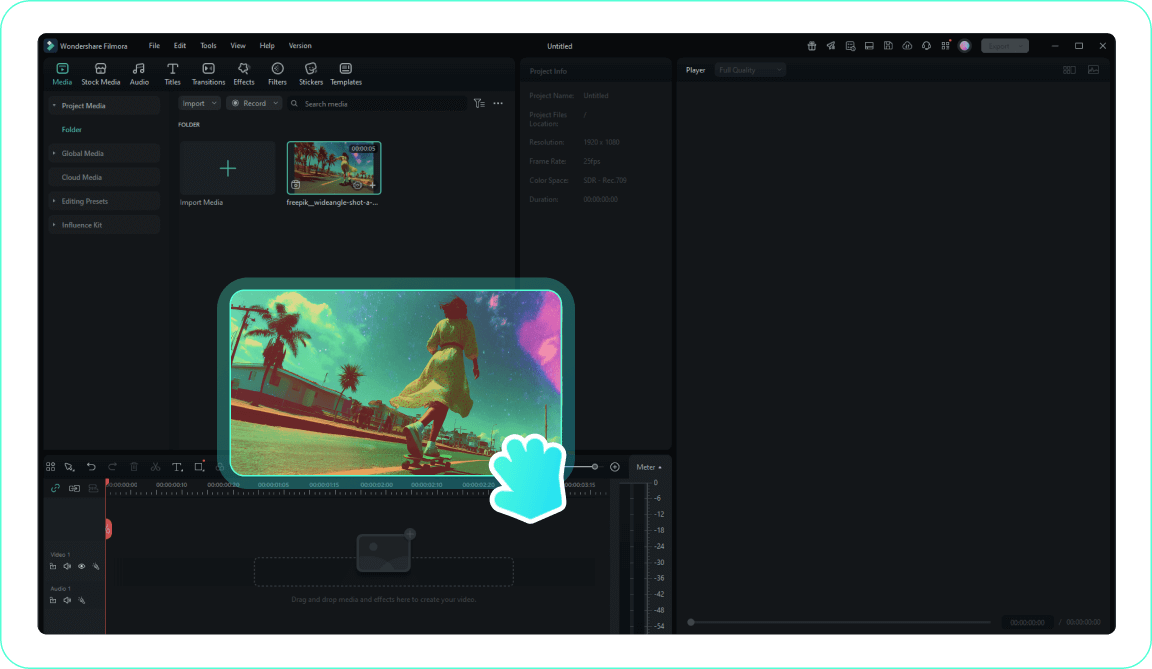
1. Import Your Footage
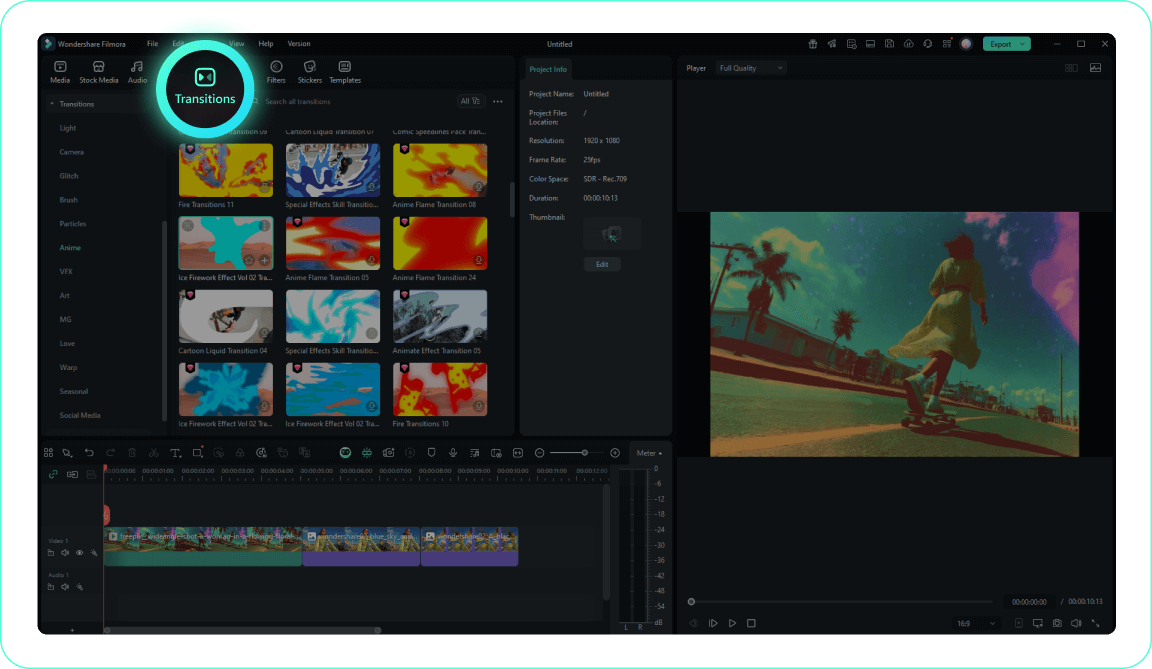
2. Isolate the Fruit
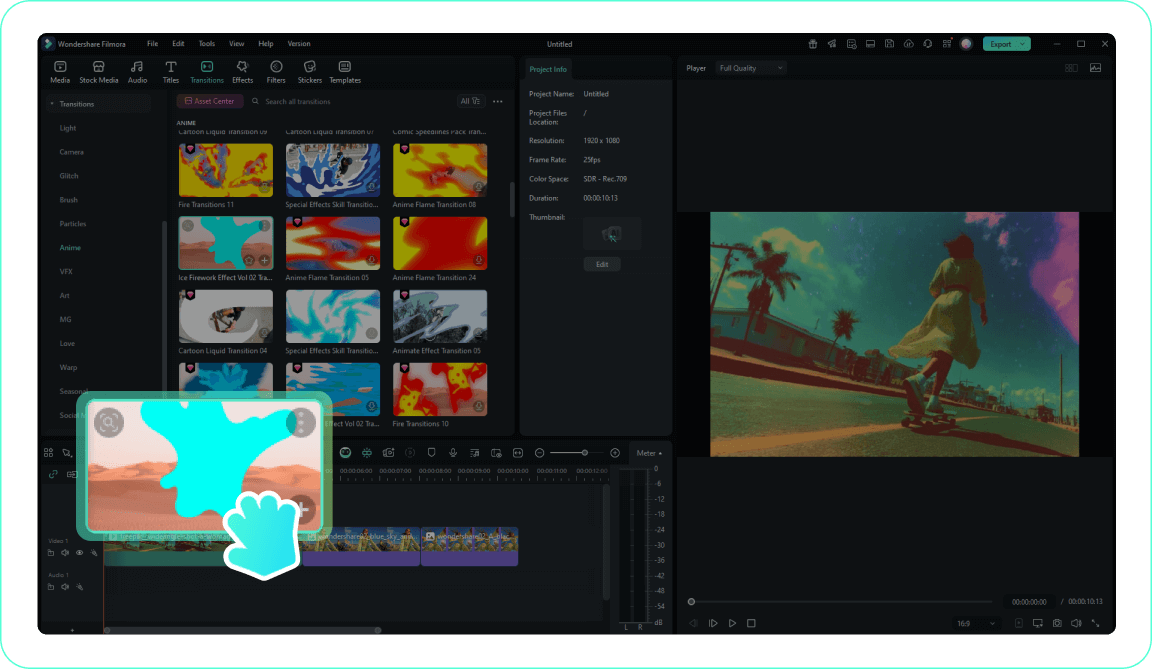
3. Add Visual Impact
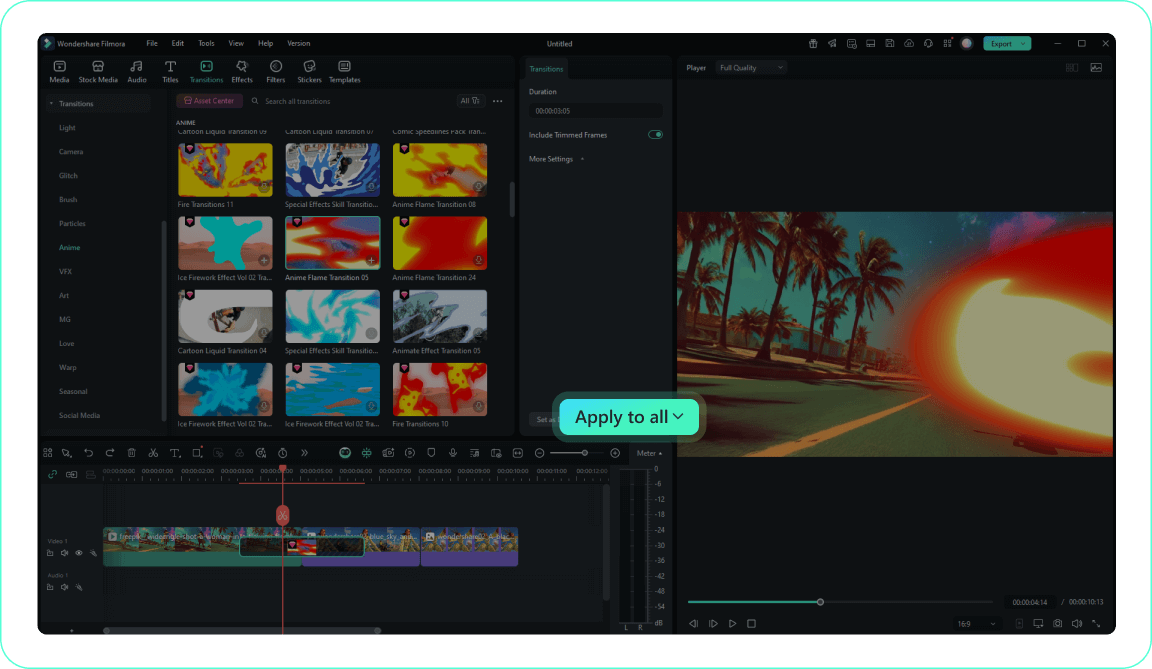
4. Refine the Cut
-
1. Import Your Footage
Import your food or vlog clips to the Filmora Video Editor timeline. Place the clip where the fruit moves toward the camera first.Pro Tip: Make sure your clips have a similar color profile to ensure a cohesive edit. -
2. Isolate the Fruit
Use Filmora's precise masking or background removal tools to isolate the fruit right at the peak of its movement, allowing the next scene to peek through. -
3. Add Visual Impact
Browse our extensive collection of Video Effects to enhance the juice splashes or add dynamic zooms to the cut. -
4. Refine the Cut
Adjust the speed ramping right at the transition point to make the fruit movement feel fast and aggressive, then preview the seamless flow.Pro Tip: Add a cinematic sound effect precisely on the cut frame to sell the impact.
1. Open Your Project
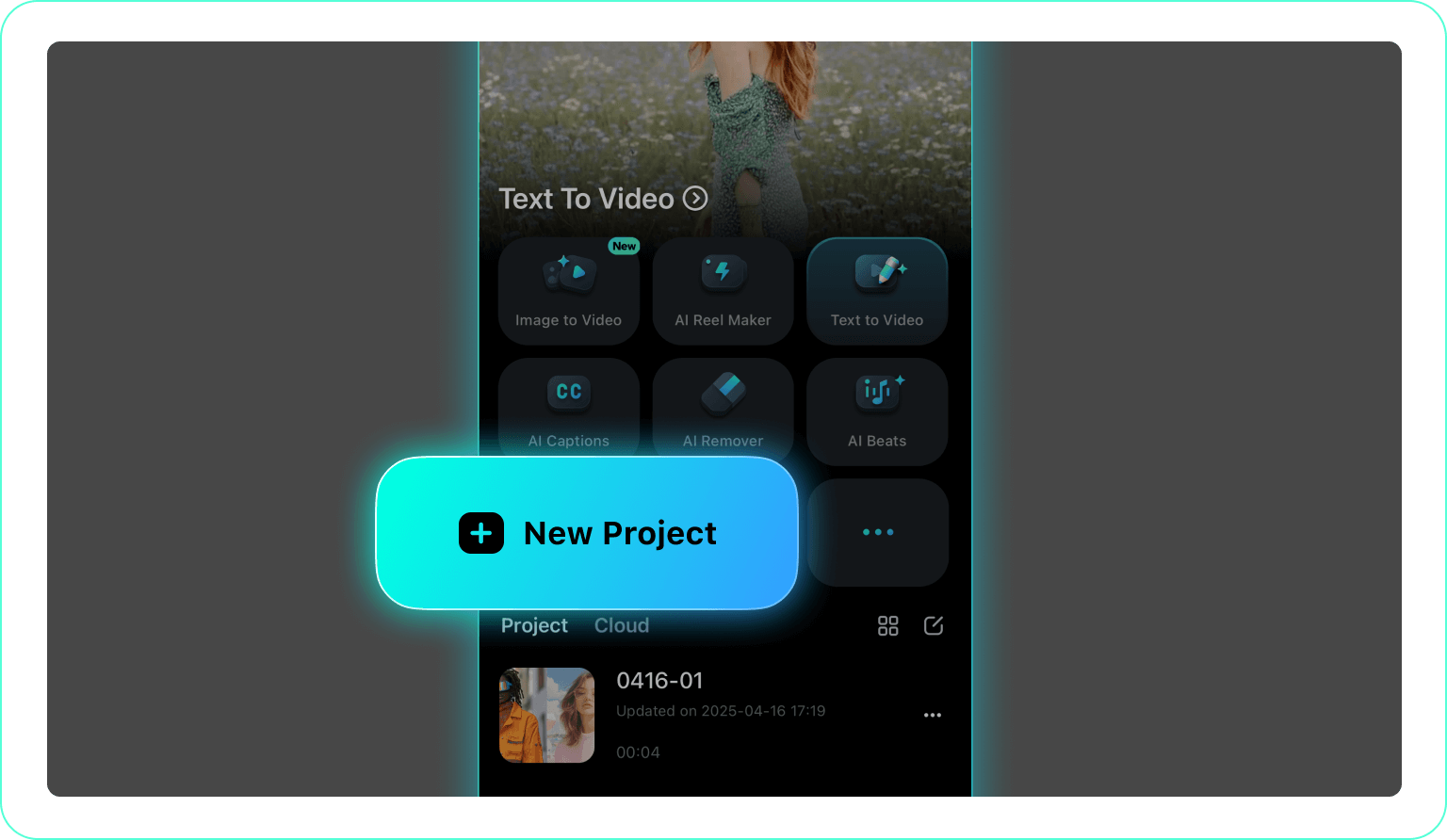
2. Access Masking Tools
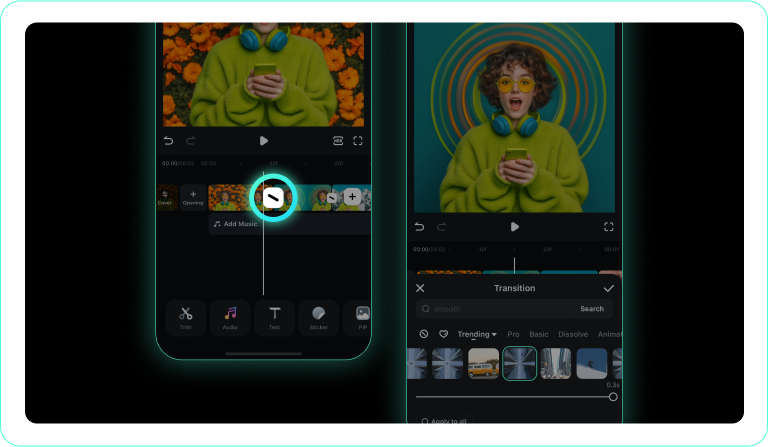
3. Apply and Export
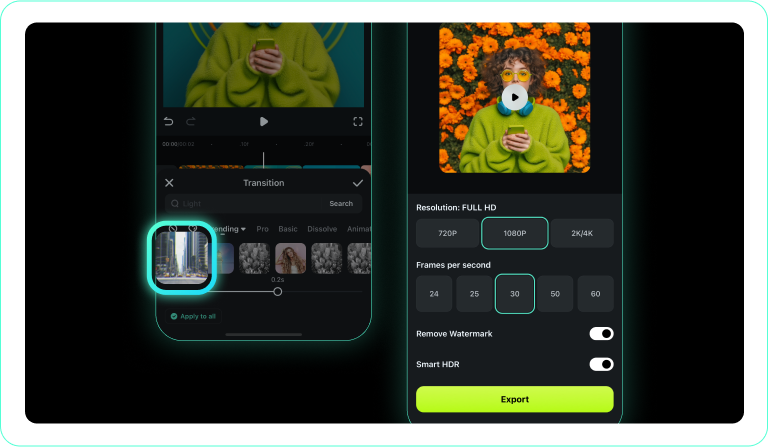
-
1. Open Your Project
Launch the Filmora mobile app and import your colorful fruit clips. -
2. Access Masking Tools
Tap the editing toolbar to access masking options, or select the transition icon between two clips. -
3. Apply and Export
Align your fruit movement with the new scene, apply the cut, and export your juicy video straight to social media.
Go Beyond the Basic Fruit Transition
A fruit transition is just the beginning of your creative journey. Enhance your food vlogs and lifestyle videos by integrating the AI Music Generator to match the pacing of your cuts with the perfect upbeat soundtrack. Use Auto Caption to highlight your recipes or tips as the scenes shift, or leverage AI Text to Video to quickly generate b-roll that complements your vibrant fruit motifs. From stunning Video Templates to expansive Stock Media libraries, Filmora offers a complete ecosystem to transform simple editing ideas into wildly engaging, professional content.








