
Halloween Transition Examples & Guides
Explore popular horror effects and creative sequence shifts
Loading more Halloween transition templates...
 Category:
 Duration:
 Aspect Ratio:
Everything You Need for a Seamless Halloween Transition
A masterfully crafted Halloween transition can turn a simple clip into a suspenseful cinematic masterpiece. Filmora provides an all-in-one editing environment equipped with terrifying visual effects, eerie sound design capabilities, and powerful AI features that blend your scenes flawlessly.
Whether you are producing a creepy short film, a ghostly TikTok vlog, or adding tension to a YouTube tutorial, Filmora empowers you with built-in tools to construct the ultimate horror aesthetic.
Generate Terrifying Elements With Advanced AI Tools
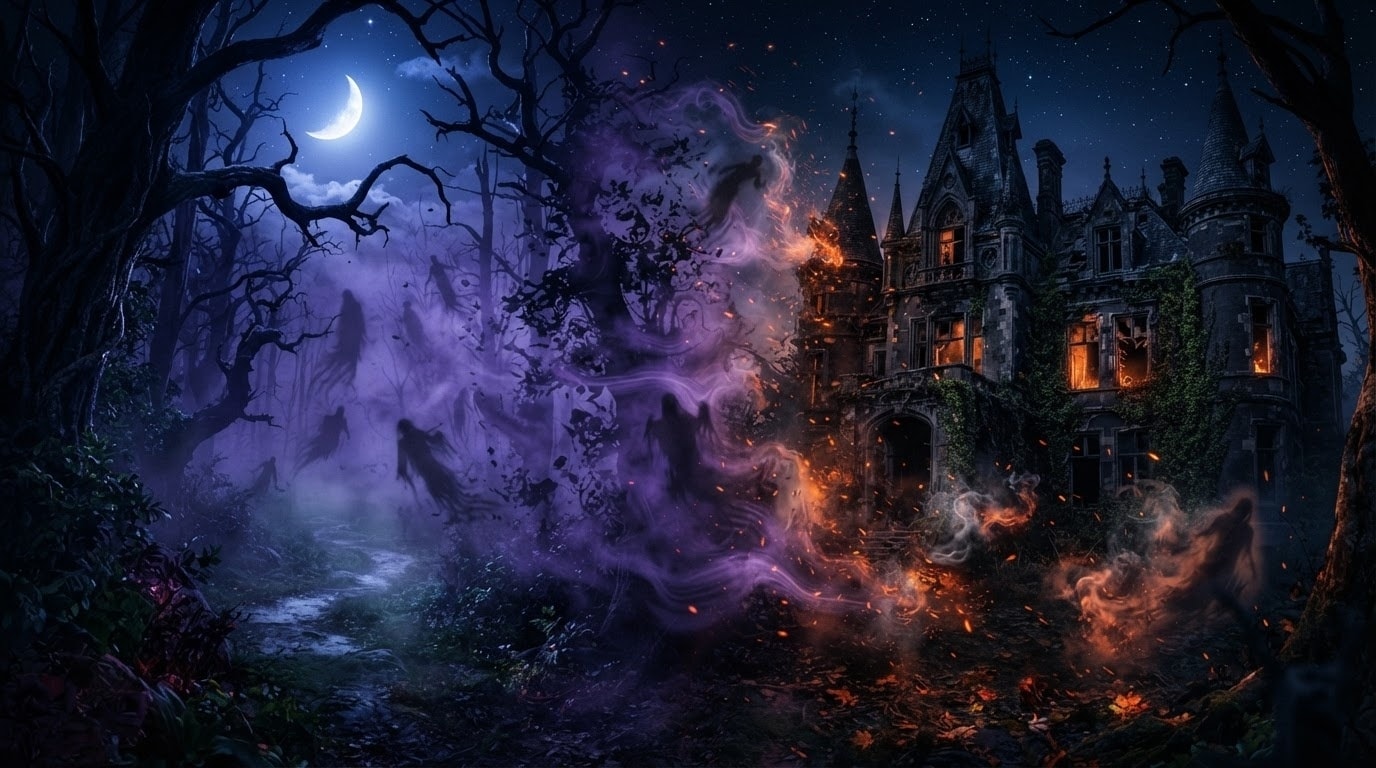
Generate Terrifying Elements With Advanced AI Tools
Seamlessly blend your clips by generating custom eerie assets using the Filmora AI image generator. With integrated powerful models like GPT Image 2 and Nano Banana Pro, you can instantly conjure up creepy bats, ghostly fog, or haunted houses to use as overlay elements for an unforgettable Halloween transition.
- Instantly generate custom horror elements using the built-in ChatGPT Image 2 model.
- Drop your generated eerie assets onto the timeline to mask and blend scene changes.
- Produce highly detailed spooky graphics without relying on external generative tools.
Apply Cinematic Horror Filters and Glitch Effects

Apply Cinematic Horror Filters and Glitch Effects
Transform mundane footage into a suspenseful thriller with just a few clicks. Filmora provides an extensive library of built-in glitch effects, chromatic aberrations, and cinematic light leaks that serve as the ultimate Halloween transition between your most terrifying scenes.
- Layer dynamic glitch effects over your cuts for a sudden and jarring scene shift.
- Adjust the intensity and duration of chromatic aberration to build psychological suspense.
- Combine spooky overlay filters with motion graphics to perfectly match your horror theme.
Sync Your Scene Cuts to Chilling Sound Effects
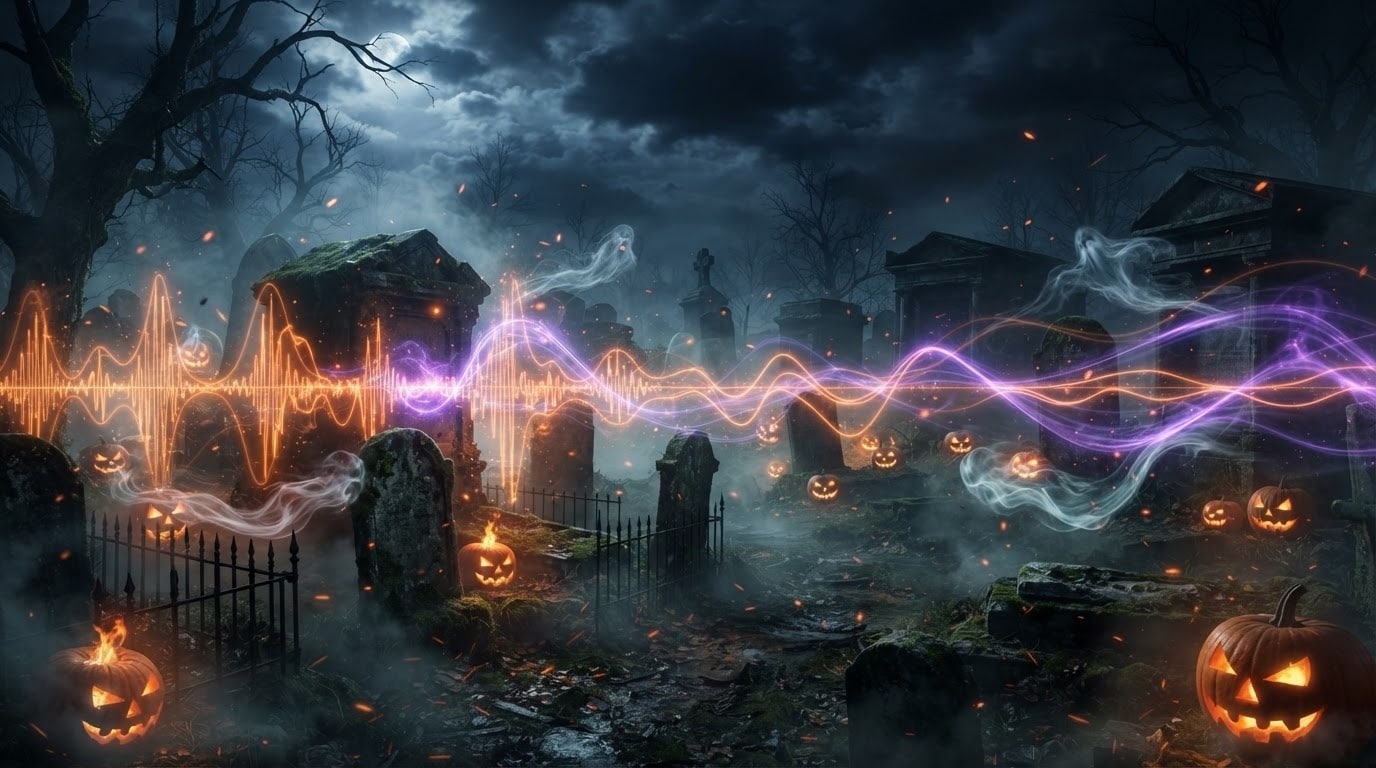
Sync Your Scene Cuts to Chilling Sound Effects
A truly impactful Halloween transition relies on the perfect marriage of sight and sound. Filmora empowers you to automatically sync your jump scares and eerie crossfades to built-in royalty-free sound effects, making every sudden scene change feel incredibly impactful and professional.
- Access a massive library of built-in sound effects like ghostly whispers and sudden thuds.
- Automatically align your visual scene changes to the heaviest beats of your audio track.
- Use AI tools to instantly generate perfectly timed captions for your spooky storytelling.
Frequently Asked Questions About Halloween Transitions
How to Add a Halloween Transition in Filmora
Create spine-chilling visual shifts in just a few simple steps, no advanced technical skills required.
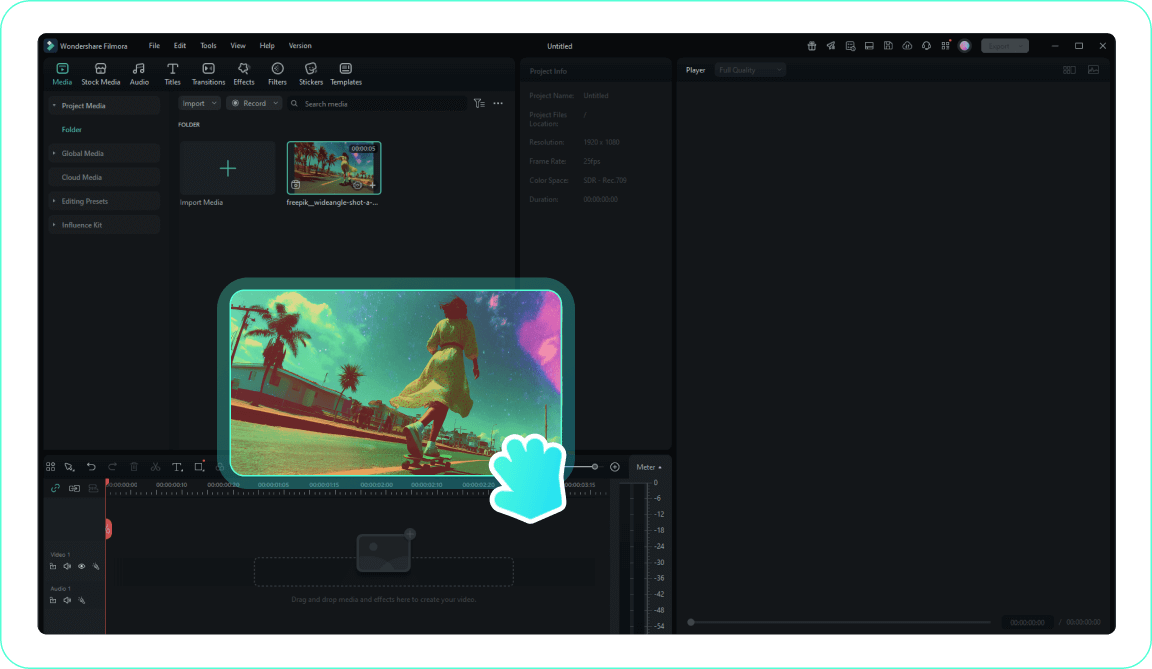
1. Import Your Scary Footage
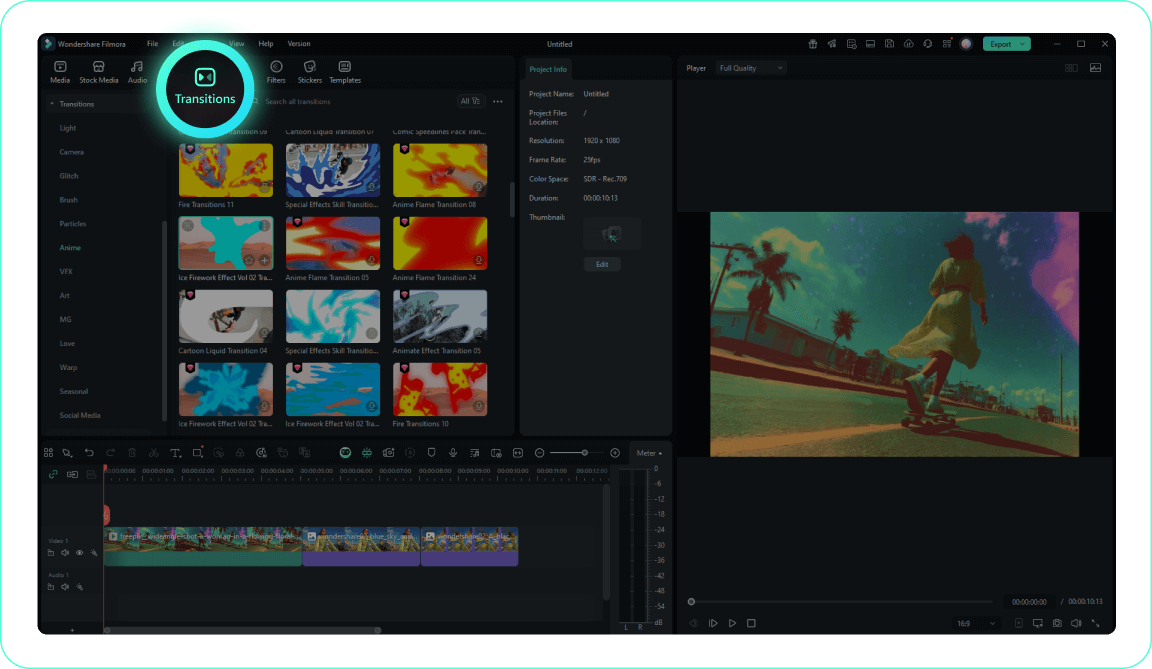
2. Access the Transitions Tab
3. Apply Your Spooky Shift
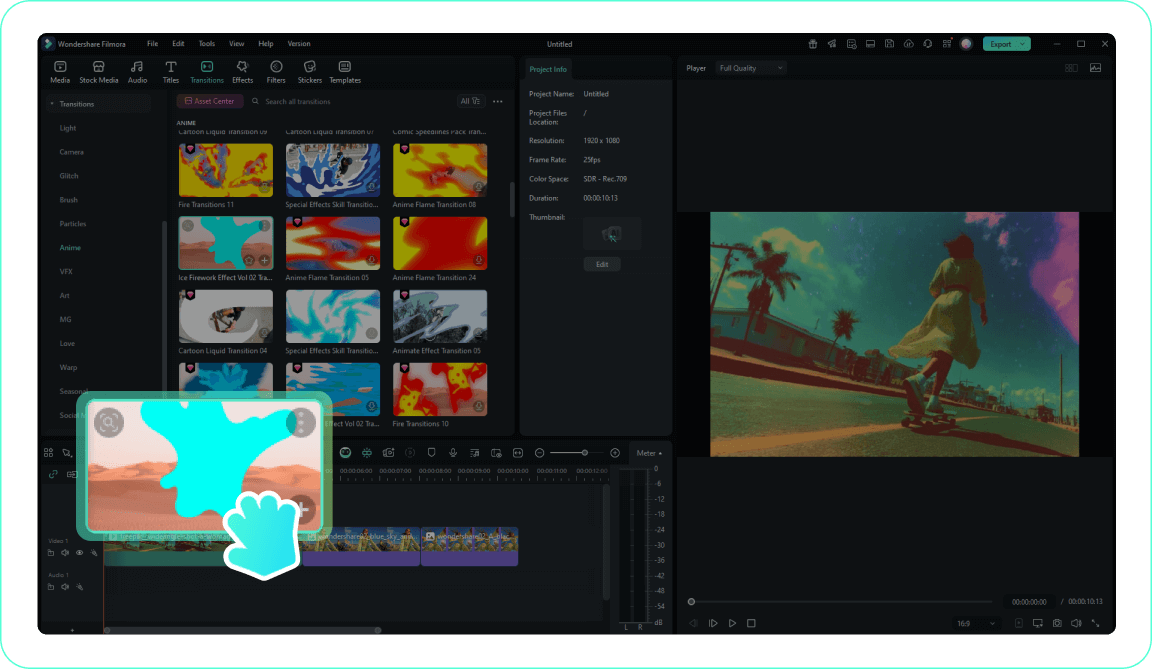
4. Customize and Preview the Scare
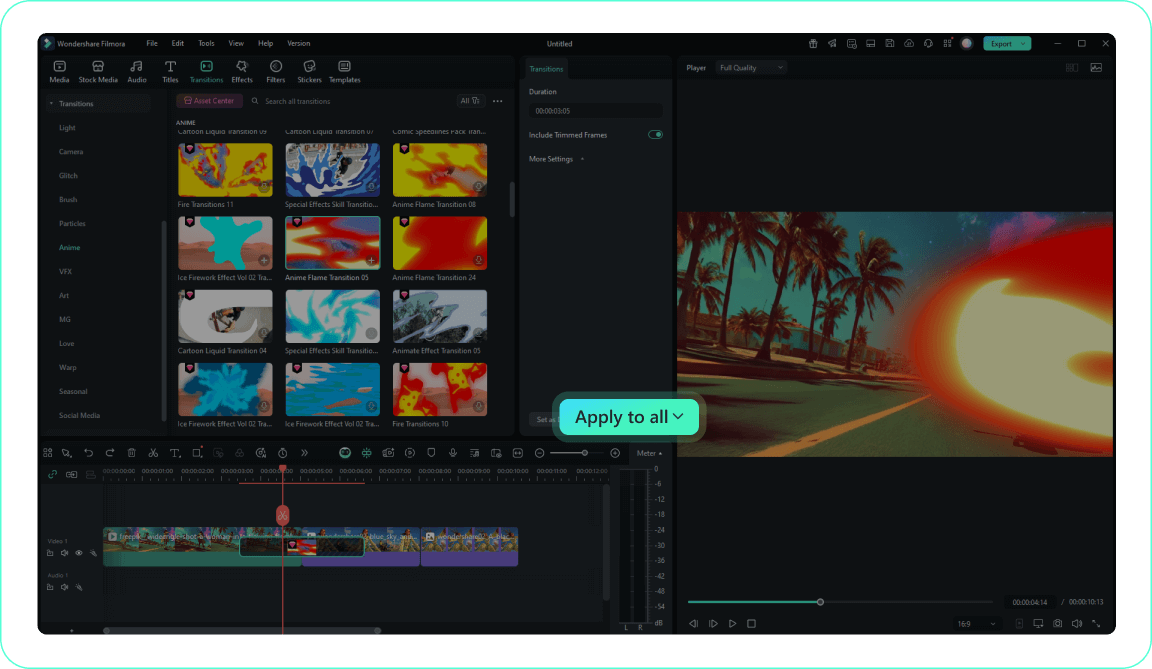
-
1. Import Your Scary Footage
Import your horror video clips to the Media Library and drag them to the timeline in the order you want them to appear.Pro Tip: Organize your eerie media into folders for easier access on larger horror projects. -
2. Access the Transitions Tab
Navigate to the Transitions tab to explore Filmora's comprehensive collection of chilling video transition effects. -
3. Apply Your Spooky Shift
Drag your chosen Halloween transition to the beginning or end of a clip, or drop it seamlessly between two clips on your timeline. -
4. Customize and Preview the Scare
Double-click the transition to adjust its duration and intensity, then preview your terrifying work using the play button.Pro Tip: Right-click on a transition and select "Apply to All" to keep a consistent horror aesthetic throughout your video.
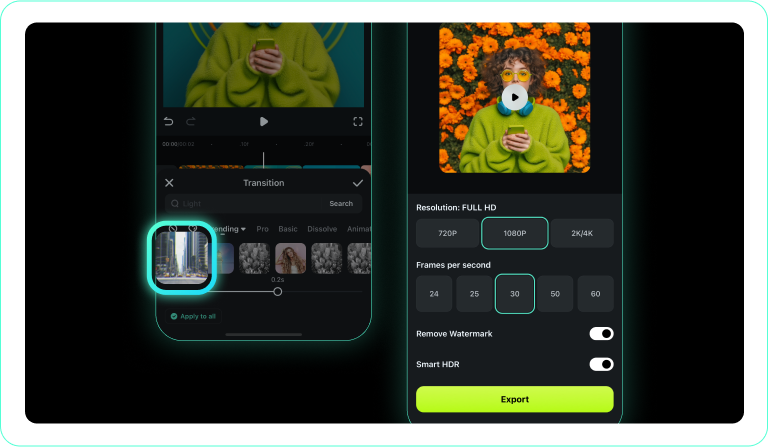
1. Open Your Spooky Project
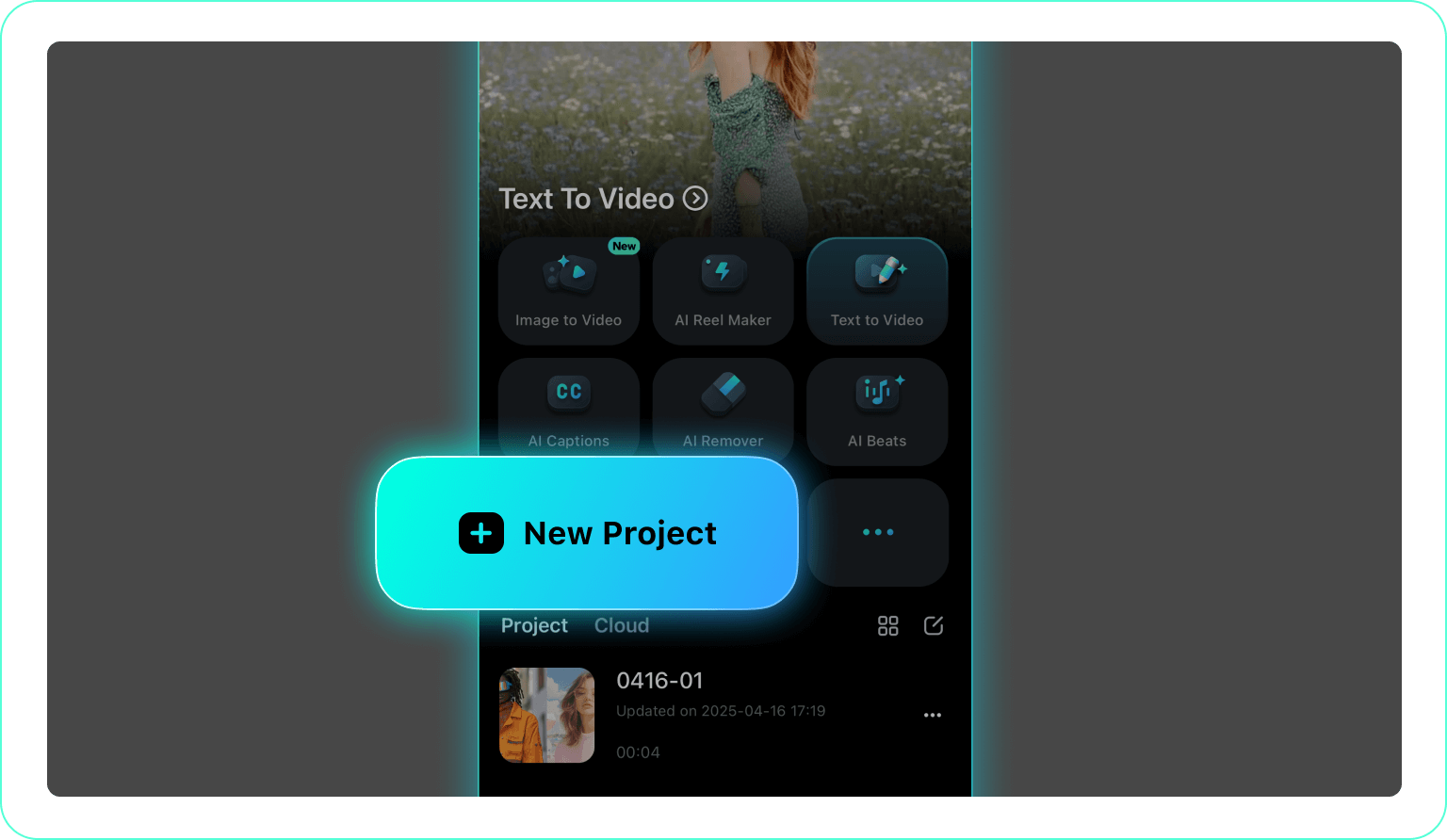
2. Tap the Transitions Icon
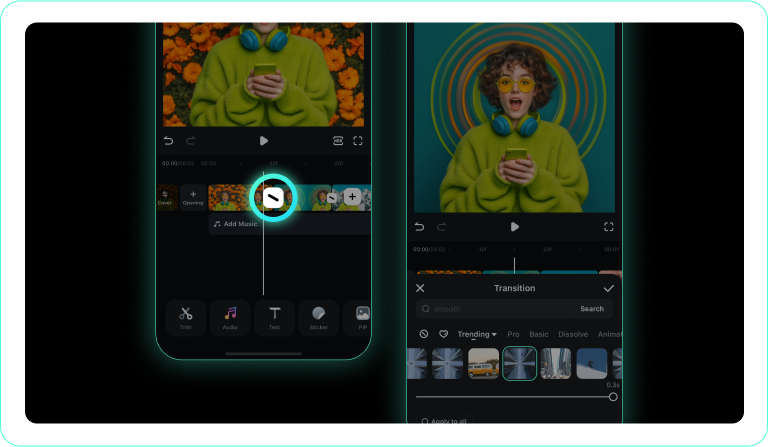
3. Choose a Chilling Effect
-
1. Open Your Spooky Project
Launch the Filmora app and import your horror video clips. -
2. Tap the Transitions Icon
Tap the transition icon between clips to open the scary transition library. -
3. Choose a Chilling Effect
Select a horror transition style and instantly apply it between your scene cuts.
