
Halloween Video Effects & Guides
Explore our terrifying collection of resources to elevate your spooky edits
Loading more spooky Halloween effects...
 Category:
 Duration:
 Aspect Ratio:
Everything You Need to Create Terrifying Halloween Videos
Adding a haunting Halloween video effect can instantly change the mood of your cinematic clips. Filmora provides an extensive library of built-in assets and AI-powered tools that drop right into your timeline seamlessly.
Whether you are crafting a short horror film or a festive vlog, these tools give you complete creative control to scare your audience and publish directly to your preferred platform.
Instantly Apply Spine-Chilling Visual Overlays
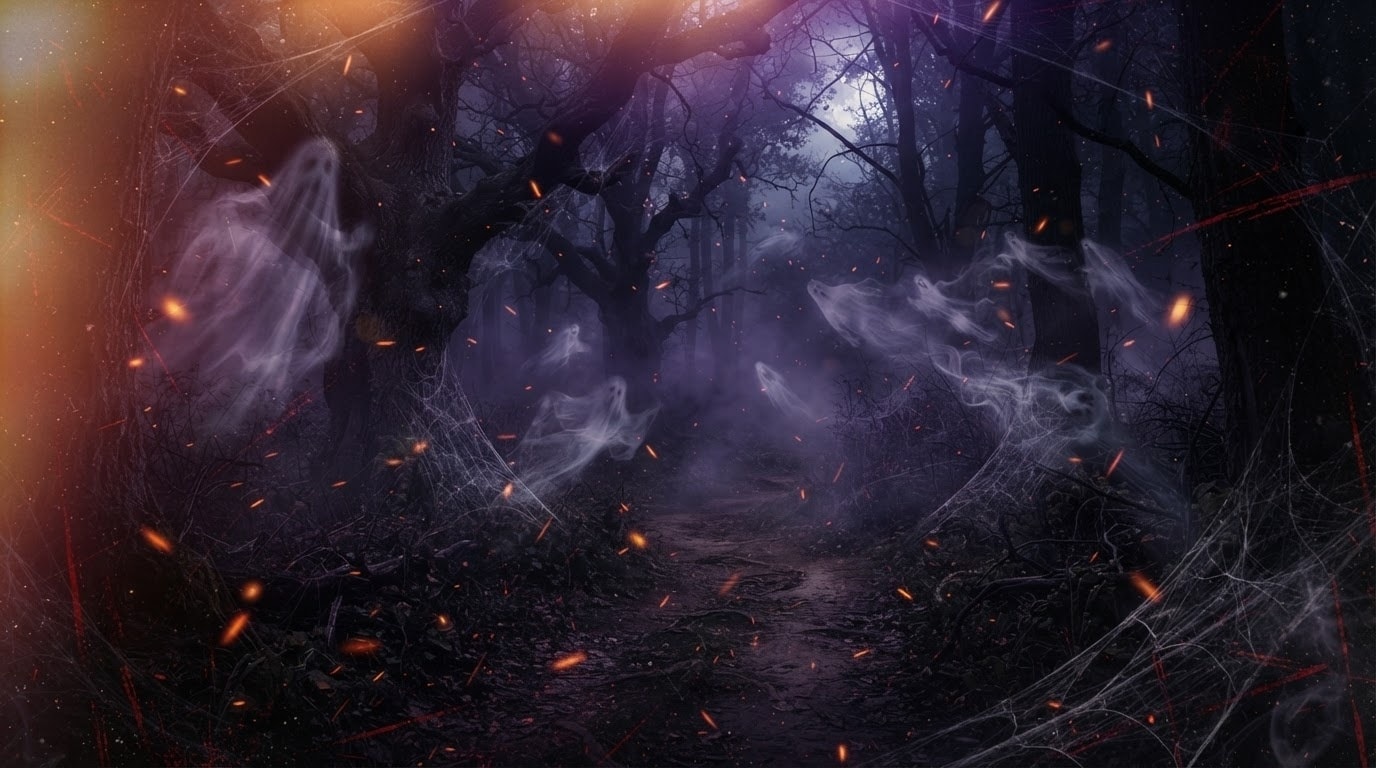
Instantly Apply Spine-Chilling Visual Overlays
Stop wasting hours trying to build complex horror aesthetics from scratch when editing your seasonal content. Filmora offers an extensive collection of drag-and-drop overlays. You can instantly modify the intensity of each element to ensure your footage achieves the perfect level of terror without requiring any advanced keyframing knowledge.
- Drag and drop terrifying visual assets directly onto your clips for immediate atmospheric transformation.
- Adjust the opacity and blend modes of every spooky overlay to seamlessly match your background environment.
- Access hundreds of exclusive festive assets designed specifically for cinematic horror and social media content.
Generate Custom Creepy Elements With AI Image Models
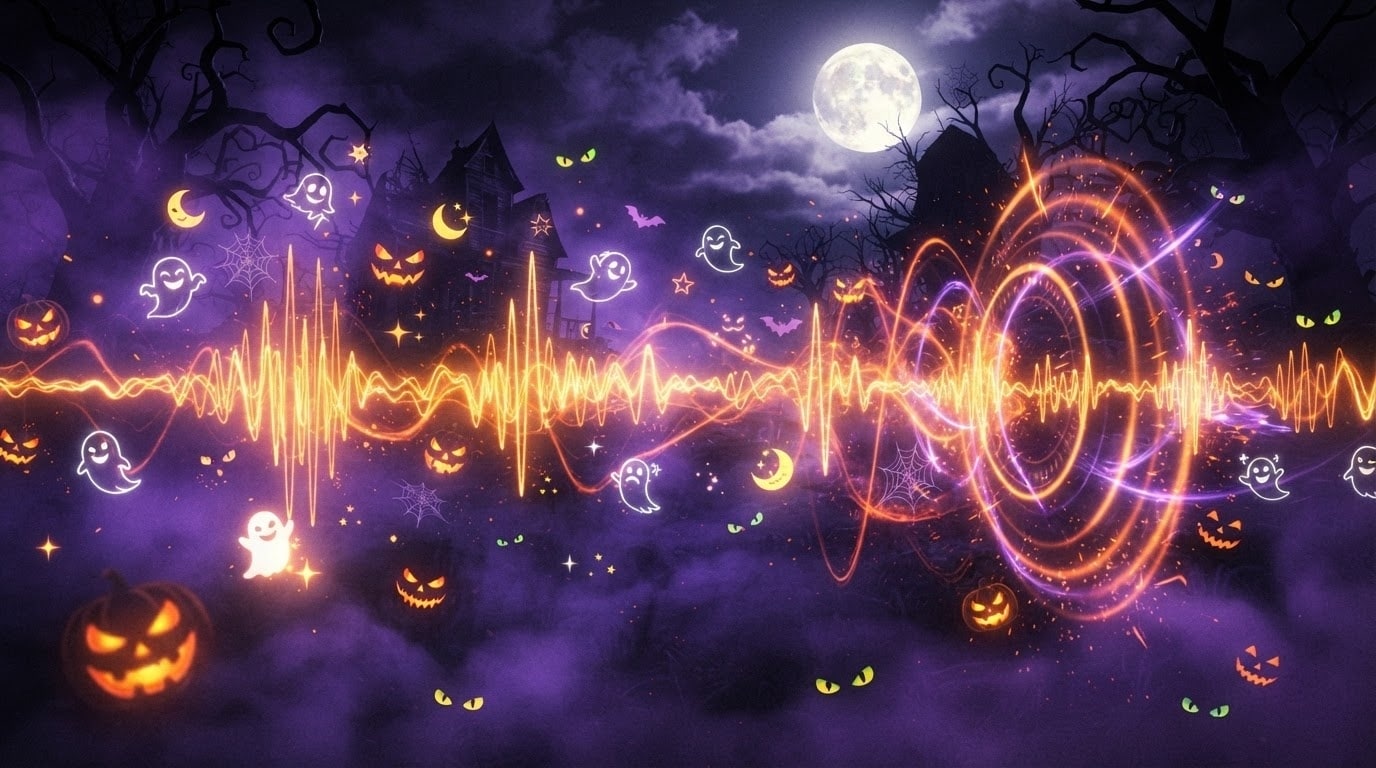
Generate Custom Creepy Elements With AI Image Models
Take your terrifying edits to the next level by generating entirely unique graphics using the Filmora AI image generator. By utilizing advanced internal models like GPT Image 2 and Nano Banana Pro, you can conjure up horrifying monsters, haunted houses, or wicked pumpkins instantly. These exclusive AI models eliminate the need for external platforms, allowing you to generate and edit in one seamless workflow.
- Type a simple text prompt to generate terrifying visuals tailored specifically to your horror narrative.
- Choose from multiple cutting-edge AI models like GPT Image 2 and Nano Banana Pro for varied aesthetic styles.
- Integrate your newly generated haunted images directly into your timeline as backgrounds or picture-in-picture elements.
Enhance the Fear Factor With AI Sound and Stickers
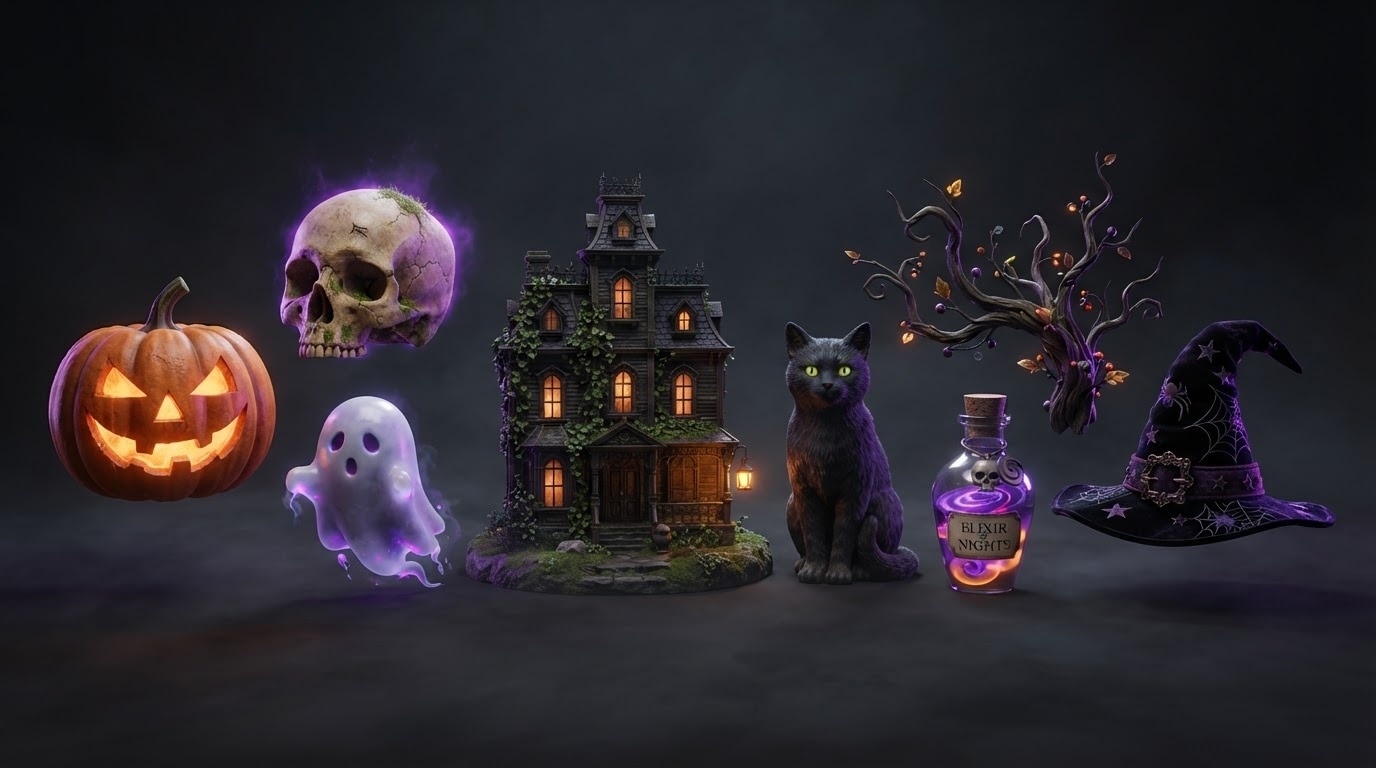
Enhance the Fear Factor With AI Sound and Stickers
Visuals are only half of the horror experience, which is why sound design and dynamic graphics are crucial for your projects. Filmora features powerful AI tools that allow you to generate eerie background music, isolating whispers, or adding animated AI Stickers of ghosts and witches. You can effortlessly layer these atmospheric enhancements over your Halloween video effects to guarantee your audience experiences maximum suspense.
- Generate haunting atmospheric soundscapes using built-in AI audio tools to complement your terrifying visuals.
- Place animated dynamic stickers of classic horror elements seamlessly throughout your most suspenseful scenes.
- Balance your spine-chilling sound effects and dialogue perfectly using automated audio ducking capabilities.
Frequently Asked Questions About Spooky Edits
How to Apply Halloween Video Effects in Filmora
Create professional spine-chilling looks in just a few simple steps, no advanced technical skills required.
Step 1 Browse and Select
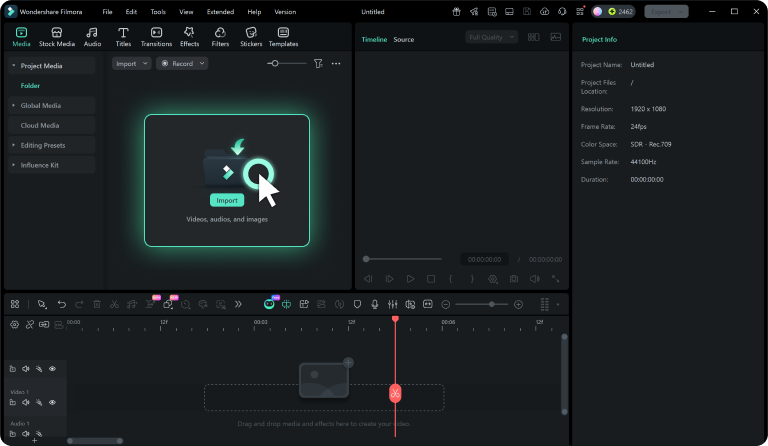
Step 2 Download Spooky Asset
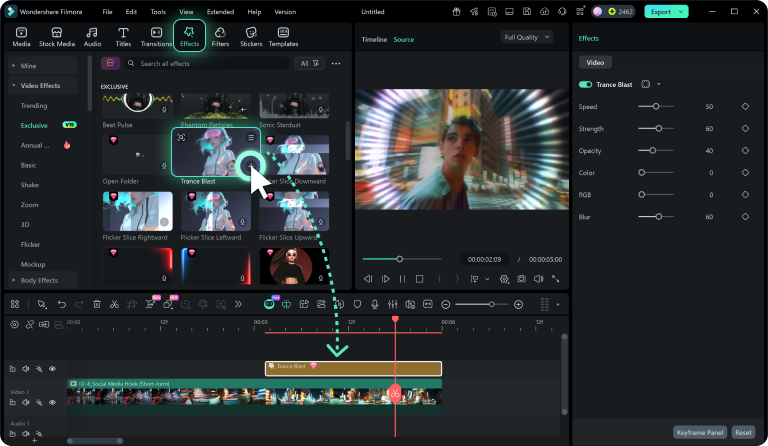
Step 3 Apply and Customize
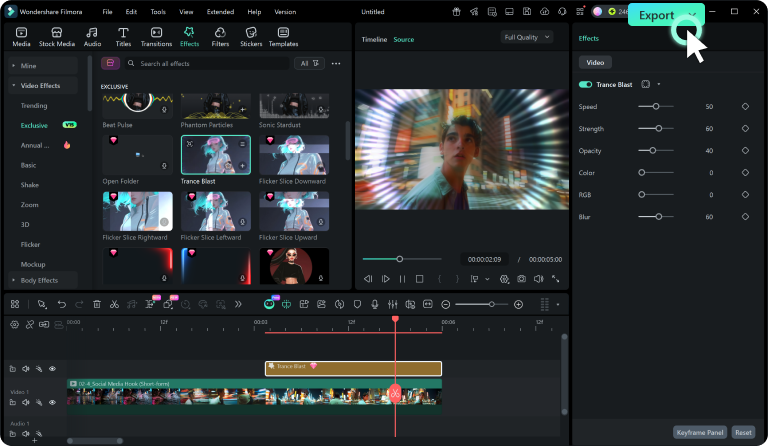
-
1: Browse and Select
Browse our extensive collection of spooky visual assets and click on any transition or overlay to preview it. Use filters to quickly locate the perfect scary additions for your project. -
2: Download Spooky Asset
Click the download icon to save your chosen eerie element. It will automatically store in your local folders and become instantly ready to import into your cinematic timeline. -
3: Apply and Customize
Import the downloaded asset into Filmora and drag it directly over your footage. Customize the opacity, adjust color grading, and add haunting audio to perfectly match your terrifying vision.
