
Halloween Video Stickers & Guides
Browse popular spooky overlays and eerie asset collections
Loading more Halloween video stickers...
 Category:
 Duration:
 Aspect Ratio:
Everything You Need to Enhance Creepy Content
A well-placed Halloween video sticker can turn an ordinary clip into a polished and spooky masterpiece. Filmora gives you a full library of eerie overlays and animated graphics that drop straight into your timeline, requiring zero complex keyframing to achieve professional results.
Whether you are decorating a frightful vlog or crafting a horror short film, these seasonal assets give you the tools to match any chilling visual style. Pick an animation, adjust its size, and publish directly to your preferred platform to scare your audience.
Drop Spine-Chilling Halloween Video Stickers Into Any Scene
Drop Spine-Chilling Halloween Video Stickers Into Any Scene
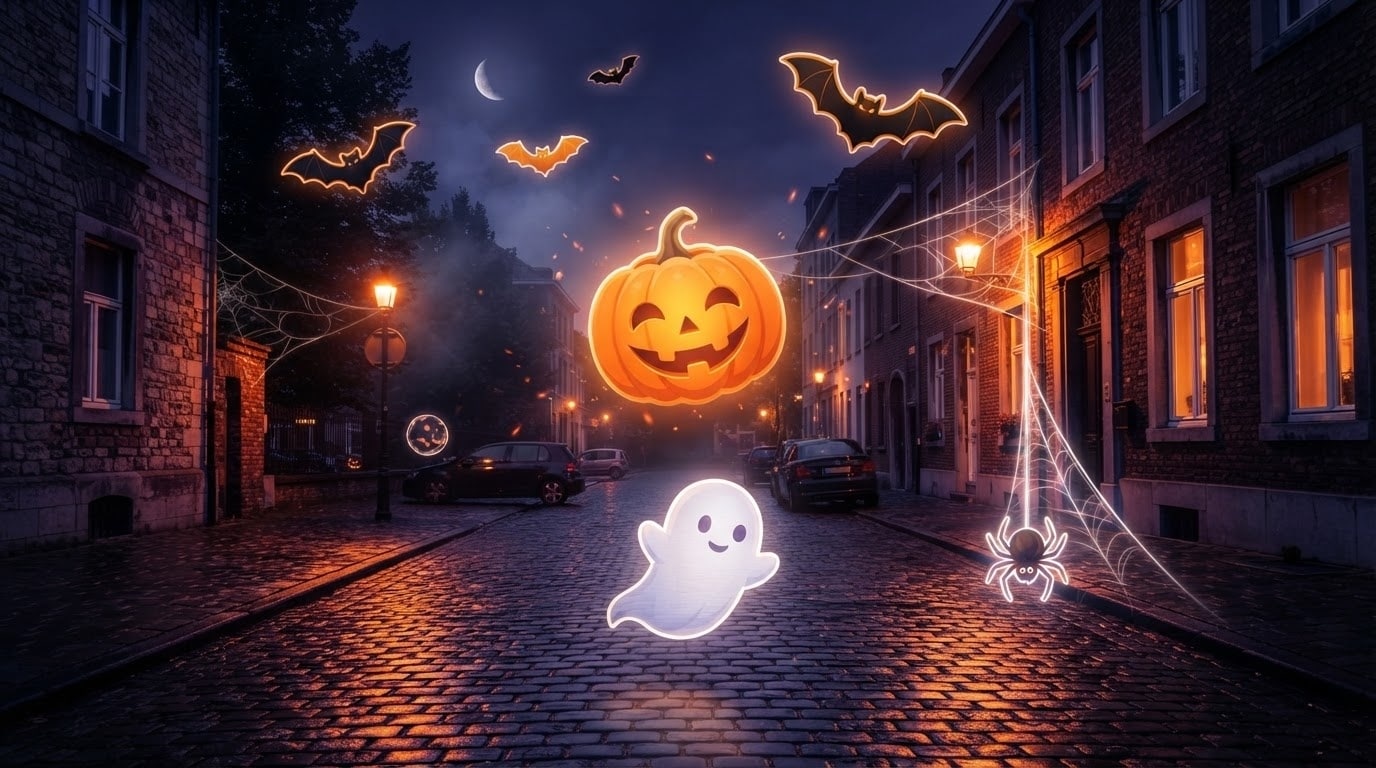
Skip the complex animation process and dive straight into seasonal creativity. Filmora offers a massive library of Halloween video stickers featuring glowing jack-o-lanterns, flying bats, and floating ghosts. Each asset drops seamlessly onto your timeline to instantly inject a frighteningly festive atmosphere into your holiday videos.
- Drag your favorite eerie animations directly onto the video track for an instant seasonal upgrade.
- Choose from hundreds of professionally designed bats, cobwebs, and ghostly overlays.
- Layer multiple spooky assets together to build a completely customized haunted house aesthetic.
Pin Eerie Elements Perfectly with Advanced Motion Tracking
Pin Eerie Elements Perfectly with Advanced Motion Tracking
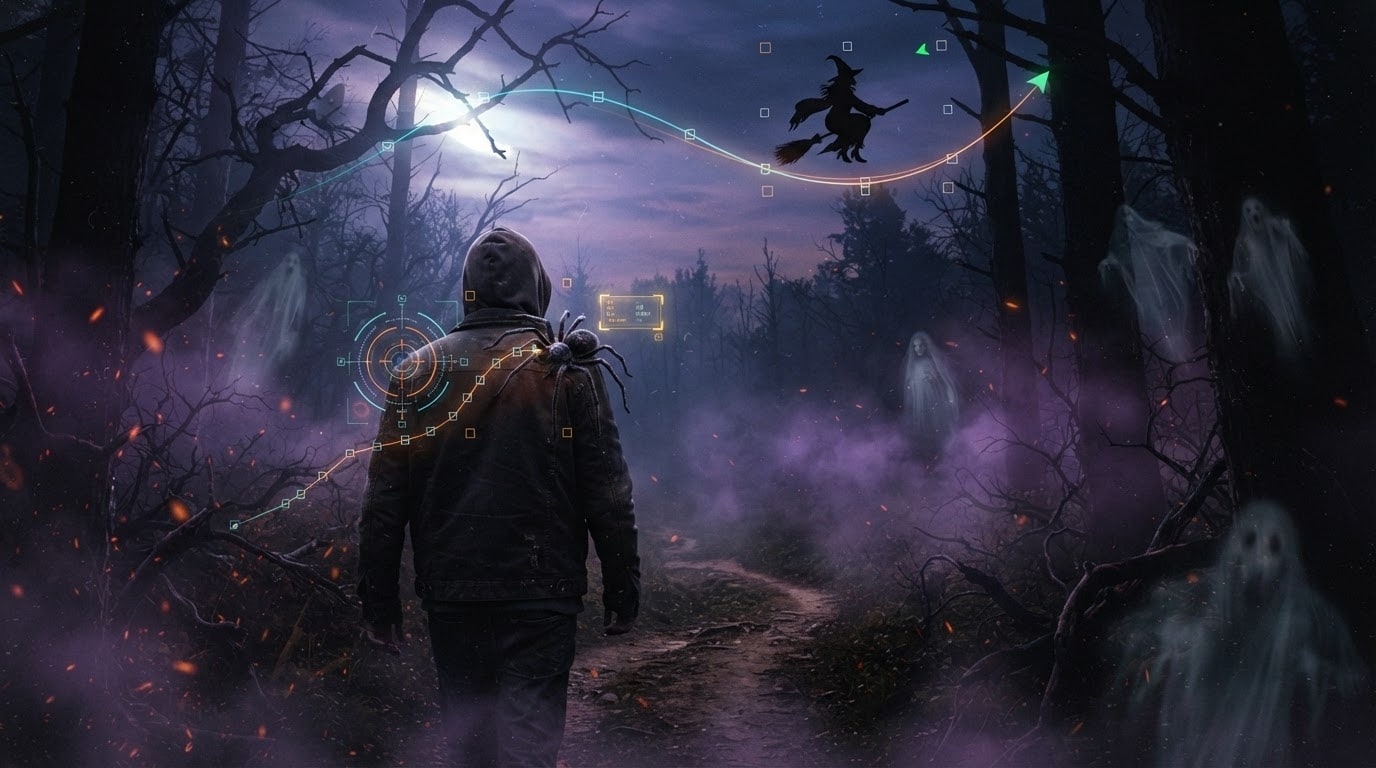
Make your Halloween video stickers interact naturally with your footage using the powerful tracking tools in Filmora. Attach a creepy spider to a moving shoulder or have a witch fly flawlessly across a panning sky shot. You have total control over scale, rotation, and blending modes to ensure every spooky addition looks perfectly integrated.
- Attach terrifying animated assets to moving subjects seamlessly with intelligent motion tracking.
- Adjust the opacity and blending modes to make transparent ghosts look hauntingly realistic.
- Resize and rotate every festive element freely to fit the exact proportions of your scene.
Generate Unique Creepy Assets Using AI Image Tools
Generate Unique Creepy Assets Using AI Image Tools
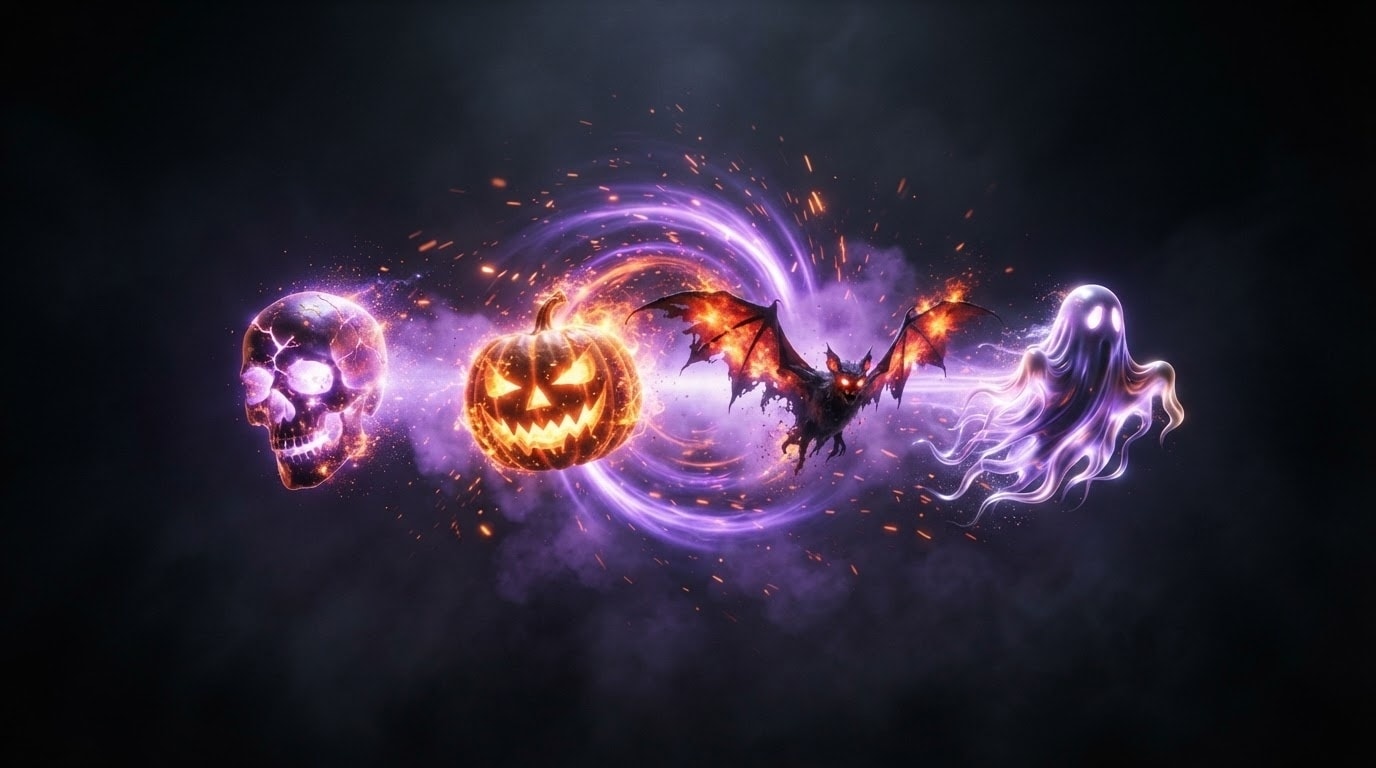
If you need a highly specific terrifying asset, the Filmora AI Image Generator is your ultimate solution. Powered by advanced models like GPT Image 2 and Nano Banana Pro, you can type a simple text prompt to instantly generate custom Halloween video stickers. Remove the background with one click and drop your brand-new, terrifyingly original creation straight into the festive project.
- Create entirely custom spooky graphics simply by describing them to the Filmora AI image engine.
- Utilize cutting-edge internal models like ChatGPT Image 2 to produce hyper-realistic festive assets.
- Remove the background of your generated spooky images instantly to use them as transparent overlays.
Frequently Asked Questions About Halloween Video Stickers
How to Add Halloween Video Stickers to Your Video with Filmora
Want to give your content a frightening refresh? It only takes three simple steps to transform raw footage into a spooky, holiday-themed masterpiece using Filmora's drag-and-drop sticker library.
Step 1 Access the Sticker Library
Step 2 Search for Spooky Elements
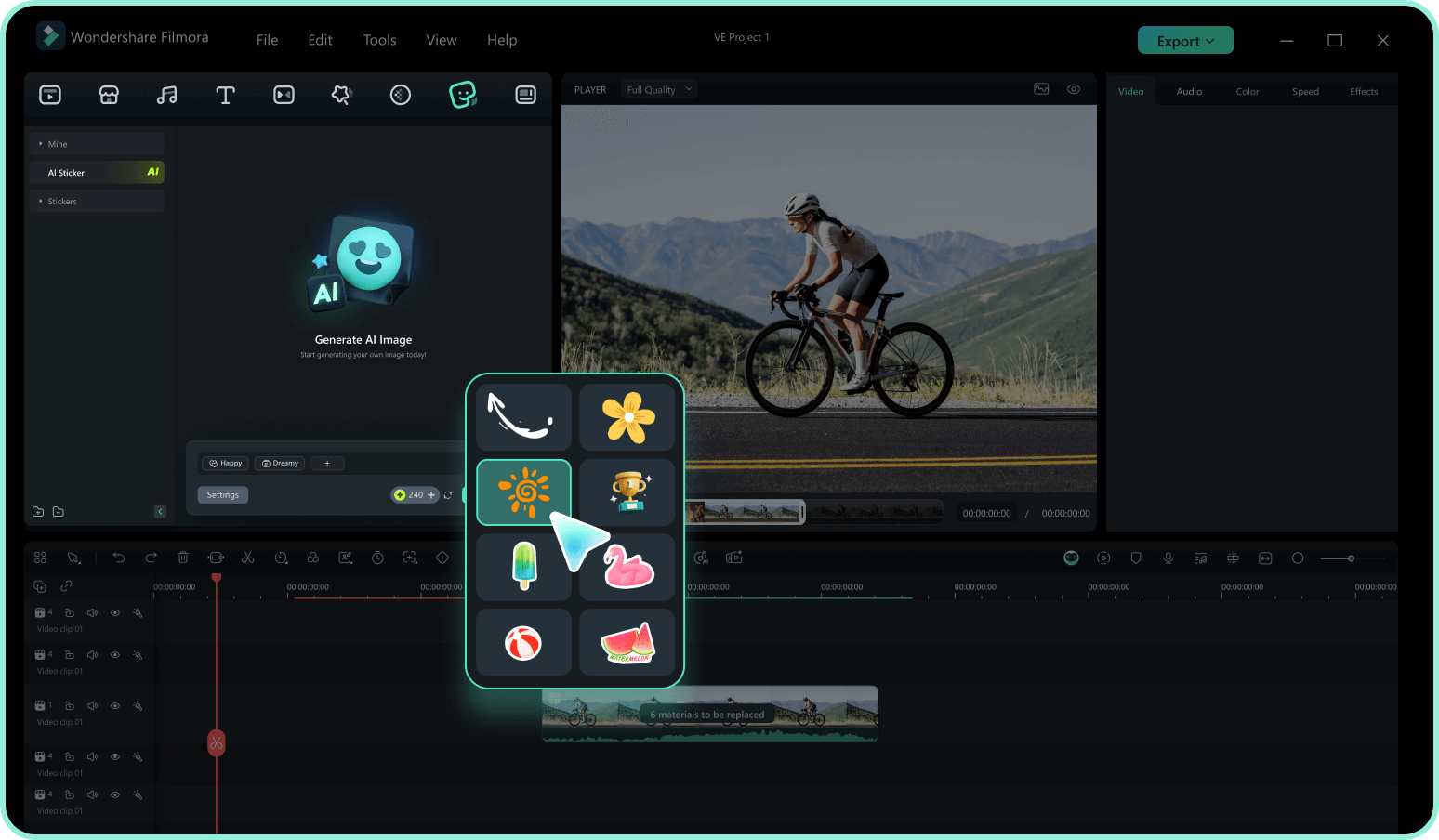
Step 3 Drag, Drop, and Customize
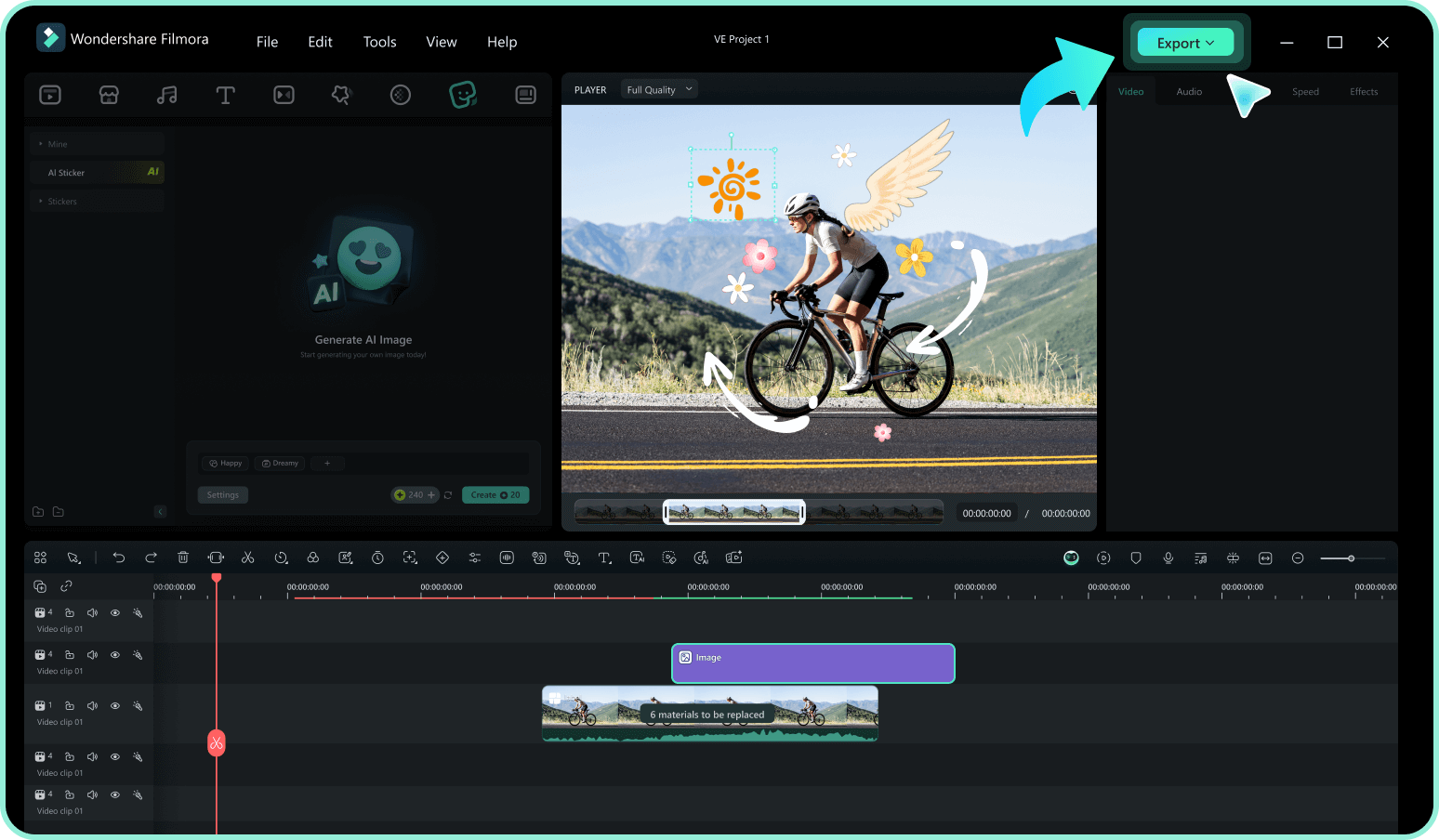
-
1: Access the Sticker Library
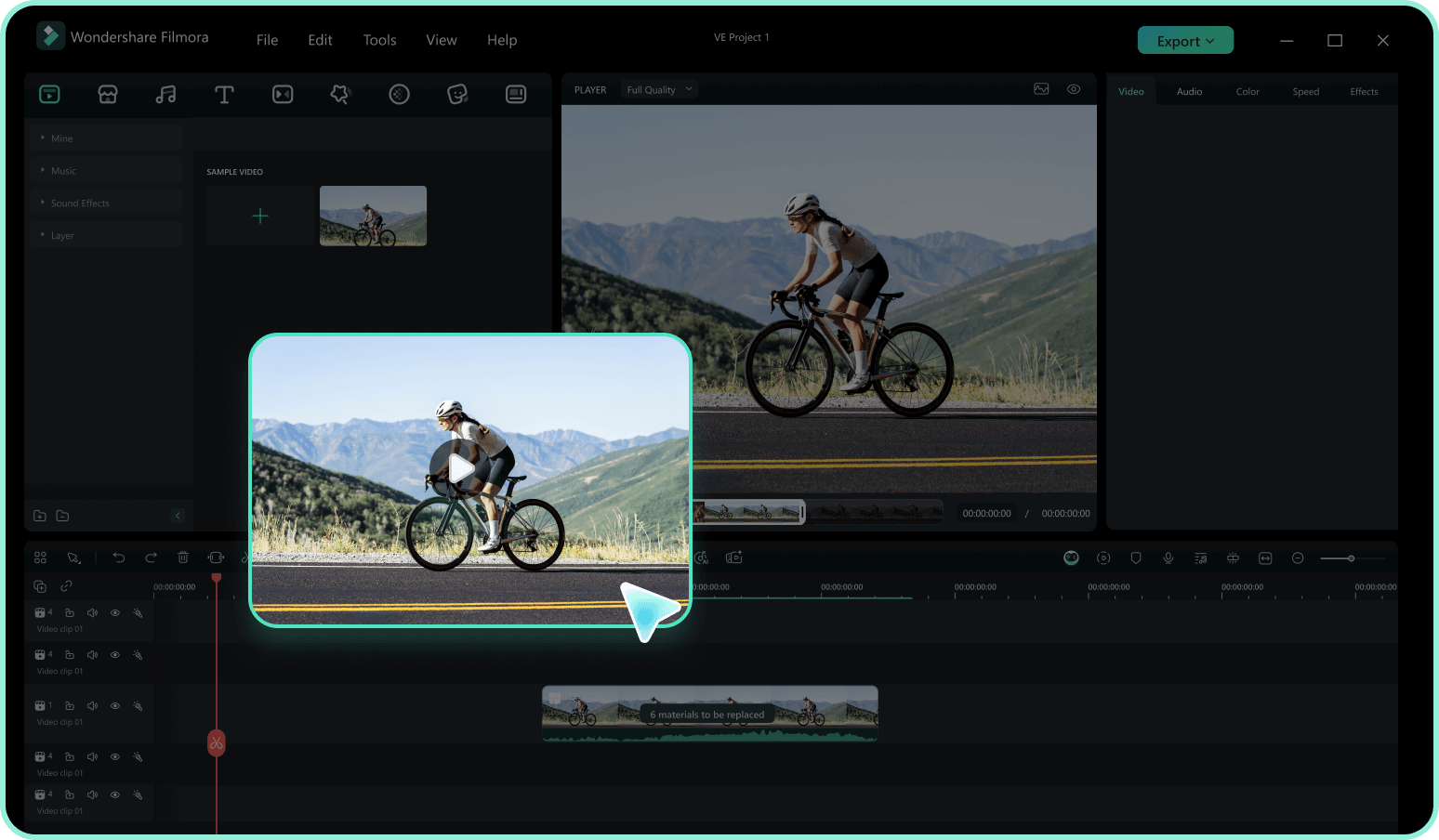
Open Filmora and import your eerie video footage. Navigate to the stickers tab in the top menu to access a vast library of terrifying creative assets. -
2: Search for Spooky Elements
Type keywords like pumpkin, ghost, bat, or horror into the search bar. Preview the animations by hovering over them to find the perfect match for your haunted vibe. -
3: Drag, Drop, and Customize
Drag your selected Halloween video stickers onto the timeline above your footage. Resize, rotate, or add motion tracking to blend it perfectly, then export your frightening new content.
