50+ Hallucination Effects & Packs:
Bend Reality in Your Videos
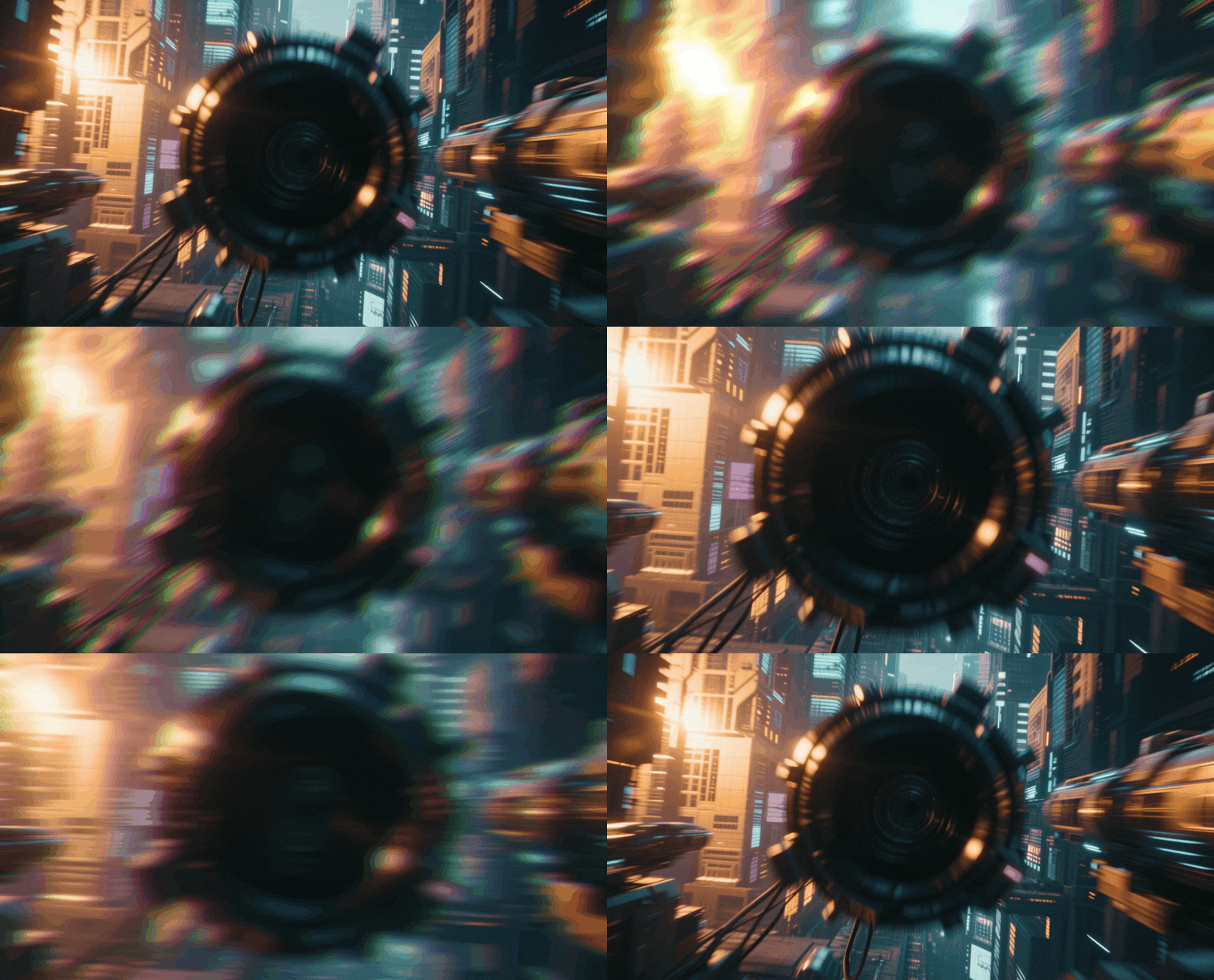
Dive into the surreal with professional tools. Explore our curated selection of hallucination video effects, featuring everything from RGB splitting and dizzying spins to liquid warping and abstract color shifts. Simply pick your favorite psychedelic effect style, drag it into your timeline, and create visuals that mesmerize. Perfect for music video directors, experimental artists, and creators looking to add a trippy edge to their content.
Loading more templates...
 Category:
 Duration:
 Aspect Ratio:
Why Use Filmora Hallucination Video Effects?
Level up your content effortlessly — the right effects turn ordinary clips into scroll-stopping masterpieces!
Induce Visual Trances with Liquid Distortion

Induce Visual Trances with Liquid Distortion
Transform static reality into a fluid dreamscape. Our liquid warping algorithms simulate the melting, shifting visuals associated with hallucination sequences, adding a surreal layer to your narrative without complex animation. It's the perfect tool for creating psychological tension or dreamlike transitions.
- Drag-and-drop liquid warp and melt effects
- Adjustable intensity for subtle dreams or intense trips
- Perfect for music video drops and psychological thrillers
Master the Psychedelic Spectrum with RGB Shifts

Master the Psychedelic Spectrum with RGB Shifts
Replicate the disorienting beauty of prism effects and chromatic aberration. Separate color channels to create ghosting trails and vibrant, neon-soaked visuals that mimic altered states of consciousness. These effects add a retro-futuristic or dizzying double-vision look to any clip.
- One-click RGB split and glitch chromatic aberration
- Dynamic color cycling and hue-shifting filters
- Create retro-futuristic or dizzying double-vision looks
- Real-time preview to fine-tune every detail before exporting
Unlock Infinite Geometry with Kaleidoscopic Mirrors

Unlock Infinite Geometry with Kaleidoscopic Mirrors
Turn ordinary scenes into complex, symmetrical fractals. These mirror effects multiply and rotate your footage, creating mesmerizing geometric patterns often seen in classic psychedelic imagery and abstract art. Ideal for creating hypnotic backgrounds or stylized intro sequences.
- Instant multi-axis mirror and kaleidoscope presets
- Rotational animation controls for hypnotic movement
- Ideal for background visuals and abstract storytelling
- Cross-platform compatibility for seamless content distribution
FAQs About Hallucination Video Effects
How To Add Hallucination Effects to Videos
Whether you're a beginner or experienced creator, adding trippy effects to your videos with our video effect editor is intuitive and fast.
Follow these simple steps to improve your videos with Filmora's extensive effect collection.
Step 1 Open Filmora and Import Your Video

Step 2 Choose and Apply Video Effects

Step 3 Export or Continue Editing

-
Step 1: Open Filmora and Import Your Video
Launch Filmora on your computer and import the video file you want to edit into the media library. Then, drag it to the timeline to start editing. -
Step 2: Choose and Apply Video Effects
Click the Effects tab in the top toolbar. Under Video Effects, you’ll find multiple effect categories. Select an effect you like and drag and drop it onto your video clip in the timeline to apply it. -
Step 3: Export or Continue Editing
Once you’re satisfied with the effect, export your video or continue editing by adding more effects, text, or music.
Step 1 Open Filmora and Import Your Video
Step 2 Access and Select Your Video Effects
Step 3 Export or Keep Editing
-
Step 1: Open Filmora and Import Your Video
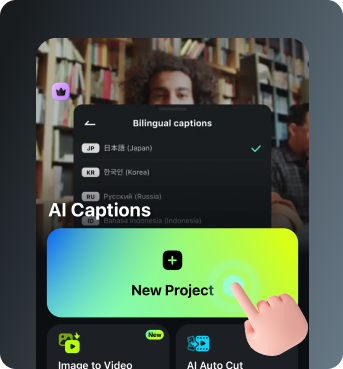
Open the Filmora app on your phone and import the video you want to edit. The clip will be added to your editing timeline automatically. -
Step 2: Access and Select Your Effect
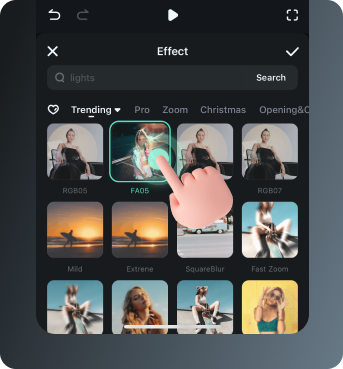
Tap Animation to browse preset video effects and animations. Choose a style you like and apply it to enhance your video instantly. -
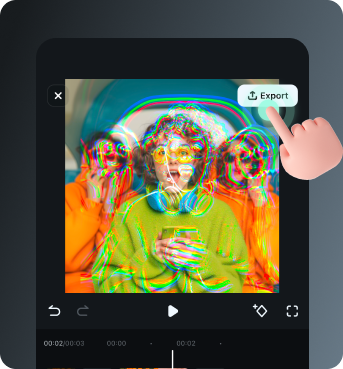
Step 3: Export or Keep Editing
After applying the effects, export your video or continue editing with additional animations, stickers, or adjustments.
Explore More Creative Video Effects
From cinematic slideshow effects to dynamic zoom transitions — explore our free, ready-to-use effects for every creative project.