Turning a celebrity photo into a talking video sounds simple, until the face looks unnatural or the lip movements don't match the dialogue. The results depend on the AI celebrity video generator you choose and the type of video you want to make. You can create celebrity-inspired scenes, animate portraits, or generate talking avatars with synced dialogue.
Before trying a tool, check its video quality, free credits, and download limits. Sign-up requirements, video length, and watermarks can also affect what you get without paying. This guide compares the best AI celebrity video generators, including their features and the best uses.
Part 1. Is It Legal to Make AI Videos of Celebrities?
Featuring a celebrity in an AI-generated video might seem like harmless fun, especially when you're creating a funny clip or testing an AI celebrity generator. But there’s a difference between making a fictional character inspired by celebrities and using a real person's face or voice without permission.
What you create, how you present it, and where you share it can all affect whether the video crosses a legal or ethical line. For example, a clearly fictional scene is different from a realistic clip that makes a celebrity appear to promote a product, say something controversial, or take part in an event they never attended. Before sharing your creation, keep a few things in mind:
- Don't use someone's likeness without considering consent. A recognizable face or cloned voice can raise privacy and publicity rights.
- Don't pass fictional scenes off as real. Clearly state that a video is AI-generated, especially if it could mislead viewers.
- Be careful with celebrity endorsements. Portraying a famous person as endorsing a product without permission can lead to legal issues.
- Check the rights to your source material. Photos, video clips, and audio may be protected by copyright, even if you use an AI tool to transform them.
- Think twice before using videos commercially. Ads, sponsored posts, and promotional content involving a celebrity's likeness carry additional risks.
- Never use AI for harmful impersonation. Avoid deceptive, harmful, or non-consensual intimate videos.
Note: This section provides general information, not legal advice. Laws on celebrity likeness, privacy, and AI-generated content vary by country. Check local regulations before publishing or using these videos for commercial purposes.
Part 2. 5 Best AI Celebrity Video Generators Online
A single celebrity photo can become a talking portrait, a dramatic video scene, or a short clip with AI-generated dialogue. The tricky part is finding a tool that produces natural-looking movement, convincing facial expressions, and lip-sync that matches the audio.
This section reviews five AI celebrity video generators, looking at what each tool actually offers, how its video generation works, and what you can try for free. It’ll also cover paid plans, credit limits, and watermark restrictions so you know what to expect before creating your first video.
Quick Comparison Table
| Tool | Free/Paid | Features | Best for |
| MagicLight AI | 800 free credits upon sign-up; paid from $90/month (annual billing) | Photo animation, lip-sync, character consistency | Animating celebrity photos |
| OpenArt | Free trial (40 credits); paid from $13/seat/month (annual billing) | Fictional personas, image references, video generation | Celebrity-style characters |
| Revid AI | Free signup credits; paid from $39/month | Talking avatars, AI voices, lip-sync | Talking celebrity-style avatars |
| Kling AI | Daily free credits; paid from $6.99/month (introductory offer) | Text-to-video, image-to-video, motion control | Celebrity-inspired scenes |
| HeyGen | Free: 3 videos/month, up to 1 minute each; paid from $24/month (annual billing) | AI actors, digital twins, voice cloning, lip-sync | Talking AI actors |
|
Show More
Show Less
|
|||
1. MagicLight AI: Best for Animating Celebrity Photos
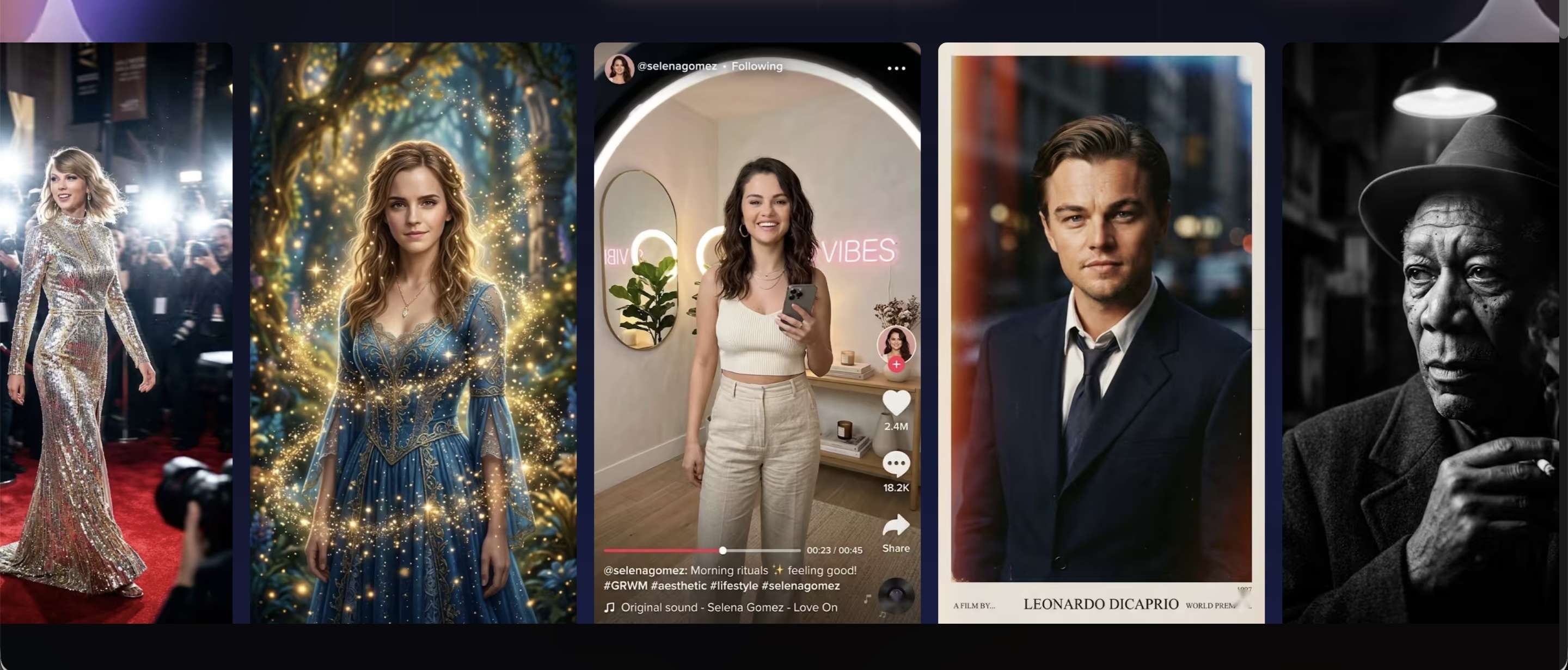
MagicLight AI is an AI celebrity video generator that can turn a photo into an animated video. Upload a celebrity image and use its photo-to-video feature to create a moving clip. It also provides tools to maintain character consistency, ensuring facial details stay recognizable across frames, plus lip-sync for animated dialogue.
For a different look, 3D, anime, and cartoon styles. Other features include storyboard previews, scene refinement, subtitles, and background music, giving you more options to shape the final video.
- Image-to-video generation from a single photo.
- Character consistency across frames.
- Lip-sync and facial animation.
- Multiple visual styles, including 3D and anime.
- Storyboard previews, subtitles, and background music.
- Offers a dedicated AI celebrity video generator that turns static photos into animated clips.
- Supports lip-sync and different visual styles, including 3D and anime.
- Includes storyboard previews and scene refinement options before exporting.
- Provides subtitle, music, and export controls for finishing generated videos.
- Uses a credit-based system, so experimenting with multiple prompts or versions can quickly consume credits.
- Free access is limited, and the exact allowance may vary. Check your remaining credits before starting a project.
- Character consistency and facial movement can vary depending on the source photo and generation settings.
- Features for longer videos may require more credits and a paid plan.
- Standard: $7.50/month with annual billing, 8,000 credits.
- Plus: $14/month with annual billing, 27,000 credits.
- Pro: $22/month with annual billing, 47,000 credits.
- Ultra: $45/month with annual billing, 150,000 credits.
- Ultimate: $75/month with annual billing, 280,000 credits.
MagicLight is a useful option if you want to make an AI celebrity video from a photo rather than a written prompt. Its photo animation and lip-sync features make it relevant for short celebrity-style clips.
Animating celebrity photos and creating short character videos.
2. OpenArt: Best for Celebrity-Style Videos
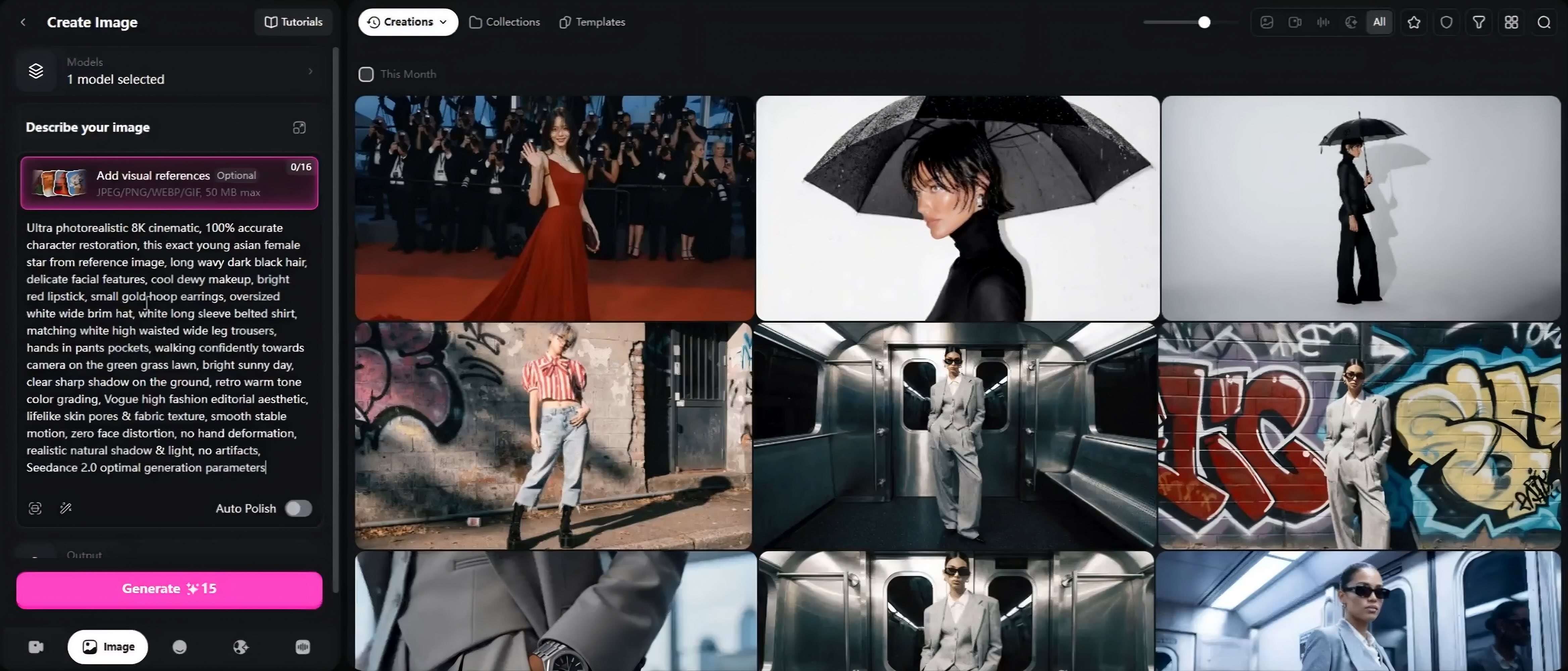
OpenArt's AI celebrity video generator focuses on creating original characters with a celebrity-inspired appearance. Start with a text prompt or upload a reference image, then generate a persona and place it in different video scenes. Its character library lets you reuse a saved persona across multiple videos, helping maintain a recognizable appearance.
You can also refine scenes, adjust timing, and edit the generated video within OpenArt. One important detail: the tool is designed for fictional celebrity-style personas, not reproducing or impersonating actual celebrities.
- Text-to-video generation from prompts.
- Reference image uploads for character creation.
- Saved personas for recurring characters.
- Scene generation and video editing.
- Scene timing adjustments and different export formats.
- Lets you create a fictional celebrity-style character from a prompt or reference image.
- Saved personas can be reused across different scenes and videos.
- Includes scene editing and timing controls after generation.
- Supports image, video, and audio generation through its wider creative suite.
- Designed for original celebrity-inspired personas, not exact recreations of real celebrities.
- Video generation uses credits, and usage depends on the selected model.
- Free-plan exports include an OpenArt watermark.
- Commercial-use rights are reserved for Plus and higher subscription plans.
- Starter: $13/seat/month (annual billing); 4,000 credits/month, watermark-free exports.
- Plus: $27/seat/month (annual billing); 12,000 credits/month, commercial-use rights.
- Pro: $44/seat/month (annual billing); 24 credits/month, commercial-use rights.
- Wonder: $175/seat/month (annual billing); 106,000 credits/month, commercial-use rights, priority support, unlimited creation.
OpenArt is ideal if you want to create a fictional celebrity-style character and feature it in several AI-generated scenes. Its saved persona feature is convenient for creators who develop recurring characters for social media videos or short stories.
Creating fictional celebrity-style characters and using them in multiple AI-generated video scenes.
3. Revid AI: Best for Talking Celebrity Avatars
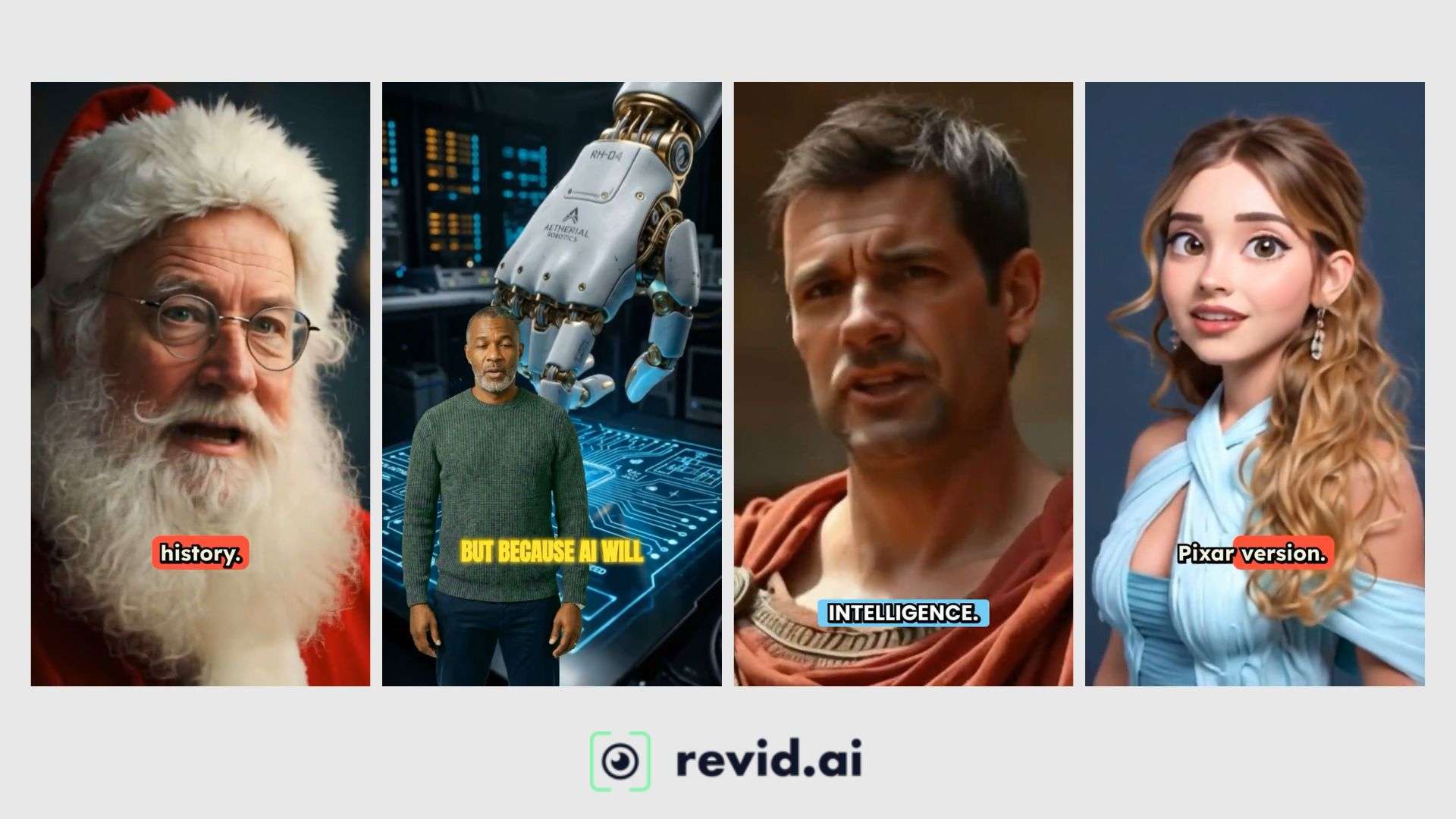
Revid AI features a specialized AI celebrity video generator to turn a celebrity image into a talking avatar. Revid AI's AI celebrity video generator offers more than 124 AI voices and supports your own recorded or uploaded audio. You can also add B-roll, remove the avatar's background, and include captions and transitions. These options make it suitable for short talking-avatar videos, reaction-style clips, and social media content.
- Script-to-avatar video generation.
- URL-based script input.
- Celebrity avatar selection or image upload.
- More than 124 advertised AI voices.
- Automatic lip-sync and facial animation.
- B-roll footage and avatar background removal.
- Captions, transitions, and background music.
- Has a dedicated AI celebrity video generator with a clear script-to-video workflow.
- Allows users to select an avatar or upload a reference image.
- Supports AI voices and custom audio recordings.
- Offers B-roll and background removal for combining the talking avatar with other footage.
- Shows estimated credit usage before video generation.
- Credit consumption varies based on video model and selected features.
- Background removal costs an additional 20 credits per 500 characters of script.
- Longer videos and full AI-generated visuals require more credits.
- The final lip-sync and facial movements can vary depending on the source image and voice.
- Hobby: $39/month; video creation from text or links.
- Growth: $99/month or $39/month with a discount offer; 2,000 AI credits/month and publishing tools.
- Ultra: Starting at $199/month; 12,000 AI credits/month and publishing tools.
Revid AI is a relevant choice when you want to make a celebrity-style video with spoken dialogue. Its script input, voice selection, and lip-sync features suit for videos featuring talking characters, especially short clips for TikTok, Instagram Reels, and YouTube Shorts.
Creating talking celebrity avatars with custom scripts, AI voices, and synchronized lip movements.
4. Kling AI: Best for Celebrity-Inspired Video Scenes
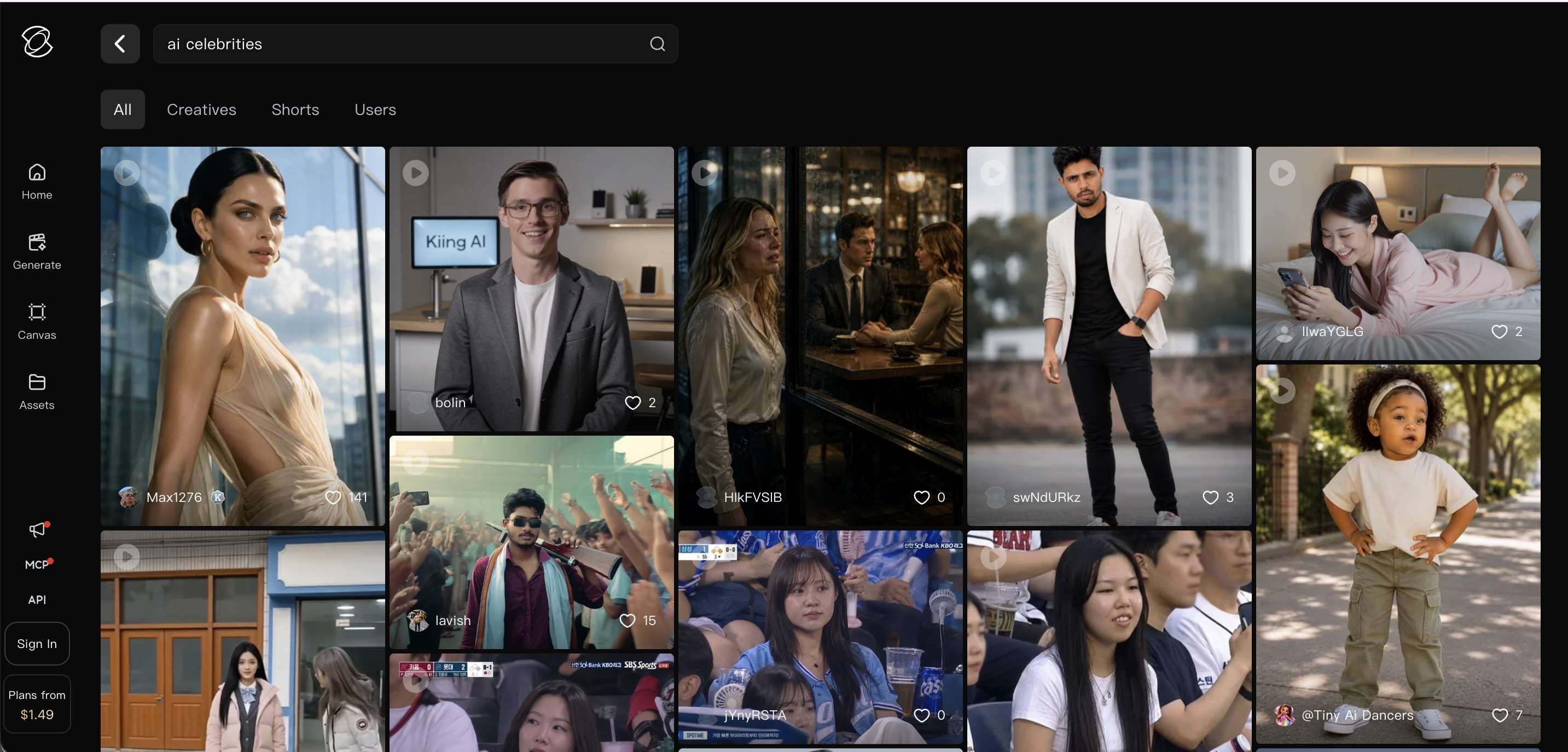
Kling AI lets you create celebrity-inspired videos using its general AI celebrity video generator. You can enter a text prompt or upload a reference image to guide the character's appearance and build your desired scene. Kling also offers tools for controlling movement and keeping characters recognizable across shots. In supported models, Video 3.0 can generate audio and synchronize a character's lip movements with dialogue. For example, you could create a short scene featuring a celebrity-inspired character speaking or appearing in a cinematic setting.
- Text-to-video and image-to-video generation.
- Reference images and Element Reference for character guidance.
- Motion Control for directing movement and poses.
- Native audio generation and character-level lip-sync in supported models.
- Multi-shot video generation in supported models.
- Video generation up to 15 seconds in supported modes.
- Create AI-generated videos from written prompts or reference images.
- Use Element Reference to guide a character's appearance across shots.
- Adjust character movement with Motion Control.
- Generate dialogue and synchronized lip movements with supported models.
- Build more structured scenes with multi-shot generation.
- Not specifically designed for generating videos of real celebrities.
- Advanced features and generation limits depend on the selected model and subscription.
- Free generations include a watermark.
- Character appearance and facial details may vary between generated clips.
- Getting natural-looking movement and accurate lip-sync may require several attempts.
- Standard: From $6.99/month; 660 credits/month, 1080p/4K video generation, watermark removal.
- Pro: From $25.99/month; 3,000 credits/month, 1080p/4K video generation, watermark removal.
- Premiere: From $144.99/month; 18,000 credits/month, 1080p/4K video generation, watermark removal.
- Ultra+: From $432.99/month; 57,000 credits/month, 1080p/4K video generation, watermark removal.
Kling AI stands out for turning a reference image into a moving scene. You can direct the character's actions with Motion Control and add dialogue with lip-sync in supported models, making it useful for short, cinematic celebrity-inspired clips.
Creating cinematic AI celebrity videos from text prompts and reference images.
5. HeyGen: Best for Talking AI Actors
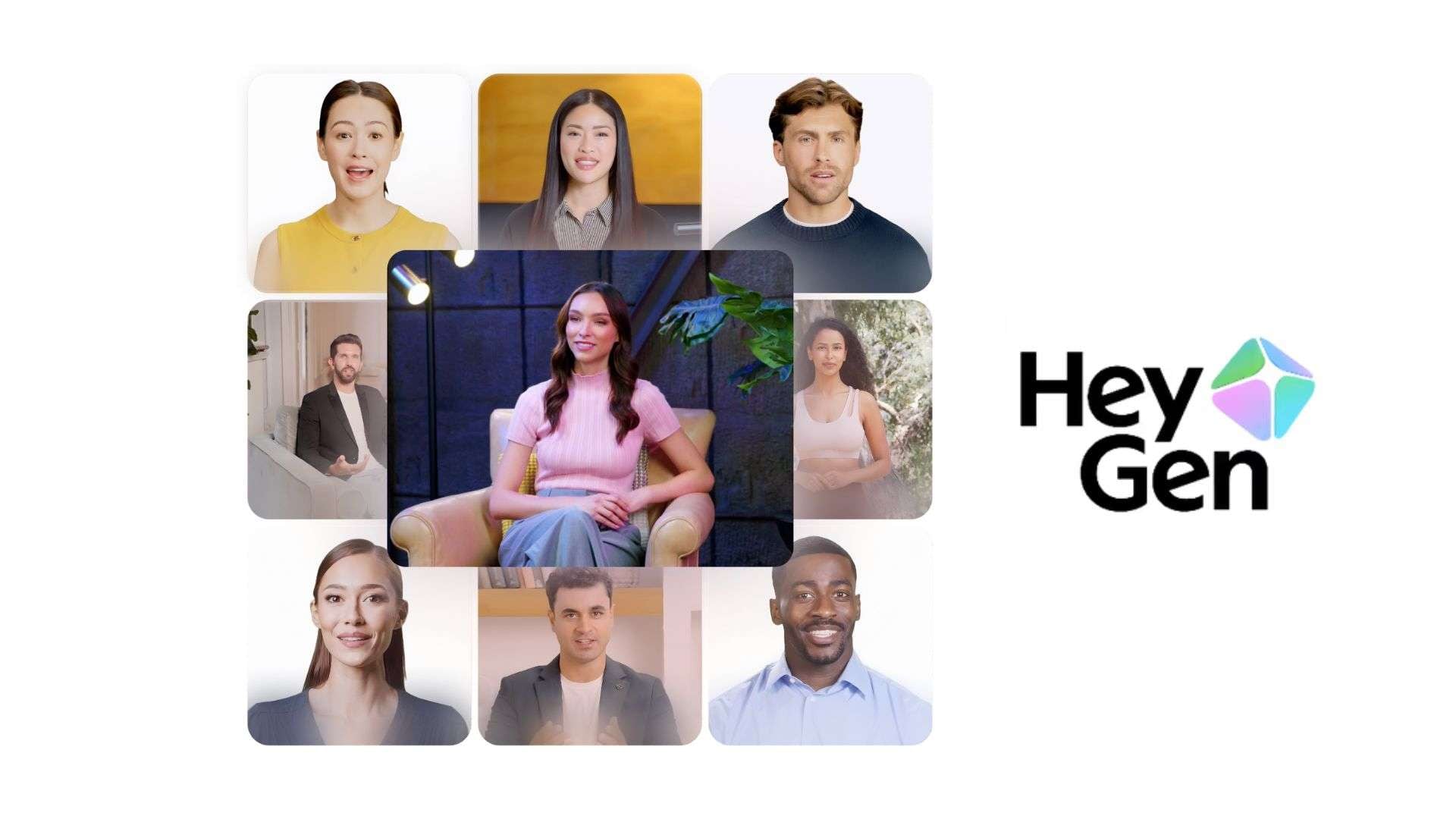
HeyGen is an AI celebrity video generator alternative for creating videos with digital performers. Its AI Actors Generator lets you choose a ready-made presenter, create a digital twin from your own video, or build a reusable brand actor. After selecting an actor, enter your script to generate a video with synchronized speech and facial movements. HeyGen also supports voice cloning and multilingual video generation, making it suitable for content that needs a consistent presenter or character.
- Stock AI actors and digital presenters.
- Custom digital twins from video recordings.
- Script-to-video generation.
- Phoneme-level AI lip-sync.
- Voice cloning and preset AI voices.
- Multilingual video generation in 175+ languages and dialects on paid plans.
- Actor direction for adjusting gaze, posture, and performance.
- Offers ready-made presenters and custom digital twins.
- Supports digital twin creation from a 15-second video clip with supported features.
- Matches mouth movements to spoken words using phoneme-level lip-sync.
- Includes voice cloning and multilingual script generation.
- Lets you create presenter-style videos without recording each script yourself.
- Focuses on AI presenters and digital actors, not celebrity-specific video generation.
- Free videos are limited to one minute and include a watermark.
- Custom digital twins and advanced features have plan-based usage limits.
- Credit consumption varies by AI model and video duration.
- Creator: $29/month; 600 credits/month, 1080p exports, videos up to 30 minutes, watermark removal.
- Pro: $49/month; 1,000 credits, 4K exports, videos up to 30 minutes.
- Business: $149/month; 1,500 credits, 4K exports, videos up to 60 minutes; additional seats cost $20/month each.
HeyGen is most useful when your AI character needs to speak directly to the audience. Its script-based workflow, voice cloning, and lip-sync make it fit for talking-avatar videos, explainers, and presenter-style social content, rather than cinematic celebrity scenes.
Creating talking AI actors and scripted avatar videos.
Bonus: Edit Your AI-Generated Celebrity Videos with Filmora
An AI celebrity video might look convincing in one shot but feel disconnected when you combine multiple scenes. One scene may have a different camera angle, another may end too soon, or the dialogue may need captions to make it easier to follow. Wondershare Filmora provides editing tools to refine these clips and prepare them for different social media platforms.
Why Use Filmora?
Filmora is a video editor built for creators who want to finish a video without a steep learning curve. AI celebrity generators give you the raw clips, and Filmora is where you turn them into one consistent video. A few features that are especially useful are:
- Multitrack Timeline: Arrange generated footage, dialogue, background music, and sound effects on separate tracks.
- Trim and Split: Remove unwanted frames, cut long pauses, and adjust the length of individual scenes.
- Auto Captions: Generate subtitles for dialogue in talking-avatar videos.
- Transitions and Effects: Add transitions between scenes or apply effects to change the video's appearance.
- Audio Editing: Adjust dialogue volume, add background music, and include voiceovers or sound effects.
- Auto Reframe: Adjust the video aspect ratio for platforms such as TikTok, Instagram Reels, and YouTube Shorts.
- AI Video Extender: Extend a short video when you need more footage for a scene.
Filmora is for post-production editing. You'll still need a separate AI celebrity video generator to create the characters and initial footage.
 Secure Download
Conclusion
AI celebrity videos can take many forms, from animated portraits and talking avatars to cinematic scenes featuring familiar faces. The best AI celebrity video generator depends on the type of video you want to create and the control you need. MagicLight AI, OpenArt, Revid AI, Kling AI, and HeyGen each offer different features, pricing plans, and generation limits. Comparing these details can help you find a tool that fits your idea and budget.
Before sharing your video, remember to consider consent and likeness rights when using real people's faces or voices. You can also use Filmora to refine the finished footage with captions, audio, and scene edits.
FAQs
-
Which AI celebrity video generator looks the most realistic?
The results depend on the source photo, prompt, and video model. Kling AI is a strong option for realistic movement and cinematic scenes, while HeyGen is better suited to talking avatars with synchronized speech. -
Can I turn a celebrity photo into a video?
Yes. MagicLight AI, Revid AI, and Kling AI support image-to-video generation. Upload a photo, describe how you want the person to move, and generate a clip. Keep in mind that using someone's face or voice may require their permission. -
Which tools offer free AI celebrity video generation?
MagicLight AI offers limited free credits, while Revid AI gives new users introductory credits. OpenArt provides 40 trial credits for seven days. HeyGen's free plan includes three videos per month, with a maximum length of one minute each. Free plans may have credit limits or watermarks. -
Can I make an AI celebrity video without signing up?
Most tools require an account to generate and save videos. You may be able to browse examples without signing in, but creating or exporting a video usually requires registration.