Promoting your brand or product is easier than ever, especially now that you can create UGC AI videos without hiring creators or setting up an entire filming session. In fact, Emplifi’s 2026 Social Media Benchmarks reported that user-generated content converts 6.73 times higher than traditional branded ads.
However, finding one that delivers realistic results without expensive subscriptions or annoying watermarks can be tricky. So, we dug through real creator reviews, Reddit threads, and hands-on tests to find the best AI UGC video generator options out there. Let's take a look!
How We Evaluated Each AI UGC Video Generator
A convincing AI UGC ad needs more than a virtual person reading a script. So, to build a list of the best AI UGC video generators you can genuinely rely on, we put every platform through five practical checks before giving it a spot:
- Avatar Realism & Lip-Sync Accuracy: Do the AI creators look and move naturally, with facial expressions and lip-sync that match their speech?
- Product-in-Hand & Asset Integration: How smoothly does the tool places your actual product photo or URL assets into a scene instead of awkward floating overlays?
- Customization & Post-Production Control: Can you adjust hooks, backgrounds, captions, and pacing after the video is generated?
- Free Tier & Watermark Policy: Can you create UGC AI for free, and does the free plan let you export an AI UGC video without a watermark?
- Speed & Pricing Value: How quickly can you generate an ad, how many credits does it use, and is the cost reasonable compared with hiring creators?
In a Hurry? Here Are Our Top 3 AI UGC Picks
Based on the factors above, we'll recommend 9 of the best AI UGC video generators below. But if you don't have time to read through all nine breakdowns, you can start with our top 3. These three dominate a completely different part of the UGC creation process.



Comparison Charts: 9 Best AI UGC Video Generators Side-by-Side
Before we dive into the full pros and cons of every platform, let's see how these AI UGC video generators sit next to each other. The table below focuses on the things most people want to know first: what each tool can make, who it's suited for, and whether the free version leaves a watermark.
| Tool | Watermark on Free | Main AI UGC Features | Best For |
| Filmora | AI Script to Video, AI Storyboard, AI Voice Cloning, Auto-Captions, Multi-track timeline | Creators & brands wanting full editing + AI generation in one place | |
| Simplified | 90+ AI actors, photo-to-avatar, built-in hook scriptwriter, 50+ languages | Quick creator-style ads with free exports | |
| HeyGen | 1,100+ avatars, Product Placement, 175+ languages with lip sync | Realistic, multilingual ads | |
| Bandy AI | Chat-based edits, product link to video, virtual try-on tools | Fashion and ecommerce sellers | |
| UGCVideo.ai | AI scripts, AI creators, TikTok-style captions | Budget-minded volume sellers | |
| Nextify | Put-in-Hand, templates, variation counts, AI avatars | Dropshippers testing many ads | |
| UGCMaker | Text or frame to video with audio, quick product transitions, fast hook generation | Free ad hooks and tests | |
| CreateUGC | Product link to ad, character swap, Product-in-Hand on Scale | E-commerce creators and ad teams | |
| VEED AI UGC | Avatars with camera angles, Fabric 1.0, built-in editor | Generating and refining social videos | |
|
Show More
Show Less
|
|||
Create AI UGC Videos Fast: 9 Best Generators Worth Trying in 2026
Now let's take a closer look at how each AI UGC video generator actually performs in day-to-day ad creation. We've laid out all nine tools in the exact same format, so you can easily weigh the trade-offs before signing up.
1. Wondershare Filmora
To begin our list, we have Wondershare Filmora, easily the most complete, all-in-one option to create UGC AI videos. It's not a dedicated AI actor marketplace, but it gives you a broader production setup than a one-click avatar generator. With plenty of advanced AI features, you can start with a script, generate video material, add voiceovers and captions, then shape everything on the timeline.
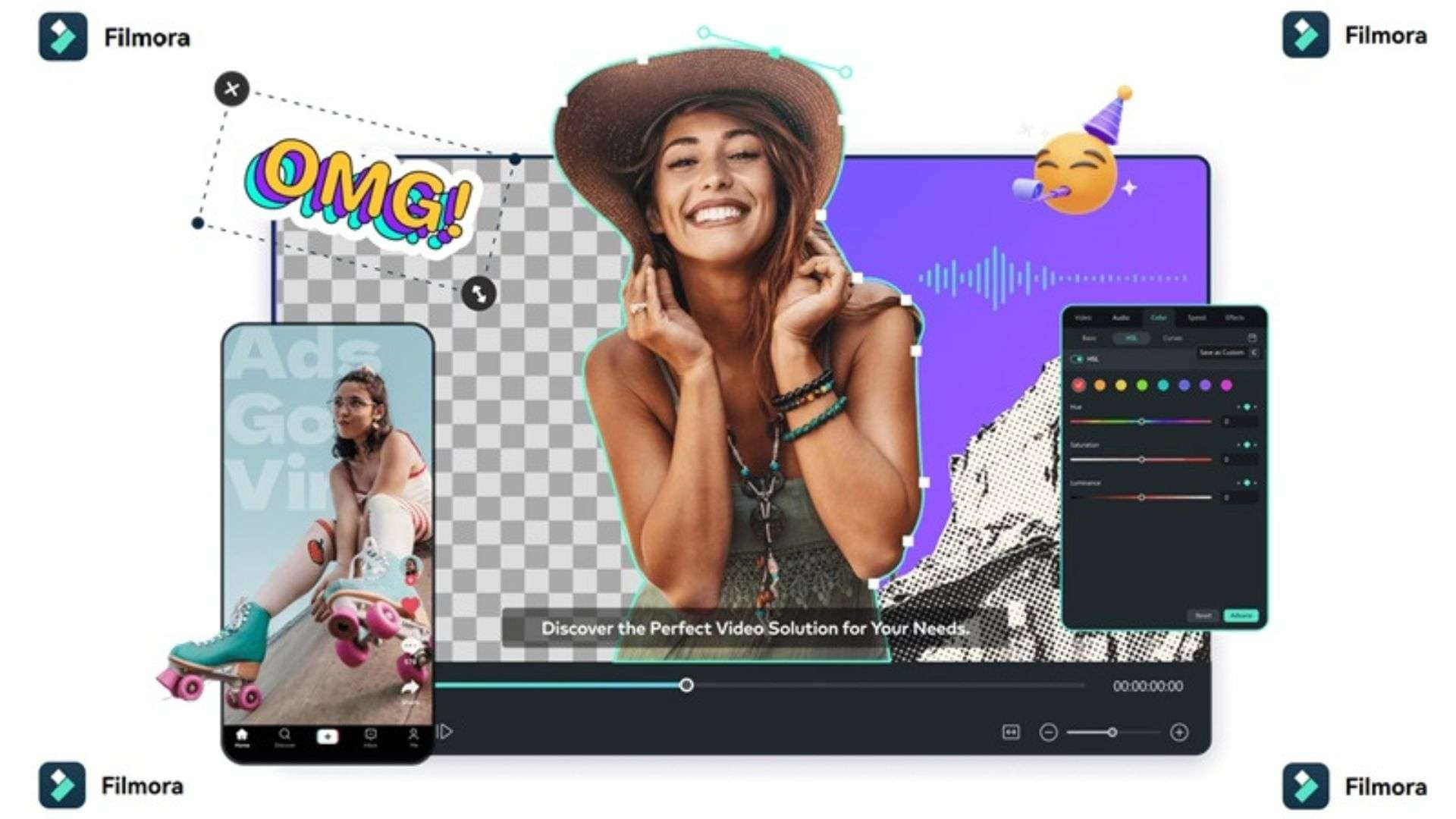
- AI Script to Video & AI Storyboard Generator: Turns a rough product pitch into structured scenes, visuals, and voiceovers automatically.
- AI Copywriting: Generates punchy social hooks, product angles, and scroll-stopping video scripts right inside your workspace.
- AI Dynamic Captions: Transcribes speech with high accuracy and applies bold, animated word-by-word styles built for Reels and Shorts.
- AI Voice Cloning & Text-to-Speech: Creates natural, conversational creator voiceovers without recording a single word yourself.
- AI Smart B-Roll & Background Remover: Drops relevant cutaways over talking-head moments and isolates products cleanly without a green screen.
- Offers both AI-assisted creation and traditional editing.
- Lets you refine the video instead of relying on a single generated result.
- Useful for adding real product footage to AI presenter clips.
- Supports different social video formats and editing workflows.
- Free exports carry a Filmora watermark.
Windows, macOS, iOS, Android.
Free version is available (watermarked), with affordable and flexible paid plans listed on the Filmora pricing page.
Creators and marketers who want AI video creation plus detailed editing control.
 Secure Download
2. Simplified
If your top priority is finding an AI UGC video generator free without watermark online, Simplified deserves a permanent spot in your bookmarks. While almost every other platform locks clean exports behind a $25+ paywall, the Simplified AI UGC video generator lets you export crisp, unbranded videos up to 4K on its forever-free plan. Plus, you'll have options to pick from 90+ diverse AI actors!
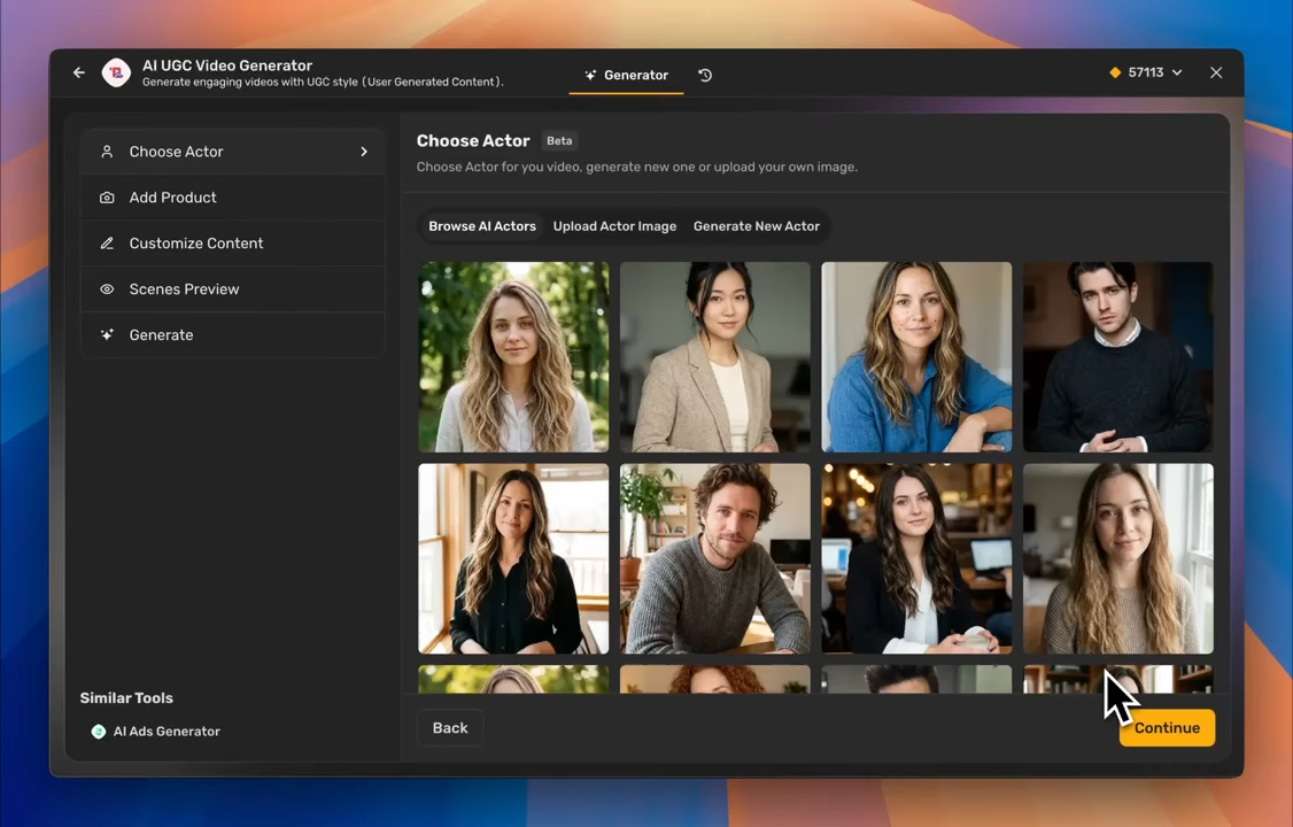
- Choose from a library of 90+ diverse AI presenters for different product categories and audiences.
- AI script generator to come up with conversational, high-converting UGC scripts in seconds.
- Upload a portrait to build a custom talking spokesperson for your brand.
- 50+ Languages & instant resizing across projects between 9:16, 1:1, and 16:9 with localized voiceovers.
- The free plan doesn't include watermarks on your exported videos.
- The AI presenters cover multiple ages, styles, and casual home or studio backdrops.
- Output quality depends on the selected actor and script.
- The AI features are not free and require a subscription.
Web browser (Online).
Free plan is available; Pro plans start at $29/month.
Solo founders, bootstrappers, and small businesses looking for one of the best AI UGC video generators free without a watermark.
3. HeyGen
Another strong option for brands that refuse to compromise on lifelike delivery is the HeyGen AI UGC video generator. That's because the avatar presenters from HeyGen actually blink, tilt their heads, and emote naturally rather than staring dead-eyed into the lens. You can adjust the script, presenter, voice, and language without arranging a new filming session for every variation.
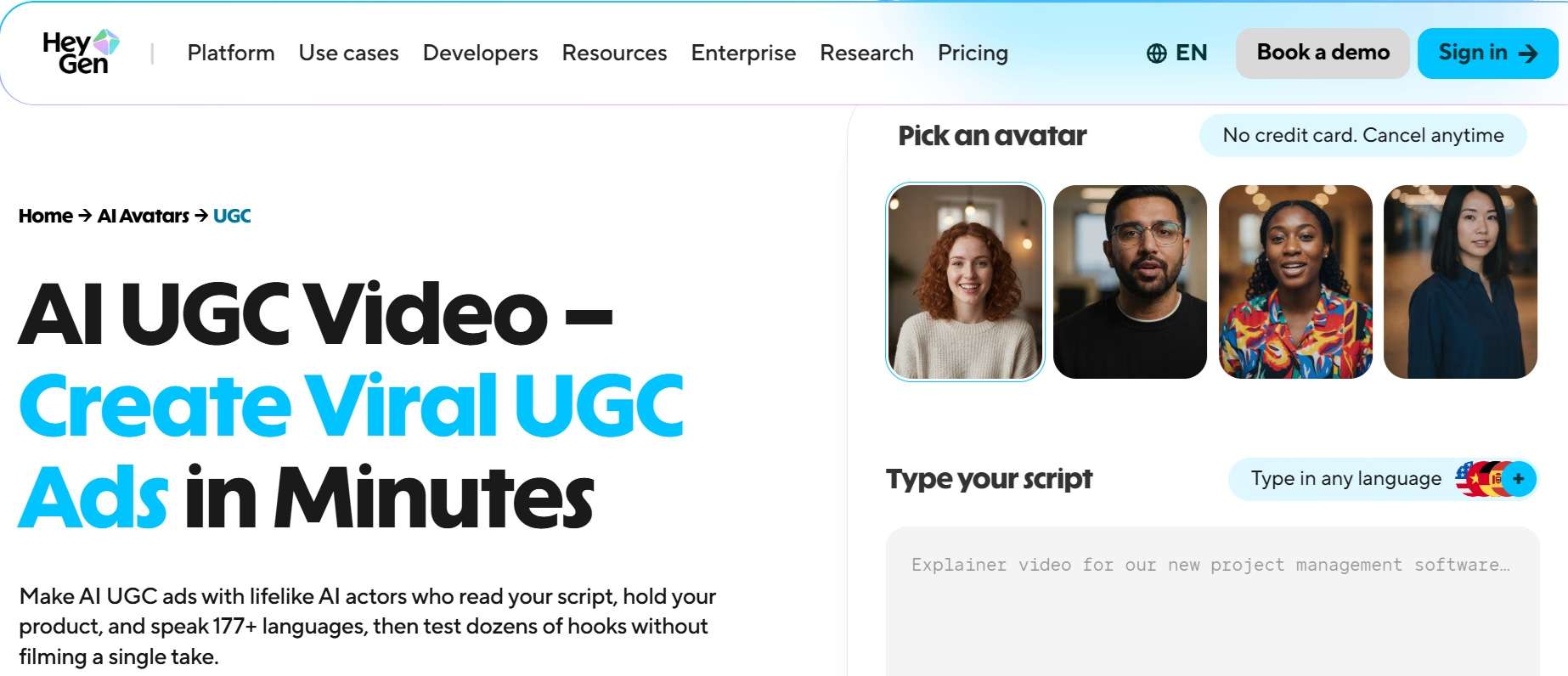
- 1,100+ AI UGC avatars of relatable Gen Z creators, polished pros, friendly educators, and more.
- Upload a product photo and an avatar holds or presents it on camera.
- Custom avatars from a photo or a text description.
- 175+ languages with localized lip sync for many markets.
- More than 1,100 AI UGC avatars to match almost any audience.
- Product placement supports e-commerce-style content.
- The free plan only offers three watermarked videos a month, capped at one minute each.
- Credits are hard to predict since it varies by model, length, and complexity.
Web browser, plus an API and a ChatGPT plugin.
Free plan is available with limited monthly video generation; paid plans start at $29/month.
Realistic AI presenters, multilingual ads, and product presentation videos.
4. Bandy AI
For those who prefer a conversational, e-commerce-first workflow, the Bandy AI UGC video generator brings a fresh twist to ad creation. The AI presenter from Bandy naturally demonstrates or holds an item, which helps make a product ad feel more specific than a generic talking-head clip. Plus, the workflow makes revisions painless, and it comes with a bonus set of e-commerce image tools like virtual try-on.
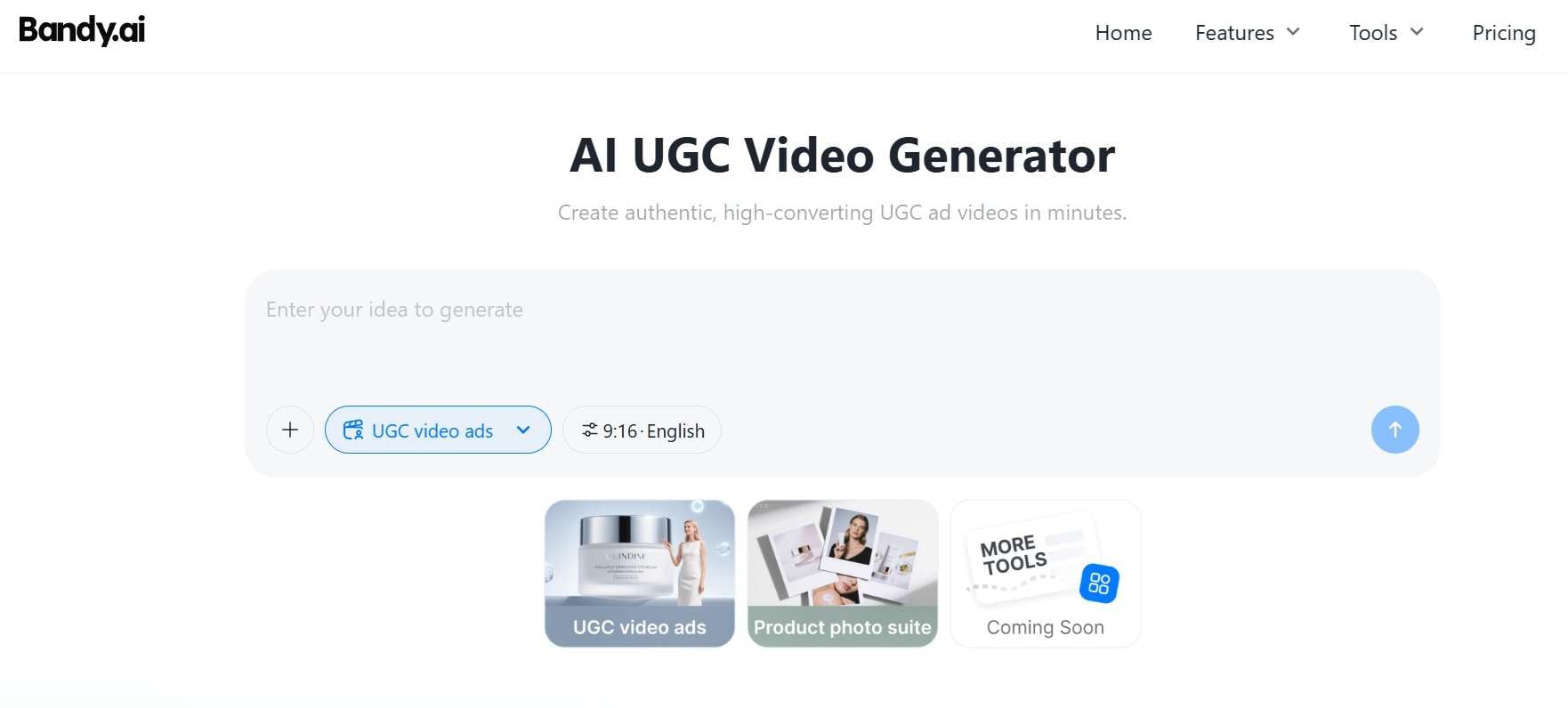
- Use chat to ask for a new style, pacing, voiceover, music, language, or more reactions.
- Paste a link or upload images and Bandy pulls key details and builds previews.
- Virtual try-on for clothes and accessories, AI product in hand, model and background swaps.
- One-click export files ready for Shopify, Amazon, Meta, and TikTok.
- You can start from a store link or upload instead of writing a long brief.
- Try-on, product-in-hand, and background tools cover your image needs too.
- AI-generated product handling can still produce visual errors.
- The platform only launched in August 2025, so it has a shorter track record.
Web browser (Online).
Free plan is available with 120 credits and watermarked outputs; Paid plans start at $29/month.
E-commerce stores, fashion brands, and DTC sellers needing realistic "product-in-hand" shots.
5. UGCVideo.ai
For sellers watching every dollar, UGCVideo.ai is a good choice among budget AI UGC video generator free and low-cost tools. It aims at one job: describe your product, get a vertical TikTok-style ad. It’s on the list because its paid plans start low while still including commercial rights and watermark-free exports.
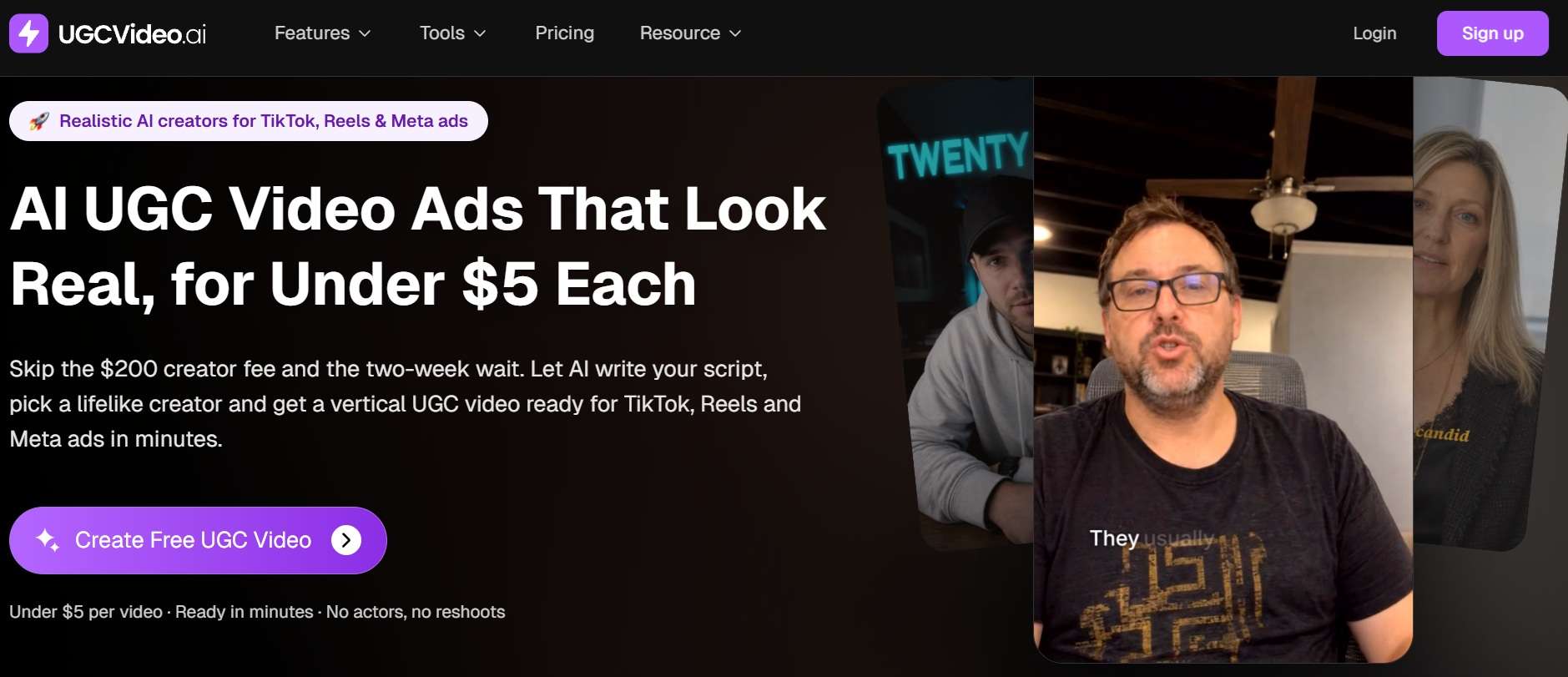
- Adds natural hand gestures, head nods, and vocal emphasis.
- Parallel batch rendering to generate 10 to 100 video variations at once on paid tiers to speed up ad testing.
- AI script writing to generate a basic hook, product message, and call to action.
- Pick from a library of digital humans across ages, ethnicities, and professions.
- The AI drafts a UGC-style script so you don’t start from a blank page.
- Videos arrive with TikTok-style captions already applied.
- It’s built around 9:16, so landscape ads aren’t its strength.
- Free videos are for personal, non-commercial use.
Web browser (Online).
Free plan is available with 50 credits and watermarked outputs; Paid plans start at $19/month.
Affiliate marketers, dropshippers, and solo media buyers running high-volume A/B ad tests on a tight budget.
6. Nextify
If you ask for an AI UGC video generator free tool on Reddit, you'll find Nextify. Its AI video ad creator is built around creative testing: pick a template, add your product images, choose an avatar, and set how many variations you want. Plus, if you hate recurring monthly subscriptions, Nextify offers a one-off credit pack that never expires.
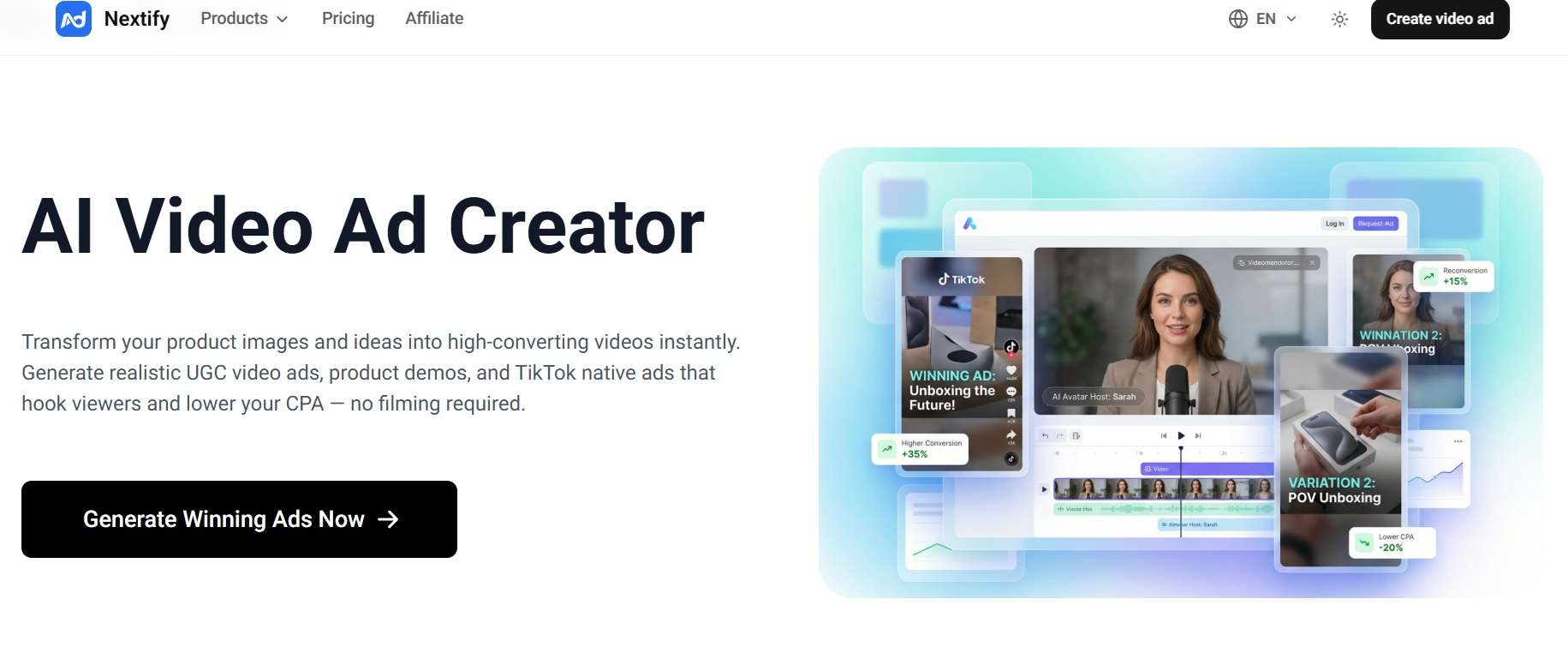
- Put in Hand feature that turns a static product photo into an avatar-holds-product video.
- Creative variations: to test different hooks, scripts, and visual directions.
- Preview, change text or images, and regenerate without starting over.
- Sora 2 & Veo 3.1 product B-Roll to generate realistic hand-held, unboxing, and close-up usage shots automatically.
- The product-in-hand feature makes still product shots feel more like creator footage.
- Built for A/B testing, since you can generate several variations at once and compare hooks.
- Unused subscription credits disappear each cycle.
- Maximum video resolution is only 1080P.
Web browser (Online).
Free plan is available with 50 credits and watermarked outputs; Paid plans start at $29/month.
Dropshippers, media buyers, and DTC brands testing many ads.
7. UGCMaker
Anyone hunting for the best AI UGC video generator free without watermark online should look at UGCMaker. Its free generator needs no signup, and the free plan lists no watermark and commercial rights, which is rare in this category. It earns a spot as the best free test bench for ad hooks and concepts, though it’s more of a general AI video generator than a script-to-actor studio.
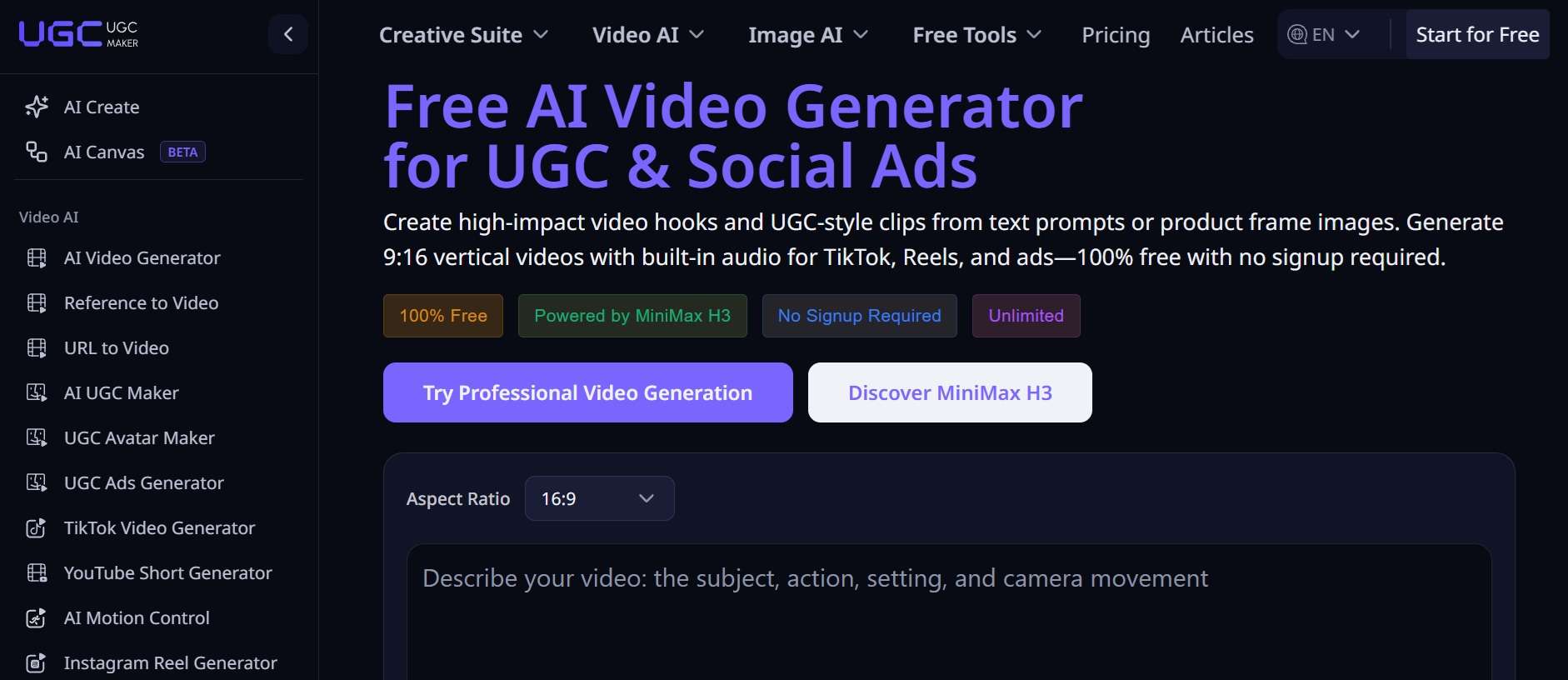
- Turn product photos or quick prompts into dynamic creator-style shots.
- Built-in audio with synchronized sound effects and ambient audio.
- Wide model menu including MiniMax H3 (it powers the free tool), Seedance, Kling, and Veo 3.1.
- Dedicated features for a UGC avatar maker, URL to video, and a UGC prompt generator.
- A check-in bonus adds 20 credits a day.
- The free version adds no watermark outputs and can be used commercially.
- The free generator makes general AI clips, not avatar testimonials with a script.
- You'll likely need editing and captions to finish a campaign-ready ad.
Web browser (Online).
Free plan is available with 60 credits and no watermarked outputs; Paid plans start at $19.99/month.
Quick ad hooks, product motion tests, and creators who want a truly free starting point.
8. CreateUGC
Anyone who wants an AI UGC video generator free trial before paying will like CreateUGC, which offers a 3-day trial on any plan. It’s a link-first tool: paste a product page, pick an avatar, and let the AI write the script and build the ad. It even integrates directly with AutoDS, so you can launch UGC ads straight from their product dashboard without manually downloading assets.
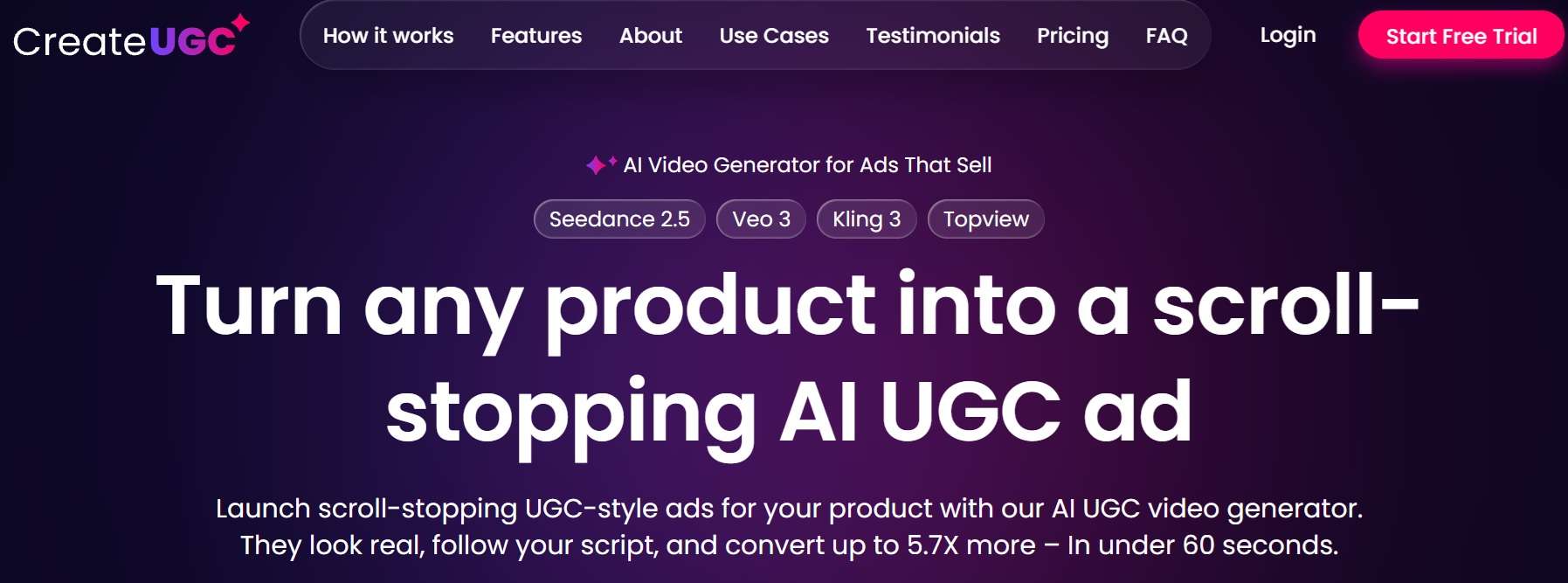
- Paste a Shopify, Amazon, or any product page URL to build scripts and visuals automatically.
- Pick an avatar and let AI write the script in funny, selling, or professional tones.
- Product-in-Hand feature so your avatar holds your product.
- Scales up to 1,000+ avatars & 30+ languages on higher plans.
- Character swap lets you create fresh variations without rebuilding the video.
- Includes several video styles for product promotion.
- The trial is short and limited to a few creations.
- Monthly video output depends on credits and selected models.
Web browser (Online).
Free trial is available for 3 days; Paid plans start at $19.90/month.
Ecommerce sellers, dropshippers, and agencies turning product links into ads.
9. VEED AI UGC
Rounding out our list of top AI UGC video generators is VEED’s AI UGC creator. This is a nice option if you want to generate a presenter video and then make it feel more like a real social ad. Its AI UGC creator can produce scripts, avatar footage, and captions, while the editor lets you add product clips, logos, B-roll, and a call to action.
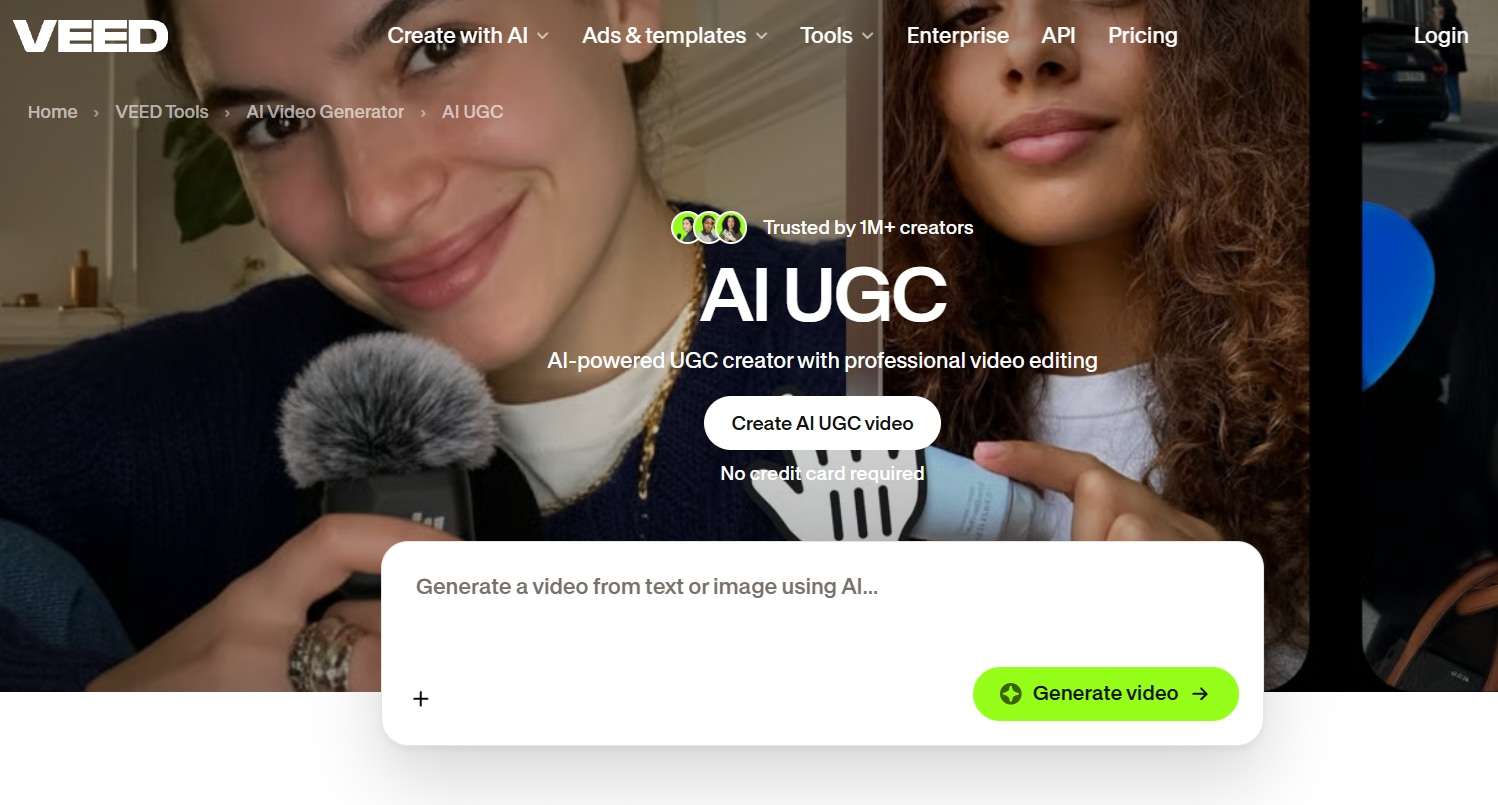
- Type a prompt or paste your script, then choose an avatar (some offer different camera angles).
- Add your logo, text overlays, product shots, and CTAs in the editor.
- Generate extra footage with models like Veo 3.1 and Hailuo 2.3.
- Caption and voice control to set the language, voice, and caption style.
- You can customize every part of the video after generating it.
- Available on iOS and Android as well as the web.
- AI credits don’t stretch far; Creator’s 500 monthly credits equal roughly a minute of Fabric video.
- Avatar footage can still need editing to feel natural.
Web browser (Online), iOS, Android.
Free plan is available with watermarked outputs; Paid plans start at $20/month.
Marketing teams and solo creators who want AI presenters plus post-production editing.
Buying Guide: Which AI UGC Video Generator Fits Your Needs?
All nine tools above are some of the best AI UGC video generators available, with each having clear strengths and trade-offs. So, the “best” pick really comes down to your budget, your editing comfort level, and how many ads you plan to make.
Here’s a quick way to match your situation to a tool:
| Your Needs | Recommendations | Our Reasoning |
| Complete creative control + post-production polish | Filmora, VEED | Both pair AI generation with a real editor, so you can fix hooks, captions, and pacing without regenerating |
| Realistic AI presenters for product ads | HeyGen | HeyGen leads the pack for lifelike facial expressions and 175+ language lip-syncing |
| Create UGC AI free without watermarks | Simplified, UGCMaker | The free plan options on both platforms don't include watermarks on exported videos |
| High-volume A/B hook testing on a budget | Filmora, HeyGen, Bandy AI, CreateUGC | Filmora helps refine different edits, while avatar and product-ad platforms can generate variations of scripts, presenters, and product scenes |
|
Show More
Show Less
|
||
Conclusion
Our AI UGC video generator recommendation tools have their own strengths and offer different ways to create AI UGC videos. So, the best choice depends on your budget, creative control, and how many ads you need to produce.
If you’d rather script, generate, caption, and polish creator-style ads in one place, give Filmora a try. You can download it for free for Windows or Mac, draft a UGC-style ad with AI Script to Video and AI Copywriting, then fine-tune every cut yourself. It's a practical choice when you want more than a one-click AI presenter.
FAQs
-
Can I legally run AI-generated UGC videos as paid ads on TikTok and Meta?
Generally, yes, but you must follow advertising, disclosure, and platform rules. The big one in the US: the FTC’s rule on reviews and testimonials, in effect since October 21, 2024, bans testimonials attributed to people who don’t exist, including AI-generated ones. -
What do Reddit users say is the best AI UGC video generator?
If you go digging for the best AI UGC video generator on Reddit threads, marketers generally agree on two things: HeyGen wins for pure talking-head lip-sync realism, while Simplified is one of the few free tools that won't ruin your test with a watermark. -
How long should an AI UGC ad be for maximum conversions?
The sweet spot for TikTok, Instagram Reels, and YouTube Shorts is 15 to 30 seconds. Structure your script around a fast 3-second visual or verbal hook that calls out a specific pain point, followed by 10 to 15 seconds showing your product solving the problem, and wrap up with a casual 3-to-5-second call-to-action that feels like a friend's recommendation rather than a hard sales pitch.