


Many companies are looking for ways to make video production faster and more cost-effective, especially when creating training materials for teams across different countries. Colossyan is stepping up to answer that call. A real-world example is Sonesta International Hotels, which reduced its video production expenses by 80% after adopting Colossyan AI to build and refresh multi-language modules for its international staff.
But how does an AI platform actually pull that off, and is it really as seamless as it sounds? If you are a total beginner who is just discovering the Colossyan AI video generator, let's take a closer look at what this tool can do and whether it lives up to the hype.
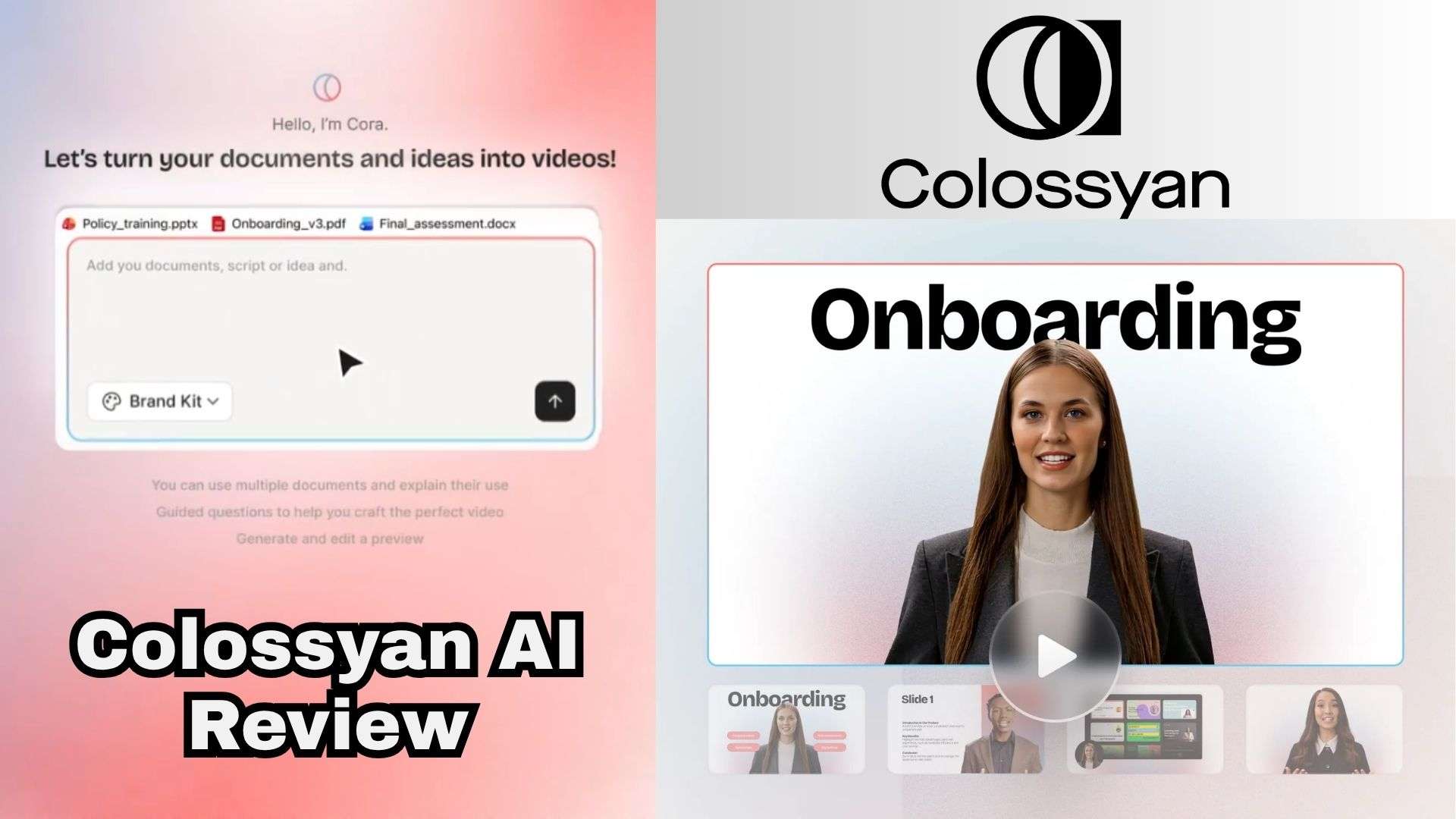
Part 1. Colossyan AI: Built Different for Corporate Training
Created by Colossyan Inc., the Colossyan Creator platform steps away from mainstream, cinematic text-to-video tools. It doesn’t chase Hollywood-style visuals; instead, it focuses squarely on corporate instruction, HR workflows, and L&D (Learning and Development) programs.
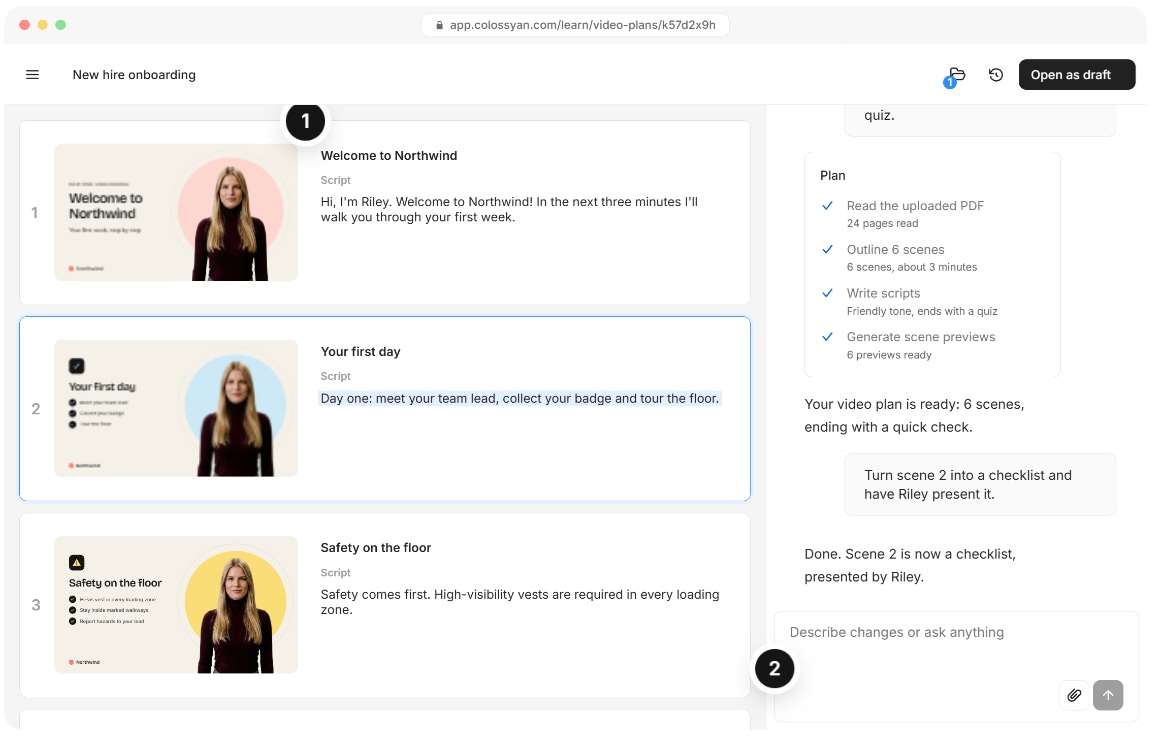
Unlike generic tools like Runway or Sora, Colossyan AI videos are designed specifically to craft structured onboarding modules, step-by-step product walkthroughs, and interactive compliance training. Take a look at the differences below:
| Other AI Video Generators | Colossyan | |
| Starts From | A text prompt or image | Scripts, Word docs, PDFs, PowerPoints, web pages |
| Video Result | Cinematic or decorative clips | Presenter-led videos with scenes and slide layouts |
| On Screen Presence | Generated characters and scenery | AI avatars and on-screen text |
| Interactivity | None | In-video quizzes and branching scenarios |
| Best For | Creative and social content | Training, onboarding, compliance, explainers |
|
Show More
Show Less
|
||
How to Access Colossyan
You can use Colossyan directly through a web browser, so there’s no need to hunt for an official app Colossyan download for Windows or macOS, and there are no iOS or Android mobile apps to install either.
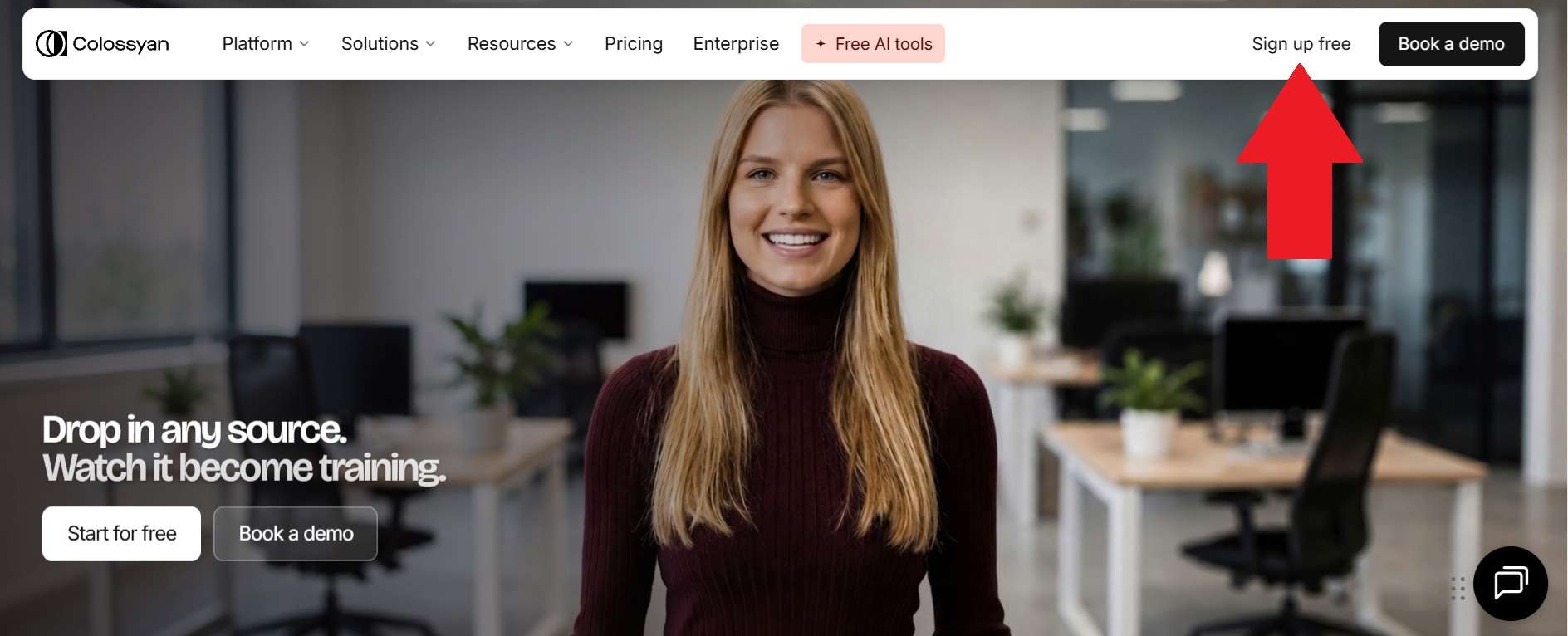
To start creating, head over to https://www.colossyan.com/ in your browser and log in to your dashboard. Tasks such as preparing scripts and rendering the final video are handled through Colossyan’s cloud-based platform.
Part 2: Colossyan Pricing Explained: Free vs Paid
Since "is Colossyan AI free" is one of the most common questions, let's address the elephant in the room right away. Luckily, the Colossyan Creator free option does exist, and it's quite generous. You get access to the core studio workspace, standard Colossyan AI avatars, and roughly 20 video minutes per month to test out the script generation and translation tools.
When you outgrow it, you may consider subscribing to the paid plans. Here's how they compare, as it was explained on the Colossyan pricing page:
| Starter | Professional | Enterprise | |
| Price | $0 | $59/mo billed annually (about $89/mo billed monthly) | Custom quote |
| Video minutes (NEO avatars) | 20 min/mo | 30 min/mo | Unlimited |
| Video minutes (NEO2 avatars) | 0.5 min/mo | 10 min/mo | Unlimited |
| Stock avatars and voices | 300+ avatars, 700+ voices | 300+ avatars, 700+ voices | 300+ avatars, 700+ voices |
| Watermark | Stays on | Removed | Removed |
| Resolution | Up to 1080P | Up to 1080P | Up to 4K |
| Editor seats | 1 | Up to 3 | Custom |
|
Show More
Show Less
|
|||
Part 3. Colossyan’s Core Features: What Makes It Different?
Colossyan Creator AI video's selling point isn't limited to making an AI presenter speak a script. Let's look at the main tools that actually matter in your day-to-day workflow:
Text-to-Video and Document Conversion
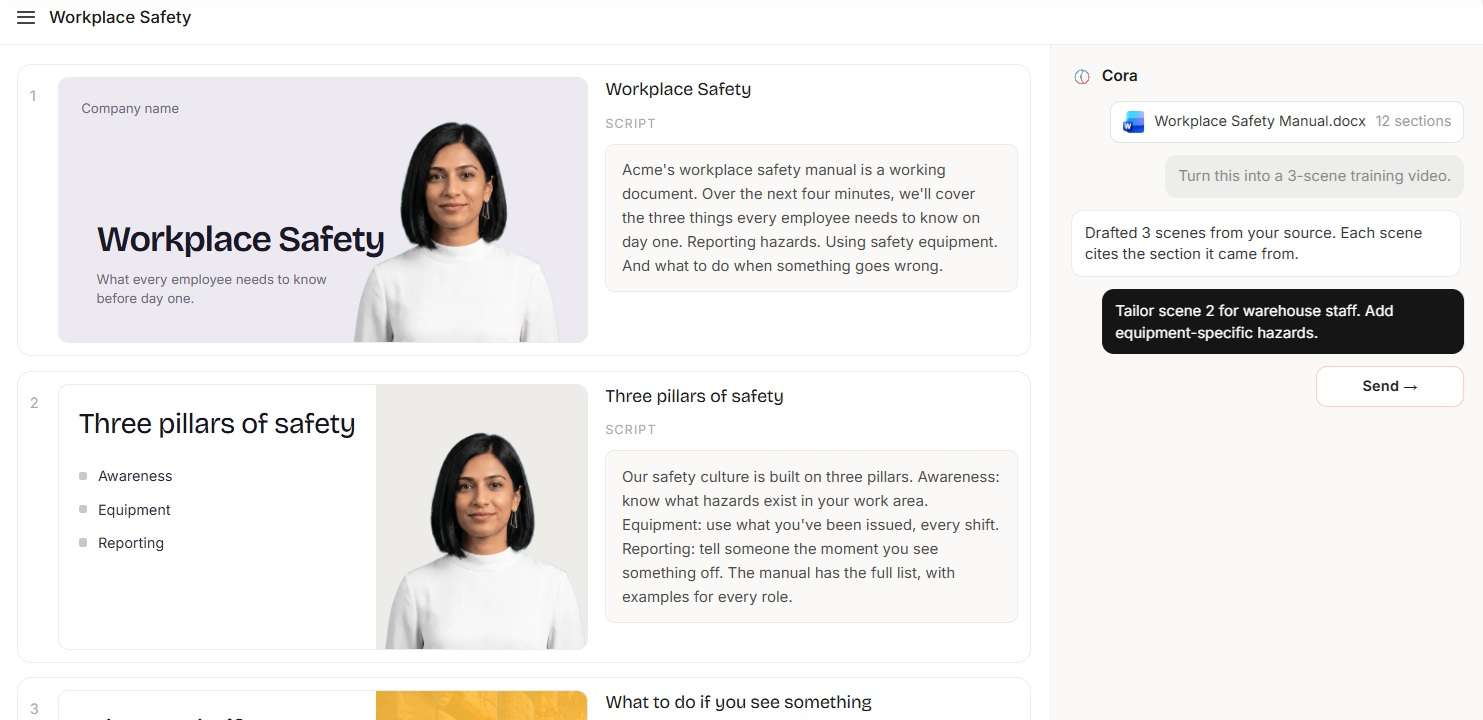
Instead of using a prompt, you can start from a plain script, a Word document, a PDF, a PowerPoint deck, or even a web page URL, and Colossyan turns it into a presenter-led video. In practice, it reads your source, builds a scene-by-scene structure, and you pick the avatar, voice and layout. You can check out the Colossyan Learning page to learn how it works.
AI Avatars: Choose a Presenter for Your Video

With the Colossyan Creator AI avatar library, you have immediate access to over 300 stock presenters covering different ethnicities, age groups, outfit styles, and framing angles (from close-up profile shots to full-length presenter positions). You can even set up custom avatars if you want your actual team leaders digitized for internal announcements!
Multi-Language Translation & Voiceovers
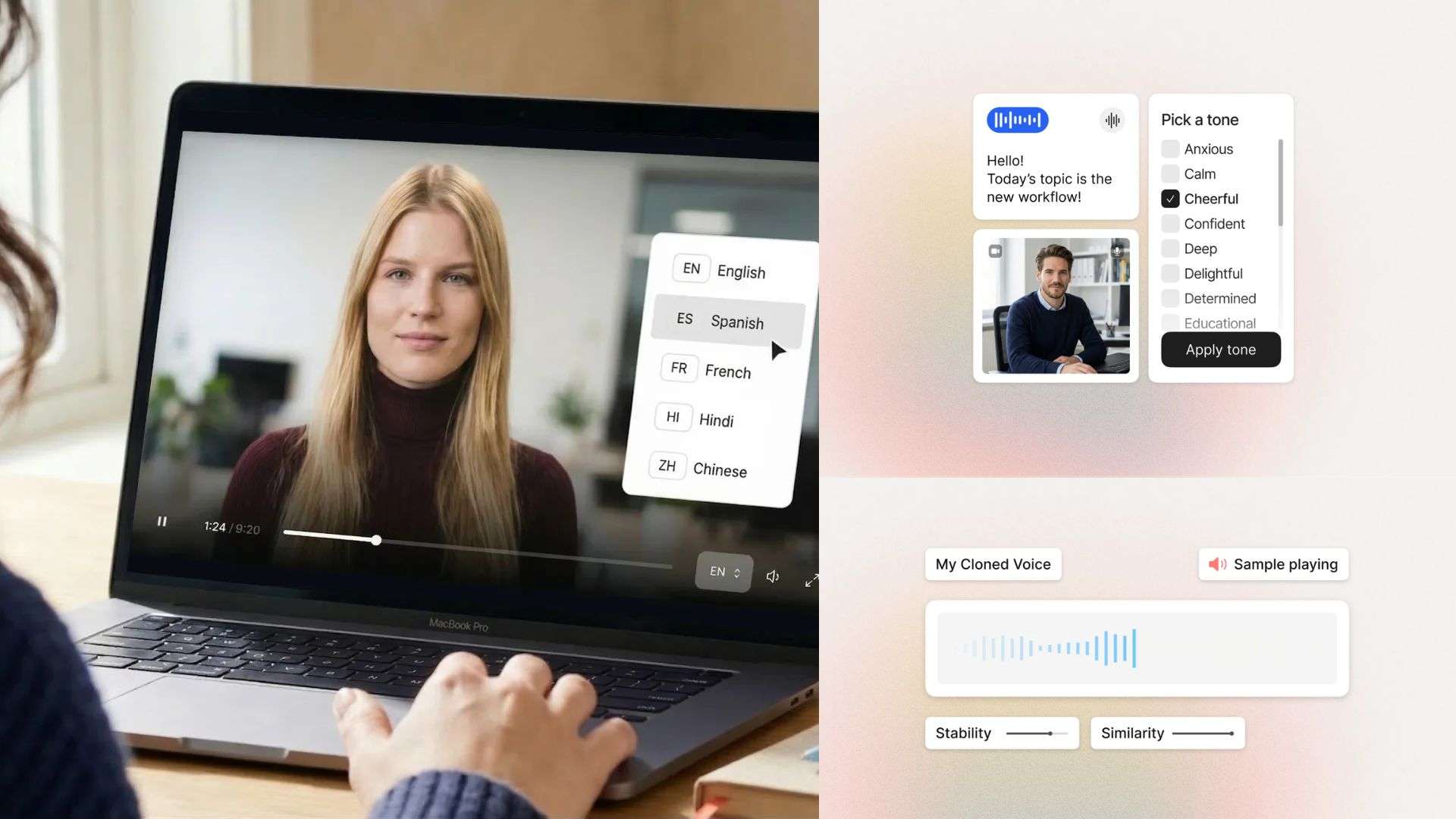
Colossyan makes it possible to adapt training videos for audiences who speak different languages, with support for over 120 languages. The Colossyan Creator AI video generator automatically handles the new voiceover while updating the avatar's mouth movements so the lip-syncing remains natural across every translated language.
Built-In Interactive Elements: Quizzes and Branching Scenarios
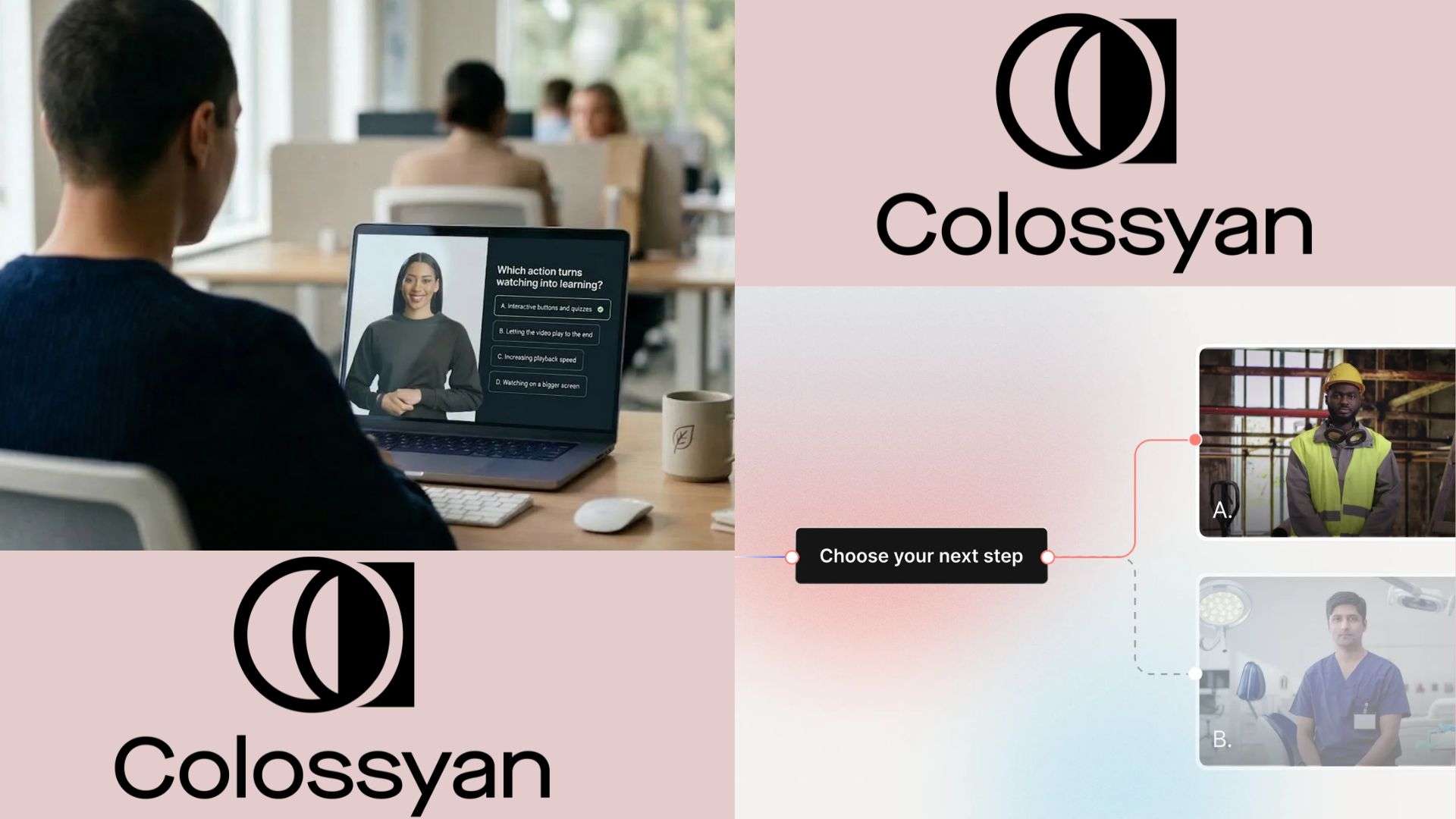
Passive watching usually leads to low retention. Colossyan video tackles this by letting you build interactivity right into the video player. You can pause scenes to insert multiple-choice quizzes, clickable screen overlays, or "Choose Your Own Adventure" style branching scenarios where the viewer's choice dictates which video path plays next.
Part 4. Where Colossyan Shines: Top Real-World Use Cases
As you can see, the Colossyan Creator app is especially relevant when a business needs repeatable, presenter-led content rather than highly cinematic footage. Its AI presenters and localization tools can be useful across several departments, but the best fit depends on what the video needs to accomplish.
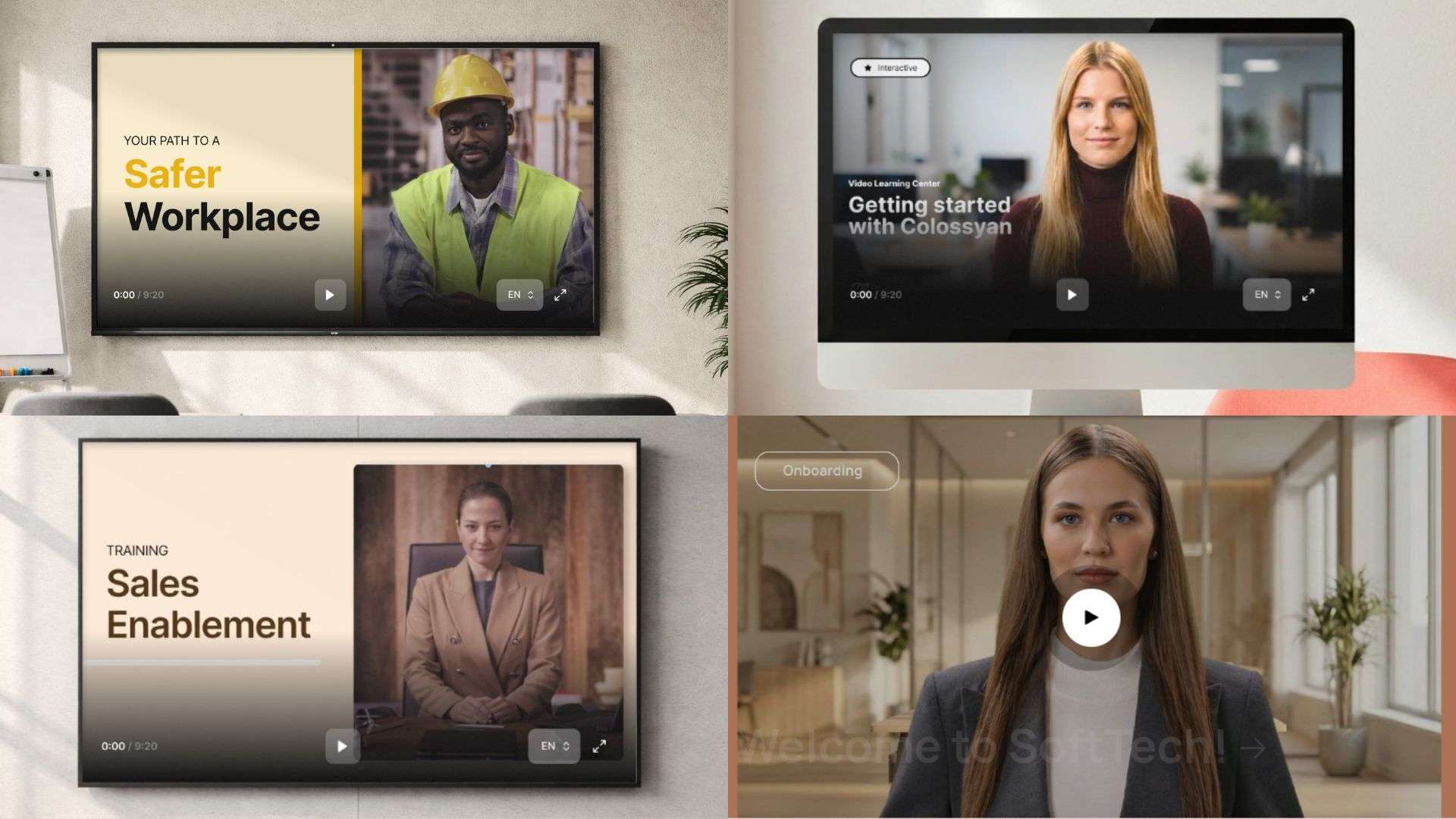
Here's where it works well:
| Use Case | Why It Works | Useful Features |
| Compliance Training | Transform dense legal guidelines and SOPs into short interactive modules with built-in SCORM reporting | SCORM export, quizzes, translation |
| Product Explainers | Turning technical user manuals into short, visual presenter guides for customers and staff | Document and PDF to video, screen recorder |
| Employee Onboarding | One orientation series for every office, in each local language | Auto-translation, brand kits, avatars |
| Sales Enablement | Quick video playbooks and feature walkthroughs without waiting on marketing | Script to video, templates, custom avatars |
|
Show More
Show Less
|
||
Part 5. Is Colossyan Worth It? Our Take on Its Strengths and Weaknesses
So, is Colossyan.com actually worth visiting? Well, every platform has its sweet spots and its drawbacks. To give you a fair perspective before you hit buy, here is our breakdown of where Colossyan excels and where it hits a few speed bumps.
- Generous Free Starter Tier: Offers beginner-friendly access with full avatar preview tools without immediate credit card commitments.
- Native Interactive Quizzes & Branching: Allows active learner engagement directly inside video players without third-party plugins.
- LMS & SCORM Integration: Seamlessly exports training packages directly into enterprise Learning Management Systems like Moodle or Canvas.
- Dramatic Time & Cost Savings: Eliminates expensive cameras, studio rentals, actors, and weeks of post-production turnaround.
- Strict Monthly Minute Deductions: Rendered video minutes consume allowances fast, but re-generating edited videos burns extra minutes from your monthly plan.
- Avatar "Uncanny Valley" Effect: Complex emotional delivery or dynamic physical gestures can occasionally look stiff or artificial.
- Lack of Complex Video Editing Timeline: Limited fine-grained control over complex visual effects, B-roll timing, or keyframe animations compared to full-featured video editors.
- Browser-Only Requirement: Since everything lives in the cloud, you must have a stable, fast internet connection. You can't work on projects offline during flights or spotty signal days.
Bonus: Enhancing Your Workflow with Wondershare Filmora
While Colossyan Creator AI is an absolute champ at spinning documents into presenter-led clips, corporate communications often demand more: custom B-roll, visual polish, energetic transitions, custom sound design and multi-track timelines, which avatar generators aren't built for.
In such cases, you definitely need a separate editor, and you can rely on Wondershare Filmora as a post-production editor that complements Colossyan nicely.
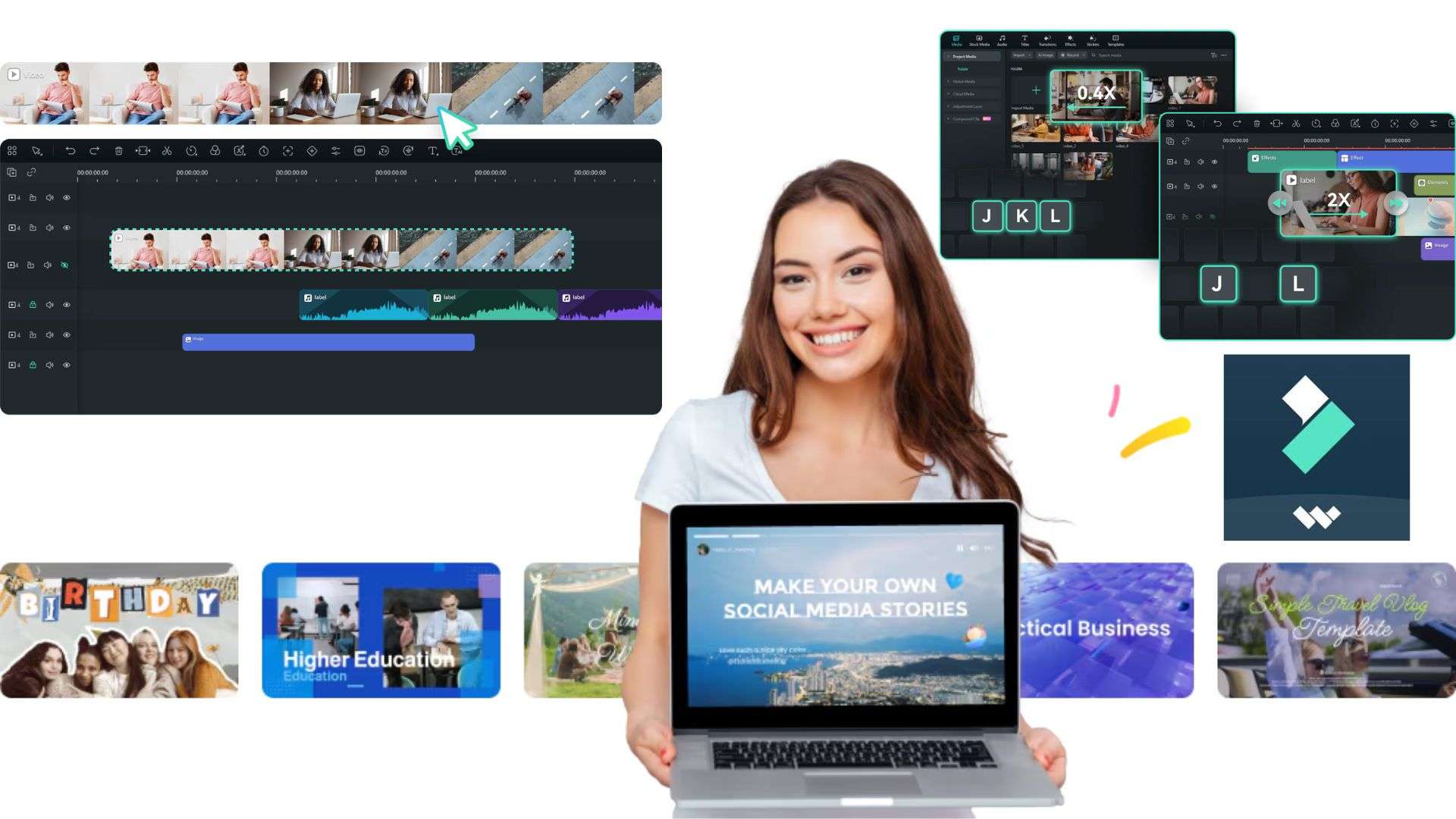
Why Filmora Stands Out as the Perfect Complement
Rather than viewing them as competitors, you can use Filmora alongside Colossyan to give you the ultimate hybrid video production pipeline. Think of Colossyan Creator as your presenter factory and Filmora as your finishing studio. So, you let Colossyan handle the presenter script and voiceover, then bring those clips into Filmora to craft a high-energy finished product.
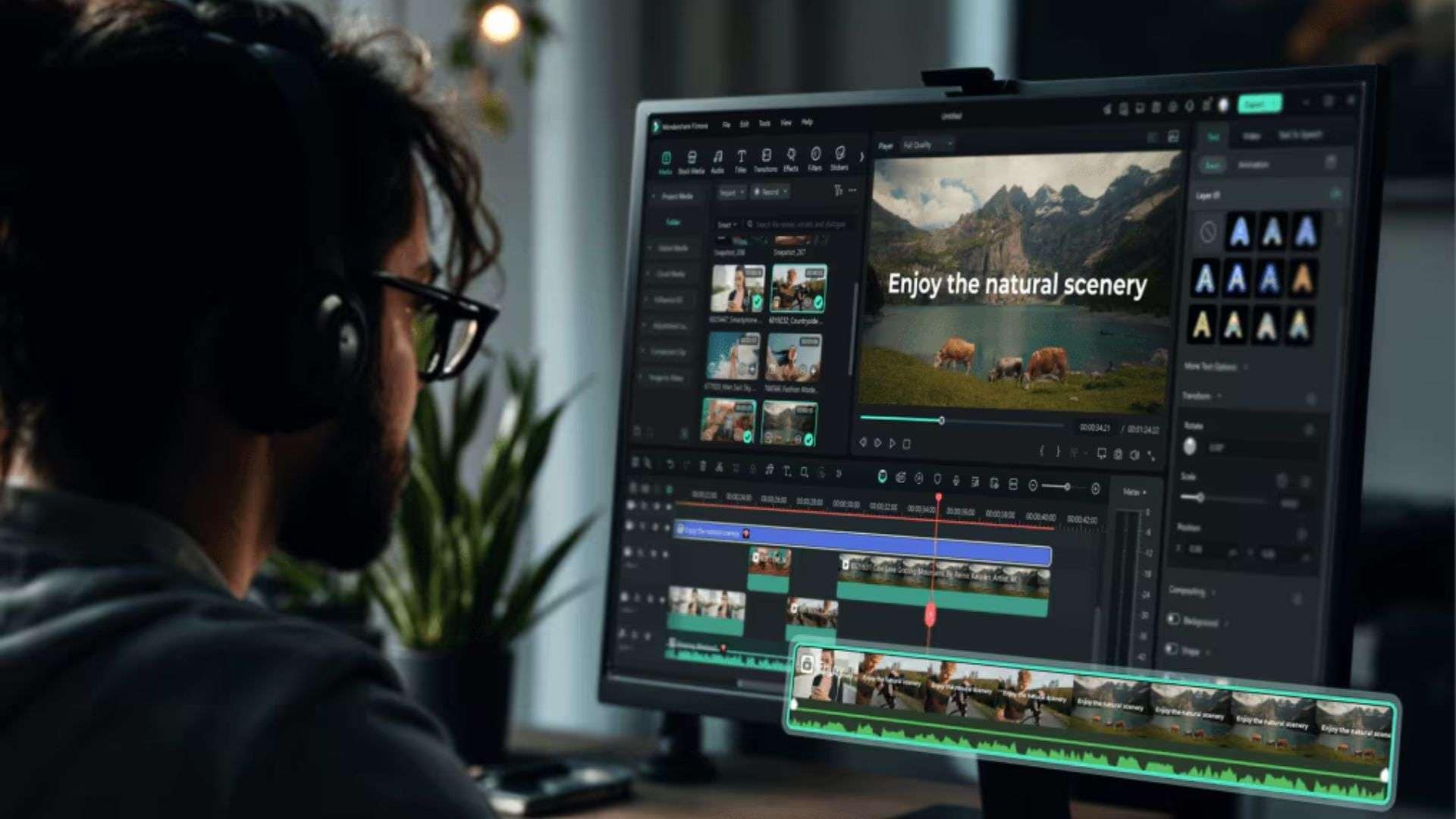
- Advanced Timeline & Multi-Track Editing: Allows users to export Colossyan avatar clips and layer them alongside real-world footage, screen recordings, and custom graphic overlays.
- Rich AI Video & Audio Effects: Offers AI audio denoising, auto-reframe for social media formats (TikTok/Reels), green screen keying, and motion tracking that Colossyan lacks natively.
- Extensive Stock Library & Motion Graphics: Provides millions of stock assets, filters, titles, and sound effects to turn a basic presenter video into a high-production brand piece.
- Desktop Offline Performance: Provides fast desktop performance without worrying about cloud-rendering credit limits or internet connection drops.
 Secure Download
Conclusion
Colossyan does one job very well: it turns the documents you already have into presenter-led training videos, in 100+ languages, with quizzes and LMS tracking built in. By eliminating production bottlenecks and offering instant multi-language translation, it makes global communication feel remarkably effortless.
If you want to turn those clean Colossyan AI video presenter clips into truly captivating, high-production masterpieces, pairing Colossyan's synthetic output with a robust desktop editor like Wondershare Filmora gives you the best of both worlds. You can layer them with real footage, B-roll, titles and music on a multi-track timeline, then export a video that feels like a finished brand piece.
FAQs
-
Can I upload my own custom voice recording to drive a Colossyan avatar instead of using text-to-speech?
You can use your own voice, but through voice cloning rather than by dropping a finished audio file onto an avatar. Colossyan's voice cloning feature turns a short recording of about a minute (recorded with your microphone or uploaded) into a custom voice, and you type or paste the script so your avatar speaks in your voice, in 30+ languages. -
Does Colossyan support team workspace collaboration and multi-user permissions?
It certainly does. On the team and enterprise tiers, Colossyan offers shared workspaces where team members can collaborate on video drafts, leave comments, share custom brand kits, and manage folder access across departments. -
Are Colossyan videos subject to commercial usage rights for external marketing campaigns?
Yes. When you generate videos on paid subscription plans, you own the commercial rights to your exported video files. You are free to publish them on public channels like YouTube, embed them on your company website, or use them in external marketing campaigns.
