
Anime used to be a niche subculture that got plenty of side-eye, but these days, almost everyone watches it and finds it cool. In fact, media outlet Poggers reported that 63.5% of Americans enjoy anime, with the global market projected to hit anywhere from $50 billion to $77 billion by the early 2030s. So, wouldn’t it be nice to have a platform that makes creating anime-inspired content easier?
That platform is Elser AI, which brings together tools for generating characters, artwork, storyboards, and videos. But if you’re hearing about Elser for the first time, you might wonder what it can actually do and whether it’s worth the price. Read along as we break it all down for you!
Part 1. Meet Elser AI, Your All-in-One Anime Creation Studio
Plenty of AI video tools spit out one flashy clip and call it a day. Elser AI is built for a different job: telling a story. It's a generative suite made for narrative storytellers, indie animators and webtoon creators who need a character to look the same in scene one and scene fifty, not just a single pretty render.
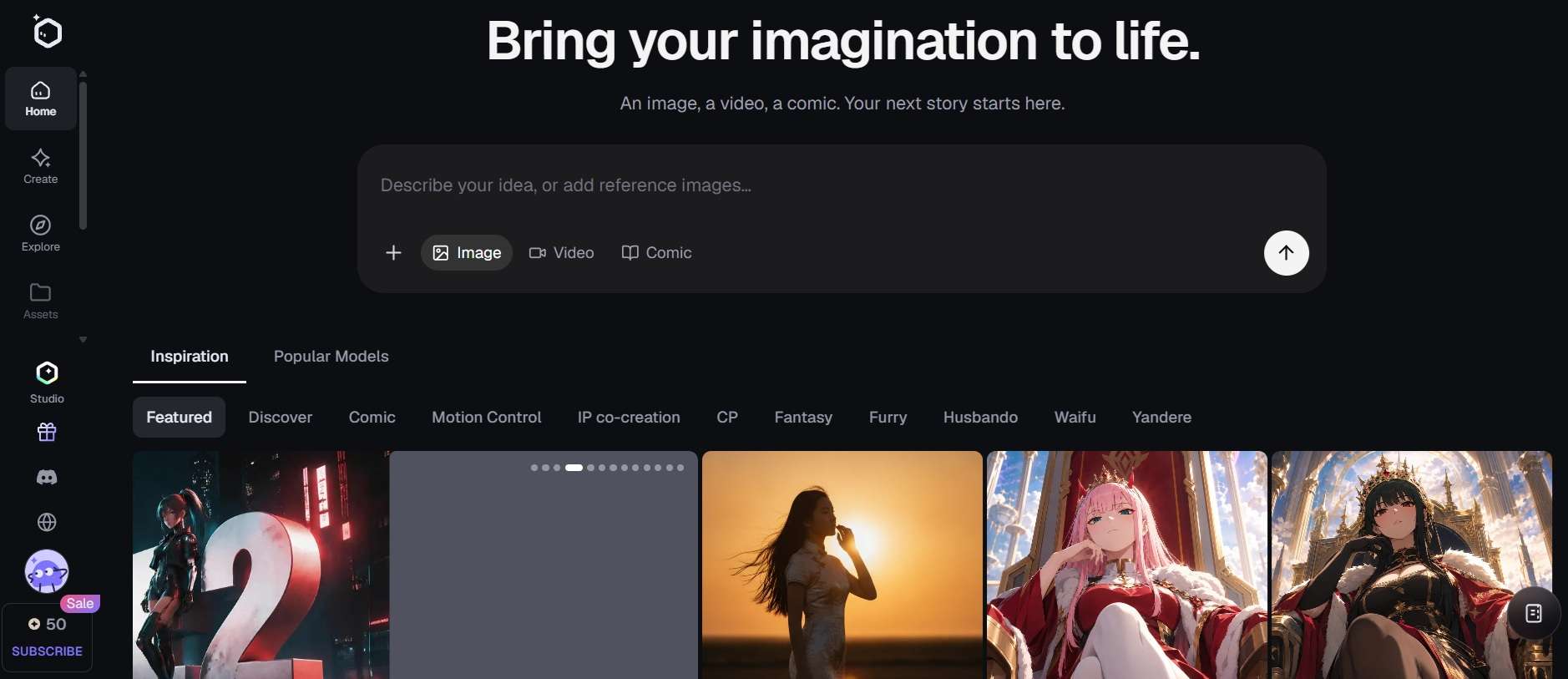
To pull this off, Elser doesn't rely on just a single AI model. It functions as an intelligent orchestration engine, dynamically routing your tasks across 10+ specialized visual, language, and audio models depending on what each scene demands. You’ll spot names like:
- Video: Happy Horse 1.0, Seedance 2.5, Veo 3.1, Kling 3.0, Wan 2.6, Grok Imagine Video, Gemini Omni, and Elser’s own model; Elser Vid S.
- Image: GPT Image 2, Nano Banana 2, Midjourney V7, Seedream 5.0, Flux Max, Kling V3, and Ernie Image Turbo.
Part 2. How to Access Elser: Web App vs. Elser Studio
Most people use Elser straight from the browser. You simply log in via your browser, type out your prompts, generate art, and manage your credit allocations. Since all the heavy rendering happens on cloud servers, even a modest laptop will do. But if you'd rather keep control on your own machine, there's Elser Studio.
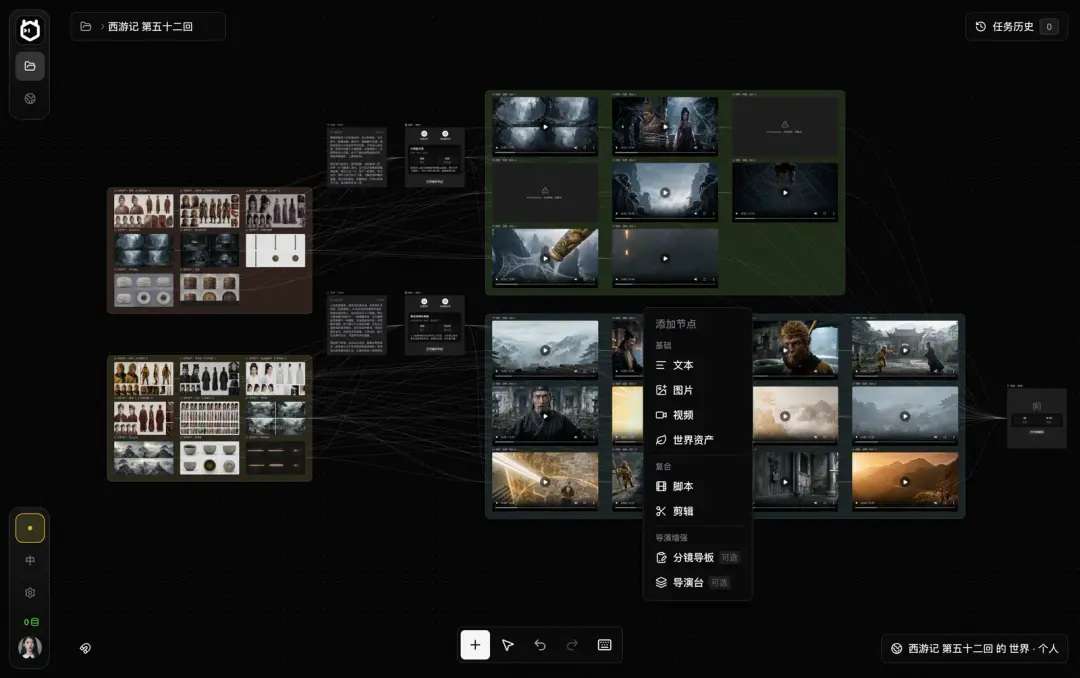
Elser Studio is a local-first desktop workspace built by the Elser team. It's meant for long-form storytelling, from novels and storyboards all the way through generation and composition. Inside the software, you can organize project assets, manage character sheets offline, map out complex visual arcs, and keep scene transitions organized in one master folder.
Part 3. What You Can Do: Inside Elser AI's Creative Feature Suite
A solid anime project takes more than one good-looking character. You'll need comic panels, animated scenes, and a storyboard to glue it all into a story. Elser splits these jobs into separate tools, so here's what each one brings.
AI Image & Character Creator (OC Engine)
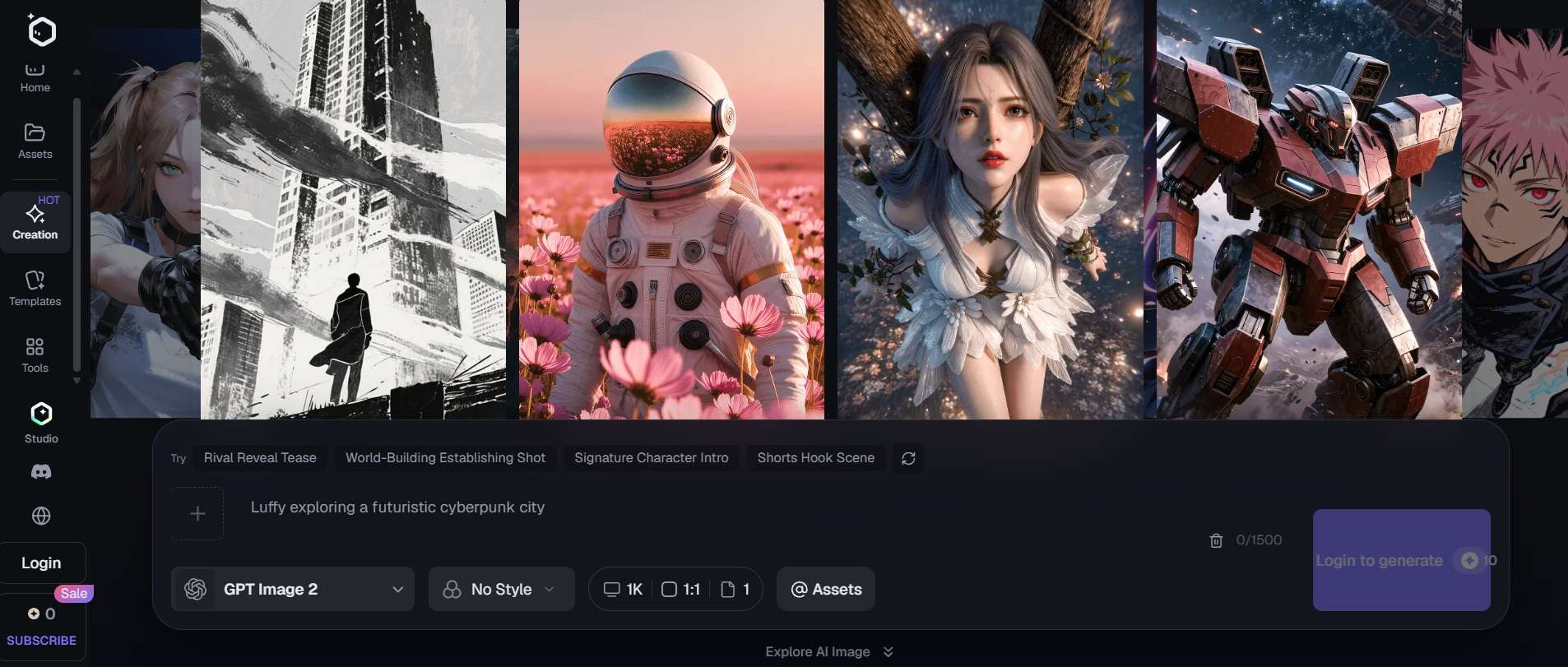
Elser AI's image tools let you create visual concepts from prompts. The engine supports over 20 distinct visual styles, ranging from classic '90s cell anime and modern webtoon shading to retro pixel art and high-detail graphic novel styles. There's also an original character (OC) maker and themed generators for different fandoms and visual styles.
AI Comic & Manga Panel Generator
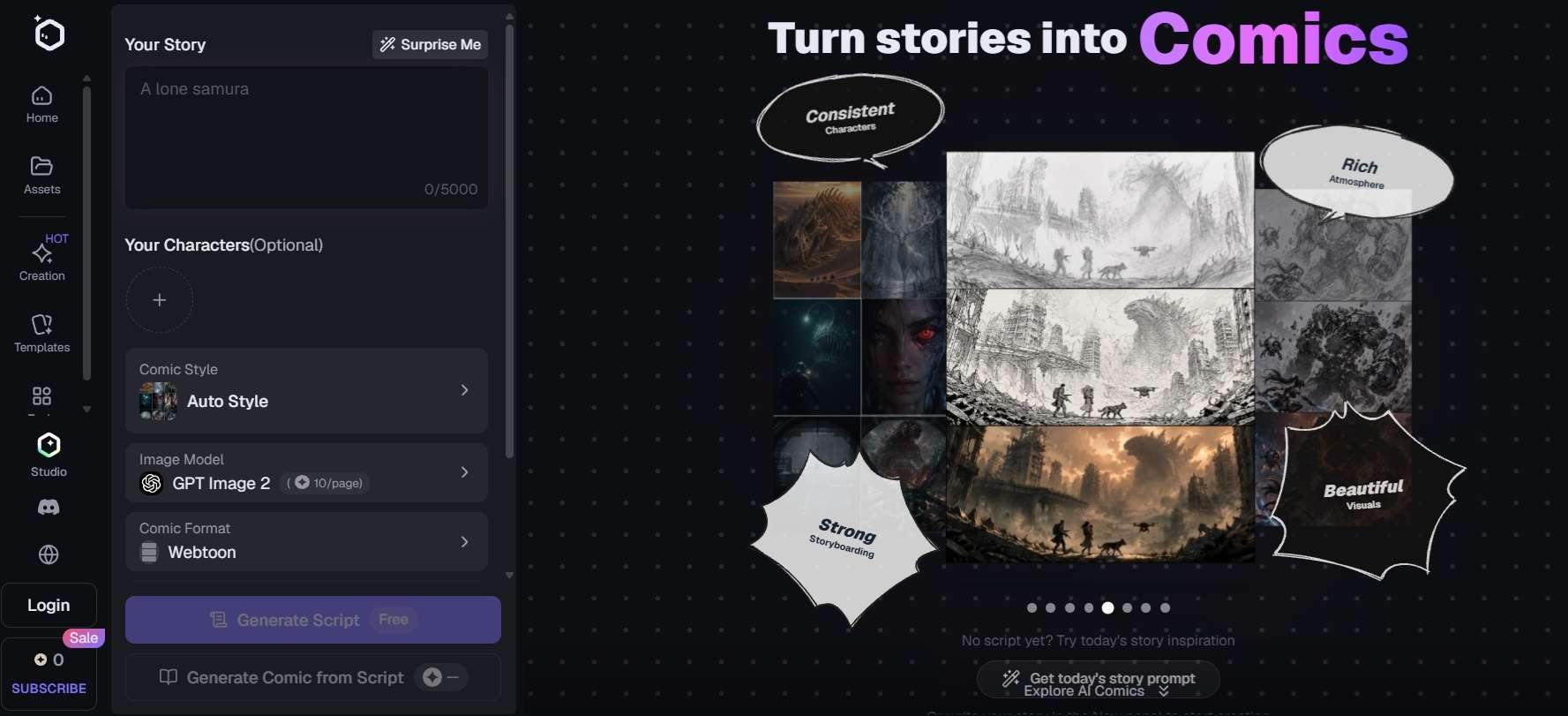
If webtoons or digital manga are your main jam, this Elser AI feature is for you. It can turn your script or a rough outline into a multi-panel page for you, speech bubbles and panel flow included. This will save you hours of manual layout tweaking in external drawing apps.
AI Video & Animation Generator
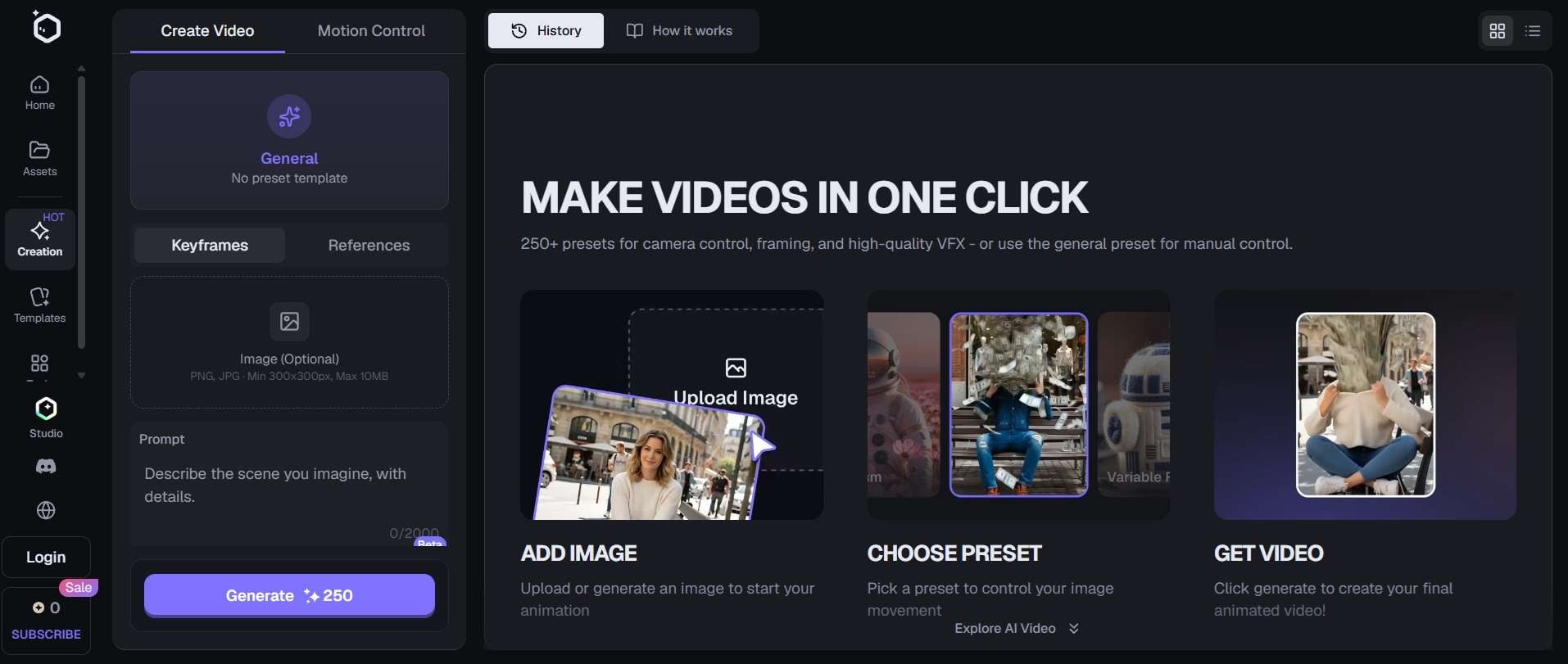
Elser AI's video tools let you generate short clips from text prompts or images, depending on the selected model and workflow. If you don't want to start from scratch, there are more than 250 camera presets for camera control.
AI Agent (Automated Storyboard Generator)
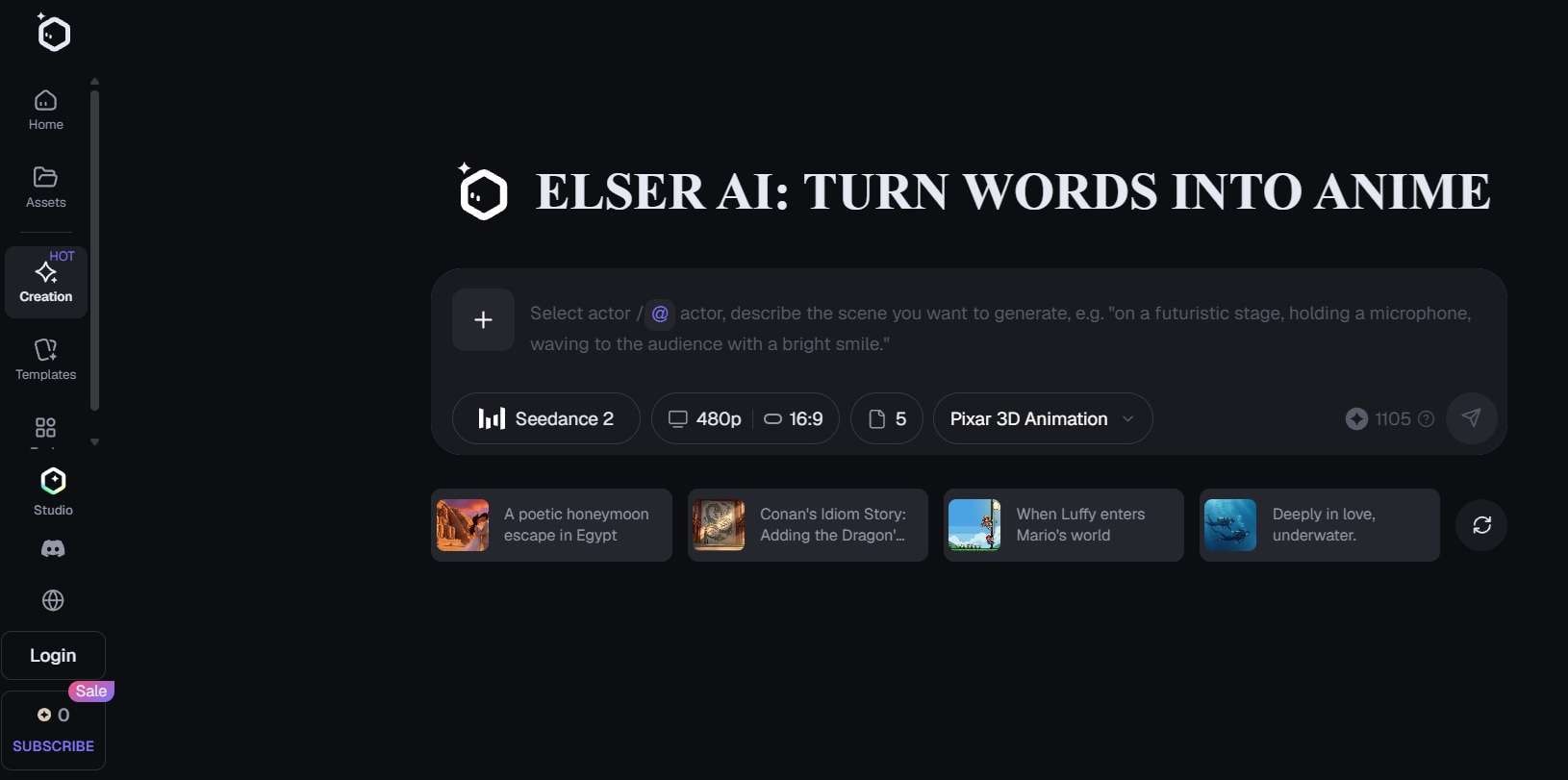
This is the planner feature from Elser, and you can think of it as if having an assistant director. You can simply give an idea, and it will give you a complete storyboard structure ready for rendering. This approach is especially useful when you're creating something longer than a single clip.
Part 4. Elser AI's Credits and Subscription Plans
Generative AI eats serious computing power, so Elser tracks usage with credits and monthly quotas. There's a Free plan with limited use, and it hands out 50 free credits each day from sign-up and check-ins. If that isn't enough, you'll pick between four paid tiers: Basic, Pro, Ultimate, and Creator.
Elser AI Pricing (2026)
| Basic | Pro | Ultimate | Creator | |
| Price | $9/month | $29/month | $49/month | $196/month |
| Credits | 1,800/month | 4,500/month | 9,000/month | 33,750/month |
| Jobs Running at Once | 6 videos & 6 images | 9 videos & 12 images | 12 videos & 24 images | 24 videos & 48 images |
| Generation Speed | Normal | Fast | Faster | High Speed |
| Benefits | - | Advanced quota benefits 5x basic credits | Premium benefits 2x pro credits | Exclusive benefits 3.75 ultimate credits |
|
Show More
Show Less
|
||||
Part 5. Elser AI Strengths and Limitations: An Honest Evaluation
Considering its specialized feature set, credit structure, and narrative focus, Elser AI has clear strengths and noticeable drawbacks like any creative tool. Here is our honest evaluation for your consideration:
- Daily Credit Allowance: The 50 daily free credits provide a consistent, renewable way for hobbyists to experiment without immediately committing to a monthly fee.
- Dedicated Elser Studio Option: Having a dedicated desktop canvas workspace gives long-form animators far better visual project organization than standard single-page browser tabs.
- Strong Character Consistency: Superior ability to retain facial features and costume design across multi-scene narratives compared to general video generators.
- End-to-End Script-to-Storyboard Workflow: Having the AI Agent auto-parse raw text scripts straight into camera shots saves hours of pre-production planning.
- Limited Built-in Templates: The collection of preset layout templates and quick-start story structures is relatively small compared to broader design platforms.
- Anime-Centric Niche Limitations: Highly specialized for anime, webtoon, and stylized art; it struggles or falls short when producing photorealistic, cinematic live-action styles.
- Variable Action-Scene Motion: High-speed, complex kinetic movements (like multi-character martial arts fights) can occasionally suffer from minor visual artifacts or frame morphing.
- Doesn’t Save Unused Credits: Though it gives you 50 daily free credits, it will reset to 50 again if you sign-in the next day.
Bonus: Create More Than Anime Content With Wondershare Filmora
Based on what we’ve discussed so far, Elser AI can be a handy option if anime-inspired content is your main focus. However, paying for a platform that specializes in one creative niche may not be ideal if you also make tutorials, product videos, travel edits, or social media content.
If you need a tool that handles anime-style generation alongside YouTube videos, vlogs, and commercial projects, Wondershare Filmora is a compelling alternative.

Why Choose Filmora? (Key Capabilities)
Unlike a platform built around anime generation, Filmora combines AI-powered creation tools with a traditional video editing timeline. You can generate assets, arrange clips, refine the visuals, and finish the video in one editing environment. Let’s see some of its main benefits:
1. Multi-Style AI Generators
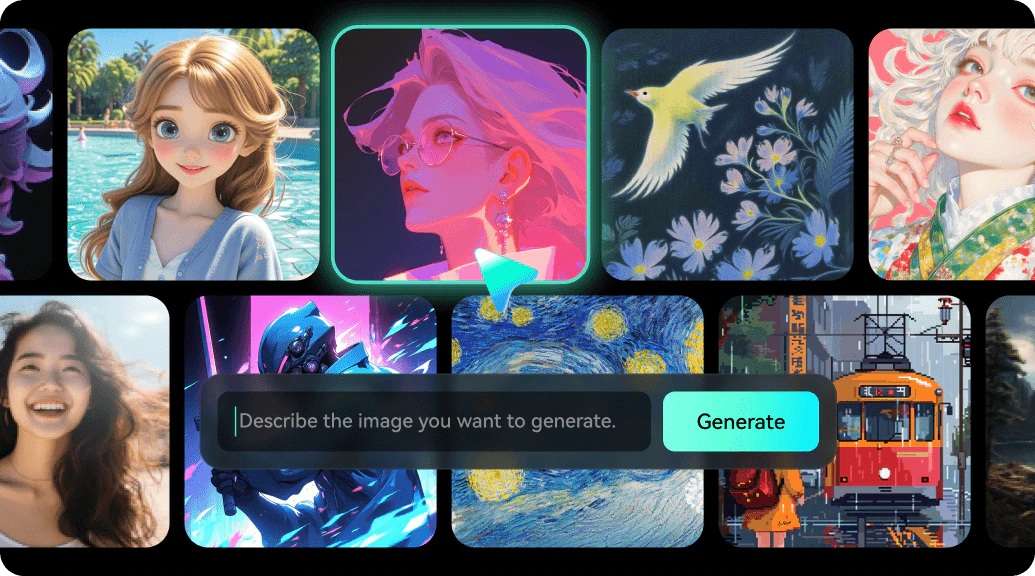
Filmora features built-in AI image and video generators capable of rendering anime styles while also producing realistic, 3D renders, and cinematic visuals. That flexibility is useful if your channel covers several topics. You can use generated visuals for an anime story one day and create assets for a tutorial or product video the next.
2. Broad Asset Library & FX

Filmora includes thousands of copyright-free stock footage clips, visual effects presets, motion graphics elements, and royalty-free templates suitable for any genre. These give you more ways to refine the visual style after generating your initial footage.
3. Audio Editing Capabilities
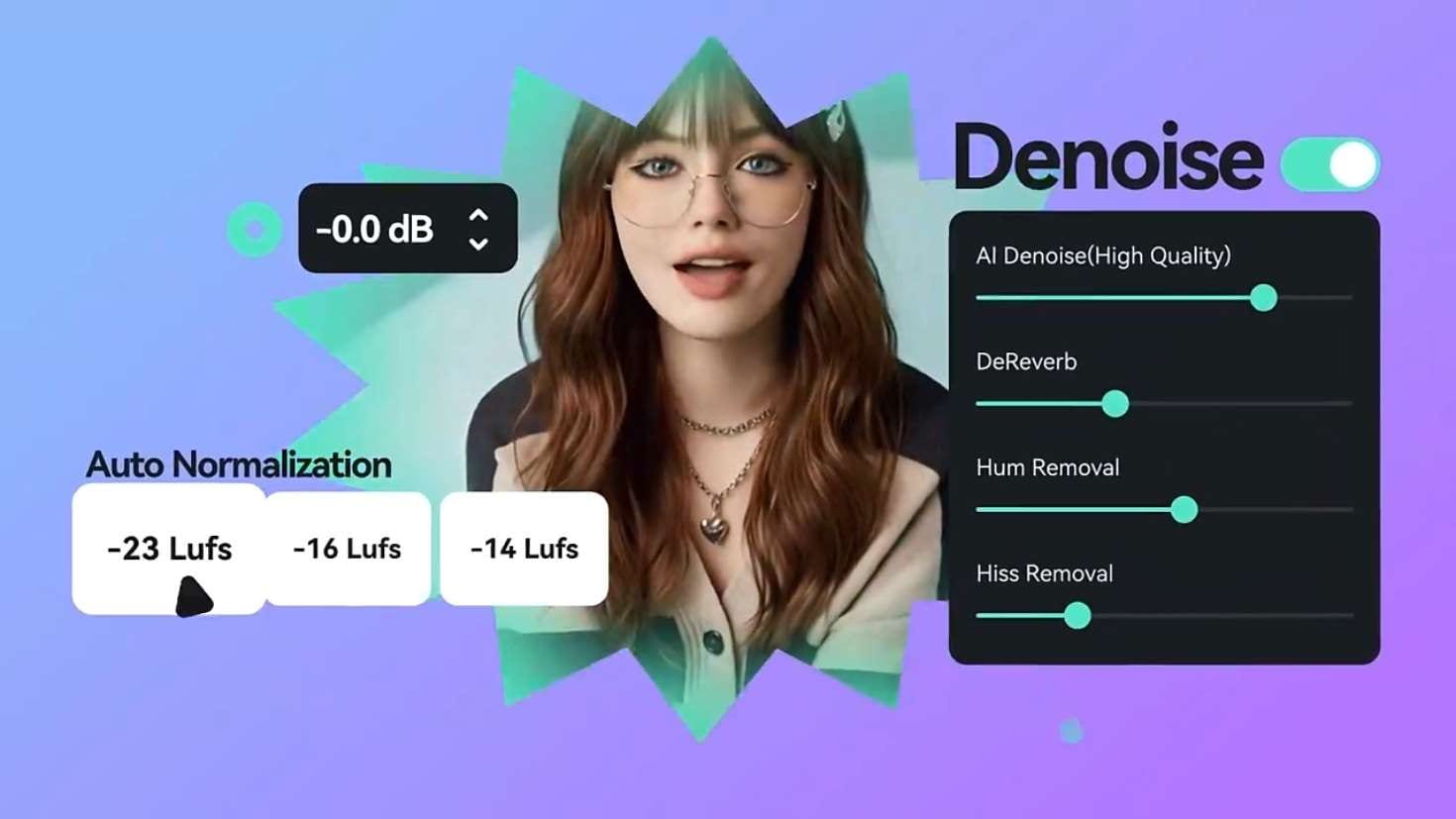
A video can have great visuals and still feel unfinished if the audio is difficult to hear or poorly timed. To solve this issue, Filmora provides audio editing tools for arranging music, adjusting sound levels, and balancing narration against background tracks.
4. Comprehensive AI Tools
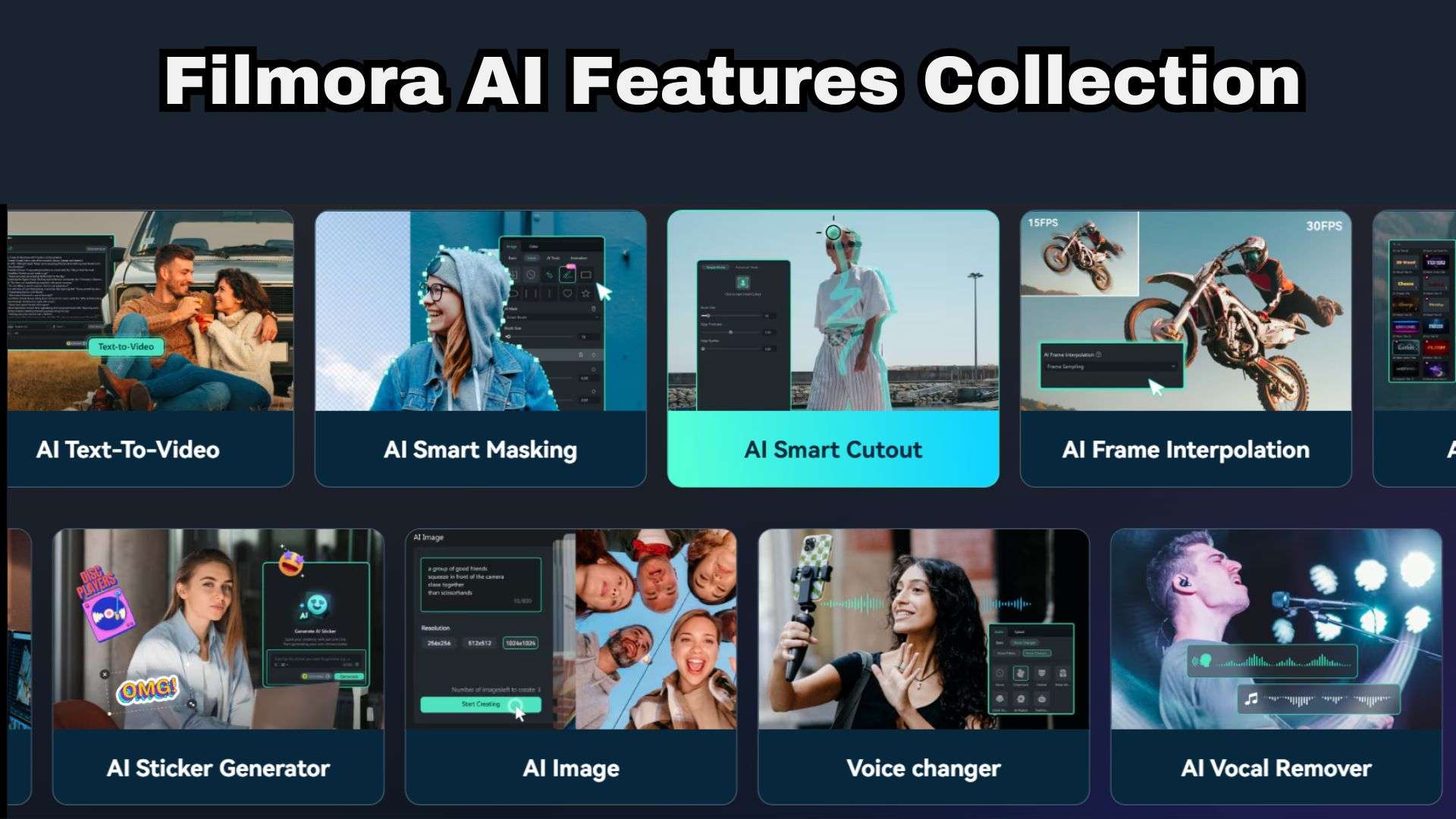
Filmora is known for its advanced features. It includes AI smart short clips, Text-based editing, AI color palette, auto-captioning, AI voice cloning, and more. This makes it a single subscription that serves your whole channel rather than just one niche.
5. Multiple content formats

A video made for YouTube may not fit TikTok or Instagram Reels without adjustments. Filmora lets you work with different project formats and aspect ratios so you can prepare content for different platforms. And with AI Social Content Planner, you can make schedules to upload your project to these different platforms!
 Secure Download
Conclusion
Overall, Elser AI delivers a genuinely impressive toolkit for creators who live and breathe anime storytelling. Its ability to solve character drift, automate script storyboards, and keep visual styles consistent gives indie animators a massive head start that used to require entire production teams.
However, if your creative work stretches far beyond anime, you'll need a flexible editor that handles everything from vlogs to polished social media clips like Wondershare Filmora. This all-in-one video editor lets you generate anime-style visuals, drop them on a proper timeline, add captions, music, and effects, and export for any platform without hopping between apps.
FAQs
-
Can I export transparent PNG keyframes or layered comic assets from Elser AI?
Yes, Elser AI allows you to export individual character keyframes and artwork elements as transparent PNG files. This makes it easy to drop your generated assets into external editing software, comic typesetting apps, or graphics suites for further post-processing. -
Does Elser AI keep your uploaded images and scripts private?
Standard free tier projects generally operate on shared server queues where generation data may be processed for system optimization. However, paid tier accounts (specifically Pro, Ultimate, and Creator plans) include privacy protections that keep your project scripts, character designs, and uploaded story assets strictly private to your account. -
Can beginners use Elser AI without animation experience?
Absolutely. One of Elser AI's biggest strengths is its user-friendly approach to pre-production. You don't need to know manual frame-by-frame drawing, complex keyframing, or rigging. The AI Agent handles shot composition and character generation based on plain text prompts and scripts, allowing complete beginners to start producing story content right away.