
YouTube Shorts attracts over 2 billion monthly users and racks up more than 200 billion views a day, according to DemandSage. With that much potential reach, it’s no surprise that creators are looking for easier ways to keep up with the demand for short-form content. Many creators initially turned to Viewmax for a streamlined fix, but the platform has now evolved into the all-in-one Everygen AI.
It promises to be a game-changing upgrade for social media production, but does it actually deliver on the hype? In this full Everygen AI review, we dig deep into its features, pricing, and performance to see if it’s truly worth your time and credits.
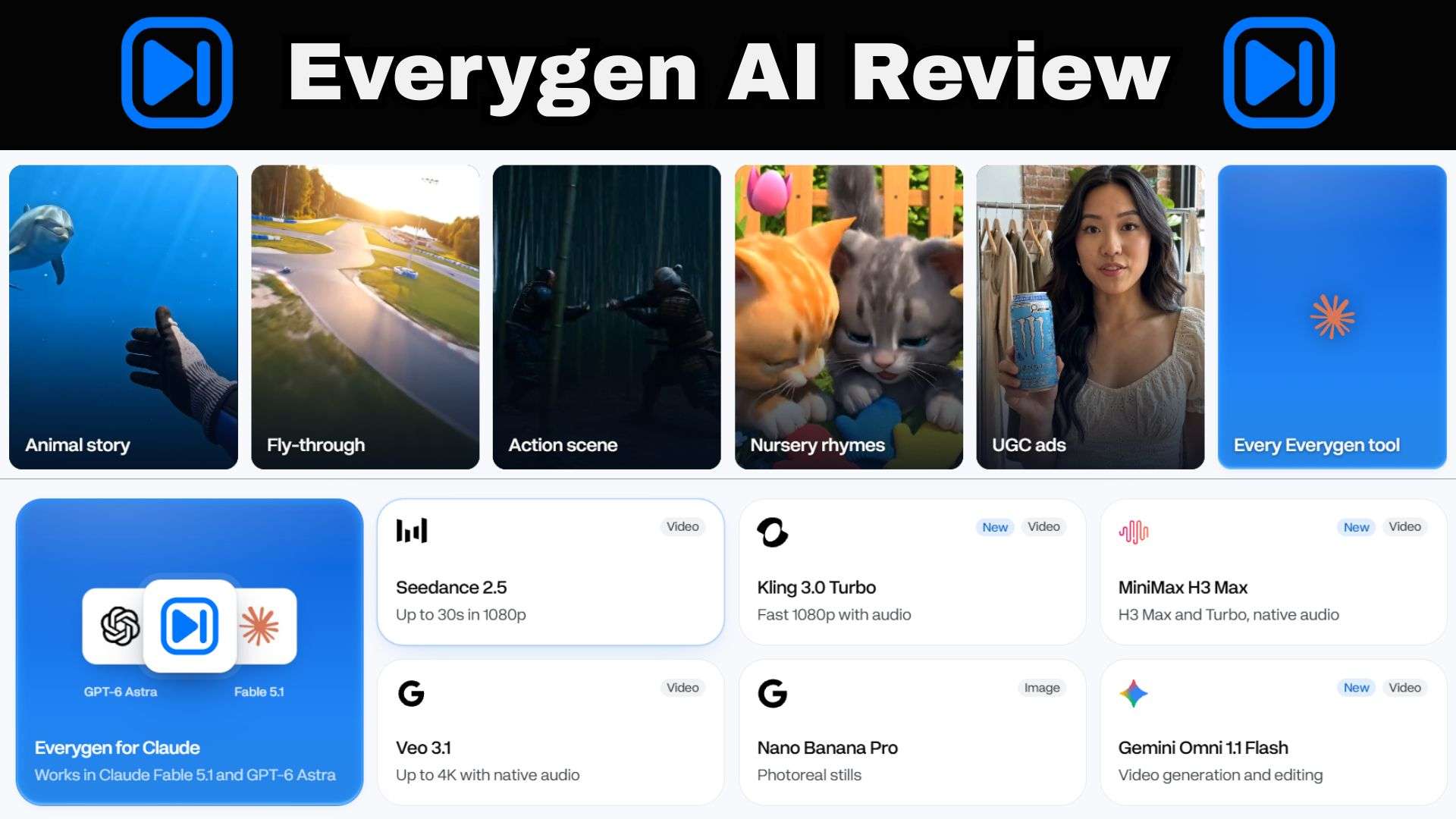
Part 1. Everygen AI Explained: From Viewmax to an All-in-One AI Studio
Used to be known as Viewmax AI, Everygen AI is a browser-based studio for making AI videos, images and voiceovers, aimed at YouTube Shorts, UGC-style ads and story videos. The company behind it is Viewmax LLC, and the rebrand note on the official site explains the switch: Viewmax started as a simple way to create YouTube Shorts, but it grew into a creative suite for images, video, audio and more, so the name changed to match.
But don't worry, if you are a Viewmax studio user, nothing is lost. Your account, subscription, credits, projects, and generated files stay put.
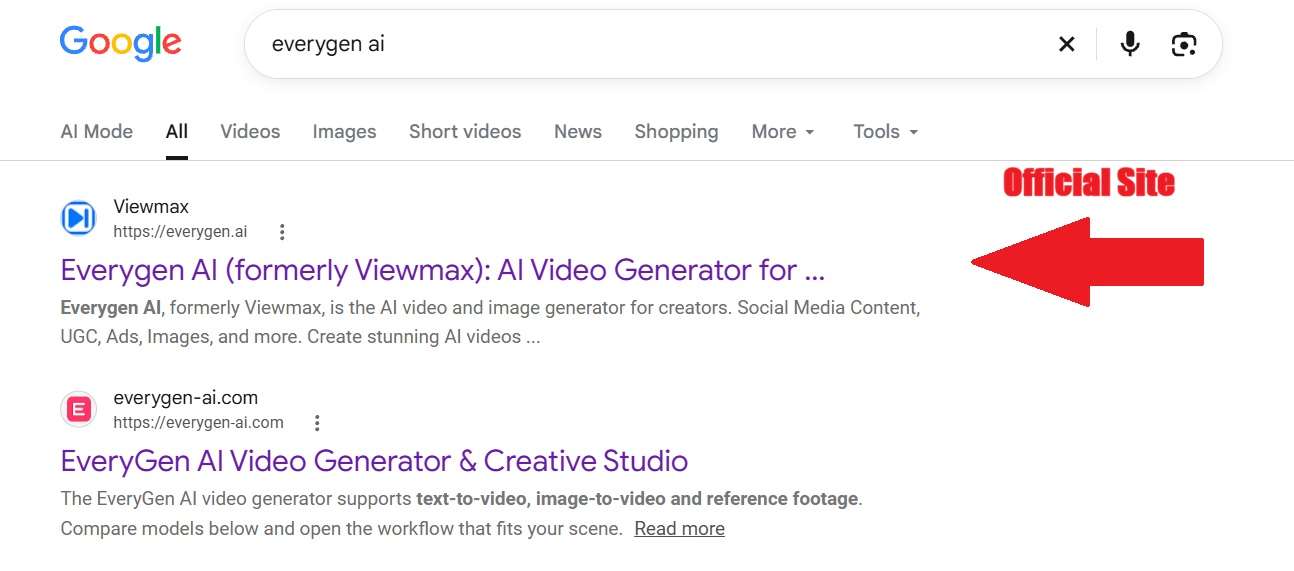
A Quick Heads-Up on Domains & Clone Sites
When searching for the Everygen studio online, double-check your browser's address bar! The official workspace lives at https://everygen.ai/ (operated by Viewmax LLC). Be careful not to confuse it with lookalike search results or third-party domain clones like https://everygen-ai.com/, which run separate platforms.
Another key detail to keep in mind is that Everygen AI is fully online. There is no official Everygen AI app listed on their site. Meaning, you can use the web platform through a compatible browser, but you'll need an internet connection to access its online generation tools.
Everygen MCP: Create AI Content Through Claude and ChatGPT
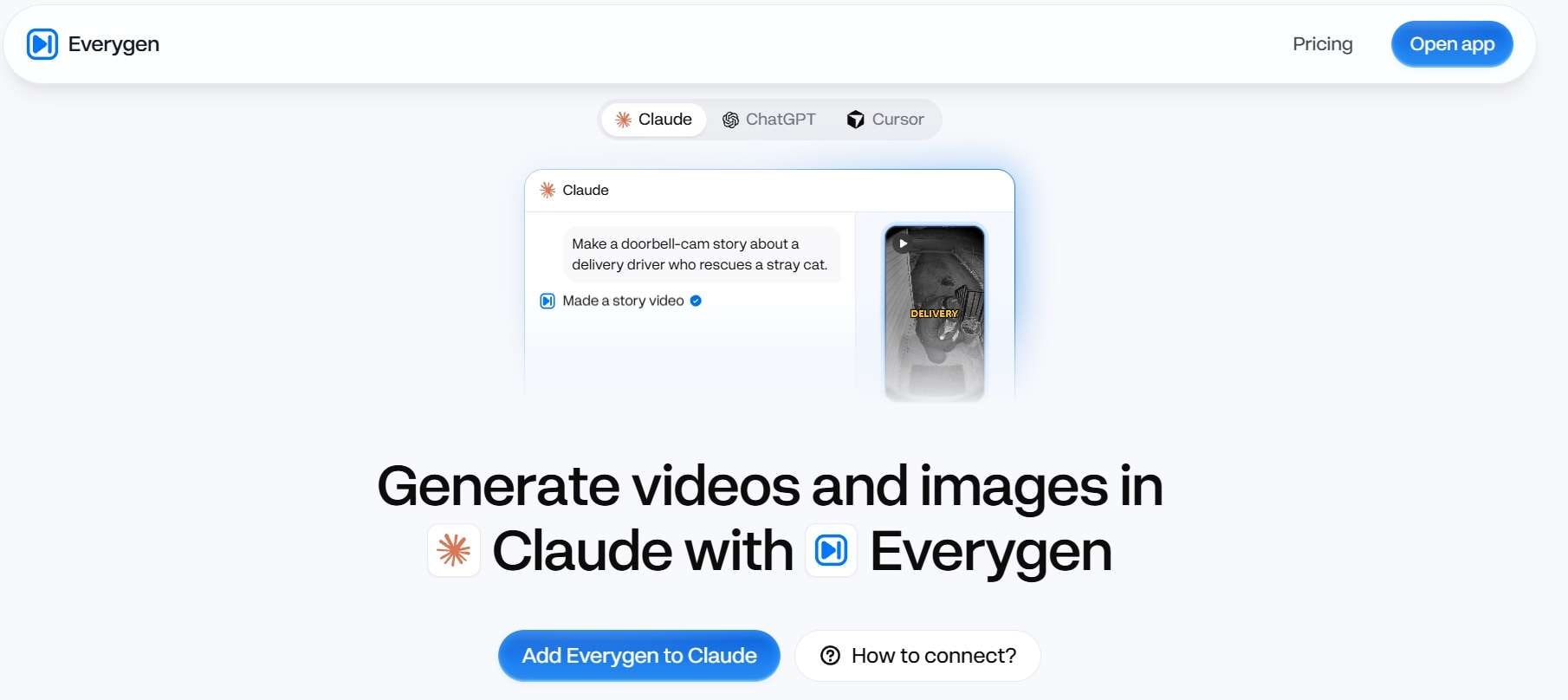
One of the slickest additions to the platform is its support for the Model Context Protocol (MCP). Basically, by connecting the Everygen AI MCP server to Claude or ChatGPT, you can ask the assistant for a video, an image or a voiceover in normal conversation.
For example, Everygen AI MCP for Claude can help with the script and the shot planning, then Everygen does the generating.
Part 2. Inside Everygen AI Creative Toolkit
Moving on from its Viewmax roots, the new Everygen studio AI setup gives you a multi-layered production suite. Let's break down the main players inside the dashboard and see what they actually bring to your editing table.
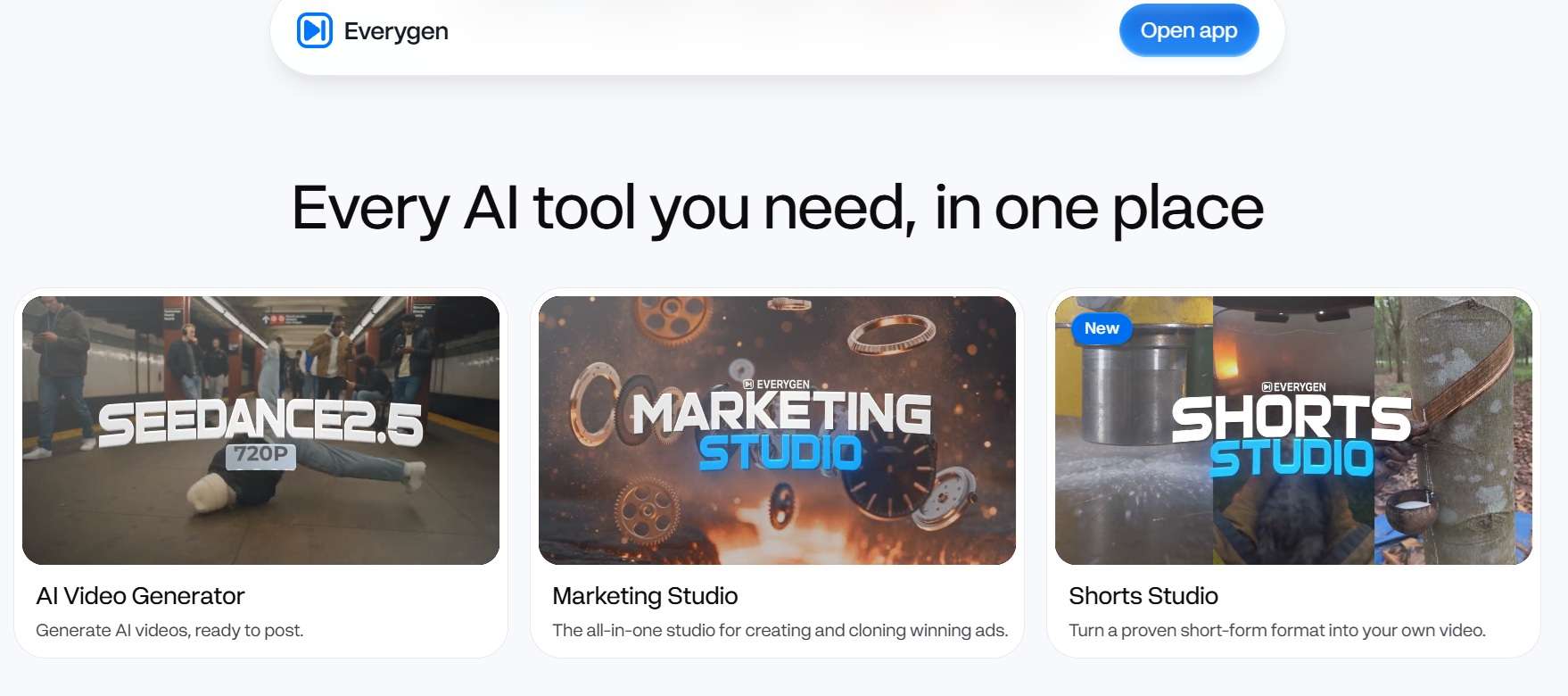
AI Video Generator
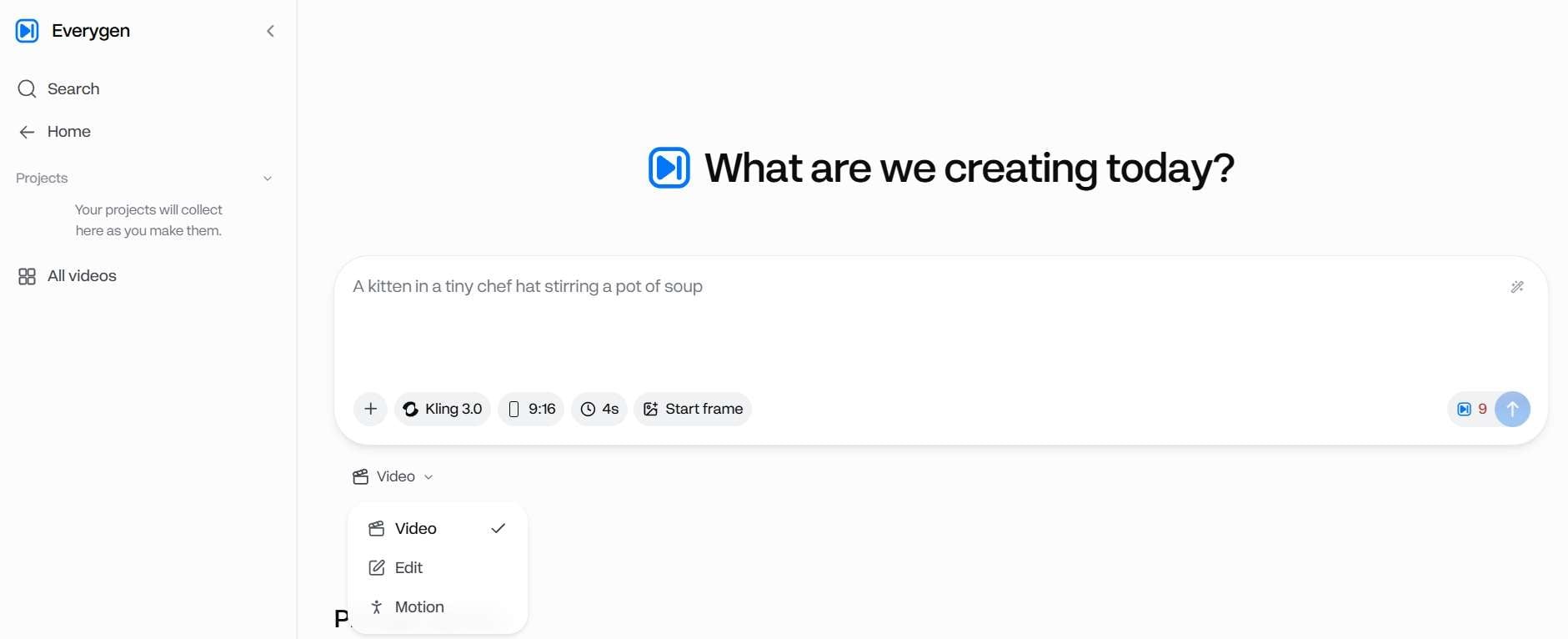
Everygen AI generator doesn't train its own video model. It gives you access to the big third-party ones in one place, so you can pick the engine that fits the job. There's also a Director feature, which Everygen describes as shooting a scene like a film crew.
Everygen AI Shorts Studio: Remix a Proven Format
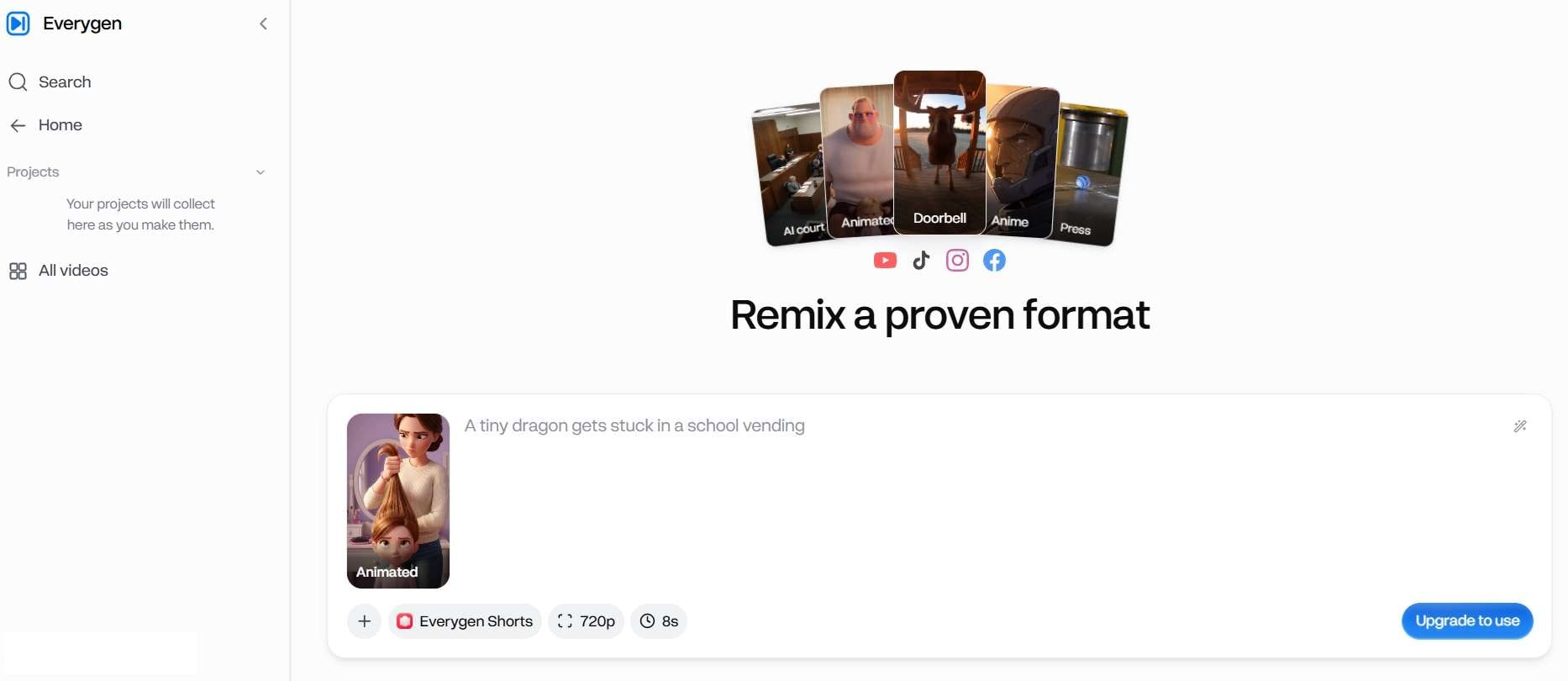
In Everygen AI Shorts Studio, you pick a short-form format that already works, add your own direction, and it generates a vertical clip for YouTube Shorts, TikTok, Instagram Reels, and Facebook Reels. The template list is wide: animated and anime looks, CCTV and Ring-doorbell clips, shot-on-iPhone footage, 3D explainers, ranking videos, plus more.
AI Image Generator
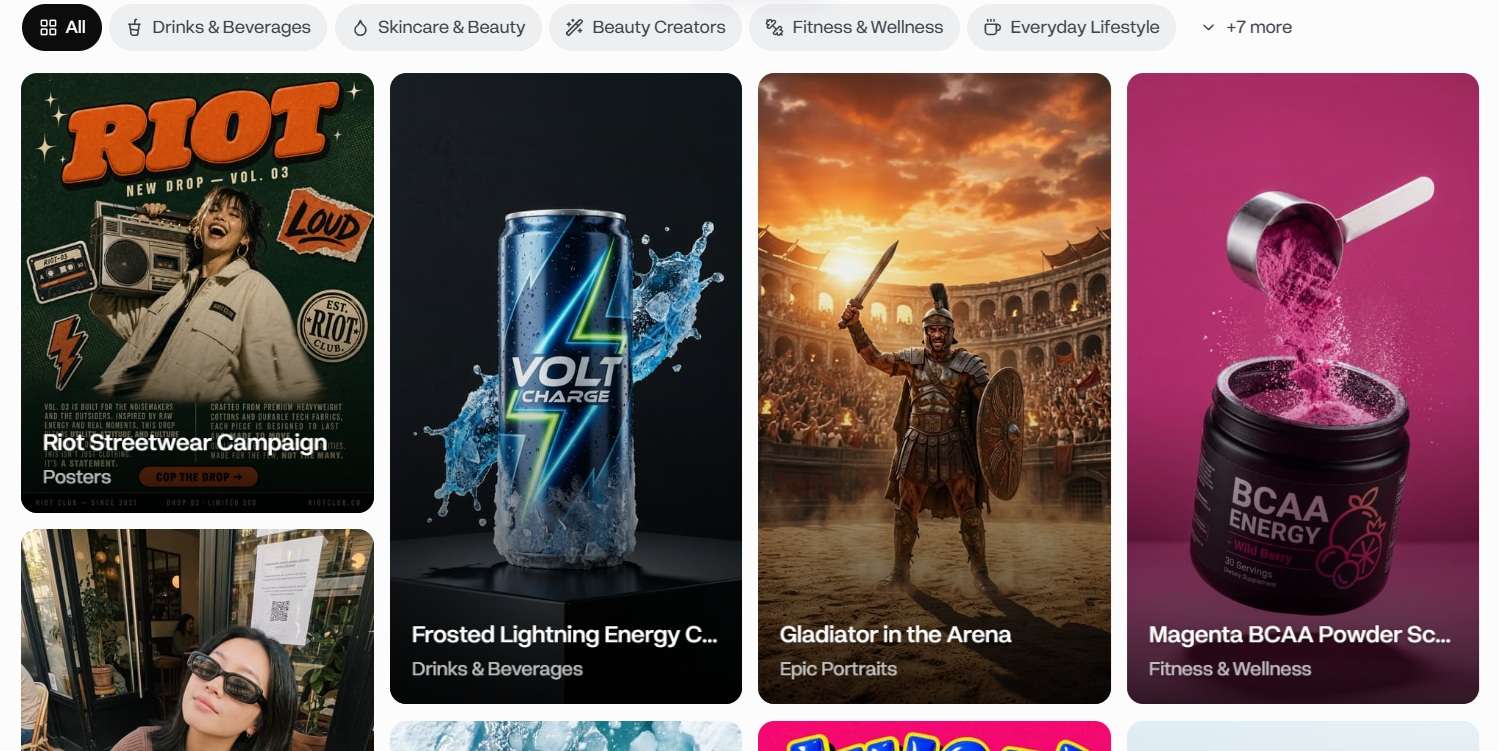
On the image side, Everygen AI offers models like Nano Banana Pro (billed as photoreal stills) and GPT Image 2, with aspect ratio and resolution options up to 4K. On top of that, you get a built-in prompt library that covers product shots, UGC-style photos, posters, and portraits.
AI Audio Tools
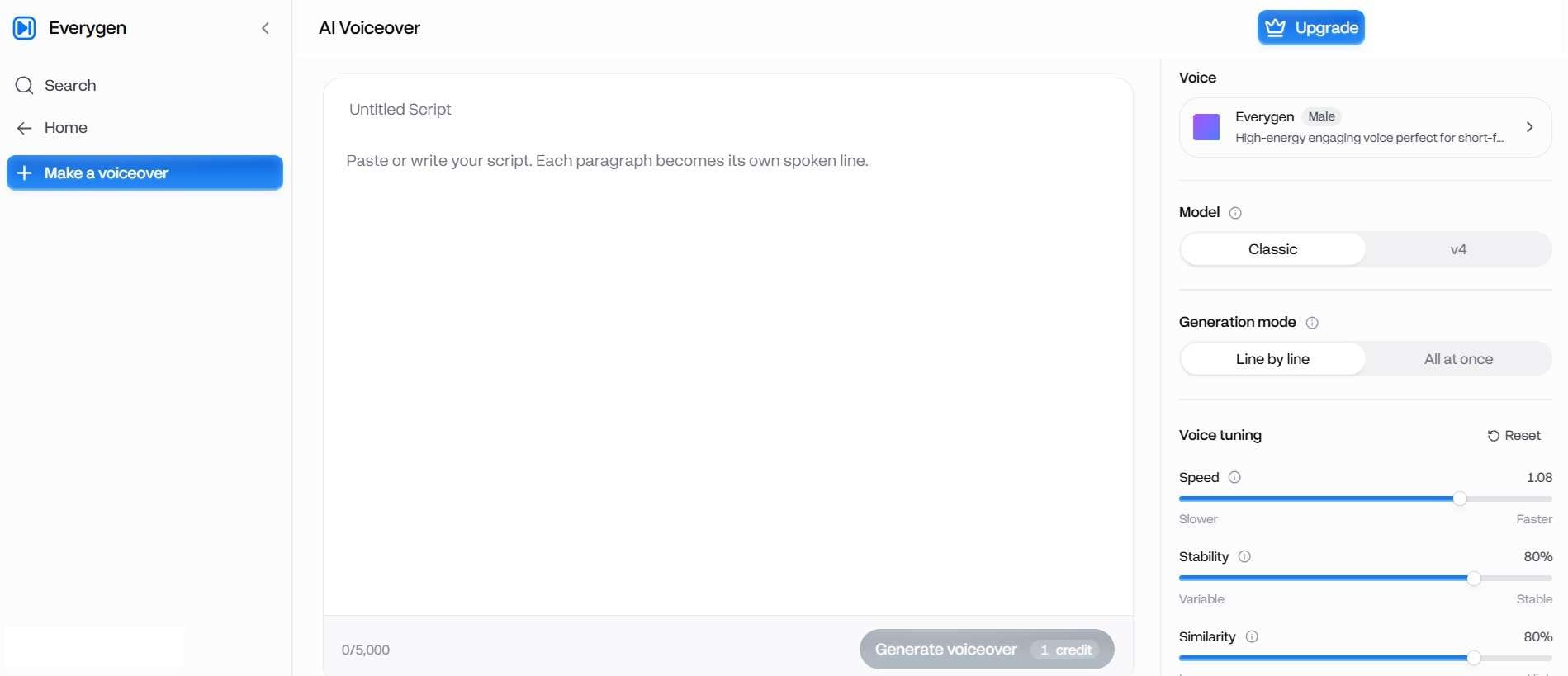
Other than visuals, Everygen AI takes care of your audio too. It packages an AI voiceover generator, text-to-speech tools, and an AI voice changer straight into the dashboard. You can pick from natural-sounding voice models to narrate your scripts without ever picking up a microphone.
Wizard
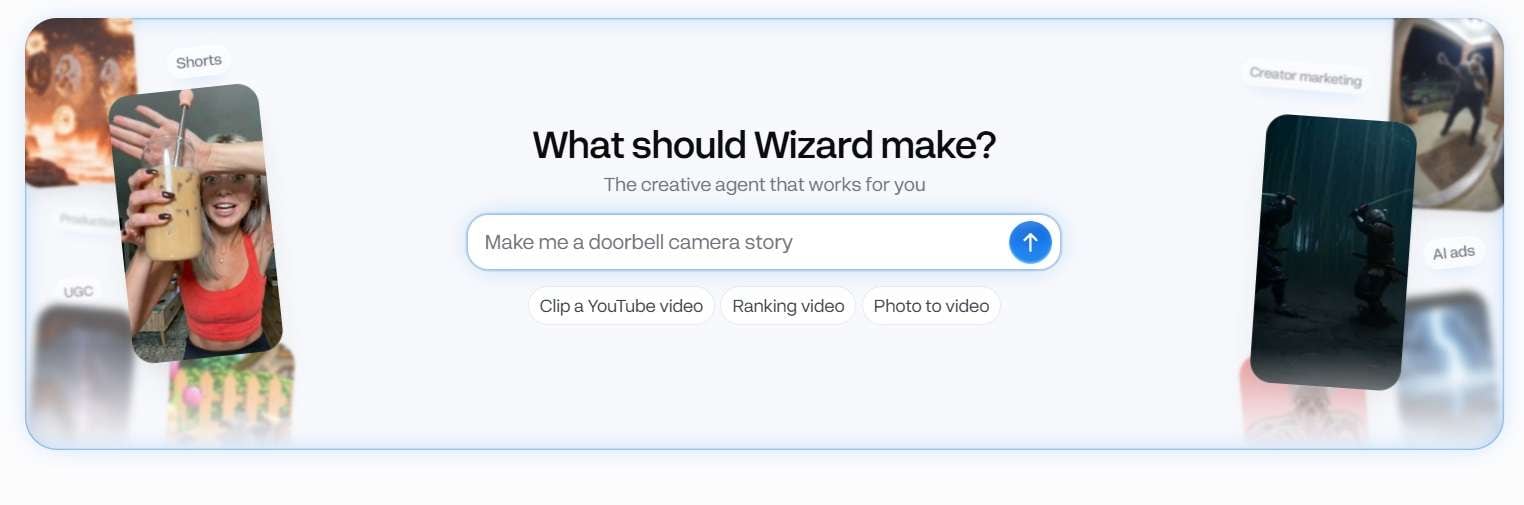
If you want to bypass manual prompt-tweaking altogether, the Wizard is easily the coolest feature in the entire Everygen AI studio. You simply paste in a rough idea or a full script, and the Wizard takes over as your automated editor by:
- Breaking your text down into a scene-by-scene storyboard.
- Assigning camera movements and visual prompts to each shot.
- Generating the voiceover narration and background audio.
- Rendering all clips and stitching them together into a complete, ready-to-publish vertical video.
Part 3. Is Everygen AI Free to Use? Pricing Explained
Now for the elephant in the room: is Everygen AI free to use? And if it's paid, how much does Everygen AI cost? Well, that depends, because Everygen AI operates on a credit-based currency system. Meaning, each generation or operation consumes credits based on the selected tool and model.
You don’t get free credits as you make an account, though the platform offers a referral system where you can earn bonus credits (like 100 free credits per friend referred) to try out basic prompts. To produce videos regularly, you'll need a paid tier.
Everygen AI Pricing (2026)
| Plan | Annual Price | Monthly Price | Monthly Credits | Key Capabilities |
| Starter | $9 / month | $24 / month | 200 Credits | 18 Seedance 2 Fast videos, 50 Nano Banana Pro images |
| Pro | $19 / month | $49 / month | 500 Credits | 38 Seedance 2 Fast videos, 125 Nano Banana Pro images |
| Creator | $49 / month | $139 / month | 1,000 Credits | 76 Seedance 2 Fast videos, 250 Nano Banana Pro images |
Part 4. Is Everygen AI Worth It? An Honest Review
Our Everygen AI reviews wouldn't be complete without looking at overall value. After all, a long list of AI tools can look impressive on a pricing page, but the real question is how useful they are in practice.
After spending time testing the workflow, here’s our honest, balanced take on the good and the bad.
- Seamless MCP Integration: Lets users direct full scenes straight from Claude or ChatGPT without keeping the web tab open.
- Rich Prompt & Preset Library: Built-in community prompt templates make it easy to replicate trending viral aesthetics and UGC ad hooks.
- Comprehensive Secondary Tools: Packed with built-in utilities like auto-captions, caption removers, face/voice cloning, and background removers.
- Efficient Multi-Scene Assembly: The Wizard tool slashes video editing time by automatically aligning script timing, voiceovers, and shot generation.
- Restrictive Free Experience: The Everygen AI free tier is essentially a demo view; rendering actual HD videos requires immediate upgrading or aggressive referral grinding.
- Inherited Base Model Artifacts: Aggregating third-party AI engines means users still encounter occasional hand distortions, text glitches, and motion warping.
- No Native Desktop or Mobile Apps: Requires a web browser and an active internet connection at all times; no offline editing or native app optimization.
- Not Built for Timeline Video Editing: Lacks multi-track timeline controls for fine-tuning pacing, manual cuts, or complex visual transitions.
Part 5. Everygen AI Alternative: Why Filmora Is Worth Considering
Everygen AI is great at fast AI clip generation, but without a traditional multi-track timeline, fine-tuned pacing and long-form production get harder. In that case, you might need a more complete solution like Wondershare Filmora.
Filmora is a hybrid editor for creators who want both quick AI shorts and total creative control, and you can drop your Everygen exports straight into it.

Why Choose Filmora?
Create Short-Form Content Instantly with Filmora AI Smart Short Clips
Got hours of long raw footage, podcasts, or horizontal YouTube videos sitting on your hard drive? Filmora’s AI Smart Short Clips feature automatically analyzes your video, identifies the most engaging highlights, reframes the shot into 9:16 vertical video for TikTok or Shorts, and adds dynamic animated subtitles automatically.

Build Professional Long-Form Content on Filmora’s Multi-Track Timeline
Unlike prompt-only generators, Filmora offers a full multi-track editing timeline. You can take short AI video clips generated in Everygen AI generator, drop them onto Filmora’s timeline, trim them frame-by-frame, layer custom audio tracks, apply smooth color grades, and build full-length YouTube videos without compromise.

Elevate Your Visuals with Filmora’s Royalty-Free Media Library
AI generators sometimes struggle to capture very specific stock imagery or niche sound effects. Filmora solves this with its massive built-in media library, packed with millions of royalty-free stock videos, visual effects (VFX), motion titles, stickers, and sound effects.

Speed Up Production with Filmora’s Suite of Built-In AI Tools
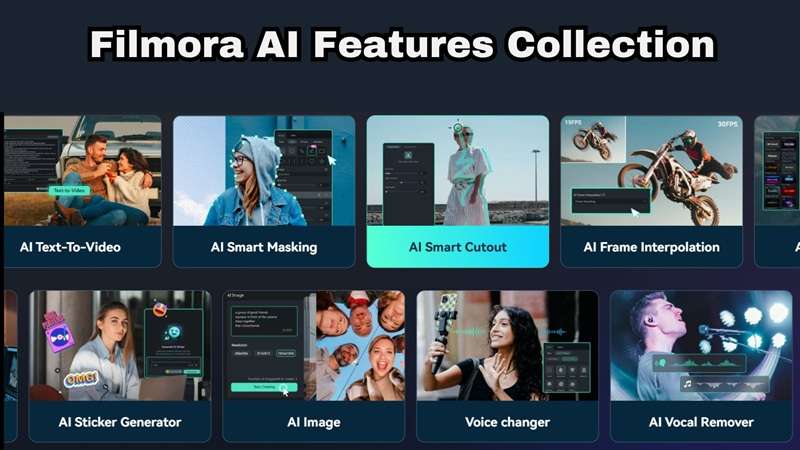
Filmora comes loaded with its own suite of time-saving AI utilities. AI Copywriting for scripts, AI Audio Stretch, AI Portrait Cutout, AI Vocal Remover, and AI Mate Editing are some of the AI tools that Filmora packs into the platform.
 Secure Download
Conclusion
If you live in Shorts, Everygen AI is a fast, tidy way to reach Seedance, Kling and Veo from one login. Plus, the Everygen AI MCP for Claude connection is a real time-saver. Just remember there's no free plan, credits reset every month, and the output still depends on the model underneath.
If you're looking to scale up your short-form content output, test Everygen AI's workflow to see how it fits into your daily routine. And when you're ready to polish those clips, combine them into long-form projects, or take full manual control over your edits, pair your workflow with Wondershare Filmora to elevate your channel's production quality!
FAQs
-
Is Everygen AI legit and safe to use?
Yes. Operated by Viewmax LLC, the platform uses secure SSL encryption for account management and standard, trusted payment gateways for checkout processing. -
Can I transfer or roll over my unused Everygen AI credits next month?
No. Monthly subscription credits reset at the start of each billing cycle and do not roll over. However, if you buy extra standalone top-up credit packs, those remain active in your account for 90 to 365 days. -
Who owns the commercial rights to videos generated on Everygen AI?
When you subscribe to any paid plan (Starter, Pro, or Creator), you receive full commercial rights to monetize, publish, and run ads with your generated video content across platforms like YouTube, TikTok, and Meta.