


 TL;DR:
Downloading an InVideo AI Mod APK is a severe security risk, as these files are non-functional shell applications designed to distribute malware and steal login credentials rather than provide free access to premium generative tools.
● These unauthorized Android files are impossible to run on iOS devices, consistently fail to bypass server-side account restrictions like the 2-minute weekly limit or watermarks, and routinely trigger alerts from major antivirus engines.
● Anyone who has already installed one of these modified applications must delete it immediately, execute a full device security scan, and reset any passwords entered while using the fraudulent software.
● Creators seeking secure AI generation should use the desktop version of Wondershare Filmora for Windows or macOS, which provides localized tools like AI Text to Video alongside a multi-track timeline, making it best suited for users who require precise editing control beyond InVideo AI's rigid templates.
Ask AI for a summary
 ChatGPT
 Perplexity
 Gemini
 Claude
 Grok
Grok
InVideo is one of the most popular AI video generation platforms out there, gathering over 50M+ users. So, it’s understandable that many people are searching online for an InVideo AI APK download. In fact, you’ve probably stumbled across pages offering things like InVideo AI mod APK or even InVideo AI premium unlocked versions.
At first glance, it sounds like an easy way to access AI video tools without paying. But the truth is, many of these files come with hidden risks that can harm your phone, steal your data, or simply not work as promised.
So, before you download anything claiming to be InVideo AI mod APK without watermark, it’s worth understanding how these files actually work, what dangers they carry, and what safer options creators can use instead.
Part 1. Meet InVideo AI: The Tool Everyone Is Talking About
To understand why people are looking for InVideo AI APK to begin with, let’s dissect what the tool is about. Basically, it’s a modern, AI-powered video creation platform that lets users turn simple text prompts into complete videos. The platform works on web browsers, Android, and iOS, making it accessible for many types of creators.
Key Features of InVideo AI
As of late 2025, InVideo became one of the few platforms offering integrated access to both OpenAI's Sora 2 and Google's VEO 3.1 video generation models. This is a pretty massive deal for creators who want cutting-edge output without paying hundreds of dollars per month for each tool separately.
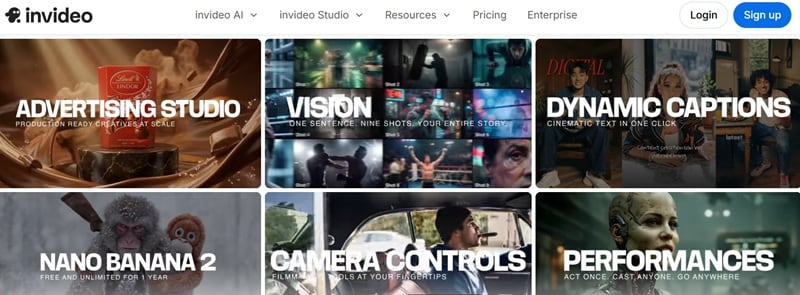
On top of that, InVideo AI also offers:
- Prompt-to-Video: It literally builds scenes based on your descriptions.
- Social Media Ready: It has thousands of templates specifically sized for TikTok, Reels, and YouTube.
- All-in-One Library: You get stock footage, background music, and smooth transitions without leaving the app.
- Automated Tweaks: Scene transitions, subtitles, and voiceover sync handled automatically.
Common Use Cases
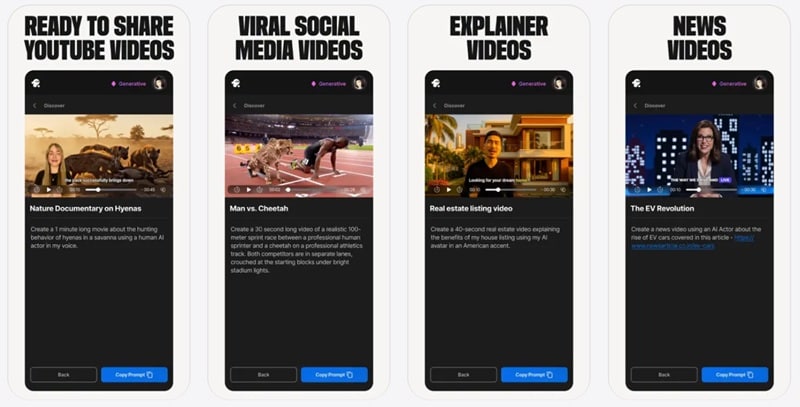
Because the AI can generate a complete video workflow quickly, many people are looking to download InVideo AI APK to create their content in an instant. People typically use InVideo AI for:
- YouTubers who need consistent content without spending hours editing.
- Marketing teams running social media content at scale.
- Small businesses creating explainer videos or product promos.
- Educators build tutorial content quickly.
- Freelancers producing short-form clips for clients.
A Closer Look at the Free vs. Paid Gap
One reason people start searching for InVideo AI Pro mod APK download is because the free version is fairly limited. Here’s what the free plan currently includes:
- 2 video minutes per week.
- 1 AI credit weekly.
- 1 Express avatar.
- 4 exports per week with InVideo watermark.
- No access to generative features.
Meanwhile, the paid plans unlock much more functionality. Take a look at the table below to see how the 2026 tiers currently look:
| Feature | Plus | Max | Generative | Team |
| Price | $35/month | $60/month | $120/month | $999/month |
| AI Credits | 10 credits | 40 credits | 100 credits | 1000 credits |
| iStock Assets | 95/month | 320/month | 320/month | 3200/month |
| Storage | 100GB | 400GB | 400GB | 4TB |
| Generative Video | 30 seconds | 120 seconds | 300 seconds | 50 minutes |
| UGC Ads | 2 ads | 5 ads | 5 ads | 50 ads |
| Voice Clones | 2 express | 5 express | 8 express | 40 express |
| Best For | Casual creators | Content creators | Heavy AI use | Businesses |
Part 2. What Is an InVideo AI Mod APK and Why It Exists
So, what exactly is an InVideo AI APK mod? Well, essentially, it’s like a “Frankenstein” version of the original app.
A mod APK (modified Android Package) is an altered version of an original app that's been tampered with by a third-party developer. These files are reverse-engineered, cracked open, and modified to remove paywalls, licensing checks, or subscription requirements. They're then repackaged and distributed through unofficial websites.
The Most Common Claims You’ll See on Mod Pages
If you browse through InVideo AI mod sites, you’ll notice a pattern. They advertise tempting features designed to attract users.
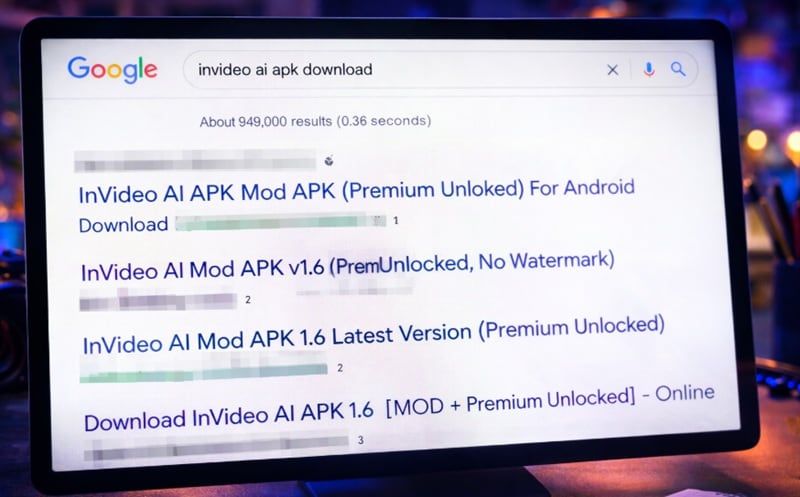
Typical claims include:
- InVideo AI free mod APK: Full platform access.
- InVideo AI premium Mod APK: All paid features, zero subscription.
- InVideo AI APK no watermark: Professional exports clean videos for free instantly.
- InVideo AI crack: Bypass all restrictions permanently.
For someone who just wants to make videos quickly, those offers can look extremely appealing. But they’re mostly marketing tricks. These sites know you want the "good stuff" for free. They use these keywords to rank high on search engines, hoping you’ll be too excited about "free premium" to notice the red flags.
Why These Versions Spread So Quickly
There are a few reasons InVideo AI Pro mod APKs spread fast across the internet. Let's break it down simply:
- Free Tier Frustration: Only 2 video mins & 4 watermarked exports per week. Creators hit the wall fast.
- AI Tools are Red-hot: Curiosity is sky-high. Everyone wants to try the next big thing for free.
- SEO Manipulation: Many download sites use aggressive SEO tactics to push all kinds of keyword variants like InVideo AI mod APK latest version, InVideo AI mod Premium, InVideo AI hack, etc.
Part 3. InVideo AI Free Mod APK Explained: The Biggest Free Trap
Here's the psychology: the word "free" is incredibly powerful. We all love a bargain, and when the price is $0, the brain stops doing math. For creators working with tight budgets, seeing a page offering InVideo AI free APK or InVideo AI premium APK unlocked can feel like winning the lottery.
But that free download almost always comes with hidden costs. Think about the math for a second. You save $35 on a monthly sub, but what do you lose? Below, we'll break down the real math most people never consider.
| Hidden Cost | Estimated Impact |
| Cost of mod APK | $0 upfront |
| Malware removal | $50 – $200 |
| Identity theft recovery | Months of effort + possible financial loss |
| Losing your InVideo projects | Potentially irreversible |
| Legal exposure | Varies by country |
When you look at the bigger picture, that “free” InVideo AI mod APK download can turn into a very expensive mistake.
Part 4. Hard Truths About InVideo AI Mod APKs
The promises made by InVideo AI APK pro or mod APK sites often sound great. However, the gap between what these pages promise and what actually happens is enormous.
Other than the obvious lie of having it free, there are some other things to keep in mind.
| The Promise | The Reality |
| "Get it on your iPhone" | APKs are Android only. It’s impossible. |
| "InVideo AI premium unlocked" | A shell app that crashes on launch |
| "No watermark exports" | Watermarks replaced with something worse, stolen footage rights |
| "Latest version, always updated" | Frozen at one build, riddled with unpatched exploits |
| "100% safe, virus-free" | Flagged by 14 out of 15 major antivirus engines in independent tests |
| "Works just like the real thing" | Connects to fake servers designed to harvest your login credentials |
Part 5. A Smarter Alternative for AI Video Creation: Wondershare Filmora
Using a cracked version of commercial software is software piracy in most jurisdictions. And the worst part is, the individuals running mod APK distribution sites often don't face consequences. Instead, end users who download and use pirated software absolutely can.
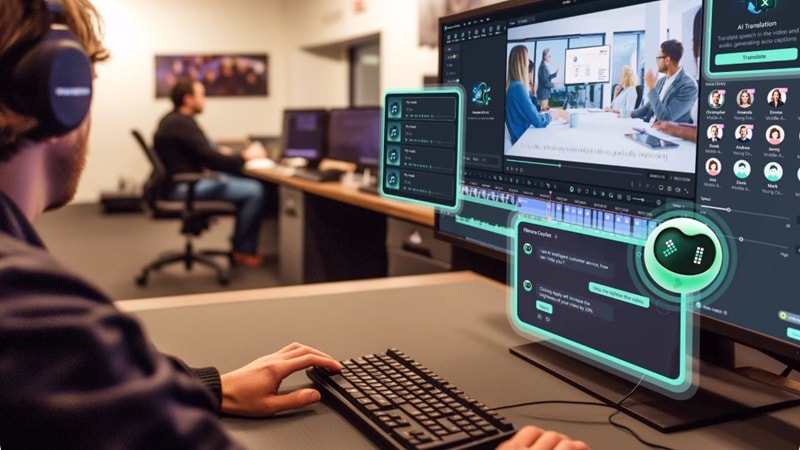
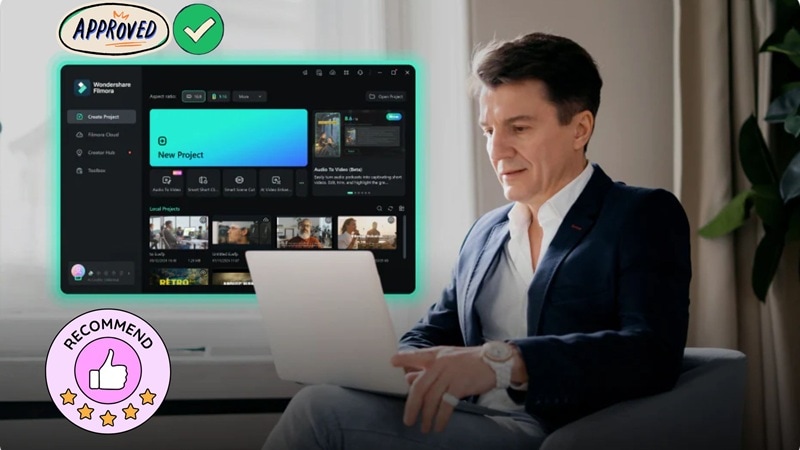
If your goal is to create AI-powered videos without risking malware from InVideo AI app mod APK download pages, a much safer route is to use a legitimate video editor with built-in AI tools. One of the most powerful options available today is Wondershare Filmora, especially the desktop version for Windows and macOS.
 Secure Download
Why Filmora Desktop Is a Better Long-Term Choice
1. AI Tools Built Directly Into the Editor
One thing people like about AI video generators is speed. Filmora keeps that same convenience, but it puts the AI directly inside the editor so you can actually control the result.
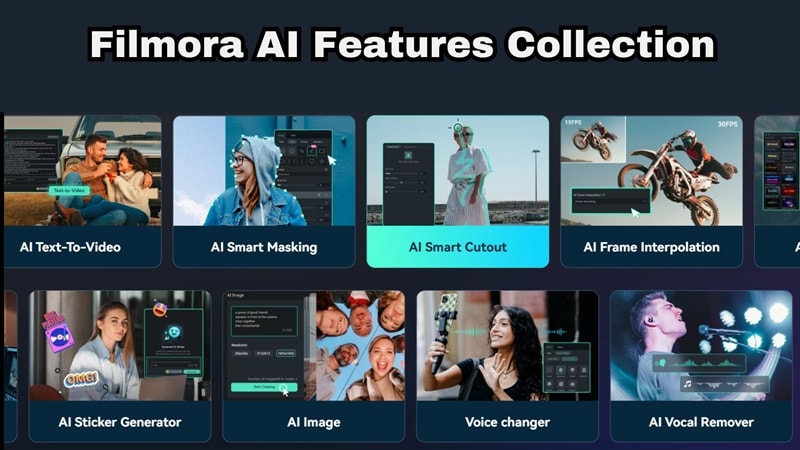
Some of the built-in tools include:
- AI Text to Video.
- AI Image to Video.
- AI Smart Cutout for removing backgrounds.
- AI Auto Captions for subtitles.
Instead of generating a video and hoping the AI guessed correctly, you can tweak everything immediately.
2. Full Editing Power Beyond Templates
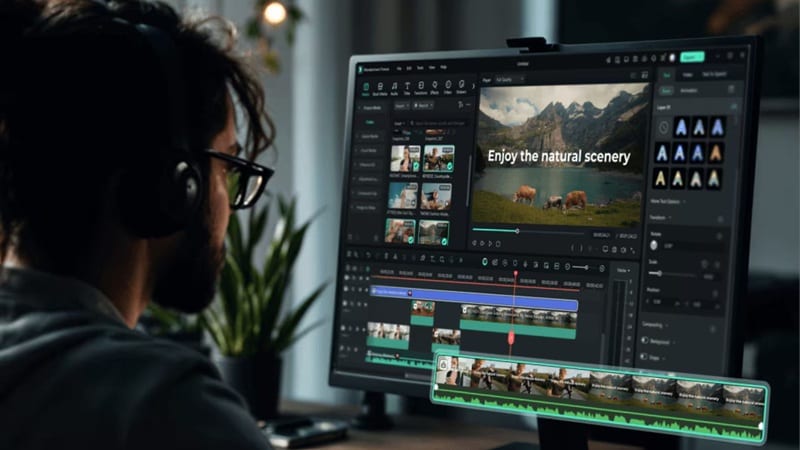
InVideo is great for quick clips, but it can feel a little "boxy" after a while. Filmora lets you break out of that template cage. You get a real multi-track editing timeline where you can stack layers, mess with motion graphics tools, and use color grading controls to give your footage that specific "movie" vibe that generic AI generators just can’t replicate.
3. Safer Than Downloading Unknown APK Files
Sounds like a low bar, I know. But one big reason people want to download InVideo AI mod APK is to unlock premium features. The problem is those files often come from unknown websites. Filmora is downloaded through official channels and updated regularly. That means no weird files, no hidden malware, and no worrying about whether the app will suddenly stop working.
4. Massive Creative Asset Library
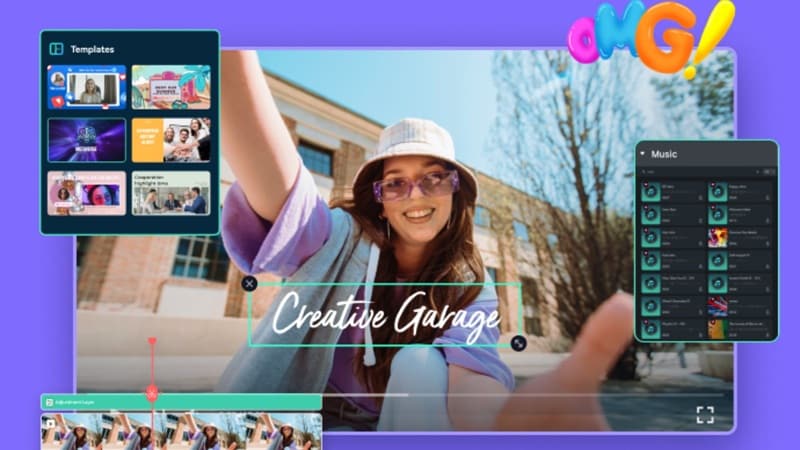
One of the biggest perks is the sheer amount of "stuff" you get. We're talking millions of stock footage clips, transitions, effects, and music tracks that are all cleared for use. You don't have to spend hours scouring the web for a copyright-free song; it’s all right there in the side panel.
5. Your Very Own AI Copilot
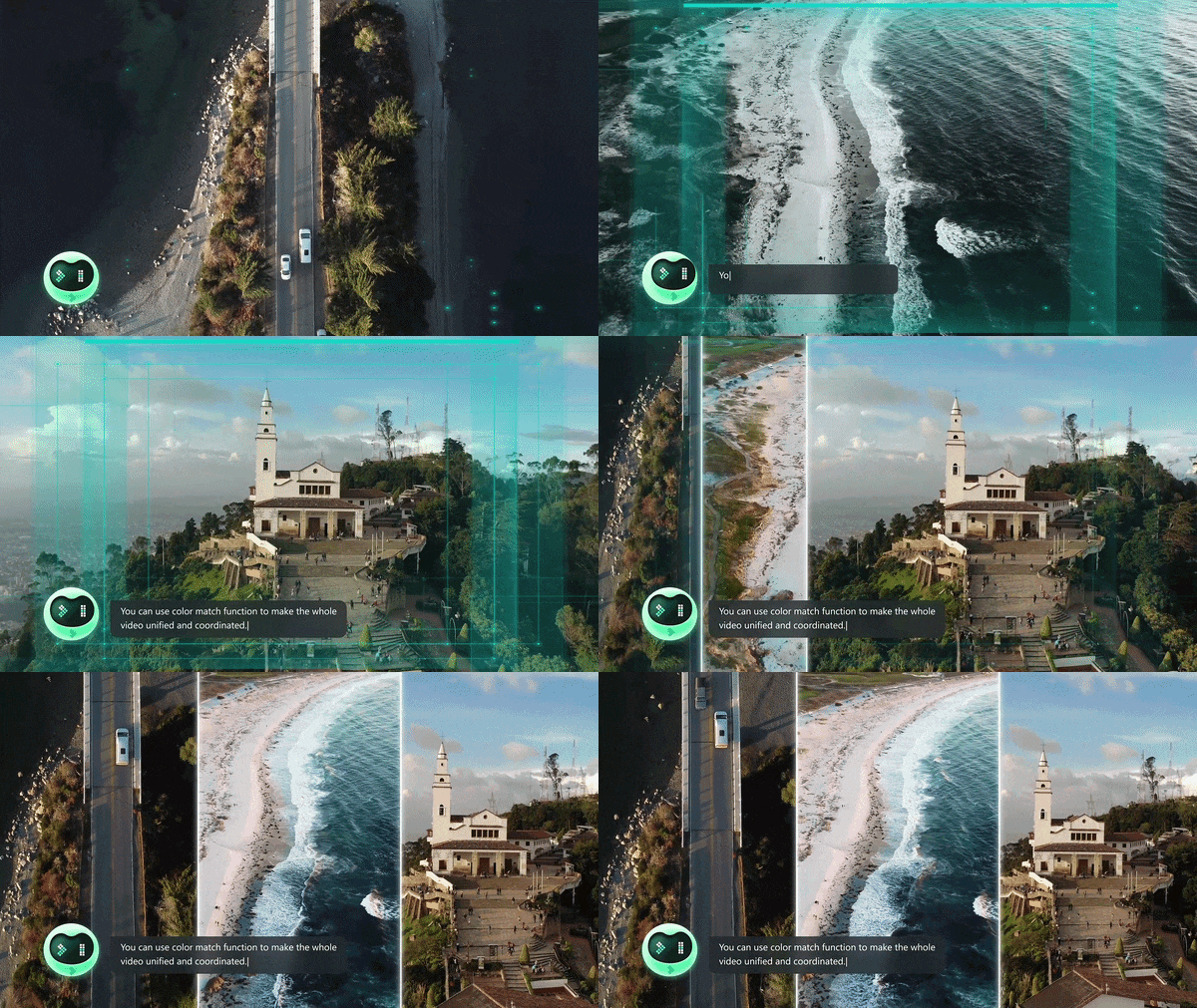
Ever get stuck and wish you could just ask the software for help? Well, Filmora has AI Copilot Editing. It’s basically a chat assistant inside the editor. You can tell it, "Hey, make this look like a 90s music video," or "Fix the audio levels," and it’ll suggest the exact tools or even apply the edits for you. It’s like having a pro editor looking over your shoulder.
 Secure Download
Conclusion
The version of InVideo AI that people search for when they type InVideo AI premium APK, InVideo AI without watermark, InVideo AI APK latest version does not exist in any safe, functional form. The files claiming to be those things are either broken shells that crash on launch, credential-stealing malware disguised as a useful app, or both. If you actually care about your content and your digital safety, it’s just not worth it.
Going with a legitimate tool like Wondershare Filmora gives you way more room to play. You get world-class AI, pro-level editing control, and the peace of mind that your work (and your identity) is safe. Plus, with the new translation and copilot features, you're getting a lot more value than any sketchy InVideo AI crack could ever offer.
FAQs About InVideo AI Mod APK
-
What should I do if I already installed a mod APK?
Delete it immediately. Then, run a full security scan on your device and change your passwords for any accounts you logged into while using that app. Better safe than sorry. -
Why do mod APK websites rank so high on Google searches?
These sites invest heavily in SEO specifically targeting high-demand search terms like InVideo AI download without watermark, InVideo AI free download APK, and InVideo AI mod APK download latest version. But high ranking does not mean safe or legitimate. It just means they've optimized for discovery. -
What’s the biggest red flag when downloading APK files?
If a site tells you that you must turn off your antivirus to install the InVideo AI Pro APK, that's a massive warning sign. Legitimate software never asks you to lower your guard like that.
