


With plenty of AI generators coming up each day, it might be hard to keep up with what’s new. One name that’s been getting noticed lately is MindVideo AI. Inside their platform, they offer plenty of ways you can generate clips, retouch images, and even drop custom background music for your social posts.
But the big question is: does it actually deliver on its promises, or is it just another tool taking up space? That’s exactly what we’re here to find out! We’ll dissect every tool, review the actual performance, and help you decide if it fits your content workflow.
Part 1. What is MindVideo AI?
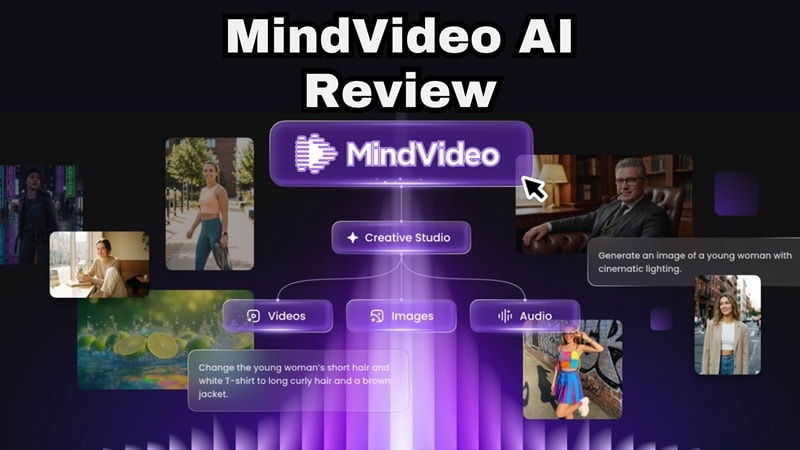
Essentially, MindVideo AI works as an AI creative hub. Through a single web-based dashboard, you can access multiple AI models for creating videos, images, music, voiceovers, and various AI-powered effects. The goal is to give creators one place to experiment without juggling several subscriptions.
Below is the current lineup you'll find inside the studio:
| AI Models | |
| Image Generator | GPT Image 2, Nano Banana Pro, Nano Banana |
| Video Generator | Hailuo 2.3, Veo 3.1, PixVerse V5, Seedance 2.0 Pro, Kling 2.1 Master, MiniMax Hailuo 2.3, Sora 2, HappyHorse 1.0, Pollo AI |
These varieties are exactly why the "MindVideo AI Sora" and similar searches keep popping up. People aren't necessarily looking for MindVideo as a standalone brand; they're looking for a cheaper, simpler way to access the big-name models without paying for each one separately.
Part 2. Getting Started: How to Access MindVideo AI & What It Costs
When it comes to access, MindVideo AI is completely web-based. All you need to do is visit https://www.mindvideo.ai/, create an account (or log in), and you'll be taken straight into the MindVideo AI Creative Studio.
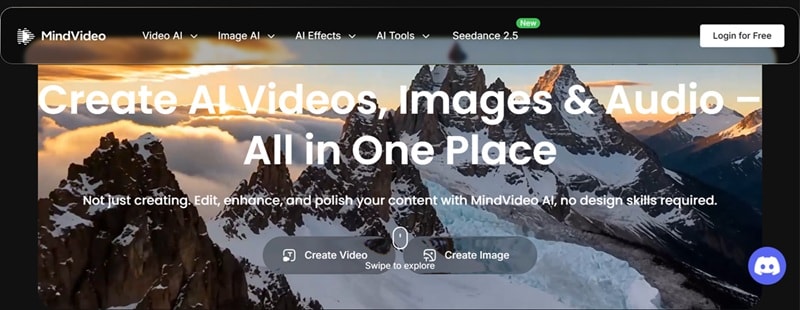
There's no software, no installer, nothing to set up on your computer. You might come across a "MindVideo AI APK" floating around on third-party download sites, promising a mobile app version. We'd steer clear of those. Since MindVideo doesn't officially publish an APK, any file claiming to be one is unverified and could easily be bundled with something you didn't ask for.
MindVideo AI Pricing Plans
Regarding cost, the platform operates entirely on a credit system. While you don’t get a massive pile of permanent free credits just for signing up, you can build up your balance by completing daily check-ins on the site or inviting friends to try out the suite.
MindVideo AI currently offers three subscription tiers, each designed for different types of users. Let’s have a look:
| Plan | Monthly Price | Monthly Credits | Best For |
| Lite | $16.90/month | 400 Credits | Casual creators & hobbyists |
| Pro | $29.90/month | 1,000 Credits | Regular social media managers |
| Max | $69.90/month | 2,500 Credits | Power users & active agencies |
Part 3. Inside the Creative Studio: Features Breakdown
Once you enter the MindVideo AI Creative Studio, you'll see a wide layout of tools designed for almost any medium. Let’s break down what you can actually do inside.
1. AI Video Generator
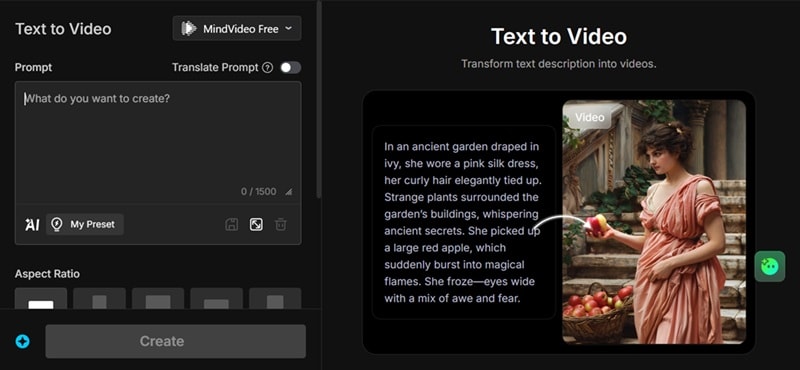
The MindVideo AI video generator combines several creation methods into one workspace, where you can generate videos in different ways depending on your starting point. Inside, you'll find:
- MindVideo AI text-to-video for turning a written idea straight into a short clip
- MindVideo AI image-to-video for animating a photo you already have
- AI avatar option for putting a talking, moving character in front of the camera without filming.
2. AI Image Generator
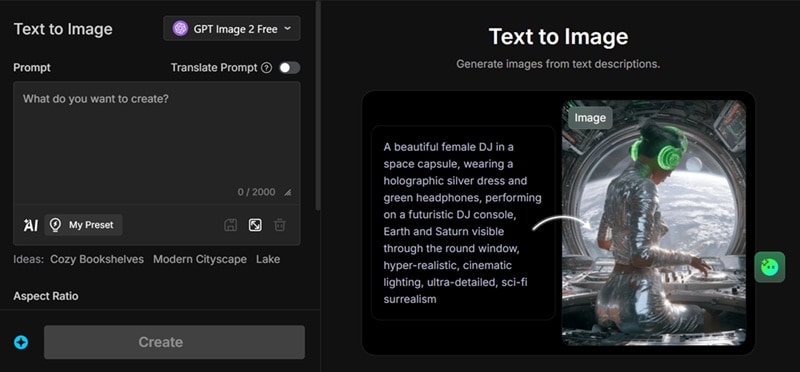
Alongside video, there's a full image generation suite. Text-to-image lets you describe a scene or concept and get instant artwork back, while image-to-image takes a picture you upload and reworks it into a new style, whether that's realistic, anime, or something more artistic.
3. AI Music Generator
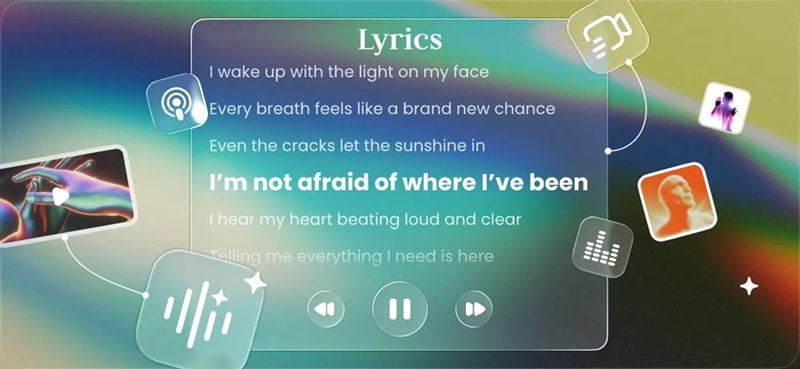
A lot of reviews of MindVideo AI tend to skip over it, but it's genuinely useful. You can generate original, royalty-free music from a simple mood description or your own lyrics, turn written scripts into natural-sounding AI voiceovers, and pull together audio for a project without ever touching a microphone.
4. AI Video Tools
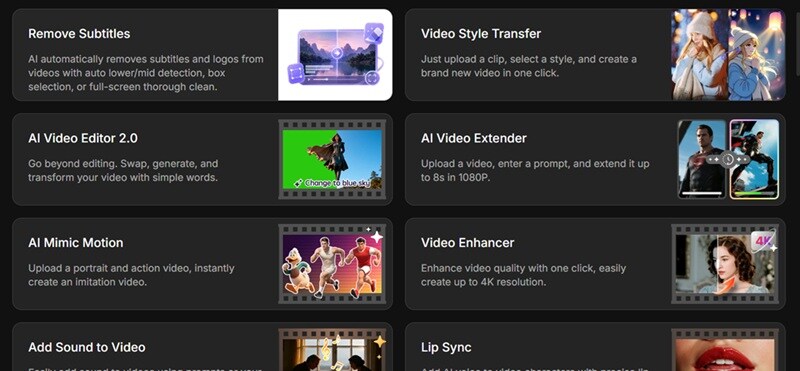
Beyond generation, MindVideo AI also includes a growing collection of supporting tools for improving videos, images, and audio. Depending on your project, you'll find tools such as: MindVideo AI Video Enhancer for improving clarity and quality, MindVideo AI Mimic Motion to follow the movement of your reference video, or a video extender that stretches out short clips.
Part 4. Is MindVideo AI Worth It? Pros & Cons Breakdown
Now that everything's laid out on the table, let's get into whether it's actually worth your time and money. We'll run through the good and the bad of MindVideo AI so you can weigh it for yourself.
- The Templates are Unique: The effects library goes beyond generic filters and covers trends you won't find copied identically everywhere else.
- Easy to Use and Access: There's nothing to install, the interface doesn't require any editing background, and you can go from idea to output in a few clicks.
- The AI Tools are Varied: Having video, photo upscaling, and custom audio in a single tab eliminates the need for multiple app subscriptions.
- Great for Content Creators: You can quickly generate concepts, animations, product videos, and social media clips that are ready for further polishing.
- Errors Often Occur: Generations can fail with a "suspicious activity detected" message even when nothing unusual is going on with your account, which is frustrating when it eats into your credits.
- Outputs Still Need Editing: Once your clips are generated, there's no built-in way to arrange, trim, and combine them into one finished video.
- Generation Times Can Vary: During busy periods, premium models may take longer to process, especially if many users are generating content at the same time.
- Support Can Be Slow: When a generation fails or credits vanish unfairly, getting a response from the team isn't always quick.
Part 5. Looking for Something More Complete? Try Wondershare Filmora
MindVideo AI video generator is genuinely solid for quick, model-hopping generation, but those recurring errors and the lack of a proper editing timeline can get old fast, especially if you're trying to build something more polished than a single short clip.
Thankfully, it's not the only reliable AI video generator out there. One name that can fill in the gaps is Wondershare Filmora, an all-in-one video editor that covers everything MindVideo AI does, and then keeps going.
 Secure Download
Why Filmora Goes a Step Further
1. Turn Audio Into a Complete Video

One feature you won't find in MindVideo AI is AI Audio to Video. Instead of starting with a text prompt or image, Filmora can generate visuals based on an audio file. This feature is especially useful for:
- Podcasts
- Narration
- Voiceovers
- Music
- Interviews
2. A Professional Timeline for Final Editing
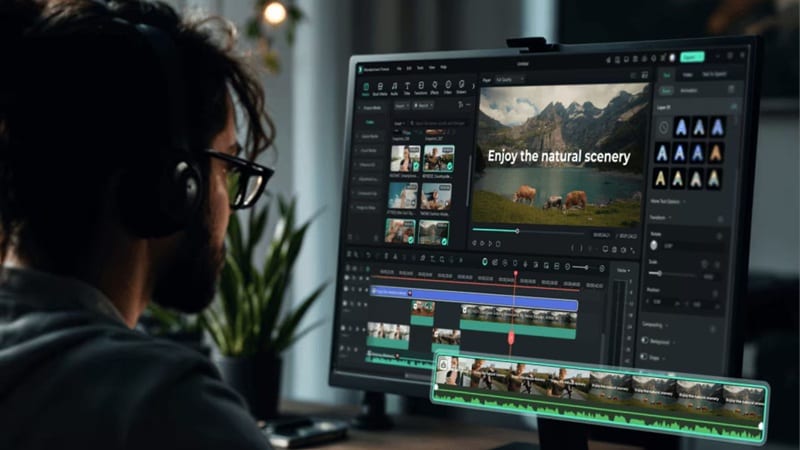
AI-generated clips are usually short. If you're creating a longer YouTube video, advertisement, or documentary, you'll eventually need to combine multiple clips into one polished project. In that case, Filmora’s multi-track timeline allows you to:
- Arrange AI-generated clips
- Trim unwanted sections
- Add transitions
- Insert titles
- Animate objects with keyframes
- Mix music and sound effects
- Apply color correction
- Export in various resolutions
3. An Extensive Built-In Media Library

Sometimes AI-generated content still needs a little extra polish. In that case, Filmora comes with a large built-in media library that includes:
It also integrates with services like Pexels, Pixabay, Unsplash, and GIPHY, making it easy to find supporting assets without leaving your editing workspace.
4. Even More AI Features
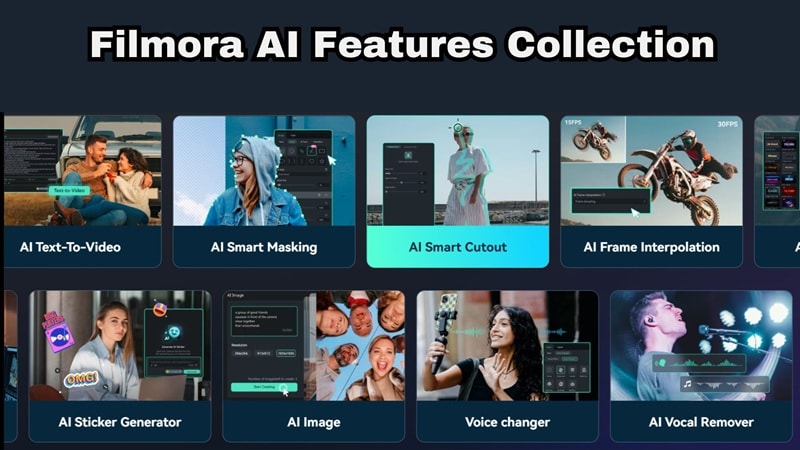
MindVideo AI already offers a wide range of generation tools, but Filmora expands the creative toolkit even further with AI features that support the entire editing process, not just content generation. Some highlights include:
- AI Auto Caption
- AI Video Translation
- AI Thumbnail Creator
- AI Voice Enhancer
- AI Audio Denoise
- AI Copywriting
- AI Social Content Planner
These tools help with everything from accessibility and localization to thumbnail creation and social media publishing, making Filmora a more complete solution for creators who want to streamline their workflow from start to finish.
Secure DownloadConclusion
MindVideo AI earns its spot on the radar. Bundling this many models, an image generator, and an audio suite into one login genuinely saves time. That said, the occasional generation errors, credit-based pricing, and limited editing capabilities may become noticeable once you start using it more frequently.
If you want the generation power without the rough edges, pairing it with (or switching to) Wondershare Filmora rounds things out nicely. You get AI generation, a proper editing timeline, a full media library, and extras like auto captions and translation, all in one place, without the account flags getting in the way of your workflow.
FAQs
-
Can I use MindVideo AI for commercial projects?
Yes. MindVideo AI can be used to create marketing videos, social media content, advertisements, product showcases, and other commercial projects. However, it's best to review the platform's latest Terms of Service and licensing policies to ensure your intended use is covered. -
Does MindVideo AI support long-form video creation?
Not directly. Most AI models inside MindVideo AI generate relatively short clips rather than full-length videos. If you're producing longer content for YouTube, presentations, or tutorials, you'll usually need to combine multiple AI-generated clips using a dedicated video editor like Filmora. -
Can I run this platform smoothly on a mobile phone browser?
Yes, the website is optimized for mobile browser access, but heavy editing tasks, video upscaling, and detailed prompt work are much easier to manage on a desktop display.
