


One platform that's catching the attention of creators who want to make animation clips with motion graphics is Motionbox AI, which takes a simpler approach instead of packing in multiple AI models, making it an appealing option for anyone looking to create videos without a steep learning curve. Better yet, the Motionbox free plan gives users a chance to explore many of its features before committing to a paid plan.
However, as with most free tools, there's usually a catch. So, is Motionbox really worth using, or do its limitations outweigh the benefits? Let's find out!
Part 1. Motionbox At a Glance (What is Motionbox?)
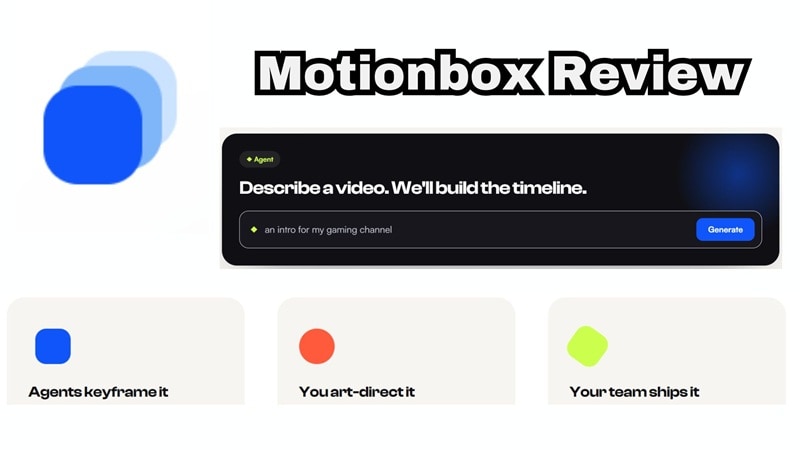
Motionbox describes itself as an agentic motion-graphics tool that lives entirely in your browser. Instead of you manually keyframing every animation, you type out what you want (something like "a title card that slides in and settles with a bounce"), and an AI agent builds it as an actual editable timeline: layers, tracks, and easing curves included.
Beyond pure motion graphics, Motionbox also functions as a general online video editor. You can play around with Motionbox animation like animated title cards, lower thirds, animated captions, product callouts, music visualizers, podcast videos, and a long list of quick social templates.
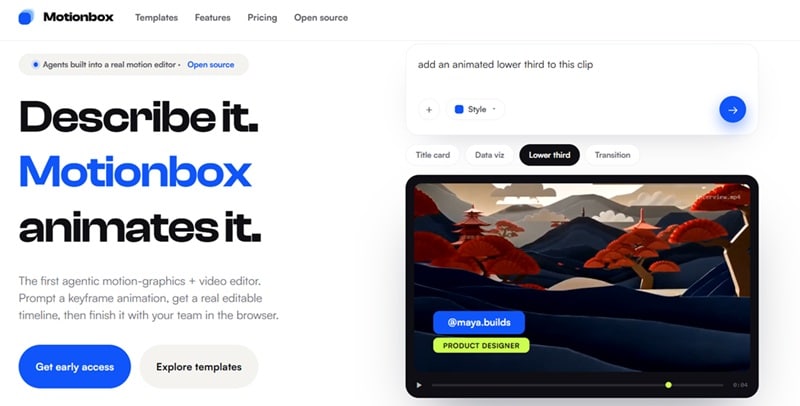
Access is entirely web-based too (available at https://motionbox.io/). So, as long as you have a stable internet connection and a supported browser, you're good to go.
Part 2. Is Motionbox Really for Free?
This is the part most people want a straight answer on, so let's get into it. Motionbox does let you use a solid chunk of its toolkit for free, forever, as long as you're logged in, and that part checks out. But "free" here comes with a few real limitations attached:
- 10 min renders/month.
- 720p export.
- Unlimited projects.
- Community templates.
- Multiplayer editing.
If the free plan feels restrictive, Motionbox pricing currently offers two standard paid subscriptions: Basic & Premium.
| Feature | Free | Basic | Premium |
| Price | $0 forever | $29/mo ($248/yr) | $39/user/mo ($368/yr) |
| Render Minutes | 10 mins/month | 60 mins/month | Unlimited |
| Export Quality | 720p | 1080p HD | 4K Ultra HD |
| Storage | 2 GB | 25 GB | 100 GB |
| Watermark | Included | Removed | Removed |
| Extras | Community templates, multiplayer editing | REST API & Zapier | Brand kit, Webhooks, shared library |
What About Enterprise?

Besides the standard subscriptions, Motionbox also offers an Enterprise plan for businesses and larger teams. Instead of fixed pricing, you'll need to contact the Motionbox team for a custom quote. Here’s what the Enterprise plan gets you:
- Everything in Premium.
- Unlimited storage.
- White-label embed.
- SSO & audit logs.
- Priority support.
Part 3. Features Breakdown: What You Get From Motionbox
Motionbox packs in a surprising number of tools once you start exploring: converters, GIF editors, create-and-edit basics, and more. Rather than listing every single one, let's zoom in on the features that actually make this platform stand out from a typical online editor.
1. Music Visualizer
If you are an indie musician or a podcaster wanting to share audio tracks on Instagram or YouTube, the Motionbox music visualizer is a huge time-saver. You upload your audio file, pick a dynamic visualizer template (like bouncing waveforms or audio bars), customize your colors, and export a video ready for social media.
2. Podcast to Video Generator
Podcasts don't have to stay as audio-only content anymore. Motionbox includes a Podcast to Video Generator that transforms spoken audio into a shareable video, complete with captions, a progress bar, and a visualizer layer. Now, your recording doesn't feel like a static waveform sitting on screen for an hour.
3. Quick Converting & Repurposing Tools
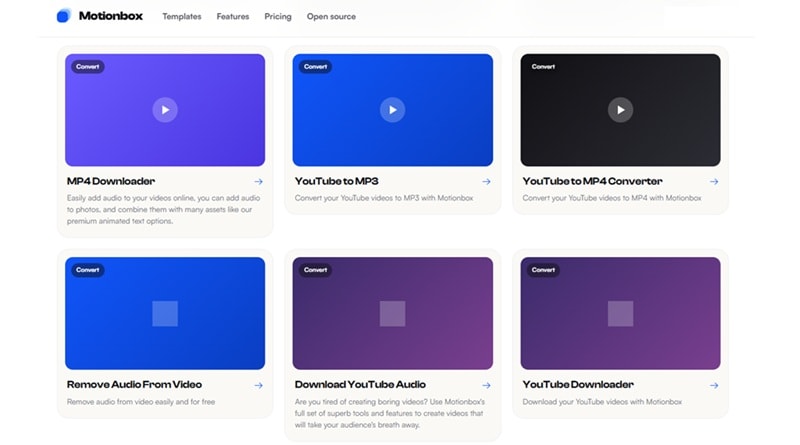
Motionbox also doubles as a handy converter hub. Need to grab assets or flip formats quickly? You can use tools like Motionbox YouTube import links, Motionbox YouTube downloader, and Motionbox YouTube to MP3 features. You can pull down clips, chop out audio, convert horizontal videos into vertical TikToks, or compress large GIFs directly on the web timeline.
4. Extensive Templates
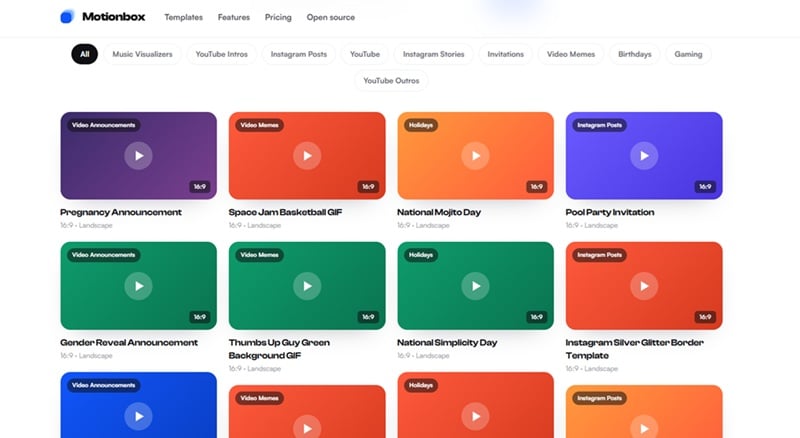
Starting with a blank timeline isn't always fun. Fortunately, Motionbox comes with a large collection of templates covering many popular content styles. You'll find templates for: video memes, video ads, Instagram Story and Post formats, YouTube intros, Zoom backgrounds, and more niche categories like gaming and wedding videos.
Part 4. Is Motionbox Worth It? (Pros & Cons)
On paper, Motionbox AI promises a lot, especially for teams that hate passing massive video files back and forth over email. But how does it hold up in everyday use? We took it for a spin, and here is the honest breakdown of where it shines and where it stumbles.
- Generous Free Trial: You can jump straight in and test the editor without entering billing details.
- Variety of Quick Utilities: Having converters, subtitle generators, and visualizers under one umbrella saves you from hopping between ten different websites.
- Real Timeline Editing: Unlike simple video wrappers, it gives you a true multi-track timeline to adjust timing and layers.
- Smooth Multiplayer Collaboration: Being able to share a link and work on a video draft live with a client or coworker works surprisingly well.
- Most of the Tools Didn’t Work: A few advertised sub-tools occasionally loop back to homepages or browser prompts instead of launching directly into a fresh workspace.
- Modest Built-in Media Library: The stock asset pool is somewhat small compared to standalone desktop platforms.
- Strict Resolution Limits on Free: Being capped at 720p with a watermark means you will have to upgrade to Basic for any professional client work.
- Lacks Deep Post-Production: You won't find high-end color grading wheels, 3D camera tracking, or granular audio mixing here.
Part 5. Create Motion Graphics from a More Advanced Tool: Filmora
Here's the part about Motionbox that doesn't always get said out loud: a meaningful chunk of its advertised tools simply don't work yet. Strip away the marketing, and what you're left with right now is closer to an online editor in progress, paired with a media library that's on the thinner side. That's a lot to ask users to work around.
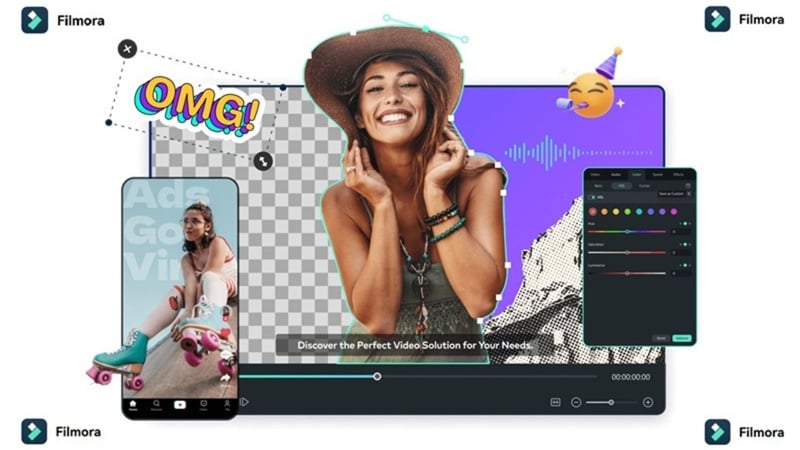
If you'd rather skip the trial and error, Wondershare Filmora covers most of what Motionbox promises, and its features are actually finished and functional.
 Secure Download
Why Choose Filmora?
Here's how Filmora handles the same ground, but with a lot more polish behind it.
1. Create Music Visualizer with Ease
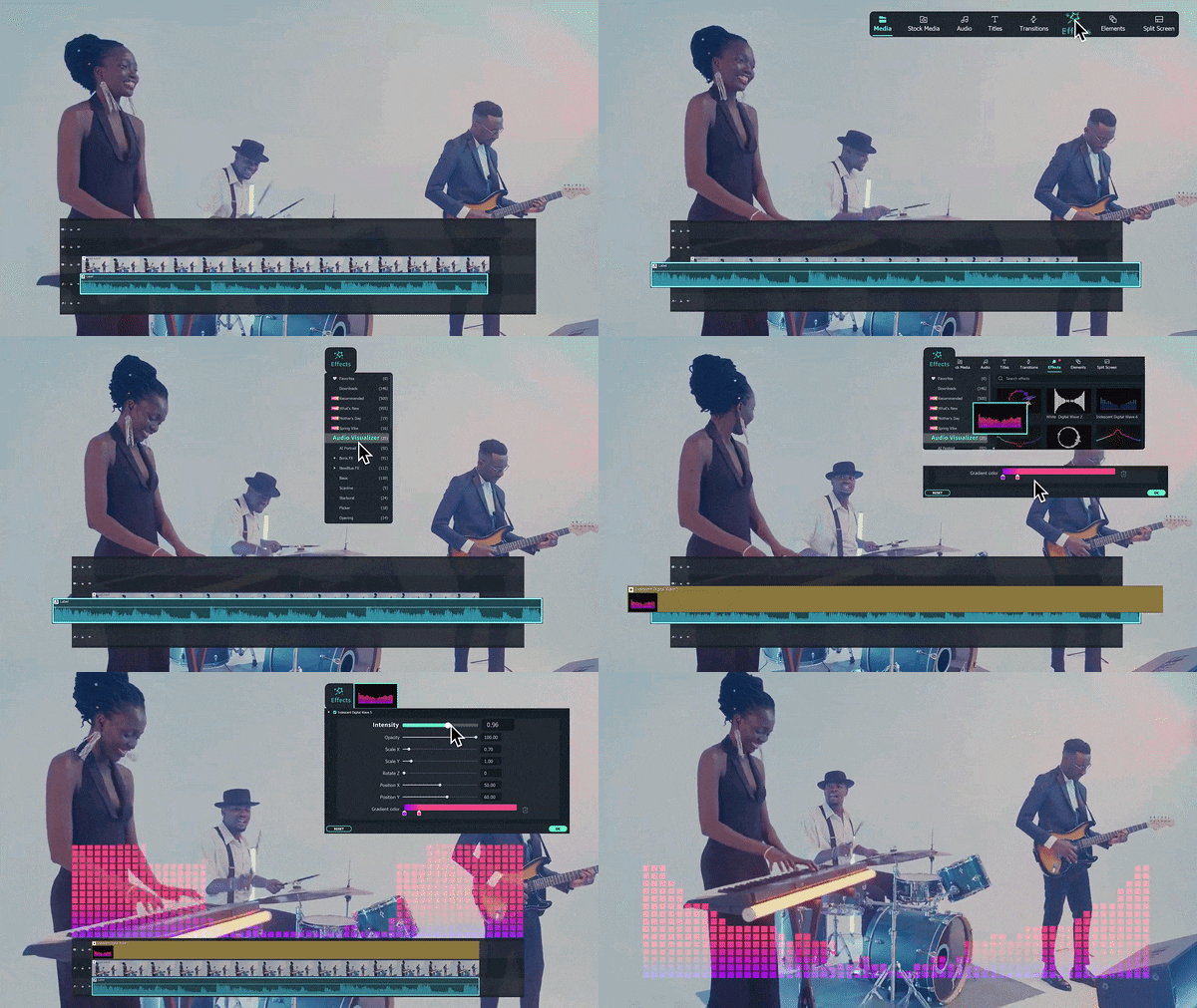
If you're a musician, podcaster, or content creator, audio-only uploads rarely get much attention. Filmora solves that with its built-in Audio Visualizer feature. It automatically matches your video's sound and layers on dynamic visuals, with more than 25 visualizer effects to pick from and customize.
2. Rich Motion Graphics and Media Library

One area where Filmora immediately pulls ahead is its built-in asset collection. Filmora ships with a library of over 2.9 million creative assets, including effects, filters, transitions, and templates, giving you a lot more raw material to build with compared to Motionbox's slimmer collection.
3. Create Animation with AI
Between AI Text-to-Video and AI Image-to-Video (both powered by models like Veo 3.1), you can generate animated scenes directly from a prompt or a still image, without waiting on features that are still being rolled out. Plus, Filmora offers keyframing, motion tracking, and smart AI cutouts that automatically remove backgrounds without requiring a green screen.
4. Powerful AI Features
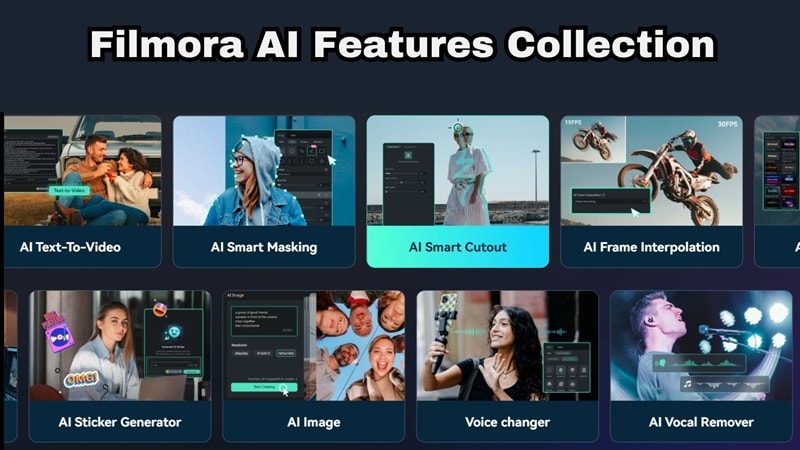
Filmora doesn't stop at motion graphics. Its AI toolkit covers almost every stage of video production. Some standout features include: AI Video Extender, AI Audio Enhancer, Smart Short Clips, Social Content Planner, and AI Video Object Remover, all live and usable today.
Motionbox vs Filmora: Which One Should You Choose
All the features above are only a few reasons why Filmora is a better fit if you want to grow beyond the basics. If you're still not sure, putting them side by side makes the gap pretty clear:
| Feature | Motionbox | Filmora |
| Platform | Browser-based | Windows, macOS, iOS, Android |
| Reliability | Many tools still unfinished or broken | Fully functional, established editor |
| Asset Library | Moderate stock access | 2.9M+ effects, filters, and templates |
| AI Tools | Early-access AI agent, still rolling out | Mature AI suite: video/image generation, extender, enhancer, and more |
| Best For | Quick online edits | Long-term content creation, AI editing, and professional workflows |
Secure DownloadConclusion
Motionbox has a genuinely interesting idea at its core: prompt an animation and get a real editable timeline back. The generous free plan and the sheer range of tools on offer make it worth a look. That said, while the feature list looks impressive, some tools weren't accessible during testing, and the media library feels relatively limited compared to more established editors.
If that's the case, Filmora is the stronger long-term choice. Besides offering reliable editing tools, it also includes AI-powered features like Text-to-Video, Image-to-Video, Smart Cutout, Audio Visualizer, AI Music Generator, and a massive built-in media library. Instead of juggling multiple online tools, you can create, edit, enhance, and export your videos in one place.
FAQs About Motionbox
-
Does Motionbox support team collaboration on video projects?
Yes! One of Motionbox's main strengths is real-time multiplayer editing. You can invite team members to your workspace using a link, leave frame-by-frame comments, and make live edits together in the browser. -
Does Motionbox work on mobile devices?
While you can technically access the website on a mobile browser, Motionbox is designed primarily for desktop browsers like Chrome or Edge. For editing on mobile phones, desktop apps or dedicated mobile editing apps like Filmora Mobile provide a much smoother touch experience. -
Can I use Motionbox to create videos for different social media platforms?
Definitely, you can easily resize your project canvas to 16:9 for YouTube, 9:16 for TikTok/Reels, or 1:1 for square social posts using built-in canvas presets.
