

 TL;DR:
Recraft AI V3 distinguishes itself from conventional AI image generators by producing fully editable, scalable vector graphics (SVG, EPS) designed specifically for professional branding, logos, and UI workflows.
● The platform features an AI vectorizer for JPG or PNG to SVG conversion and an Agentic Mode for conversational canvas editing, with free access limited to 30 daily credits and commercial usage rights requiring a paid tier starting at $12 monthly.
● When comparing tools, Recraft is optimal for scalable brand assets, Midjourney suits cinematic raster art, Adobe Firefly is designed for integrated Illustrator workflows, and Runway is best for motion-centric multimedia projects.
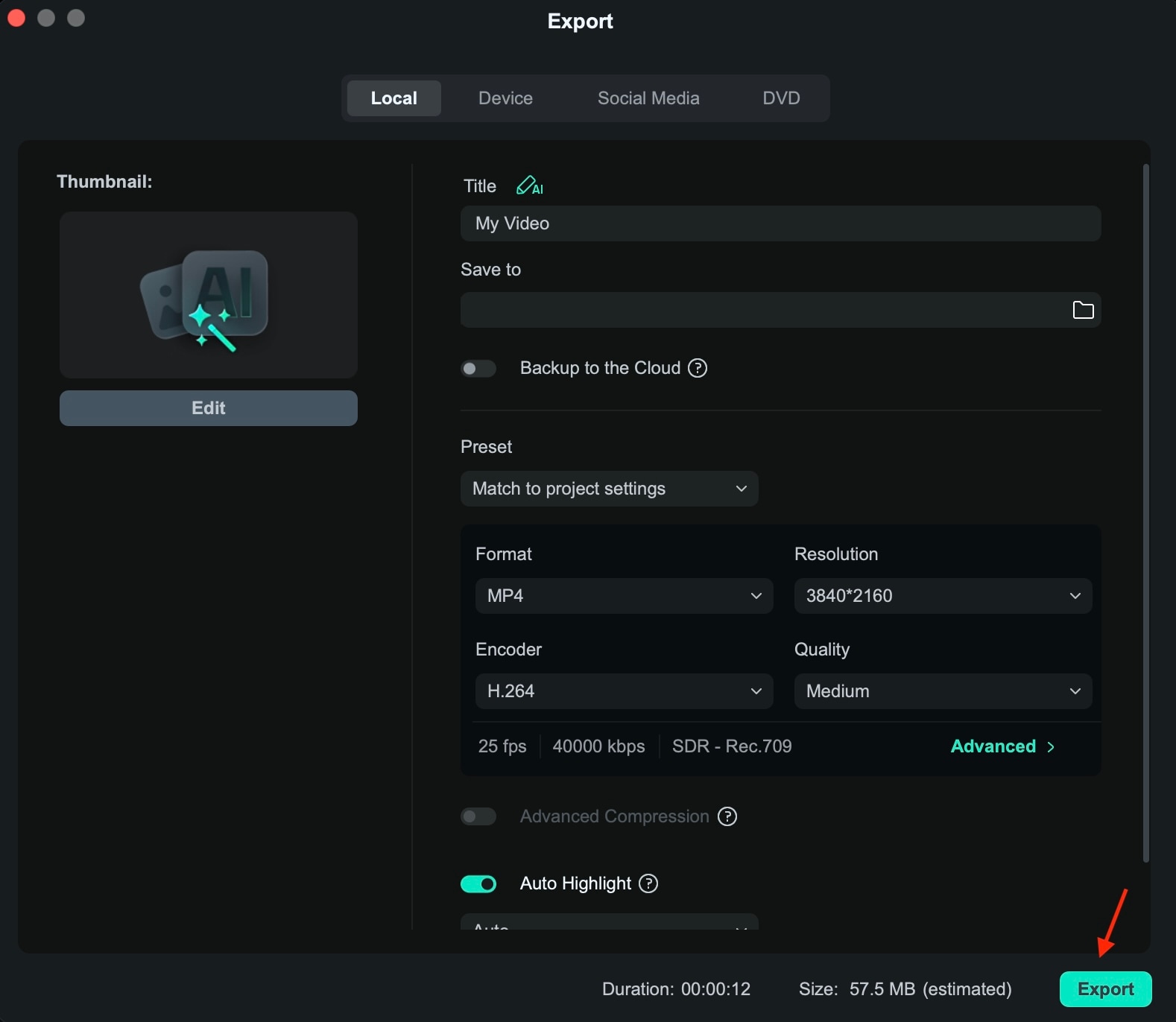
● To integrate Recraft designs into a Wondershare Filmora video workflow, you must export the assets as flat PNG or JPG files, apply keyframing or AI presets for animation, and export the final sequence in an H.264 MP4 format.
Ask AI for a summary
 ChatGPT
 Perplexity
 Gemini
 Claude
 Grok
Grok
Most AI image tools focus on aesthetic art, but Recraft AI prioritizes professional design. As a powerful AI image generator, Recraft is built around editable vector graphics, allowing you to create logos, icons, and illustrations that are fully scalable. In this Recraft AI review, we'll explore how the V3 update redefines the design workflow for 2026.
Part 1. What is Recraft AI? (More Than Just an Image Generator)
Essentially, Recraft AI is an AI-powered design platform built for structured, professional visuals. However, calling it simply a "Recraft AI image generator" would be an understatement of its capabilities.
Unlike conventional AI tools that mostly only generate static raster images, Recraft AI's image generation is also optimized for vector graphics.
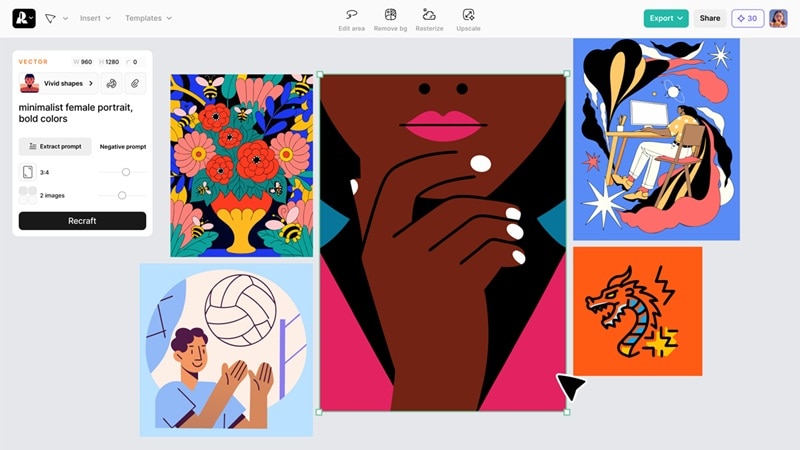
You can generate logos, icons, illustrations, user interface (UI) elements, and brand assets that remain fully scalable and editable. Colors, shapes, and compositions can be refined without losing quality.
Part 2. Recraft AI V3 Key Features: Why It's the Best AI Vector Tool
What makes Recraft AI truly stand out is not just its ability to generate images, but how intelligently it supports real design workflows. Recraft AI V3 focuses on precision, scalability, and practical usability.
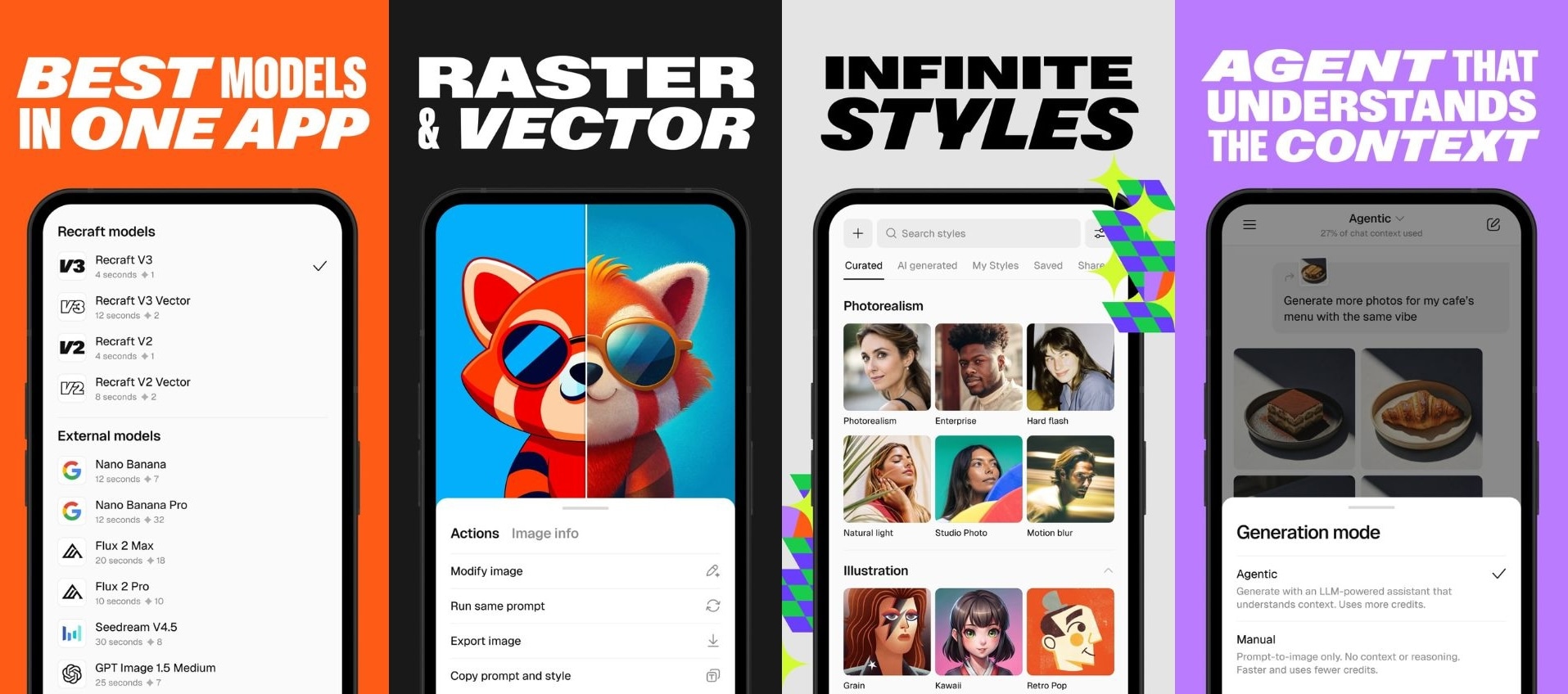
From converting raster files into clean vectors to editing visuals through natural conversation, its features are designed for professionals who need more than just fast AI art. Here are the core capabilities that make Recraft AI V3 stand out.
Industry-Leading AI Image Vectorizer
One of the standout capabilities is the Recraft AI image vectorizer. This tool eliminates the need to manually redraw assets in Adobe Illustrator. You can easily convert JPG to SVG with AI, ensuring your branding remains sharp and professional at any scale. You can upload a raster image, such as PNG or JPG, and convert it into clean, scalable SVG or EPS in seconds.
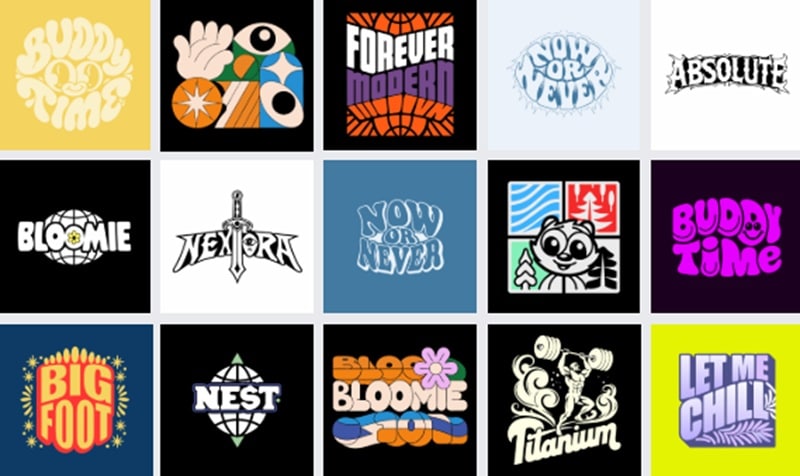
The V3 model detects edges, shapes, and color blocks with impressive precision. Logos become sharp and print-ready. Illustrations remain smooth at any size. For designers working with branding, packaging, or merchandise, this saves hours of work.
Revolutionary Agentic Mode
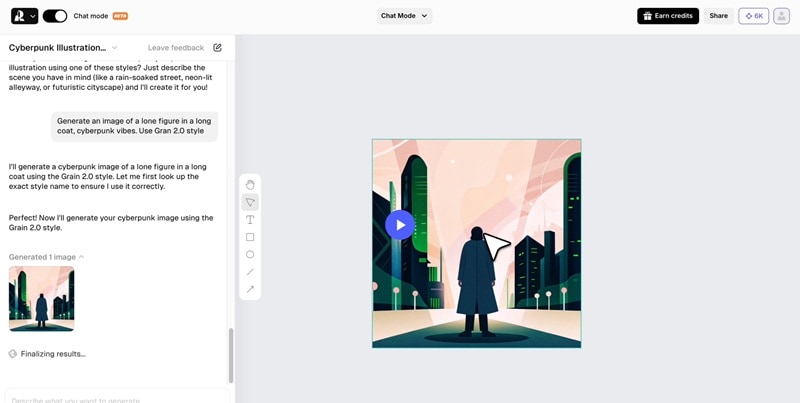
Recraft V3 also introduces an Agentic Mode that feels more like collaborating with a design assistant than using a tool. You can refine visuals through natural conversation. The AI understands context and updates the design directly on the infinite canvas, reducing repetitive manual edits.
Text Rendering and Anatomical Precision
Many AI tools for images struggle with typography and human anatomy. Recraft V3 significantly improves both aspects. It can generate complex text layouts within images with better spelling accuracy, alignment, and style consistency.
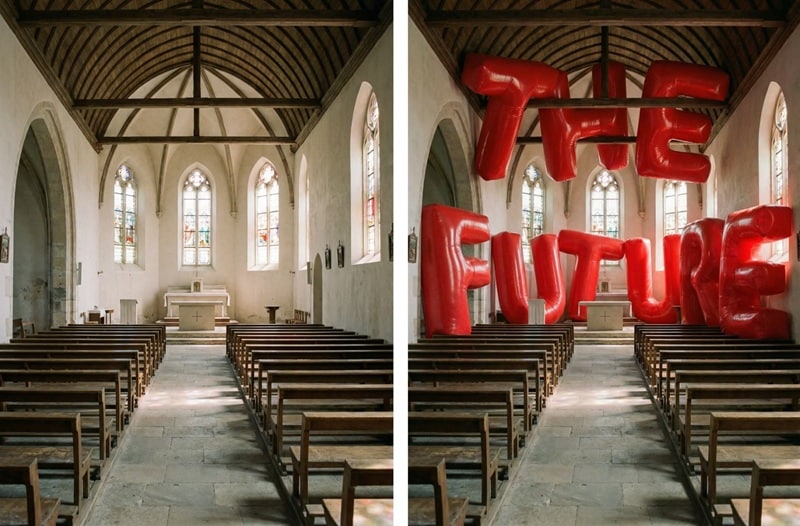
When you create posters, social media graphics, or branding mockups, the text looks more intentional rather than distorted. Human figures also look more proportional and natural, which is crucial for professional-quality visuals.
Part 3. How to Use Recraft AI for Free? (Credits & Limits)
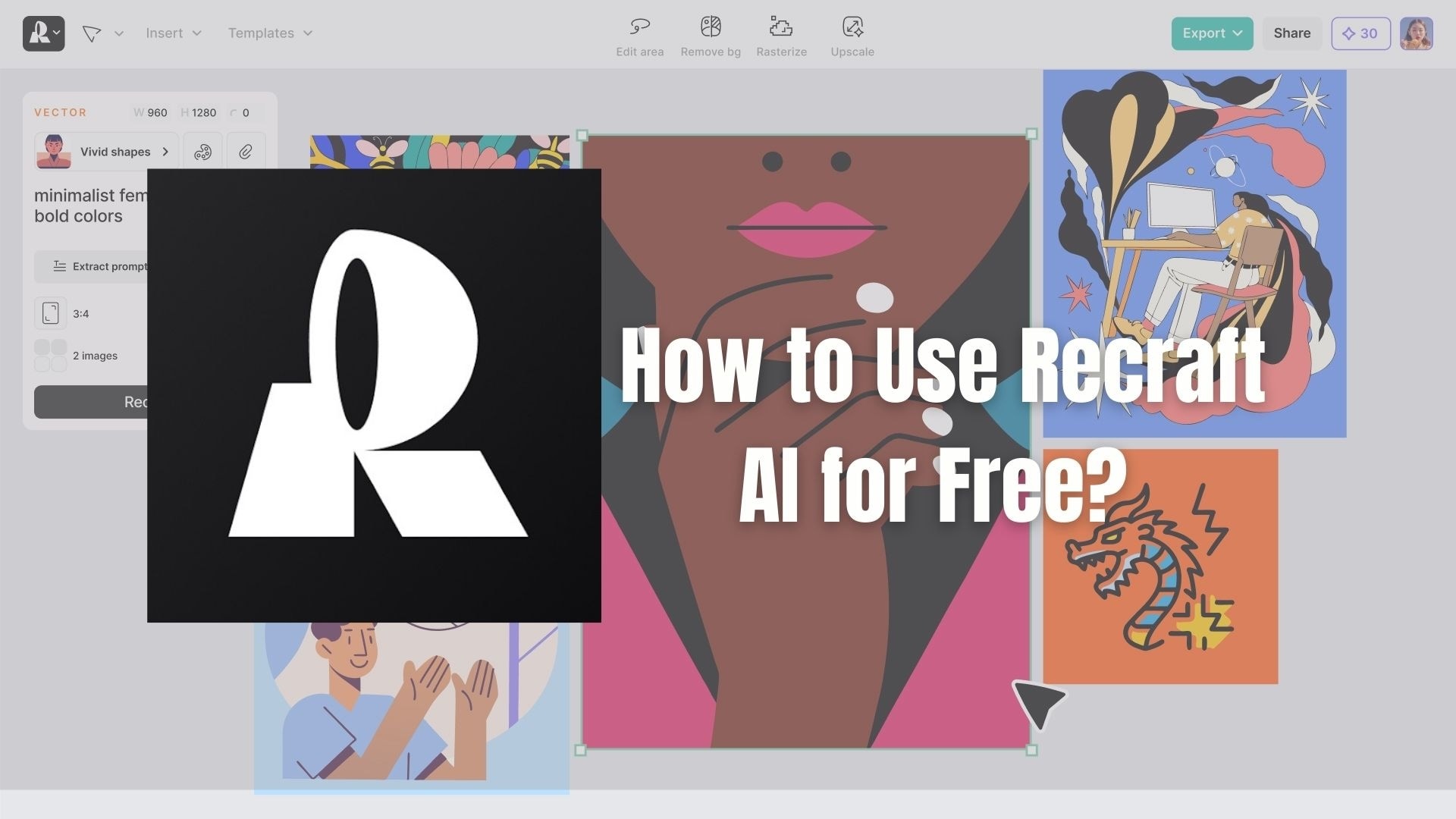
If you want to try Recraft AI for free before subscribing to a paid plan, there's a free plan that lets you explore its core features without pulling out your card just yet. This plan is designed for experimentation, small projects, and learning how Recraft AI's image generator work.
What's Included in Recraft AI Free Plan
- 30 daily credits for new users
- Credits reset every 24 hours
- Access to core features, including image generation, vector creation, and editing
- Limited generation volume compared to paid plans
Benefits for Upgrading to Recraft AI Paid Plans
Recraft AI provides two main paid options:
- Pro for individual creators
- Team plans for larger scale use.
Recraft AI pricing starts at around $120 to $660/year, or $12 to $69/month depending on the plan. With these upgrades, you unlock expanded features and higher limits, such as:
- Monthly credit allocation instead of a daily reset
- Unlimited generation for professional workloads
- Commercial usage rights
- Advanced 4K upscaling for sharper results
- Access to external models like Nano Banana, GPT Image, Flux, and more
If you're new to Recraft AI, the 30 free daily credits are more than enough to understand its benefits before upgrading.
Part 4. Recraft AI vs. Midjourney vs. DALL-E 3: A Comparison
Choosing the right AI image tool depends on what you actually need. Some platforms focus on artistic visuals, while others are built for practical design work.
Recraft AI positions itself as a professional design solution with vector output, while Midjourney is known for highly stylized artwork, and DALL·E 3 emphasizes conversational image generation.
Below is a focused comparison of vector capabilities, pricing structure, and ease of use.
| Feature | Recraft AI | Midjourney | DALL·E 3 |
| Vector output | Native SVG support and scalable vector export | Raster images only | Raster images only |
| Pricing | Free plan with daily credits plus paid tiers for higher usage | Subscription-based plans | Available via ChatGPT plans and API usage pricing |
| Ease of Use | Web interface with infinite canvas workflow | Requires Discord or web interface learning curve | Simple chat-based prompting interface |
Part 5. Step-by-Step Tutorial: Integrating Recraft AI into Your Video Workflow
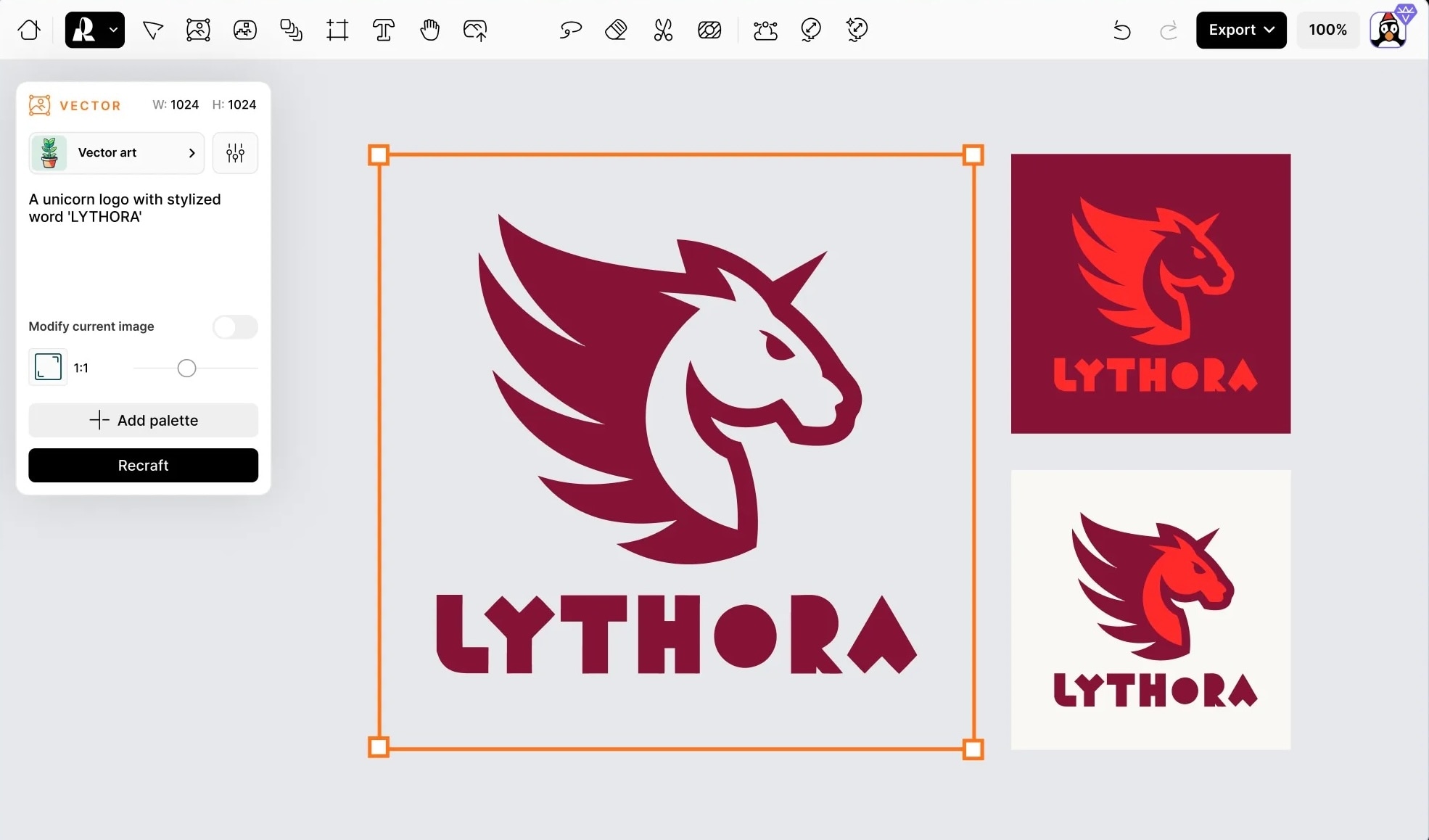
AI images become much more powerful when you bring them into a video project instead of leaving them as static visuals. A practical approach to do it is to use Recraft AI to generate vector graphics, logos, icons, or illustrated elements, then import those assets into Wondershare Filmora for animation and editing.
 Secure Download
This transformation content is achievable through features like:
- Keyframing for smooth position, scale, and rotation animations
- Video effects that add movement with a single click
- Built-in animation presets for quick intros, outros, and logo reveals
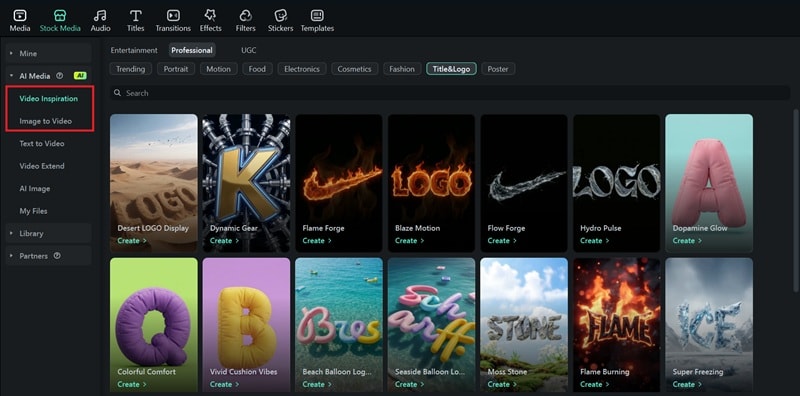
If you want to go further, you can also use Image to Video. There are also ready made AI templates available if you want a faster result without adjusting everything manually.
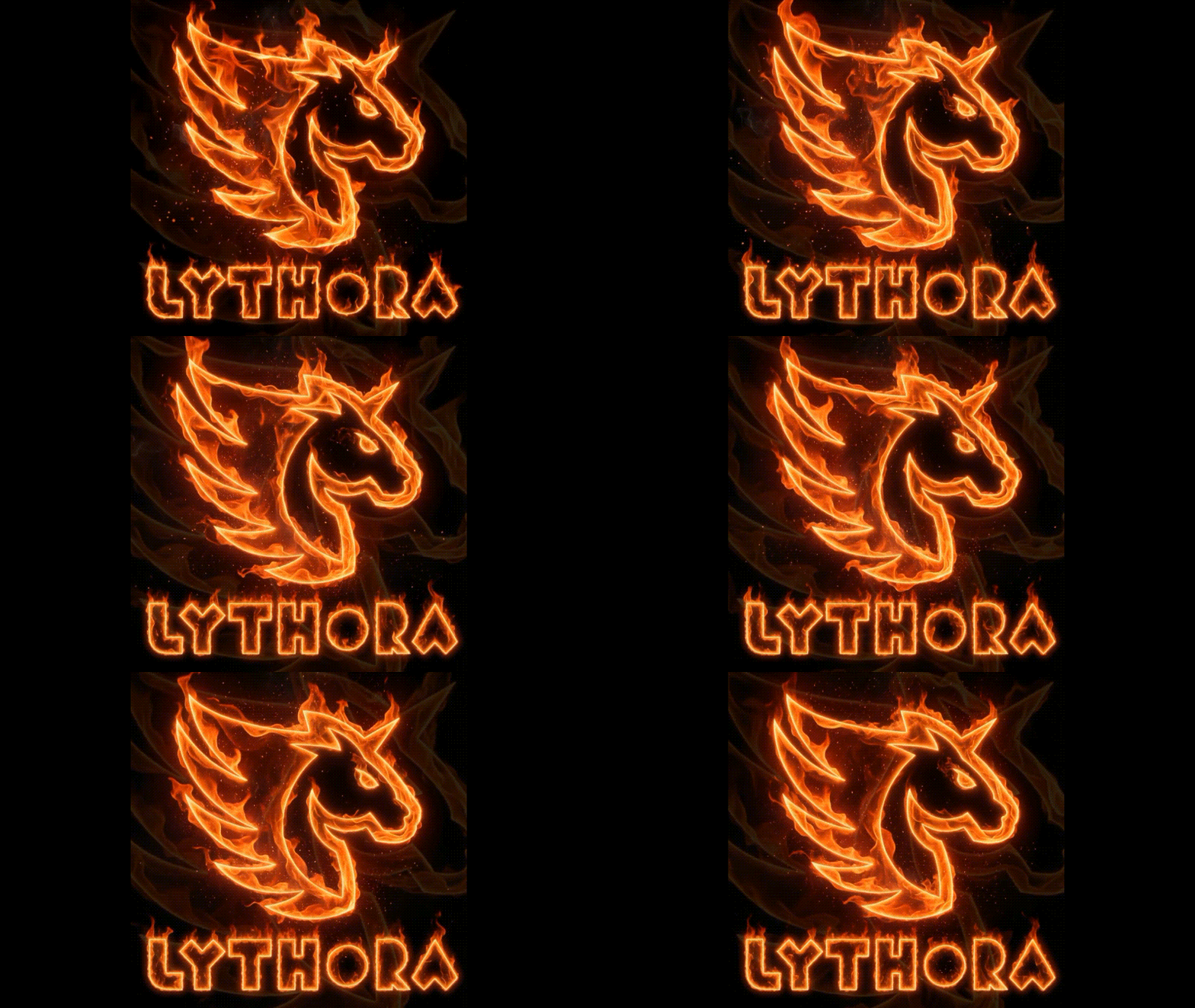
How to Create a Design and Animate It
If you want to simplify things with AI, go to Stock Media > AI Media. Then, choose Video Inspirations (for AI templates) or Image to Video (for custom generation).
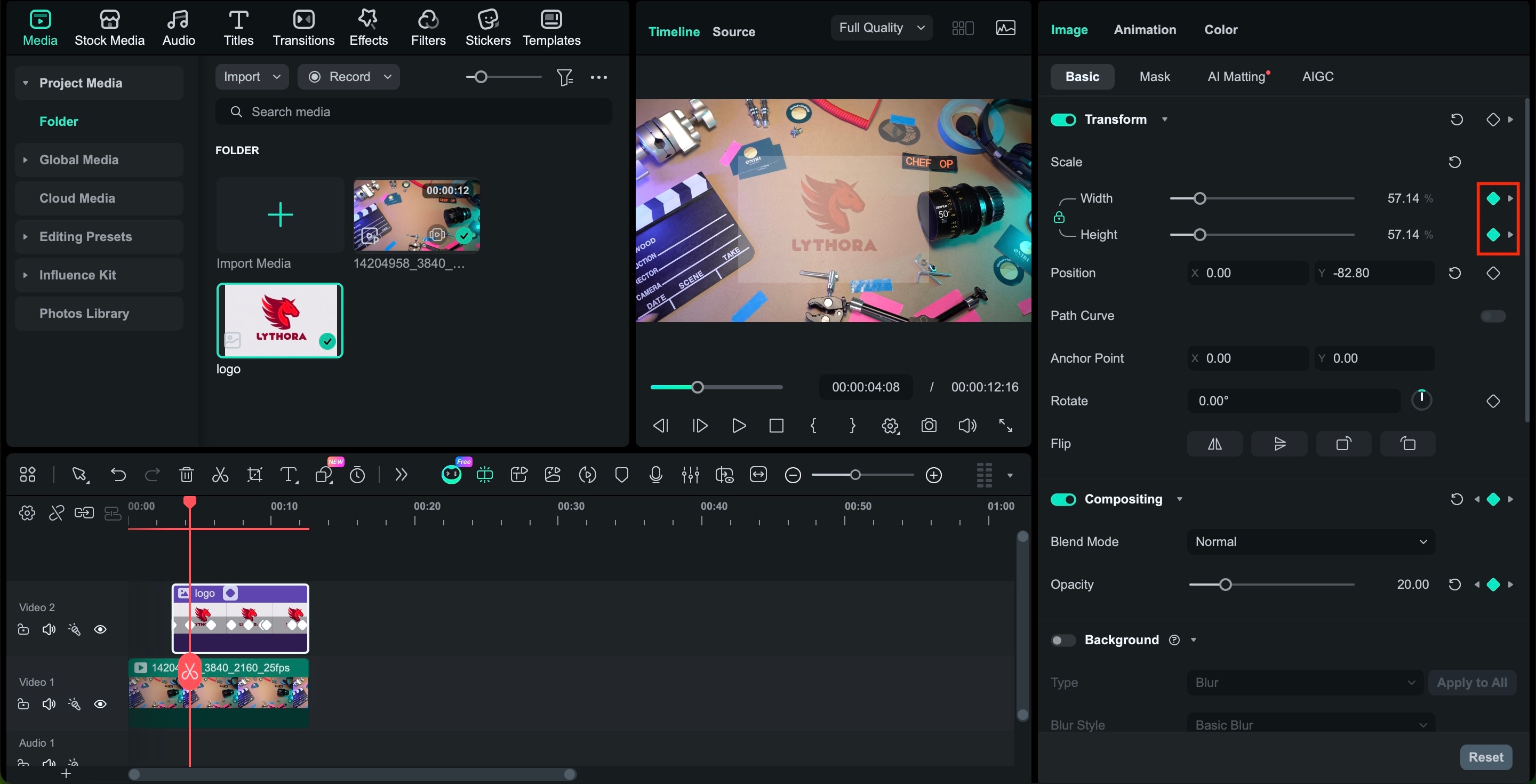
 Secure Download
Part 6. Top 5 Recraft AI Alternatives in 2026
Although Recraft AI is known for its vector-based workflow, it is not the only powerful option in 2026. If you are looking for a strong Recraft AI alternative, the tools below offer different advantages depending on whether you prioritize artistic freedom, ecosystem integration, or multimedia production.
1. Leonardo.ai
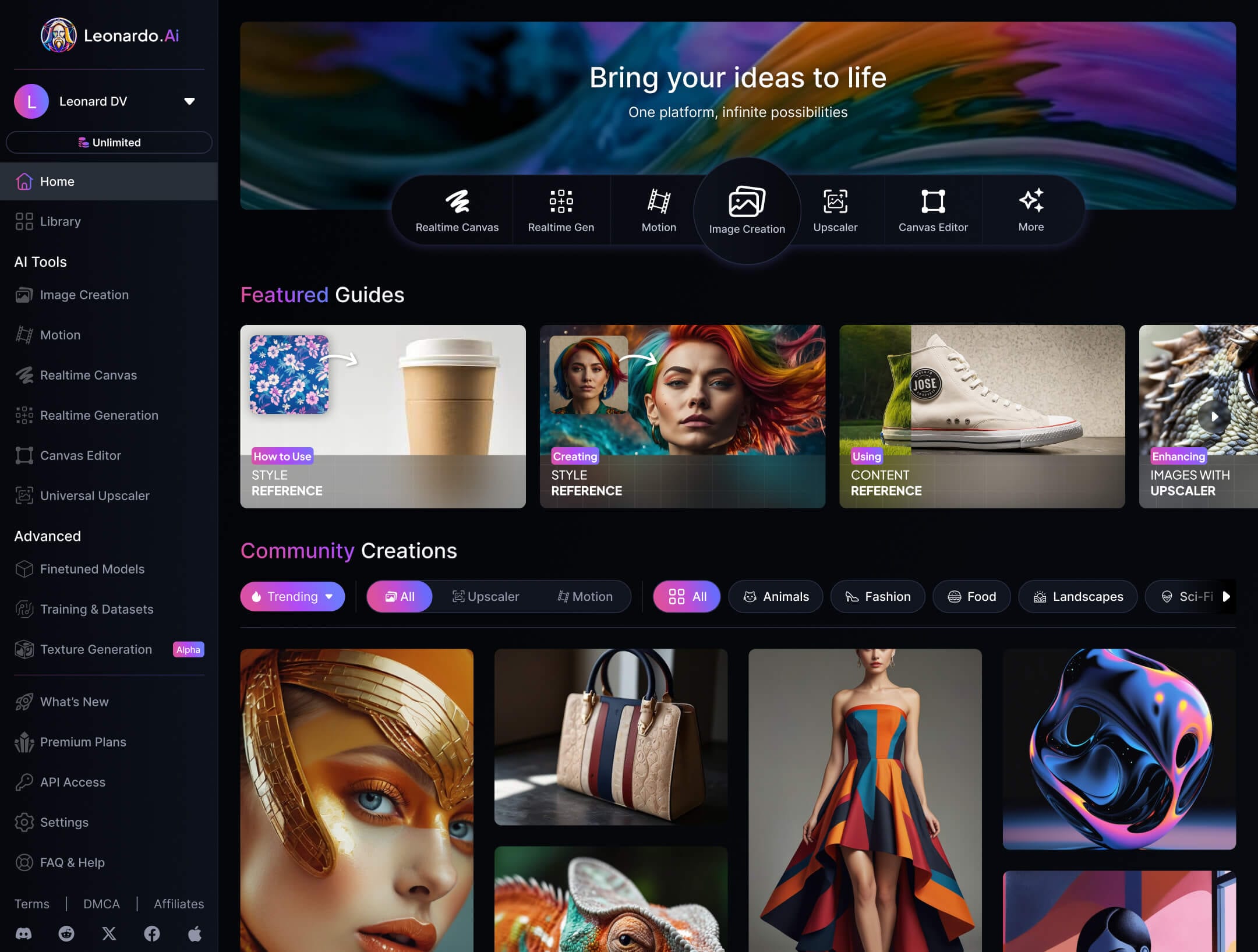
Leonardo.ai is a popular Recraft AI alternative that focuses on high-quality raster image generation for concept art and stylized visuals, though it does not specialize in vector workflows like Recraft AI image tools.
- Specialized fine-tuned models for different aesthetics
- Adjustable generation parameters for stylistic control
- Strong community-driven asset ecosystem
- Consistent artistic style across variations
- Flexible control for prompt experimentation
- Does not support native SVG or EPS export
- Not optimized for structured brand systems
A strong Recraft AI alternative if your priority is visual creativity over production-ready vector assets.
2. Midjourney
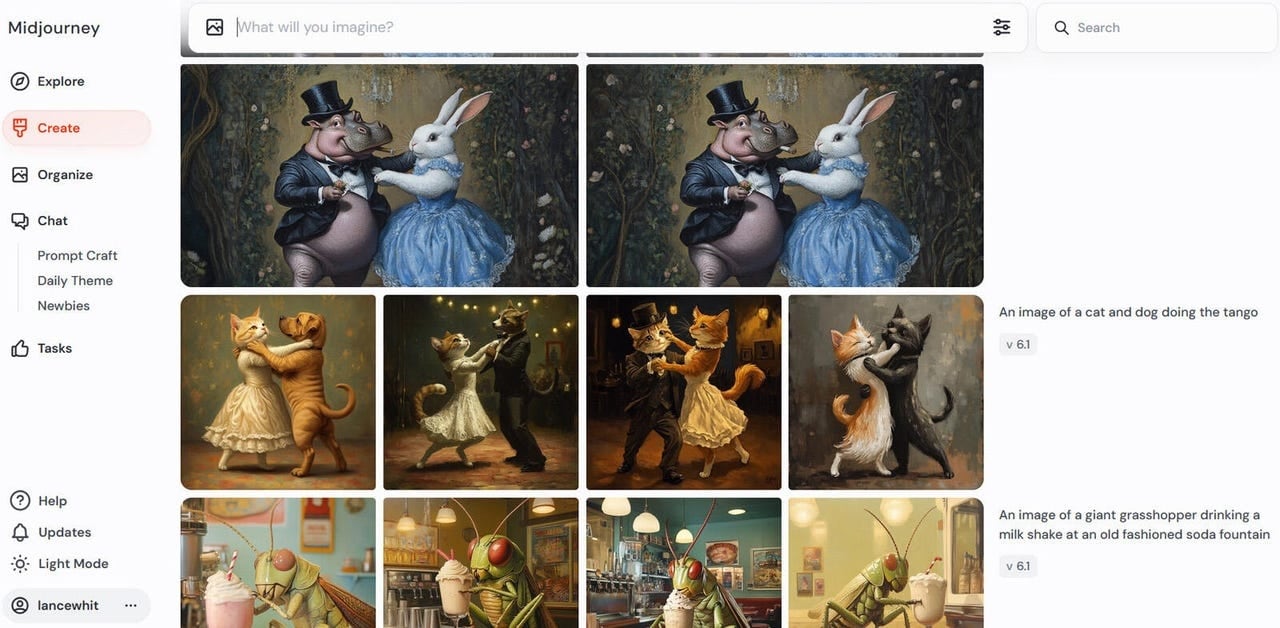
Midjourney is a widely recognized Recraft AI alternative that excels in artistic raster image generation, offering cinematic and highly stylized outputs rather than vector-based design files.
- Unique cinematic rendering style
- Advanced lighting and texture realism
- Strong prompt-based artistic control
- Smooth visuals and strong atmosphere
- Well-suited for storytelling imagery
- No native vector output
- Less layout precision for typography-heavy work
Ideal if you want expressive, artistic visuals instead of structured, Recraft AI image vectorizer capabilities.
3. Adobe Firefly
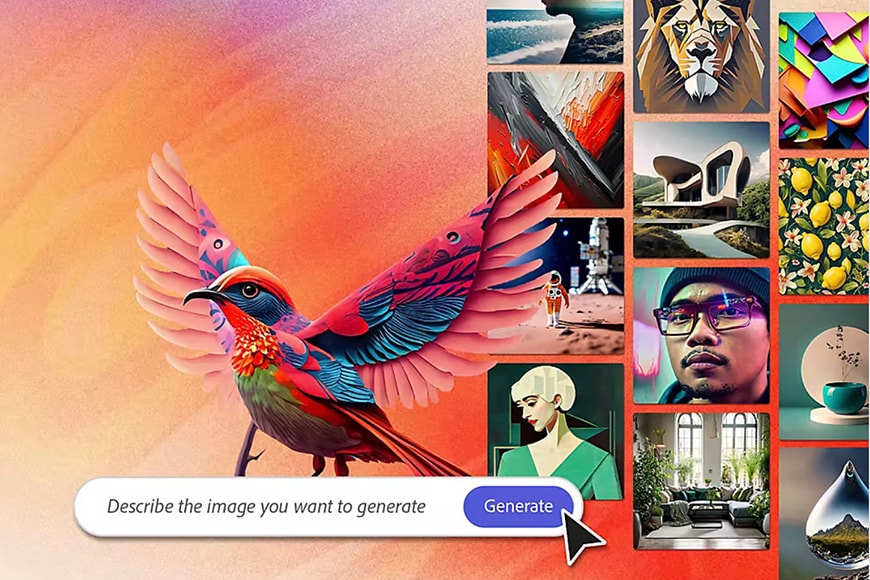
Adobe Firefly is a professional Recraft AI alternative integrated into the Adobe ecosystem, offering generative AI tools that complement Illustrator and Photoshop workflows.
- More commercially secure training data, according to Adobe's disclosure
- Seamless handoff between AI generation and manual vector refinement
- Enterprise-level licensing clarity
- Deep integration with Illustrator for vector editing
- Structured control over typography and layout
- Strong brand trust in professional environments
- Requires Creative Cloud subscription
- Less stylistically experimental compared to Midjourney
Adobe Firefly is the strongest alternative for professionals who need AI inside an established design workflow rather than as a standalone tool.
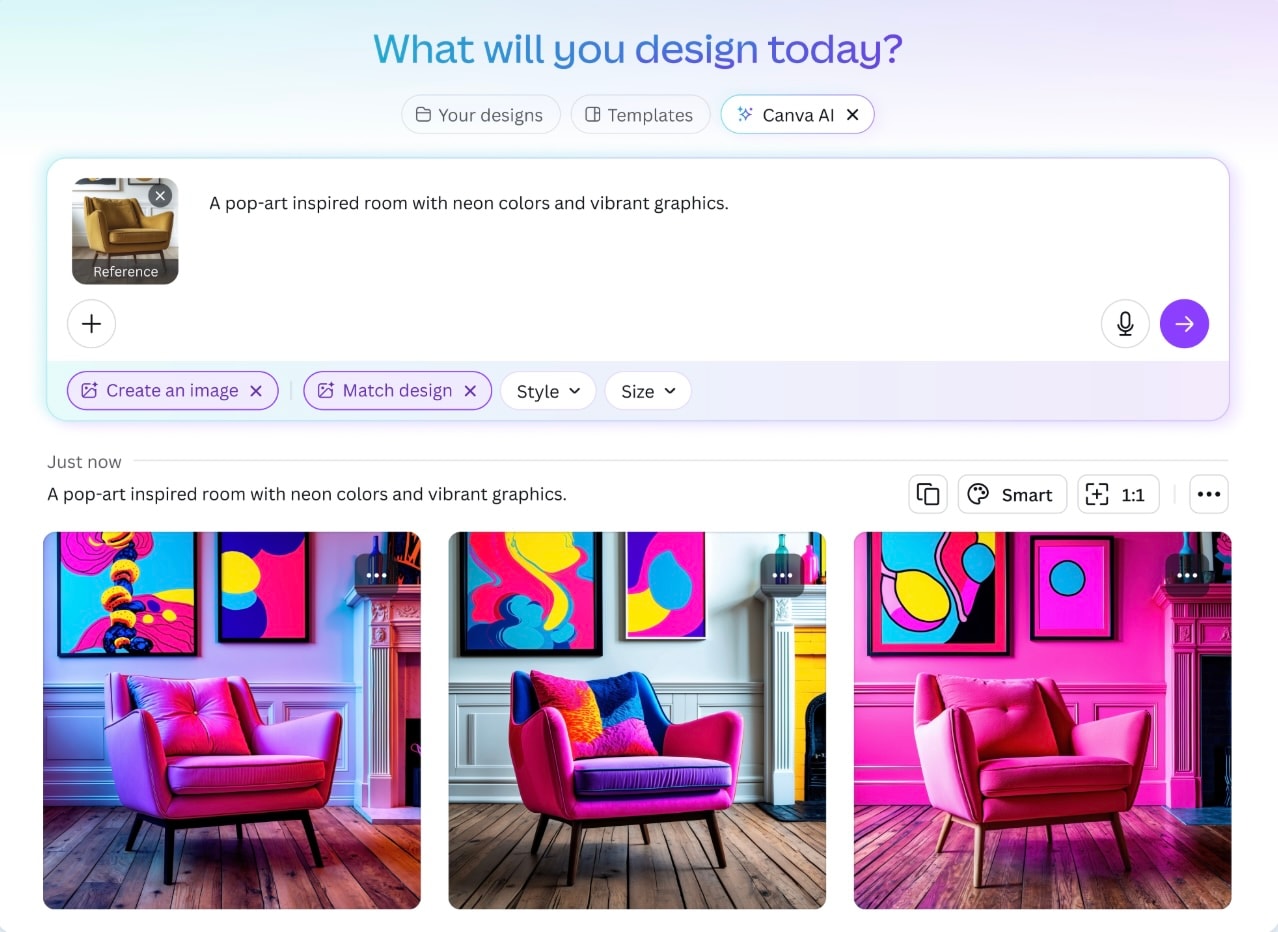
4. Canva
Canva serves as a simple alternative to Recraft AI image, which combines AI image generation with templates and layout tools for quick content production rather than deep vector control.
- Template-driven AI integration
- Instant resizing for multi-platform publishing
- Built-in brand kit tools
- Extremely easy to use
- Fast turnaround for publish-ready designs
- Limited precision for complex vector systems
- Moderate AI customization depth
A practical Recraft AI alternative for creators who value speed and efficiency over advanced vector manipulation.
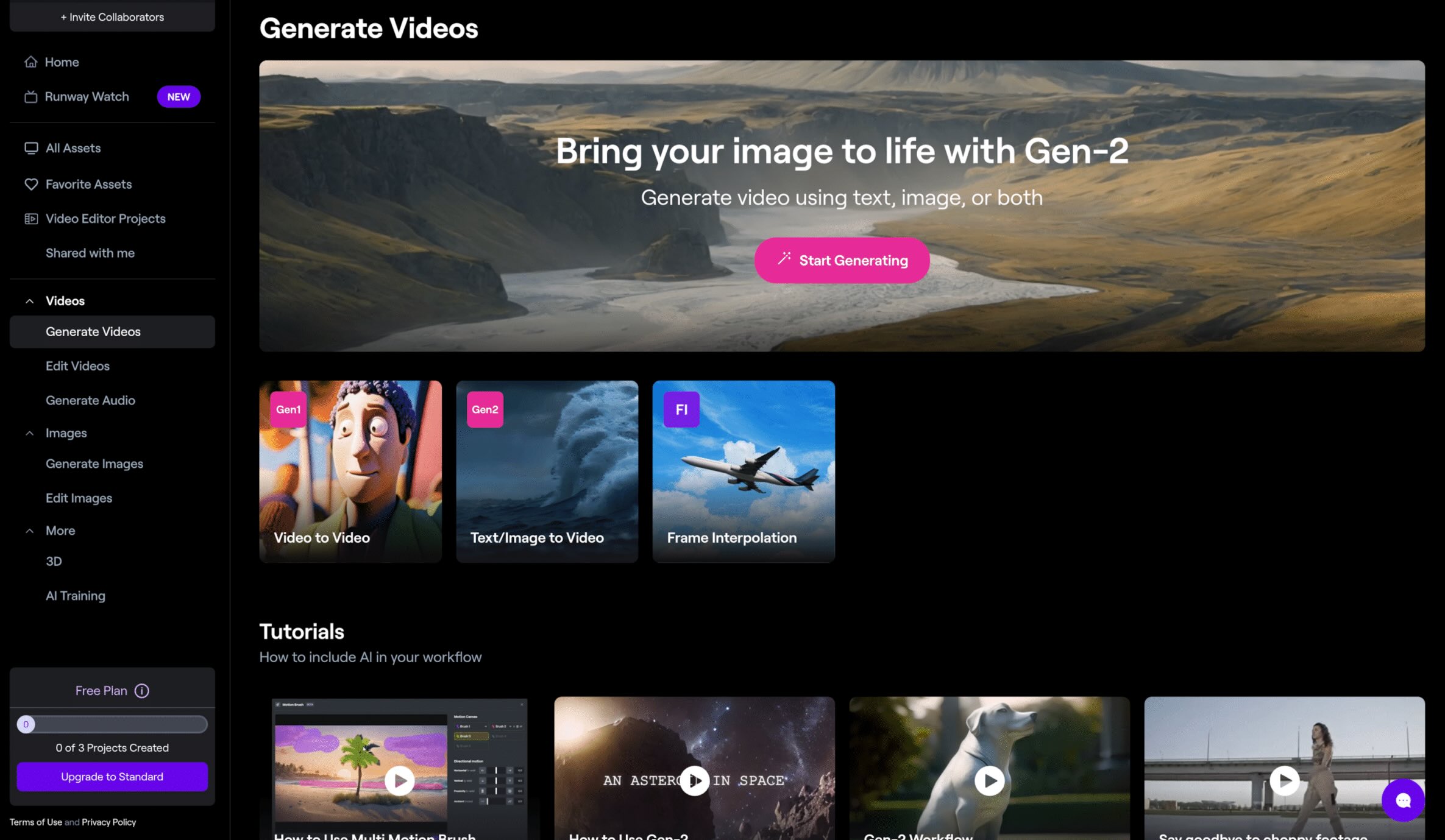
5. Runway
Runway is a multimedia-based Recraft AI alternative that combines AI image tools with video and motion capabilities rather than emphasizing vector-based graphic design.
- Integrated image-to-video workflows
- Advanced masking and motion tools
- Built for multimedia storytelling
- Strong for hybrid visual projects
- Reduces the need for multiple creative apps
- Not optimized for scalable SVG branding assets
- The interface may feel complex for static design users
A compelling Recraft AI alternative if your creative workflow extends into motion graphics and video production.
Conclusion
In 2026, Recraft AI stands out by focusing on what professional designers actually need: scalable vector output, structured layouts, and an infinite canvas built for real workflows.
While many AI tools generate impressive visuals, few deliver production-ready assets that fit branding systems and client work. Recraft AI's image generator and vectorizer features make it highly valuable for logos, illustrations, and marketing graphics.
That said, the right choice still depends on your goals. If precision and scalability matter most, Recraft AI is a strong investment. If you prioritize artistic experimentation, other alternatives may better suit your creative direction.

