


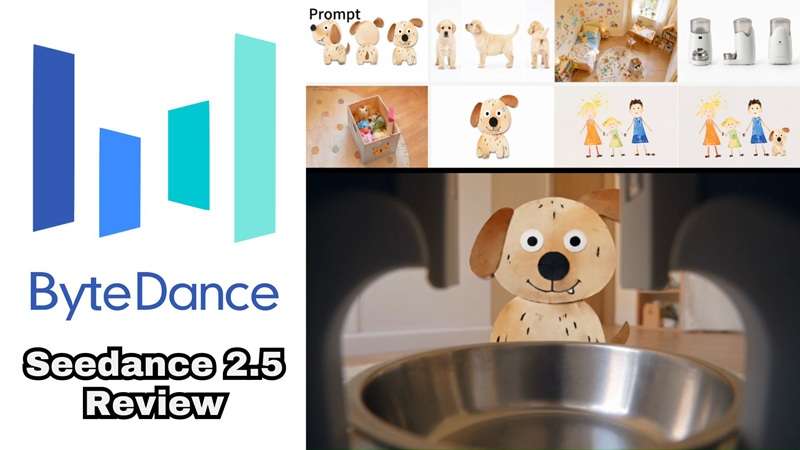
On July 31, 2026, ByteDance announced that its latest AI video model, Seedance 2.5, officially went live. This rollout follows their previous Seedance 2.0 system, promising an upgrade that changes how we handle AI storytelling.
Within days, Seedance 2.5 reviews started popping up everywhere, all trying to answer the same question: does it actually hold up, or is this just another hype cycle? So, we decided to put the model through its paces to see if it truly lives up to the hype or if it is just another incremental update.
Part 1. What Changed with Seedance 2.5?
Before we get into the upgrades, a quick bit of context. ByteDance has built a solid name in AI visual tech, using platforms like Jimeng AI and CapCut to give creators high-level tools without a massive learning curve. Their early Seedance models laid a strong foundation, but Seedance 2.5 pushes things into full production territory. Here is a breakdown of what actually changed in the new upgrade.
1. Up to 30 Seconds Per Generation
Seedance 2.0 topped out around 15 seconds in a single pass, making it tough to establish a full narrative arc. Seedance 2.5 generates up to 30 continuous seconds in a single pass with clean visual pacing, smooth camera movements, and built-in scene transitions that actually make sense.
2. Multi-Round Extension

Once you've got your 30-second base clip, you can keep extending it round after round while the model holds onto your characters, setting, and pacing. That's a much more useful approach for storytelling than simply asking an AI to make "a longer video."
3. Upgraded Multi-Modal Referencing

Seedance 2.5 can accept up to 30 images, 10 video clips, and 10 audio clips as references in a single generation. That means more subjects, richer scenes, and camera work that actually matches what you had in mind instead of a rough approximation.
4. More Precise and Stable Editing
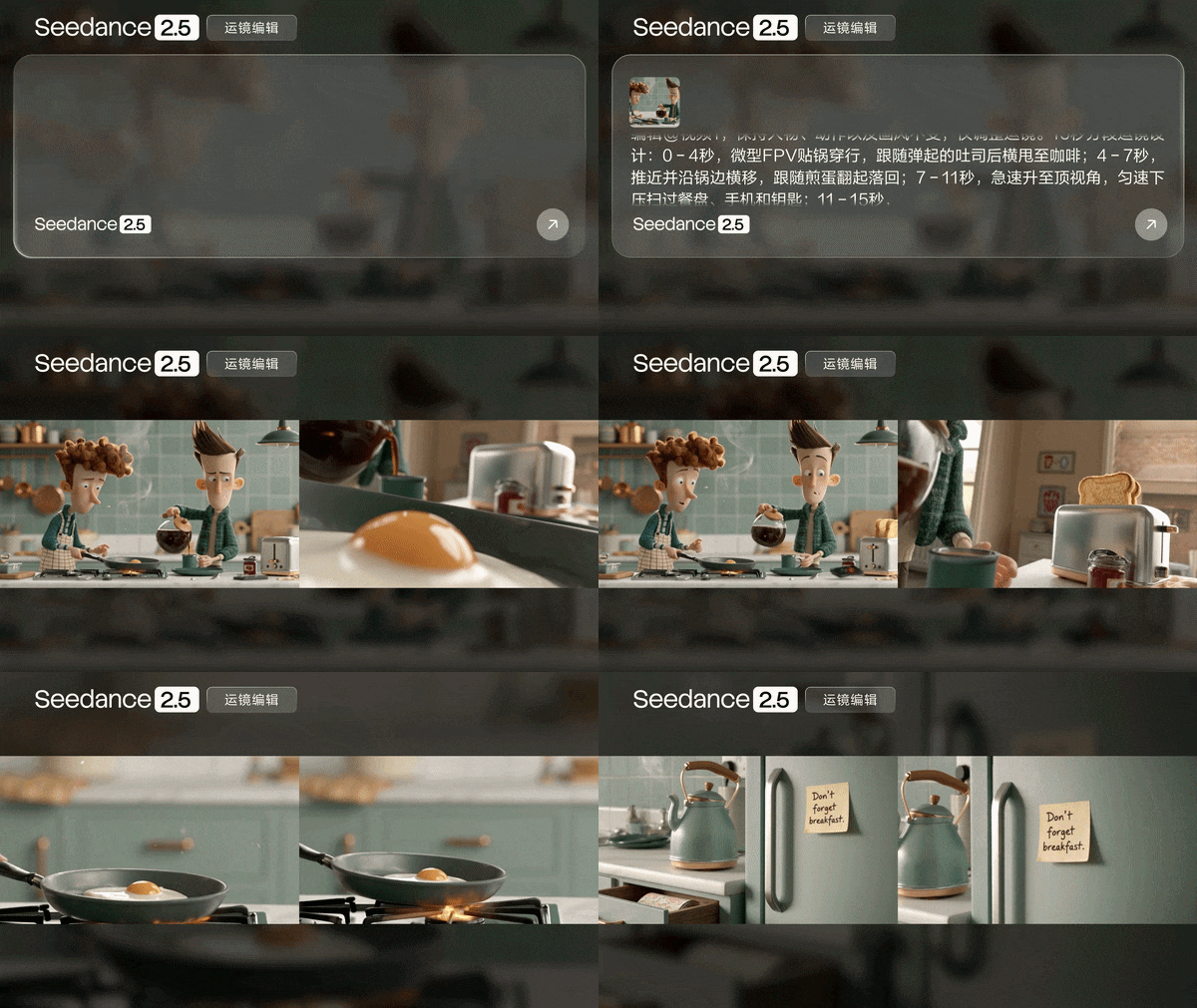
Seedance 2.5 adds timestamp-level editing, so you can tell exactly what should happen at, say, the 7-second mark without regenerating the whole clip. It also picked up sharper green screen replacement, camera perspective editing, and reference-based editing.
Overview: Seedance 2.0 vs. Seedance 2.5
| Feature | Seedance 2.0 | Seedance 2.5 |
| Max Single-Pass Length | Up to 15 seconds | Up to 30 seconds |
| Targeted Timeline Editing | Basic clip-level prompts | Timestamp-level precision control |
| Reference Inputs | Up to 12 files total | Up to 30 images + 10 videos + 10 audio clips |
| Reference Styles | Standard image/video reference | Adds clay render, motion, and creative referencing |
|
Show More
Show Less
|
||
Part 2. Seedance 2.5 Price: Can You Access It For Free?
Pricing for a brand-new model launch is almost always messy for the first few weeks, and Seedance 2.5 is no exception. ByteDance didn't publish a single, clean price list on day one. Meaning, there isn't one universal Seedance 2.5 price that applies everywhere.
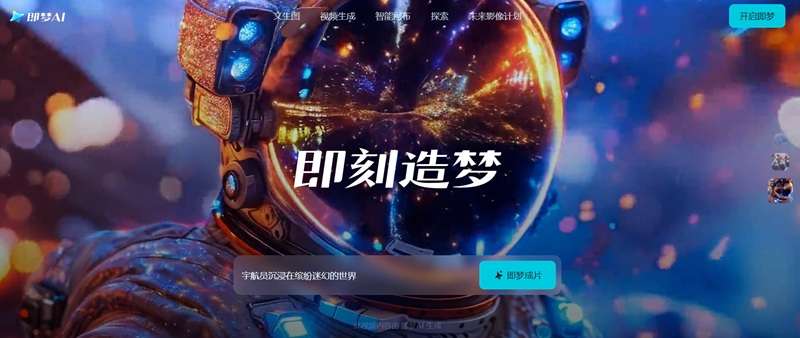
Right now, ByteDance distributes Seedance 2.5 across a few main channels: Web App Platforms (Jimeng AI & Doubao Pro) and Dreamina Integration.
What About API Pricing?
On August 7, 2026, API access to Seedance 2.5 was opened through both BytePlus ModelArk (billed in USD) for international developers and Volcano Engine Ark (billed in CNY) for mainland China.
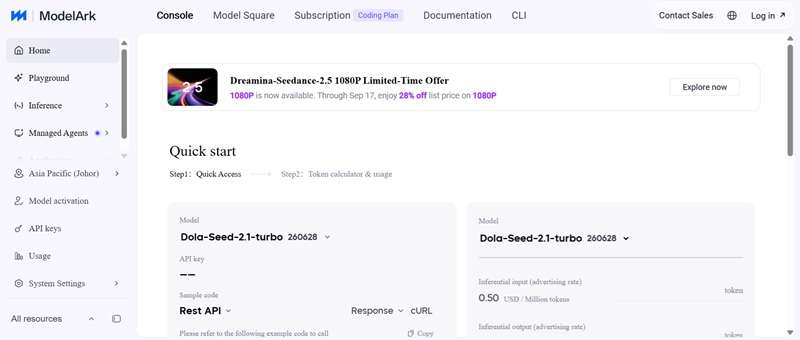
Here is the breakdown:
- $10.70 per million tokens for requests without a video input.
- $6.40 per million tokens for requests that include a video input.
- On Volcano Engine Ark, the same rates translate to roughly ¥70 and ¥42 per million tokens.
If the official API math feels like a headache, a handful of third-party resellers are already offering simpler, flat-rate pricing instead. Atlas Cloud, for example, charges a flat $0.134 per second across text-to-video, image-to-video, and reference-to-video, while EvoLink starts from around $0.084 per second.
Part 3. How to Use Seedance 2.5 (Step-by-Step Guide)
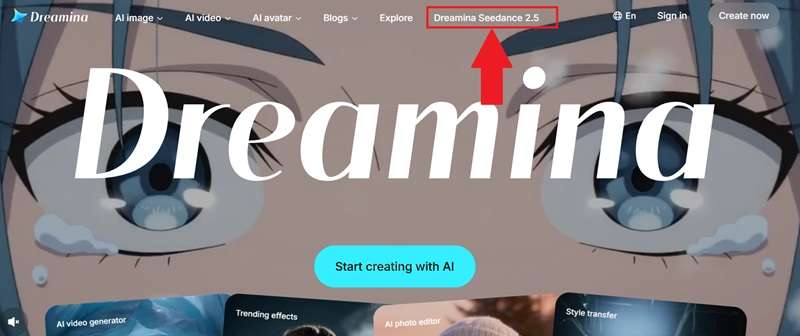
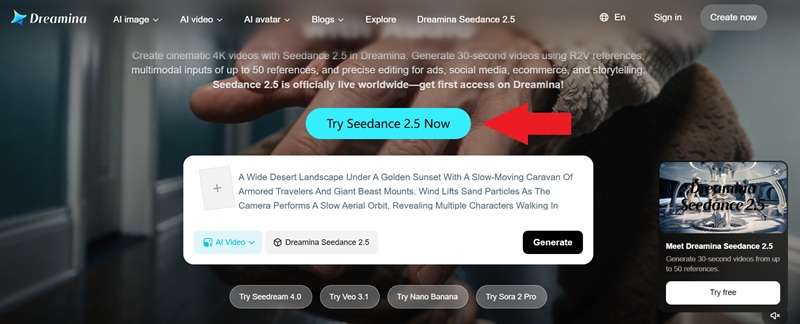
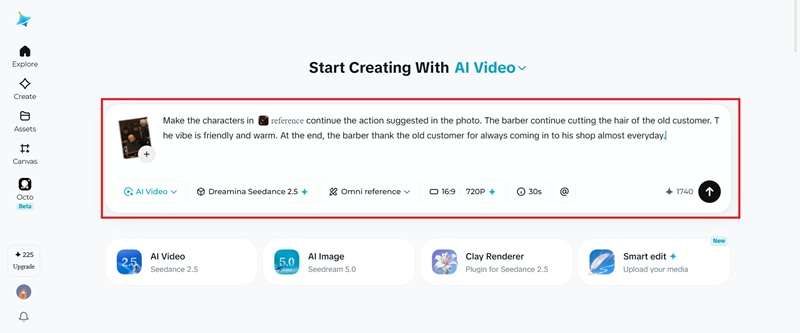
If you're not trying to wire this into an API pipeline and just want to mess around with it, the easiest on-ramp right now is Dreamina, where Seedance 2.5 is available with free trial credits and doesn't require any developer setup. See the steps below to learn how to create an AI video with Seedance 2.5.
Part 4. Is Seedance 2.5 Worth It?
It's only been a couple of weeks since Seedance 2.5 launched, but that's been more than enough time for creators and developers to start comparing notes. To give you a balanced look, we collected real community perspectives from active generative AI forums and paired them with our own hands-on test findings.

What They Say on Reddit
One Reddit discussion specifically asked if Seedance 2.5 was worth the hype. The responses were mixed. Here is a quick breakdown of the general consensus:
- Multi-round extension actually works the way it's described.
- Noticeably fewer instances of waxy skin, flickering textures, and weird lighting.
- Background replacement for green-screen clips looks remarkably natural.
- The same copyright tension that hit Seedance 2.0 with Hollywood studios hasn't gone away.
- Generating a full 30-second clip burns through platform credits much faster than standard 5-second renders.
- Access has been confusing, so pricing info is scattered across sources.
Our Take on Seedance 2.5
After running several testing prompts through our own creative setup, here is our honest Seedance 2.5 review and how it holds up in real-world workflow:
- Clay render referencing is a smart middle ground between a rigid storyboard and a vague text prompt.
- Character faces remain sharp even when the camera performs fast, dynamic pans.
- The combined audio-visual sync keeps sound effects closely aligned with on-screen action.
- The "free" testing in Dreamina isn't true. You actually need to subscribe to CapCut and it requires credits to be able to use Seedance 2.5.
- Fine details like closing the doors still suffer from occasional distortion.
- The high credit costs mean trial-and-error prompting can get really expensive.
Part 5. Try Seedance 2.0 in Wondershare Filmora!
Seedance 2.5 is certainly a real upgrade, but between the phased rollout, the shifting pricing, and the still-forming access routes, not everyone can get their hands on it comfortably yet. Interestingly, many creators still prefer using the trusted Seedance 2.0 engine for daily projects because it is fast, highly reliable, and deeply integrated into full video editing platforms.
If that's you, Wondershare Filmora is the perfect home for your workflow.

Filmora packs the Seedance 2.0 engine right inside its native timeline interface. You can quickly generate clips from plain text or reference images, then immediately drop them onto your tracks to build complete, polished videos.
What Do You Get From Filmora
1. More Varied AI Models
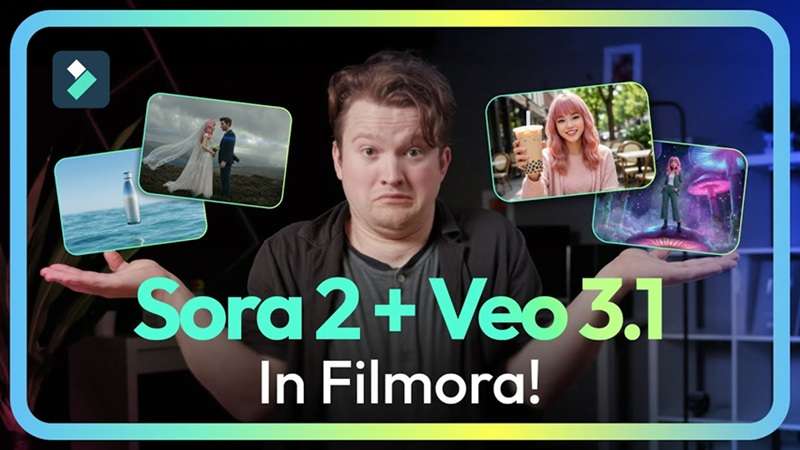
Besides Seedance 2.0, Filmora gives you direct access to top-tier video engines like HappyHorse 1.1, Veo 3.1, Sora, and TooMovie 2.5. If you need image assets for your scene backgrounds, you can also generate visuals on the fly using Nano Banana Pro, Nano Banana 2, and GPT Image 2.
2. Professional Editing Timeline
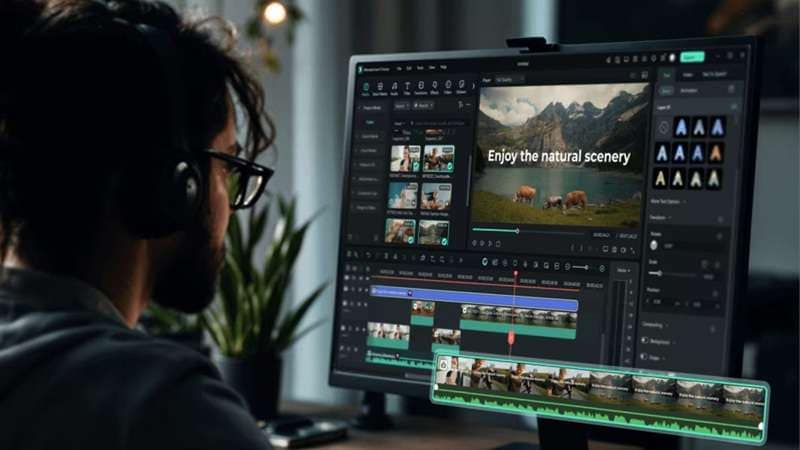
A standalone 30-second AI clip is rarely a finished project on its own. Filmora gives you a dual-timeline editing layout where you can trim generated footage, arrange multi-track audio, add transitions, and line up cuts to match your background music perfectly.
3. Advanced AI Features

Beyond generation, Filmora packs in AI features built for the whole content pipeline. There is an AI social content planner to help map out what to post and when, AI captions that sync to your footage automatically, and enhancer tools for cleaning up audio and footage without manual fiddling.
4. Extensive Media Library

On top of AI generation, Filmora ships with a huge built-in library of royalty-free music, video effects, stock footage, and templates. That means you can round out an AI-generated scene with the right background music or B-roll without hunting down a separate stock site or worrying about licensing headaches later.
 Secure Download
Conclusion
ByteDance’s Seedance 2.5 sets an impressive benchmark for generative video tools. Its 30-second generation, multimodal references, extensions, and timestamp-based editing are meaningful improvements over shorter clip generation. However, pricing is still settling, and the same copyright questions from Seedance 2.0 haven't gone anywhere, so it's not a flawless launch.
If you are looking to build complete videos today without worrying about web queues or complex credit systems, Wondershare Filmora makes a strong companion. Its built-in Seedance 2.0 access lets you generate clips, then continue editing them with a full timeline, AI tools, creative assets, captions, audio tools, and social publishing features.
FAQs About Seedance 2.5
-
Is Seedance 2.5 available outside China?
Yes, though it rolled out in stages. It launched first on ByteDance's own apps, Jimeng and Doubao Pro, and has since expanded to Dreamina for international users, with API access opening through BytePlus ModelArk for developers outside mainland China. -
Do I need to add audio separately, or does Seedance 2.5 generate it automatically?
Audio is generated natively alongside the video, using a joint audio-video architecture rather than bolting sound on afterward. Seedance 2.5 supports native audio output in 10 or more languages. -
Will Seedance 2.5 replace video editing software entirely?
Not really. It's excellent at generating and even editing individual clips, but assembling a full project still needs a proper editor. That's exactly why tools like Filmora, which combine AI generation with a full timeline, are worth having alongside it.
