


China has quickly become one of the biggest players in the AI video generator space. Among them, Tencent Hunyuan Video has attracted attention for its open-source approach, advanced video generation capabilities, and growing ecosystem that includes tools like Tencent Hunyuan AI and HunyuanVideo I2V.
However, for creators outside China, the platform can still feel unfamiliar, from understanding its features to figuring out whether it's practical for everyday use. That's exactly what this review aims to help with, as we break down everything you need to know about Tencent Hunyuan Video.
Part 1. What Is Tencent Hunyuan Video?
Tencent Hunyuan Video is an open-source AI video foundation model built by Tencent's Hunyuan team. It was first released in December 2024 with 13 billion parameters, making it the largest open-source video generation model at the time. Meaning, Tencent published the code, model weights, and even the technical research paper publicly, letting anyone study, run, or build on top of it.
Honestly, understanding this platform can be quite tricky since the broader Tencent AI studio umbrella connects a growing family of AI technologies. Take a quick look at what each part of the ecosystem does.
| Product | What It Does |
| Tencent Hunyuan Video | Generates videos from text prompts |
| HunyuanVideo I2V | Animates still images into videos |
| HunyuanVideo Avatar | Creates talking avatars with synchronized lip movements |
| Tencent Hunyuan 3D | Generates editable 3D assets from text or images |
| Tencent Hunyuan T1 | A reasoning-focused large language model for coding and complex tasks |
Tencent Hunyuan AI Video Characteristics:
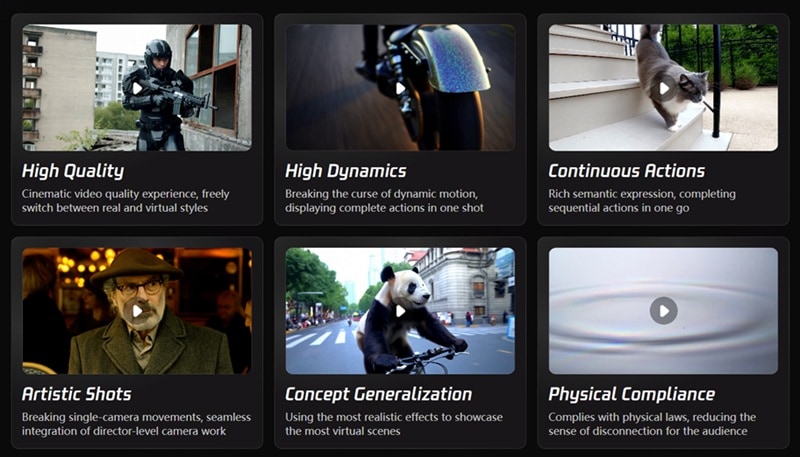
Tencent Hunyuan AI video generator built the model around six qualities it specifically optimized for:
- High Quality: Sharp, detailed frames rather than muddy AI-generated textures
- High Dynamics: Genuine motion and energy in scenes, not just subtle drifting
- Continuous Actions: Movements that stay coherent from the first frame to the last
- Artistic Shots: Camera framing that actually feels intentional and cinematic
- Concept Generalization: Handling unusual or creative prompts without falling apart
- Physical Compliance: Objects and people moving in ways that respect real-world physics
The HunyuanVideo-1.5 Upgrade
To make things even more exciting, Tencent recently dropped Tencent Hunyuan Video 1.5! The big headline here is accessibility: where the original model needed roughly 60GB of GPU memory just to generate 720p footage, HunyuanVideo-1.5 runs with as little as 14GB of VRAM.

Plus, with smart features like Selective and Sliding Tile Attention (SSTA) and integrated super-resolution up to 1080p, Tencent Hunyuan Video 1.5 brings true cinematic generation straight to consumer-grade setups!
Part 2. What Does It Cost to Use Tencent Hunyuan?
Tencent Hunyuan Video promises a genuinely open-source ecosystem, and it delivers on that: the code and model weights are freely downloadable through GitHub, Hugging Face, the Diffusers library, and ComfyUI.
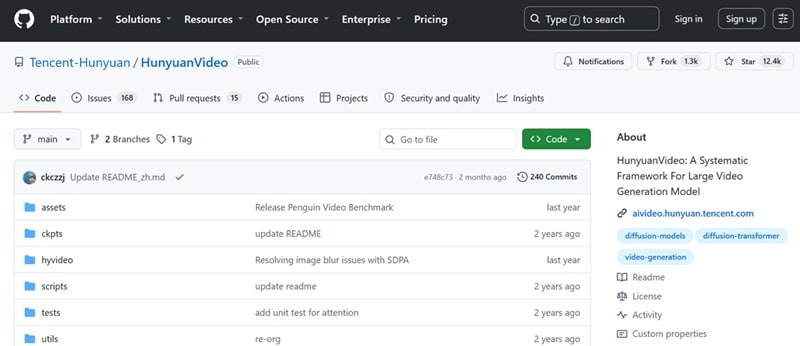
That said, Tencent Hunyuan AI free in this case means free of licensing costs, not necessarily free of cost altogether. So, you can download Tencent Hunyuan Video AI easily, but depending on your setup, you may need to pay for a high-end NVIDIA GPU, cloud GPU services, etc.
Below is a breakdown of four platforms to download Tencent Hunyuan AI:
| Platform | What You Can Get There | Best Used For |
| GitHub | Official source code & scripts | Developers running custom pipelines & training scripts |
| Hugging Face | Pre-trained weights (Tencent Hunyuan Video Hugging Face repository) | Quick model downloads, diffusers integration, and cloud demos |
| Diffusers | Native Hugging Face Diffusers integration scripts | Python developers building custom AI apps |
| ComfyUI | Community nodes & modular node-based workflows | Digital artists wanting visual, drag-and-drop workflow control |
Part 3. Exploring Tencent Hunyuan's Most Powerful AI Features
Fortunately, free doesn't mean stripped-down here. Tencent has built out a genuinely capable feature set across video, avatars, and even 3D generation. Let's break down the highlights.
Text-to-Video Generation

At its core, Tencent Hunyuan Video AI is a text-to-video model. Thanks to native bilingual text encoders (supporting both English and Chinese), it catches subtle nuances in your descriptions that other models completely miss. You can dictate precise camera movements and watch the AI construct cinematic scenes that strictly follow your directions.
HunyuanVideo I2V (Image-to-Video Generation)
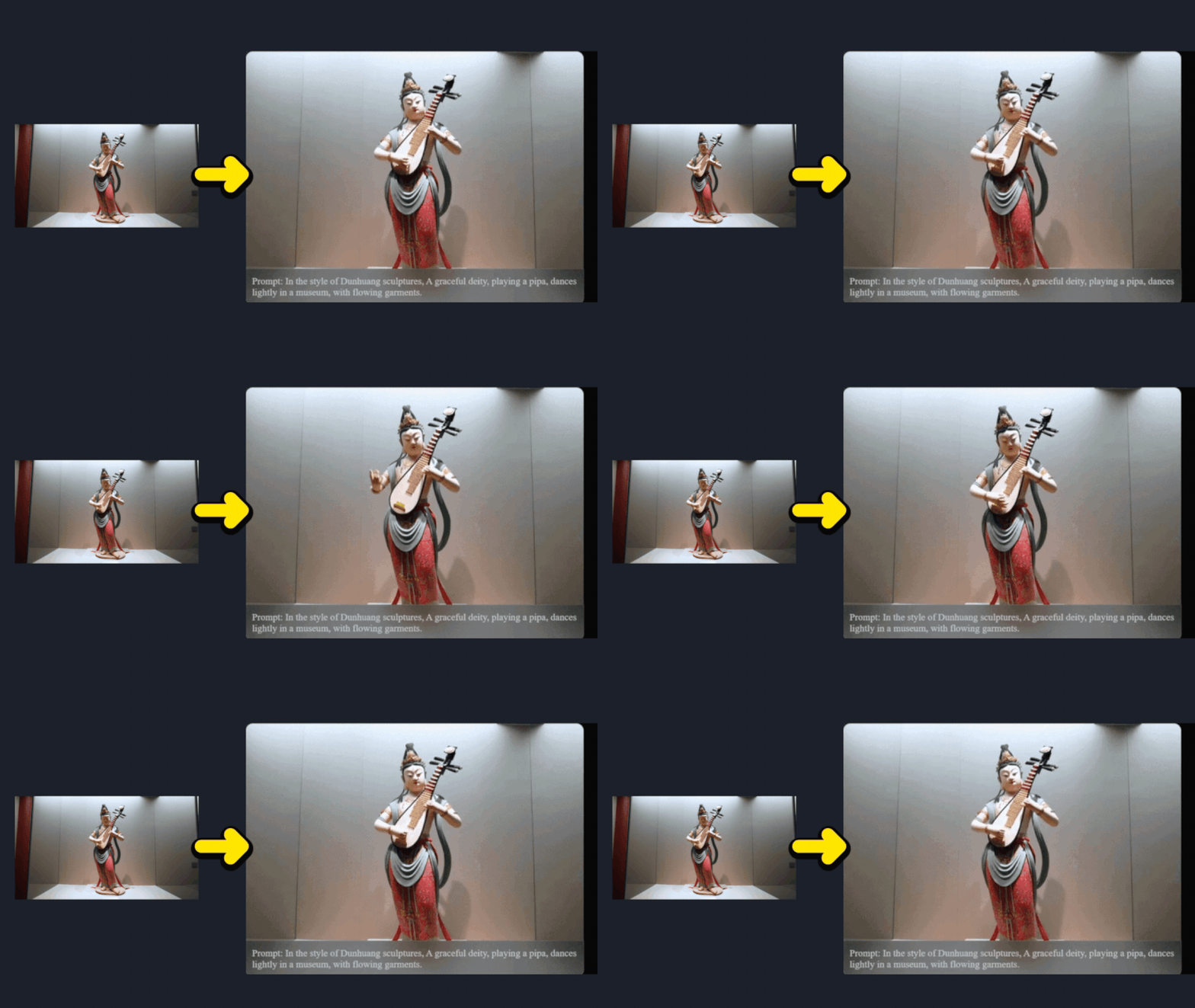
Released in March 2025, Tencent HunyuanVideo I2V model takes a still image and brings it to life with motion. It's especially useful for character animation where a static character design starts moving naturally, and product showcases where you want a still product photo turned into a slowly rotating or animated promotional clip.
HunyuanVideo Avatar
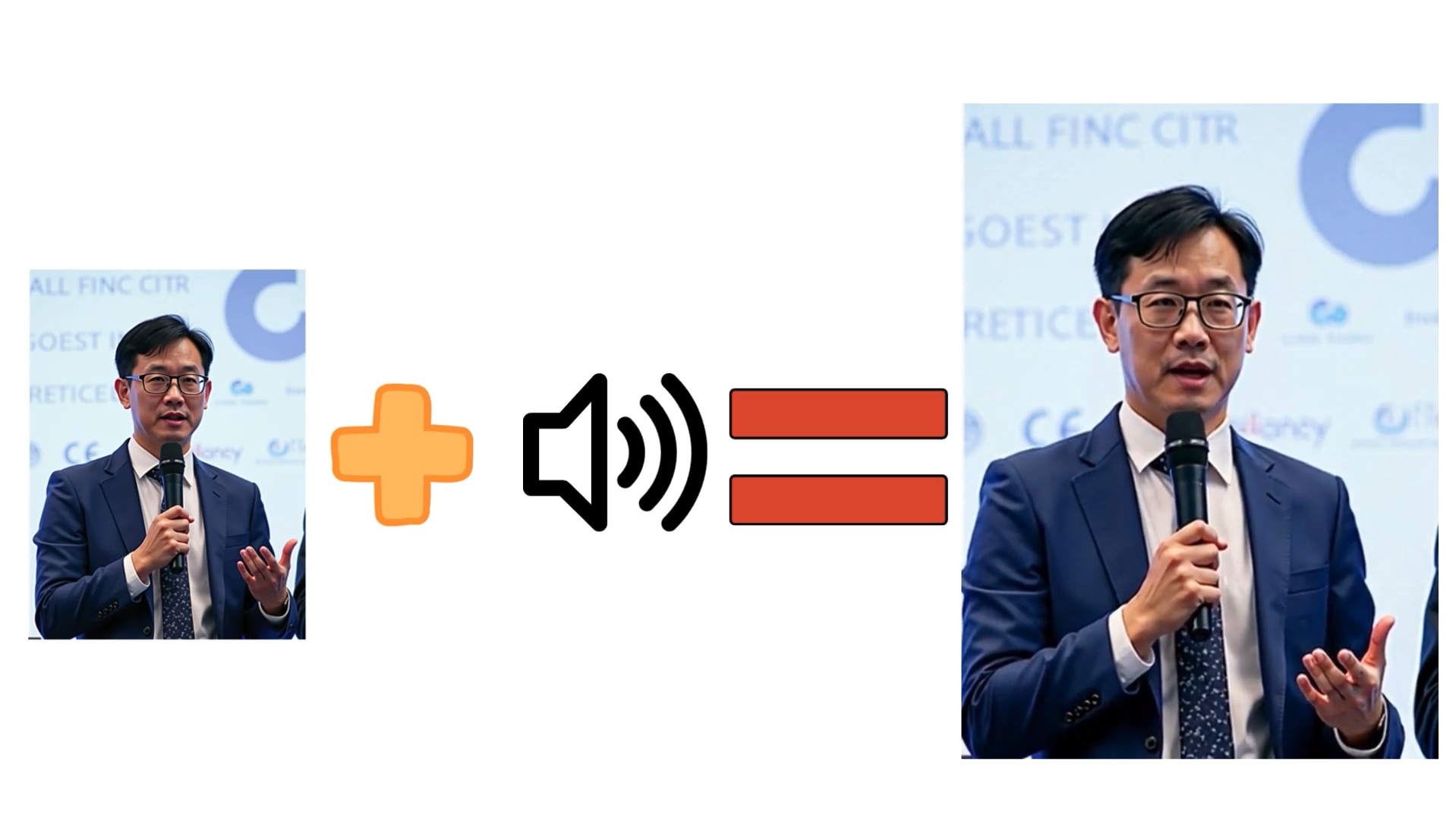
Another standout feature is Tencent HunyuanVideo Avatar. Feed it a photo and an audio track, and it generates a talking avatar with synced lip movement and natural voice-driven facial animation. This capability opens the door to creating:
- Virtual presenters.
- Educational videos.
- AI customer support agents.
- Digital influencers.
- Corporate explainers.
Tencent Hunyuan 3D

Stepping beyond 2D video, the ecosystem includes Tencent Hunyuan 3D (and the advanced Tencent Hy 2.0 world modeling frameworks). These tools can take a single text prompt or 2D image and generate textured, high-quality 3D assets in seconds!
Game developers, 3D artists, and AR creators can export these meshes directly into engines like Unreal Engine or Unity, drastically speeding up game dev and virtual world production.
Part 4. Should You Trust Tencent Hunyuan for Your Next Project? (Pros & Cons)
Like any tool in the creative world, Tencent's AI ecosystem has its awesome sweet spots and a few tricky hurdles. Here is an honest, straightforward look at the pros and cons to help you decide if it fits your current workflow.
- Completely Open-Source & Customizable: Full access to model weights means zero subscription fees and the ability to fine-tune custom LoRAs for your specific brand or style.
- Incredible Motion Physics & Realism: Benchmarked results are legitimately strong, outperforming Runway Gen-3 and Luma 1.6 in professional human evaluations on the original model.
- All-in-One Multi-Modal Ecosystem: Covers everything from text-to-video and image animation to 3D asset generation and reasoning models like Tencent Hunyuan t1.
- Constantly Improving: As the open-source community contributes feedback and integrations, the ecosystem is likely to continue evolving.
- Heavy Hardware Requirements: Running the full-scale 13B model locally demands high-end GPUs with heavy VRAM (often 45GB+).
- Steeper Technical Learning Curve: Setting up GitHub repositories, Python environments, or ComfyUI nodes can feel overwhelming if you don't have technical or coding experience.
- Generation Times Can Be Slow: Rendering high-frame-rate, highly complex 1080p video clips locally on mid-tier consumer hardware can take several minutes per clip.
- Language & Regional UI Quirks: While prompt understanding is bilingual, some official documentation, web platforms, and community resources are predominantly in Chinese, requiring translation tools.
Part 5. A Simpler Way to Create AI Videos: Wondershare Filmora
Tencent AI video is great, and the platform itself is undoubtedly one of the most exciting open-source AI video projects available today. But accessing it can be a real challenge for most people, especially total beginners without a background in Python environments or GPU rentals. That's a crucial factor to weigh, especially when there are options with much easier access, like Wondershare Filmora.
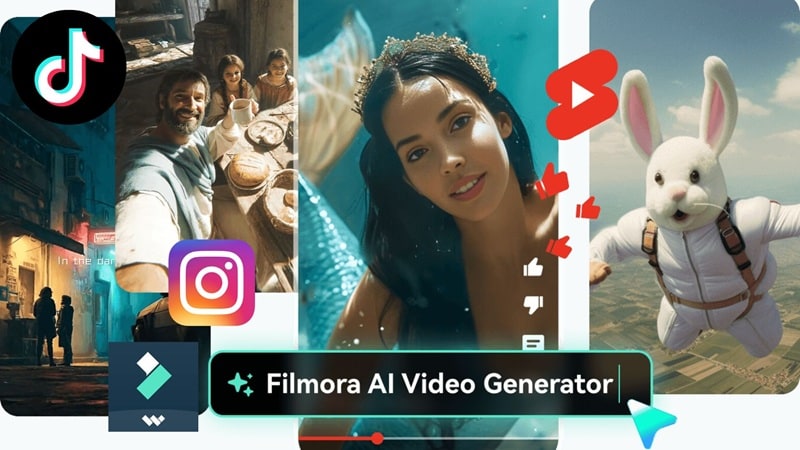
This all-in-one video editor also supports advanced AI text-to-video and AI image-to-video generation like Tencent Hunyuan AI, but wraps it in a polished, ready-to-use application instead of a research repository.
Why Choose Filmora?
1. Plenty of Methods to Create AI Videos
Beyond standard text-to-video and image-to-video, Filmora also supports AI audio-to-video and AI idea-to-video, giving you more flexible starting points than Hunyuan's more research-focused input options.

2. Advanced Editing Timeline
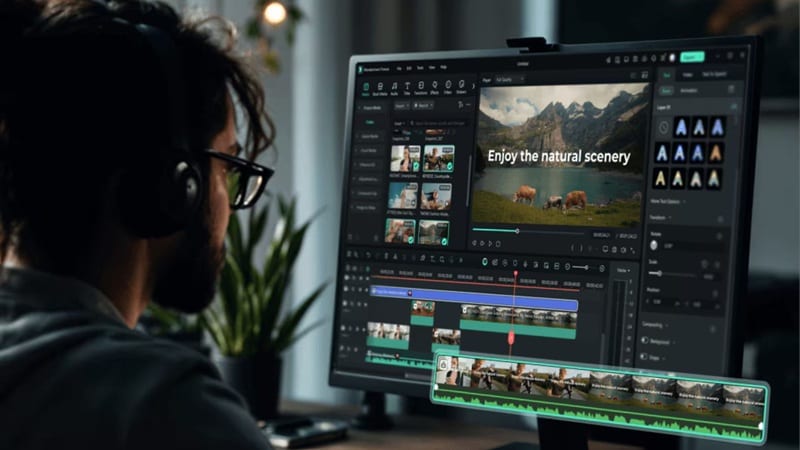
Once your AI clips are generated, Filmora's full multi-track timeline lets you trim, layer, color grade, and combine footage into a finished project, something a standalone generation model like Hunyuan simply doesn't offer on its own.
3. Wide Range of Media Library
Filmora ships with millions of stock assets, built-in effects, transitions, filters, and templates, so you're not starting every project from a completely blank generation prompt.

4. Extensive Advanced AI Features
Tools like the AI Video Enhancer, AI Video Extender, AI Sound Effect Generator, and Social Content Planner round out a much deeper creative toolkit than a single video generation model provides.

5. Easy Access
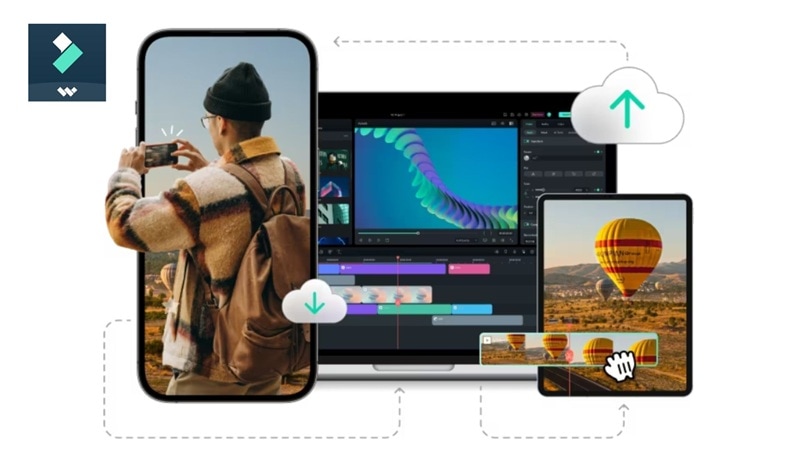
Filmora is available on Windows, macOS, iOS, and Android, meaning no CUDA setup, no GPU memory calculations, and no command line required to get started. Plus, it has cloud sync support!
 Secure Download
Conclusion
Tencent Hunyuan Video is a game-changing milestone for the open-source community. By making powerful models like Tencent Hunyuan Video 1.5, Hunyuan Video i2v, and Tencent Hunyuan 3D freely available, Tencent has given creators and developers unprecedented freedom to build, customize, and innovate without high paywalls or closed ecosystems.
Still, this remains a tool built for technically inclined users comfortable with local setup or cloud rentals. If you'd rather skip the GPU math entirely and get straight to creating, Wondershare Filmora offers comparable AI video generation wrapped in a genuinely beginner-friendly app available across desktop and mobile.
FAQs About Tencent Hunyuan Video
-
What kind of GPU do I need to run Tencent Hunyuan Video locally?
The original 13B-parameter model needs around 60GB of GPU memory for 720p output, realistically requiring a multi-GPU setup or a rented cloud server. HunyuanVideo-1.5 is far more accessible, running with a minimum of 14GB of VRAM (with model offloading) and performing comfortably on 24GB cards like the RTX 3090, 4080, or 4090. -
Does Tencent Hunyuan Video support API integration for developers?
Yes. Beyond the open-source repositories on GitHub and Hugging Face, the models are integrated into the Diffusers library for easier code-level access, and third-party platforms like Replicate and Tencent Cloud also offer hosted API access. -
Is Tencent Hunyuan Video beginner-friendly for people with no coding experience?
Not really, at least not for local deployment. Running it yourself typically involves Python environments, CUDA drivers, and command-line tools, or at best a ComfyUI workflow, none of which is designed for someone who's never touched development tools before.
