


Video is one of the most efficient and effective ways to promote a product. However, creating good marketing videos still takes time and effort, as it often requires several different tools for editing, subtitles, voiceovers, product ads, and more.
VidAU AI aims to simplify that process by bringing these features into one platform. You can easily create AI marketing videos using product links, text, and images in just a few steps. In this VidAU AI Review, we will take a look at what it has to offer, its pricing, its benefits and drawbacks to find out if it is the right AI video tool for your business or content!
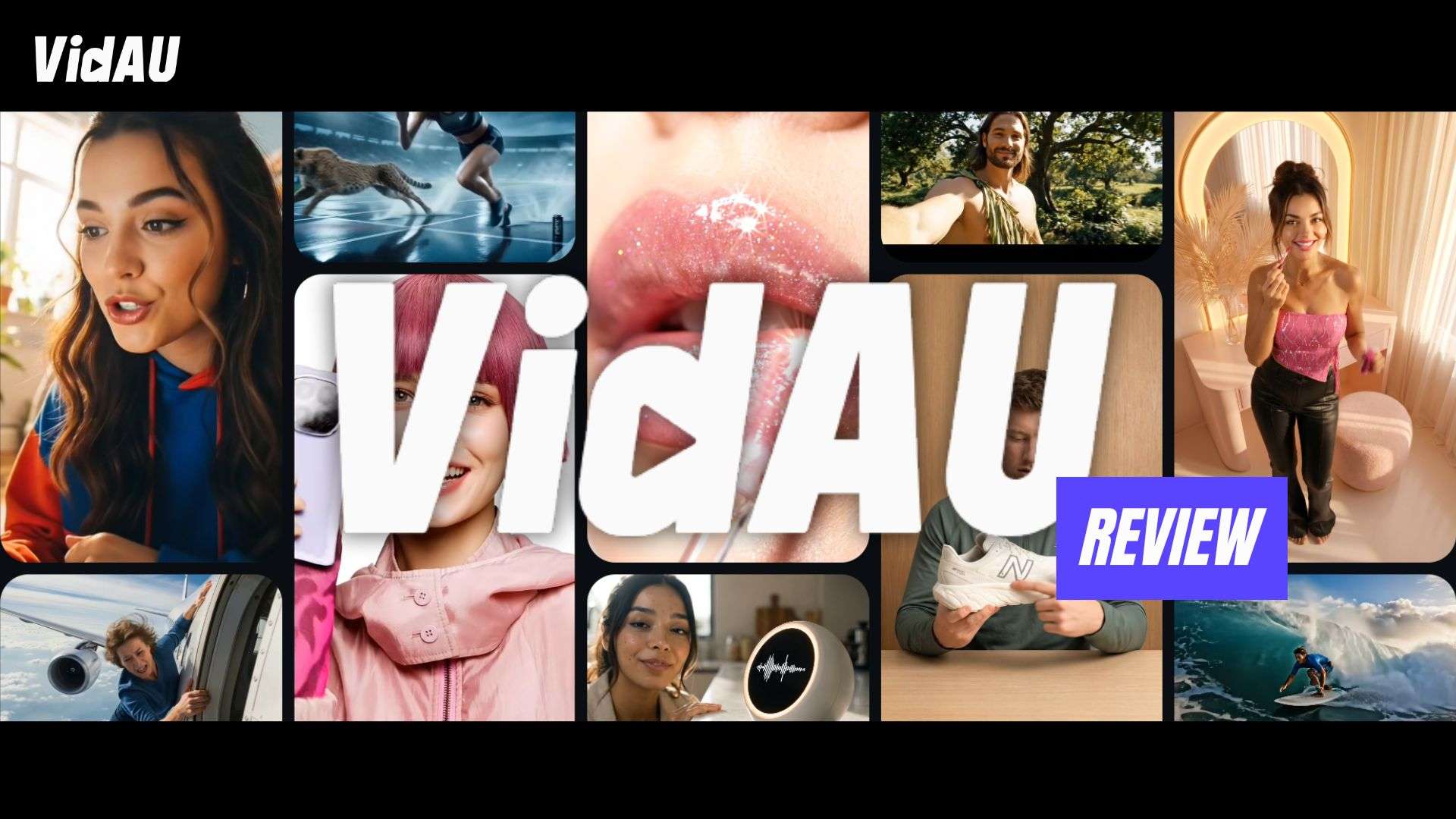
Part 1. What Exactly is VidAU?
VidAU AI Video Generator is a platform designed to create viral video ads effortlessly. It provides solutions for e-commerce businesses, marketing agencies, and other users by offering toolkits for custom avatar creation, ad video generation, subtitle and localization tools, and a library of more than 500 templates.
After securing a new funding round in mid-2024, the company began expanding its capabilities rapidly to support sales and ROI across e-commerce and social media platforms. This growth has positioned it as a key player in the growing AI video market.
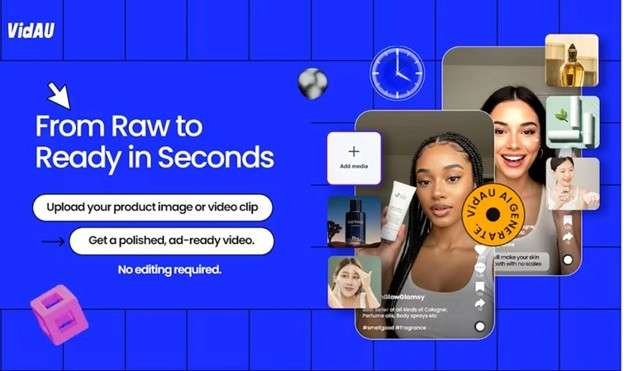
Part 2. VidAU AI Pricing and Free Plans
The official VidAU AI Pricing page lists three paid plans and no free tier. Higher tiers add more credits, parallel tasks, storage, faster generation, custom templates, and scaling tools.
| Lite | Starter | Business | |
| Price | $14.90/month | $29/month or $25/month (billed annually) | Starts from $89/month or $57/month (billed annually) |
| Monthly Credits | 1,490 credits | 3,960 credits | 9,800 credits |
| Parallel Tasks | 2 parallel tasks | 5 parallel tasks, and | 20 parallel tasks |
| Cloud Storage | 5 GB | 20 GB | 100 GB |
| Key Features | Remix Video Ads, 10+ AI video and image models, AI Avatar, AI Toolkits, AI avatar library, and watermark-free downloads | Everything in Lite, plus custom video templates, a customer success manager, and faster generation | Everything in Starter, plus batch remixing for more than 50 videos |
|
Show More
Show Less
|
|||
Part 3. Core Features: The Engine Under the Hood
Many of VidAU AI's features are focused specifically on creating, editing, and repurposing marketing videos. You can create and promote video advertisements, localize them, remove unwanted things, and prepare them for multiple social media channels without switching between platforms.
1. Generative AI
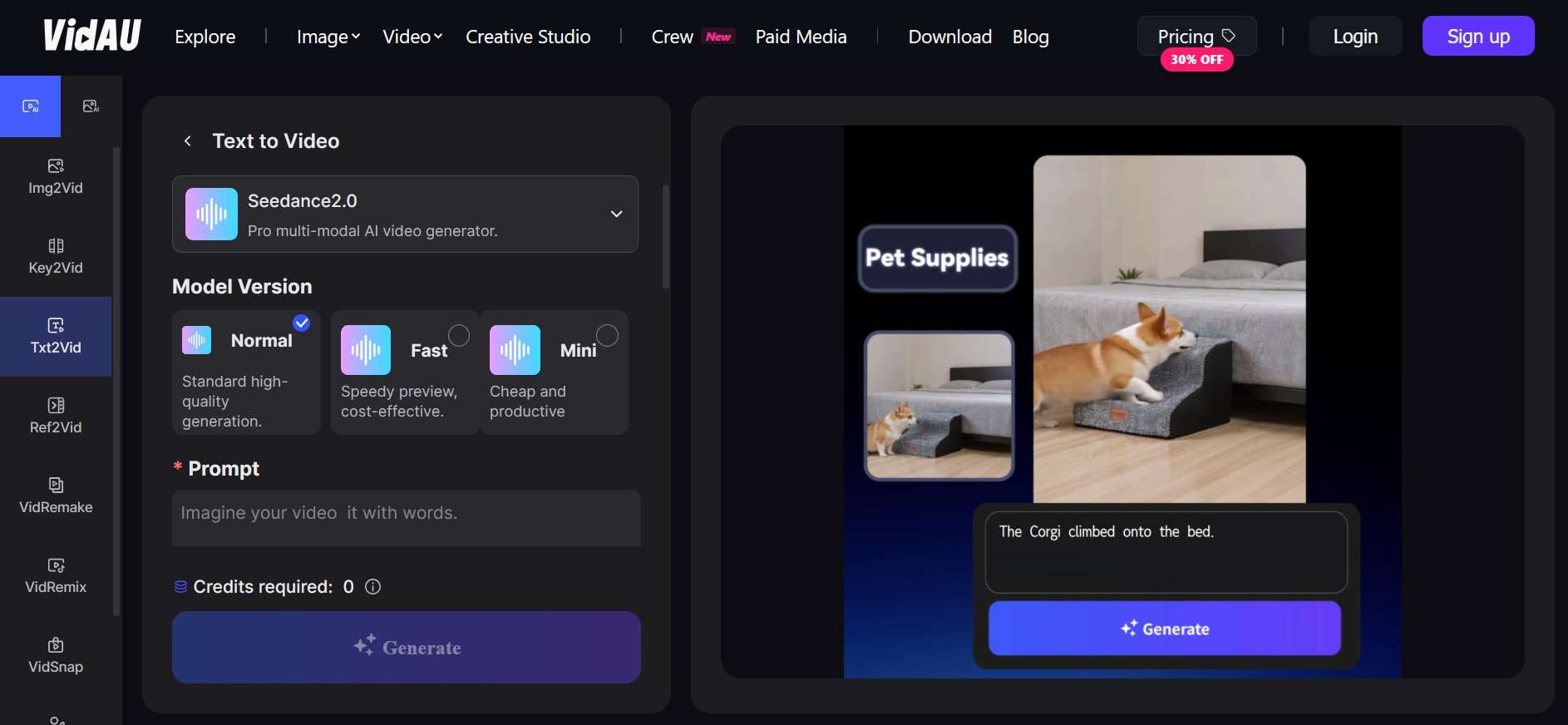
Just like most AI content platforms, VidAU includes generation engines for videos, images, as well as AI avatars. For video and image generation, VidAU supports a mix of third-party and in-house models.
- VidAU AI Video Generator: Creates videos from written text, still images (VidAU image-to-video generator), product URLs, key frames, snapshots, or even videos.
- VidAU Image Generator: Turns text prompts or reference images into AI-generated visuals, art, and avatars.
- VidAU AI Avatar: Generates a digital presenter that can deliver a script on camera, complete with voiceover and lip sync.
| Available Models | |
| Images | GPT Image 2, Nano Banana 2, Seedream 5.0, Nano Banana Pro, VidAU Image V1.5 |
| Videos | Vidu Q2, Wan 2.5, Seedance 1.0, Seedance 1.5 Pro, Seedance 2.0, Seedance 2.5, Kling 2.5, Veo 3.1, PixVerse V5, MiniMax Hailuo 2.3, VidAU Video V2.2, Happy Horse 1.0 |
|
Show More
Show Less
|
|
The VidAU AI video generator also comes with a library of ready-made templates, powered by these same underlying models, that let you drop in your own footage or images and get a finished video without building a scene from scratch.
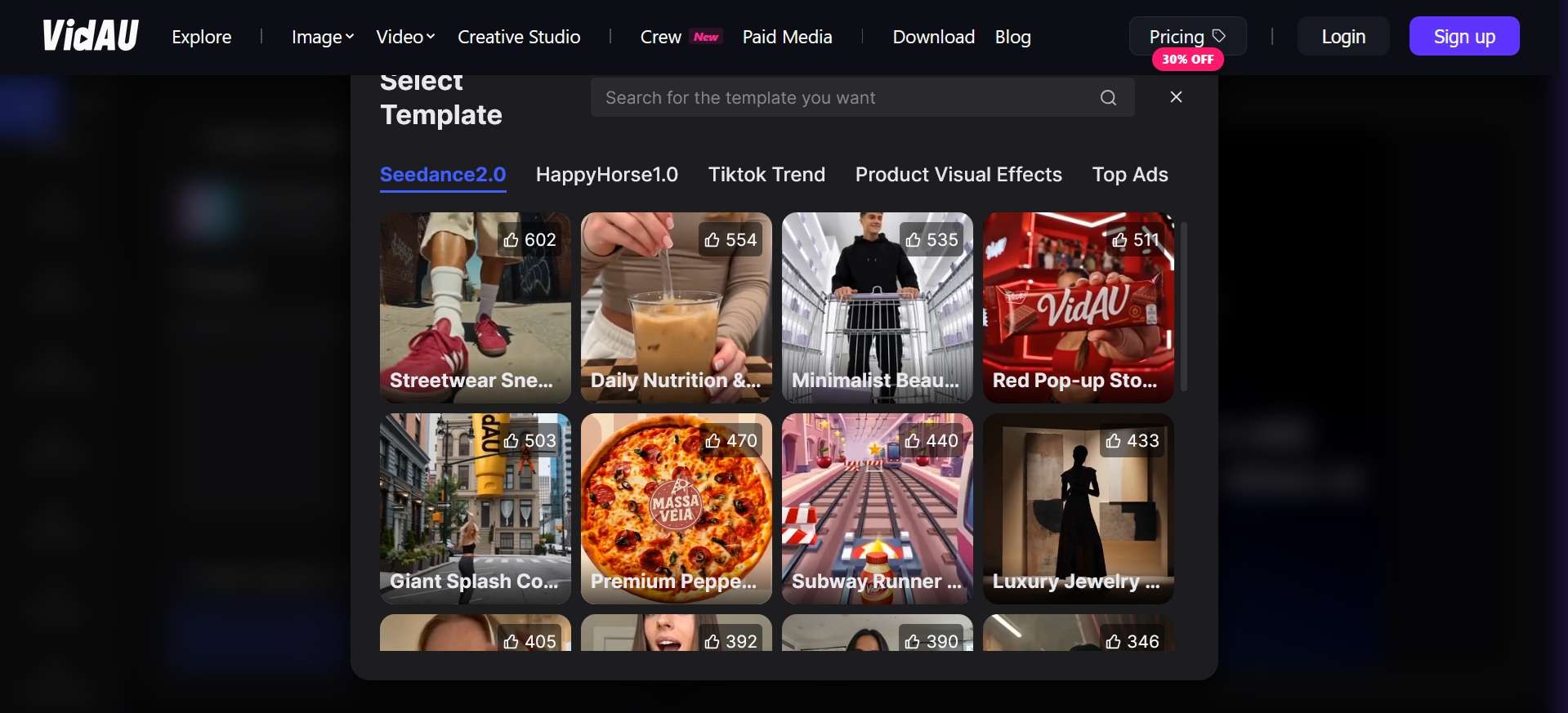
2. VidAU AI Ad Creator
As those generation engines handle the raw video, image, and avatar creation, VidAU also groups its ad-specific tools under a handful of named features that live inside its Creative Studio.
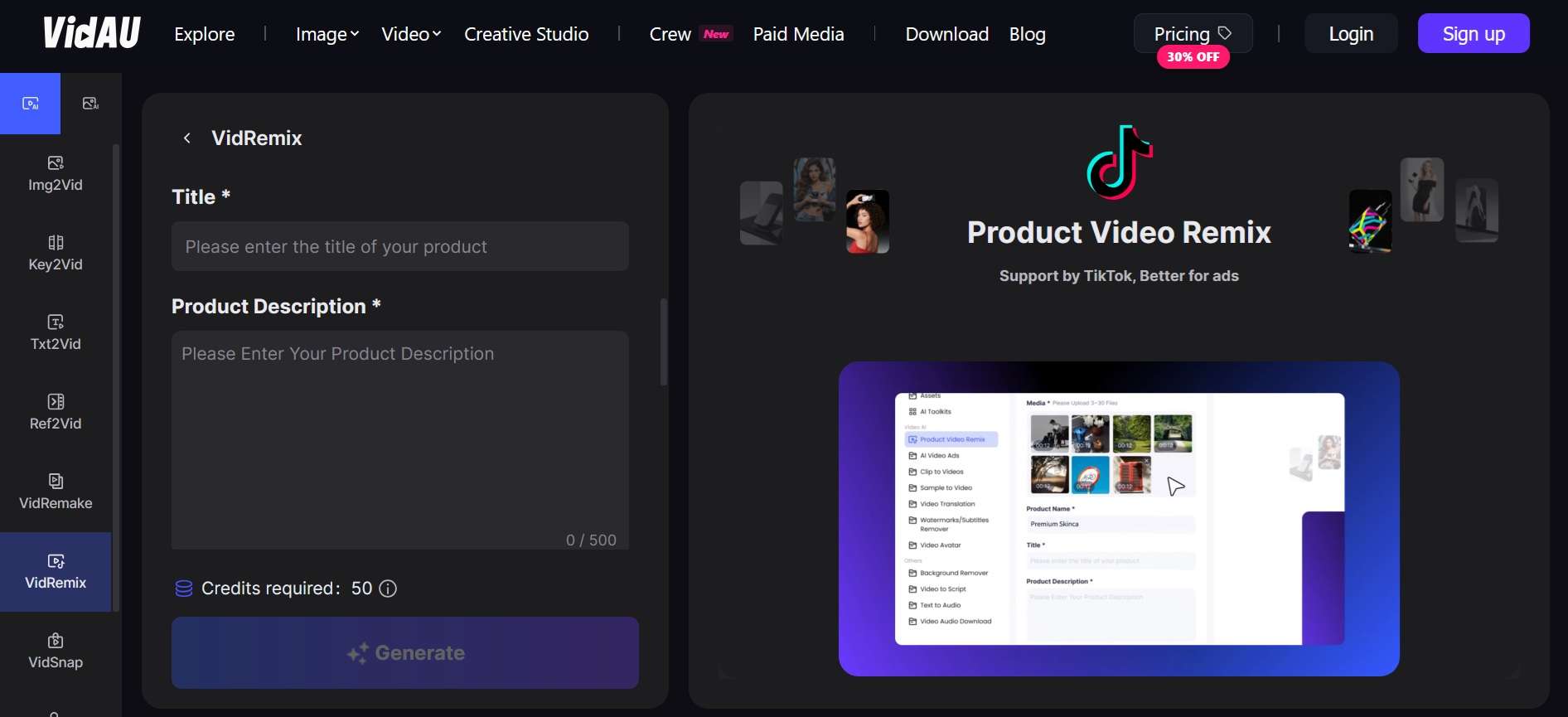
- VidRemix: Takes a product video or set of images (3-30) and generates multiple ready-to-run variations, different hooks, styles, and TikTok-ready ads, from a single upload.
- VidSnap: Builds a full ad from your product photos. It scripts the hook, generates the motion and camera movement, composes the scene, and adds captions on its own.
- VidRemake: Analyzes the pacing and structure of a viral video, then rebuilds a similar structure around the product image you upload.
3. AI Toolkits
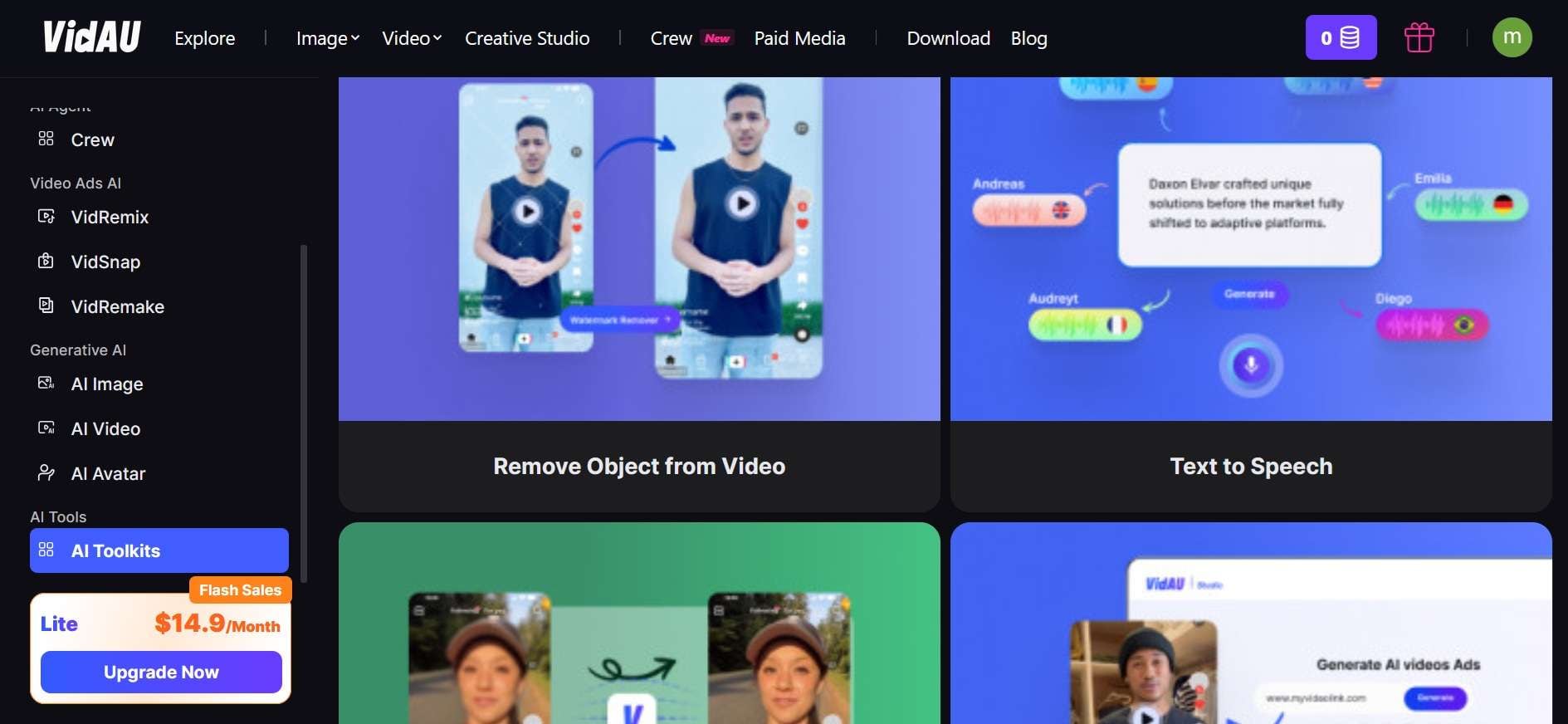
Beyond the ad-generation features, VidAU packs in a set of standalone editing tools for cleanup and post-production work, including:
- VidAU AI Watermark Remover: Erase visible watermarks without compromising the original video quality.
- Object Remover: Identifies and removes unwanted objects, logos, embedded subtitles, and on-screen text, rebuilding the affected area across each frame.
- Background Remover: Identifies the primary subject and eliminates the background to use in labels, product listing ads, social posts, and design projects.
- Video Enhancer: Upgrades video resolution, clarity, sharpness, details, noise, etc.
- Text to Speech: Generates natural-sounding narration from a script, caption, or product description to use in your ads, tutorials, demos, and social posts without recording.
- Video to Audio: Extracts its soundtrack as a reusable audio file from a supported video link.
4. AI Agent (Crew)
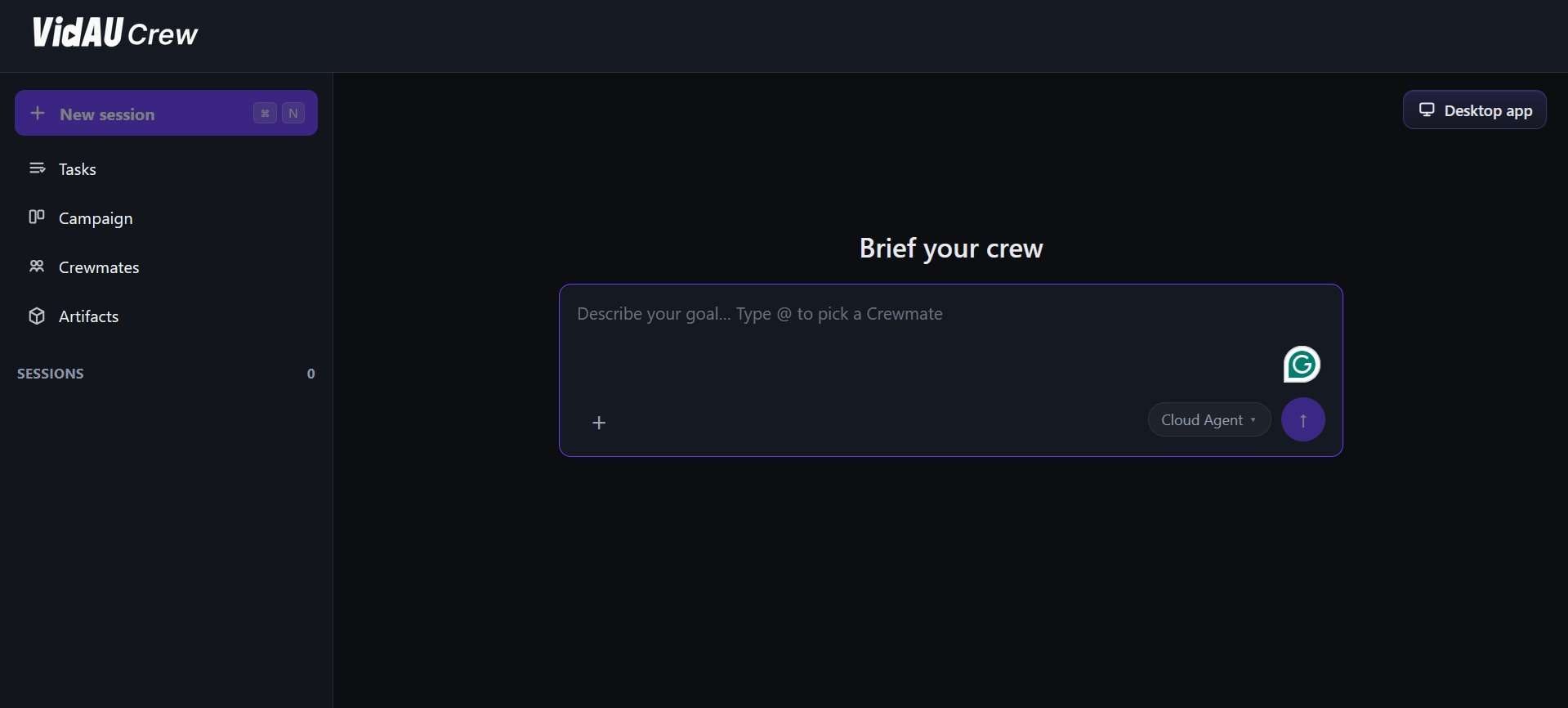
VidAU also runs a lineup of specialized AI agents, built to handle marketing tasks beyond raw video generation. You can describe your product, audience, and campaign goals, and the agents will plan the campaign, produce the needed assets, and review performance to inform the next round.
5. Subtitle & Localization Tools
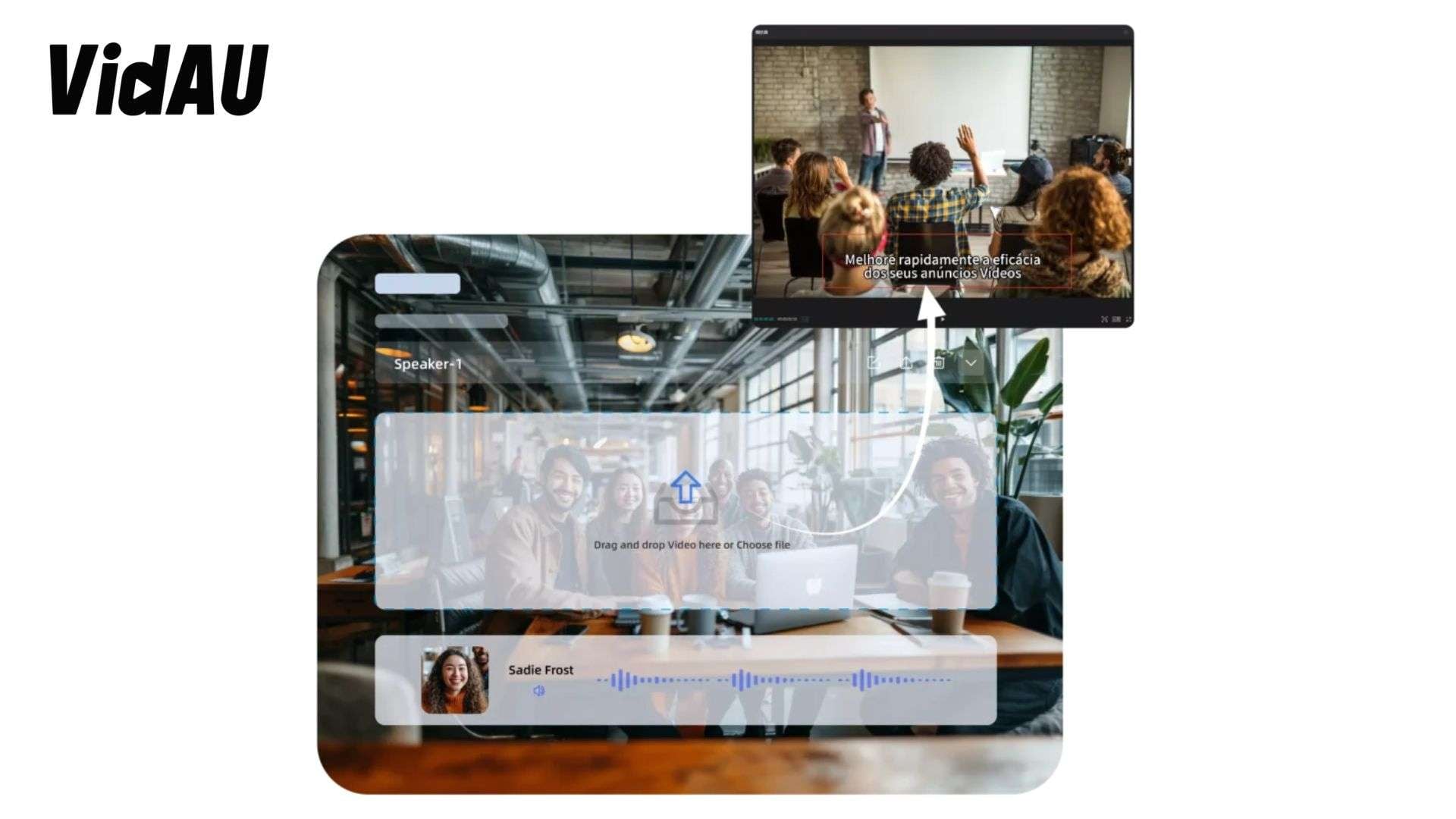
Among its AI toolkits, VidAU includes tools for creating, translating, and removing subtitles:
- VidAU AI Subtitle Creator: Generates video subtitles automatically in minutes, with editable text, font, size, color, and position.
- VidAU AI Subtitle Remover: Uses an AI-based algorithm to strip on-screen text from a video.
Part 4. VidAU AI Review: Our Honest Take
The VidAU AI video generator is strongest at producing quick product ads from URLs, images, and scripts. It saves setup time, but prompt control, motion accuracy, and credit use deserve attention before choosing a paid plan.
- Ease of Use (7.5/10): While the interface is easy to navigate for generation itself, you need to switch to a separate editing panel if you want to use other tools beyond just generation. It makes the overall workflow feel a bit segmented, since you're jumping between the generator and the editor instead of working in one continuous space.
- Video Quality (8/10): Product ads can look clean and ready for social media. However, templates may need further editing to avoid a generic look and create stronger brand identity.
- Render Speed (8/10): Speed is one of VidAU’s main advantages. It can create complete ads with visuals, voiceovers, subtitles, and music within a short workflow. Actual processing time may vary by project and demand.
- Motion consistency (7.5/10): Simple product and avatar scenes are more dependable than detailed actions. Some users report that the generated movement can ignore parts of the prompt, necessitating review and regeneration.
- Pricing value (7/10): VidAU AI pricing can offer value to teams producing ads regularly. However, credit costs become harder to justify when a failed or inaccurate result requires several new generations.
VidAU AI Video Sample:
To Sum Up
While reflecting common user feedback from Product Hunt, Trustpilot, and similar review platforms, here are the actual strengths and commonly reported limitations.
- The VidAU AI video generator can build ads from product links, images, or written prompts.
- This platform has avatars, subtitling, voiceovers, enhancer tools, and other useful AI features.
- Multilingual support helps brands prepare marketing videos for different regions.
- Watermark-free exports give users cleaner videos for publishing and promotion.
- It can reduce the need for product shoots, saving both production time and cost.
- Text-to-video results may struggle with detailed or complex prompts.
- Some AI avatars can look repetitive or less natural.
- Credit-based VidAU AI pricing may become costly for users who create videos often.
- The platform offers less creative control than a full video editor.
- Requires a paid plan and credits to use it, with no free plan/trial at the moment.
- Doesn't publish specifics on infrastructure, security protocols, or GDPR compliance, although VidAU states it protects user data.
Part 5. Smarter Workflow: Edit VidAU AI Videos with Wondershare Filmora
A generated ad can still feel unfinished when its pacing, sound, captions, and branding do not work together. Wondershare Filmora gives you the timeline control to create a cleaner, more consistent campaign video from your VidAU clips, as well as a suite of AI tools to generate assets or refine the clips themselves.
Filmora is a desktop and mobile video editor made for fast cuts and full post-production. It is especially useful after an AI-generated campaign since you can retool weak sections without starting the whole ad from scratch.
Why Filmora Is the Better Finishing Tool
- Precise timeline control: Unlike VidAU's template-driven output, you get complete control over your project. Filmora lets you trim, reorder, and layer clips frame by frame, so you can fix pacing issues without regenerating the whole video.
- Finer audio control: Multi-track mixing, voice enhancer, voiceover generator, audio ducking, and a built-in sound effect library give you more control over voiceover and music balance than most generation platforms offer natively.
- Creative Assets: Creative assets are the titles, transitions, effects, music, stickers, and stock elements that offer a template-based ad and a clearer brand identity.
- Built-in AI tools for cleanup: Features like auto captions, background removal, and audio noise reduction help polish AI-generated footage that may have rough edges around sound or framing.
- Brand consistency across clips: Custom text styles, color presets, and reusable templates make it easier to keep multiple VidAU-generated clips looking like one cohesive campaign instead of separate ads stitched together.
 Secure Download
Conclusion
VidAU brings product links, images, scripts, avatars, subtitles, and ad tools into one streamlined workspace. This VidAU AI review shows that speed and ease of use are its biggest strengths. Support for e-commerce campaigns is another key strength. Its limits appear with complex prompts and motion consistency. Credit costs and restricted editing control are also concerns.
The VidAU AI video generator works best for fast drafts and ad variations, not final polish. A stronger workflow is to keep VidAU for rapid creation. Then use Filmora to refine pacing, captions, sound, branding, and scene order. That combination gives marketers faster production overall without settling for a generic-looking result.
FAQs About Vidau AI video generator
-
1. Is VidAU AI safe?
VidAU is a legitimate platform with published privacy and service policies. Still, avoid uploading confidential footage or another person’s face, voice, or copyrighted content without permission. -
2. What is VidAU AI best used for?
VidAU AI is best for creating short e-commerce and social ads from product URLs, images, or text. Its strongest use cases include UGC-style ads, product promotions, and fast campaign variations. -
3. Can VidAU AI replace video editors?
Not fully. It speeds up ad creation, but precise timing, layered branding, audio mixing, and detailed corrections still need a timeline editor. -
4. Is Wondershare Filmora good for beginners?
Yes. Filmora offers an intuitive editing control panel. It combines the simplicity of having captions, numerous templates, AI tools, and multi-track editing. Thus, beginners can get started quickly and have more control over the editing as their skill set increases.
