
Explore Popular Perspective Prompts
Dive into a vast collection of resources designed for every perspective prompt to generate image need. Whether you want a first person perspective prompt or dynamic low angles, Filmora provides the precise tools to guide your vision 🚀.
Loading more perspective prompts...
 Category:
 Duration:
 Aspect Ratio:
Why Master a Perspective Prompt?
Utilizing a perspective prompt for gpt image 2.5 or Nano Banana Pro shifts your artwork from ordinary to extraordinary 🌟. Mastering a perspective view prompt adds depth, intense realism, and dynamic angles to any AI image.
Unlock Cinematic Depth Instantly
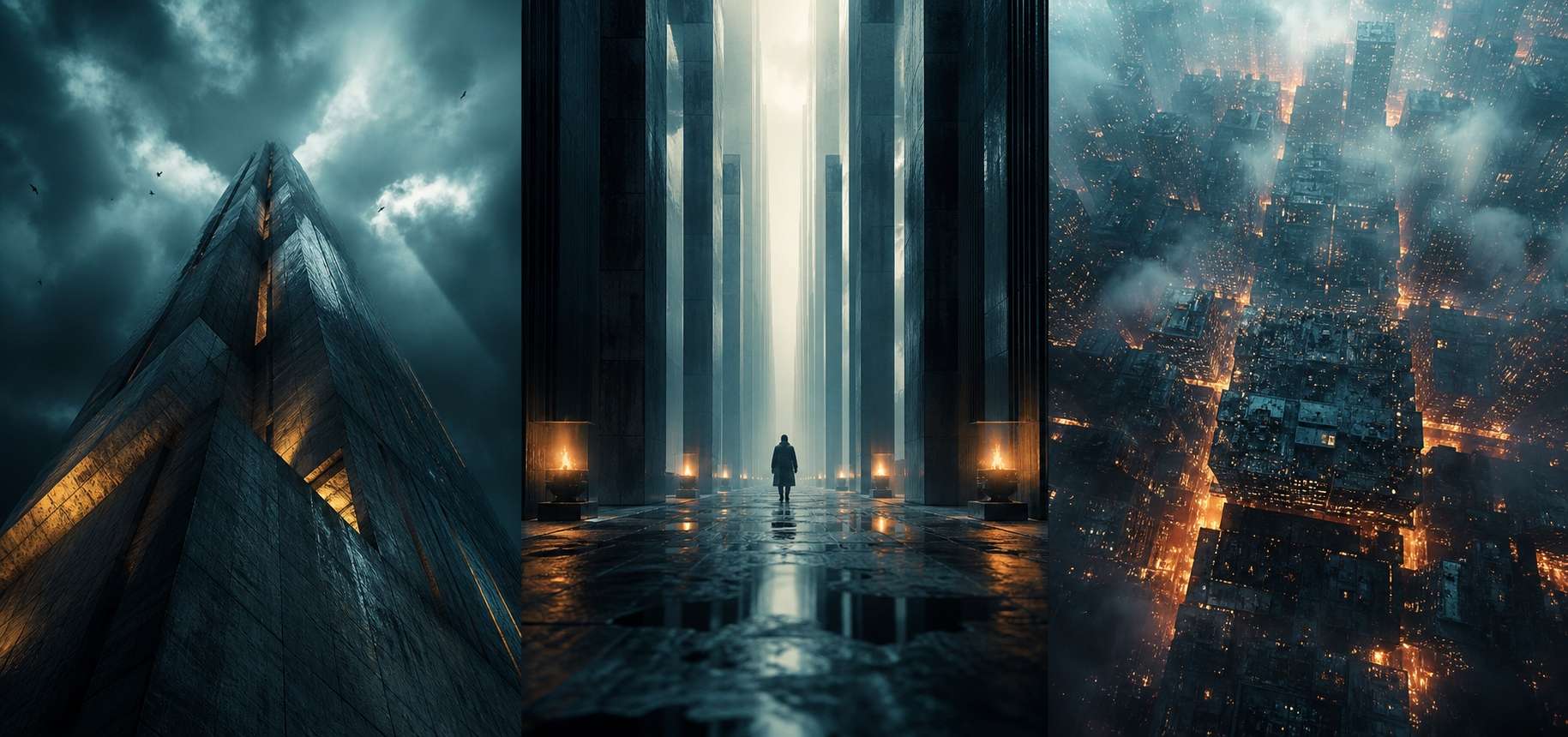
Unlock Cinematic Depth Instantly
Say goodbye to flat visuals. By applying a perspective prompt to generate photo concepts, you can instantly add dramatic three-dimensional depth. Filmora's seamless integration with GPT image 2 ensures your spatial arrangements and camera angles are flawlessly executed.
- First Person Realism - Easily render POV angles that pull the viewer into the frame.
- Dramatic Angles - From extreme low angles to bird's-eye views, dictate the mood perfectly.
- Depth Perception - Control background blur and foreground focus precisely.
Evoke Powerful Emotional Responses

Evoke Powerful Emotional Responses
A well-crafted first person perspective prompt puts the viewer directly in the scene. Engage your audience on a deeper level by letting them experience the story through unique vantage points, effortlessly generated by Filmora's advanced AI image tool 🎨.
- Immersive Storytelling - Give your audience a front-row seat to your narrative.
- Viewer Connection - POV angles inherently feel more personal and relatable.
- Dynamic Energy - Add a sense of motion and excitement to static portraits.
Ultimate Model Flexibility
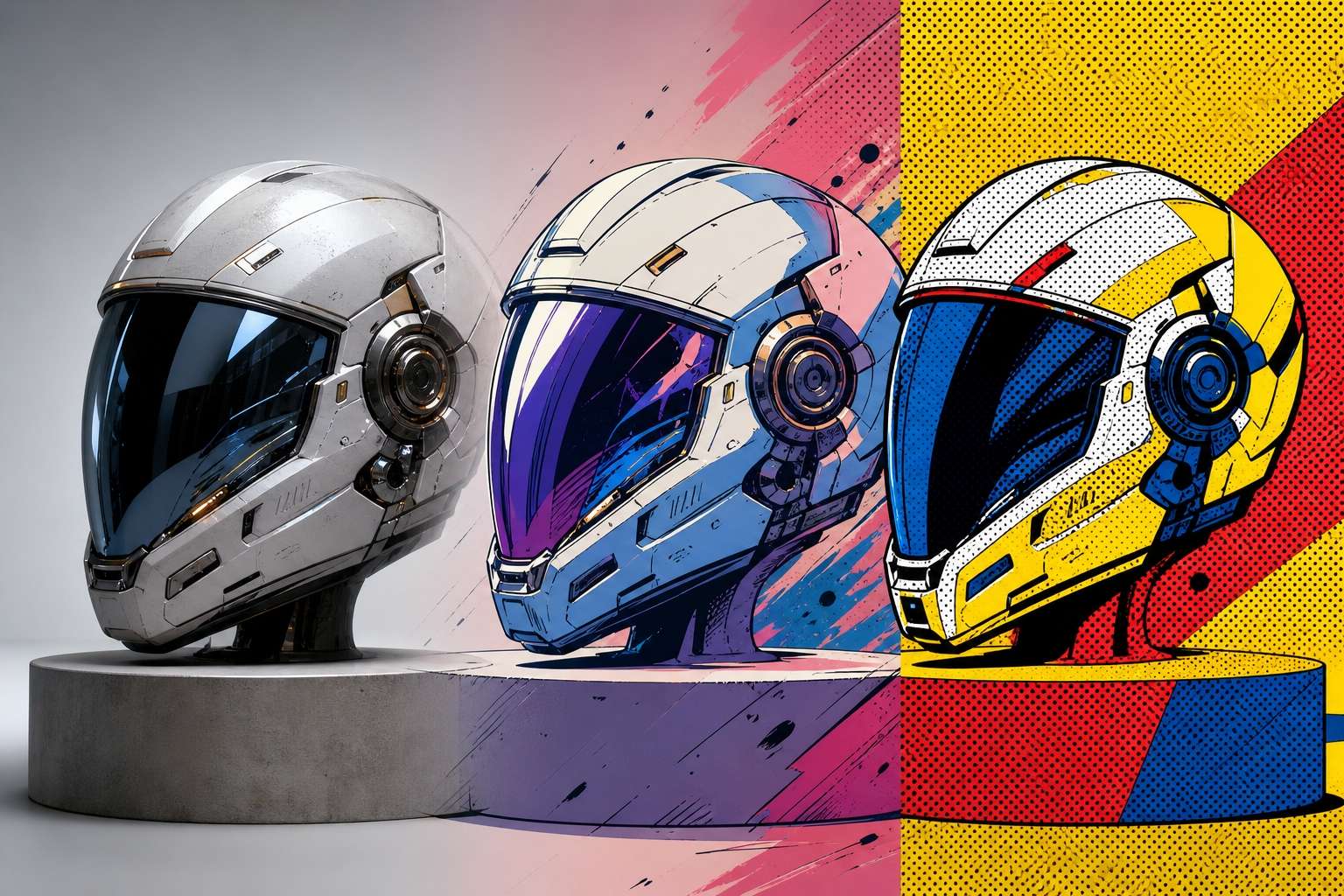
Ultimate Model Flexibility
Why limit yourself? Filmora provides immense creative freedom by integrating Nano Banana Pro, Nano Banana 2, and GPT image 2 directly into its workspace. Whether you use a perspective prompt for chatgpt or a perspective prompt for gemini styles, you have the exact engine needed for the job 💡.
- Versatile AI Engines - Choose the perfect model to interpret your complex perspective ai prompt.
- Seamless Workflow - Generate and edit within a single, powerful platform.
- Boundless Creativity - Experiment with various styles without switching applications.
Seamlessly Transition to Video

Seamlessly Transition to Video
Once you've perfected your perspective prompt for gpt image 2, take it a step further. Transform your static angles into motion using Filmora's AI image to video feature, or drop them into dynamic video templates for immediate social media readiness 🎬.
- Instant Animation - Give life to your first person perspective prompt visuals effortlessly.
- Ready-Made Layouts - Utilize professional templates to boost visual appeal.
- Complete Editing Suite - Add text, stickers, and AI enhancements all in one place.
Frequently Asked Questions About Perspective Prompts
How to Apply a Perspective Prompt in 3 Easy Steps
Harness the power of Nano Banana Pro and GPT image 2 within Filmora to turn a simple perspective prompt to generate photo ideas into breathtaking reality ✨.
Step 1 Choose Your Angle

Step 2 Generate the Visual

Step 3 Edit and Animate

-
1: Choose Your Angle
Copy a first person perspective prompt or dynamic angle idea from our extensive prompt library to establish the perfect viewpoint 📐. -
2: Generate the Visual
Paste your perspective ai prompt into Filmora's AI Image tool. Select Nano Banana Pro, Nano Banana 2, or GPT image 2 to process your request with unparalleled depth 🤖. -
3: Edit and Animate
Refine your perspective prompt to generate image results using Filmora's AI Sticker and AI Copywriting tools, then effortlessly turn it into a captivating video ready for social sharing 🎬.




