
Explore Shoe Ad AI Prompts
Browse ai shoes ad poster prompts for sneaker launches, running shoes, luxury heels, outdoor boots, streetwear campaigns, and retail-ready product compositions. Use each idea for video templates, reels, social posts, covers, and export-ready visuals.
Loading more shoe ad prompts...
 Category:
 Duration:
 Aspect Ratio:
Why Create Shoe Ad Posters With Filmora?
Shoe advertising needs crisp materials, readable silhouettes, and a visual rhythm that survives both still posters and short-form edits. Filmora helps turn footwear prompts into launch assets, retail covers, and motion-ready campaigns.
Generate Shoe Ad Posters With Filmora
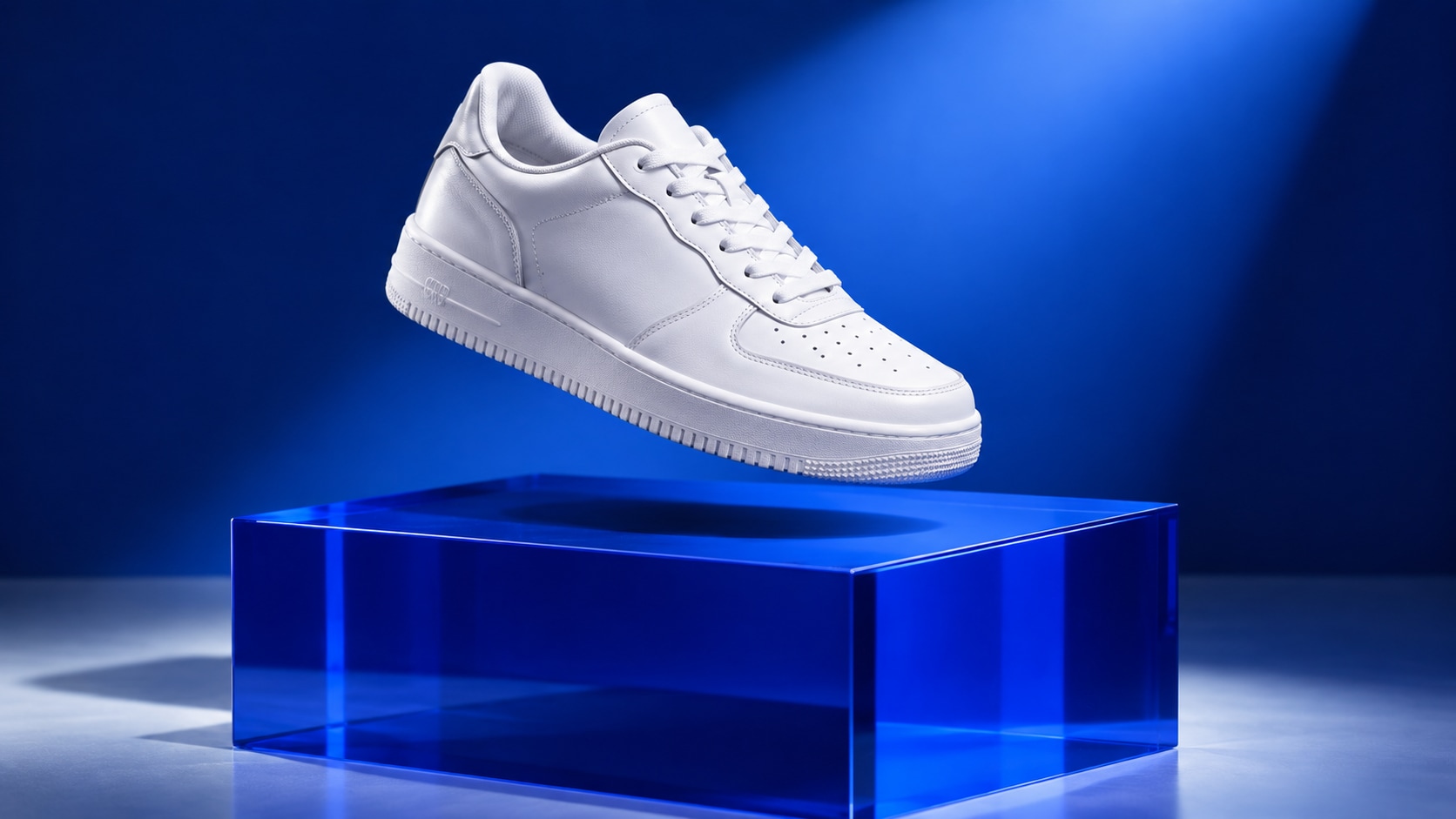
Generate Shoe Ad Posters With Filmora
Start with a precise shoe ad poster prompt, then use Filmora's AI image generator to turn sneaker launches, running shoes, luxury heels, outdoor boots, streetwear campaigns, and retail-ready product compositions into clean, edit-ready stills. Use it for sneaker launches, running shoes, luxury heels, outdoor boots, streetwear campaigns, and retail-ready product compositions, then refine the crop, copy, overlays, and motion in Filmora.
- Prompt to Image - Turn a product idea into a clear advertising composition with a strong focal subject and usable negative space.
- Clean Visual Structure - Use Filmora's AI Image Generator to test hero layouts before adding accurate campaign copy in the editor.
- Fast Iteration - Compare studio, lifestyle, macro, and seasonal directions without rebuilding the whole visual brief.
Use GPT Image 2 for Precise Composition and Material Detail
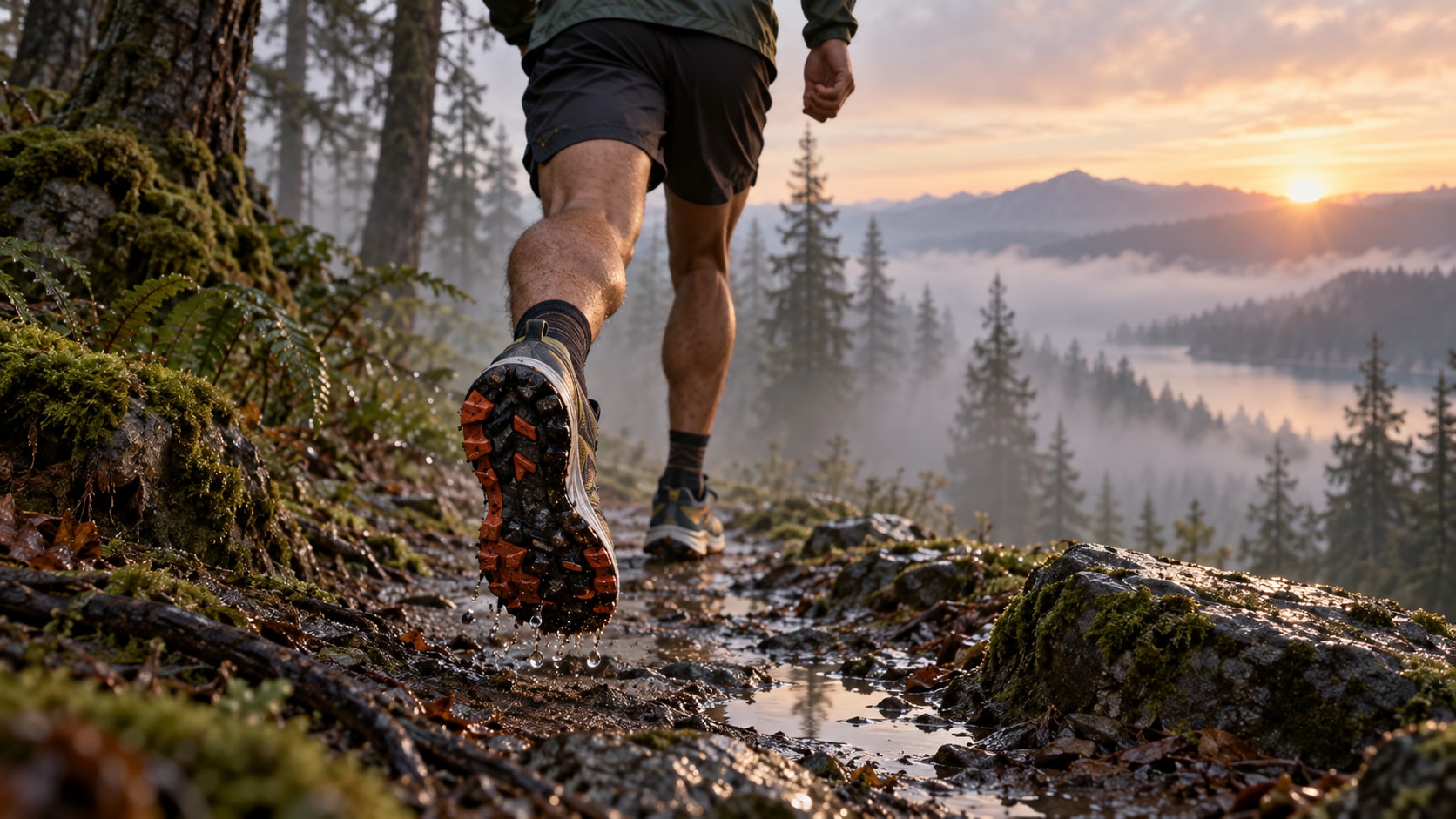
Use GPT Image 2 for Precise Composition and Material Detail
When the scene needs dependable subject detail, texture, or background control, Filmora's GPT Image 2 helps follow a structured prompt. GPT Image 2 helps structure the subject, camera angle, surface, lighting, color palette, and clean area reserved for later design.
- Prompt Following - Describe camera distance, material, light direction, surface, palette, and poster hierarchy in one focused prompt.
- Detail Control - GPT Image 2 helps preserve small visual details, while Filmora keeps final titles, stickers, and overlays editable.
- Edit-Ready Results - Keep generated packaging, signage, or labels free of incorrect readable copy.
Try Nano Banana for Fast Creative Variations
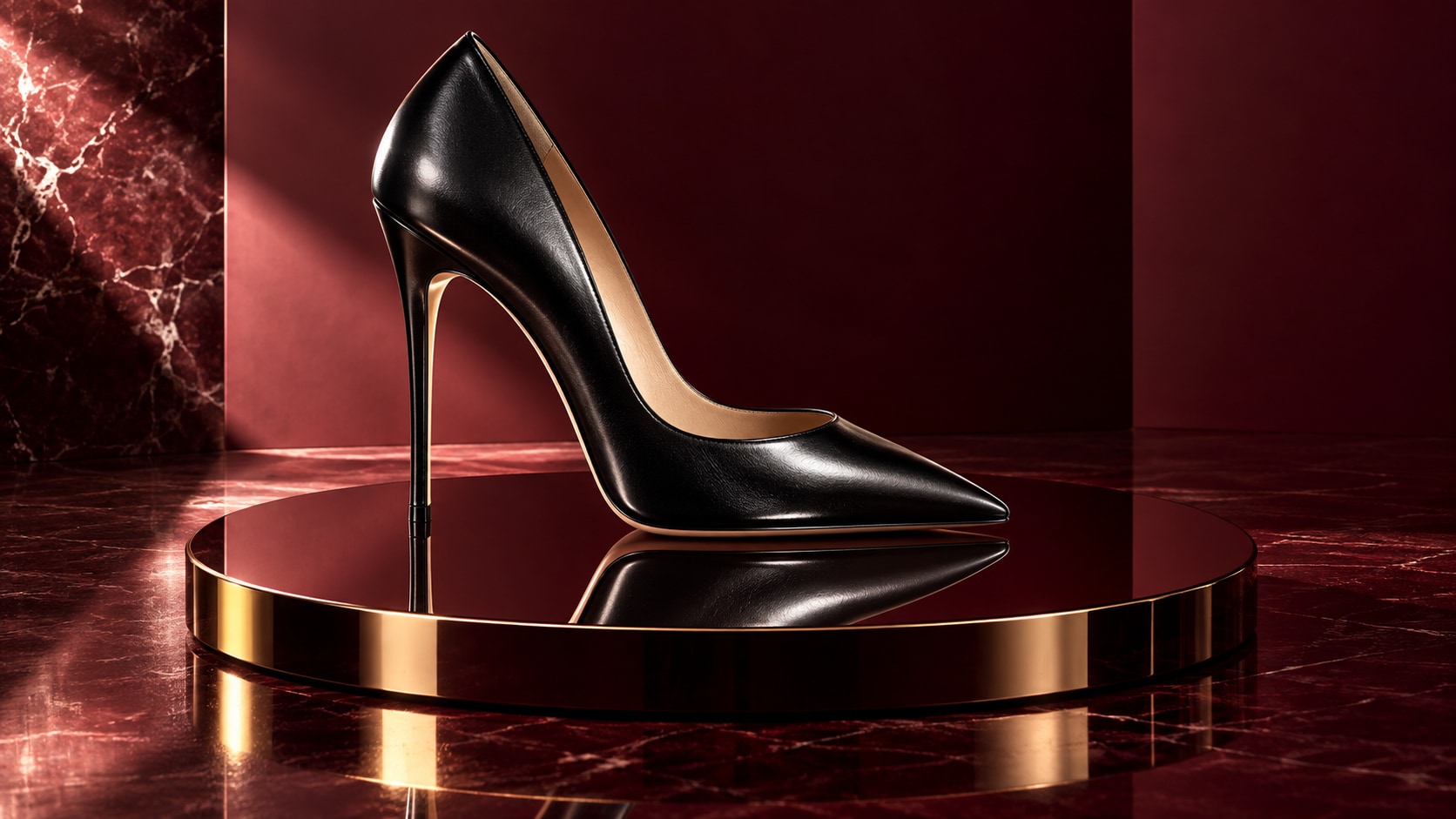
Try Nano Banana for Fast Creative Variations
Use Filmora's Nano Banana when one idea needs another palette, mood, composition, or social treatment. Nano Banana makes it easy to test alternate colors, props, backgrounds, and campaign moods while keeping the main visual direction coherent.
- Style Range - Explore retro print, luxury campaign, minimalist catalog, colorful social ad, and editorial poster variants.
- Variant Testing - Nano Banana is useful for quick visual revisions when you want to change props, color, or setting while retaining the main idea.
- Creative Flow - Move from image generation to crop, layout, and platform-specific exports in one workflow.
Turn Shoe Ad Posters Into Video
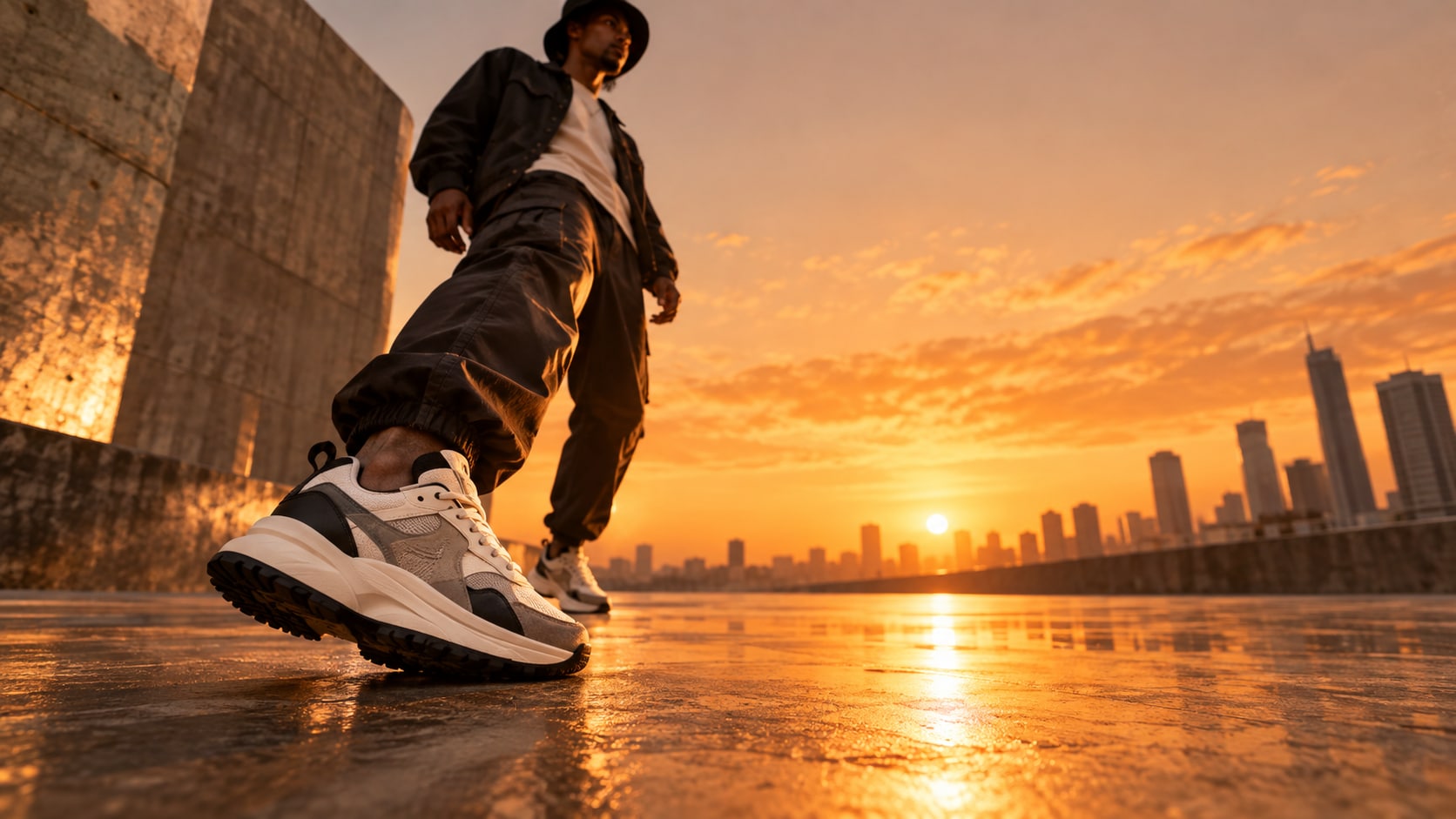
Turn Shoe Ad Posters Into Video
After generating the still, use Filmora's AI Image to Video workflow to add camera movement, overlays, effects, sound, and social-ready exports. Animate a controlled product push-in, liquid or steam movement, reflective light, fabric motion, or a clean title reveal.
- Motion Ideas - Animate a light sweep, liquid movement, fabric motion, steam, reflections, or a slow camera push for a short ad.
- Social Formats - Filmora's AI Image to Video workflow turns a strong still into a motion-ready social asset.
- Final Export - Finish with music, sound effects, transitions, correct text, and 16:9 or vertical exports.
Frequently Asked Questions About Shoe Ad Prompts
How to Generate Shoe Ad Images With AI
Choose a shoe ad setup, define the visual mood, generate the still, then personalize or animate it in Filmora.
Step 1 Choose a Shoe Ad Prompt

Step 2 Set Style, Model, and Ratio

Step 3 Generate, Edit, and Export

-
1: Choose a Shoe Ad Prompt
Pick a shoe ad setup such as a floating sneaker hero, an athlete in motion, a luxury heel on a sculptural set, or a streetwear shoe campaign. -
2: Set Style, Model, and Ratio
Paste the prompt into Filmora's AI Image tool, choose GPT Image 2 or Nano Banana, select a ratio, and refine subject detail, lighting, and framing. -
3: Generate, Edit, and Export
Generate the still, adjust crop and color, add motion or overlays if needed, then export it for product ads, launch banners, e-commerce covers, social reels, and fashion lookbooks.




