Explore Soft Girl Photo Prompts
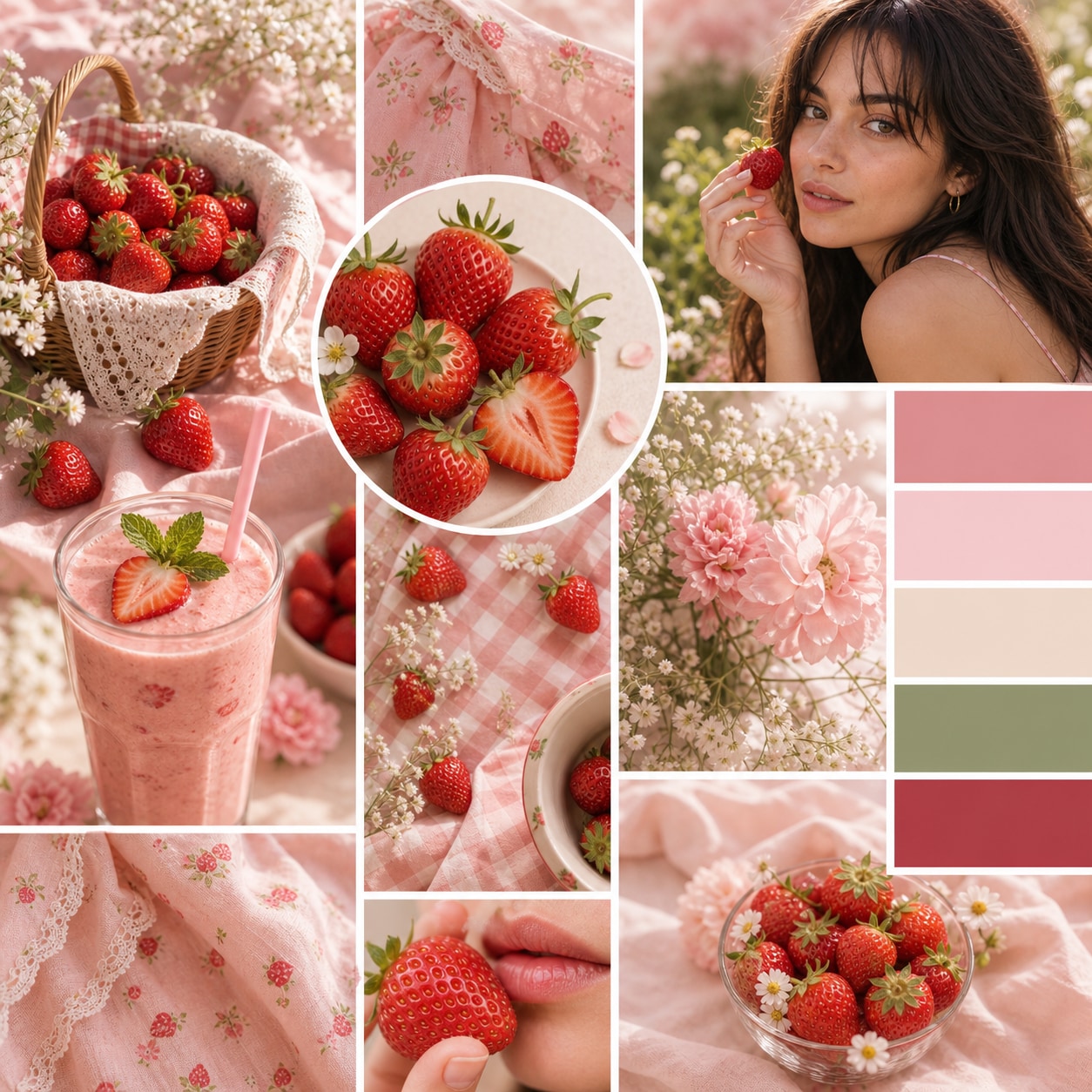
Browse ai soft girl photo prompts for pastel portraits, coquette details, floral bedrooms, gentle selfies, ribbon styling, and dreamy lifestyle scenes. Use each idea to create assets for video templates, reels, social posts, covers, and export-ready visuals.
Loading more soft girl photo prompts...
 Category:
 Duration:
 Aspect Ratio:
Why Use Soft Girl Prompts With Filmora?
Soft girl imagery works through feeling: pastel color, delicate texture, expressive styling, and gentle light. Filmora helps turn those ingredients into portraits, mood boards, reels, and editable social visuals.
Generate Soft Girl Photos With Filmora
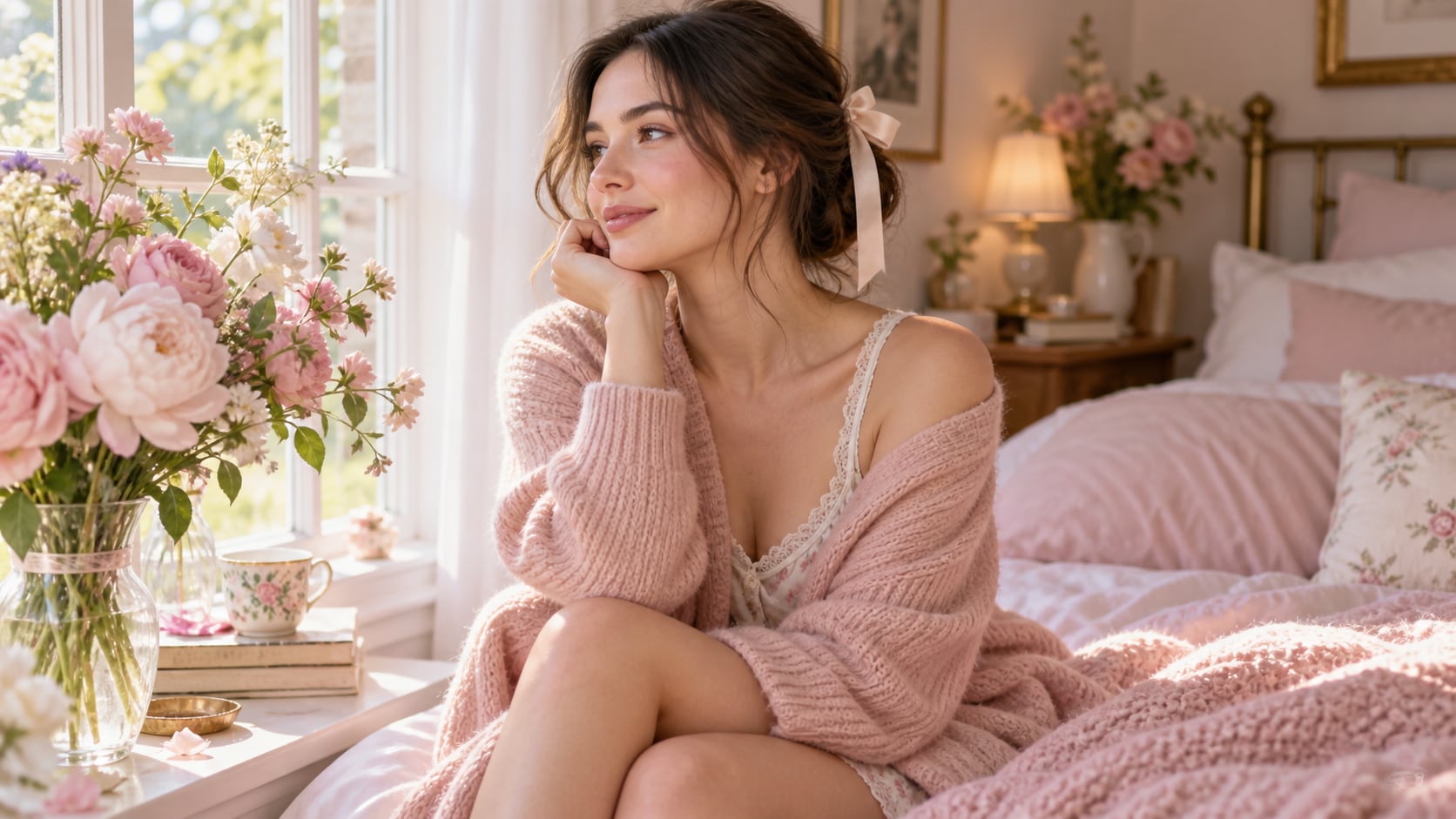
Generate Soft Girl Photos With Filmora
Start with a precise soft girl photo prompt, then use Filmora's AI image generator to turn pastel portraits, coquette details, floral bedrooms, gentle selfies, ribbon styling, and dreamy lifestyle scenes into clean, edit-ready stills. Use it for ribbon details, pastel fashion, floral rooms, bedroom diaries, soft makeup portraits, and gentle social storytelling.
- Prompt to Image - Turn a gentle emotional direction into a polished portrait, room scene, or romantic lifestyle still.
- Clean Visual Structure - Use simple backgrounds and a readable silhouette so soft details do not disappear into decoration.
- Fast Iteration - Compare pastel, floral, candlelit, and daylight versions before selecting the final mood.
Use GPT Image 2 for Pastel Texture and Expression
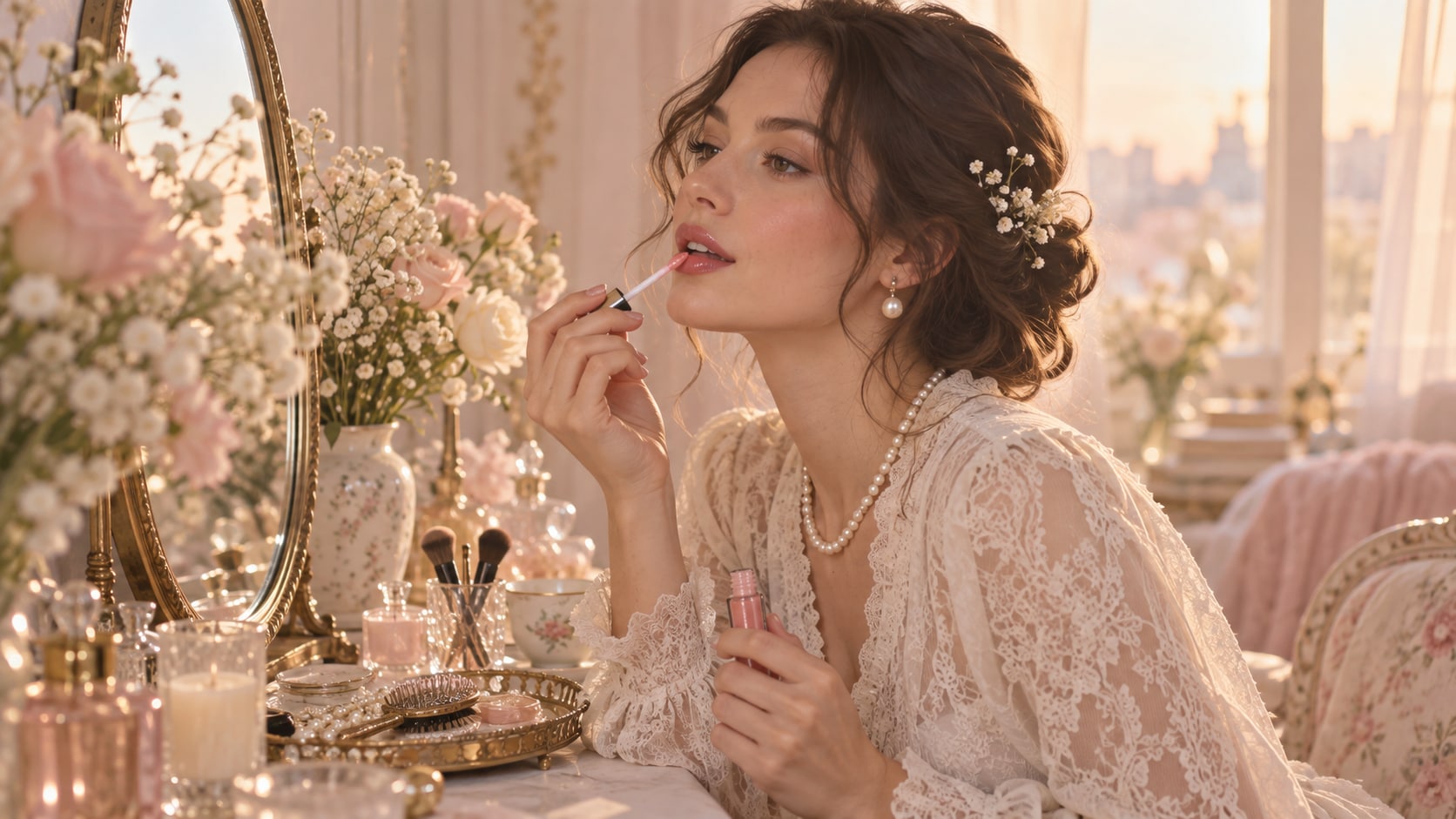
Use GPT Image 2 for Pastel Texture and Expression
When the scene needs dependable subject detail, texture, or background control, Filmora's GPT Image 2 helps follow a structured prompt. This helps preserve lace, ribbons, knitwear, blush tones, reflective eyes, and soft window light while keeping the expression natural.
- Prompt Following - Name expression, hair, fabric, props, light quality, lens feeling, and the intended crop.
- Detail Control - Hold lace, ribbons, knitwear, blush color, glass highlights, and natural shadows with more consistency.
- Edit-Ready Results - Keep the result clean before adding captions, stickers, or audio in Filmora.
Try Nano Banana for Dreamy Mood Variants
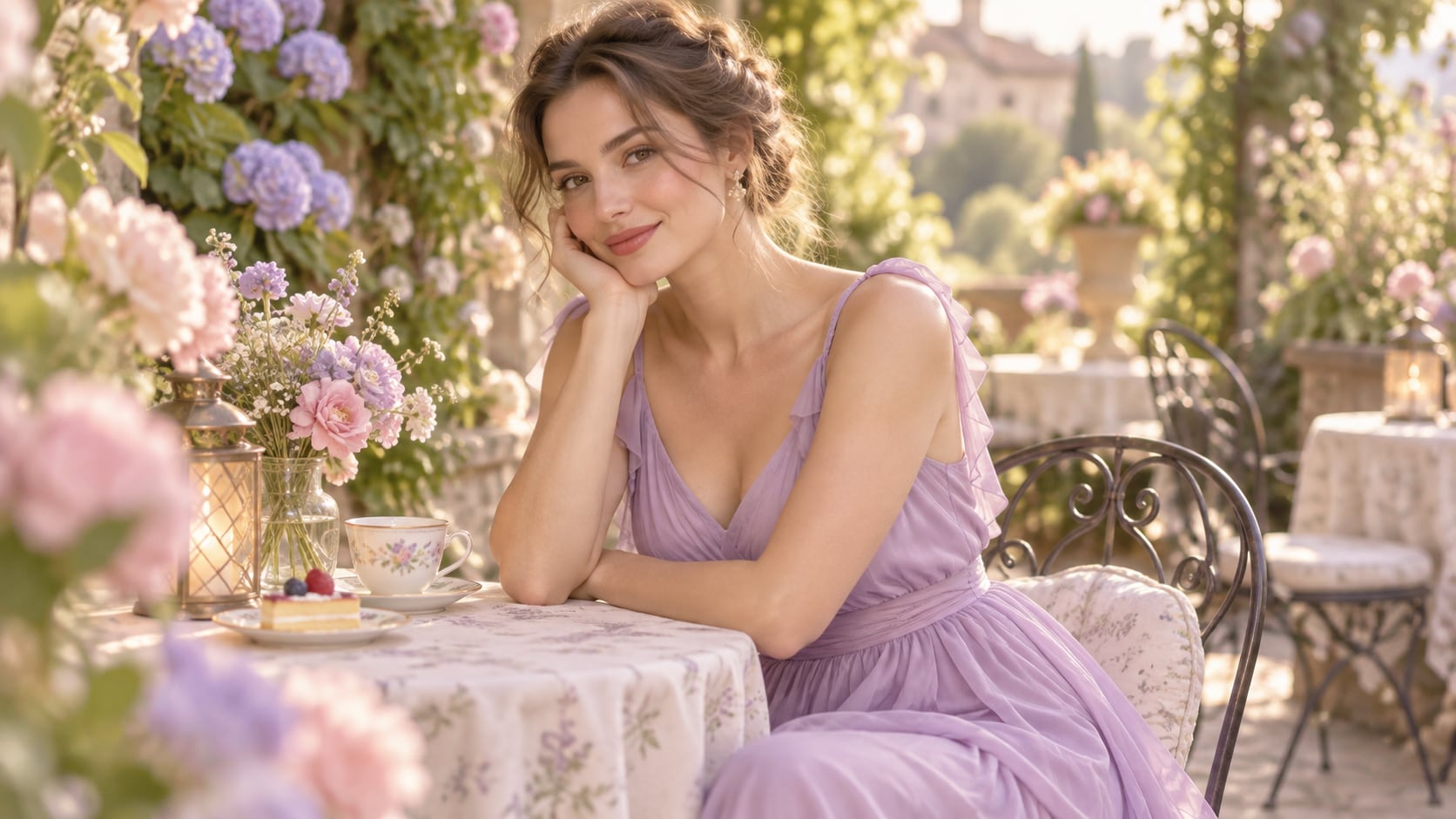
Try Nano Banana for Dreamy Mood Variants
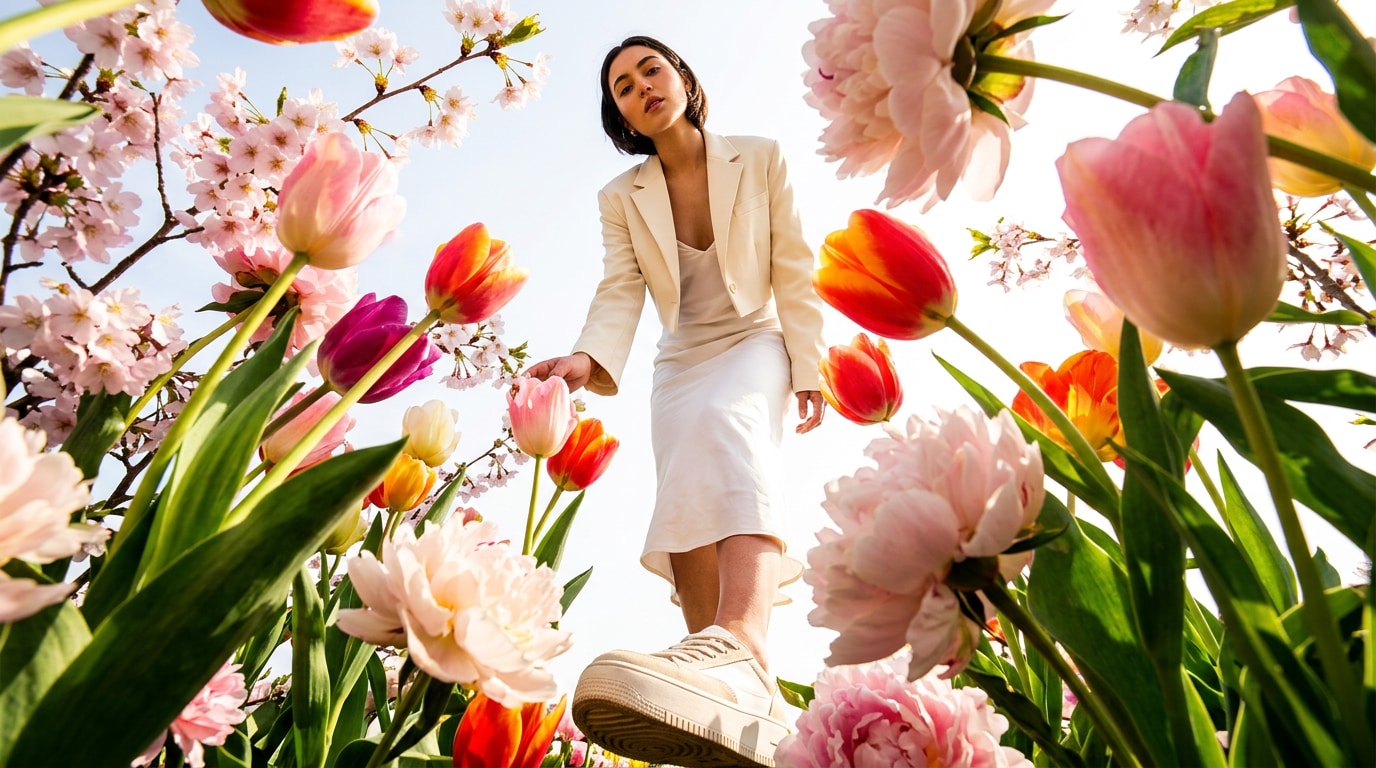
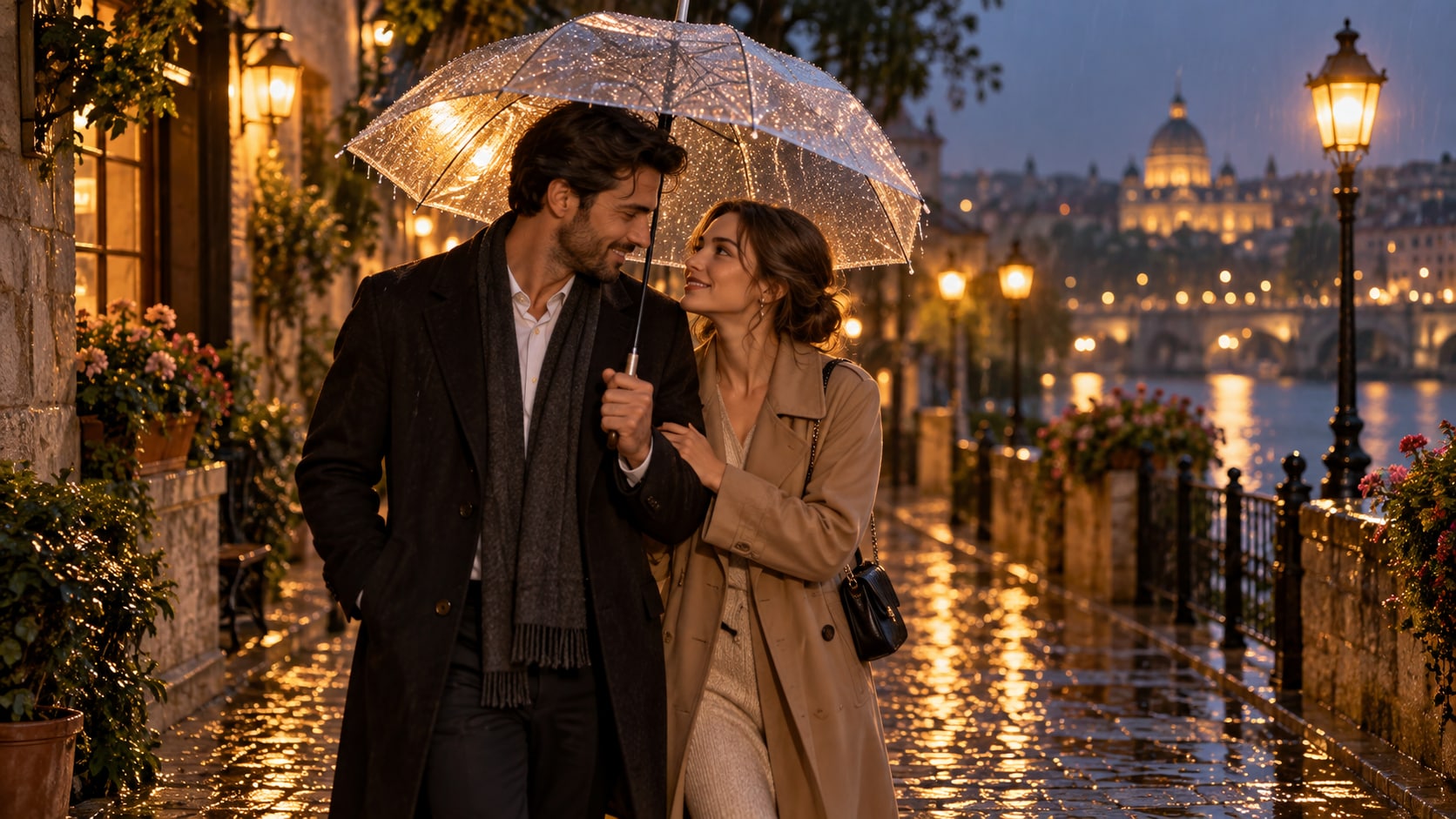
Use Filmora's Nano Banana when one idea needs another palette, mood, composition, or social treatment. Try cottagecore gardens, coquette bedrooms, rainy windows, candlelit diaries, or pastel city walks from one emotional direction.
- Style Range - Explore coquette, cottagecore, diary, dreamy bedroom, garden, and soft editorial treatments.
- Variant Testing - Try alternate palettes and camera distances without rebuilding the entire concept.
- Creative Flow - Move from prompt to polished social visual in one creative loop.
Turn Soft Girl Photos Into Video
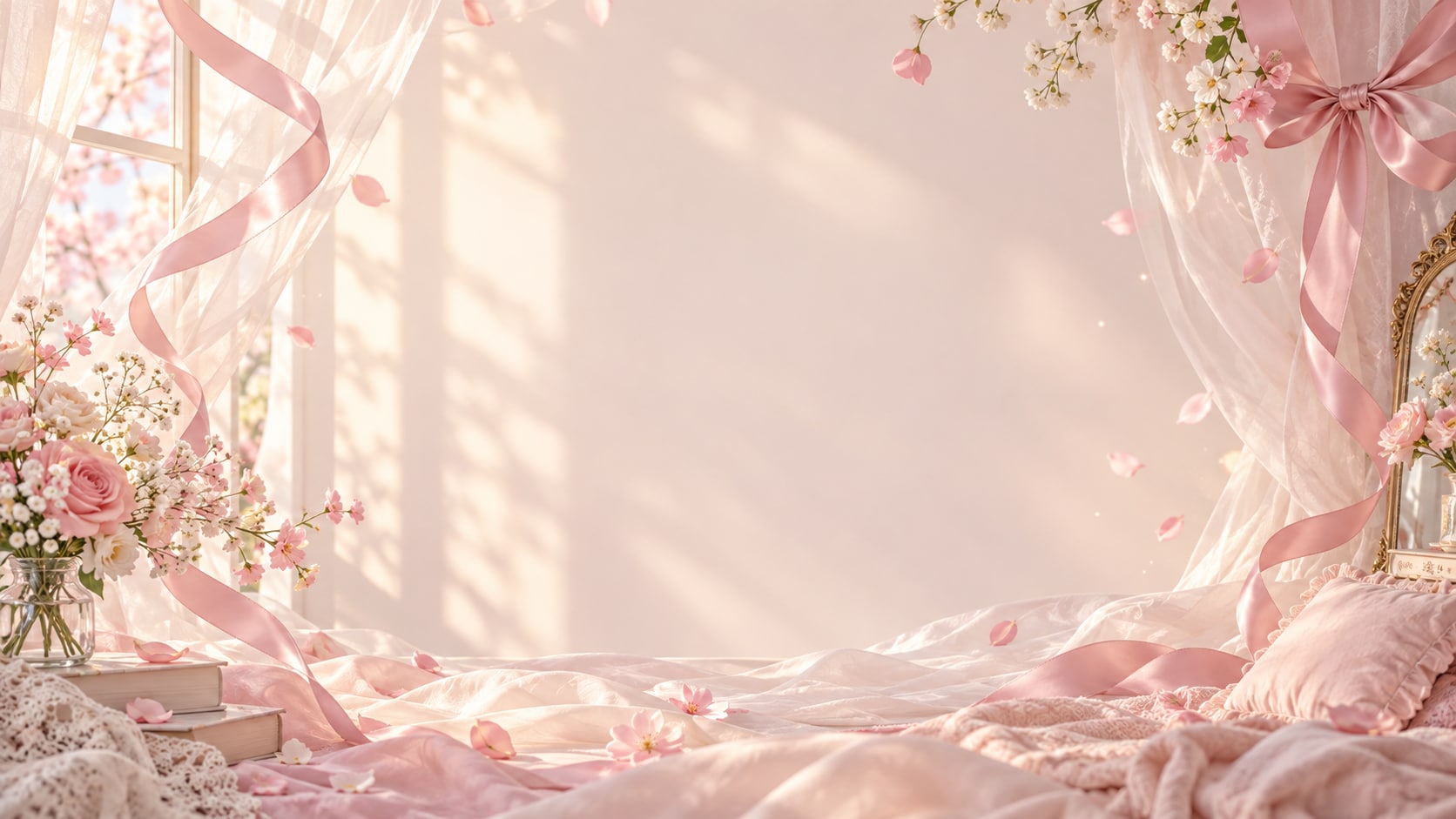
Turn Soft Girl Photos Into Video
After generating the still, use Filmora's AI Image to Video workflow to add camera movement, overlays, effects, sound, and social-ready exports. Animate ribbon movement, curtains, flower petals, candle flicker, a slow portrait push, or a diary-style reveal for a gentle reel.
- Motion Ideas - Animate curtain sway, floating petals, a slow portrait push, candle flicker, or a gentle turn.
- Social Formats - Reframe one image for stories, reels, profile posts, and widescreen videos.
- Final Export - Layer readable copy, music, effects, and transitions before export.
Frequently Asked Questions About Soft Girl Photo Prompts
How to Generate Soft Girl Photos With AI
Choose a soft girl setup, define the subject and visual mood, generate the still, then personalize or animate it in Filmora.
Step 1 Choose a Soft Girl Prompt

Step 2 Set Style, Model, and Ratio

Step 3 Generate, Edit, and Export

-
1: Choose a Soft Girl Prompt
Pick a soft girl setup such as a ribbon portrait, a pastel bedroom, a flower-filled cafe, or a soft window selfie. -
2: Set Style, Model, and Ratio
Paste the prompt into Filmora's AI Image tool, choose GPT Image 2 or Nano Banana, select a ratio, and refine subject detail, lighting, and framing. -
3: Generate, Edit, and Export
Generate the still, adjust crop and color, add motion or overlays if needed, then export it for profile posts, mood boards, reels, phone wallpapers, and romantic video covers.
Soft Girl Photo Prompts for Dreamy Pastel Portraits
Use ai soft girl photo prompts to create pastel portraits, coquette details, floral bedrooms, gentle selfies, ribbon styling, and dreamy lifestyle scenes and motion-ready visuals for Filmora editing.