
Explore Popular Higgsfield Prompt Examples
Browse a curated collection of Higgsfield prompt examples designed to elevate your visual content. From hyper-realistic Higgsfield character prompts to cinematic styling, find the perfect inspiration for your next video project.
Loading more Higgsfield prompt examples...
 Category:
 Duration:
 Aspect Ratio:
Why Use Higgsfield Image Prompts?
Mastering Higgsfield image prompts allows you to produce breathtaking, high-fidelity graphics for any project. Whether you are creating social media content or professional advertisements, these tailored prompts deliver unparalleled creative control.
Craft Hyper-Realistic AI Influencers
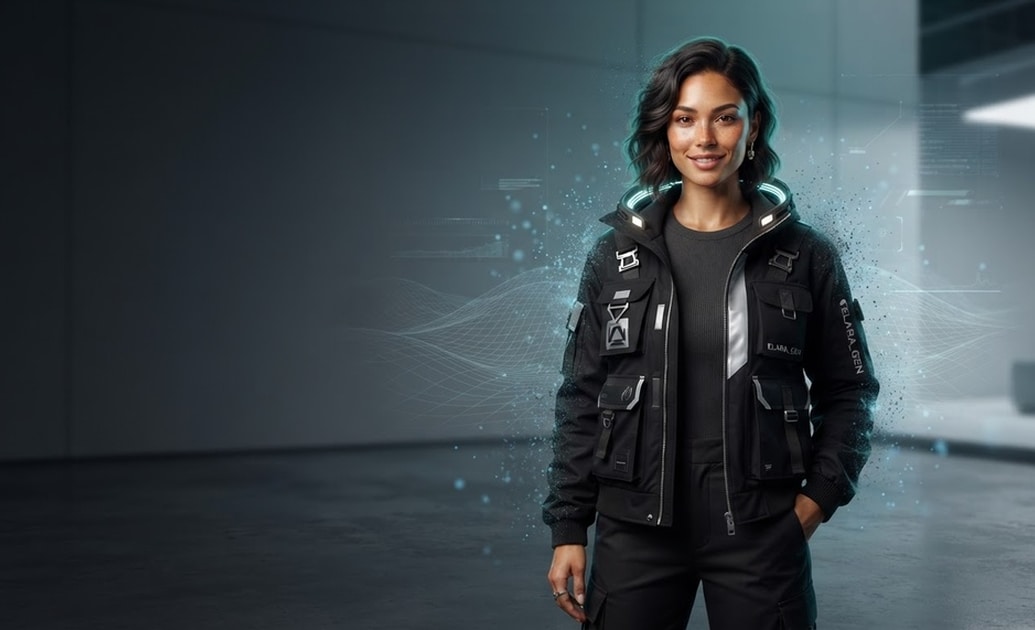
Craft Hyper-Realistic AI Influencers
Establish a striking digital presence by generating lifelike personas using targeted Higgsfield AI influencer prompts. Incorporate these stunning avatars into your video content to captivate your audience and drive engagement.
- Design highly detailed virtual influencers with specialized Higgsfield character prompts.
- Enhance your storytelling by integrating custom AI figures seamlessly into your timeline.
- Apply precise color correction to blend your generated characters perfectly with your footage.
Elevate Product Marketing Visuals

Elevate Product Marketing Visuals
Transform standard commercial videos into premium advertisements using specific Higgsfield product photography prompts. Filmora makes it simple to generate polished product shots that highlight every crucial detail with exceptional clarity.
- Produce studio-quality marketing assets instantly using optimized Higgsfield advertising prompts.
- Refine your commercial content effortlessly with the integrated Filmora AI Image Generator capabilities.
- Incorporate dynamic video transitions to showcase various product angles beautifully.
Design Cinematic Concept Art
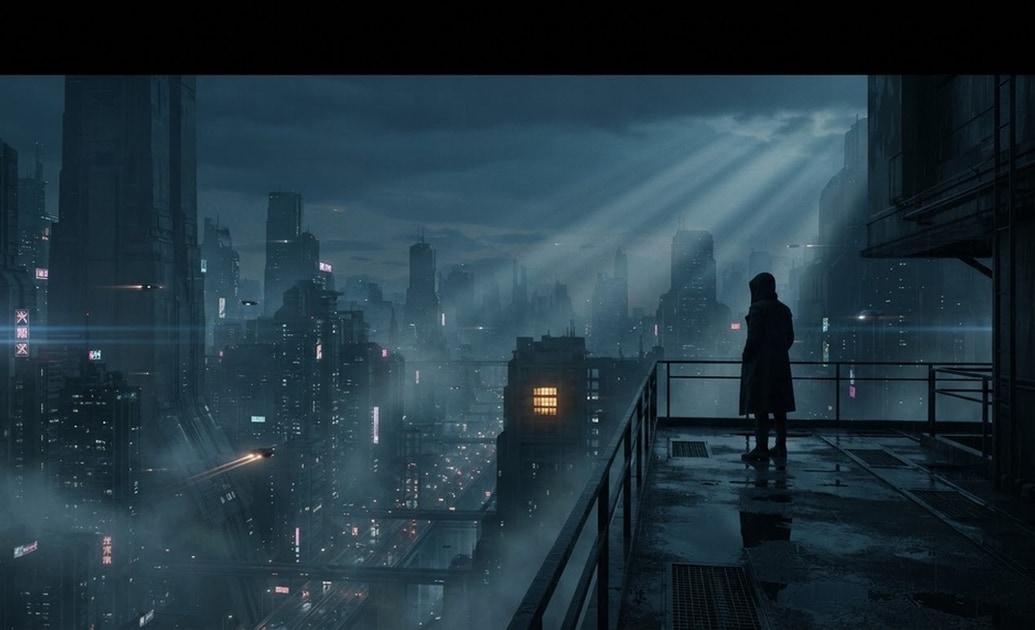
Design Cinematic Concept Art
Bring your boldest directorial visions to life through evocative Higgsfield cinematic image prompts. You can effortlessly draft stunning storyboards and background elements that set the perfect mood for your cinematic projects.
- Generate breathtaking atmospheric scenes by leveraging versatile image to prompt.
- Empower your creative workflow by experimenting with diverse Higgsfield realistic photo prompts.
- Layer mesmerizing video effects over your AI artwork to build immersive digital environments.
Synthesize Multi-Reference Styles
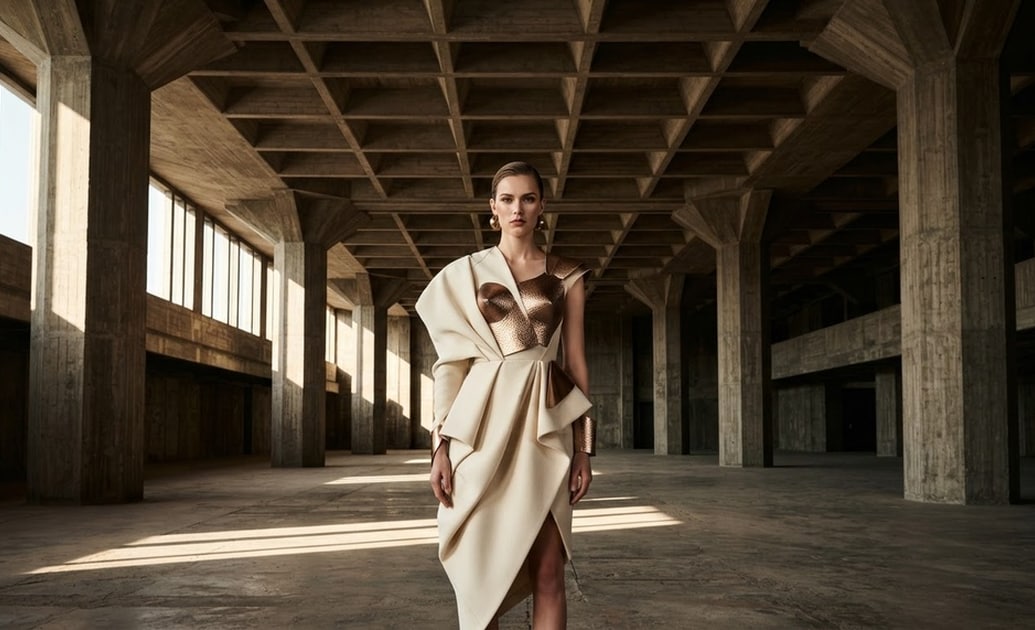
Synthesize Multi-Reference Styles
Achieve complex visual compositions by combining varied inspirations through Higgsfield multi-reference prompts. This advanced technique allows you to merge fashion, architecture, and lighting styles into a single cohesive masterpiece.
- Blend intricate design elements effortlessly to generate unique Higgsfield fashion prompts.
- Access powerful internal models like GPT Image 2 to interpret your complex text commands accurately.
- Add custom titles to your synthesized visuals to create impactful video introductions.
Frequently Asked Questions About Higgsfield Image Prompts
How to Generate Visuals With Higgsfield Image Prompts
Transform your creative ideas into cinematic masterpieces using Filmora's powerful AI tools and targeted Higgsfield prompt examples.
Step 1 Enter Your Higgsfield Prompt

Step 2 Select Your Preferred AI Model

Step 3 Generate and Edit Your Artwork

-
1:Enter Your Higgsfield Prompt
Open the Filmora AI Image Generator and input your detailed Higgsfield AI influencer prompts or cinematic descriptions into the text box. -
2:Select Your Preferred AI Model
Choose from versatile built-in models such as GPT Image 2 or Nano Banana Pro to accurately interpret your Higgsfield fashion prompts and generate stunning visuals. -
3:Generate and Edit Your Artwork
Click generate to create your high-quality AI asset, then seamlessly integrate it into your project using advanced video editing tools and dynamic filters.
