
Explore Popular Ideogram AI Prompts
Discover a wide variety of Ideogram prompts designed to highlight your next visual project. From brilliant typography to stunning product backdrops, find the perfect text effect prompts right here.
Loading more Ideogram prompt examples...
 Category:
 Duration:
 Aspect Ratio:
Why Use Ideogram AI Prompts in Filmora?
Leveraging precise Ideogram AI Prompts is the ultimate way to bring text-heavy designs to life. Whether you are generating a typography poster or a creative logo, executing these Ideogram prompts within Filmora streamlines your editing and illustration workflow.
Generate Text Effects Instantly
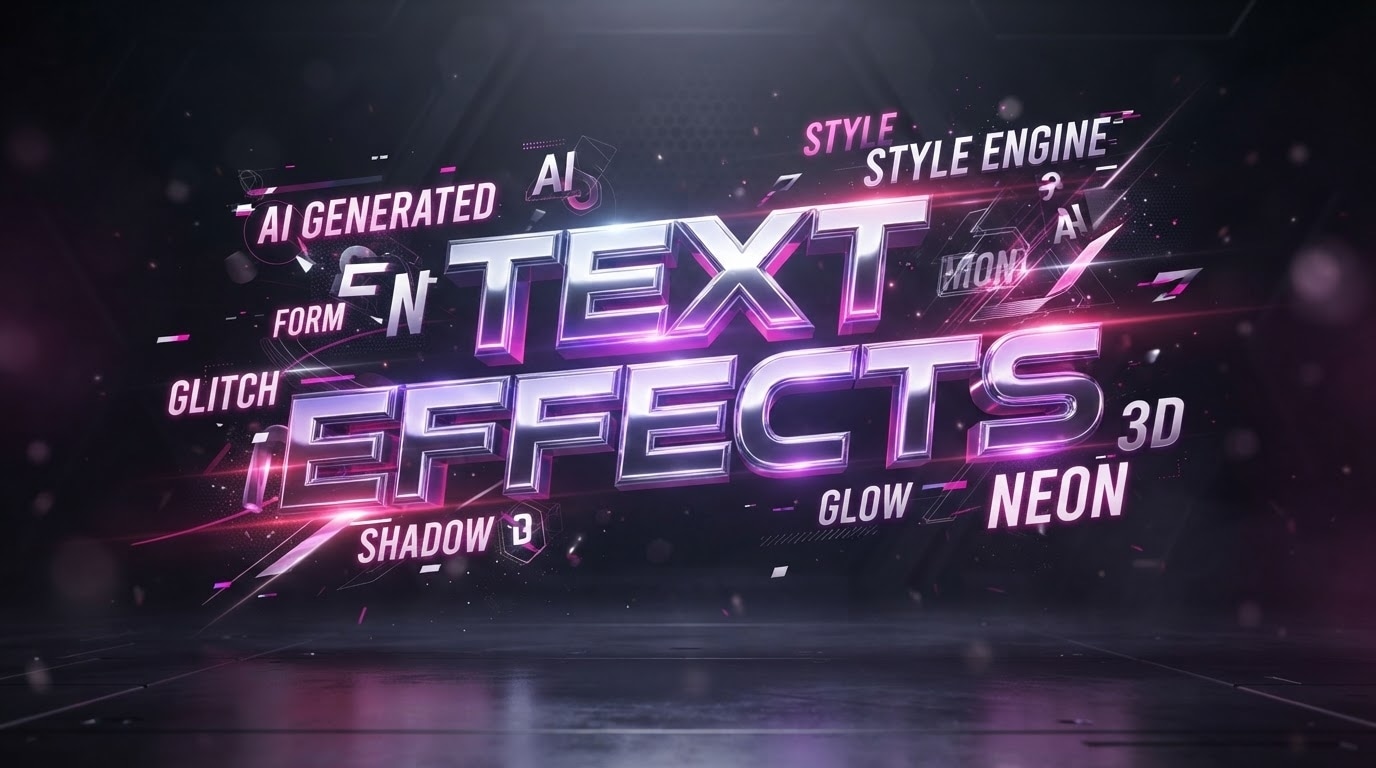
Generate Text Effects Instantly
Incorporating specific Ideogram typography prompts into your workflow guarantees precise letter formations and dynamic layouts. Utilizing the integrated models within Filmora ensures your Ideogram text effect prompts are flawlessly translated into striking visual masterpieces without switching between multiple platforms.
- Produce highly legible and stylized text graphics effortlessly using advanced built-in models like GPT Image 2.
- Apply creative text effect descriptions to generate eye-catching visuals, and then effortlessly add titles to complete your professional video projects.
- Enhance your digital storytelling by seamlessly embedding generated typography directly onto your multimedia timelines.
Craft Professional Logos and Brand Assets
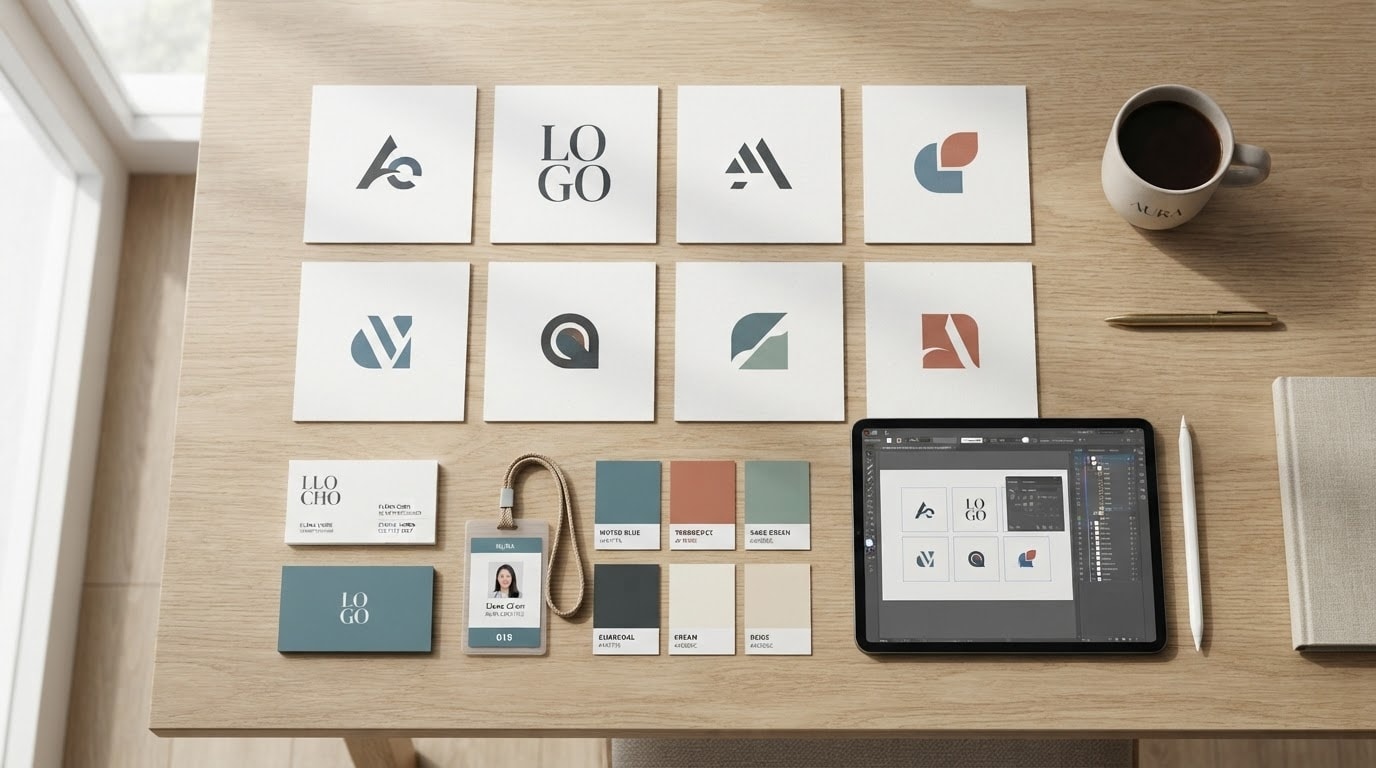
Craft Professional Logos and Brand Assets
Transform abstract ideas into concrete brand identities by leveraging dedicated Ideogram logo prompts within a unified editing suite. Filmora empowers creators to iterate rapidly on Ideogram product poster prompts and branding materials, delivering exceptional commercial value.
- Design sophisticated company logos and unique emblems by simply typing descriptive brand prompts.
- Generate cohesive advertising materials that match your corporate visual identity perfectly.
- Refine your commercial graphics using comprehensive color correction tools available right inside the editor.
Elevate Your Digital Marketing Campaigns
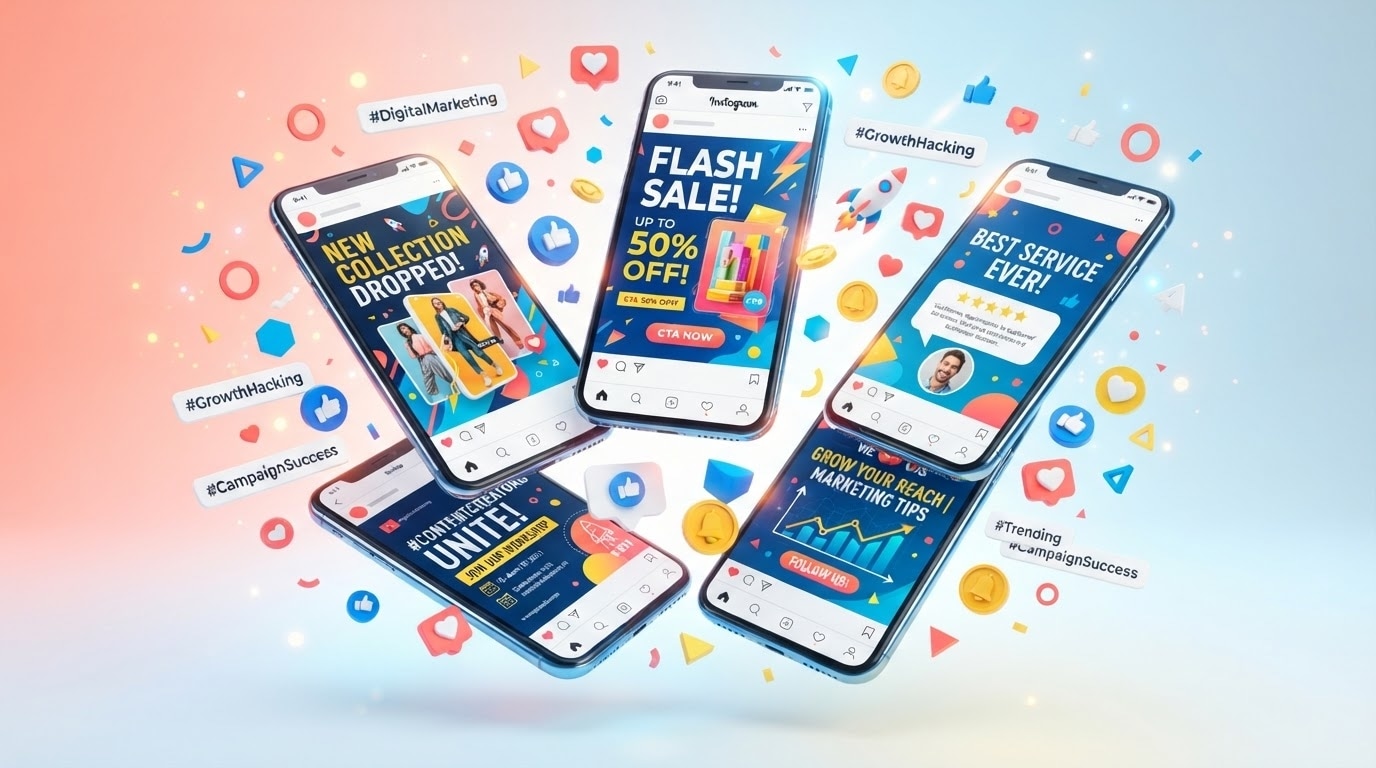
Elevate Your Digital Marketing Campaigns
Captivate your online audience by generating viral-worthy visuals using targeted Ideogram social media prompts. By accessing powerful models internally, producing a high-converting Ideogram advertising prompt becomes an effortless creative endeavor.
- Produce scroll-stopping social media graphics tailored specifically for modern content marketing platforms.
- Combine your generated imagery with built-in video filters to establish a consistent and engaging aesthetic.
- Accelerate your content creation schedule by rendering brilliant thumbnails and promotional banners in seconds.
Design Unique Apparel and Merchandise
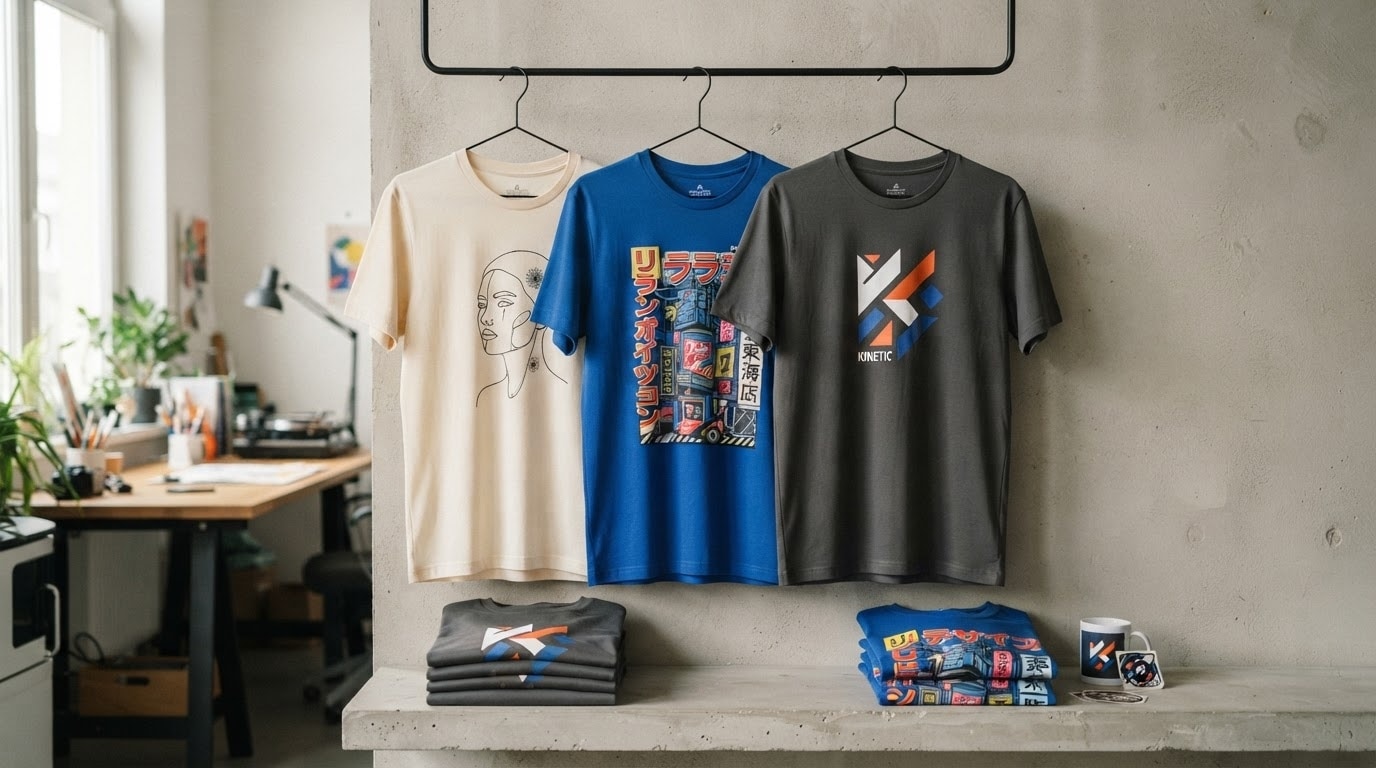
Design Unique Apparel and Merchandise
Bring your fashion concepts to reality utilizing specialized Ideogram T-shirt design prompts for your apparel line. The robust Filmora toolkit seamlessly handles complex prompt examples, allowing you to preview stunning wearable art before production.
- Visualize intricate apparel graphics and merchandise layouts using targeted prompt structures and clear keywords.
- Explore diverse artistic styles ranging from minimalist line art to vibrant streetwear illustrations.
- Export high-resolution design files instantly for direct integration into your printing and manufacturing workflows.
Frequently Asked Questions About AI Prompts
How to Apply Ideogram AI Prompts in Filmora
Transform your text-based concepts into stunning visual artwork using our curated Ideogram prompt examples and built-in AI models.
Step 1 Select Your Prompt Concept

Step 2 Generate with Built-In AI

Step 3 Edit and Export

-
1: Select Your Prompt Concept
Browse our extensive library of Ideogram poster prompts and choose a style that fits your creative vision, whether it is for typography or detailed logos. -
2: Generate with Built-In AI
Open the Filmora AI Image Generator, paste your selected prompt, and choose a powerful internal model like ChatGPT Image 2 or Nano Banana to render your graphic. -
3: Edit and Export
Place your newly generated artwork onto the timeline, apply corrections, add titles, and export your polished project in high resolution.
