
Explore Popular Runway Frames Prompts
Discover a variety of Runway AI image prompts designed to bring your imaginative concepts to life. From striking Runway realistic photo prompts to intricate character designs, find the perfect inspiration to elevate your visual storytelling and edit masterpieces seamlessly within Filmora.
Loading more Runway Frames prompt examples...
 Category:
 Duration:
 Aspect Ratio:
Why Use Runway Frames Prompts?
Unlocking the power of a Runway image generator prompts allows you to craft mesmerizing visuals for your projects. Whether you are generating expansive Runway cinematic image prompts or detailed portraits, Filmora makes the process seamless and highly creative.
Craft Cinematic Masterpieces
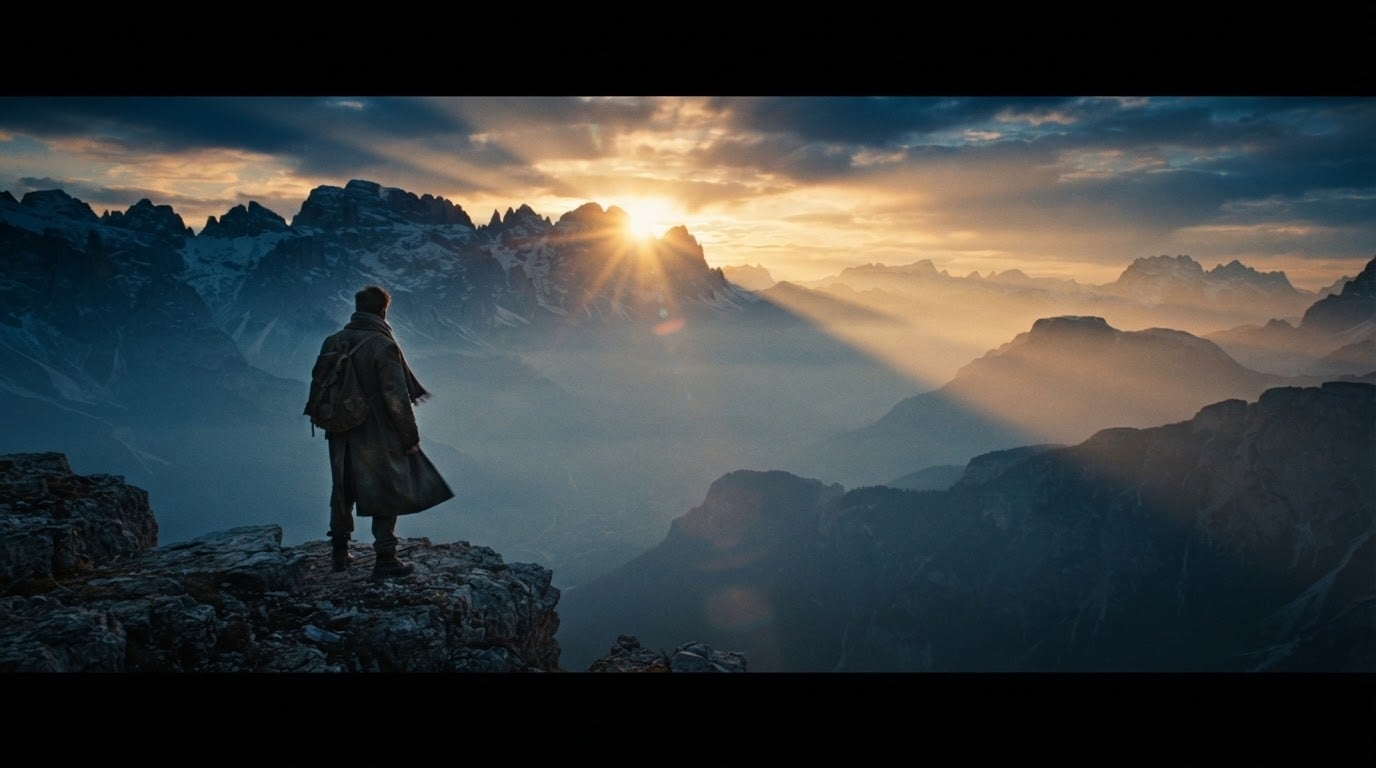
Craft Cinematic Masterpieces
Transform your imaginative concepts into breathtaking reality by utilizing advanced Runway cinematic image prompts within the intuitive Filmora editing environment. This integrated approach ensures your generated assets match your directorial vision effortlessly.
- Generate highly detailed atmospheric scenes that instantly captivate your audience and elevate your narrative.
- Utilize advanced prompting techniques to establish the perfect mood, lighting, and composition for your video projects.
- Seamlessly blend these breathtaking AI-generated visuals into your timeline for a flawless cinematic experience.
Design Consistent Characters
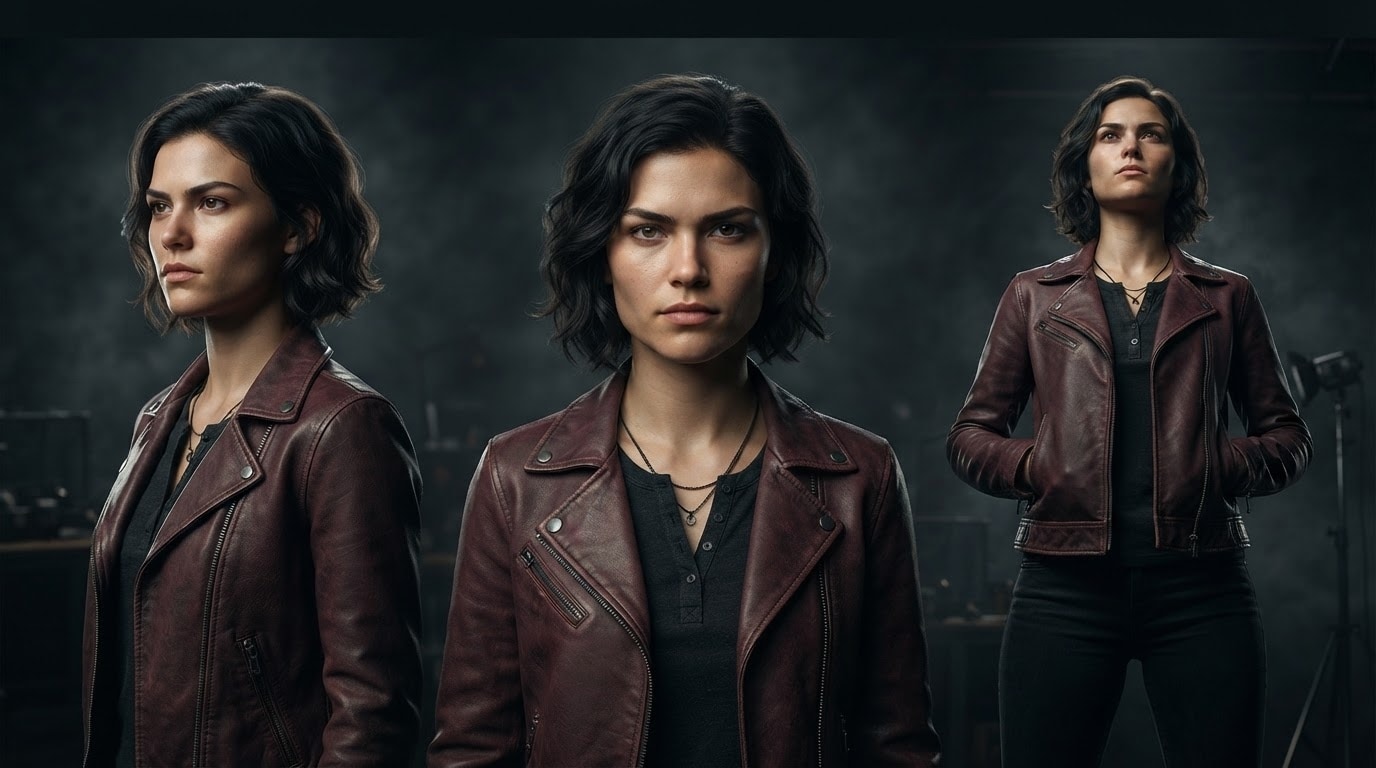
Design Consistent Characters
Maintaining visual continuity is essential for compelling narratives, and utilizing Runway consistent character prompts ensures your protagonist looks uniform across multiple scenes before you even begin AI video editing.
- Create distinct and recognizable characters that maintain their unique features throughout different camera angles.
- Generate versatile character poses and expressions to match the evolving emotional beats of your storyline.
- Streamline your pre-production process by establishing a cohesive cast long before you hit the record button.
Generate Stunning Photography
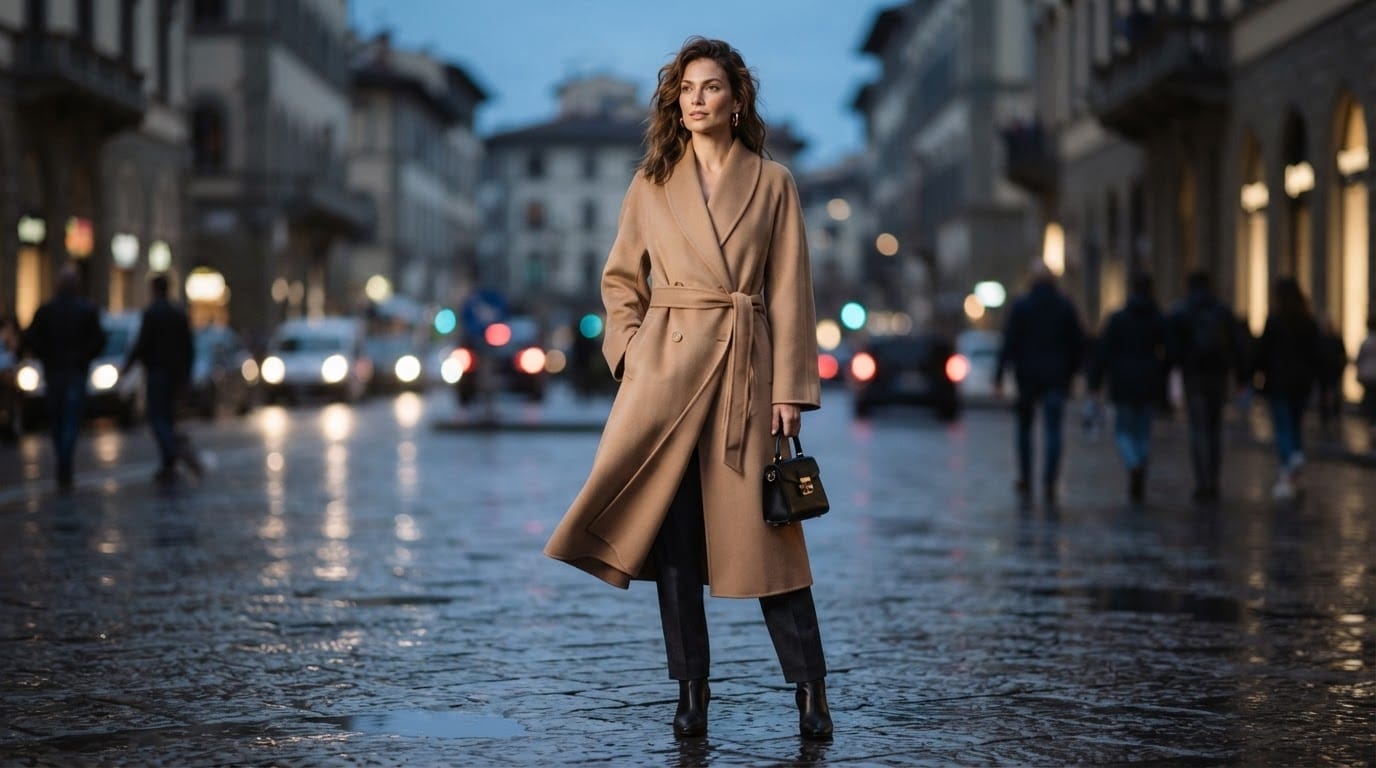
Generate Stunning Photography
Whether you need striking Runway fashion photography prompts or everyday scenarios, Filmora's AI Image Generator delivers incredibly lifelike results using state-of-the-art integrated models.
- Produce photorealistic images that rival professional studio setups with just a few descriptive text commands.
- Experiment with various lens types and lighting setups digitally to achieve the perfect photographic aesthetic.
- Instantly source high-quality background assets and establishing shots without requiring expensive location scouting.
Explore Limitless Concept Art
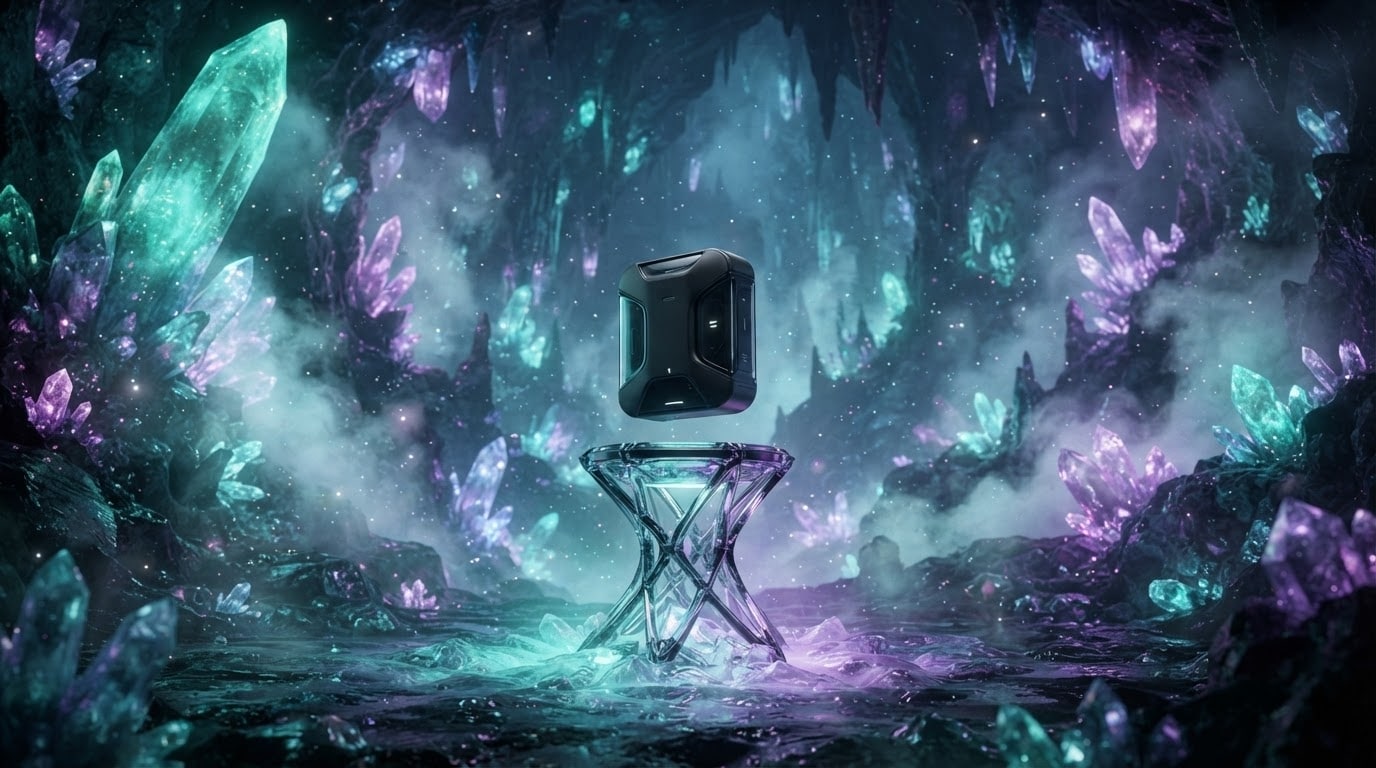
Explore Limitless Concept Art
Push the boundaries of your imagination by experimenting with diverse Runway concept art prompts and Runway product image prompts to conceptualize unique visual worlds instantly.
- Quickly visualize complex environments and futuristic landscapes to guide your overall video production design.
- Render polished and professional product mockups that highlight your brand's unique identity and core messaging.
- Iterate rapidly through different artistic variations until you find the perfect visual tone for your project.
Frequently Asked Questions About Runway Frames Prompts
How to Generate Visuals With Runway Frames Prompts
Transform your creative concepts into stunning cinematic shots using Filmora's AI Image Generator and customized Runway image prompts.
Step 1 Choose Your Creative Prompt

Step 2 Input and Customize Details

Step 3 Generate and Edit

-
1: Choose Your Creative Prompt
Browse our collection of Runway Frames prompt examples and select a style, whether it is cinematic scenes, realistic photography, or intricate concept art. -
2: Input and Customize Details
Paste your selected prompt into Filmora's AI Image Generator. Select your preferred engine, such as GPT Image 2 or Nano Banana Pro, to optimize the final visual output. -
3: Generate and Edit
Generate your high-quality AI artwork and import it directly into your editing timeline. Enhance the visual further with transitions, text, and atmospheric music.
