Create Emotional & Viral Sirai Movie Style Content
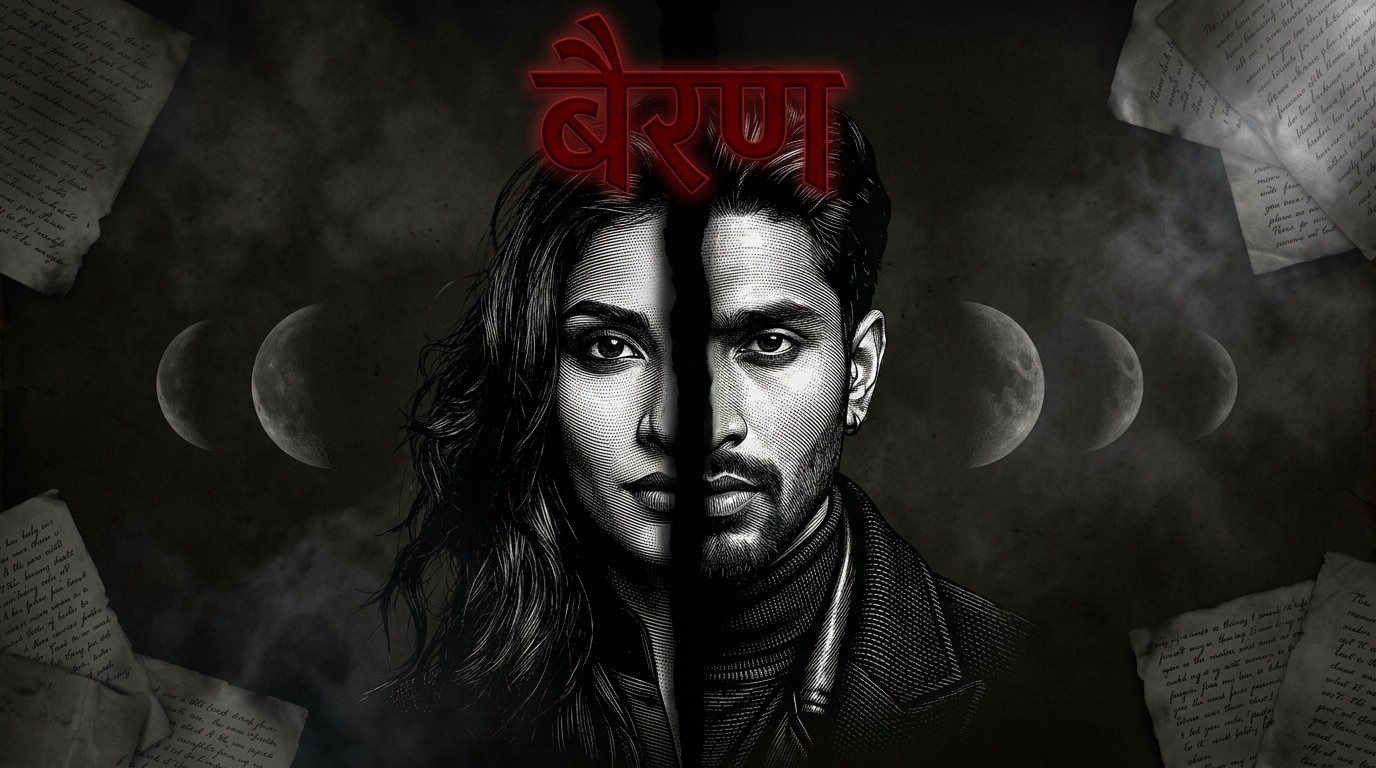
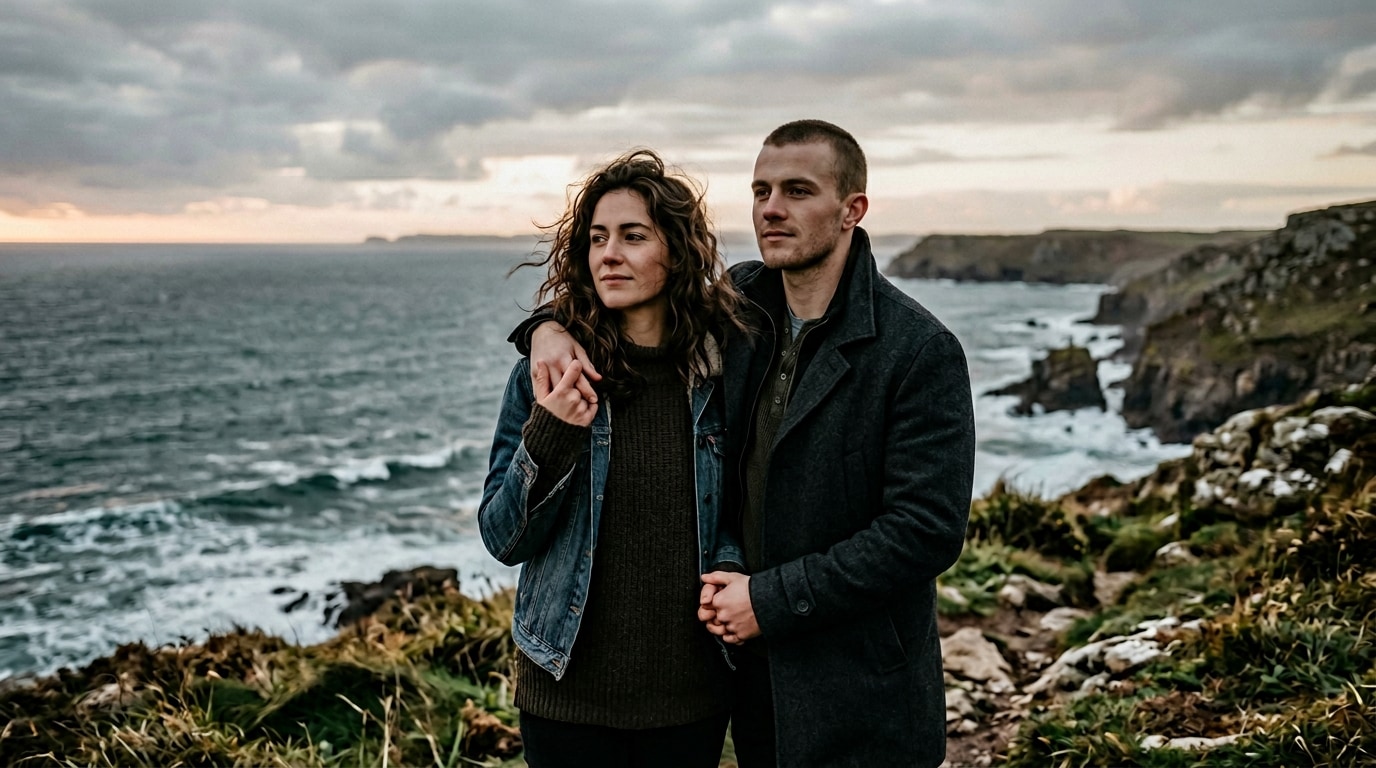
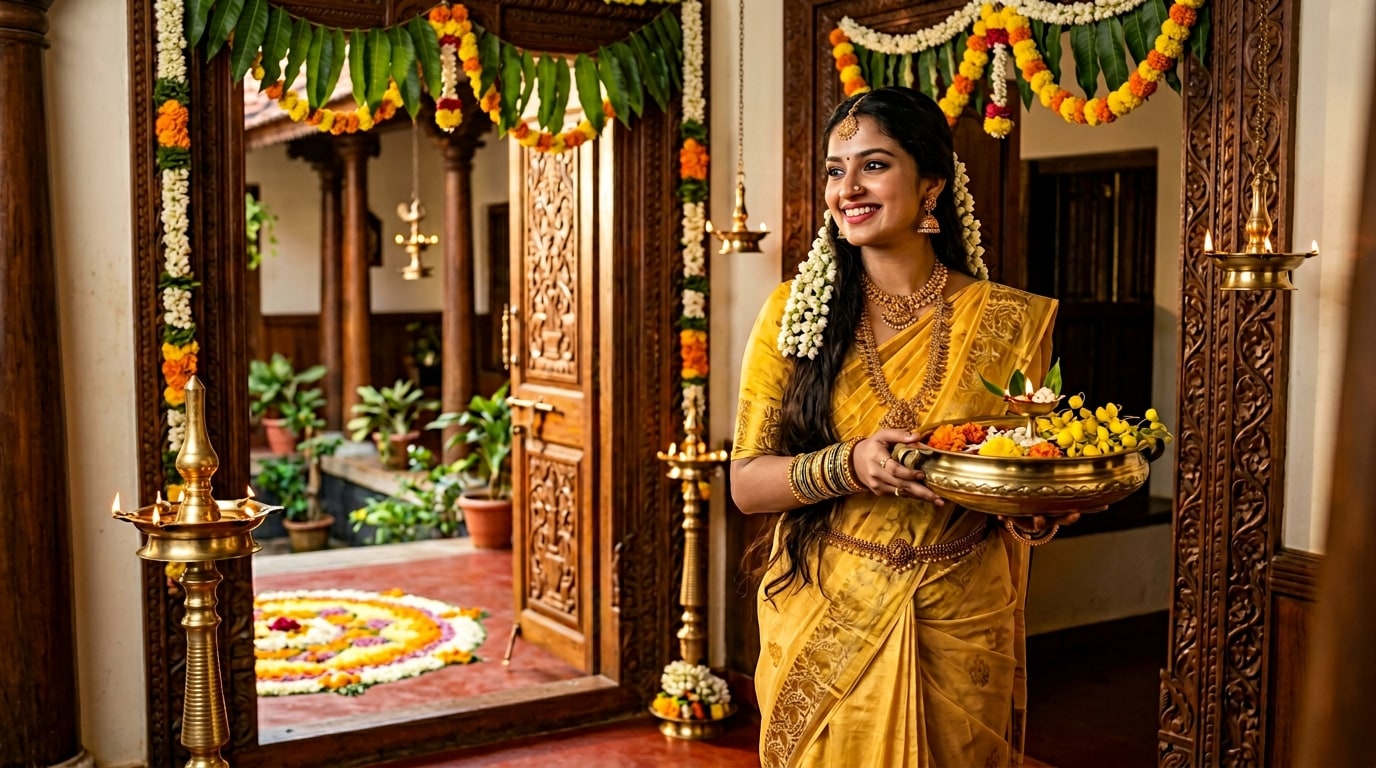
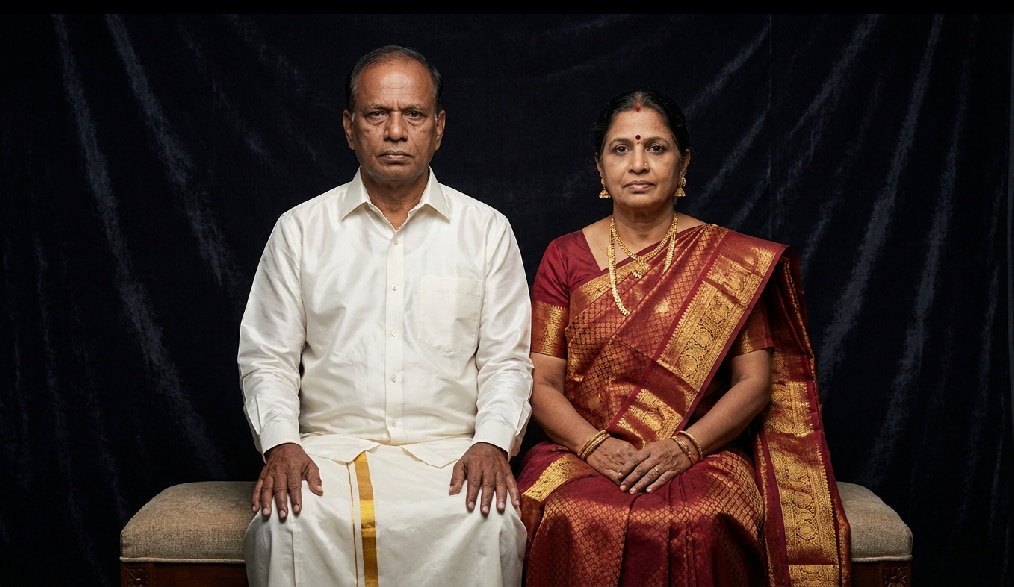
Bring romance, longing, nostalgia, heartbreak, and cinematic storytelling into a single frame with a Sirai Movie Prompt Gemini workflow. This trend is not just about creating a generic AI portrait—it is about recreating the signature Sirai movie aesthetic: emotional couple compositions, natural body language, realistic skin tones, low-saturation color grading, warm sunset light, village-inspired environments, and a soft film-like texture that feels personal and memorable. With AI video generator tools, you can generate Sirai movie photo prompts in various resources, turn static images into cinematic short videos, and refine them for reels covers, WhatsApp statuses, profile pictures, posters, and shareable story visuals. From Sirai prompt couple photo edits to solo emotional portraits and regional movie-inspired reel covers, every output is designed for attention, storytelling, and fast social sharing.
Loading more templates...
 Category:
 Duration:
 Aspect Ratio:
Bring Sirai Movie Prompt Trends to Life with Gemini AI
Gemini AI prompts make it simple to recreate the viral Sirai Movie Style look without advanced editing tools or manual compositing. Whether you want to generate a realistic emotional portrait from text, transform a reference image into a movie-like still, or turn an existing Sirai-style photo into short-form video content, Gemini AI helps you create polished and cinematic visuals in minutes. Perfect for users searching for a sirai movie prompt gemini, sirai movie photo prompt, sirai movie frame prompt, or a complete Sirai reel cover edit, these tools support the exact visual language people are actively looking for on social media.
🎨 Generate Sirai Movie Style Images from Text or Photos
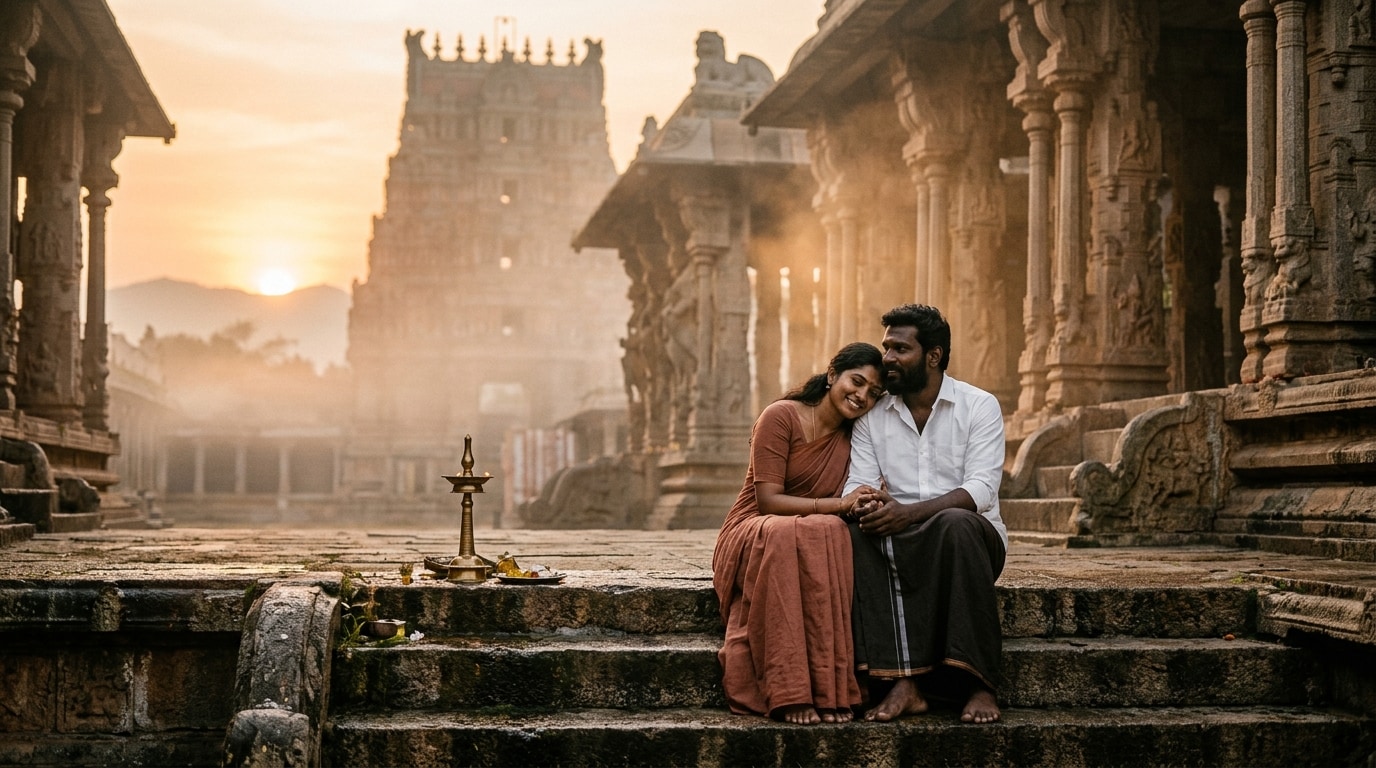
🎨 Generate Sirai Movie Style Images from Text or Photos
Gemini AI prompts let you create high-quality Sirai Movie Style images from either text descriptions or uploaded portrait references. You can recreate the signature emotional couple framing, warm golden-hour mood, natural poses, muted earthy palette, and realistic cinematic finish that define the trend. Whether you want a Sirai movie photo prompt, a Sirai prompt Gemini Tamil style portrait, or a sentimental Sirai couple photo prompt, the result is made for social engagement and visual storytelling.
- Text-to-Image & Photo-to-Image - Generate a Sirai-style visual from a written prompt or upload one or two portraits to preserve facial identity and produce a realistic movie-like scene.
- Trend-Accurate Style Control - Recreate soft sunset lighting, emotional expressions, candid couple poses, village-inspired backgrounds, low saturation, earthy greens and browns, and subtle film grain for a true Sirai movie prompt Gemini look.
- Solo, Couple & Poster Variations - Create everything from solo emotional portraits to romantic couple edits, dramatic poster-style stills, and stylized Sirai movie frame prompt outputs for different content needs.
- Social Media Ready Formats - Export square layouts for profile pictures, vertical covers for Reels and Shorts, or portrait-friendly dimensions for WhatsApp Status, TikTok, Pinterest, and Facebook posts.
🎬 Turn Sirai Movie Photos into Cinematic Reels & Short Videos
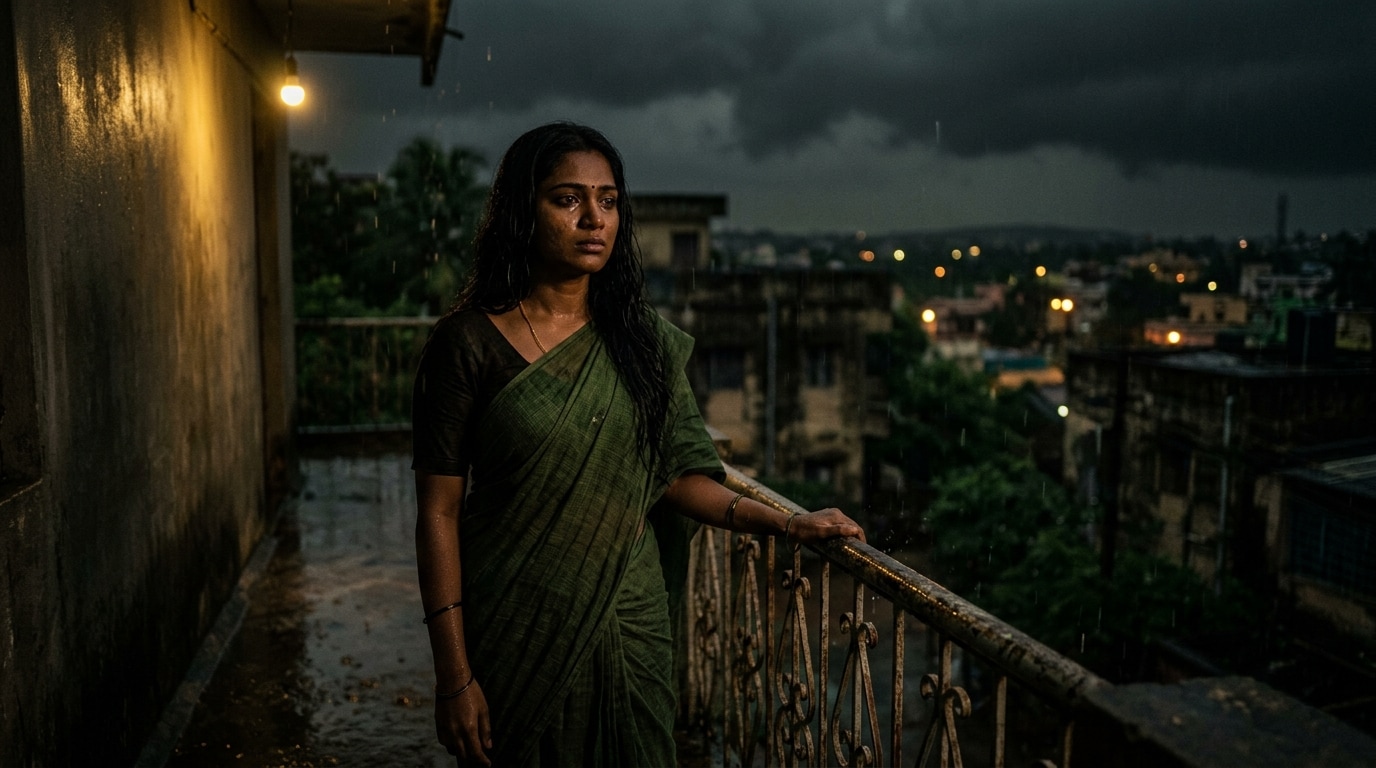
🎬 Turn Sirai Movie Photos into Cinematic Reels & Short Videos
Static visuals are only the beginning. Gemini AI can help turn your Sirai movie photo prompt output into short-form video content with subtle camera movement, emotional zoom-ins, parallax depth, and smooth transitions designed for Instagram Reels, TikTok, YouTube Shorts, and WhatsApp video status content. This makes it ideal for anyone searching for Sirai image to video, Sirai reel video prompt, or cinematic AI couple photo animation ideas.
- Image-to-Video Animation - Transform a single Sirai-style image into an engaging short video with soft movement, close-up emphasis, cinematic pacing, and immersive visual depth using One-Tap Photo Animation.
- Reels, Shorts & Status Optimization - Create vertical 9:16 content that fits Instagram Reels, TikTok, YouTube Shorts, and WhatsApp Status without losing the emotional composition of the original frame.
- Emotional Motion Effects - Add zoom motion, drifting dust, light flicker, gentle wind movement, soft vignette transitions, or dreamy focus shifts to make your Sirai movie frame feel more alive and cinematic.
- Story-Driven Short-Form Content - Designed for romantic edits, mood videos, heartbreak reels, and nostalgic AI storytelling, these animated visuals are easier to share, remember, and save.
✂️ Edit Sirai Content for Reels Covers, Status Posts & Viral Sharing
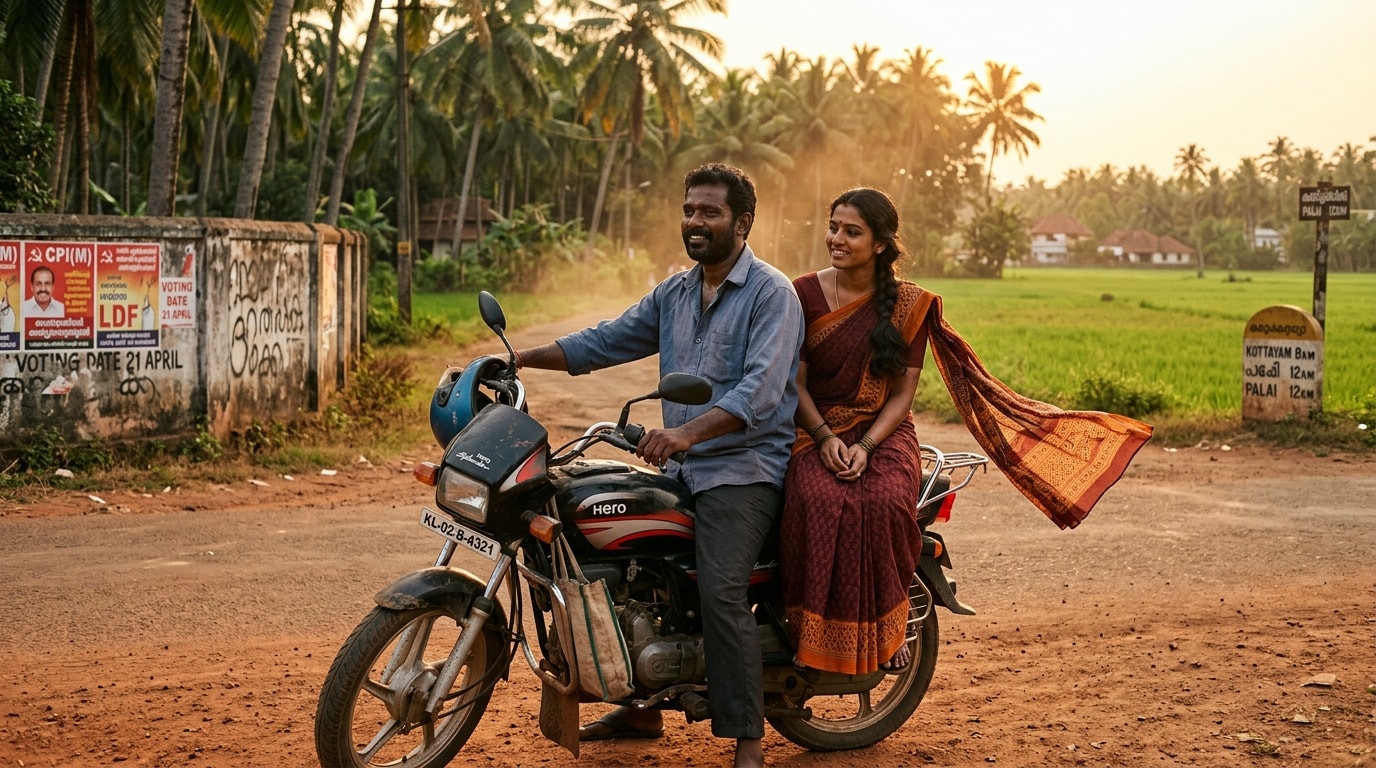
✂️ Edit Sirai Content for Reels Covers, Status Posts & Viral Sharing
Once your Sirai poster, portrait, or animated short video is generated, Gemini AI can help refine it for publishing across social platforms. Add title text, mood-based captions, regional styling, lyric-like overlays, poster framing, and vintage cinematic color grading to create polished content that matches what users expect from a Sirai movie prompt trend. This is especially useful for creators looking for Sirai reel cover editing, Sirai WhatsApp status edit, or a complete workflow from AI image generation to social-ready publishing.
- Poster-to-Reel Editing Workflow - Start with a Sirai-style image, convert it into a cinematic video, and polish the final output with AI Caption Generation, transitions, and story-focused composition.
- Custom Text & Emotional Captions - Add movie-style text overlays, romantic lines, Tamil-inspired or English captions, subtitle-style overlays, and emotional hooks that fit reels covers and status content.
- Mood-Based Visual Enhancements - Fine-tune warm tones, sepia layers, muted greens, contrast, soft shadows, texture overlays, and film grain to make the final result feel more authentic and trend-accurate.
- Platform-Specific Export - Prepare optimized assets for Instagram posts, TikTok clips, YouTube Shorts, Pinterest pins, Facebook posts, or WhatsApp Status updates while keeping the Sirai movie aesthetic intact.
FAQs About Gemini AI Prompts for Sirai Movie Style Photos
How to Create Sirai Movie Style AI Images in 3 Steps
Create a viral Sirai Movie Style image with just a prompt or portrait. Generate an emotional cinematic visual and turn it into social-ready content in minutes.
Step 1 Enter a Prompt or Upload Photos

Step 2 Generate the AI Image
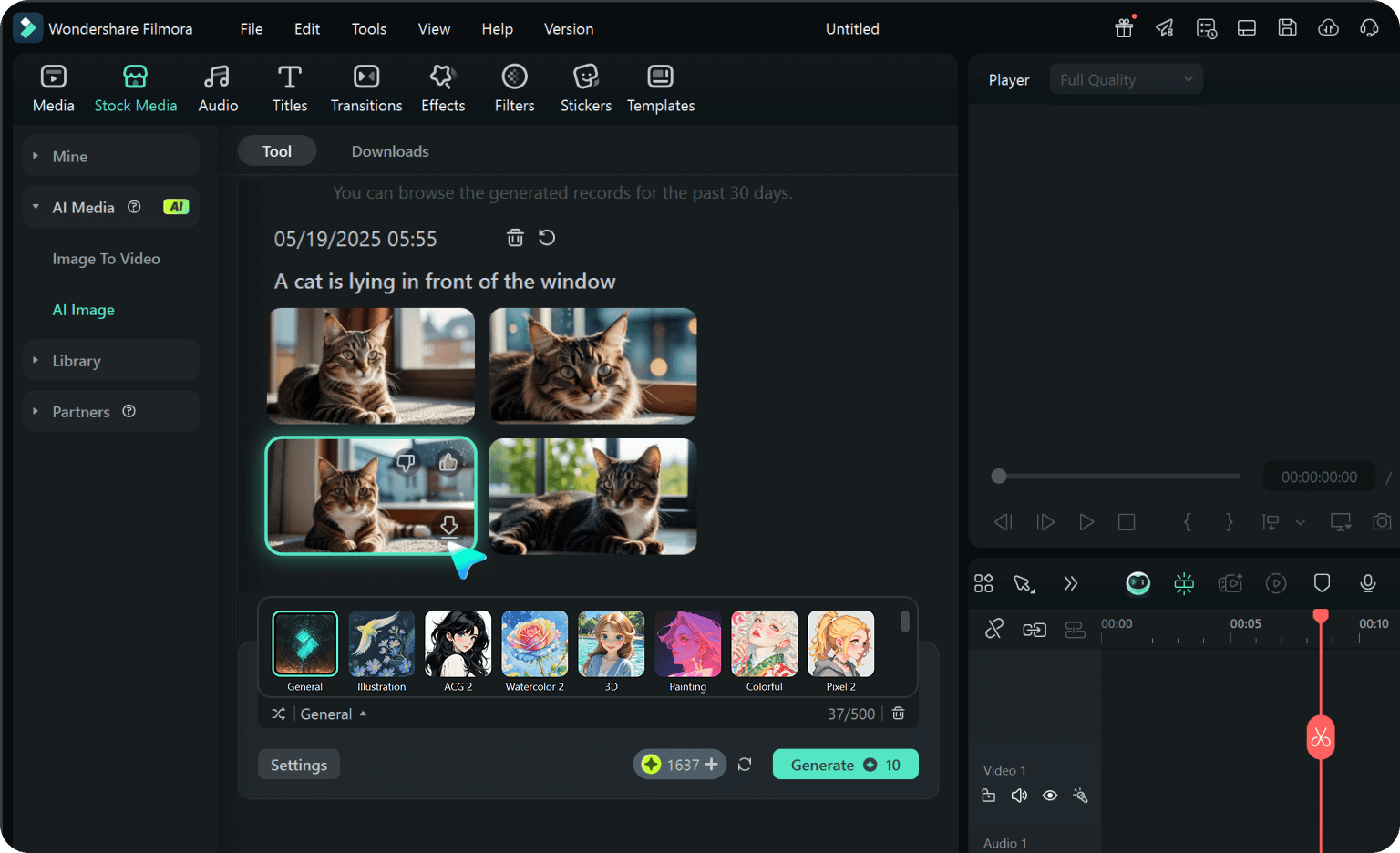
Step 3 Animate or Edit for Social Media
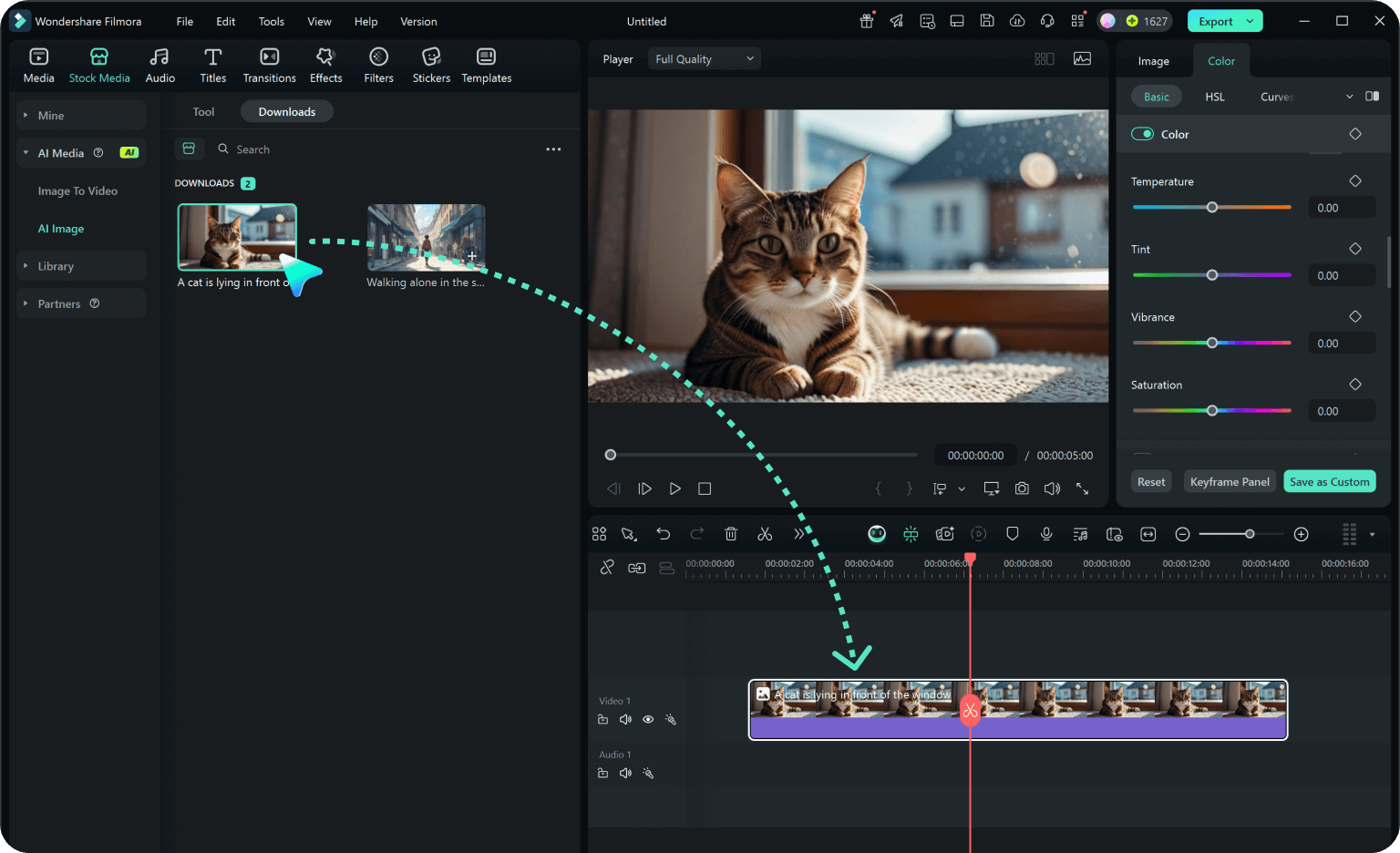
-
1:Enter a Prompt or Upload Photos
Describe your desired Sirai Movie Style scene or upload one or two portrait photos. Include details like emotional expressions, couple framing, rural background, warm sunset lighting, and a realistic movie-like finish for better results. -
2:Generate the AI Image
Generate your Sirai movie photo with realistic faces, cinematic depth, muted earthy colors, and a soft film-style texture that fits the viral social aesthetic. -
3:Animate or Edit for Social Media
Turn your image into short-form content with motion effects, captions, reel-cover crops, and platform-ready formats for Instagram Reels, TikTok, YouTube Shorts, and WhatsApp Status.